How we make this list: we compare pricing pages, product documentation and public user reviews. Rankite is independent; if a vendor ever pays for a featured spot, that listing is clearly labeled Partner.
Key takeaways
- Originality.ai and Winston AI are the strongest picks for publishers and agencies that scan freelancer copy at volume, thanks to credit-based pricing and Chrome extensions.
- GPTZero is the default in education, with classroom integrations and a genuine free tier, while Turnitin remains the institutional standard where plagiarism history matters.
- Copyleaks fits multilingual teams and enterprises that want AI detection, plagiarism, and API access in one contract.
- Pangram publishes the lowest false-positive rate (1 in 10,000) and is the best second opinion when a flag has real consequences.
- For occasional checks, ZeroGPT, QuillBot, and Scribbr cost nothing and are fine for a quick second read, but they are not built for team workflows.
Quick comparison
| Tool | Best for | Starting price | Free plan |
|---|
 Originality.ai Originality.ai | Publishers and agencies scanning freelancer copy | $14.95/month (billed monthly; $12.95 billed annually) | Yes (Basic: 3 scans per day, up to 2,000 words each) |
 GPTZero GPTZero | Teachers and academic teams | See website | Yes |
 Copyleaks Copyleaks | Multilingual enterprise and education teams | $16.99/month ($13.99 billed annually) | Yes (free AI detector and plagiarism checker for individuals) |
 Winston AI Winston AI | Budget OCR and scanned document checks | $5/month (billed annually; $9 billed monthly) | Yes (2,000 credits on a 14-day trial) |
 Pangram Pangram | Teams that need the lowest false-positive risk | $20/month | Yes (20 free checks per day after signup) |
 Sapling Sapling | Support and sales teams checking messages in their workflow | $15/seat/month (Enterprise, 10-seat minimum) | Yes (2,000 characters per check) |
 ZeroGPT ZeroGPT | Quick no-signup spot checks | See website | Yes |
 QuillBot QuillBot | Writers who already use QuillBot daily | See website | Yes (1,200 words per check on free) |
 Scribbr Scribbr | Students self-checking academic papers | See website | Yes |
 Turnitin Turnitin | Institutions with LMS-based workflows | See website | No |
Is your product missing or out of date?
We review this list regularly. Vendors can request a listing, send updated pricing or ask about featured placement.
The best AI content detectors
Starting price$14.95/month (billed monthly; $12.95 billed annually)
Free planYes (Basic: 3 scans per day, up to 2,000 words each)
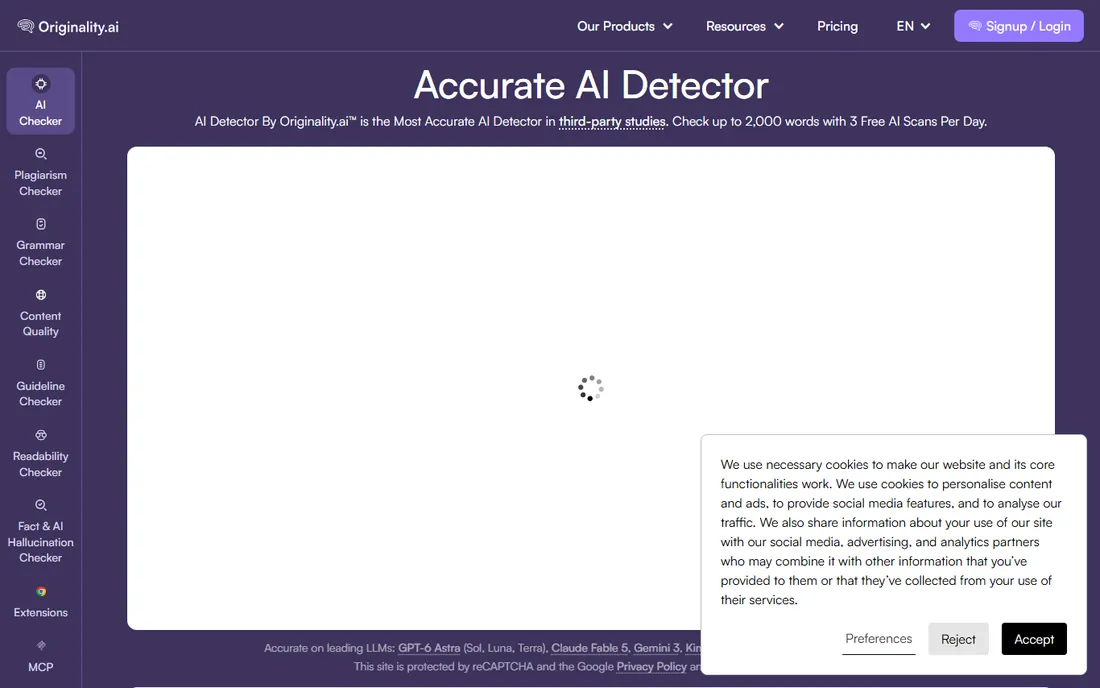
Originality.ai is built for content teams, and it shows. The detector runs on four separate models (Lite, Turbo, Academic, Multilingual) instead of one general model, and the Chrome extension records a replay of the writing session inside Google Docs. That replay feature is the closest thing this category has to evidence: a writer can show a client exactly how the draft was produced.
The Pro plan at $14.95 per month includes 2,000 credits, which covers roughly 100 articles of 2,000 words. A pay-as-you-go option ($30 for 3,000 credits, two-year expiry) suits teams with irregular volume. The catch is weaker accuracy on heavily edited AI text, and subscription credits do not roll over.
What we like- Four specialized detection models including Turbo and Multilingual
- Chrome extension with writing replay for proof of authorship
- Full site scans from a URL
Watch out for- Credit system adds up fast at high volume
- Subscription credits expire monthly with no rollover
Starting priceSee website
Free planYes
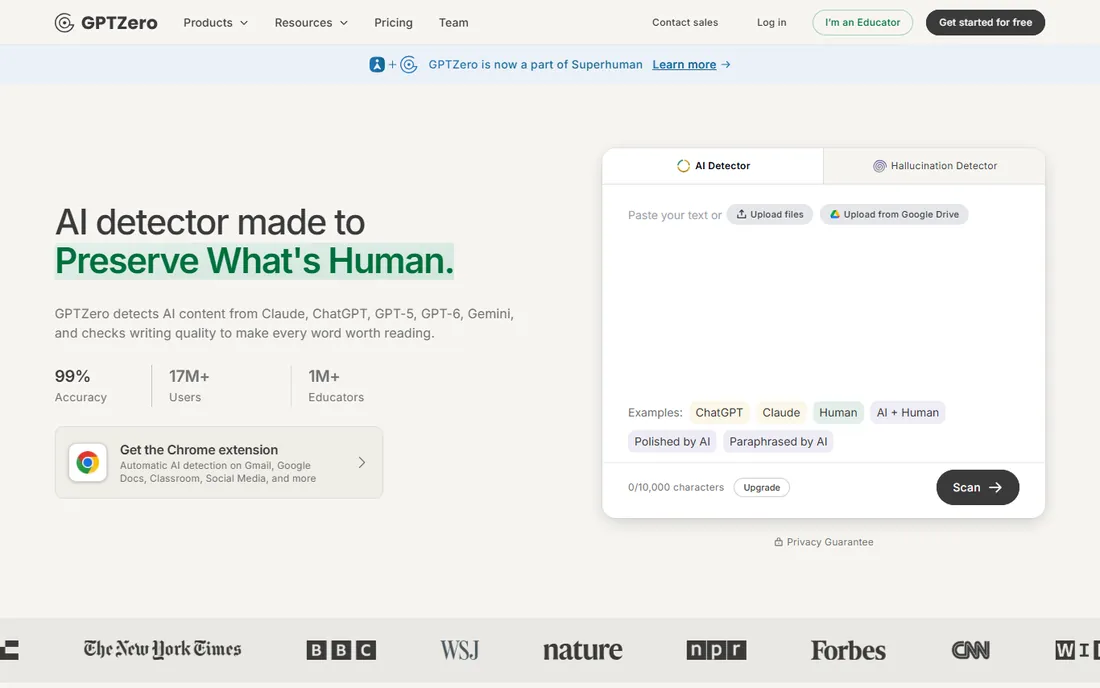
GPTZero started in a Princeton dorm room and became the most recognized name in AI detection, largely through education. It is used in thousands of colleges, integrates with Google Docs, and offers a writing replay similar to Originality.ai. Its distinguishing claim is ESL de-biasing: the model is trained to keep false positives low on writing by non-native English speakers.
The free tier handles quick checks without a signup wall, and paid plans add batch scanning, plagiarism checks, and an API in 17 languages. Pricing sits behind the signup flow, which is annoying for buyers comparing options. Use the sentence highlights rather than the headline percentage when talking to a student or writer.
What we like- Sentence-level highlighting with plain-language explanations
- De-biased for ESL writing (1% false positive target)
- Official partner of the American Federation of Teachers
Watch out for- Pricing is hard to see before signing up
- Independent tests disagree on how it ranks for raw accuracy
Starting price$16.99/month ($13.99 billed annually)
Free planYes (free AI detector and plagiarism checker for individuals)
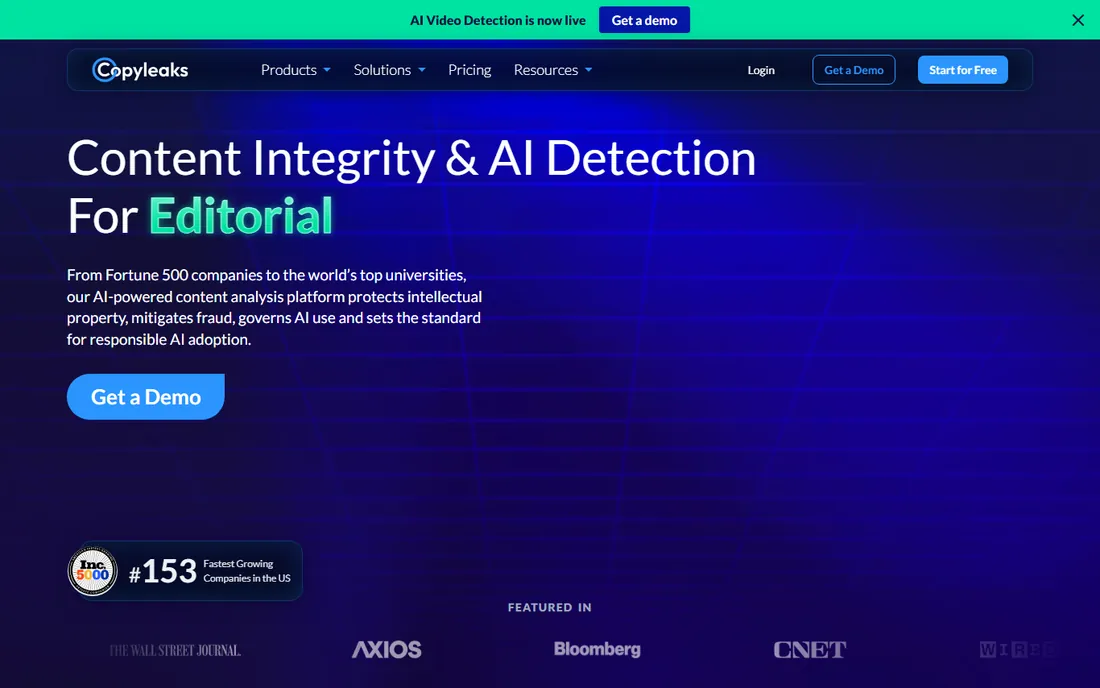
Copyleaks began as a plagiarism checker in 2015 and grew into a full content-integrity platform. That history matters: the AI detector ships alongside plagiarism detection, code-leak detection, and even AI image and video detection, all under one login. For universities and large companies, the LMS integrations and API make it the practical enterprise pick.
Individual pricing is straightforward: Personal at $16.99 per month ($13.99 annual) with monthly credits, Pro at $99.99 per month ($74.99 annual) for teams up to 25 seats. The free individual tools are genuinely useful for one-off checks. The weakness is that smaller teams can feel pushed toward the expensive Pro tier once they need shared seats and analytics.
What we like- AI detection in 30+ languages plus plagiarism in 100+
- LMS integrations for schools
- Enterprise security (SOC 2, GDPR, ISO)
Watch out for- The useful team features live on the $99.99/month Pro plan
- Credit math (1 credit per 250 words) takes a minute to learn
Starting price$5/month (billed annually; $9 billed monthly)
Free planYes (2,000 credits on a 14-day trial)
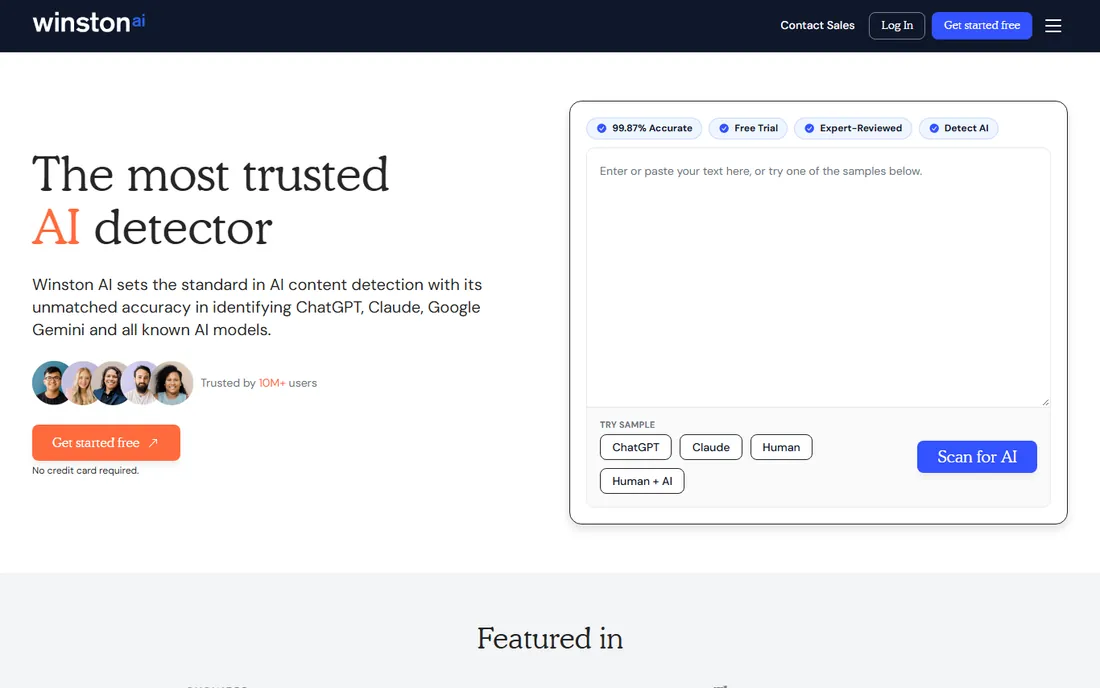
Winston AI competes on price and on document handling. Its OCR can pull text from scanned pages, photos, and even handwriting, which matters for schools and publishers dealing with submissions that arrive as images. The vendor publishes its benchmark results, including a top ranking on the RAID benchmark and a Chicago Booth study with zero false positives across 8,697 documents.
The Essential plan is the cheapest paid entry in this roundup: $9 per month billed monthly, or $5 per month billed annually. That includes 100,000 credits per month and the plagiarism checker. The free tier is a 14-day trial with 2,000 credits, not a permanent free plan.
What we like- OCR extracts text from scans, images, and handwriting
- Publishes third-party validation (RAID, Chicago Booth)
- Cheapest paid entry point here
Watch out for- Plagiarism checking is limited on lower tiers
- Brand is less known, so reports carry less weight with clients
Starting price$20/month
Free planYes (20 free checks per day after signup)
Pangram was founded in Brooklyn by AI researchers from Tesla and Google, and it positions itself as the research-grade option. The headline number is the false positive rate: 1 in 10,000 human documents, verified by researchers at the University of Chicago and the University of Maryland. When a flag could cost someone a grade or a contract, that number is the reason to pay.
The Individual plan costs $20 per month and covers 300,000 words, with image detection scans included. The free plan allows 20 checks per day, which is generous for evaluation. The honest limitation is ecosystem: fewer LMS and CMS integrations than Copyleaks or Turnitin, so expect to use the API or the web app rather than a native plugin.
What we like- 1-in-10,000 false positive rate, third-party verified
- Detects AI-generated images too
- Clean API with $200 monthly credits on Pro
Watch out for- $20 per month is steep for solo users
- Fewer workflow integrations than older competitors
#6
Sapling
Best for: Support and sales teams checking messages in their workflow
Visit sapling.ai
Starting price$15/seat/month (Enterprise, 10-seat minimum)
Free planYes (2,000 characters per check)
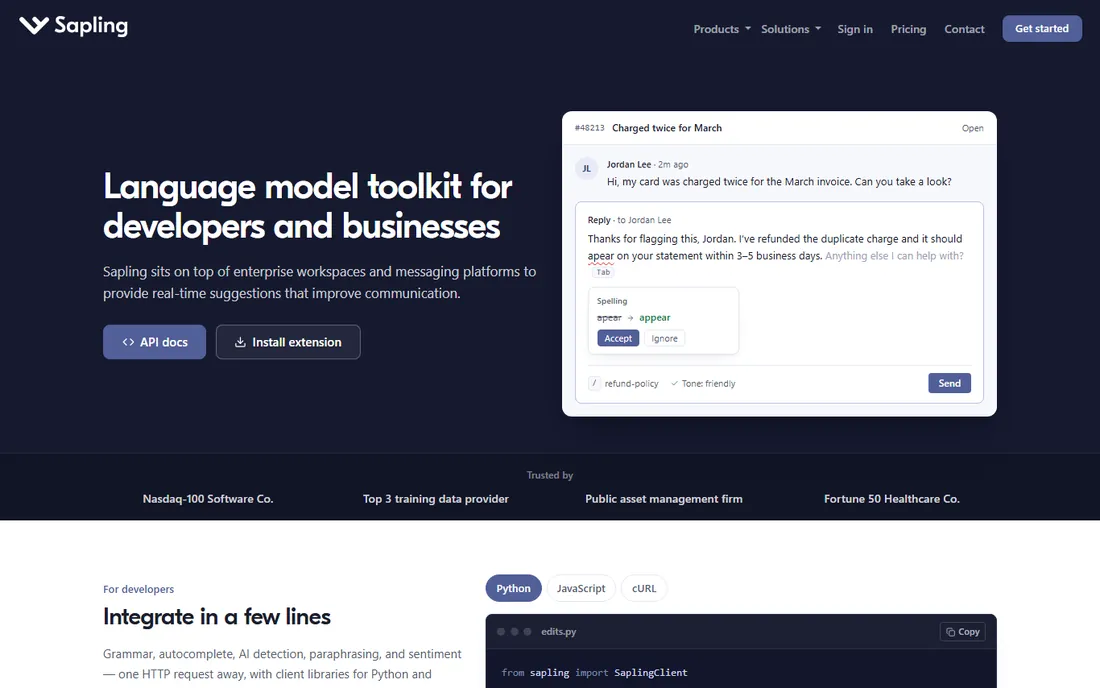
Sapling is not really a detector company. It is a writing assistant for customer-facing teams that happens to include AI content detection, delivered inside the tools agents already use: Salesforce, Zendesk, ServiceNow, and a browser extension. That makes it the pick for a specific job: checking whether outbound support replies or sales messages were machine-written, without adding a step to the workflow.
The free plan covers short checks up to 2,000 characters, and the API is usage-based with a $5 minimum, which developers like. Enterprise pricing starts at $15 per seat per month with a 10-seat minimum. If you need a standalone detector for long documents, buy a standalone detector. If you need detection where your team already types, Sapling is the quiet option.
What we like- AI detection embedded in Salesforce, Zendesk, and other CRMs
- Developer API with a $5 one-time minimum
- Free 1-month Pro trial
Watch out for- Detection is a feature of a writing assistant, not the core product
- Per-seat enterprise pricing adds up
Starting priceSee website
Free planYes
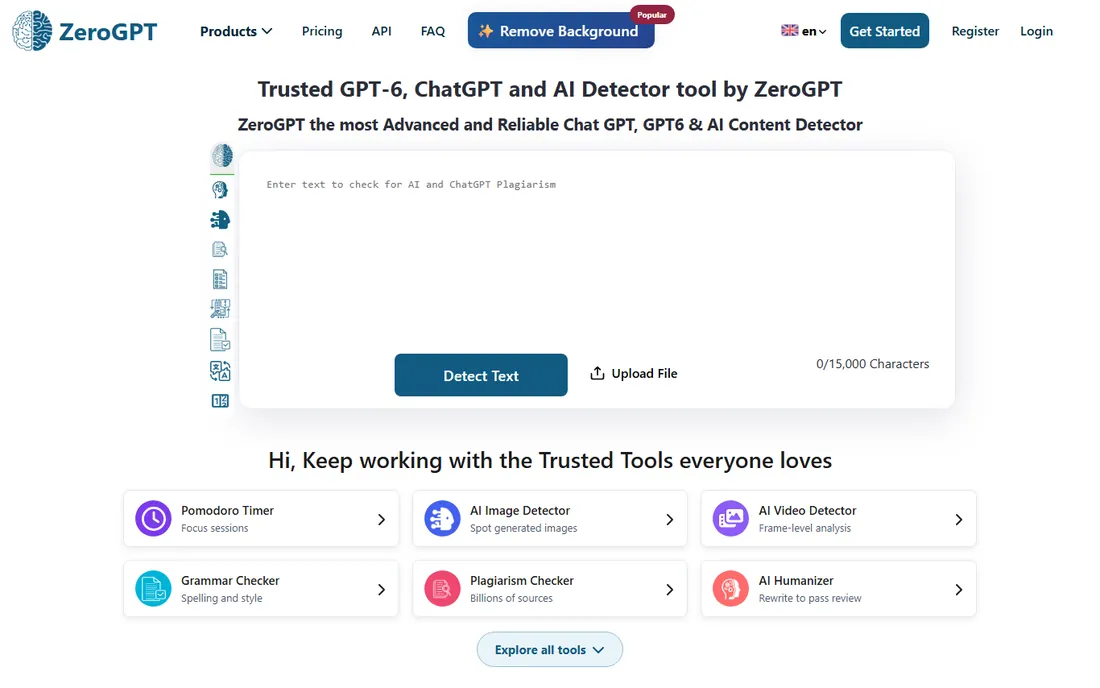
ZeroGPT is the fast-food option: paste text, get a score, no account. The free allowance of 15,000 characters per check is among the most generous here, and it adds sentence highlighting, PDF reports, and batch uploads that make it useful for a quick pass over several documents. It also bundles a paraphraser, summarizer, and grammar checker.
The tradeoff is accuracy. In Scribbr's independent testing it scored 64% against a 12-tool field, well behind the leaders, and one widely cited review calls it "not good enough for high-stakes decisions." Use it the way it is designed to be used: a free first screen before you run the serious check somewhere else.
What we like- Free checks up to 15,000 characters with no account
- Sentence highlighting and PDF reports
- Batch file uploads
Watch out for- Weaker accuracy record in independent tests
- Ad-heavy site feels less professional for client-facing work
Starting priceSee website
Free planYes (1,200 words per check on free)
QuillBot's AI detector exists because its users asked for it. The platform is a paraphraser and writing assistant first, and the detector is one more tab alongside the grammar checker, summarizer, and plagiarism checker. For a student or freelancer who already lives in QuillBot, running a self-check before submitting is zero extra effort.
The free tier scans up to 1,200 words without an account, and Premium removes the limit. In independent testing it tied for second place among free detectors at 78% accuracy, which is respectable for a bundled tool. Do not buy QuillBot for detection alone; treat the detector as a convenient bonus.
What we like- Detector sits inside a full writing suite people already pay for
- No signup needed for short checks
- Clean, simple interface
Watch out for- Detection is a side feature with moderate accuracy
- Longer documents require Premium
Starting priceSee website
Free planYes
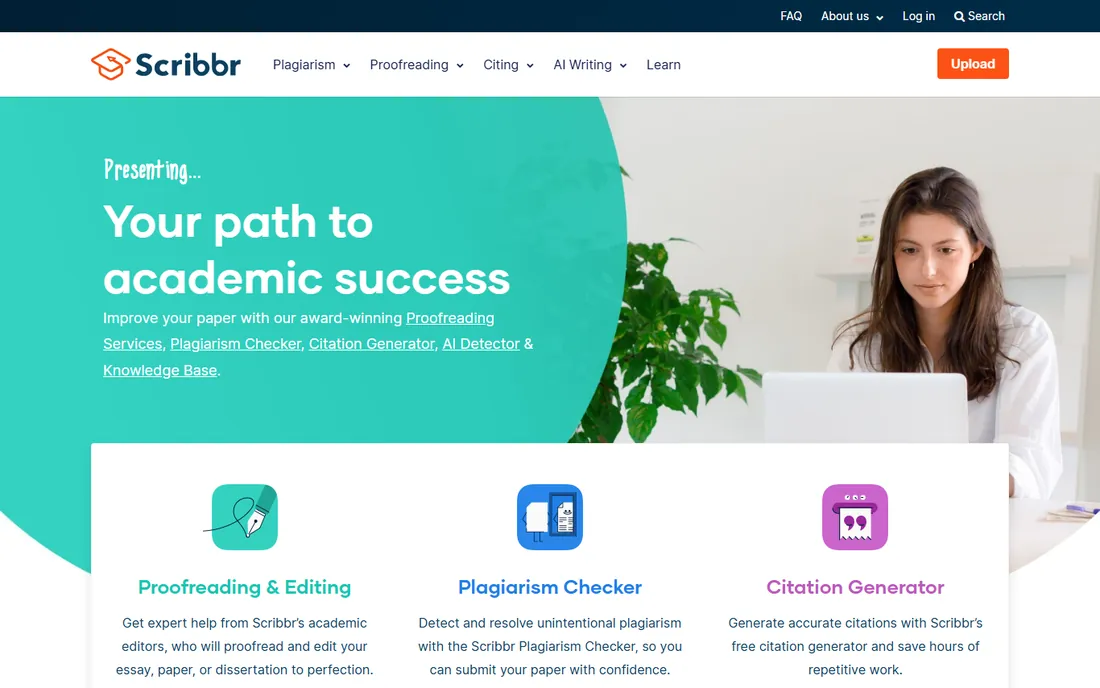
Scribbr is an academic writing service, and its AI detector is designed for the person most worried about a false flag: the student. The free detector needs no account and, in Scribbr's own published testing of 12 tools, tied QuillBot at 78% accuracy for free options, with its premium version topping the paid field at 84%.
The surrounding product is the real value: plagiarism checking, citation help, and proofreading aimed at theses and papers. Pricing for the premium detector is per document and not obvious before checkout. For a classroom or a publishing team this is the wrong tool. For a student checking a paper before submitting, it is one of the best free options available.
What we like- Free detector scored 78% in independent testing
- Built for academic writing with citation and plagiarism tools
- No account needed for basic checks
Watch out for- Premium detection pricing is per-document and unclear upfront
- Aimed at students, not teams
Starting priceSee website
Free planNo
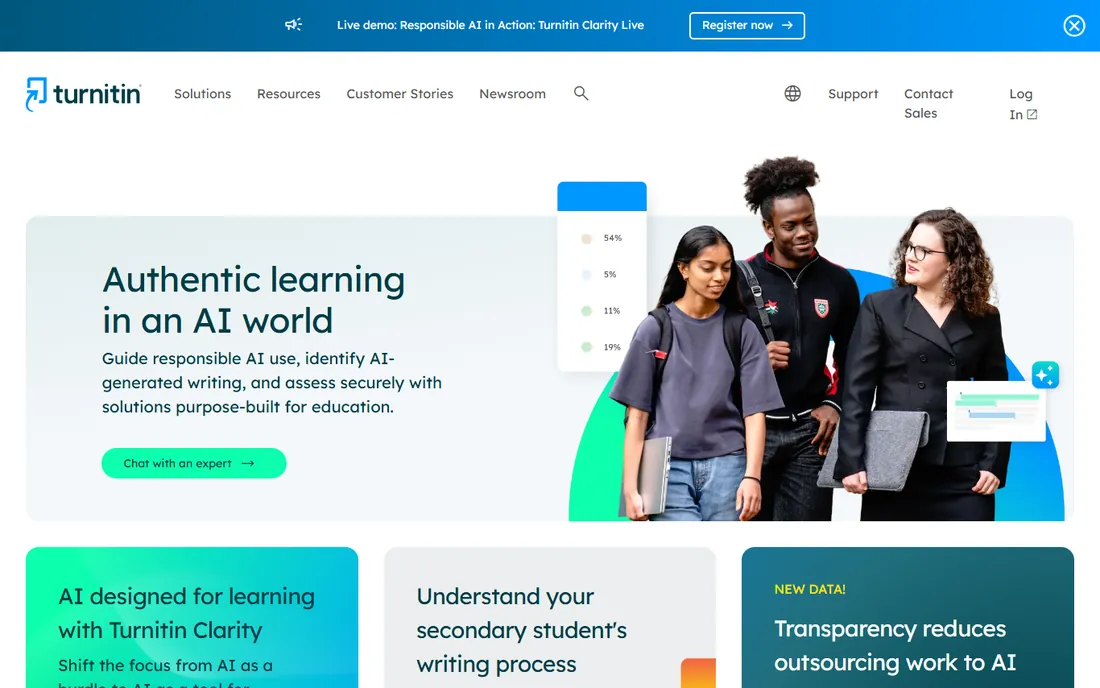
Turnitin is the incumbent. For two decades it has been the plagiarism standard in higher education, and its AI writing detection now ships inside the same institutional licenses. It added detection of humanizer-tool output in 2025, closing one of the popular workarounds students used. More than 16,000 institutions use it.
There is no free tier and no public pricing; schools buy site licenses and students access it through their LMS. That makes Turnitin irrelevant for a freelancer or a small agency, and essential context for anyone selling to education. If your buyers are universities, this is the name on the purchase order. Everyone else should pick from the nine tools above.
What we like- Deepest plagiarism database in education
- LMS integrations everywhere
- Now detects humanizer-processed text
Watch out for- No public pricing and no free tier
- Built for institutions, not individuals or small teams
How we chose
We did not run hands-on accuracy tests, because a laptop-sized test cannot replicate a university benchmark. Instead we compared the ten tools on what a buyer can verify: current pricing pages, published feature lists and documentation, third-party accuracy studies, public reviews on G2 and Capterra, and fit for company size.
How to read a detection score without overreacting
A score is a starting point for a conversation, not a verdict. Use these habits before any flag leaves your desk.
Treat the percentage as a range, not a fact
Detectors return probabilities. A score of 72% AI does not mean 72% of the words are machine-written. It means the model leans toward AI authorship. Short texts, technical writing, and non-native English all raise false positives, because formulaic structure looks machine-like to every detector on this list.
Always get a second opinion on high-stakes flags
If a score could cost a writer a contract or a student a grade, run the same text through a second tool. Pangram's low false-positive rate makes it a good tiebreaker, and a free check on QuillBot or Scribbr costs nothing. Two tools agreeing is meaningfully stronger than one.
Keep the report, not just the number
Shareable PDF reports from Winston AI, Originality.ai, and ZeroGPT document what was checked and when. If a client or a professor questions a decision months later, the report is your record. Screenshot scores disappear; dated reports do not.
Set a policy before you need one
Decide in advance what happens at each score band. Many teams use a simple rule: under 30% passes, 30 to 70% gets a human review and a conversation, over 70% gets rewritten or rejected. Write it down, share it with writers, and apply it the same way every time.
Free detectors vs paid plans: where the line sits
Free tools answer one question: does this look AI-written. Paid plans answer the questions around it: who wrote it, when, across how many documents, and with what paper trail. The line between them is workflow, not accuracy.
If you check fewer than ten documents a month, the free tier of GPTZero, ZeroGPT, QuillBot, or Scribbr is enough. Move to paid when you need batch uploads, team seats, API access, plagiarism bundled in, or reports you can hand to a client. For most small agencies that moment arrives with the first client who asks, in writing, how you verify originality. At that point Originality.ai's Pro plan or Winston AI's Essential plan pays for itself in one avoided dispute.
Frequently asked questions
Are AI content detectors accurate?
They are useful but imperfect. Independent tests put the best tools in the 80 to 99% range depending on the test set, the text length, and how much the AI text was edited. Heavily paraphrased or humanized text fools most detectors, and short passages are unreliable everywhere. Use them for triage, not proof.
Can detectors be fooled by paraphrasing tools?
Yes, and vendors know it. Paraphrasers and so-called humanizers rewrite AI text specifically to evade detection, and several independent tests show accuracy dropping sharply on rewritten text. Originality.ai and Turnitin have added specific countermeasures, but no detector is immune. This is why writing replays and authorship records matter more than scores.
Which AI detector is best for teachers?
GPTZero is the most common classroom choice because of its education integrations and free tier, and Turnitin is the institutional standard where the school already licenses it. For a teacher paying out of pocket, Winston AI's Essential plan or Pangram's Individual plan gives stronger documentation for less money.
Do I need to pay for an AI detector?
Not at first. GPTZero, ZeroGPT, QuillBot, Scribbr, and Pangram all offer free checks that handle occasional use. Pay when volume, team features, or client-facing reports enter the picture. A good rule: if detection is part of a service you sell, it belongs on a paid plan with a paper trail.
Will Google penalize AI-generated content that detectors flag?
Google penalizes low-quality content regardless of how it was produced, and rewards helpful content the same way. A detector score is not a ranking factor. Publishers use detectors to enforce their own quality bar, not to predict Google's behavior.
Is it legal to run someone's writing through a detector?
Generally yes for work submitted to you, such as freelancer deliverables or student assignments, especially when your contract or syllabus discloses it. Running a colleague's private writing through a detector without disclosure is a trust problem even where it is legal. When in doubt, disclose the check upfront.
Sources we checked (18)
- https://originality.ai/pricing
- https://gptzero.me/
- https://gptzero.me/pricing
- https://copyleaks.com/
- https://copyleaks.com/pricing
- https://gowinston.ai/
- https://gowinston.ai/pricing
- https://pangram.com/
- https://pangram.com/pricing
- https://sapling.ai/
- https://sapling.ai/pricing
- https://www.zerogpt.com/
- https://quillbot.com/
- https://www.scribbr.com/
- https://www.turnitin.com/
- https://designbeep.com/2026/09/17/best-ai-detector-for-content-teams-editors-and-publishers-in-2026-8-tools-that-scale-past-one-article/
- https://www.scribbr.com/ai-tools/best-ai-detector/
- https://dev.to/stimlau/grammarly-vs-quillbot-pay-for-grammar-paraphrasing-or-both-5i1
Is your product missing or out of date?
We review this list regularly. Vendors can request a listing, send updated pricing or ask about featured placement.

Shihab Mia · Founder, Rankite
Shihab has spent more than a decade helping SaaS and e-commerce brands grow through search. He writes Rankite's software buying guides from pricing pages, documentation and public user reviews. More about Shihab.