How we make this list: we compare pricing pages, product documentation and public user reviews. Ratings come from G2, Capterra or Trustpilot, with the date we checked them.

Key takeaways
- Adobe Firefly is the new default for background removal, free with an Adobe account and including real batch processing.
- Canva Pro at $15 per month and Adobe Express Premium at $9.99 per month fold one click removal into design suites most teams already pay for.
- PhotoRoom at $12.99 per month is the pick for e-commerce sellers who need batch processing and marketplace ready product shots.
- Fotor, Pixlr, Slazzer, and Clipping Magic cover budget editing, browser editing, high volume APIs, and precision touch ups.
- The old favorite remove.bg is deliberately not listed here: it is shutting down on December 1, 2026, so do not build a workflow on it now. AI accuracy limits apply everywhere: hair, fur, and fine edges still fail, outputs vary by image, and only edit your own photos or photos you have permission to use, since a face is biometric data.
Quick comparison
| Tool | Best for | Starting price | Free plan |
|---|
 Adobe Firefly Adobe Firefly | Free batch background removal | Free | Yes |
 Canva Canva | Removal inside a design workflow | $15 per month | Free trial |
 Adobe Express Adobe Express | Adobe users who want it cheap | Free | Yes |
 PhotoRoom PhotoRoom | E-commerce product photography | $12.99 per month | Yes |
 Fotor Fotor | Budget all in one photo editing | Free | Yes |
 Pixlr Pixlr | Browser based editing with AI cutout | Free | Yes |
 Slazzer Slazzer | High volume API and bulk removal | See website | Free trial |
 Clipping Magic Clipping Magic | Precision manual touch ups | See website | Free trial |
Is your product missing or out of date?
We review this list regularly. Vendors can request a listing, send updated pricing or ask about featured placement.
Starting priceFree
Free planYes
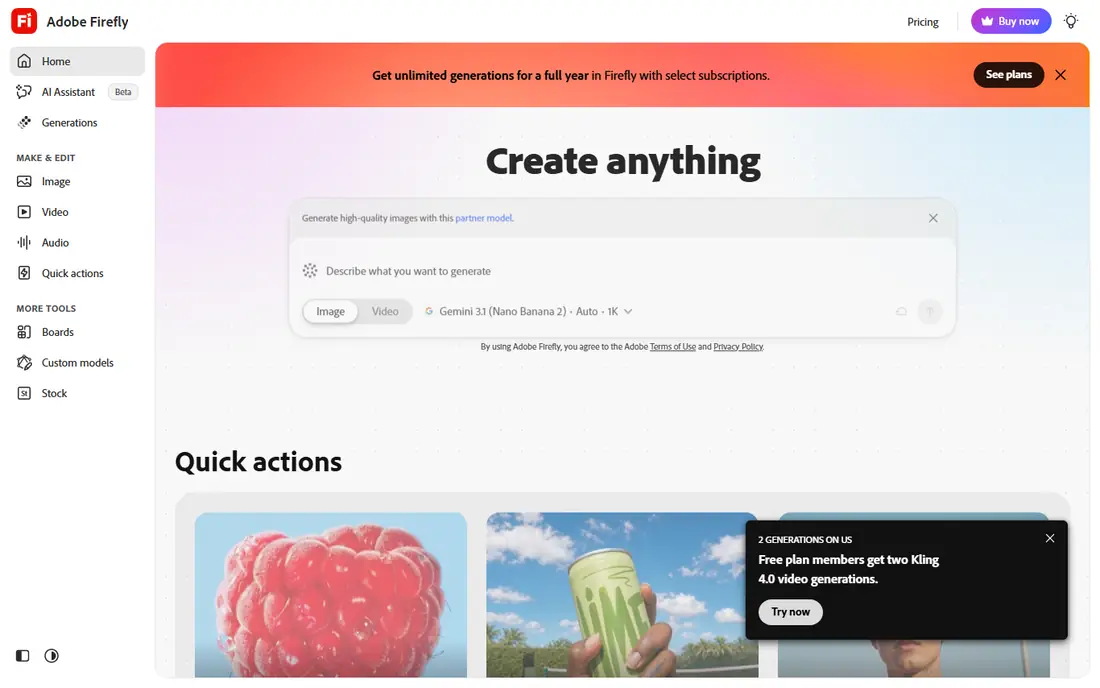
Adobe Firefly is the new default for background removal, free with an Adobe account and including real batch processing, which most free tools lack. It suits teams that need to process dozens of product photos at once without paying per image, and its edge quality ranks near the top on standard test images.
An Adobe account is required, and generative credits limit heavy free use, with paid plans adding credits. For free batch removal with strong quality, Firefly is the best starting point.
What we like- Free with an Adobe account
- Real batch processing
- Strong edge quality
- Paid plans add credits for heavy use
Watch out for- Adobe account required
- Generative credits limit heavy free use
- Interface assumes some Adobe familiarity
#2Canva
Best for: Removal inside a design workflow4.7/5 on
G2 (7,678 reviews, checked Oct 2026)
Visit canva.com
Starting price$15 per month
Free planFree trial
Canva folds one click removal into a design suite most teams already pay for, so a cutout drops straight into templates, text, and brand kits without exporting between apps. Pro runs $15 per month, and team collaboration suits marketing teams that design together.
The background remover is Pro only, so free Canva users cannot use it, and batch support is limited compared with Firefly or Slazzer. For a team that already designs in Canva, removal inside the workflow is the practical pick.
What we like- Removal inside templates, text, and brand tools
- Huge template library
- Team collaboration built in
Watch out for- Background remover is Pro only at $15 per month
- No standalone removal workflow
- Batch support limited
#3Adobe Express
Best for: Adobe users who want it cheap4.5/5 on
G2 (855 reviews, checked Oct 2026)
Visit adobe.com
Starting priceFree
Free planYes
Adobe Express removes backgrounds for free with no watermark, which makes it the best no cost option on this list. No signup is required for basic use, exports are clean, and commercial use is permitted on free output for your own uploads, though Adobe Stock licensing applies to stock assets, not your own photos.
Premium at $9.99 per month adds generative AI credits but is not required for background removal. For a free, watermark free cutout without an account, Express is the cleanest recommendation.
What we like- Free background removal with no watermark
- Clean export
- Commercial use permitted on free output for your own uploads
- No signup required for basic use
Watch out for- Premium at $9.99 per month adds generative credits but is not required
- Fewer templates than Canva
- Adobe ecosystem push
#4PhotoRoom
Best for: E-commerce product photography4.3/5 on
G2 (20 reviews, checked Oct 2026)
Visit photoroom.com
Starting price$12.99 per month
Free planYes
PhotoRoom is the pick for e-commerce sellers who need batch processing and marketplace ready product shots, with marketplace specific templates, correct dimensions and background colors, realistic shadows, and AI generated backgrounds. The free plan provides 250 exports per month across background removal, retouch, and templates, though exports carry a watermark.
Pro runs $12.99 per month monthly, or $7.50 per month billed annually, and removes watermarks while adding batch export and unlimited white backgrounds. For a seller shipping listing images fast, PhotoRoom is the product photography pick.
What we like- Batch export and AI generated backgrounds
- Marketplace specific templates with correct dimensions
- Realistic shadows
- 250 free exports per month
Watch out for- Pro at $12.99 per month monthly, or $7.50 per month billed annually
- Free exports carry a watermark
- Billing complaints appear in user reviews
#5Fotor
Best for: Budget all in one photo editing4.2/5 on
G2 (342 reviews, checked Oct 2026)
Visit fotor.com
Starting priceFree
Free planYes
Fotor suits beginners who want background removal inside an all in one photo editor, with design tools, filters, and templates beside the cutout tool. The free tier covers basic removal, while Pro at $8.99 per month removes watermarks and adds full features.
Free exports are watermarked and commercial use is restricted on free output, so client work needs Pro. For a beginner on a budget, Fotor is the simple pick.
What we like- Free tier with background removal
- All in one editing and design tools
- Simple for beginners
Watch out for- Pro at $8.99 per month
- Free exports watermarked
- Commercial use restricted on free output
#6Pixlr
Best for: Browser based editing with AI cutout4.4/5 on
G2 (751 reviews, checked Oct 2026)
Visit pixlr.com
Starting priceFree
Free planYes
Pixlr offers full photo editing in the browser with an AI cutout tool, clean export, and commercial use permitted on the free tier, with no install needed. It suits users who want one browser tab for editing and cutouts together.
The free tier is ad supported with limited AI credits, and Premium pricing varies across listings, from $2.49 per month for Plus in some regions to $9.99 per month for Premium. For browser based editing with a cutout included, Pixlr is the no install pick.
What we like- Full photo editing in the browser
- AI cutout with clean export
- Commercial use permitted on free tier
- No install needed
Watch out for- Premium at $9.99 per month
- Free tier ad supported with limited AI credits
- Plus from $2.49 per month in some listings creates price confusion
Starting priceSee website
Free planFree trial
Slazzer suits developers and teams automating image pipelines, with an API and bulk removal for catalogues, credit based pricing, and free previews. Published figures list from $11 per month for 100 credits in some comparisons, with 2 free credits plus unlimited previews for testing.
Credit systems can hide true costs, since per image costs vary by plan and volume, and the API focus suits developers more than casual users. For high volume automated removal, Slazzer is the pipeline pick.
What we like- High volume API and bulk removal
- Credit based pricing from $11 per month for 100 credits in some listings
- 2 free credits plus unlimited previews
Watch out for- Credit based pricing hides true costs at volume
- API focus suits developers more than casual users
- Interface thinner than design suites
Starting priceSee website
Free planFree trial
Clipping Magic suits users who need precision: its brush tools refine edges manually where automatic tools fail, especially on hair, fur, and fine detail. Credit based plans suit occasional use, with a free trial for testing.
Pricing is credit based and not published in the sources used here, and manual touch ups are slower than one click tools for batches. For a single perfect cutout on a hard image, Clipping Magic is the precision pick.
What we like- Precision manual touch ups with brush tools
- Best for hard edges like hair and fur
- Credit based plans for occasional use
Watch out for- Credit based pricing, not published here
- Slower than one click tools for batches
- No design suite attached
How we chose
We ranked tools by edge accuracy first, especially on hair and fine detail, then by speed, pricing transparency, batch and API support, and platform coverage. Credit systems scored lower on transparency, since they hide true costs, while free watermark free tools scored higher for casual use. Prices are vendor list prices as of October 2026, with conflicts noted rather than hidden.
We excluded remove.bg deliberately. It pioneered one click removal in 2018 and still ranks near the top on hair and fur accuracy, but it is shutting down on December 1, 2026, so building a workflow on it now would break within weeks. We also stated AI limits plainly: outputs vary by image, fine edges still fail, and only edit your own photos or photos you have permission to use, since a face is biometric data.
Buying guide
Start with volume. A handful of images suits free tools like Firefly or Express, while dozens or hundreds of product photos need batch support from Firefly, PhotoRoom, or Slazzer. Check whether the free tier exports full resolution without a watermark, since low resolution previews and watermarked exports waste time on client work.
Next, test edge quality on your hardest images. Hair, fur, glass, and fine jewelry edges separate good tools from great ones, and a tool that aces product shots on white can fail on portraits. Test with your real photos during the free tier or trial, and check marketplace requirements: Amazon and eBay need pure white backgrounds, and some tools guarantee RGB 255,255,255 white while others need a color picker check.
Finally, check commercial rights and consent. Free outputs sometimes restrict commercial use, and some platforms own free outputs under their terms, so read the terms before client work. Only edit photos you own or have permission to use, and never use background removal to create misleading images of real people.
Frequently asked questions
What is the best free AI background remover?
Adobe Firefly for free batch removal, and Adobe Express for free watermark free single cutouts with no signup. Both outperform most free tiers on quality and export rights.
Why is remove.bg not on this list?
Remove.bg is shutting down on December 1, 2026, so building a workflow on it now would break within weeks. Its accuracy remains high, but the shutdown makes it a bad recommendation.
Which tool is best for e-commerce sellers?
PhotoRoom at $12.99 per month, with batch export, marketplace templates, realistic shadows, and AI generated backgrounds in one mobile friendly flow.
Do AI background removers work perfectly on hair?
No. Hair, fur, and fine detail remain the hardest edges, and outputs vary by image. Clipping Magic's manual brush tools help on hard images, while Photoshop's mask refinement beats every automatic tool for professionals.
Can I use removed backgrounds commercially?
It depends on the tool and tier. Adobe Express permits commercial use on free output for your own uploads, while Fotor restricts commercial use on free output. Read the terms before client work.
Sources we checked (0)
Is your product missing or out of date?
We review this list regularly. Vendors can request a listing, send updated pricing or ask about featured placement.

Shihab Mia · Founder, Rankite
Shihab has 5+ years in B2B and SaaS SEO. He writes Rankite's software buying guides from pricing pages, documentation and public user reviews. More about Shihab.