How we make this list: we compare pricing pages, product documentation and public user reviews. Rankite is independent; if a vendor ever pays for a featured spot, that listing is clearly labeled Partner.
Key takeaways
- Most US small businesses should start with the familiar names: QuickBooks Online ($38/month, Intuit Intelligence on every paid plan) or Xero ($27/month, unlimited users, new US pricing since October 1, 2026).
- The most genuinely AI-first ledger is Digits ($65/month, per business rather than per seat), while Puzzle (free to start, then from $50/month) is the closest match for startups that want burn rate and runway without a finance team.
- Zoho Books has the only real free plan in this group for businesses under $50K in annual revenue; Wave is free too but its automation is thin until you pay $19/month for Pro.
- Ramp costs nothing for its base plan and can replace a chunk of expense management and bill pay; Docyt and Sage Intacct belong on the list only if you have multiple entities or outgrown a small-business ledger, since both are priced well above it.
Quick comparison
| Tool | Best for | Starting price | Free plan |
|---|
 QuickBooks Online QuickBooks Online | US small businesses that want one familiar ledger | $38/month (Simple Start) | No (50% off 3 months, or 30-day free trial, choose one) |
 Xero Xero | Small teams and international businesses | $27/month (Early; new US pricing effective October 1, 2026) | No |
 Zoho Books Zoho Books | Businesses already running Zoho CRM or other Zoho apps | Free (under $50K annual revenue); Standard $20/month | Yes |
 Wave Wave | Solo owners and freelancers who want free accounting | Free (Starter); Pro $19/month | Yes |
 FreshBooks FreshBooks | Freelancers and service businesses that live on invoices | $23/month (Lite) | Free trial (30 days) |
 Digits Digits | Owners who want the ledger itself run by AI | $65/month (Essentials) | Free trial (30 days) |
 Puzzle Puzzle | US startups that want burn rate and runway in real time | Free (Basics, up to $20K cumulative transactions); paid from $50/month | Yes |
 Ramp Ramp | Businesses that want expense and AP automation without a subscription | Free (Essentials); Plus $15/user/month | Yes |
 Docyt Docyt | Multi-entity businesses and hospitality groups | See website | Free trial (7 days) |
 Sage Intacct Sage Intacct | Growing companies that have outgrown a small-business ledger | See website (custom quote) | No |
Is your product missing or out of date?
We review this list regularly. Vendors can request a listing, send updated pricing or ask about featured placement.
The best AI accounting software
Starting price$38/month (Simple Start)
Free planNo (50% off 3 months, or 30-day free trial, choose one)
QuickBooks Online is the safe default for a reason that has little to do with AI. Almost every US accountant already works in it, so nothing gets lost in translation at tax time. On the AI side, Intuit Intelligence now categorizes expenses and matches bank transactions automatically on every paid plan, including the $38 Simple Start tier, and the higher tiers add cash-flow forecasting and automated workflows.
The catch is the pricing ladder. Simple Start covers one user with limited reporting; real businesses with projects, inventory or classes land on Plus at $140 a month. Advanced at $340 adds AI agents for month-end close and Excel sync. There is also a genuinely free $0 plan, but it is capped at one user, two invoices a month and one bank connection, so treat it as a demo rather than a plan. Month-to-month billing, no contracts, cancel anytime.
What we like- Intuit Intelligence categorization and matching on every paid plan
- The largest US accountant network, so year-end is frictionless
- 750-plus app integrations and native payroll and payments add-ons
Watch out for- Price climbs fast through the tiers (Plus is $140, Advanced $340)
- Each additional user tier costs more, unlike Xero
#2
Xero
Best for: Small teams and international businesses
Visit xero.com
Starting price$27/month (Early; new US pricing effective October 1, 2026)
Free planNo
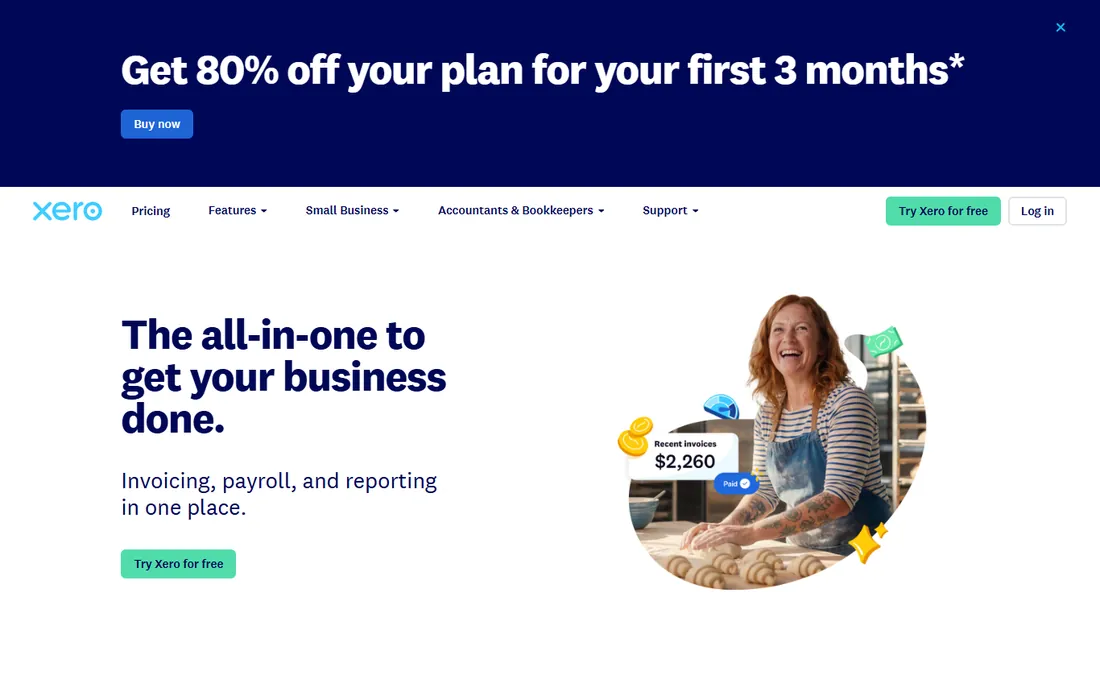
Xero earns its place as the anti-QuickBooks pick. The defining feature is commercial, not technical: every plan includes unlimited users, so a five-person team pays the same $27 to $97 base as a sole proprietor. The new US pricing, effective October 1, 2026, sets Early at $27, Growing at $59 and Established at $97 a month. JAX, the agentic AI platform launched in 2026, now auto-matches bank transactions in real time and can read source documents into the ledger.
Early is tightly capped at 20 invoices and 5 bills a month, which makes it a freelancer plan in practice. Multi-currency, projects and expense claims wait until Established. Budget for add-ons beyond the subscription: US payroll runs through Gusto, and many Growing users add inventory or receipt tools from the app marketplace. Setup is self-serve and takes a day if your bank connects cleanly.
What we like- Unlimited users on every plan, which changes the math for teams
- Bank reconciliation remains the best in this class
- JAX agentic AI adds auto reconciliation and natural-language queries
Watch out for- US payroll is a third-party add-on (Gusto, $49/month plus $6 per person) rather than native
- Fewer US accountants know it than QuickBooks, which adds friction at year end
#3
Zoho Books
Best for: Businesses already running Zoho CRM or other Zoho apps
Visit zoho.com
Starting priceFree (under $50K annual revenue); Standard $20/month
Free planYes
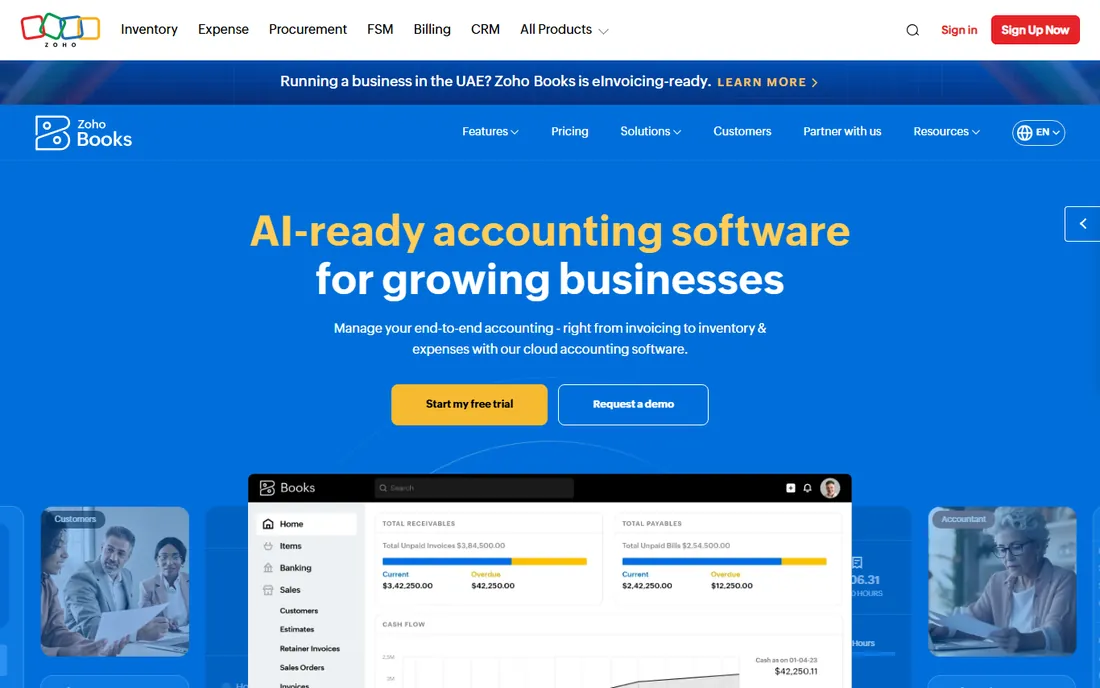
Zoho Books is the value pick that nobody talks about because it never wins on brand. The free plan is not a trial: one user plus one accountant, 1,000 invoices a year, as long as revenue stays under $50K. Zia, Zoho's assistant, flags anomalies and helps with bank reconciliation, and the deeper Zoho integrations (CRM, Inventory, Payroll) get stronger on the paid tiers. If your sales data already lives in Zoho CRM, this is the shortest path to connected books.
The limits matter. Standard at $20 a month adds bank feeds and workflows but still lacks inventory, multi-currency and payroll. Multi-currency arrives at Professional ($50). And because far fewer US accountants use Zoho Books, expect to export reports rather than hand over a login at tax time. Annual billing trims the paid prices further.
What we like- A real, durable free plan with 1,000 invoices a year for businesses under $50K revenue
- Zia AI assists with reconciliation and anomaly detection inside the suite
- US plans run Free through Standard ($20), Professional ($50), Premium ($70), Elite ($150) and Ultimate ($275)
Watch out for- The third-party integration marketplace is thinner than QuickBooks or Xero
- Free plan excludes automated bank feeds, and payroll is a separate product, not an add-on
Starting priceFree (Starter); Pro $19/month
Free planYes
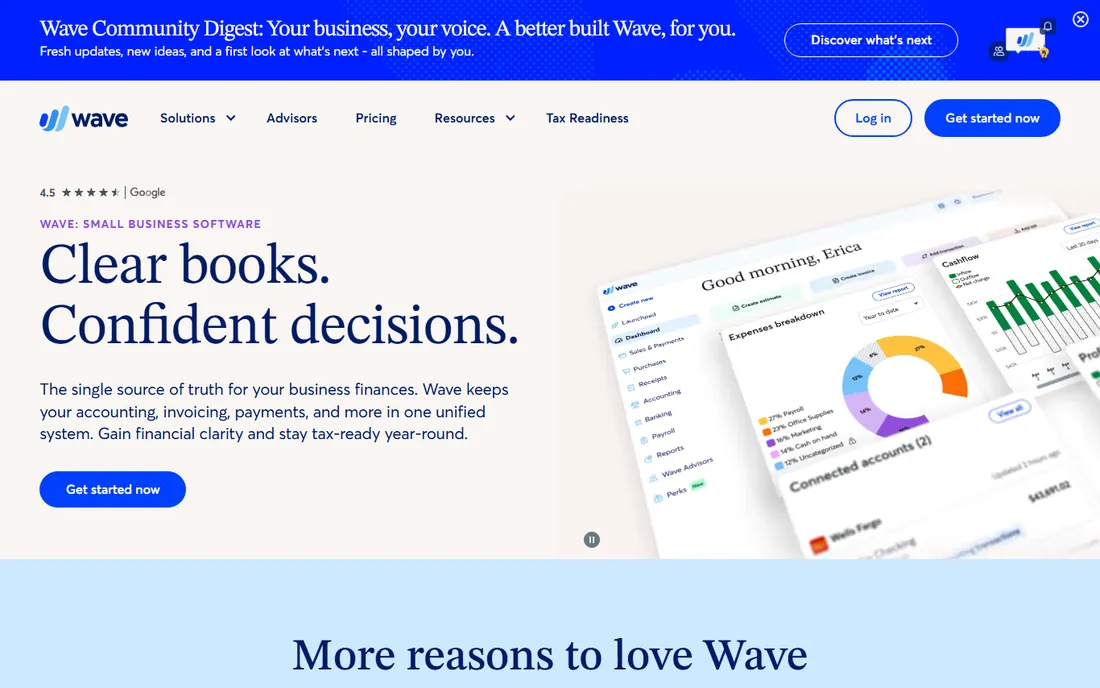
Wave is honest software: genuinely free double-entry accounting on the Starter plan, with no trial clock running. The paid Pro plan at $19 a month adds automatic bank import through Plaid, auto-categorization, live chat support and API integrations (some third-party integrations were gated to Pro in 2025). Payroll is a built-in add-on at $40 a month plus $6 per active employee.
Wave is the wrong choice the moment your books get complex. There is no inventory management, no serious forecasting, and the AI layer is closer to rule-based automation than the agentic bookkeeping Digits or Puzzle promise. But for a freelancer with a dozen clients and a checking account, it is hard to argue with free. Receipt scanning costs extra ($8 to $11 a month depending on plan and billing), so heavy receipt users should budget for that.
What we like- Unlimited invoicing, estimates and bookkeeping records on the free Starter plan
- Pro at $19 a month ($190 a year) is the cheapest automation step in this list
- Simple enough to run without an accounting background
Watch out for- AI automation is light compared with everything else here
- Automatic bank import and API integrations require the Pro plan
- Receipt scanning is a paid add-on on both plans
#5
FreshBooks
Best for: Freelancers and service businesses that live on invoices
Visit freshbooks.com
Starting price$23/month (Lite)
Free planFree trial (30 days)
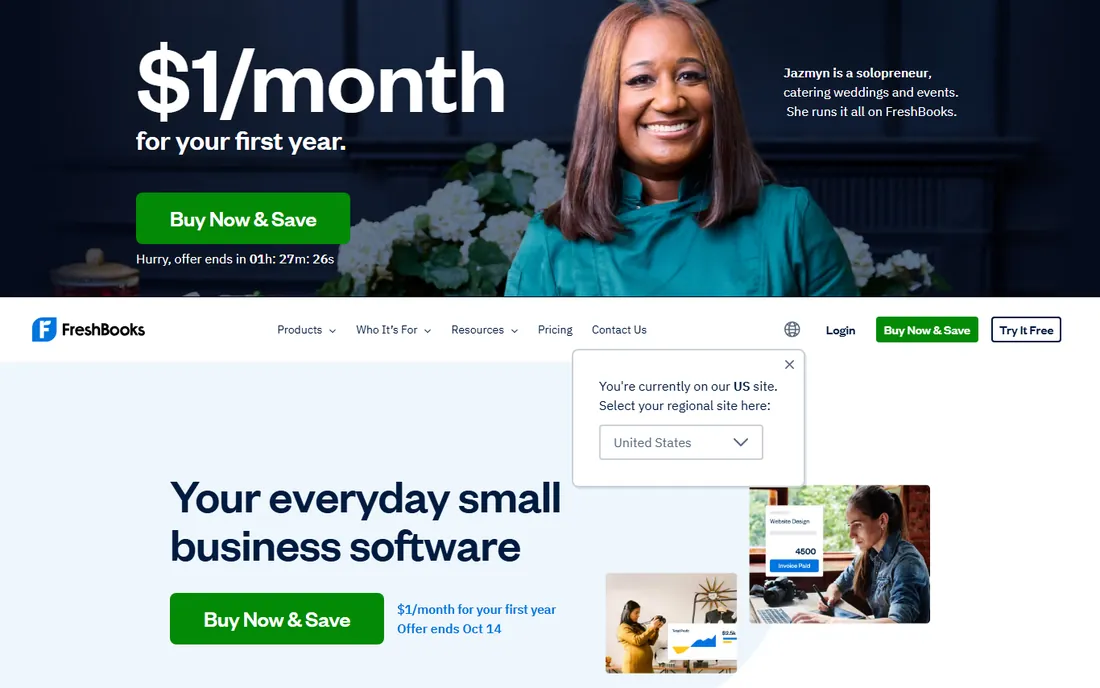
FreshBooks is built for people who bill by the hour and want the invoice to look good. The Lite plan at $23 a month covers unlimited invoicing, expenses and time tracking, but the 5-billable-client cap is the sharpest constraint in this article. A freelancer with six active clients cannot stay on Lite. The AI touches are modest: smart expense categorization, time-tracking suggestions and invoice payment reminders.
Plus at $43 a month is where FreshBooks becomes real accounting software, with a chart of accounts, general ledger, balance sheet and free accountant access. Premium at $70 removes the client cap and adds accounts payable. FreshBooks publishes prices openly and runs frequent intro discounts (currently 90% off for three months), but budget against the list price since the promo always expires.
What we like- The cleanest invoicing workflow in this group, with a client portal and built-in payments
- 30-day money-back guarantee makes the client-cap math testable
- AI-assisted time tracking and expense suggestions fit how service pros actually work
Watch out for- Lite caps you at 5 billable clients, which forces upgrades fast
- Every plan is single-user, and each extra team member costs $11 a month
- Genuine double-entry reporting starts at Plus ($43)
Starting price$65/month (Essentials)
Free planFree trial (30 days)
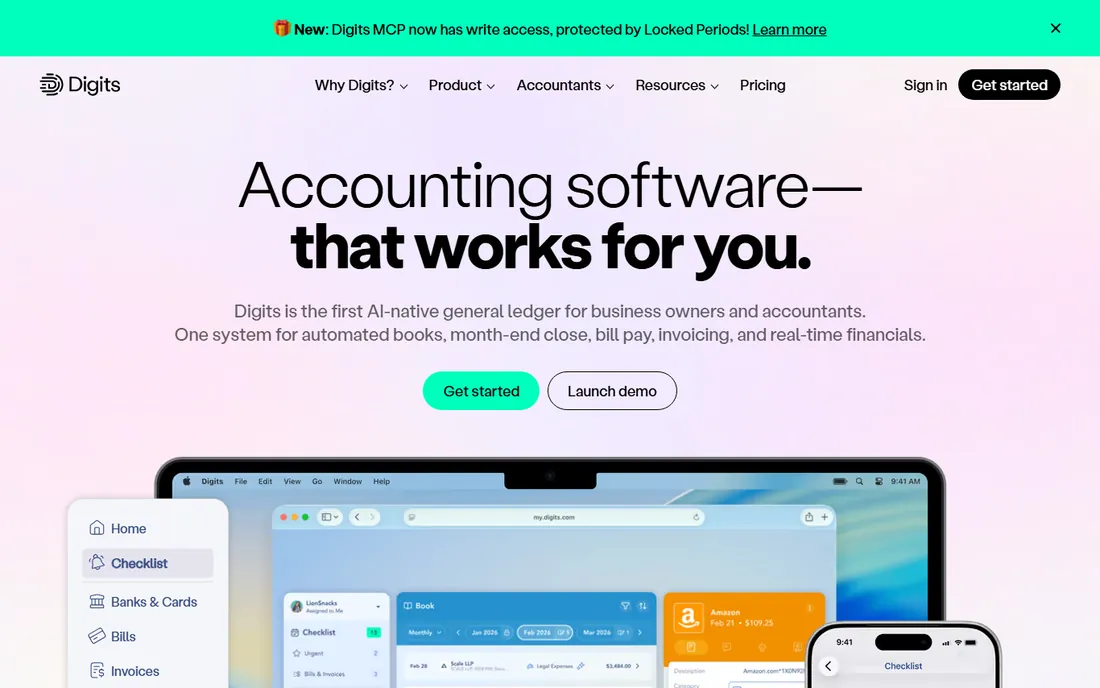
Digits is the most genuinely AI-native ledger on this list. Instead of bolting AI onto a 2005-era general ledger, its Agentic General Ledger runs specialized models that categorize, reconcile and review your books continuously, with Ask Digits letting you query the numbers in plain language. Pricing is per business rather than per seat: Essentials at $65 a month, Core at $100, Pro at $250. A 30-day free trial applies.
The company raised substantial funding and claims its models train on hundreds of billions in small-business transactions, which matters because transaction categorization lives or dies on training data. The trade-off is maturity: Digits is newer, US-focused, and accounting firms run it through a separate outcome-based model. If you want an AI bookkeeper that replaces manual entry rather than an AI assistant inside your existing ledger, start here.
What we like- Pricing is per business, not per seat, which is simpler for an internal finance team
- 12,000-plus bank, card and payroll connections
- Agentic General Ledger automates categorization and reconciliation around the clock
Watch out for- US-centric product, so international multi-currency businesses should check fit
- Migrating a mature QuickBooks file still needs a plan
- Pro at $250 a month is the tier with full agentic close
#7
Puzzle
Best for: US startups that want burn rate and runway in real time
Visit puzzle.io
Starting priceFree (Basics, up to $20K cumulative transactions); paid from $50/month
Free planYes
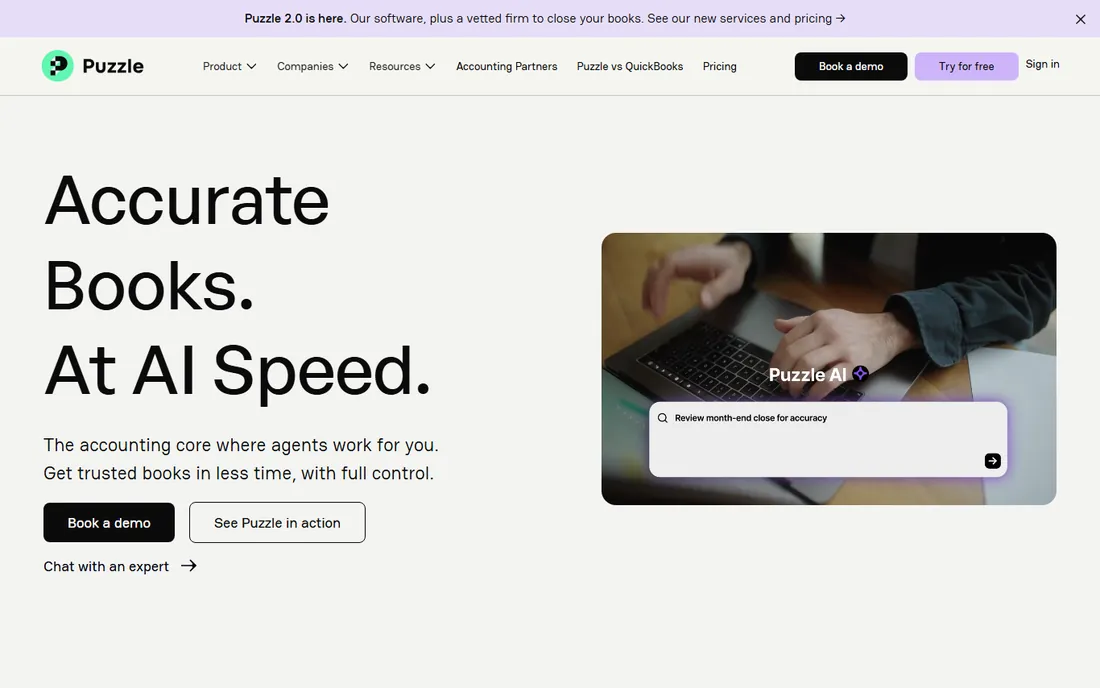
Puzzle is accounting software built by founders for founders, and it shows in the dashboard: cash position, burn rate, runway and revenue metrics are front and center instead of buried in reports. The AI categorizes transactions automatically (the company cites 85 to 95 percent automation of repetitive bookkeeping), and the free Accounting Basics plan covers your first $20K in cumulative transactions. Paid tiers run $50 a month for Insights, $100 for Advanced Automation with AI month-end close, and from $300 for Scale, with 15 percent off for annual billing. All plans include unlimited users.
Puzzle targets US startups deliberately, which cuts both ways. It syncs with the modern startup stack (Stripe, Mercury, Ramp, Gusto) far better than legacy ledgers do, and its GAAP-aware revenue recognition fits SaaS. But it has no native payroll, no inventory depth and no real story for non-startup businesses. A traditional service business with 50 employees should look at Xero or QuickBooks instead.
What we like- Free starter tier with no credit card required
- Real-time burn rate, runway and revenue tracking that QuickBooks and Xero simply do not have
- Native integrations with Stripe, Ramp, Brex and Gusto
Watch out for- Startup-shaped features mean it fits poorly outside early-stage tech
- Pricing scales with transaction volume rather than seats, which punishes high-volume sellers
- Advanced Automation at $100 a month is where the serious AI close lives
#8
Ramp
Best for: Businesses that want expense and AP automation without a subscription
Visit ramp.com
Starting priceFree (Essentials); Plus $15/user/month
Free planYes
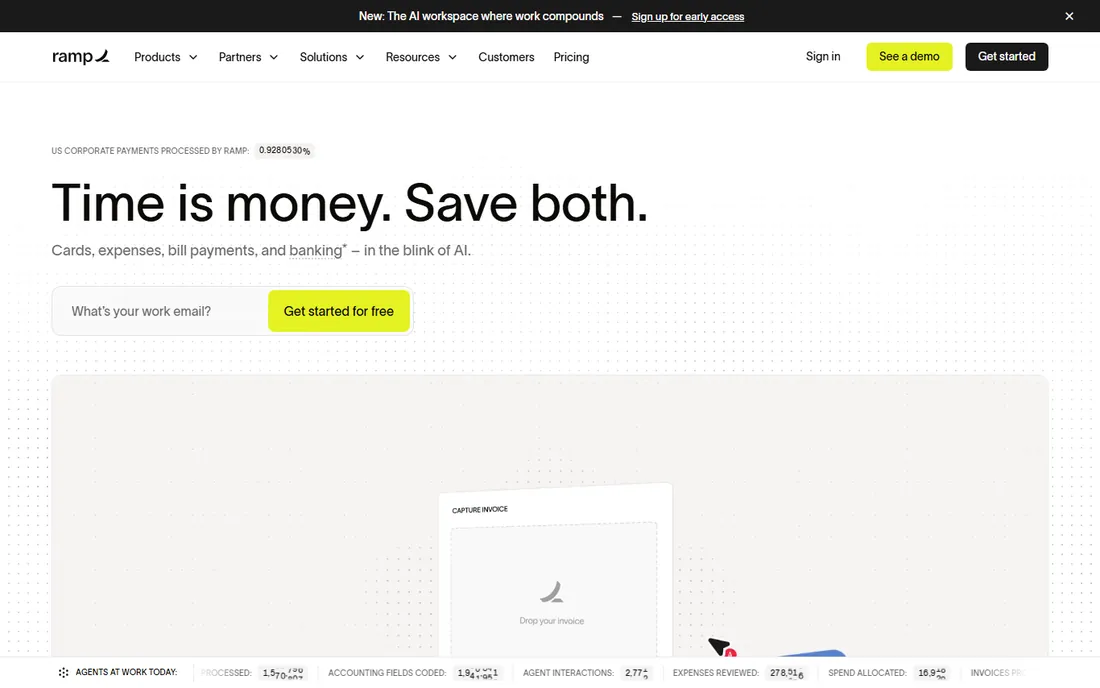
Ramp belongs on an AI accounting list as the adjacent tool, because it removes the work that makes bookkeeping painful: receipts, categorization, approvals and bill pay. The free Essentials plan covers corporate cards (physical and virtual), expense management, receipt capture with auto-memo, standard bill pay and accounting sync. The AI auto-codes transactions, detects duplicates and routes approvals with minimal manual touch. Plus at $15 per user a month adds advanced approval workflows, procurement tools and multi-entity management.
The honest framing is that Ramp replaces your expense reports and part of your AP workflow, not your accountant. At $0 a month with 1.5 percent cash back, it is the rare tool in this category that pays you to try it.
What we like- The core platform is genuinely free, funded by card interchange, not a trial
- 1.5 percent cash back on corporate card spend with no annual fee and no personal guarantee
- Deep two-way sync with QuickBooks, Xero, NetSuite and Sage Intacct
Watch out for- It is spend management, not a general ledger, so you still need accounting software
- Advanced approvals, NetSuite depth and multi-entity controls sit on the $15-per-user Plus tier
- Qualifying requires at least $25,000 in a connected US business bank account
#9
Docyt
Best for: Multi-entity businesses and hospitality groups
Visit docyt.com
Starting priceSee website
Free planFree trial (7 days)
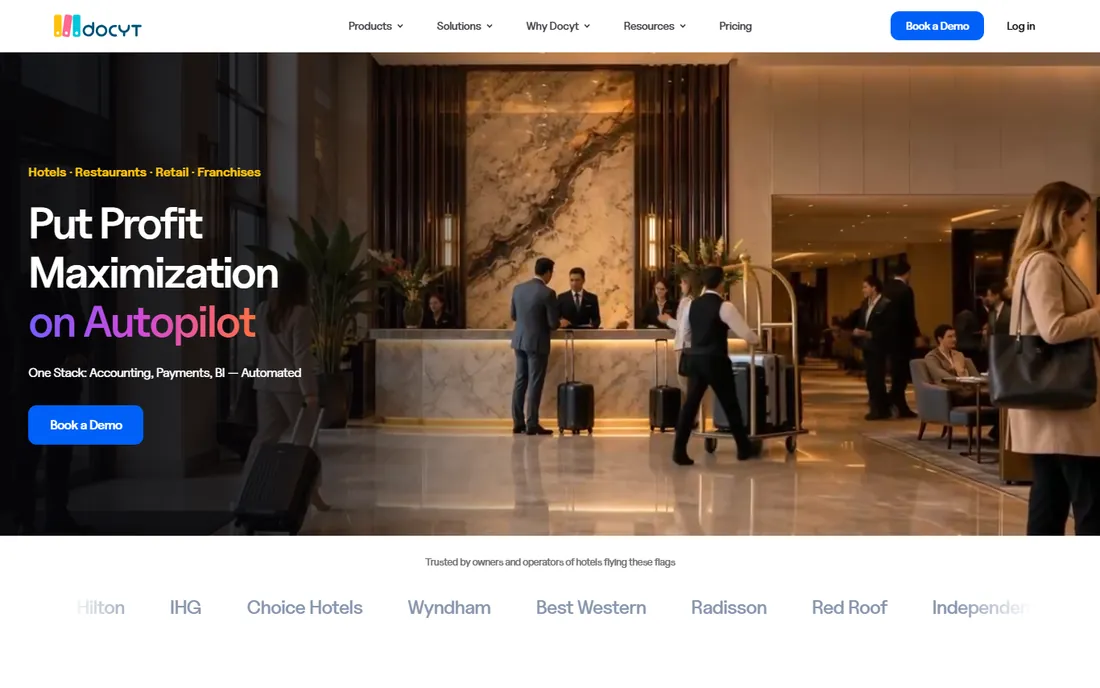
Docyt is the most expensive entry on this list and the hardest to price, because it sells several product lines. The SMB-facing Profitbooks product starts from $99 per entity a month, while the hospitality Accounting Suite is published from $299 per property a month and the Enterprise Suite is quote-only. The technology is genuinely differentiated: document digitization and classification, nightly revenue reconciliation from POS systems and a continuous close, with multi-entity consolidation for hotel, restaurant and retail groups.
Do not buy Docyt because you like the demo. Buy it because you run five or more locations or entities and your bookkeeper is drowning in revenue reconciliation. Single-location businesses get most of the benefit from QuickBooks Online plus Ramp at a tenth of the cost. Ask for the exact product, transaction tier and billing term in writing before comparing.
What we like- Deep multi-entity and multi-location roll-up reporting that small-business ledgers cannot do
- AI revenue reconciliation built for POS and property-management systems
- Continuous close with agent-based quality checks
Watch out for- Pricing varies by product line and is far above small-business ledger prices
- The core product is an automation layer, so you often keep paying for the underlying QuickBooks or ERP underneath
- Demos before pricing for several suites
#10
Sage Intacct
Best for: Growing companies that have outgrown a small-business ledger
Visit sage.com
Starting priceSee website (custom quote)
Free planNo
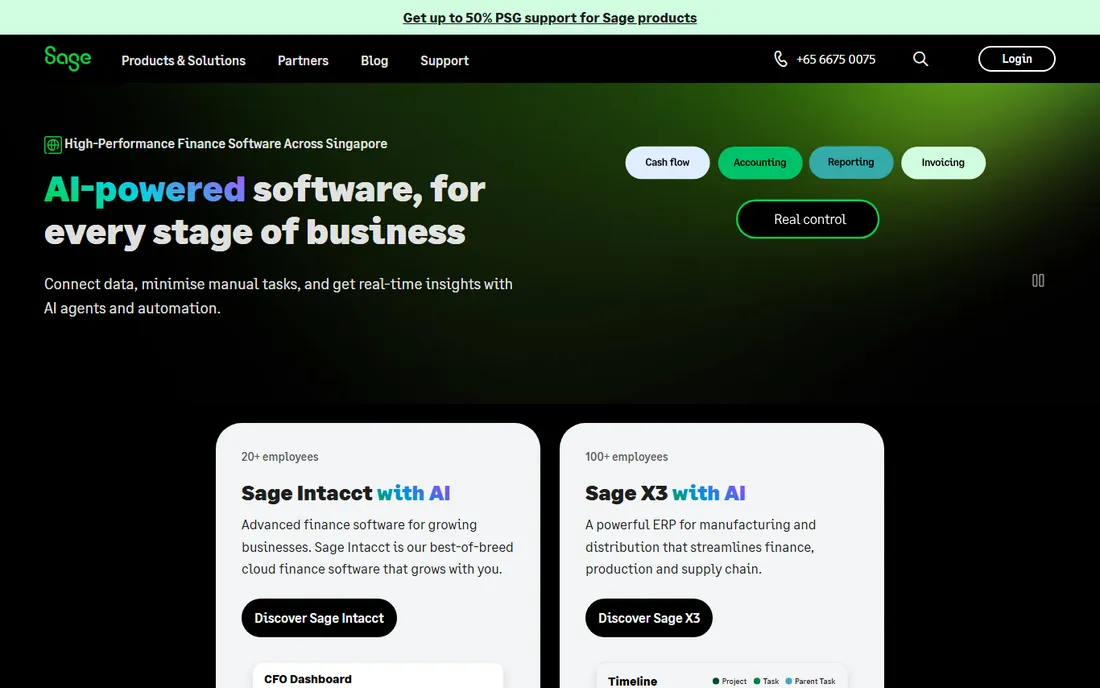
Sage Intacct is the graduation step. When a company outgrows QuickBooks, the pain points are usually multi-entity consolidation, dimensional reporting and audit controls, and Intacct solves all three natively. Sage Copilot, its AI layer, monitors the books for anomalies, assists with reporting and flags close risks. It integrates cleanly with Salesforce, ADP, Ramp and BILL, and the quarterly-release SaaS model means the upgrade treadmill is managed for you.
The right buyer is a company with a controller, multiple entities or serious revenue-recognition needs. Everyone else should stop reading at tool nine.
What we like- True multi-entity consolidation with dimensional chart of accounts
- Sage Copilot adds AI-assisted reporting and close monitoring
- ASC 606 revenue recognition and audit trails that satisfy finance teams
Watch out for- Quote-only pricing, with third-party anchors suggesting $15,000 to $35,000 a year before implementation
- Implementation runs $10,000 and up and is handled through partners
- Overkill for any business that fits comfortably in QuickBooks
How we chose
We read the vendor pricing pages for every tool with published pricing, and marked the rest as custom-quote where the vendor does not publish. We checked product documentation for what the AI features actually do (categorization, reconciliation, anomaly detection, natural-language queries, close automation) rather than repeating marketing claims. We weighed public review data from G2 and Capterra and finance-team discussions on Reddit, and we filtered for fit with US small and mid-size businesses: bank connectivity, accountant familiarity, integration depth with payroll and payment tools, and whether the pricing model punishes growth. No tool on this list was tested hands-on; the ranking reflects documented capabilities, verified prices and realistic buyer fit.
What to check before you buy AI accounting software
AI labels are marketing until you verify three things. First, what the AI is allowed to do on its own. Auto-categorization that posts to the ledger without review is a different product from suggestions you approve. Second, where the AI reads its data. A native ledger's AI sees live records; an automation layer reads a synced copy of your QuickBooks file, which adds lag and a second subscription. Third, the audit trail. Every AI action should show who approved what and when, because your CPA will ask.
Match the tool to your stage
Solo freelancer with one account: Wave or Zoho Books free, and stop there. Service business with a handful of clients: FreshBooks Lite or Xero Early, watching the client and invoice caps. Growing team with payroll and projects: QuickBooks Online Plus or Xero Growing. Startup with investor reporting: Puzzle or Digits. Multi-entity or hospitality: Docyt. Company with a controller and consolidation: Sage Intacct. Buying the tool one stage too big is the most common mistake we see; the enterprise products charge enterprise prices from day one.
Mind the pricing model
Per-seat pricing (FreshBooks, Ramp Plus) punishes teams; flat per-business pricing (Xero, Digits, Puzzle, Wave) rewards them. Intro discounts (QuickBooks 50 percent for three months, FreshBooks 90 percent for three months) always expire, so budget against list prices. And remember the add-ons: US payroll, receipt scanning, payment processing and implementation are separate line items on most of these invoices.
Will AI replace your bookkeeper?
Mostly no, and the honest vendors say so. AI shrinks the repetitive part of bookkeeping: categorization, matching, receipt reading, payment reminders. It does not remove the judgment calls: setting up a chart of accounts that reflects how the business actually runs, deciding whether a miscoded $400 expense matters this month, handling refunds, partial payments and intercompany loans. Several finance teams we reviewed report cutting manual data entry by more than half while keeping a human for the close and the client conversation. The realistic expectation for a small business is AI plus a part-time bookkeeper or a monthly review, not AI instead of one. Buy the software that makes the human's job smaller, not the one that claims the human is optional.
Frequently asked questions
What is the best AI accounting software for a small business?
QuickBooks Online is the safest pick for most US small businesses because of its accountant network and pricing from $38 a month. Xero is the better pick if you want unlimited users and cleaner bank reconciliation, starting at $27 a month.
Is there any free AI accounting software?
Wave offers a genuinely free accounting plan, and Zoho Books is free for businesses under $50K in annual revenue. Puzzle is free for your first $20K in transactions, and Ramp's base plan is free.
Does AI accounting software replace a bookkeeper?
No, not completely. AI handles repetitive work like categorization, matching and reminders, but judgment calls around the chart of accounts, materiality, unusual transactions and tax treatment still need a person. Most small businesses end up with AI software plus a part-time bookkeeper or a monthly professional review.
How much does AI accounting software cost in 2026?
From free (Wave, Zoho Books under $50K revenue, Puzzle to start, Ramp's base plan) to $23 to $65 a month for small-business tools (FreshBooks, Xero, QuickBooks, Digits), up to hundreds a month for specialized products (Puzzle's Scale tier, Docyt from $99 per entity), and tens of thousands a year for mid-market ERP finance like Sage Intacct.
What AI features actually matter in accounting software?
Automated transaction categorization, bank reconciliation matching, anomaly detection, receipt OCR, cash-flow forecasting and natural-language querying of your books. Treat features that "assist" differently from features that "post automatically," and always check the audit trail.
Is QuickBooks Online or Xero better for AI features?
Both have real AI now: QuickBooks has Intuit Intelligence on every paid plan with categorization, matching and cash-flow tools, while Xero's JAX agent adds real-time auto reconciliation and natural-language queries. QuickBooks wins on US accountant familiarity; Xero wins on unlimited users and cleaner reconciliation. The choice usually comes down to team size and your accountant's preference.
Sources we checked (17)
- https://quickbooks.intuit.com/pricing/
- https://www.xero.com/us/pricing-plans
- https://www.zoho.com/us/books/pricing
- https://www.waveapps.com/pricing
- https://support.waveapps.com/hc/en-us/articles/15601519996436-Receipts-and-Pro-Plan-subscription-fees
- https://www.freshbooks.com/2026-faq-price-change
- https://www.digits.com/pricing
- https://puzzle.io/pricing
- https://www.ramp.com/pricing
- https://www.docyt.com/pricing/
- https://www.sage.com/en-us/products/sage-intacct/
- https://fitsmallbusiness.com/best-ai-accounting-software/
- https://ramp.com/blog/ai-accounting-software
- https://www.accountingseed.com/resource/blog/best-ai-accounting-software/
- https://www.certumsolutions.com/library/best-accounting-software-for-small-business-guide
- https://kurums.com/best-ai-accounting-software-2026-comparison/
- https://saasrat.com/blog/best-ai-accounting-software/
Is your product missing or out of date?
We review this list regularly. Vendors can request a listing, send updated pricing or ask about featured placement.

Shihab Mia · Founder, Rankite
Shihab has spent more than a decade helping SaaS and e-commerce brands grow through search. He writes Rankite's software buying guides from pricing pages, documentation and public user reviews. More about Shihab.