How we make this list: we compare pricing pages, product documentation and public user reviews. Rankite is independent; if a vendor ever pays for a featured spot, that listing is clearly labeled Partner.
Quick comparison
| Tool | Best for | Starting price | Free plan |
|---|
 QuickBooks Online QuickBooks Online | Small businesses wanting the default choice | See website (tiered monthly plans) | Free trial |
 Xero Xero | Businesses that want the cleanest reconciliation workflow | See website (tiered monthly plans) | Free trial |
 FreshBooks FreshBooks | Freelancers and service businesses that live on invoicing | See website (tiered monthly plans) | Free trial |
 Wave Wave | Very small businesses that need free accounting | Free (accounting and invoicing) | Yes |
 Zoho Books Zoho Books | Businesses already running Zoho apps | See website (free tier plus paid plans) | Yes |
 Sage Business Cloud Accounting Sage Business Cloud Accounting | Growing businesses with Sage history | See website (tiered plans) | Free trial |
 Kashoo Kashoo | Small business owners wanting simple accounting | See website (monthly plan) | Free trial |
 AccountEdge AccountEdge | Mac-based businesses wanting desktop accounting | See website (one-time purchase) | Free trial |
Is your product missing or out of date?
We review this list regularly. Vendors can request a listing, send updated pricing or ask about featured placement.
Key takeaways
- QuickBooks Online has the widest bank connectivity and the biggest accountant network; it is the safe default.
- Xero's bank reconciliation workflow is the cleanest here, and its feed reliability is consistently praised.
- Wave is genuinely free including bank connections, which makes it the pick for micro-businesses with simple needs.
- FreshBooks suits service businesses that invoice more than they reconcile; its accounting depth trails the leaders.
- Zoho Books is the value play inside the Zoho ecosystem, with a real free tier.
The best accounting software with bank sync
Here is the blunt version: bank sync is the feature that decides whether your accounting software gets used or abandoned. Without it, you type transactions by hand and quit by March. With it, transactions flow in daily and bookkeeping becomes a 20-minute weekly review. Every tool here connects to bank and credit card accounts, but feed reliability, reconciliation workflows and pricing differ enormously.
Starting priceSee website (tiered monthly plans)
Free planFree trial
QuickBooks Online is the default for a reason: it connects to more banks than anyone, the bank feed is reliable, and when you hire a bookkeeper, they already know it. Transactions import daily, the reconciliation workflow is mature, and the app marketplace covers payroll, expense management and industry tools. For most US small businesses, it is the path of least resistance.
The cost structure is the complaint: four tiers with meaningful feature gaps, and the price has risen steadily. The interface tries to serve everyone and feels busy. But for bank sync specifically, breadth of connectivity plus the accountant network make it the safe pick.
What we like- The widest bank and credit card connectivity
- Every accountant knows it
- Deep app ecosystem for payroll, payments and reporting
Watch out for- Pricing climbs through the tiers
- The interface can feel cluttered
- Support quality is inconsistent
#2
Xero
Best for: Businesses that want the cleanest reconciliation workflow
Visit xero.com
Starting priceSee website (tiered monthly plans)
Free planFree trial
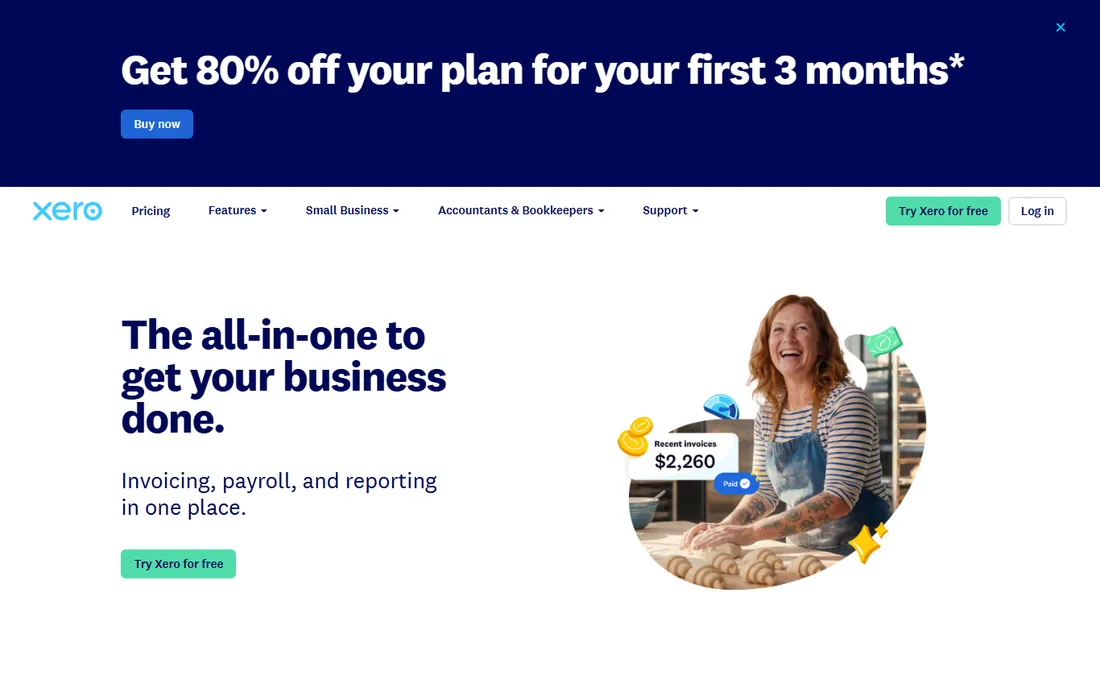
Xero's bank reconciliation is the best-designed here: the feed imports transactions, smart rules match and categorize them, and the daily reconcile becomes genuinely quick. The interface stays clean where QuickBooks gets cluttered. Multi-currency is built in properly, which matters for businesses paying overseas. Feed reliability earns consistent praise.
The US gaps are real: payroll runs through Gusto or another partner, and finding a Xero-fluent accountant is harder than finding a QuickBooks one. Lower tiers cap transaction volumes. For businesses that reconcile daily and value design, Xero is the connoisseur's choice.
What we like- Excellent bank reconciliation with smart matching
- Clean, modern interface
- Strong multi-currency support
Watch out for- US payroll needs a partner add-on
- Smaller US accountant network than QuickBooks
- Tier limits on transactions
#3
FreshBooks
Best for: Freelancers and service businesses that live on invoicing
Visit freshbooks.com
Starting priceSee website (tiered monthly plans)
Free planFree trial
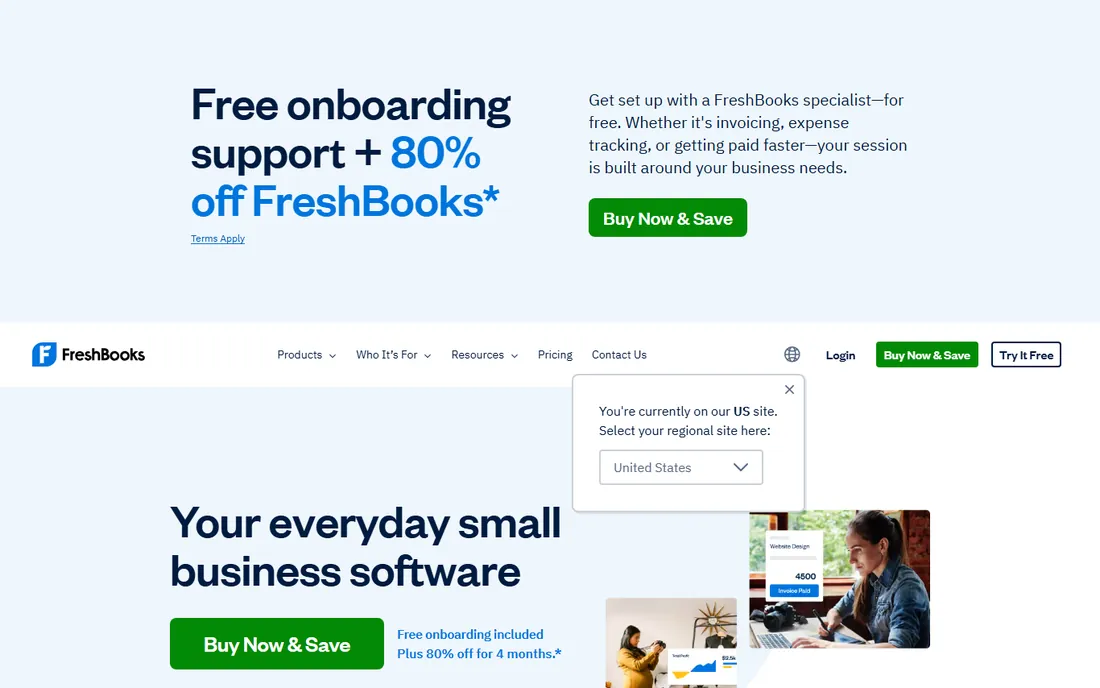
FreshBooks is invoicing software that grew into accounting, and it shows: creating and sending professional invoices, tracking time against them and chasing late payments is smoother here than anywhere. Bank sync imports transactions for reconciliation, and the whole thing is designed for owners, not bookkeepers.
The accounting underneath is lighter: complex inventory, deep reporting and multi-entity work belong elsewhere. Lower tiers limit billable clients. For service businesses where invoicing is the job and accounting is the chore, FreshBooks gets the money in faster.
What we like- The best invoicing experience in accounting software
- Bank sync with automatic import
- Simple enough for non-accountants
Watch out for- Double-entry accounting depth trails QuickBooks and Xero
- Inventory features are thin
- Pricing per client count on lower tiers
Starting priceFree (accounting and invoicing)
Free planYes
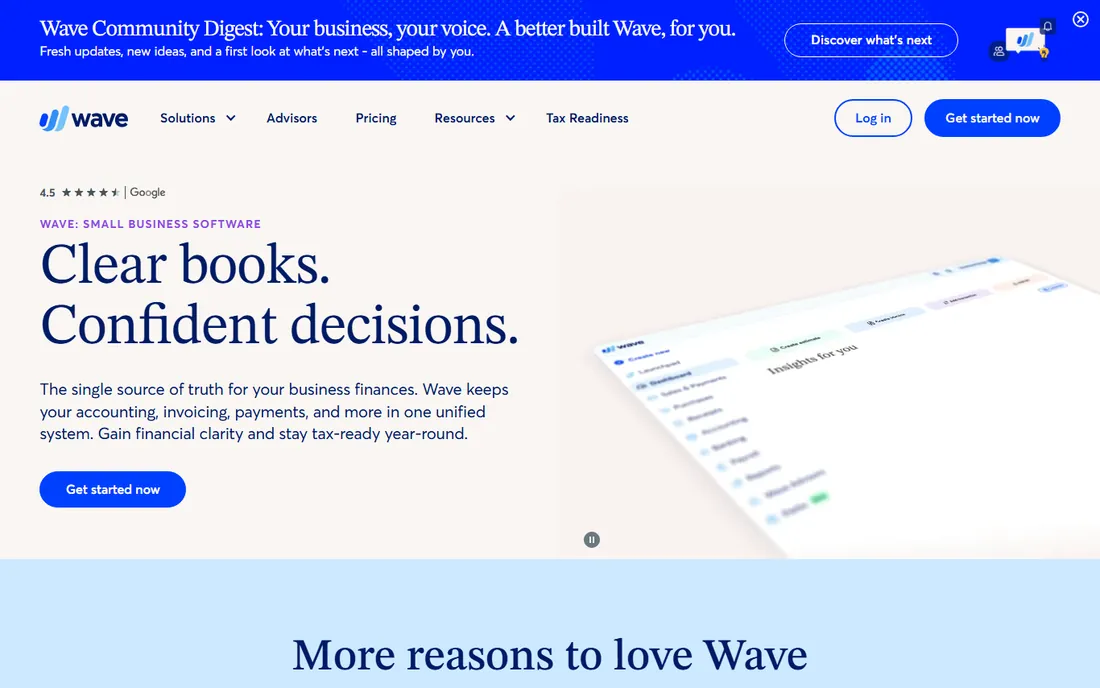
Wave is the rare honest free lunch: full double-entry accounting, invoicing and bank connections for nothing. For freelancers, side businesses and micro-companies, it handles the real workflow: connect the bank, categorize transactions, send invoices, run basic reports. The bank feed works like the paid tools'.
The limits are support and scale: free means limited help, and growing businesses eventually need the controls, integrations and accountant familiarity of QuickBooks or Xero. Paid add-ons for payroll and card processing are how Wave makes money. Start here free; graduate when the business demands it.
What we like- Real accounting software at zero cost
- Bank connections included free
- Invoicing and receipts built in
Watch out for- No proper audit trail for larger needs
- Support is limited on free
- Payroll and payments cost extra
#5
Zoho Books
Best for: Businesses already running Zoho apps
Visit zoho.com
Starting priceSee website (free tier plus paid plans)
Free planYes
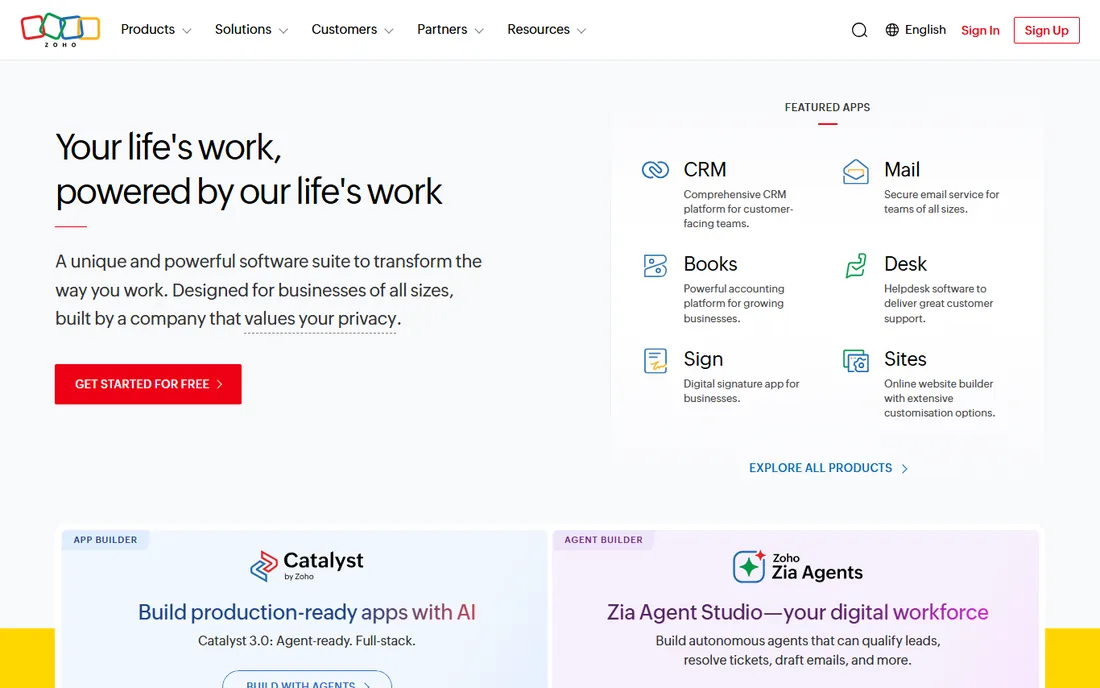
Zoho Books is the value play with a real free tier covering small businesses, and it shines brightest inside the Zoho ecosystem: CRM, inventory, projects and books sharing data without integrations. Bank feeds connect reliably, reconciliation is capable, and the paid tiers are priced well below QuickBooks.
Standalone, it is less compelling than Xero or QuickBooks for US businesses: fewer accountants know it, and some local features lag. The interface packs in Zoho's everything-app density. But for the Zoho-committed business, the integration value is enormous, and the free tier removes the risk.
What we like- Generous free tier for small businesses
- Deep integration with Zoho CRM, Inventory and other Zoho apps
- Solid bank feeds
Watch out for- Best inside the Zoho world, weaker standalone
- The interface is dense
- US-specific features trail QuickBooks
#6
Sage Business Cloud Accounting
Best for: Growing businesses with Sage history
Visit sage.com
Starting priceSee website (tiered plans)
Free planFree trial
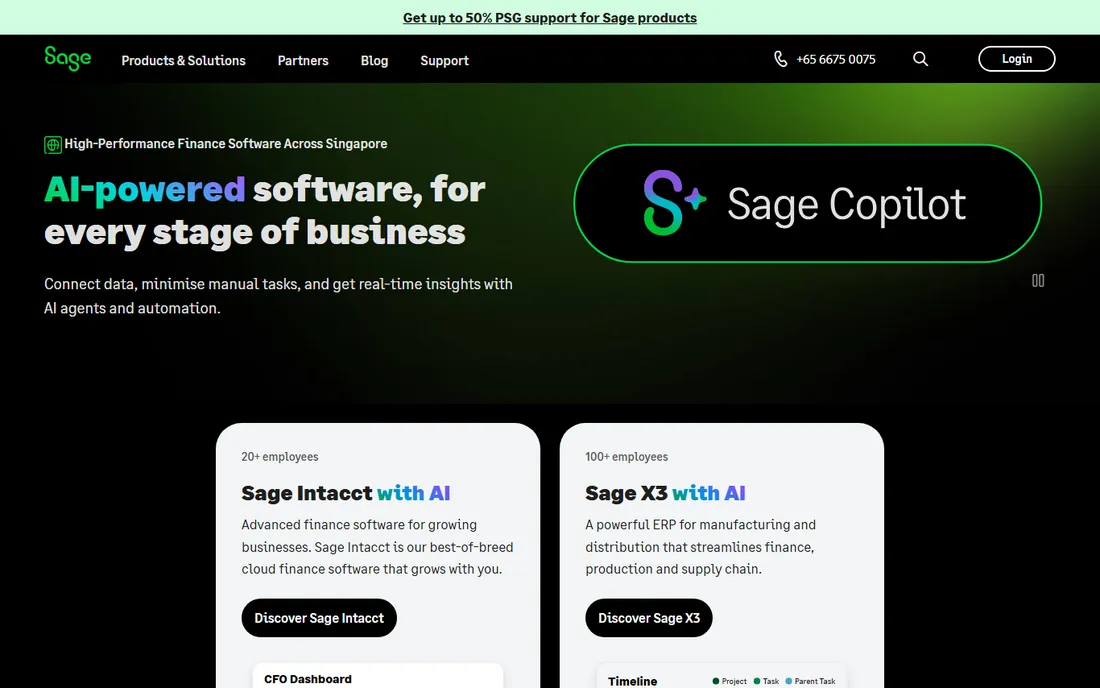
Sage's cloud accounting covers the essentials well: bank connections, invoicing, reconciliation and reporting, with a path upward to Sage's larger ERP products as companies grow. Businesses with Sage history or UK operations fit naturally.
In the US it fights an uphill battle against QuickBooks' network effects, and Sage's overlapping product names confuse buyers. The interface does the job without delighting. For Sage-loyal businesses and those eyeing future scale into bigger Sage systems, it is the coherent choice.
What we like- Solid bank feeds with good matching
- Strong in the UK and global markets
- Scales toward Sage's bigger products
Watch out for- US presence trails QuickBooks
- The product lineup confuses buyers
- Interface is workmanlike
#7
Kashoo
Best for: Small business owners wanting simple accounting
Visit kashoo.com
Starting priceSee website (monthly plan)
Free planFree trial
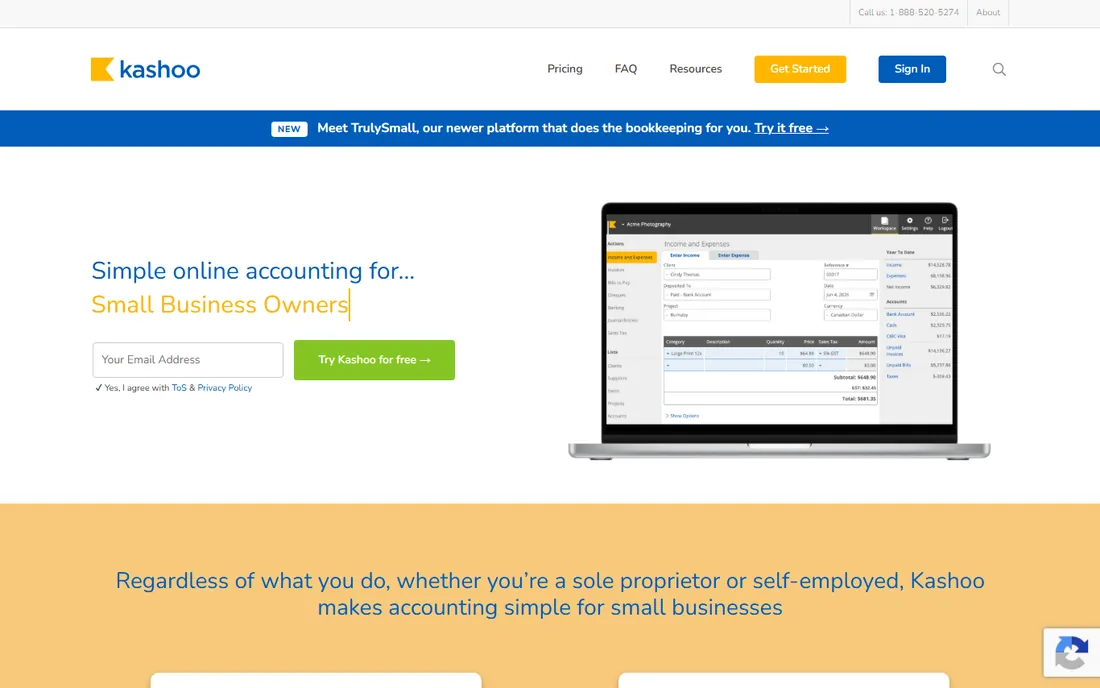
Kashoo keeps accounting simple on purpose: connect the bank, categorize, invoice, report, without the feature sprawl of bigger platforms. Small owners who find QuickBooks overwhelming often land here happily. The optional Trulance service adds human bookkeeping for those who want to outsource the whole thing.
The ecosystem is the limitation: fewer integrations, fewer accountants, simpler reports. Growing businesses will outgrow it. But as the anti-complexity choice for straightforward small businesses, Kashoo's simplicity is the product.
What we like- Simple double-entry accounting without clutter
- Bank sync included
- Trulance bookkeeping service available as an add-on
Watch out for- Fewer integrations than the leaders
- Reporting is basic
- The ecosystem is small
Starting priceSee website (one-time purchase)
Free planFree trial
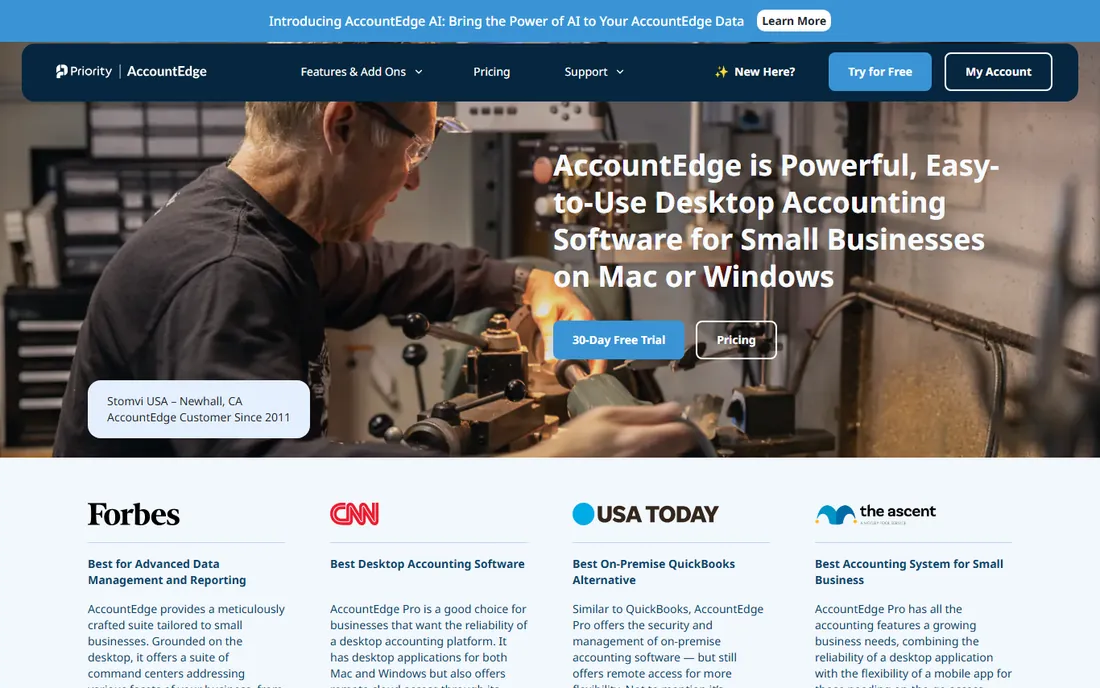
AccountEdge is for the holdouts: businesses that want real accounting software on their Mac with no subscription. It is full-featured, invoicing, inventory, payroll, time billing, with bank feeds through direct connections. The one-time purchase model is increasingly rare and genuinely appealing.
Desktop is the tradeoff: no anywhere-access, manual backups, and a product that evolves slowly. The Windows version is gone, so this is Mac-only now. For Mac loyalists who distrust the cloud and hate subscriptions, it remains the serious option.
What we like- Full-featured desktop accounting for Mac
- One-time purchase, no subscription
- Bank feeds via direct connect
Watch out for- Desktop software in a cloud world
- Windows version discontinued
- Smaller community and fewer updates
What to check before you buy
Check your bank first: search the vendor's bank directory for your specific institutions before anything else. Small banks and credit unions sometimes lag in connectivity. Check the feed behavior: how often it syncs, how it handles duplicates, and whether you can set categorization rules.
Check the reconciliation workflow with a trial: import a month of real transactions and time the review. Check the accountant question: ask your accountant which platform they prefer, because their efficiency is your bill. And check the total cost at your transaction volume and user count, including payroll if you need it.
How we chose
We started with the searches buyers use: best accounting software with bank sync, accounting software bank feed and small business accounting software. For each candidate we checked the vendor's own site for bank connectivity claims and current pricing, read owner and bookkeeper reviews, and compared feed reliability, reconciliation design and cost. Where pricing could not be confirmed on the vendor's page, we wrote "See website".
When bank feeds break: keeping the books honest
Bank feeds are reliable until they are not: connections drop, duplicates appear, a bank changes its login flow. Every tool here has occasional feed outages, so judge the recovery, not just the uptime. Good signs: clear error messages, easy reconnection, and duplicate detection when the feed replays transactions.
Build the habit regardless of tool: reconcile weekly, not quarterly. A weekly 20-minute review catches feed errors while they are small; a quarterly marathon turns small errors into mysteries. And keep source documents: the feed is a convenience, but receipts and statements are the record.
Frequently asked questions
Is free accounting software with bank sync safe?
Wave's bank connections use the same aggregation technology as paid tools. The software is legitimate double-entry accounting. The tradeoffs are support and scale, not safety. For micro-businesses, it is genuinely sufficient.
Which accounting software has the best bank reconciliation?
Xero, by most bookkeeper accounts: the matching rules and clean workflow make daily reconciliation fast. QuickBooks Online matches it on connectivity breadth. The best tool is the one your bookkeeper knows well.
Do I still need a bookkeeper if the bank syncs automatically?
For most businesses, yes, at least quarterly. The feed imports transactions; someone still needs to categorize correctly, reconcile accounts, handle edge cases and review the books. Automation reduces the hours, it does not eliminate the expertise.
Can I switch accounting software mid-year?
Yes, and bank feeds make it easier: connect the new tool and import history. The work is in the opening balances, uncleared transactions and chart of accounts mapping. Many businesses switch at year-end to keep it clean, but mid-year switches are routine.
What happens if my bank is not supported?
Most tools let you import CSV or QBO files manually as a fallback. Check the vendor's supported-bank list before buying; if your bank is missing, ask support about the timeline or consider whether manual import defeats the purpose.
Sources we checked (8)
- https://quickbooks.intuit.com
- https://xero.com
- https://freshbooks.com
- https://waveapps.com
- https://zoho.com
- https://sage.com
- https://kashoo.com
- https://accountedge.com
Is your product missing or out of date?
We review this list regularly. Vendors can request a listing, send updated pricing or ask about featured placement.

Shihab Mia · Founder, Rankite
Shihab has spent more than a decade helping SaaS and e-commerce brands grow through search. He writes Rankite's software buying guides from pricing pages, documentation and public user reviews. More about Shihab.