How we make this list: we compare pricing pages, product documentation and public user reviews. Rankite is independent; if a vendor ever pays for a featured spot, that listing is clearly labeled Partner.
Key takeaways
- For most freelancers, the choice is Wave ($0, free forever) for the budget, FreshBooks ($23/month) for the best invoicing, or Zoho Books (free under $50K revenue) for real double-entry accounting at $0.
- QuickBooks Self-Employed is closed to new customers since February 2024; the replacement is QuickBooks Solopreneur ($20/month) with a limited free plan.
- HoneyBook ($36/month) and Bonsai ($15/user/month) are client-workflow tools with invoicing, not accounting systems; you will still need bookkeeping at tax time.
- Quarterly estimated taxes are the feature that matters most: prioritize tools that calculate and track them, not the ones with the prettiest dashboard.
The best accounting software for self-employed
Every April, millions of freelancers discover the same thing: a year of invoices in email threads, expenses on three different cards, and a shoebox of receipts that is now a tax emergency. The software on this list exists to prevent exactly that, and the price of prevention is $0 to $36 a month. These seven tools cover invoicing, bookkeeping and tax prep for the self-employed, with an honest split between the ones that do your books and the ones that just send invoices.
Starting price$23/month (Lite, 5 billable clients)
Free planFree trial (30 days, no credit card); no free plan
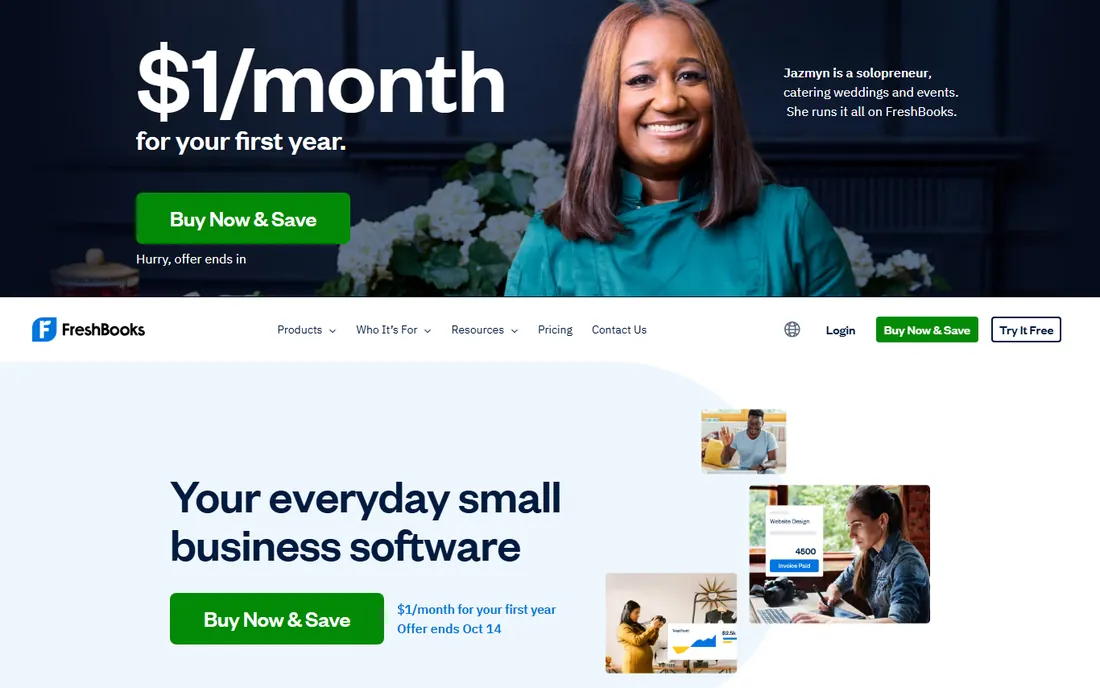
FreshBooks is the freelancer's invoicing standard. Invoices go out in minutes, automatic payment reminders chase late payers, and time tracking feeds directly into billable hours. Lite at $23 a month covers 5 clients, with Plus and Premium raising the caps. The frequent 90%-off-for-3-months promos make the first year cheap if you time signup right.
It is invoicing-first, accounting-second. The bookkeeping covers freelancer needs but will not satisfy an accountant used to Xero or QuickBooks Online, and the client caps mean a busy freelancer outgrows Lite quickly. For a service freelancer whose main job is getting paid on time, FreshBooks is the best tool here. For complex books, pair it with an accountant or pick a real accounting platform.
What we like- Best invoicing workflow in the category with automatic reminders
- Time tracking and project billing built in
- Frequent promos (90% off for 3 months) cut the first-year cost
Watch out for- Lite caps at 5 billable clients, pushing growing freelancers up fast
- Accounting features are lighter than Xero or Zoho Books
Starting price$20/month (Lite/Solopreneur tier)
Free planLimited free plan (2 invoices/month); free trial available
QuickBooks Solopreneur is Intuit's replacement for the retired Self-Employed product, and the distinction matters: Self-Employed closed to new customers in February 2024, so any guide recommending it is outdated. Solopreneur at $20 a month covers invoicing, expense tracking, mileage and quarterly tax estimates, with a limited free plan (2 invoices a month) for the smallest operations.
The honest position is that it is a stepping stone. It does less than QuickBooks Online Simple Start ($38 a month), and growing businesses graduate to it. But for a solopreneur who wants Intuit's tax-time integration and a clean upgrade path, it is the coherent choice. Just make sure you are buying Solopreneur, not chasing the discontinued product old reviews describe.
What we like- Mileage tracking and quarterly tax estimates built for solopreneurs
- Limited free plan covers the tiniest businesses
- Upgrades path to QuickBooks Online as you grow
Watch out for- QuickBooks Self-Employed is closed to new customers, so old guides mislead
- Feature set is thinner than QuickBooks Online Simple Start

#3
Wave
Best for: Freelancers and tiny businesses that want real accounting at $0
Visit waveapps.com
Starting price$0 (Starter, free forever)
Free planYes (Starter: unlimited invoicing and bookkeeping)
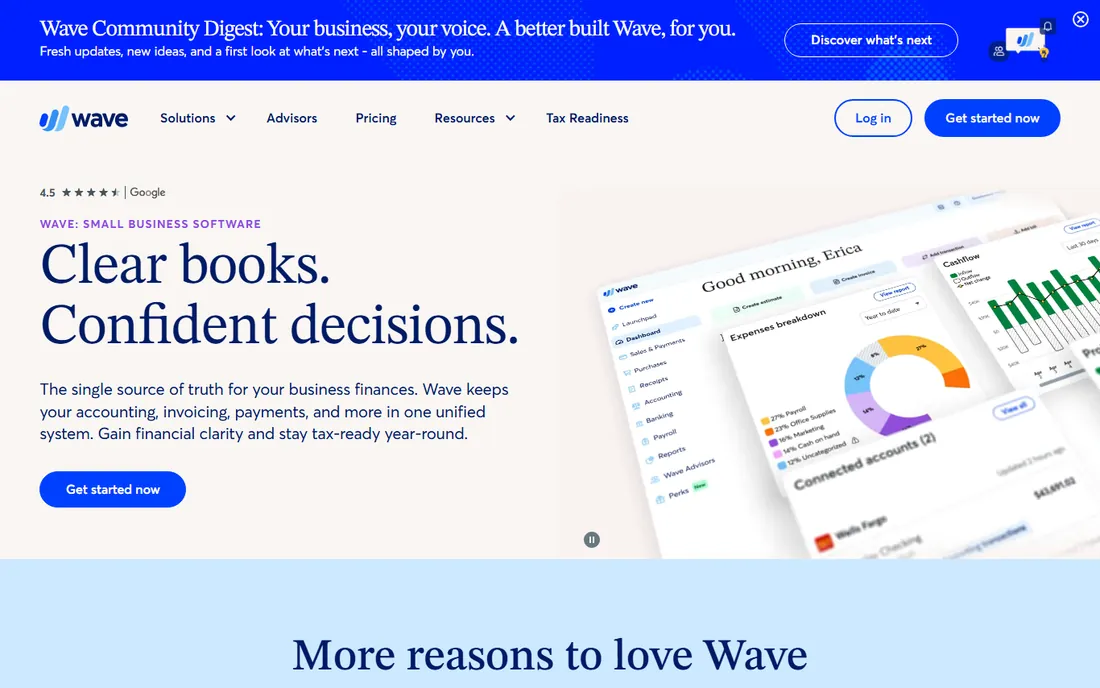
Wave is the miracle of this category: unlimited invoicing and real double-entry bookkeeping, free forever, with no client caps. For a freelancer starting out, it does the actual accounting job (not just invoicing) at $0, which no competitor matches. Pro at $19 a month adds receipt scanning, unlimited users and faster support.
The money is made elsewhere: card processing at 2.9% plus 60 cents, payroll at $40 plus $6 a person, and receipt scanning as an $8 add-on on free. None of that diminishes the core offer. If your budget is zero and your needs are real bookkeeping, Wave is the answer. The only reason to pay for anything else is workflow: invoicing polish, automation, or an accountant who insists on a specific platform.
What we like- Genuinely free unlimited invoicing and double-entry bookkeeping
- Pro at $19 a month adds receipt scanning and priority support
- No client or invoice caps on the free tier
Watch out for- Payroll and payment processing cost extra
- Receipt scanning is an $8 add-on on the free plan
- Support is limited on free
#4
Xero
Best for: Self-employed with growing complexity or an accountant on Xero
Visit xero.com
Starting price$25/month (Early, US plans)
Free planNo free plan; free trial unverified
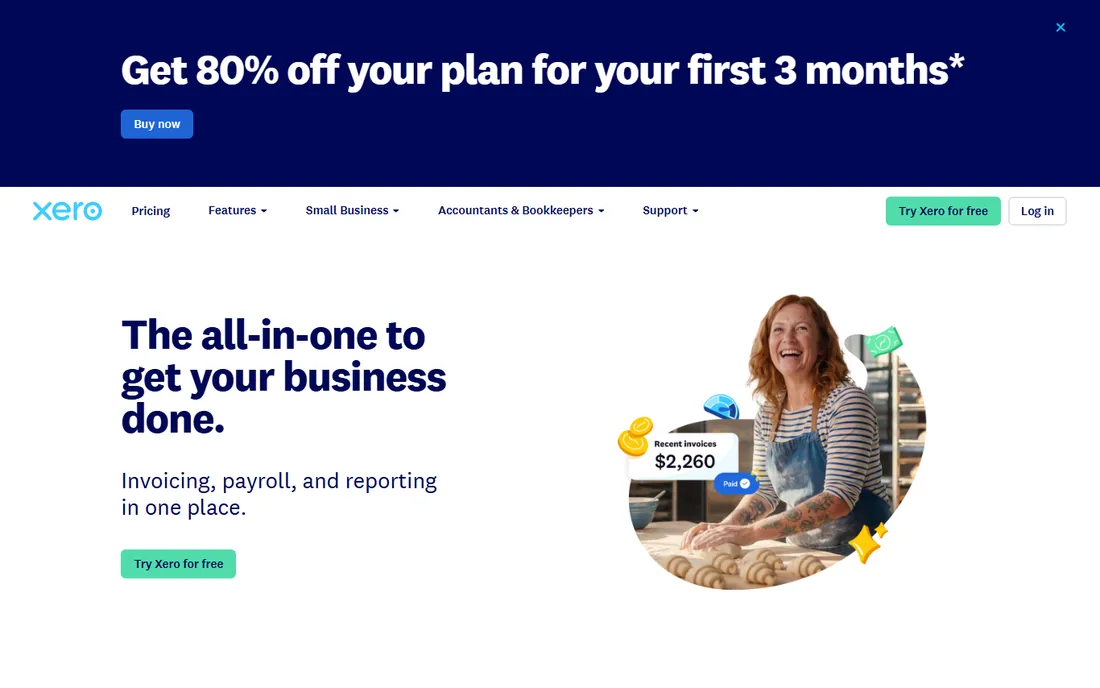
Xero is the accountant's choice that freelancers can also use. The Early plan at $25 a month covers 20 invoices and 5 bills with proper double-entry books, clean bank feeds and reconciliation that actually works. If your accountant runs Xero, being on the same platform removes an entire layer of year-end friction.
It is more system than most freelancers need at the start, and the invoice caps on Early push active billers to Growing at $55. The learning curve exceeds Wave's. Buy Xero when your books have real complexity (inventory, multi-currency, payroll) or when your accountant asks for it. For simple freelance books, the free tools do the job.
What we like- Proper double-entry accounting that accountants respect
- Clean bank reconciliation and invoicing
- Scales from freelancer to small company on the same platform
Watch out for- Early plan caps at 20 invoices and 5 bills a month
- No free plan and the learning curve is steeper than Wave
Starting price$36/month (Starter; $29 billed annually)
Free planFree trial (30 days); no free plan
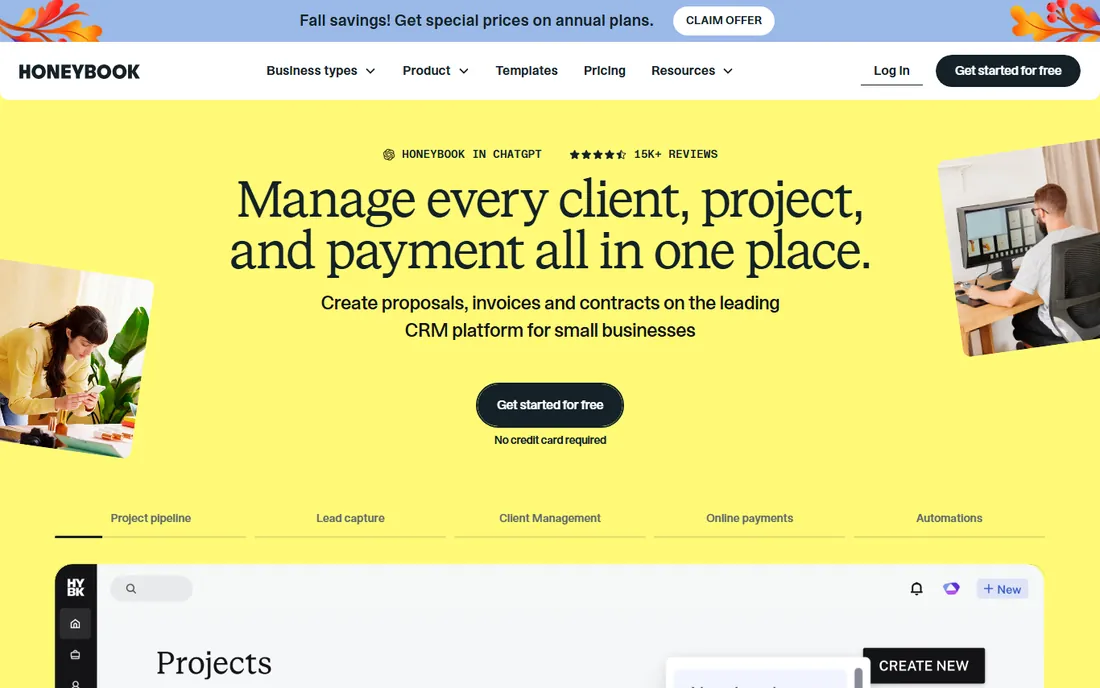
HoneyBook is on this list because so many freelancers use it as their money tool, but be clear about what it is: a client workflow platform with invoicing, not accounting software. Proposals, e-sign contracts, invoices and payments flow beautifully for photographers, designers and planners. Starter at $36 a month ($29 annual) covers the solo workflow.
At tax time you will still need books, which means Wave, Zoho Books or an accountant alongside it. Paying $36 a month for invoicing alone is steep; you are paying for the client experience. If your bottleneck is winning clients and getting paid fast, HoneyBook earns it. If your bottleneck is tracking expenses and quarterly taxes, buy an accounting tool instead, or as well.
What we like- Proposals, contracts, invoices and payments in one client-facing flow
- Templates tuned for creatives
- Scheduler and client portal included
Watch out for- Not an accounting system
- You still need bookkeeping software
- $36 a month is expensive for invoicing alone
Starting price$15/user/month (Basic; $9 billed annually)
Free planFree trial (7 days); no free plan
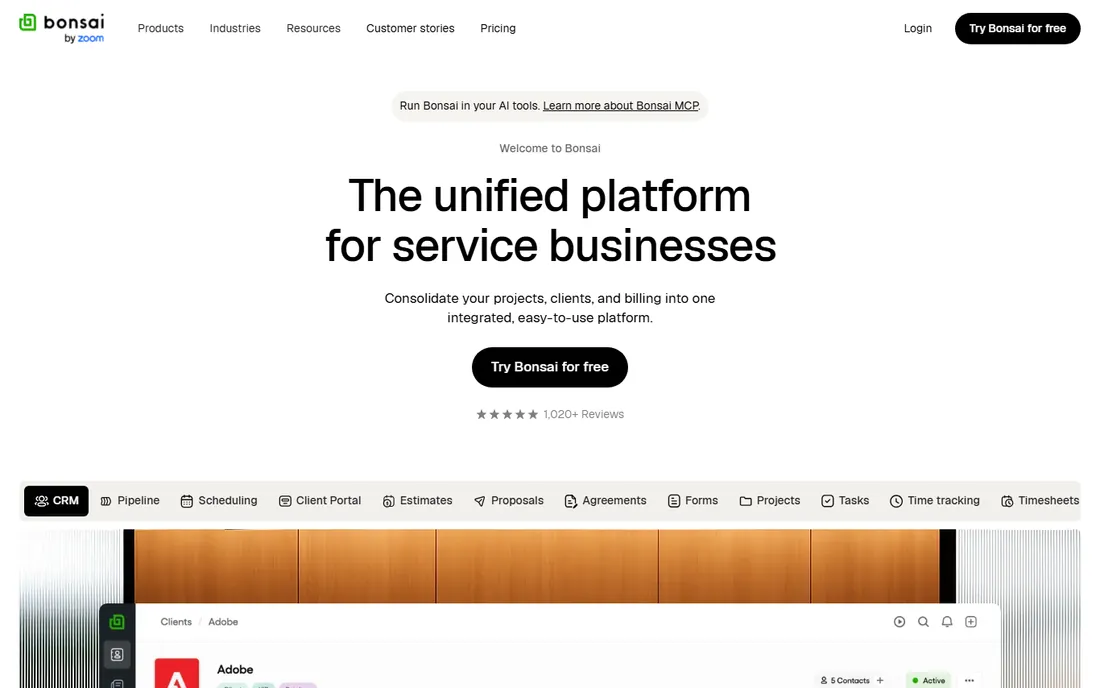
Bonsai tries to be the freelancer's entire back office: proposals, contracts, time tracking, invoicing, and with the $100-a-year Tax add-on, quarterly tax estimates. Basic at $9 a month on annual billing undercuts HoneyBook significantly for a similar workflow promise. For a freelancer who wants one subscription covering the admin side, the bundle is coherent.
The accounting underneath is shallow; this is workflow software with tax features, not books your accountant will love. The 7-day trial is short for an evaluation, and the late-2025 acquisition by Zoom introduces the usual roadmap uncertainty. If you want contracts plus invoicing plus tax estimates in one bill, Bonsai is the cheapest way. If you need real books, add Wave or Zoho Books.
What we like- Combines proposals, contracts, time tracking, invoicing and tax assistance
- Basic at $9 a month annual is the cheapest workflow tool here
- Bonsai Tax add-on ($100/year) estimates quarterly taxes
Watch out for- Short 7-day trial
- Accounting depth is shallow
- Acquired by Zoom in late 2025, so the roadmap bears watching

#7
Zoho Books
Best for: Self-employed wanting real accounting free or cheap
Visit zoho.com
Starting price$0 (Free, under $50K revenue); Standard $20/month ($15 billed annually)
Free planYes (permanent free plan)
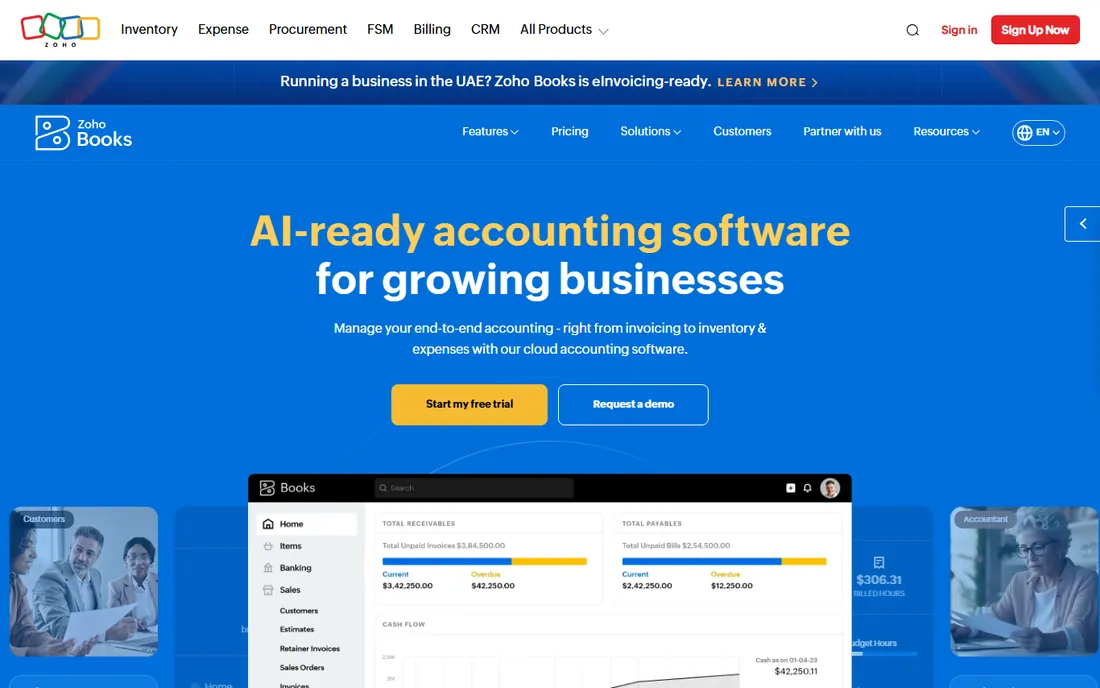
Zoho Books is the sleeper pick: genuine double-entry accounting free for businesses under $50K in revenue, with the Standard plan at $15 a month annual when you outgrow it. Unlike the workflow tools, this is real books: chart of accounts, bank reconciliation, tax reports. For a freelancer whose accountant wants proper records, it delivers at $0.
The free tier caps at one user plus your accountant, and the interface is denser than Wave's. But the value is undeniable, especially if you already use Zoho's other apps. Between Wave and Zoho Books, the free accounting decision comes down to taste: Wave is simpler, Zoho is deeper. Either one beats paying $23 a month for invoicing alone when what you need is books.
What we like- Free plan covers businesses under $50K revenue with real double-entry accounting
- Standard at $15 a month annual is excellent value
- Part of the Zoho suite if you use their other apps
Watch out for- Free plan limited to 1 user plus 1 accountant
- Interface is denser than Wave
- Advanced features need higher tiers
Frequently asked questions
How much should a freelancer pay for accounting software?
From $0 to $36 a month. Wave and Zoho Books cover real bookkeeping free. FreshBooks runs $23, QuickBooks Solopreneur $20, Bonsai $9 to $15, HoneyBook $36. Most freelancers should start free and pay only when a specific limit or workflow justifies it; the expensive mistake is buying workflow software when you needed accounting, or vice versa.
What is the difference between invoicing software and accounting software?
Invoicing software (FreshBooks, HoneyBook, Bonsai) sends bills, tracks who paid, and chases late payments. Accounting software (Wave, Zoho Books, Xero, QuickBooks) keeps double-entry books: income, expenses, bank reconciliation, tax reports. Freelancers usually need invoicing daily and accounting quarterly; the workflow tools do the first well and the second poorly.
How do I handle quarterly estimated taxes?
Set aside 25 to 30% of profit monthly in a separate account, and use software that tracks it. QuickBooks Solopreneur and Bonsai Tax estimate quarterly payments from your actual income. Wave and Zoho Books track the income; you compute the estimate. The software does not pay the IRS for you; calendar the four deadlines (April, June, September, January) and pay at irs.gov.
Can I do my own bookkeeping or do I need an accountant?
Do the monthly books yourself with Wave or Zoho Books; hire an accountant or CPA for the annual return and any year you have complex situations (multi-state income, equipment depreciation, hiring). The software keeps you organized; the accountant keeps you compliant and finds deductions. Most freelancers spend $300 to $800 a year on tax prep, which the software does not replace.
What happened to QuickBooks Self-Employed?
Intuit closed it to new customers in February 2024 and replaced it with QuickBooks Solopreneur ($20/month, with a limited free plan). Existing Self-Employed users were migrated. Any guide still recommending Self-Employed for new signups is outdated; evaluate Solopreneur instead, or the free alternatives.
Quick comparison
| Tool | Best for | Starting price | Free plan |
|---|
 FreshBooks FreshBooks | Freelancers and service pros who live on invoicing | $23/month (Lite, 5 billable clients) | Free trial (30 days, no credit card); no free plan |
 QuickBooks Solopreneur QuickBooks Solopreneur | Self-employed workers who want the QuickBooks ecosystem | $20/month (Lite/Solopreneur tier) | Limited free plan (2 invoices/month); free trial available |
| Wave | Freelancers and tiny businesses that want real accounting at $0 | $0 (Starter, free forever) | Yes (Starter: unlimited invoicing and bookkeeping) |
| Xero | Self-employed with growing complexity or an accountant on Xero | $25/month (Early, US plans) | No free plan; free trial unverified |
 HoneyBook HoneyBook | Creative freelancers managing clients end to end | $36/month (Starter; $29 billed annually) | Free trial (30 days); no free plan |
 Bonsai Bonsai | Freelancers wanting contracts, proposals and taxes in one place | $15/user/month (Basic; $9 billed annually) | Free trial (7 days); no free plan |
| Zoho Books | Self-employed wanting real accounting free or cheap | $0 (Free, under $50K revenue); Standard $20/month ($15 billed annually) | Yes (permanent free plan) |
Is your product missing or out of date?
We review this list regularly. Vendors can request a listing, send updated pricing or ask about featured placement.
Invoicing vs. accounting: know which you need
The category splits in two, and buying the wrong half is the classic freelancer mistake. If your pain is "clients pay late and invoicing takes forever," you need invoicing software: FreshBooks, HoneyBook or Bonsai. If your pain is "tax time is a disaster and I don't know my profit," you need accounting software: Wave, Zoho Books or Xero.
Most freelancers eventually need both, and the cheapest correct stack is Wave (free) plus FreshBooks Lite ($23) if invoicing volume justifies it. What does not work is buying HoneyBook at $36 a month and discovering in April that you have no books, or buying Xero and discovering that sending a beautiful invoice takes six clicks. Name your actual pain, then buy the half that fixes it.
The QuickBooks Self-Employed shutdown
Intuit retired QuickBooks Self-Employed for new customers in February 2024, and the internet has not caught up: countless guides, videos and forum threads still recommend a product you cannot buy. The replacement is QuickBooks Solopreneur at $20 a month with a limited free tier. Existing users were migrated, so if you are on the old product, check what you actually have.
The practical lesson is to verify before you buy. Pricing pages change, products get retired, and SEO content decays. When a guide recommends specific software, open the vendor's pricing page and confirm the product name matches. For new buyers in 2026, the QuickBooks option is Solopreneur, period. Everything else in this article is purchasable today.
How we chose
We started with the categories buyers actually search: accounting software for self employed, best accounting software for freelancers, and self employed bookkeeping. For each candidate we checked the vendor's own pricing page, verified plan names and prices against recent pricing roundups and public reviews on G2 and Capterra, and compared feature lists, tax features and freelancer fit. Where a price could not be verified on the vendor's page we wrote "See website" rather than guessing. The shortlist mixes accounting platforms with workflow tools, because a freelancer's actual problems span both.
Sources we checked (9)
- https://www.freshbooks.com/pricing/
- https://quickbooks.intuit.com/pricing/
- https://www.waveapps.com/pricing/
- https://www.xero.com/us/pricing-plans/
- https://www.honeybook.com/pricing/
- https://www.hellobonsai.com/pricing/
- https://www.zoho.com/books/pricing/
- https://www.g2.com/categories/accounting
- https://www.capterra.com/accounting-software/
Is your product missing or out of date?
We review this list regularly. Vendors can request a listing, send updated pricing or ask about featured placement.

Shihab Mia · Founder, Rankite
Shihab has spent more than a decade helping SaaS and e-commerce brands grow through search. He writes Rankite's software buying guides from pricing pages, documentation and public user reviews. More about Shihab.