How we make this list: we compare pricing pages, product documentation and public user reviews. Rankite is independent; if a vendor ever pays for a featured spot, that listing is clearly labeled Partner.
Quick comparison
| Tool | Best for | Starting price | Free plan |
|---|
 QuickBooks Online QuickBooks Online | Convenience stores that want the industry standard with deep POS integrations | $35/month (Simple Start plan) | Free trial (30 days) |
 Xero Xero | Owners who want clean bank reconciliation with unlimited users | $15/month (Early plan) | Free trial (30 days) |
 Wave Wave | Single-store owners who want free core accounting | Free (accounting, invoicing and receipts); Pro $16/month adds features | Yes (free accounting tier) |
 FreshBooks FreshBooks | Store owners who also invoice wholesale or catering accounts | $21/month (Lite plan) | Free trial (30 days) |
 Zoho Books Zoho Books | Stores wanting a strong free tier or already using Zoho apps | Free plan available; Standard $20/organization/month | Yes (free for revenue under $50,000/year) |
 Sage Sage | Multi-store operators with serious inventory and cost control needs | See website (varies by product and region) | Free trial (varies by product) |
 Patriot Accounting Patriot Accounting | US stores that want simple accounting plus payroll from one vendor | See website (Basic and Premium tiers published on site) | Free trial (30 days) |
 Kashoo Kashoo | Owners who want simple double-entry books without the clutter | See website (single plan, published on site) | Free trial (14 days) |
Is your product missing or out of date?
We review this list regularly. Vendors can request a listing, send updated pricing or ask about featured placement.
Key takeaways
- QuickBooks Online ($35/month) is the default: every accountant knows it, and it syncs with Square, Clover and most convenience POS systems.
- Xero ($15/month) undercuts QuickBooks with unlimited users, which matters when the owner, the manager and the bookkeeper all need access.
- Wave is genuinely free for accounting and invoicing, making it the pick for a single store watching every dollar; paid features start at $16/month.
- If you run multiple stores or carry deep inventory, skip the lightweights and look at Sage; if you just need the daily close to reconcile, the simple tools win.
The best accounting software for convenience stores
It is 11:40 p.m. on a Sunday. The store closed an hour ago, the safe holds the day's cash and a stack of lottery settlements, and you are reconciling sales in a spreadsheet while the cooler hums behind you. A convenience store runs on thin margins and daily cash, which makes the accounting unforgiving: every day has to close clean, inventory moves in hundreds of small transactions, and the POS, the bank and the books have to agree. The right software turns the daily close into a 20-minute routine instead of a Sunday-night ordeal. These eight tools cover the realistic range, from free to multi-store inventory accounting.
#1
QuickBooks Online
Best for: Convenience stores that want the industry standard with deep POS integrations
Visit quickbooks.intuit.com
Starting price$35/month (Simple Start plan)
Free planFree trial (30 days)
QuickBooks Online is the default for a reason: when you hire a bookkeeper or hand the books to a CPA at tax time, they already know this software. Simple Start at $35 per month covers invoicing, expense tracking and bank reconciliation. The POS integrations matter most here: daily sales from Square, Clover or similar systems flow in automatically instead of being retyped. Sales tax tracking handles the mixed taxable and non-taxable sales a convenience store rings up all day.
The honest catch is the tier ladder. Simple Start lacks inventory tracking, so most stores land on Plus at $99 per month for inventory and cost of goods sold. Payroll is a separate add-on with its own per-employee fees. If your store is simple and your accountant is on board, it is the path of least resistance; if you want the cheapest workable option, keep reading.
What we like- Every accountant and bookkeeper already knows it
- Syncs with Square, Clover and most convenience POS systems
- Strong bank reconciliation and sales tax handling
Watch out for- Price climbs fast through the tiers (Plus at $99/month is the realistic pick for inventory)
- The interface piles on upsells
#2
Xero
Best for: Owners who want clean bank reconciliation with unlimited users
Visit xero.com
Starting price$15/month (Early plan)
Free planFree trial (30 days)
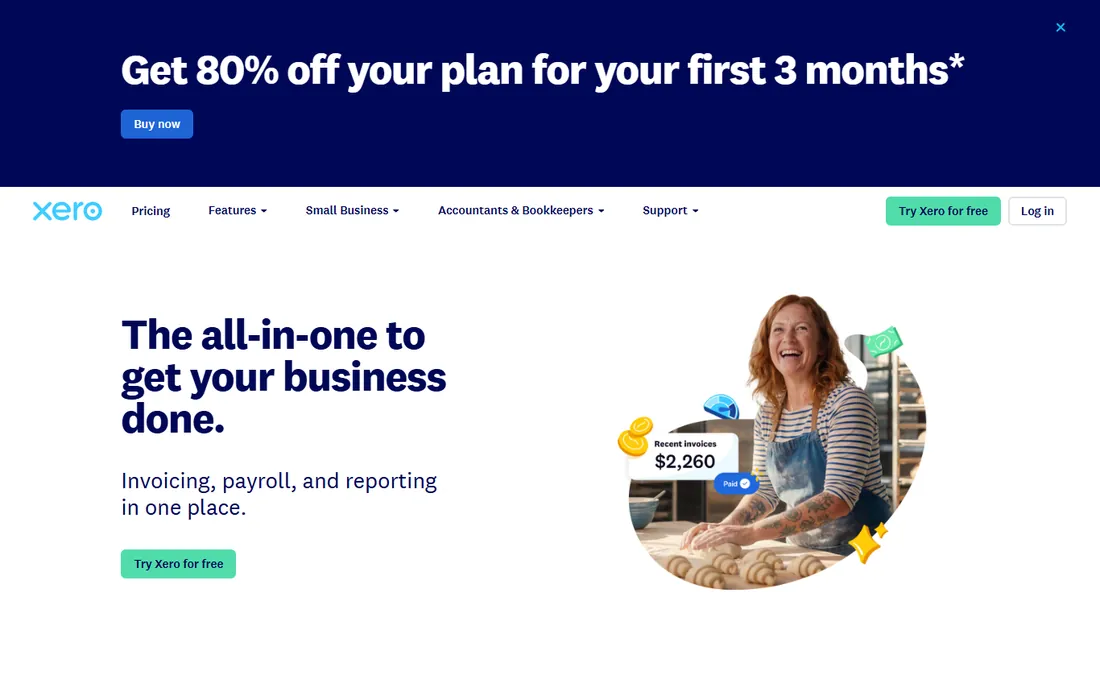
Xero is the strongest QuickBooks alternative, and the unlimited-users policy is the headline for a store: the owner, the shift manager and the outside bookkeeper each get a login at no extra cost, where QuickBooks charges for seats on higher tiers. The Early plan at $15 per month handles invoicing, bank reconciliation and expense claims. Bank feeds reconcile daily sales deposits cleanly, and the integration marketplace covers the POS and payment tools a store uses.
The trade-offs are inventory and payroll. Xero's inventory features are lighter than QuickBooks Plus, so a store with serious stock control may feel the gap. US payroll runs through a partner integration rather than natively. For a single store whose main need is a clean daily close with multiple people in the books, Xero is the value pick.
What we like- Unlimited users on every plan, so the owner, manager and bookkeeper all get logins
- Bank reconciliation is genuinely excellent
- 1,000-plus app integrations
Watch out for- Inventory tracking is basic compared with QuickBooks Plus
- US payroll support is thinner than QuickBooks
Starting priceFree (accounting, invoicing and receipts); Pro $16/month adds features
Free planYes (free accounting tier)
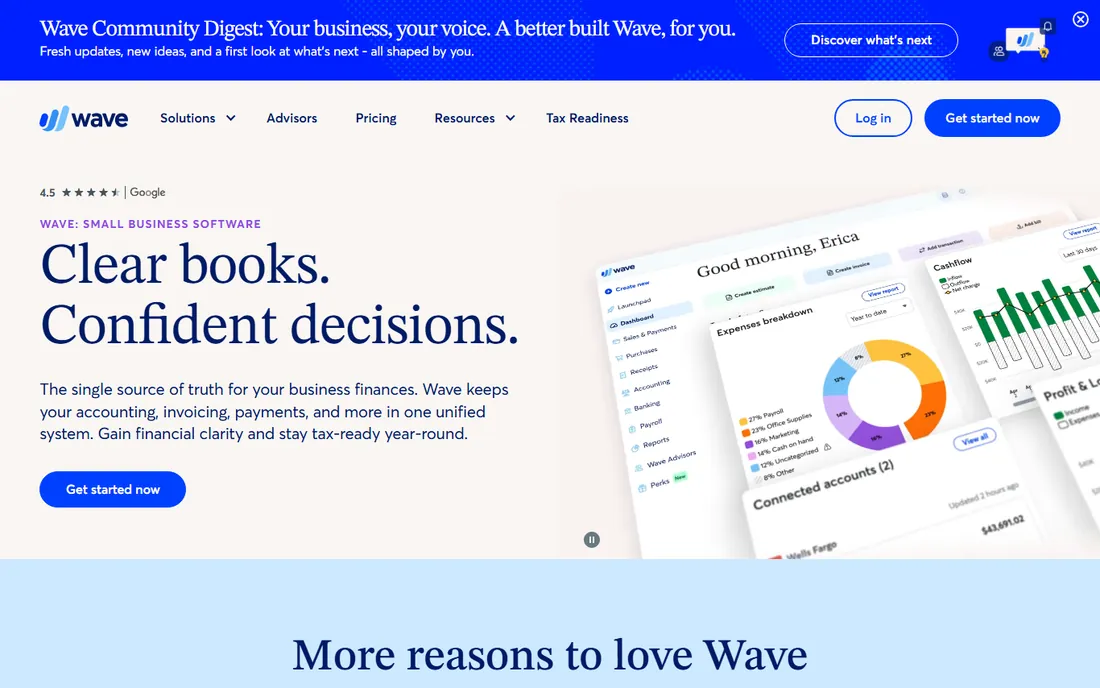
Wave is the answer when the budget is zero. The free tier includes genuine double-entry accounting, invoicing and receipt capture, which is more than enough for a single store's daily close and monthly books. A store owner can learn it in an afternoon, and there is no card required to start. The Pro plan at $16 per month adds things like scheduled payments and removes ads, but the free tier does the core job.
The limits are real. There is no meaningful inventory tracking, so cost of goods sold is manual, and payroll is a paid add-on with limited state coverage. Customer support is email-based and slower than the paid competitors. For one store with straightforward sales and an owner doing the books, free is the right price; for multi-store or inventory-heavy operations, it runs out of room.
What we like- Real double-entry accounting and invoicing for free
- Simple enough to learn in an afternoon
- Receipt scanning included
Watch out for- No inventory tracking to speak of
- Payroll is a paid add-on available in limited states
- Support is thinner than the paid tools
#4
FreshBooks
Best for: Store owners who also invoice wholesale or catering accounts
Visit freshbooks.com
Starting price$21/month (Lite plan)
Free planFree trial (30 days)
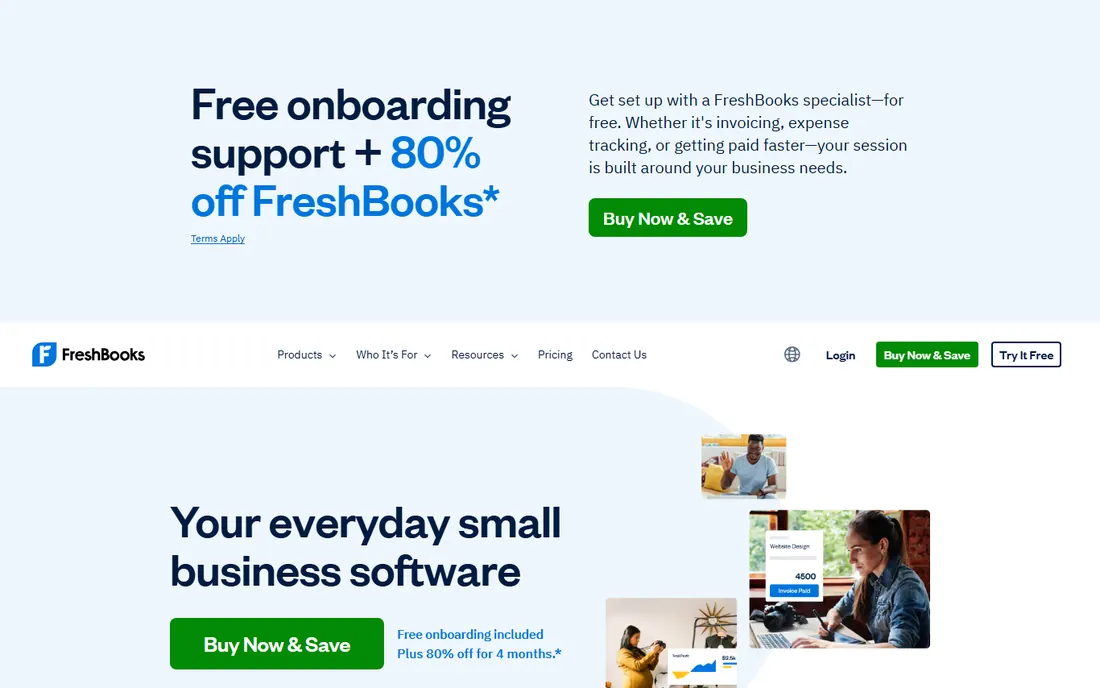
FreshBooks earns its place for the store owner with a side business: wholesale accounts, office coffee service, catering trays, or any B2B invoicing alongside the retail counter. The Lite plan at $21 per month handles invoicing, expense tracking and basic reports with the most polished billing workflow here. If part of your revenue comes from invoices rather than the register, FreshBooks handles that half better than anything else on the list.
Be clear about what it is not. FreshBooks is service-billing software: there is no inventory management, no POS sync worth using, and the Lite plan caps you at 5 billable clients. A pure retail convenience store should not buy this. A store with a real invoicing sideline can run FreshBooks for billing and pair it with something simpler for the retail books.
What we like- The best invoicing workflow on this list, built for businesses that bill clients
- Time tracking and expense capture are polished
- Clean, modern interface
Watch out for- Built for service billing, not retail: no real inventory management
- Lite caps billable clients at 5
#5
Zoho Books
Best for: Stores wanting a strong free tier or already using Zoho apps
Visit zoho.com
Starting priceFree plan available; Standard $20/organization/month
Free planYes (free for revenue under $50,000/year)
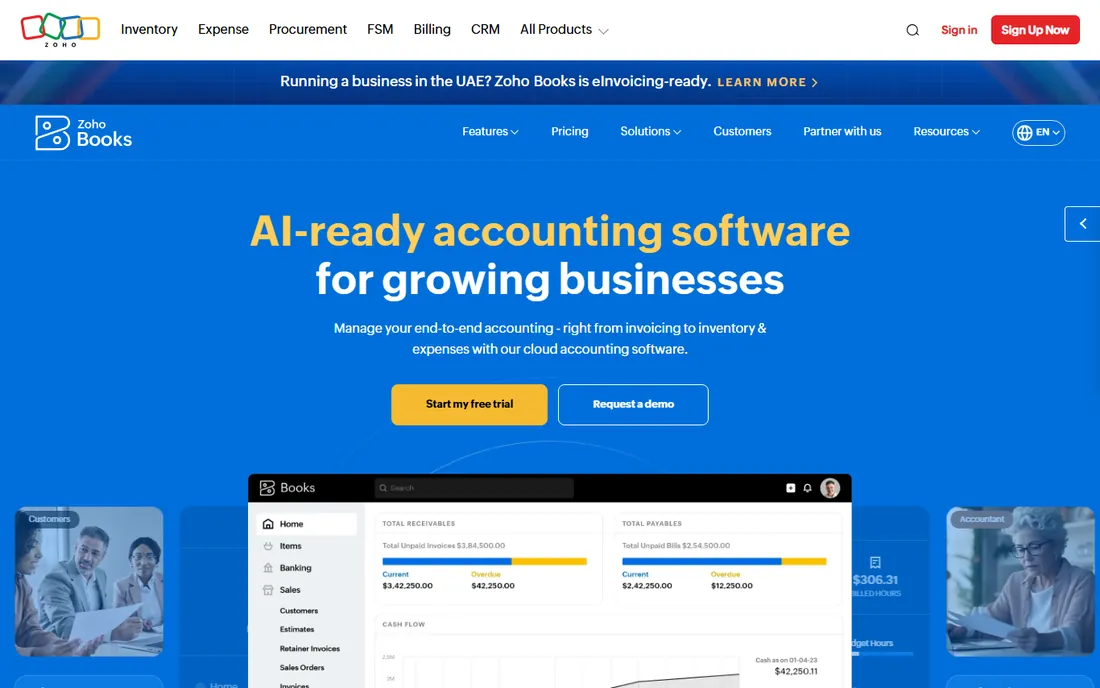
Zoho Books is the quiet value pick. The free plan covers businesses with annual revenue under $50,000, which fits a very small store or a new location finding its feet. Paid tiers start at $20 per organization per month and add inventory tracking, multi-currency and stronger automation. If you already use Zoho CRM, Zoho Inventory or Zoho POS, the native integration is the selling point: data flows between the apps without third-party connectors.
The practical friction is the ecosystem. Fewer US accountants and bookkeepers work in Zoho Books daily, so tax-time handoffs can be bumpier than with QuickBooks. The free plan's revenue cap means most operating stores will pay something. For a store already living in Zoho, or a new store that wants capable software cheap, it deserves a look.
What we like- Generous free plan for small stores
- Full double-entry accounting with inventory basics on paid tiers
- Deep integration with the rest of the Zoho suite
Watch out for- The free plan's revenue cap means a real store outgrows it
- Fewer US accountants know Zoho than QuickBooks or Xero
#6
Sage
Best for: Multi-store operators with serious inventory and cost control needs
Visit sage.com
Starting priceSee website (varies by product and region)
Free planFree trial (varies by product)
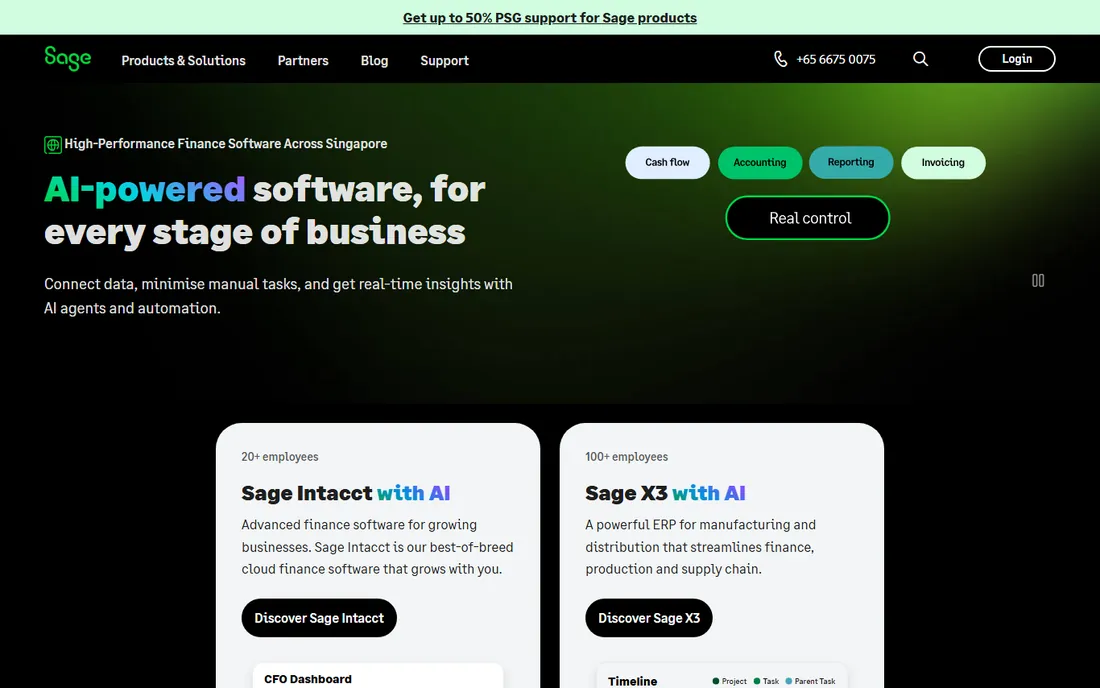
Sage is the grown-up option for operators running multiple locations. Where the simpler tools treat inventory as an afterthought, Sage products track stock, cost of goods and transfers across stores with the depth a chain needs. Reporting suits an owner who manages by numbers across locations: margins by category, shrink, labor cost per store. It scales where Wave and FreshBooks stop.
The cost is complexity and opacity. Pricing varies by product (Sage Accounting vs Sage 50) and usually involves a sales conversation, and implementation is heavier than the self-serve cloud tools. A single store should not buy Sage. An operator with three-plus locations, real inventory and a bookkeeper on staff will outgrow the simple tools fast, and Sage is where they land.
What we like- Real inventory management with cost tracking across locations
- Scales from one store to chains
- Strong reporting for operators who manage by the numbers
Watch out for- Pricing is quote-driven and varies by product line
- Heavier to learn and implement than the cloud simple tools
- Overkill for a single store
Starting priceSee website (Basic and Premium tiers published on site)
Free planFree trial (30 days)
Patriot Accounting is the simple-US-small-business play. If the store already runs Patriot for payroll, adding its accounting keeps one vendor, one login and one support line. The interface is deliberately plain: chart of accounts, invoicing, bank reconciliation and reports without the feature sprawl. US-based support answers the phone, which matters to owners who would rather call than search a help center.
The ceiling is low. Inventory tracking and advanced reporting are limited, and the integration marketplace is a fraction of QuickBooks' or Xero's. A store that grows into multi-location inventory will outgrow it. For a single US store that wants payroll and accounting from one uncomplicated vendor, it is a coherent, low-drama choice.
What we like- Plain, simple accounting an owner can run without training
- Pairs natively with Patriot payroll, which many small stores already use
- US-based support
Watch out for- Feature depth is thin next to QuickBooks or Xero
- Inventory and advanced reporting are limited
- Fewer third-party integrations
#8
Kashoo
Best for: Owners who want simple double-entry books without the clutter
Visit kashoo.com
Starting priceSee website (single plan, published on site)
Free planFree trial (14 days)
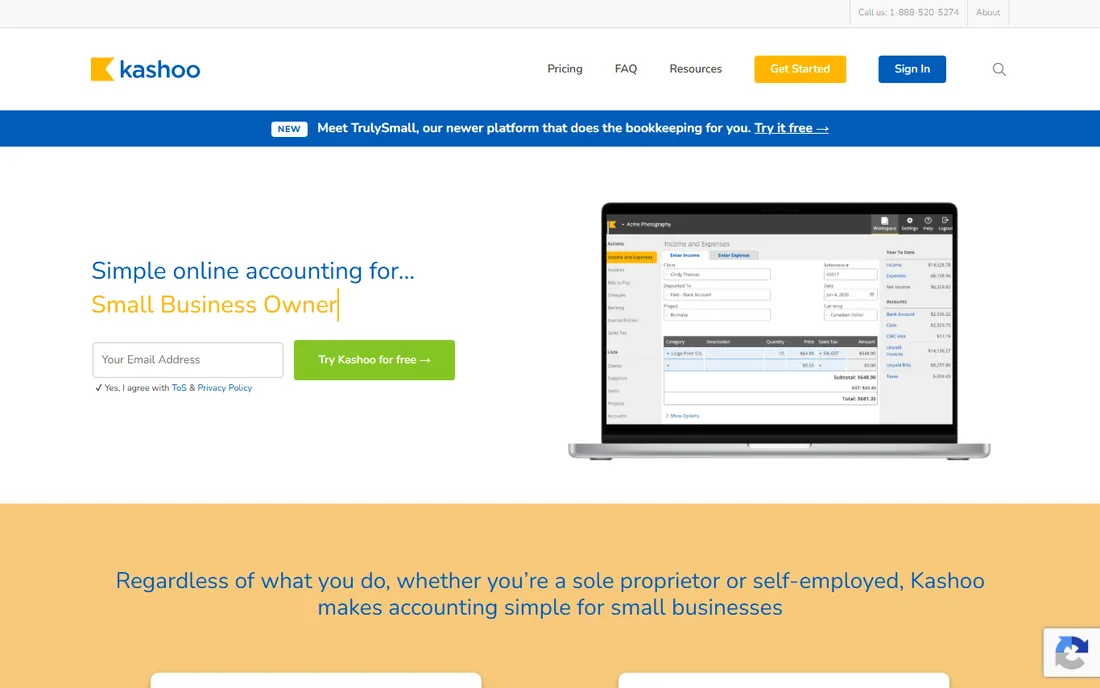
Kashoo is for the owner who finds QuickBooks bloated. One plan, one price, true double-entry accounting, invoicing and expense tracking, with an interface that stays out of the way. There are no tiers to decode and no modules to add later. For a single store whose accounting needs are genuinely simple (daily sales in, expenses out, monthly reports), Kashoo covers the job with less software to learn.
The simplicity is also the limit. Inventory features are minimal, the integration marketplace is small, and the 14-day trial is short for a real evaluation. If your POS is not on its integration list, you are back to manual entry. For the owner who wants the books done with minimum software, it is worth the two-week test.
What we like- One simple plan with no tier puzzles
- True double-entry accounting
- Clean invoicing and expense tracking
- Low learning curve
Watch out for- Inventory features are minimal
- Smaller integration marketplace than the leaders
- 14-day trial is short for an evaluation
What a convenience store should check before buying
The daily close has to reconcile
Your software must ingest the POS daily sales summary and match it to the bank deposit, including cash, cards, lottery payouts and refunds. Ask specifically how the POS integration works: automatic daily sync beats CSV import, which beats manual entry. If the vendor cannot name your POS (Square, Clover, Toast, Verifone), assume manual work.
Inventory: track it or skip it deliberately
A store selling packaged goods with steady turnover needs cost-of-goods tracking to know real margins; a small store with simple stock can live without it. QuickBooks Plus and Sage handle inventory properly; Wave, FreshBooks and Kashoo do not. Do not pay for inventory features you will never use, and do not skip them if shrink and margins are your actual problem.
Lottery, tobacco and fuel need their own lines
Lottery sales, tobacco and fuel often carry different tax and commission treatment than general merchandise. Your chart of accounts should separate them from day one, and the software should make that separation easy. This is a setup question, not a feature question: ask your accountant how they want it structured before you configure anything.
Payroll and multi-shift labor
If the store runs two shifts with hourly staff, payroll integration matters. QuickBooks and Patriot both sell payroll add-ons; Xero handles it through partners. Time tracking that feeds payroll directly saves the most error-prone hour of the week. Price the payroll add-on, not just the accounting tier, before comparing.
How we chose
We started with the categories a store owner would search: accounting software for convenience store, small retail accounting software, c-store bookkeeping and POS accounting integration. For each candidate we checked the vendor's published pricing and documentation against public reviews on G2 and Capterra and practitioner discussion on Reddit, weighing daily-close workflow, POS integration, inventory depth and fit for single stores versus multi-store operators. Where a price could not be verified on the vendor's page we wrote "See website" rather than guessing.
Do you actually need inventory tracking? A quick test
Answer three questions. First, do you know your gross margin by category (grocery, tobacco, lottery, fuel) within a few points? Second, does shrink or spoilage cost you real money every month? Third, do you reorder based on data or by eyeballing the shelves? If you answered no, yes, eyeball, you need inventory tracking, and the real choice is QuickBooks Plus, Xero on a higher tier, or Sage for multiple stores. If your store is small, your categories are simple and your margins are stable, skip it: Wave or Kashoo plus a clean daily close will serve you better than inventory features you never open. The most expensive mistake is buying complexity you will not use; the second most expensive is flying blind on margins.
Frequently asked questions
Can accounting software connect to my POS?
The leaders can. QuickBooks Online and Xero both integrate with Square, Clover and the major convenience POS systems, pulling daily sales automatically. Before committing, confirm your exact POS model is supported; an integration that covers "Square" in general but not your terminal still leaves you with manual entry. Wave, Kashoo and FreshBooks have much thinner POS coverage.
How do I account for lottery sales?
Separately from general merchandise. Lottery tickets are typically recorded as a liability or agency-style transaction rather than regular revenue, since most of the cash belongs to the lottery commission. Set up dedicated accounts for lottery sales and payouts in your chart of accounts from day one, and confirm the treatment with your accountant: getting this wrong complicates both taxes and commission reconciliation.
Do I need inventory features for a small single store?
Usually not at first. If your product mix is stable and you reorder by routine, a clean daily close in Wave, Kashoo or QuickBooks Simple Start is enough. Add inventory tracking when margins by category become a question you need answered monthly, or when shrink shows up in the numbers. Do not buy complexity ahead of the problem.
Cash or accrual accounting for a convenience store?
Most small stores run cash basis: simpler, and it matches how the business actually feels day to day. Accrual makes sense once you carry significant payables, track inventory formally, or need financials a lender will read. All the tools here handle both; the choice is about your tax and reporting needs, not the software. Ask your CPA before switching methods.
Can my accountant access the software directly?
Yes on all the cloud tools here, and you should insist on it. QuickBooks Online, Xero, Zoho Books and the rest all offer free accountant logins. Emailing spreadsheets to your CPA at tax time is how errors and billable hours multiply. Set up the accountant login in week one, not in March.
Sources we checked (10)
- https://quickbooks.intuit.com
- https://www.xero.com
- https://www.waveapps.com
- https://www.freshbooks.com
- https://www.zoho.com/books
- https://www.sage.com
- https://www.patriotsoftware.com/accounting/
- https://www.kashoo.com
- https://www.g2.com/categories/accounting
- https://www.capterra.com/accounting-software/
Is your product missing or out of date?
We review this list regularly. Vendors can request a listing, send updated pricing or ask about featured placement.

Shihab Mia · Founder, Rankite
Shihab has spent more than a decade helping SaaS and e-commerce brands grow through search. He writes Rankite's software buying guides from pricing pages, documentation and public user reviews. More about Shihab.