How we make this list: we compare pricing pages, product documentation and public user reviews. Rankite is independent; if a vendor ever pays for a featured spot, that listing is clearly labeled Partner.
Quick comparison
| Tool | Best for | Starting price | Free plan |
|---|
 QuickBooks Online QuickBooks Online | US small businesses that need room to scale | $38/month (Simple Start; Essentials $85, Plus $140, Advanced $340) | Yes (QuickBooks Free $0/month, very limited) / 30-day free trial on paid plans |
 Xero Xero | Businesses expecting multiple people in the books | $29/month (Starter, US; Standard $50, Premium $75) | Free trial (30 days) |
 FreshBooks FreshBooks | Freelancers, agencies and service businesses that live on client billing | $23/month (Lite; Plus $43, Premium $70) | Free trial (30 days, no credit card) |
 Wave Wave | Freelancers and micro-businesses that need clean books for $0 | $0/month (Starter, free forever); Pro $19/month ($190/year) | Yes (Starter is free forever: unlimited invoices, estimates, bills and bookkeeping) |
 Zoho Books Zoho Books | Budget-conscious teams, especially in the Zoho ecosystem | $0 (Free plan, under $50K annual revenue); Standard $20/month billed monthly ($15/month billed annually) | Yes (Free: 1 user + 1 accountant, up to 1,000 invoices/year) / 14-day trial on paid plans |
 Sage Accounting Sage Accounting | UK sole traders and small businesses needing VAT compliance | See website (US pricing not transparently published) | Free trial (30 days) |
 Kashoo Kashoo | Solo owners who want to do their own books without jargon | $20/month (TrulySmall Accounting); Kashoo $30/month ($27/month billed annually) | Free trial (14 days) |
 Patriot Accounting Patriot Accounting | US freelancers and small businesses wanting simple books without bloat | $20/month (Accounting Basic); $30/month (Accounting Premium) | Free trial (30 days, no credit card) |
 AccountEdge AccountEdge | Businesses that want to own their data on desktop | $20/month (Pro, 1 user); Network Edition $30/month (2 users); Hosted $50/user/month | Free trial (30 days) |
Is your product missing or out of date?
We review this list regularly. Vendors can request a listing, send updated pricing or ask about featured placement.
Key takeaways
- QuickBooks Online ($38/month) is still the default for US small businesses, but 2026 brought its sixth straight year of price increases, so budget against list price, not promos.
- Xero ($29/month) wins on unlimited users: if three or more people touch the books, the seat math favors Xero over QuickBooks.
- Wave ($0) and Zoho Books (free under $50K revenue) are genuinely free, not trials, and fine for freelancers under roughly $100K revenue.
- Payroll is almost always a separate subscription: add $40 to $200 per month to any sticker price when comparing.
The best accounting software
QuickBooks Online raised its prices again in 2026, the sixth straight year of increases, with Plus jumping 22 percent to $140 a month. That tells you everything about this market: the default choice keeps getting more expensive, the free options keep getting better, and the right pick depends entirely on how many people touch your books and whether you sell services or products. These nine accounting tools cover the real options for US small businesses, from genuinely free plans to the suites your accountant already knows.
Starting price$38/month (Simple Start; Essentials $85, Plus $140, Advanced $340)
Free planYes (QuickBooks Free $0/month, very limited) / 30-day free trial on paid plans
QuickBooks Online remains the default for one practical reason: your accountant already knows it. The feature set is the deepest in the category, covering invoicing, bill pay, inventory, project profitability and payroll in one ecosystem, with over a thousand third-party apps around it. New subscribers get about six months of price protection before renewal rates apply, and frequent 50%-off-for-3-months promos soften the landing.
The honest math is less friendly. Inventory tracking requires Plus or Advanced, payroll is a separate subscription, and the sticker price is misleading by design: budget against list price, not the intro promo. The new Free plan covers only light record-keeping (2 invoices a month, 1 bank account), so treat it as a trial, not a tier. If you need scale, ecosystem and accountant familiarity, this is still the pick. If you need cheap, keep reading.
What we like- Deepest small-business feature set, from invoicing and bill pay to inventory and project profitability
- The largest US accountant and third-party app ecosystem
- New AI-powered automation and bank-feed improvements in 2026
Watch out for- Sixth straight year of price increases, with Plus up 22% to $140
- Payroll is a separate subscription that can add $50 to $200+ per month
- Strict user caps (5 on Plus, 25 on Advanced)
#2
Xero
Best for: Businesses expecting multiple people in the books
Visit xero.com
Starting price$29/month (Starter, US; Standard $50, Premium $75)
Free planFree trial (30 days)
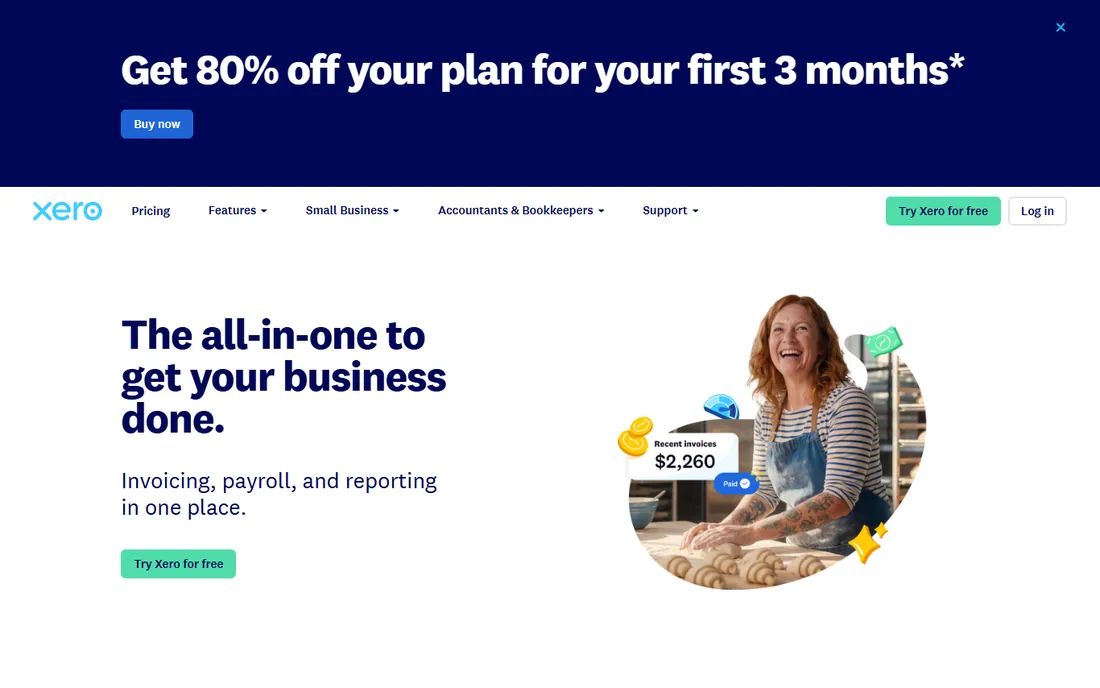
Xero's entire pitch fits in two words: unlimited users. Where QuickBooks caps Plus at 5 users, Xero lets the whole team into the books at no extra seat cost, which flips the price comparison for any business with three or more people touching accounting. The bank reconciliation workflows are genuinely good, multi-currency sits on Premium, and new customers often get 80 to 90 percent off the first three months.
Watch the caps and add-ons. Starter's 20-invoice and 5-bill limits mean growing firms should start on Standard, and Xero Projects and Expenses are paid add-ons that can double the real monthly bill. US payroll runs through Gusto as a partner add-on rather than natively. For international transactions and multi-user teams, Xero is the value pick. For a solo US owner whose accountant demands QuickBooks, it is a harder sell.
What we like- Unlimited users on every plan with no per-seat fees
- 1,000+ app ecosystem with strong bank-reconciliation workflows
- Multi-currency on Premium and cash-flow forecasting from the entry plan
Watch out for- Starter caps you at 20 invoices and 5 bills
- Payroll comes through a paid partner add-on (Gusto in the US)
- Fewer US accountants treat it as the default
#3
FreshBooks
Best for: Freelancers, agencies and service businesses that live on client billing
Visit freshbooks.com
Starting price$23/month (Lite; Plus $43, Premium $70)
Free planFree trial (30 days, no credit card)
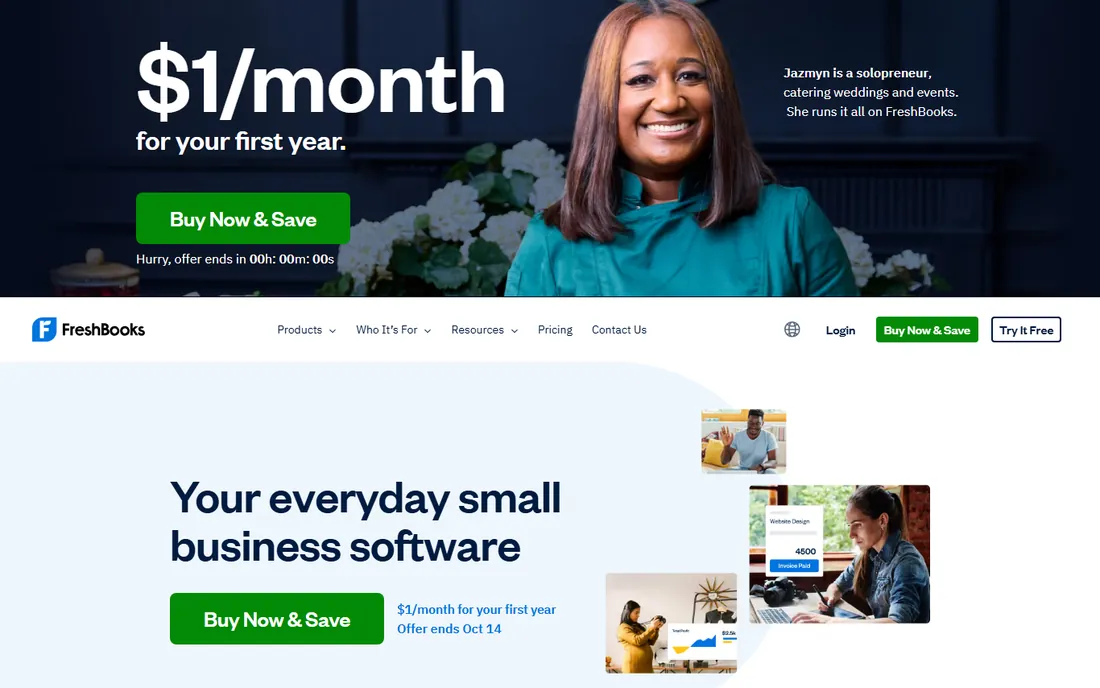
FreshBooks is invoicing software that grew into accounting, and it shows in the best way. Proposals, estimates, retainers, time tracking, automatic payment reminders and late fees: everything a service business needs to get paid faster lives in one clean interface with a mobile app that actually works. For freelancers and agencies, the billing workflow alone justifies it.
The Lite plan is a trap for growing firms: real accounting depth (chart of accounts, balance sheet, accountant access) starts at Plus, so $43 per month is the realistic entry point. Client caps and per-user fees add up, and product businesses should look elsewhere: no native Shopify sync, weak inventory. Intro promos run 70 to 90 percent off for the first few months, so budget at list price. If your world revolves around client billing, this is the most pleasant tool on the list.
What we like- Best-in-class invoicing UX with proposals, estimates, retainers and time tracking built for client work
- Automatic payment reminders and late fees that reduce chasing
- Clean mobile experience for service businesses
Watch out for- Plans are capped by billable clients (5 on Lite, 50 on Plus)
- Extra team members cost $11/user/month and payroll is a separate $40/month plus $6/user
- Not built for product businesses
#4
Wave
Best for: Freelancers and micro-businesses that need clean books for $0
Visit waveapps.com
Starting price$0/month (Starter, free forever); Pro $19/month ($190/year)
Free planYes (Starter is free forever: unlimited invoices, estimates, bills and bookkeeping)
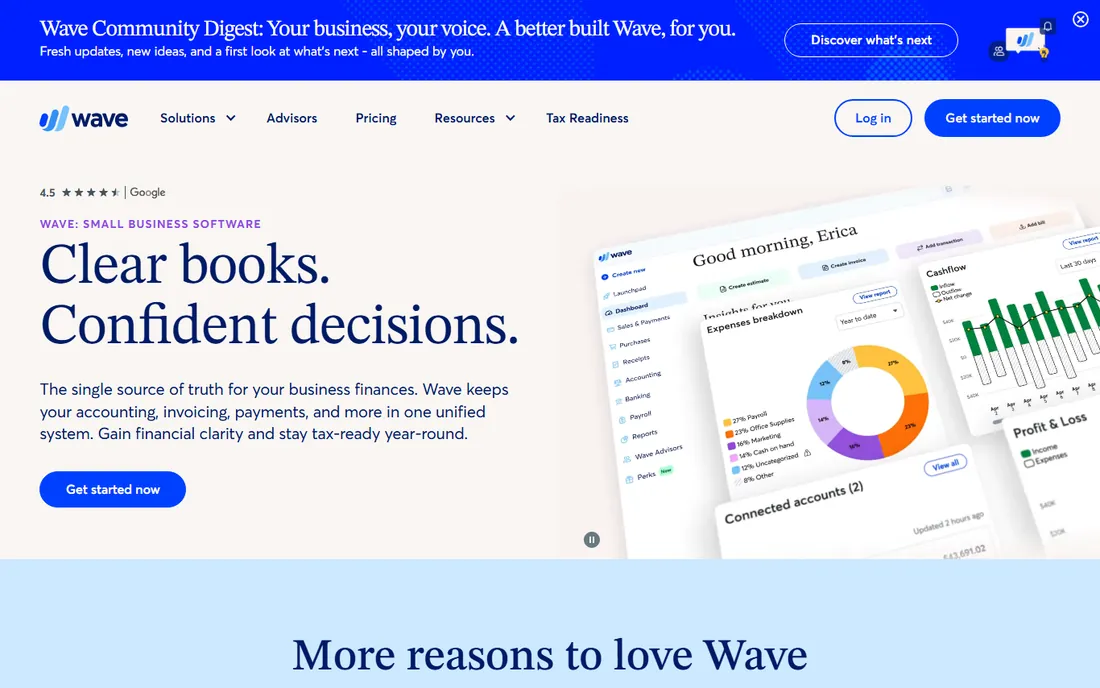
Wave is the rare free plan that is actually free: unlimited invoices, estimates, bills and bookkeeping records with no user caps and no time limit. For freelancers and micro-businesses under roughly $100K in revenue that just need clean books, it is the rational starting point. Setup takes minutes and needs no accountant.
The catch is where Wave earns: payment processing at 2.9% plus $0.60 per transaction, and payroll as a separate $40 per month plus $6 per employee. The free plan needs manual bank entry; once you cross about 50 transactions a month, Pro's automatic imports pay for themselves in saved time. No inventory, no time tracking, no advanced reporting. Outgrow it into QuickBooks or Xero when the business demands more, not before.
What we like- The only genuinely free double-entry accounting tier with unlimited invoices and no user caps
- Pro adds automatic bank imports, receipt scanning and multi-user access for just $19/month
- Simple setup with no accountant needed
Watch out for- No inventory or time tracking, so product businesses and hourly billers outgrow it
- API integrations require the Pro plan
- Payment processing fees (2.9% + $0.60) are how Wave makes money on the free tier
#5
Zoho Books
Best for: Budget-conscious teams, especially in the Zoho ecosystem
Visit zoho.com
Starting price$0 (Free plan, under $50K annual revenue); Standard $20/month billed monthly ($15/month billed annually)
Free planYes (Free: 1 user + 1 accountant, up to 1,000 invoices/year) / 14-day trial on paid plans
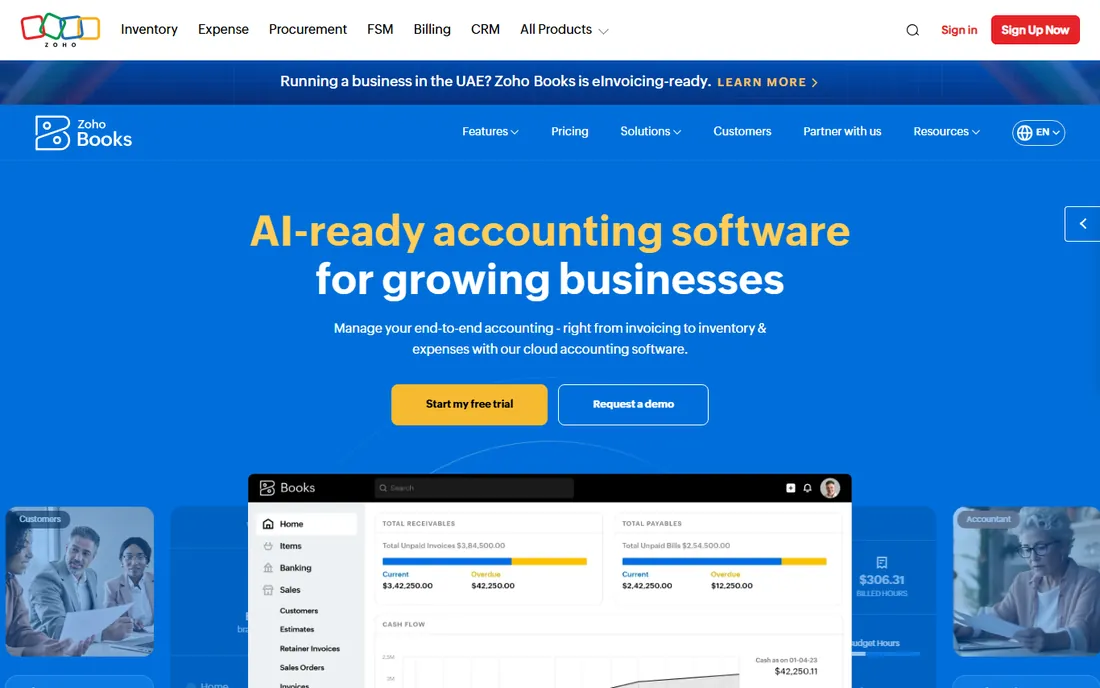
Zoho Books is the value play for teams watching every dollar. Pricing is per organization, not per user, so three people cost the same $20 as one on Standard. Professional at $50 per month covers inventory and multi-currency at a fraction of QuickBooks Plus. The free plan is real accounting for businesses under $50K in revenue, not a trial with an expiration date.
The free plan's limits matter: 1,000 invoices a year and the revenue cap mean growing businesses should plan the upgrade path now. The interface and terminology assume some Zoho familiarity, and payroll lives in a separate product. For a small team already using Zoho CRM or Inventory, the integration alone settles it. For everyone else, it is still the cheapest credible path to multi-user accounting.
What we like- Real free plan with core accounting, bank reconciliation and payment reminders
- Per-organization pricing, not per user, so a 3-person team pays the same as a solo user
- Deep integration with Zoho CRM, Inventory and Expense
Watch out for- Extra users beyond plan limits and additional receipt auto-scans are paid add-ons
- The interface feels built for Zoho shops first
- Payroll needs a separate product
#6
Sage Accounting
Best for: UK sole traders and small businesses needing VAT compliance
Visit sage.com
Starting priceSee website (US pricing not transparently published)
Free planFree trial (30 days)
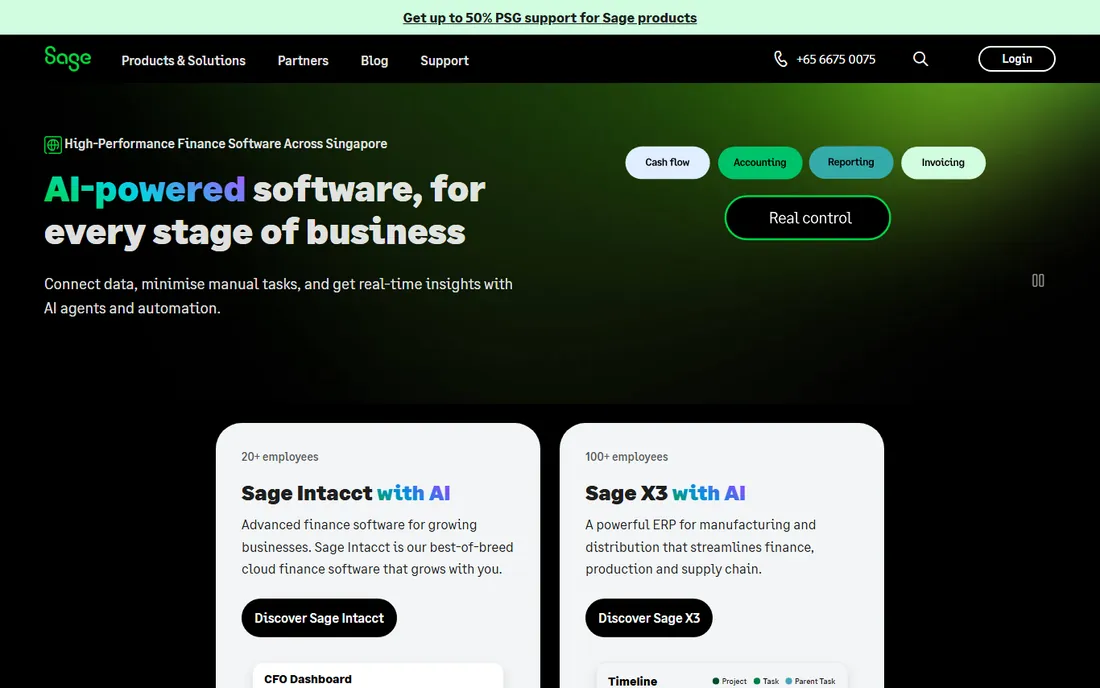
Sage's strength is geography: for UK sole traders and small businesses, VAT handling and Making Tax Digital compliance are built in, and the Start plan is genuinely cheap in pounds. Decades of accountant relationships mean your UK accountant probably already uses it. The AI assistant (Sage Copilot) is included rather than upsold.
In the US the case is thinner. Pricing is not transparently published, the feature set skews British, and the app ecosystem is smaller than QuickBooks or Xero. Third-party listings put US entry around $24 per month, but get a quote before budgeting and confirm what the AI and automation features include on your specific plan. US buyers choosing Sage are usually doing it on entry price; everyone else should compare the two leaders first.
What we like- Trusted brand with decades of accountant relationships, especially in the UK
- AI assistant (Sage Copilot) included on plans
- Making Tax Digital compliance built in for UK businesses
Watch out for- US pricing is not openly published and varies by region
- Plans skew toward the UK market
- Smaller app ecosystem than QuickBooks or Xero
#7
Kashoo
Best for: Solo owners who want to do their own books without jargon
Visit kashoo.com
Starting price$20/month (TrulySmall Accounting); Kashoo $30/month ($27/month billed annually)
Free planFree trial (14 days)
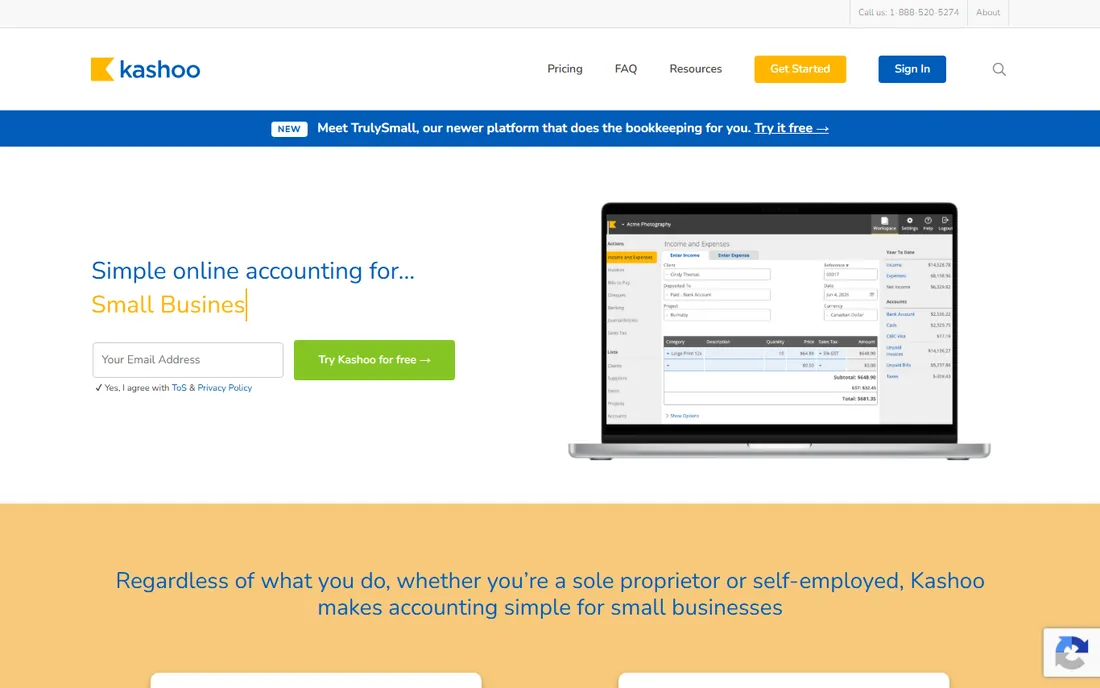
Kashoo is built for the owner who does the books on Sunday night and wants it over quickly. The interface skips accounting jargon, multi-currency and mobile apps are included, and reviewers consistently praise the support. TrulySmall at $20 per month covers simple invoicing and expenses; the $30 Kashoo tier adds the fuller feature set.
The ecosystem is the limit: Stripe, Square and Google Workspace are the core integrations, and there is no payroll module, so plan for a bigger platform if you need either. Native Square and Stripe integration suits businesses already taking payments through those. Fewer third-party reviews exist than for the big names, which is worth knowing but not disqualifying. For straightforward books at a low price, it does the job.
What we like- Simple, clean double-entry accounting that non-accountants can run themselves
- Multi-currency support and mobile apps included
- Responsive customer support that reviewers consistently praise
Watch out for- Much smaller integration ecosystem than the big names
- No payroll module built in
- Fewer third-party reviews and less marketplace momentum
#8
Patriot Accounting
Best for: US freelancers and small businesses wanting simple books without bloat
Visit patriotsoftware.com
Starting price$20/month (Accounting Basic); $30/month (Accounting Premium)
Free planFree trial (30 days, no credit card)
Patriot Accounting is the no-bloat budget option: simple invoicing, bill pay and bank reconciliation at $20 to $30 per month with unlimited use. The cash-to-accrual toggle is genuinely unusual, letting you switch accounting methods and view reports accordingly. US-based support by phone, chat and email comes standard, which is more than some pricier tools offer.
Premium at $30 per month adds unlimited users with permissions, recurring invoices and payment reminders, making it the sensible pick for small teams. It pairs naturally with Patriot Payroll if you want one vendor for books and payroll. The feature list is narrower than the big suites, so verify on the pricing page whether your plan covers inventory or multi-currency before committing. For simple books at a low fixed price, it is hard to beat.
What we like- Among the cheapest paid accounting options with unlimited use on both plans
- Unique cash-to-accrual toggle for switching accounting methods
- US-based support by phone, chat and email
Watch out for- Thinner feature set than QuickBooks or Xero at comparable tiers
- Payroll is a separate paid product
- Integrations limited to mainly Patriot Payroll and Plaid
Starting price$20/month (Pro, 1 user); Network Edition $30/month (2 users); Hosted $50/user/month
Free planFree trial (30 days)
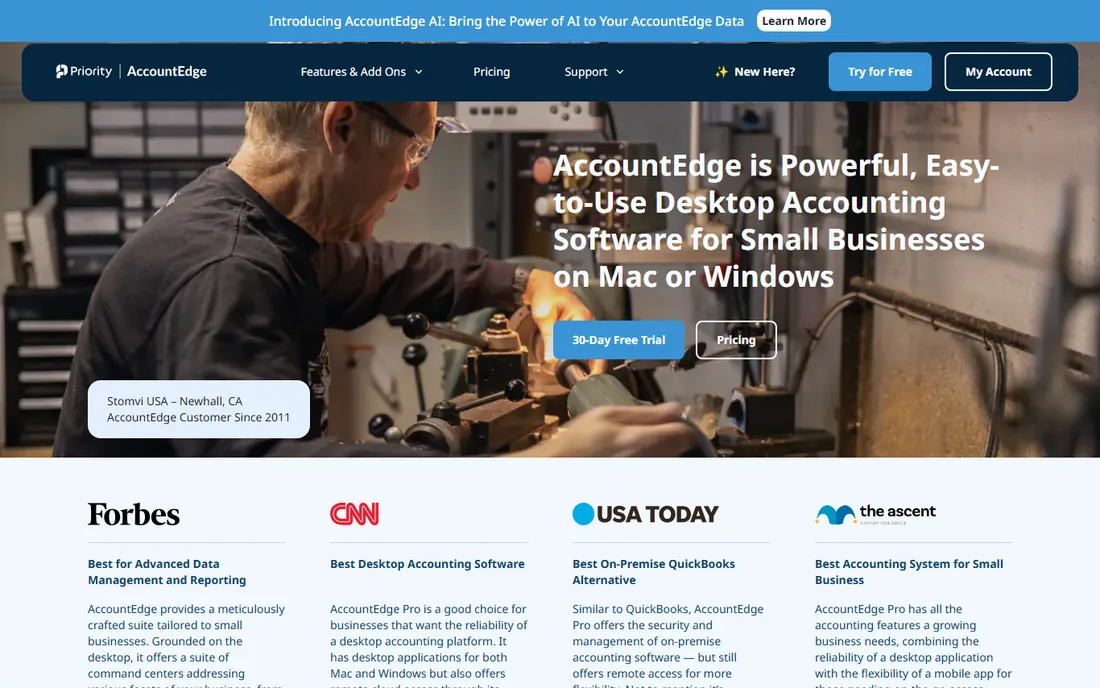
AccountEdge is for the business that wants its accounting data on its own machines. Desktop-class depth, inventory, time billing, budgeting and payroll processing, with Mac and Windows support and unlimited company files, starting at $20 per month for one user. For single-location product or service businesses that value control over ecosystem breadth, the proposition is clear.
Budget the add-ons honestly, because they change the math: bank feeds, phone support and payroll push the real cost well above $20 per month. Hosted at $50 per user per month is the route for multi-user cloud access. The interface feels its desktop heritage next to cloud-native rivals. Teams needing deep integrations should compare with QuickBooks first; teams wanting data ownership already know who they are.
What we like- Desktop-class depth (inventory, time billing, payroll processing, budgeting) at a small-business price
- Mac and Windows with local, on-premise data control
- Unlimited company files on every plan
Watch out for- Essentials are paid add-ons: bank feeds $5/month, phone support $10/month, payroll $20/month
- The interface feels desktop-era
- US-focused
Free accounting software: where the catch is
Two tools here are genuinely free: Wave's Starter plan and Zoho Books' Free plan. Both are real double-entry accounting, not trials. Wave makes its money on payment processing (2.9% + $0.60 per transaction) and a separate payroll product. Zoho caps the free plan at $50K in annual revenue and 1,000 invoices a year, and expects you to grow into its paid tiers and wider suite.
QuickBooks' Free plan, by contrast, is a trial wearing a free plan's clothes: 2 invoices a month and 1 bank account. The honest way to read any free tier is to ask what the vendor sells next. Wave sells processing volume. Zoho sells the ecosystem. QuickBooks sells the upgrade. For a freelancer under $100K in revenue, Wave or Zoho Free covers real bookkeeping for $0. Past that, budget for a paid plan rather than fighting free-tier limits.
The add-on math: what the sticker price leaves out
Almost no accounting sticker price is the whole bill. Payroll is the big one: QuickBooks Payroll adds $50 to $200+ per month, Xero routes US payroll through Gusto, FreshBooks charges $40 plus $6 per user, and Wave and Patriot sell it separately too. If you have employees, add payroll to every quote before comparing.
Then the smaller add-ons: Xero Projects and Expenses, FreshBooks team members at $11 per user, AccountEdge bank feeds and phone support, QuickBooks user caps that force tier jumps. A $29 Xero Starter plan can become a $60 plan once Projects and Expenses join. The fix is simple: list everything you need (payroll, users, projects, inventory, multi-currency), price the bundle per vendor, and compare totals. The cheapest sticker rarely survives that exercise.
How we chose
We started with the categories buyers search: accounting software and small business accounting software. For each candidate we opened the vendor's own pricing page, checked plan names and prices against public reviews on G2 and Capterra and practitioner discussion on Reddit, and compared feature lists, invoicing depth, payroll handling and company-size fit. Where a price could not be verified on the vendor's page we wrote "See website" rather than guessing. The shortlist mixes the default suites with genuine free options and budget specialists, because a freelancer and a 50-person company are not buying the same product.
Frequently asked questions
Is free accounting software actually usable?
Yes, within limits. Wave's free plan and Zoho Books' free plan both handle real double-entry bookkeeping, invoicing and bank reconciliation. They fit freelancers and micro-businesses under roughly $100K in revenue. Past that, free-tier limits on invoices, users or revenue start to pinch, and a paid plan costs less than the workarounds.
QuickBooks vs. Xero: which is better for a small business?
QuickBooks wins on US accountant familiarity and ecosystem depth; Xero wins on unlimited users and cleaner multi-currency. If your accountant demands QuickBooks, the decision is made. If three or more people touch the books, Xero's seat math usually beats QuickBooks' user caps. Both need payroll priced separately.
Do I need payroll bundled with accounting?
Not bundled, but budget it together. Almost every tool here sells payroll separately ($40 to $200+ per month), and comparing accounting prices without payroll gives a false ranking if you have employees. Patriot and QuickBooks pair naturally with their own payroll products; Xero users typically add Gusto.
What is the cheapest accounting software for a freelancer?
Wave at $0, then Zoho Books free (under $50K revenue), then Kashoo TrulySmall or Patriot Basic at $20 per month. FreshBooks Lite at $23 per month is the pick if client billing and proposals matter more than raw accounting depth. Avoid paying for inventory or multi-user features you will not use.
When should I upgrade from a free plan?
When the limits cost you time: Wave's manual bank entry past ~50 transactions a month, Zoho's 1,000-invoice annual cap, or the moment you need payroll, inventory or multi-currency. The upgrade usually pays for itself in saved hours within the first month.
Does accounting software handle taxes?
It prepares you for taxes: categorized income and expenses, profit and loss reports, and (on most plans) accountant access for your CPA. None of these tools file your business tax return for you. Pair your accounting software with a tax filing tool or an accountant at year end.
Sources we checked (11)
- https://quickbooks.intuit.com/pricing/
- https://www.xero.com/us/pricing/
- https://www.freshbooks.com/pricing
- https://www.waveapps.com/pricing
- https://www.zoho.com/books/pricing/
- https://www.sage.com/en-us/accounting/
- https://www.kashoo.com/pricing/
- https://www.patriotsoftware.com/accounting/pricing/
- https://www.accountedge.com/pricing/
- https://www.g2.com/categories/accounting
- https://www.capterra.com/accounting-software/
Is your product missing or out of date?
We review this list regularly. Vendors can request a listing, send updated pricing or ask about featured placement.

Shihab Mia · Founder, Rankite
Shihab has spent more than a decade helping SaaS and e-commerce brands grow through search. He writes Rankite's software buying guides from pricing pages, documentation and public user reviews. More about Shihab.