How we make this list: we compare pricing pages, product documentation and public user reviews. Ratings come from G2, Capterra or Trustpilot, with the date we checked them.
Key takeaways
- The best alternatives to Tailwind CSS in 2026 split by styling model: Bootstrap for prebuilt components, UnoCSS for a faster utility engine, Panda CSS for type-safe styles, and Bulma for lightweight CSS-only pages.
- Tailwind CSS itself is not listed here, since this article covers alternatives to it, and its utility-first classes are the baseline most replacements are judged against.
- Every tool on this list is free and open source under MIT or a similar permissive license, so cost is not the differentiator: hiring, onboarding, and ecosystem depth are.
- If you want ready-made components rather than a different way to write styles, pick a component library such as MUI or UIkit, not a CSS engine.
Quick comparison
| Tool | Best for | Starting price | Free plan |
|---|
 Bootstrap Bootstrap | Fast prototypes and dashboards | Free | Yes |
 UnoCSS UnoCSS | Fast utility engine | Free | Yes |
 Panda CSS Panda CSS | Type-safe design systems | Free | Yes |
 Bulma Bulma | Lightweight marketing pages | Free | Yes |
 Foundation Foundation | Enterprise and email templates | Free | Yes |
 UIkit UIkit | Polished agency landing pages | Free | Yes |
 MUI MUI | React SaaS dashboards | Free | Yes |
 Pico.css Pico.css | Content sites and docs | Free | Yes |
Is your product missing or out of date?
We review this list regularly. Vendors can request a listing, send updated pricing or ask about featured placement.
The best alternatives to Tailwind CSS
Starting priceFree
Free planYes
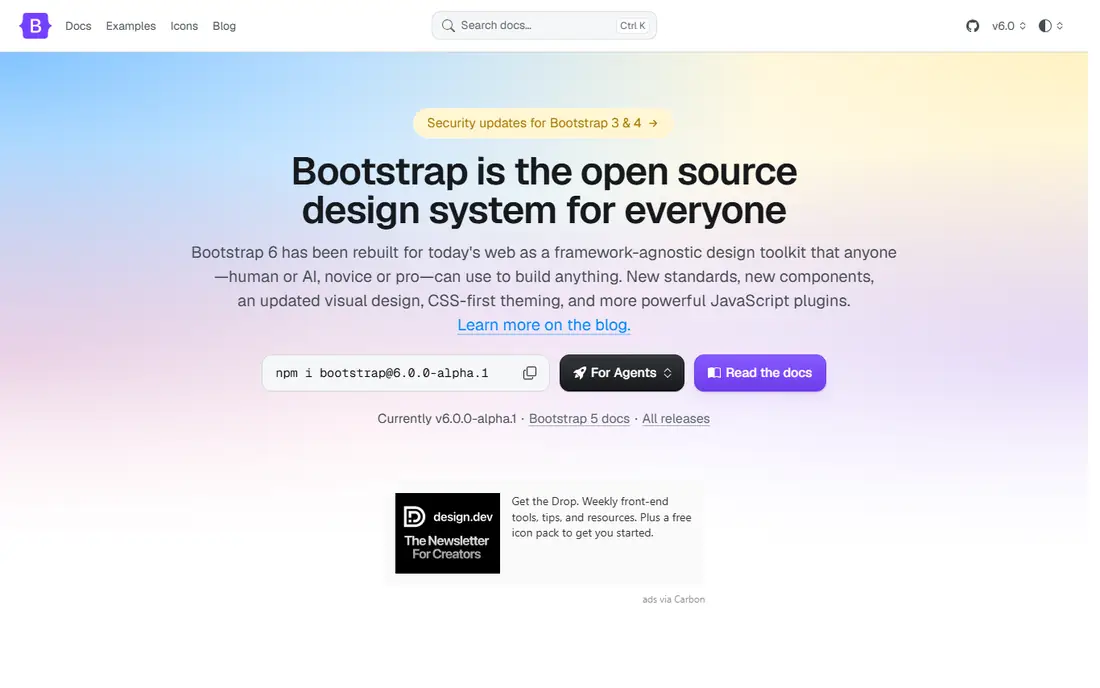
Bootstrap remains the fastest way to ship a responsive site when a conventional look and ready-made components are acceptable. Its grid system and prebuilt component classes cover navigation, forms, cards, and modals without learning utility classes, and its huge community means answers exist for nearly every problem.
The trade is sameness: Bootstrap sites can look similar without customization, and it offers less design freedom than utilities. For fast prototypes, dashboards, and admin panels, Bootstrap leads.
What we like- Prebuilt components and a strong grid system
- Huge community and documentation
- Fast to start with no build setup needed
Watch out for- Sites can look similar without customization
- Less design freedom than utilities
- Heavier and more opinionated than utility engines
Starting priceFree
Free planYes
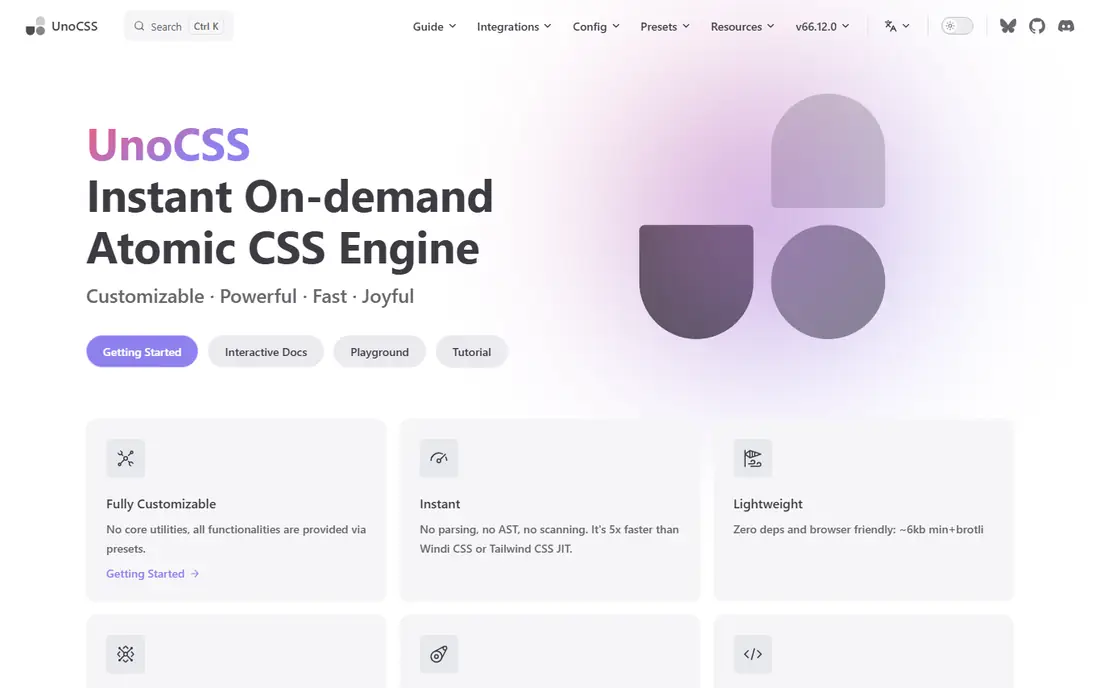
UnoCSS is an instant, on-demand atomic CSS engine and the natural alternative if you like utilities but want more flexibility and performance. It generates only the utilities your source actually references, so output tracks real usage, with presets that can even replicate Tailwind classes.
The trade is ecosystem size and configuration: UnoCSS needs more setup than Tailwind, and UnoCSS expertise is rarer when hiring. For solo developers or small teams optimizing for bundle size and build speed, UnoCSS is the best pick.
What we like- Instant, on-demand atomic CSS generation
- Tailwind-compatible presets
- Fully customizable and extremely fast
Watch out for- Smaller ecosystem than Tailwind
- More configuration than Tailwind out of the box
- Expertise is rarer when hiring
Starting priceFree
Free planYes
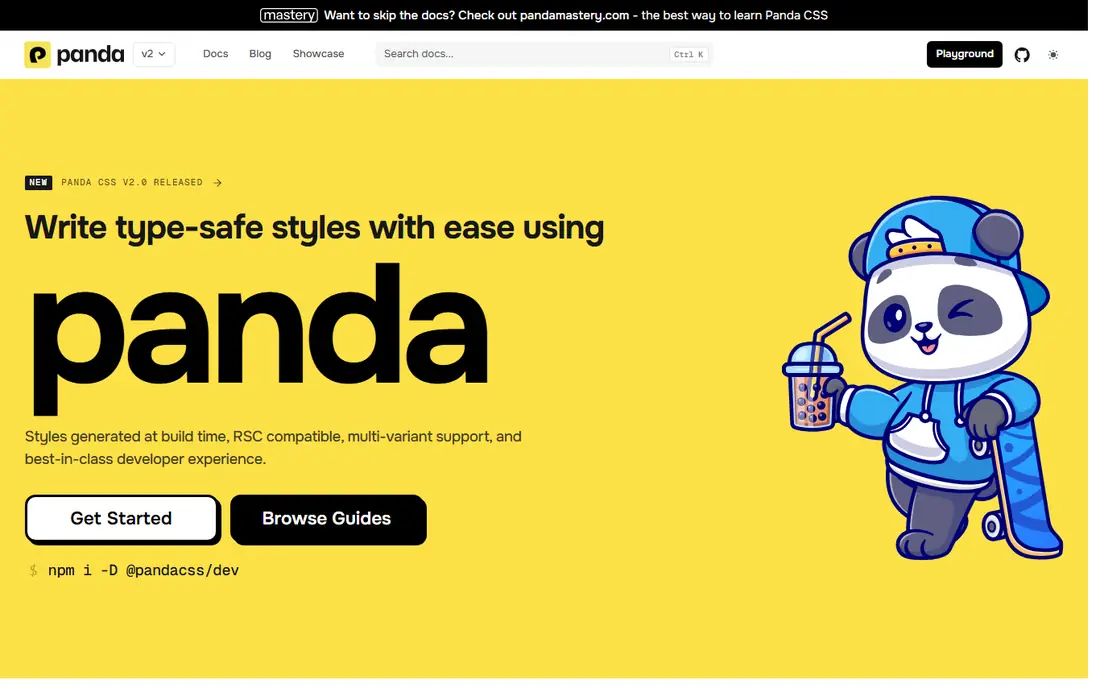
Panda CSS is the type-safe option: style props are checked at build time, which removes the wrong class name class of bug entirely, with recipes and variants for component libraries and design systems at zero runtime cost. It underpins Chakra UI v3 and Park UI.
The trade is learning curve and community size: setup takes effort, and documentation is thinner than Tailwind or Bootstrap. For teams building a design system where several developers touch the same components, Panda CSS leads.
What we like- Type-safe style props checked at build time
- Recipe-based variants for design systems
- Zero runtime cost
Watch out for- Setup and concept learning curve
- Newer with a smaller community
- Less documentation than Tailwind or Bootstrap
Starting priceFree
Free planYes
Bulma suits lightweight marketing pages where a small CSS footprint matters more than a huge component catalog. Its CSS-only Flexbox framework gives readable class names and clean defaults, and beginners find it easier than utility systems.
There are no JavaScript components included, so interactive pieces need your own code, and the component catalog is smaller than Bootstrap. For lightweight pages with clean defaults, Bulma is the best pick.
What we like- CSS-only framework based on Flexbox
- Light footprint
- Easy for beginners with readable class names
Watch out for- No JavaScript components included
- Smaller component catalog than Bootstrap
- Less utility depth than UnoCSS
Starting priceFree
Free planYes
Foundation still fits enterprise teams that need accessibility-led components and responsive email templates. Its email framework is a rare strength: responsive email templates are a distinct problem from web pages, and Foundation covers both.
The community is smaller than Bootstrap today, and the release pace is slower. For enterprise teams with email template needs, Foundation leads.
What we like- Accessibility-led components
- Responsive email templates
- Enterprise track record
Watch out for- Smaller community than Bootstrap today
- Slower release pace
- Heavier setup than Bulma or Pico
Starting priceFree
Free planYes
UIkit suits polished agency landing pages, with an intuitive and expansive component library and JavaScript components included. Its defaults look polished out of the box, which suits agencies shipping client sites fast.
The community is smaller than Bootstrap, and its opinionated look needs customization to avoid sameness. For agency landing pages with polished defaults, UIkit is the best pick.
What we like- Intuitive and expansive component library
- Polished defaults for agency work
- JavaScript components included
Watch out for- Smaller community than Bootstrap
- Opinionated look needs customization
- Less utility depth than UnoCSS
Starting priceFree
Free planYes
MUI suits React teams that want accessible, themeable components rather than raw CSS. Its Material Design components cover dashboards, forms, and data display, with theming that adapts the look to a brand.
It is React only, so non-React teams should look elsewhere, and Pro plans start around 24.92 dollars per user per month billed annually, though the core library is free. For React SaaS dashboards, MUI leads.
What we like- Accessible, themeable React components
- Huge React ecosystem
- Material Design defaults that look professional
Watch out for- React only, not framework-agnostic
- Pro plans from about 24.92 dollars per user per month billed annually
- Material look needs theming to differentiate
Starting priceFree
Free planYes
Pico.css suits content sites, docs, and prototypes where you style semantic HTML with almost no classes. Its tiny footprint and elegant defaults mean a plain HTML page looks good with one stylesheet and no build step.
The scope is minimal: it is not for complex component UIs, and its layout system is limited. For docs and content sites that need no component system, Pico.css rounds out the list.
What we like- Style semantic HTML with almost no classes
- Tiny footprint with elegant defaults
- Great for docs and prototypes
Watch out for- Minimal scope, not for complex component UIs
- Limited layout system
- Slow release cadence
How we chose
We ranked tools by styling model, component depth, build speed, ecosystem size, and fit for common project types. We favored tools that solve a distinct problem well, since a component framework and a utility engine are not interchangeable, and we gave extra weight to ecosystem depth, because documentation and community answers decide how fast a team ships.
We also weighed hiring and onboarding honestly. All tools here are free, so licensing cost is not the differentiator: Tailwind-proficient developers are widely available, while Panda CSS and UnoCSS expertise is rarer, which raises onboarding cost for teams that adopt them. Readers should weigh that cost beside build speed gains, and check whether local hiring pools cover the chosen tool.
Buying guide
Start by deciding what you want to replace. If you want a different way to write styles, pick a CSS framework or engine such as Bootstrap, UnoCSS, or Panda CSS. If you want ready-made UI to drop in, pick a component library such as MUI or UIkit instead, since that is a different job.
Next, match the tool to the project. Fast prototypes and admin panels suit Bootstrap, custom design systems suit Panda CSS, Vite or Nuxt projects optimizing for speed suit UnoCSS, lightweight marketing pages suit Bulma, and content sites or docs suit Pico.css. Avoid runtime CSS-in-JS for new projects: styled-components is in maintenance mode and Emotion is out of favor for new work, since both carry runtime cost and poor React Server Components fit.
Finally, measure before committing. Build time and CSS payload depend on source size, purge coverage, and config, so measure your own project rather than trusting benchmarks. Trial the shortlisted tool on a real page, and check whether your team can maintain it without the original author. A framework that only one developer understands becomes a liability when that developer leaves, so favor tools with documentation the whole team can follow.
Frequently asked questions
What is the best alternative to Tailwind CSS overall?
Bootstrap leads for fast prototypes with prebuilt components, UnoCSS for a faster utility engine, and Panda CSS for type-safe design systems. The best pick depends on whether you want components, utilities, or type safety, and on your stack: React teams should also consider MUI, while content sites should consider Pico.css.
Are Tailwind CSS alternatives free?
Yes. Every tool on this list is free and open source under MIT or a similar permissive license, installable via npm or downloadable from the official site. Paid costs appear only in pro plans such as MUI Pro, not in the core libraries, so the real cost of switching is learning time, not licensing.
Is Tailwind CSS harder than Bootstrap?
Tailwind has a steeper initial learning curve than Bootstrap, but becomes faster once the utility class system is internalized, typically after one to two weeks of daily use. Bootstrap is easier for beginners because its component classes are intuitive and need no build setup. Developers with solid CSS knowledge often find utility classes faster to learn than component systems, because each utility class maps directly to a CSS property they already understand.
Should I use a component library instead of a CSS framework?
If you want ready-made UI to drop in, yes: pick MUI, UIkit, or a similar component library. If you want a different way to write styles, pick a CSS framework or engine such as Bootstrap, UnoCSS, or Panda CSS. The distinction matters because a component library decides the look for you, while a framework or engine leaves styling decisions to your team.
What should I avoid for new projects?
Avoid runtime CSS-in-JS for new projects. Styled-components is officially in maintenance mode and its maintainer does not recommend it for new projects, while Emotion is stable but similarly out of favor, due to runtime cost and poor React Server Components fit. Prefer zero-runtime options such as Panda CSS or vanilla-extract for type-safe styling without a runtime penalty.
Sources we checked (0)
Is your product missing or out of date?
We review this list regularly. Vendors can request a listing, send updated pricing or ask about featured placement.

Shihab Mia · Founder, Rankite
Shihab has 5+ years in B2B and SaaS SEO. He writes Rankite's software buying guides from pricing pages, documentation and public user reviews. More about Shihab.