How we make this list: we compare pricing pages, product documentation and public user reviews. Ratings come from G2, Capterra or Trustpilot, with the date we checked them.
Key takeaways
- LibreOffice is the best free Microsoft Office alternative, with no cost, no account, and no ads.
- Google Workspace suits teams that live in the browser and need the best real-time collaboration.
- WPS Office is the closest free Microsoft-like experience, with a familiar interface and PDF tools.
- ONLYOFFICE suits teams that need excellent Microsoft format fidelity plus self-hosting.
- Apple iWork suits Mac and iPad owners who want free, polished apps inside the Apple ecosystem.
- Zoho Workplace suits small teams that want a free suite with built-in workflow tools.
- Apache OpenOffice suits users who want a simple, free, offline office suite.
- SoftMaker FreeOffice suits lightweight desktop use with strong Microsoft compatibility.
- No alternative is a perfect drop-in replacement. Test your largest and most complex files before you switch, since formatting loss on complex documents is the main risk.
Quick comparison
Is your product missing or out of date?
We review this list regularly. Vendors can request a listing, send updated pricing or ask about featured placement.
The best alternatives to Microsoft Office

#1LibreOffice
Best for: Free open source desktop suite4.3/5 on
G2 (272 reviews, checked Oct 2026)
Visit libreoffice.org
Starting priceFree
Free planYes
LibreOffice is the default recommendation in this field. Maintained by The Document Foundation and built by a large volunteer community, it is free in every sense: no cost, no account, no ads, no subscription, and open source code anyone can inspect. The suite bundles six programs: Writer for word processing, Calc for spreadsheets, Impress for presentations, plus Draw, Math, and Base for graphics, formulas, and databases.
The trade off is collaboration and polish. LibreOffice has no real-time co-editing, and its interface feels dated next to modern cloud suites. For offline solo work and power users who want full control without a subscription, LibreOffice is the best free alternative available.
What we like- Completely free
- No account or ads
- Six programs including Draw, Math, and Base
Watch out for- No real-time co-editing
- Interface feels dated
- Complex files can lose some formatting
Starting priceFree
Free planYes
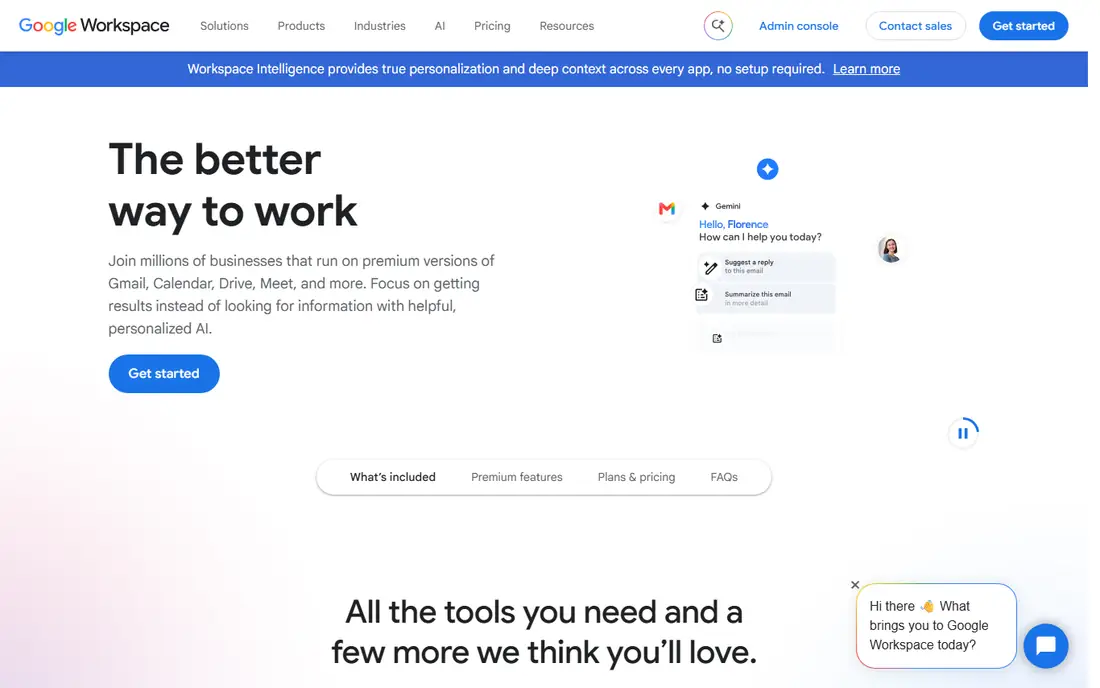
Google Workspace, through Docs, Sheets, and Slides, offers the best real-time collaboration in this list. Multiple people can edit the same document at once, comments and suggestions work smoothly, and everything syncs across devices with a free Google account. For teams that live in the browser, it is the most practical free suite.
The limits are fidelity and offline use. Complex Office files can lose formatting when converted, and offline use is limited compared with desktop suites. Paid Business Starter plans start at $7 per user per month for custom email and more storage. For collaboration-first teams, Google Workspace is the best pick.
What we like- Best real-time collaboration
- Works on any device
- Free with a Google account
Watch out for- Some loss on complex Office files
- Limited offline use
- Paid tiers start at $7 per user per month

#3WPS Office
Best for: Familiar Microsoft-like interface4.4/5 on
G2 (335 reviews, checked Oct 2026)
Visit wps.com
Starting priceFree
Free planYes
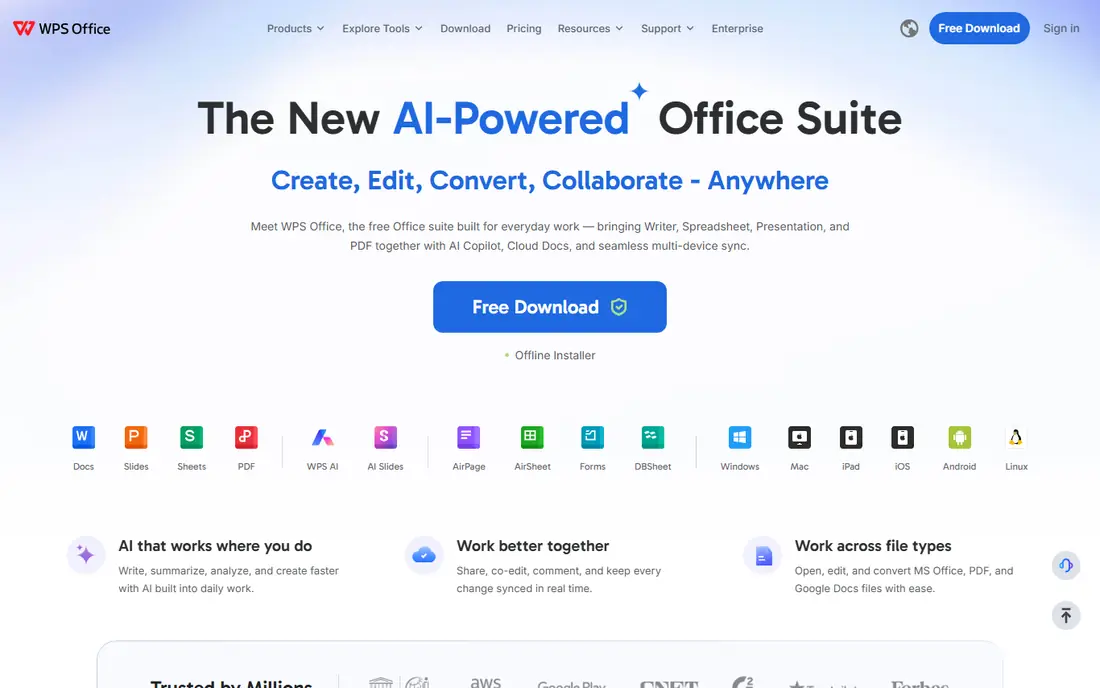
WPS Office is the closest free Microsoft-like experience, with a familiar tabbed interface and Word, Excel, and PowerPoint-style apps plus PDF tools. Format fidelity is very good for everyday documents, and the free tier covers the core suite without payment. For Mac and Windows users who want a Microsoft feel without a subscription, WPS is the easiest switch.
The trade off is ads and paid extras. The free tier shows ads, and AI features sit behind a paid Pro tier whose published prices vary across sources. For users who want familiarity first, WPS Office is the best free starting point.
What we like- Familiar Microsoft-style interface
- PDF tools included
- Good format fidelity
Watch out for- Free tier has ads
- AI features need paid Pro
- Published Pro prices vary

#4ONLYOFFICE
Best for: Format fidelity plus self-hosting4.6/5 on
G2 (26 reviews, checked Oct 2026)
Visit onlyoffice.com
Starting priceFree
Free planYes
ONLYOFFICE pairs excellent Microsoft format fidelity with real-time co-editing and a self-hosting option. Its desktop editors are free, and small teams can use free tiers, while cloud business plans are priced per admin. For teams that need documents to look right in Microsoft formats and want control over where files live, ONLYOFFICE is the strongest technical pick.
The limits are pricing complexity and setup. Cloud pricing per admin confuses some buyers, and self-hosting needs technical skill. For format fidelity plus self-hosting, ONLYOFFICE is the best choice.
What we like- Excellent Microsoft format fidelity
- Real-time co-editing
- Self-hosting option
Watch out for- Cloud business plans priced per admin
- Smaller community than LibreOffice
- Setup takes effort
Starting priceFree
Free planYes
Apple iWork, through Pages, Numbers, and Keynote, is free on Apple devices and offers polished design tools with real-time collaboration across Apple devices and the web. Keynote in particular is praised for presentation design, and the apps integrate deeply with macOS and iOS.
The trade off is ecosystem lock-in. Desktop apps run only on Apple devices, complex Office files can lose formatting, and business adoption is smaller than Google or Microsoft formats. For Mac and iPad owners who stay inside Apple apps, iWork is the best free suite.
What we like- Free on Apple devices
- Polished design
- Real-time collaboration across Apple and web
Watch out for- Apple-only desktop apps
- Some loss on complex Office files
- Smaller business adoption
Starting priceFree
Free planYes
Zoho Workplace bundles Writer, Sheet, and Show with mail, chat, and workflow tools, which suits small teams that want one provider for office work plus communication. The free tier covers personal use and basic team use, while paid team plans start around $3 per user per month billed annually. Built-in automation helps small teams route approvals and reminders without extra tools.
The limits are templates and fidelity. The template library is smaller than Google or WPS, and complex Office files can lose formatting. For small teams that want workflows built in, Zoho Workplace is a strong free starting point.
What we like- Free for personal use
- Built-in workflow automation
- Good mobile apps
Watch out for- Paid team plans start around $3 per user per month
- Smaller template library
- Format fidelity varies
Starting priceFree
Free planYes
Apache OpenOffice is a free, open source office suite for teams that need simple offline document editing. It covers word processing, spreadsheets, and presentations without an account or a subscription, and it runs on Windows, macOS, and Linux.
The trade off is age. Development is slower than LibreOffice, features lag behind, and there is no real-time collaboration. For users who want the simplest possible free offline suite, OpenOffice still works, though most users should pick LibreOffice instead.
What we like- Free and open source
- Simple offline editing
- No account needed
Watch out for- Older and slower development
- Fewer features than LibreOffice
- No real-time collaboration
Starting priceFree
Free planYes
SoftMaker FreeOffice is a lightweight free desktop suite with strong Microsoft compatibility, opening documents in Microsoft formats without conversion. It runs fast on older machines and covers word processing, spreadsheets, and presentations without ads. The paid SoftMaker Office adds more features, with a subscription or lifetime licence.
The limits are breadth and collaboration. FreeOffice has fewer programs than LibreOffice, and collaboration is limited to comments inside a document rather than shared browser editing. For lightweight desktop use on modest hardware, FreeOffice is the best free pick.
What we like- Lightweight and fast
- Strong Microsoft compatibility
- No ads
Watch out for- Fewer programs than LibreOffice
- Collaboration limited to comments
- Paid suite needed for full features
How we chose
We compared Microsoft file fidelity, free-tier generosity, collaboration, offline use, and platform coverage. Suites that are free in name but unusable without paying scored lower than suites with genuinely useful free tiers. We favored suites that open Microsoft formats cleanly and noted where complex files lose formatting. We did not test any suite hands-on, and prices here reflect published list prices that vendors change often.
Buying guide: what to check before you pay
Start with your largest files. Open your most complex documents, spreadsheets, and presentations in the candidate suite and check layout, formulas, charts, and macros before you switch. Next, check collaboration needs. Browser teams need Google Workspace or ONLYOFFICE, while solo offline workers suit LibreOffice or FreeOffice. Ask about platform coverage too, since iWork is Apple-only and some suites work better on certain systems. Check storage and account needs, since free cloud tiers cap storage and desktop suites need none. Finally, test the suite for a week with real work, including a shared document and a complex file, before you move your team. A week of real use reveals formatting gaps and workflow friction that a quick demo never shows, for any team.
Frequently asked questions
Is there a completely free alternative to Microsoft Office?
Yes. LibreOffice, Apache OpenOffice, and FreeOffice are completely free desktop suites. Google Workspace, WPS Office, ONLYOFFICE, and Zoho Workplace offer free tiers with caps on storage or features.
Which Office alternative has the best Microsoft compatibility?
ONLYOFFICE and SoftMaker FreeOffice rank highest for Microsoft format fidelity, with WPS Office close behind. LibreOffice is very good for everyday files, though complex files can lose some formatting in any alternative.
Can I collaborate in real time without Microsoft 365?
Yes. Google Workspace offers the best real-time collaboration, and ONLYOFFICE and iWork also support shared editing. LibreOffice and FreeOffice do not offer real-time co-editing.
Does LibreOffice open Word and Excel files?
Yes. LibreOffice opens and saves .docx, .xlsx, and .pptx files, and its Writer opens .docx with Track Changes intact. Complex files may lose some advanced formatting, so test your real documents first.
Should I switch from Microsoft 365 to a free suite?
Switch if you mainly write, edit spreadsheets, and present without advanced macros, heavy collaboration, or enterprise admin needs. Stay on Microsoft 365 if your work depends on perfect Microsoft fidelity, advanced Excel features, or enterprise compliance tools.
Sources we checked (0)
Is your product missing or out of date?
We review this list regularly. Vendors can request a listing, send updated pricing or ask about featured placement.

Shihab Mia · Founder, Rankite
Shihab has 5+ years in B2B and SaaS SEO. He writes Rankite's software buying guides from pricing pages, documentation and public user reviews. More about Shihab.
 Google Workspace
 Apple iWork
 Zoho Workplace
 Apache OpenOffice
 SoftMaker FreeOffice