How we make this list: we compare pricing pages, product documentation and public user reviews. Ratings come from G2, Capterra or Trustpilot, with the date we checked them.
Key takeaways
- Two checks settle almost every switch: is your destination covered, and does the app work when the signal does not, so answer both before deleting anything.
- If you drive in traffic, install Waze, since nothing else reroutes around a crash that happened ninety seconds ago, while Google Maps scores 7.6 against Waze 7.7 in one ranking.
- HERE WeGo downloads whole regions, countries, or continents for offline search and navigation, while Google Maps downloads individual areas that do not last forever.
- All five core free alternatives, Waze, HERE WeGo, OsmAnd, MAPS.ME, and Organic Maps, are free to download and use, and none needs a subscription for basic navigation.
Quick comparison
| Tool | Best for | Starting price | Free plan |
|---|
 Apple Maps Apple Maps | Directions built into Apple devices | Free | Yes |
 Waze Waze | Live traffic from other drivers | Free | Yes |
 HERE WeGo HERE WeGo | Offline maps and public transport | Free | Yes |
 OsmAnd OsmAnd | Detailed offline maps and trails | Free | Yes |
 Organic Maps Organic Maps | Privacy and open map data | Free | Yes |
 MAPS.ME MAPS.ME | Quick offline city maps | Free | Yes |
 Magic Earth Magic Earth | Privacy-focused navigation | Free | Yes |
 MapQuest MapQuest | Simple directions and route planning | Free | Yes |
Is your product missing or out of date?
We review this list regularly. Vendors can request a listing, send updated pricing or ask about featured placement.
The best alternatives to Google Maps
Starting priceFree
Free planYes
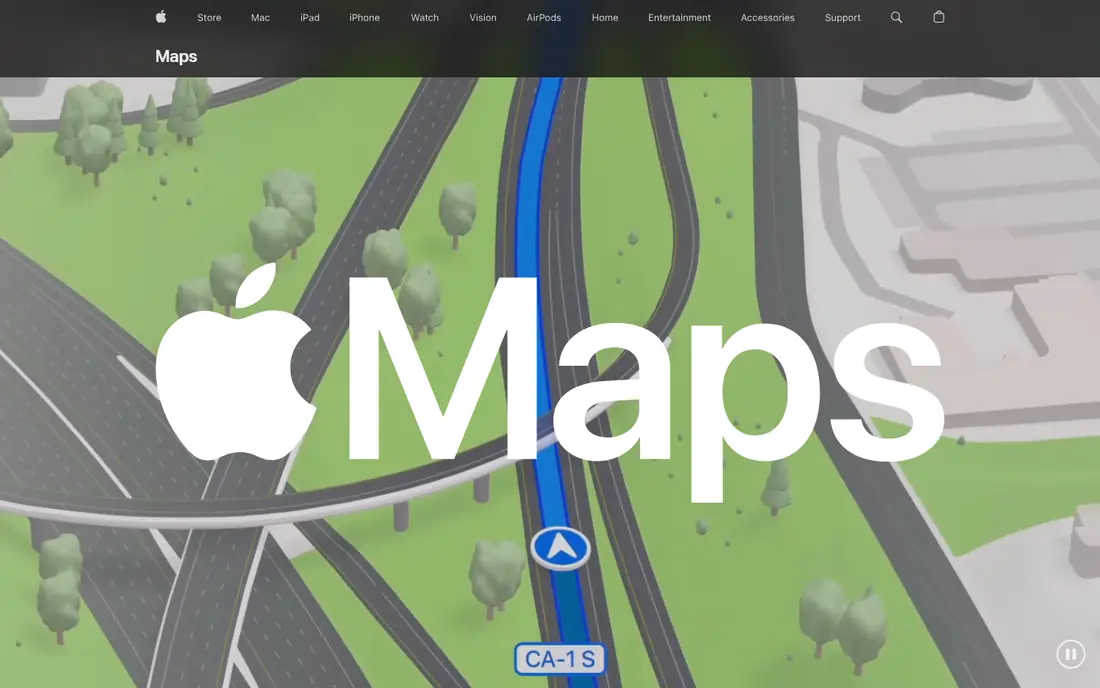
Apple Maps suits iPhone and Mac users who want directions built into their devices, with detailed city maps, Look Around street-level imagery, natural-language search, and live transit in supported cities. Its downloaded map areas cover offline use, and its place cards and transit data have improved steadily, making it a credible default for Apple users who prefer not to install Google apps. Its privacy posture is stronger than Google Maps, with fewer collected data categories in store labels.
It is Apple-only, so Android and Windows users get no benefit, and its transit and business data still trail Google Maps in many regions. For Apple users who want a capable built-in map without Google tracking, Apple Maps offers the most integrated alternative here.
What we like- Built into Apple devices
- Detailed city maps and Look Around
- Downloaded map areas for offline use
Watch out for- Apple-only
- Transit and business data trail Google Maps
- Fewer third-party integrations
Starting priceFree
Free planYes
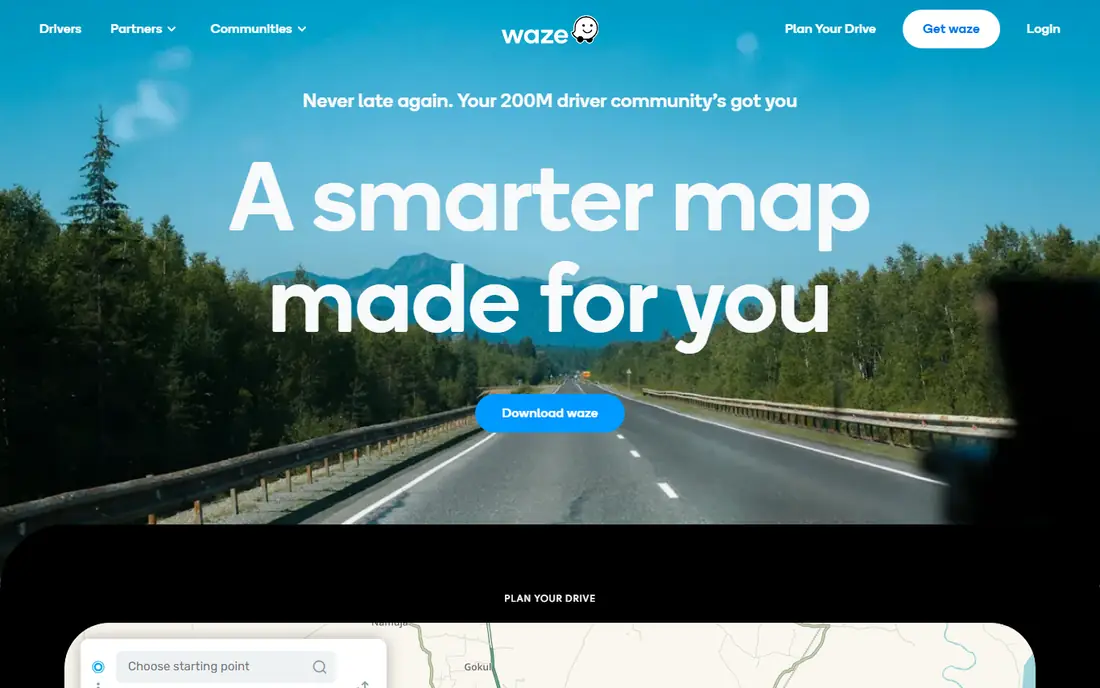
Waze suits commuters who drive in traffic, with community-driven live traffic and hazard alerts that reroute around incidents other drivers report rather than waiting for traffic speed to drop. It costs nothing to download or use, with no paid tier, and its crowd alerts cover crashes, police, road closures, and hazards in real time, plus Gemini voice reporting for hands-free alerts. Guides score it 7.7 against Google Maps 7.6, with Waze winning on live traffic while Google Maps wins on business data, transit, offline areas, and search.
It needs mobile data, since live reports and map tiles stream while you drive, so abroad it means roaming charges or a local SIM, and it has no public transit. For city driving where traffic matters most, Waze offers the fastest routes here.
What we like- Best live traffic and incident reports
- Crowd alerts and rerouting
- Completely free with no paid tier
Watch out for- Needs mobile data, wrong app for offline driving
- No public transit
- Eight data categories with identifiers shared onward
Starting priceFree
Free planYes

HERE WeGo suits road trips abroad and offline travel, with country, region, or continent downloads for turn-by-turn offline navigation, live transit, and incident reporting. Its offline model beats Google Maps, since Google Maps downloads individual areas that expire, while HERE WeGo downloads whole regions for lasting offline use, with no ads or in-app purchases listed in either store. Its store label declares no tracking, though live traffic still needs your position.
Its business data trails Google Maps, and its interface is less polished than Apple Maps, so local discovery feels thinner. For travelers who need reliable offline maps and public transport in one free app, HERE WeGo offers the best offline general-purpose alternative here.
What we like- Whole region, country, or continent downloads
- Offline turn-by-turn navigation
- Live transit and incident reporting
Watch out for- Business data trails Google Maps
- Interface less polished than Apple Maps
- Live traffic needs position data
Starting priceFree
Free planYes
OsmAnd suits hikers, cyclists, and rural travelers who need detailed offline maps and trails, with OpenStreetMap data, contour lines, and detailed outdoor planning that mainstream apps lack. Its offline detail is the clear winner in guides, with country downloads, turn-by-turn navigation, and POI search that work without signal, making it ideal for trails and rural roads where Google Maps coverage thins. Its free plan covers core navigation, with paid features for extra map downloads in some versions.
Its interface is more technical than Waze or Apple Maps, live traffic is limited, and setup requires downloading maps before travel. For trails, rural roads, and detailed offline planning, OsmAnd offers the deepest offline maps here.
What we like- Best offline detail
- Detailed outdoor maps and trail planning
- OpenStreetMap data with contours
Watch out for- Interface more technical than Waze or Apple Maps
- Live traffic limited
- Setup needs map downloads
Starting priceFree
Free planYes
Organic Maps, formerly CoMaps in some listings, suits privacy-focused users and hikers, with country downloads, turn-by-turn navigation, search, and OpenStreetMap editing that syncs later, all without tracking, ads, or account requirements. Its privacy posture is the strongest in this list, since it collects no user data and sells none to third parties, while its offline maps cover hiking and cycling well. Its free price and open data model appeal to users who distrust corporate map tracking.
Its feature set is smaller than Google Maps, with no live traffic depth and business data that trails mainstream apps. For privacy-first navigation with solid offline maps, Organic Maps offers the most private alternative here.
What we like- Privacy-focused with no tracking or ads
- Country downloads
- OpenStreetMap data with editing synced later
Watch out for- Smaller feature set than Google Maps
- No live traffic depth
- Business data trails mainstream apps
Starting priceFree
Free planYes
MAPS.ME suits travelers who want quick offline city maps, with country downloads, turn-by-turn navigation, POI search, contours, and hotel booking in one free app. Its offline city maps load fast and work without signal, making it a strong companion for urban trips where Google Maps offline areas expire or fail. Its freemium model means some features cost extra, so check current in-app pricing before relying on a paid feature.
Live traffic is limited, and its community is smaller than OpenStreetMap apps like OsmAnd and Organic Maps. For quick offline city maps with hotel booking built in, MAPS.ME offers the most travel-friendly offline app here.
What we like- Quick offline city maps
- Country downloads
- Turn-by-turn navigation and POI search
- Hotel booking
Watch out for- Freemium model, check current in-app pricing
- Live traffic limited
- Smaller community than OpenStreetMap apps
Starting priceFree
Free planYes
Magic Earth suits privacy-focused drivers who want CarPlay navigation, with OpenStreetMap data, an ad-free experience where data is not sold to third parties, and no tracking or profile building from routes. Its CarPlay experience includes 2D and 3D navigation in a clean interface, with waypoint adding and removal without picking up the phone, plus offline maps for most countries. Basic navigation on iPhone is still free, while advanced features such as real-time traffic and the CarPlay app require a paid subscription after a 30-day free trial at $19.99 per year.
OpenStreetMap accuracy varies by region, so test the free trial on your usual routes before paying, and real-time traffic sits behind the paid tier. For privacy-focused CarPlay navigation, Magic Earth offers the most private driving app here.
What we like- OpenStreetMap powered with privacy focus
- Ad-free with no data sold
- Offline maps
- CarPlay support
Watch out for- Advanced features need $19.99 per year after 30-day trial
- OpenStreetMap accuracy varies by region
- Real-time traffic needs paid tier
Starting priceFree
Free planYes
MapQuest suits users who want simple directions and route planning without extra complexity, with a free web and app experience that covers driving directions, route planning, and basic maps for US routes. Its familiar interface appeals to long-time users who remember MapQuest as the original online directions service, and its simplicity suits drivers who just need a route without social features or discovery tools. Its free price and straightforward design make it easy to try alongside a primary navigation app.
Its feature set trails Google Maps, Waze, and HERE WeGo on live traffic, transit, and offline maps, and its mobile community is smaller. For simple directions and route planning on the web, MapQuest offers the most straightforward alternative here.
What we like- Simple directions and route planning
- Free web and app access
- Familiar interface for US routes
Watch out for- Fewer features than Google Maps
- Live traffic and transit depth trail rivals
- Smaller mobile community
How we chose
We compared 2026 navigation app guides, checking free tiers, offline support, live traffic, transit, privacy labels, and device support. We favored apps with clear free plans and published store listings, and we flagged where pricing is freemium or trial-based rather than inventing figures. We did not claim hands-on testing, and map accuracy varies by region, especially for OpenStreetMap apps, so test each app on your usual routes before switching.
Choosing by trip type
For city driving in traffic, choose Waze for live rerouting, with Google Maps kept for business search and transit. For road trips abroad, choose HERE WeGo for whole-region offline downloads, with OsmAnd added for trails and rural roads. For privacy, choose Organic Maps or Magic Earth, depending on whether you need CarPlay. For Apple users, choose Apple Maps as the built-in default, and for simple web directions, choose MapQuest.
Offline strategy that works
Download maps before you leave, since offline means the feature works after the necessary map, route, or itinerary has been downloaded in advance, not without any preparation. HERE WeGo downloads whole regions, OsmAnd and Organic Maps download countries, and Google Maps downloads individual areas that expire, so plan downloads by region rather than by neighborhood. Test offline navigation on a familiar route before traveling, since offline routing quality varies by app and region.
Privacy and data notes
All navigation apps use location, but how much they keep differs: Google Maps lists twelve collected data categories including location history, Waze lists eight with identifiers shared onward, and HERE WeGo declares no tracking on Apple labels while live traffic still needs position. Organic Maps and Magic Earth promise no tracking or data sales, making them the strongest privacy picks. If privacy matters, choose an OpenStreetMap app and disable location history in your device settings.
Frequently asked questions
Is Waze completely free?
Yes, Waze costs nothing to download or use, with no paid tier, though it costs mobile data, since live reports and map tiles stream while you drive. Abroad, that means roaming charges or a local SIM, and if you plan to drive offline, Waze is the wrong app.
What is the best free navigation map?
Offline detail has a clear winner in OsmAnd, while Waze takes the live-traffic crown, and neither wins everywhere. For one app that does both well enough, HERE WeGo or Google Maps is the easier answer, with trip type deciding: trails and rural roads point to OsmAnd, city driving points to Waze.
Can I use Google Maps alternatives offline?
Yes, HERE WeGo, OsmAnd, Organic Maps, MAPS.ME, and Magic Earth all offer offline maps, while Apple Maps offers downloaded map areas. Download the relevant region or country before travel, since offline features require advance downloads.
Which navigation app is best for privacy?
Organic Maps and Magic Earth offer the strongest privacy, with no tracking, no ads, and no data sales, while HERE WeGo declares no tracking on Apple labels. Google Maps collects the most data categories, including location history, so privacy-focused users should prefer OpenStreetMap apps.
Should I delete Google Maps when switching?
No, keep Google Maps for business search, transit, and Street View, since alternatives trail it on those features, and use a second app for driving, offline maps, or privacy. Most users end up with two navigation apps: one for discovery and one for driving.
Sources we checked (10)
- https://www.apple.com/maps
- https://www.waze.com
- https://wego.here.com
- https://osmand.net
- https://organicmaps.app
- https://maps.me
- https://www.magicearth.com
- https://www.mapquest.com
- https://www.lilachbullock.com/google-maps-alternatives/
- https://editorialge.com/best-google-maps-alternatives/
Is your product missing or out of date?
We review this list regularly. Vendors can request a listing, send updated pricing or ask about featured placement.

Shihab Mia · Founder, Rankite
Shihab has 5+ years in B2B and SaaS SEO. He writes Rankite's software buying guides from pricing pages, documentation and public user reviews. More about Shihab.