How we make this list: we compare pricing pages, product documentation and public user reviews. Ratings come from G2, Capterra or Trustpilot, with the date we checked them.

Key takeaways
- MacPorts is the classic alternative, with thousands of ports and self-contained installs in /opt/local.
- Nix is the best alternative for reproducibility, with isolated builds, rollbacks, and declarative environments.
- ZeroBrew is the fastest Homebrew-compatible option, with up to 10x faster installs from the same formula ecosystem.
- Mise manages dev tools, environment variables, and tasks per project from one config file.
- Pixi brings conda-style reproducible environments to any language, cross-platform.
Quick comparison
| Tool | Best for | Starting price | Free plan |
|---|
 MacPorts MacPorts | Classic Mac ports | Free | Yes |
 Nix Nix | Reproducible environments | Free | Yes |
 Fink Fink | Debian-style Mac packages | Free | Yes |
 pkgsrc pkgsrc | Portable Unix packages | Free | Yes |
 GNU Guix GNU Guix | Scheme-based reproducibility | Free | Yes |
 Mise Mise | Per-project dev tools | Free | Yes |
 ZeroBrew ZeroBrew | Faster Homebrew client | Free | Yes |
 Pixi Pixi | Cross-platform environments | Free | Yes |
Is your product missing or out of date?
We review this list regularly. Vendors can request a listing, send updated pricing or ask about featured placement.
The best alternatives to Homebrew
Starting priceFree
Free planYes
MacPorts is the oldest Mac package manager still in active use, and the most direct alternative to Homebrew. Its homepage describes an open-source community initiative to design an easy-to-use system for compiling, installing, and upgrading command-line, X11, or Aqua open-source software on macOS, with thousands of ports in a single tree. Installs live self-contained in /opt/local, which keeps MacPorts separate from system software and from Homebrew if both are installed.
The current release is 2.12.7, targeting macOS Sonoma 14 and later. MacPorts tracks the latest release of every port without splitting stable and unstable branches, so updates arrive quickly but occasionally break. Mixing package managers on one machine causes PATH conflicts, so pick one primary manager per machine. Pick MacPorts when you want a mature, self-contained ports system with deep macOS history.
What we like- Thousands of ports
- Self-contained installs in /opt/local
- Tracks latest releases without stable branches
Watch out for- Port updates can be slower than Homebrew
- Mixing package managers causes PATH conflicts
Starting priceFree
Free planYes
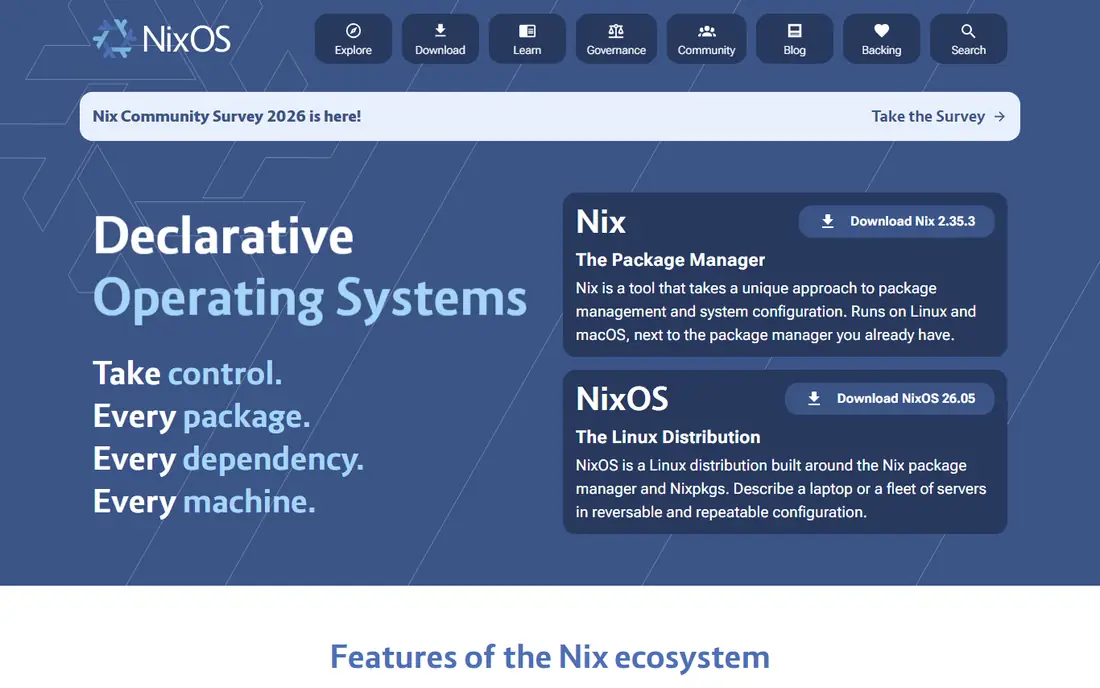
Nix is the best alternative when reproducibility matters more than simplicity. Its homepage promises reproducible builds and deployments, with Nix taking a unique approach to package management and system configuration on Linux and macOS, running next to the package manager you already have. Builds run in isolation, so a package that works on one machine works on another, installing or upgrading one package cannot break others, and rollbacks restore previous versions instantly.
Declarative environments let teams share exact development setups regardless of language, and tools such as nix-darwin and Home Manager extend Nix to macOS configuration and user packages. The cost is learning: the Nix language and environment model take real study, and macOS sandboxing needs manual enabling. Pick Nix when strict reproducibility, rollbacks, and team-wide identical environments justify the learning curve.
What we like- Isolated reproducible builds
- Rollbacks to previous versions
- Declarative environments shared across machines
Watch out for- Steep learning curve with the Nix language
- Sandboxing is not enabled by default on macOS
Starting priceFree
Free planYes
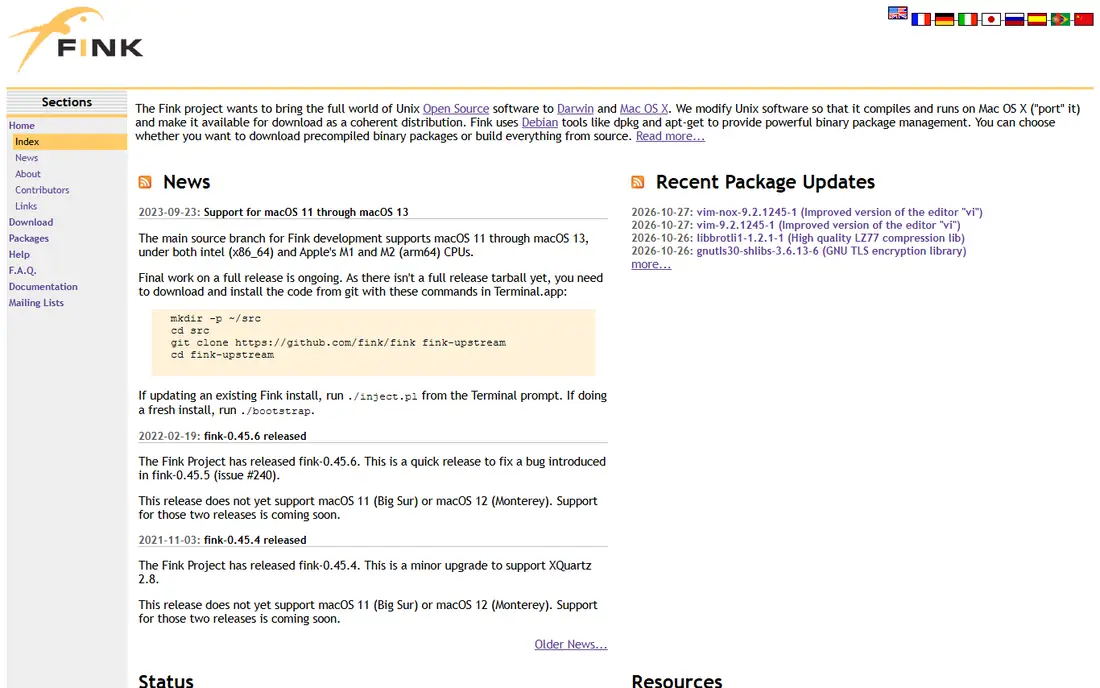
Fink brings Debian-style package management to macOS, and it suits users who prefer apt-like workflows. Its homepage reports full support for macOS 10.15 Catalina and earlier, with work-in-progress support for macOS 11 through 13, requiring Xcode and the command line tools plus XQuartz for X11 software. Fink enriches the software ecosystem available to Mac users with Unix packages ported through its own build system.
The honest limit is currency: Fink support lags current macOS releases, so it is not the right pick for a brand-new Mac running the latest system. It remains useful for older machines and for users who already know Debian tooling. Pick Fink when the machine runs a supported macOS version and Debian-style management is the preference.
What we like- Debian-style package management on macOS
- Long history with Unix software
- X11 support through XQuartz
Watch out for- Official support ends at macOS 13, with newer support still in progress
- Smaller package set than Homebrew
Starting priceFree
Free planYes
pkgsrc is the portable framework for managing third-party software on Unix-like systems, and the default package manager of NetBSD and SmartOS. Its homepage reports over 26,000 packages, with the 2026Q3 release as the 92nd quarterly release. Binary packages exist for macOS, SmartOS, illumos, and Enterprise Linux, and source builds work on 20 plus Unix-like systems and 15 plus CPU architectures.
On non-NetBSD systems, pkgsrc needs a bootstrap step to build its tools, after which the pkgin tool manages binary packages with apt-like commands. The framework supports arbitrary installation prefixes, multiple branches on one machine, and unprivileged installation. Pick pkgsrc when portability across Unix systems matters, or when the same package set must run on macOS, Linux, and BSD machines.
What we like- Over 26,000 packages
- Runs on 20 plus Unix-like systems
- Quarterly releases with binary packages
Watch out for- Bootstrap step needed on non-NetBSD systems
- MacOS is a supported platform but not the primary focus
Starting priceFree
Free planYes
GNU Guix is the Scheme-based cousin of Nix, offering transactional package management and reproducible environments through Guile Scheme APIs. Its homepage describes a package manager for GNU/Linux systems that gives users more control over general-purpose and specialized computing environments, making them easier to reproduce over time and deploy to one or many devices. Users on the same machine manage their own packages independently without superuser privileges, and high-level embedded domain-specific languages define packages and whole-system configurations.
Guix provides thousands of packages covering desktop environments, applications, system tools, and programming languages, and it runs on top of any GNU/Linux distribution without clashing with the distro package manager. The limit for this list is platform: Guix targets GNU/Linux, so macOS users should treat it as a Linux alternative rather than a direct Mac replacement. Pick Guix for Linux machines where Scheme-based declarative configuration and reproducibility matter.
What we like- Transactional package management with rollbacks
- Guile Scheme configuration for packages and systems
- Per-user packages without superuser rights
Watch out for- Designed for GNU/Linux systems, with limited macOS support
- Scheme learning curve for configuration
Starting priceFree
Free planYes
Mise, pronounced meez, is the per-project tool manager. Its homepage promises dev tools, environment variables, and tasks in one CLI, installing a project's tools, setting its environment variables, and running its tasks from one mise.toml that works in the shell, editor, and CI. Entering a project directory puts its installed tool versions on the PATH and loads its environment variables, and leaving restores the previous environment.
The registry covers more than 1,000 tools sourced from package managers, GitHub releases, cargo, npm, pypi, and go, and mise bootstrap can set up a whole machine with packages, dotfiles, and services. Note that mise bootstrap can call Homebrew, apt, and other managers, so it complements system package management rather than fully replacing it. Pick mise when each project needs different tool versions and the setup should live in the repository.
What we like- Manages tools, environment variables, and tasks from one mise.toml
- Automatic version switching per directory
- 1,000 plus tools in the registry
Watch out for- Complements rather than replaces system package managers
- Bootstrap can also call Homebrew, apt, or other managers
Starting priceFree
Free planYes
ZeroBrew is the speed answer for Homebrew users who do not want to leave the ecosystem. Its homepage describes an up to 10x faster Homebrew client, built in Rust with uv-style architecture: content-addressable storage by SHA256 hash and APFS copy-on-write cloning for instant materialization. Benchmarks on a MacBook Pro show 7.8x faster cold installs and 25x faster warm installs across 100 packages, with a median package 7.5x faster cold and 62x faster warm.
ZeroBrew fetches packages from Homebrew CDN and API, maintaining full compatibility with the formula ecosystem, and it installs to /opt/zerobrew without touching an existing /opt/homebrew setup. A brew compatibility entrypoint supports install, uninstall, list, info, outdated, upgrade, doctor, bundle, and update, while search, services, taps, and cask flags are not implemented. Pick ZeroBrew when Homebrew speed is the pain and the formula ecosystem must stay.
What we like- Up to 10x faster Homebrew client
- Uses the same formula ecosystem
- Installs alongside Homebrew without touching it
Watch out for- Experimental, with some commands unimplemented
- Warm installs use more disk
Starting priceFree
Free planYes
Pixi is the modern conda-style environment manager from prefix.dev. Its homepage presents reproducible, cross-platform development environments built on open source, with toolchains for robotics, data science, and more, running across Linux, macOS, and Windows. Pixi resolves dependencies fast, locks environments for reproducibility, and shares them across laptops and CI, which suits data science teams and multi-language projects.
Pixi builds on the conda package ecosystem through rattler libraries, so Python and data tooling are strongest, while other languages depend on available packages. It is newer than conda itself, so documentation and community are still growing compared with Homebrew or Nix. Pick Pixi when the project spans Python and other languages, needs locked reproducible environments, and must run identically on macOS, Linux, and Windows.
What we like- Reproducible cross-platform development environments
- Fast dependency resolution
- Works on Linux, macOS, and Windows
Watch out for- Conda ecosystem focus, so non-Python tooling varies
- Newer than conda itself
How we chose
We compared package managers that cover Homebrew ground on macOS: installing, upgrading, and removing command-line tools and applications. Each vendor homepage was opened to confirm the product exists and the domain belongs to that product. Rudix was excluded because its homepage states the project is retired, with repositories archived on 1 April 2026 and no further development. Prices are shown where the vendor states them, and See website is used where no price applies, since all eight tools are free and open source. The list mixes classic ports systems, reproducible managers, and per-project tools because Homebrew users split across all three needs.
What to check before you pick
Start with the reason you are leaving Homebrew, because it decides the shortlist. Speed complaints point to ZeroBrew. Reproducibility needs point to Nix or Guix. Per-project tool versions point to mise or Pixi. A classic ports experience points to MacPorts or pkgsrc. A Debian-style workflow points to Fink, with its macOS version limits in mind.
Next, avoid mixing package managers on one machine, since PATH conflicts cause the exact breakage users blame on the manager. Pick one primary manager, and use per-project tools such as mise or Pixi inside projects rather than as a second system manager. Finally, test the workflow on a spare machine or a fresh user account before migrating a working setup, since package managers touch the whole toolchain.
Frequently asked questions
What is the best Homebrew alternative for most Mac users?
MacPorts is the best classic alternative, with thousands of ports and self-contained installs. ZeroBrew is the best alternative for users who want to keep Homebrew formulas but gain speed. Nix is the best alternative for users who need reproducibility and rollbacks. Choose by the reason for switching, not by popularity alone.
Is Nix better than Homebrew?
Nix is better for reproducibility, rollbacks, and declarative environments shared across machines. Homebrew is better for simplicity and the largest macOS package library. Nix has a steeper learning curve and needs manual sandbox setup on macOS, so it suits teams that value exact environments over quick installs.
Can I run two package managers at once?
Technically yes, but it causes PATH conflicts and broken builds when both provide the same tool. Comparison sources warn against mixing managers on one machine. Pick one primary manager, and use per-project tools such as mise or Pixi inside projects, which manage their own versions without touching system paths.
What is the fastest Homebrew alternative?
ZeroBrew is the fastest Homebrew-compatible option, with benchmarks showing 7.8x faster cold installs and 25x faster warm installs across 100 packages. It uses the same formula ecosystem and installs alongside Homebrew without replacing it. For non-Homebrew speed, Nix and Pixi also resolve and install quickly, though their speed depends on caching and network.
Is Fink still maintained?
Fink fully supports macOS 10.15 and earlier, with work-in-progress support for macOS 11 through 13, according to its homepage. It is not the right pick for a new Mac on the latest macOS version. MacPorts and Nix are better maintained choices for current systems, while Fink suits older machines and Debian-style workflows.
Sources we checked (8)
- https://www.macports.org
- https://nixos.org
- https://www.finkproject.org
- https://www.pkgsrc.org
- https://guix.gnu.org
- https://mise.jdx.dev
- https://github.com/zerobrewhq/zerobrew
- https://prefix.dev
Is your product missing or out of date?
We review this list regularly. Vendors can request a listing, send updated pricing or ask about featured placement.

Shihab Mia · Founder, Rankite
Shihab has 5+ years in B2B and SaaS SEO. He writes Rankite's software buying guides from pricing pages, documentation and public user reviews. More about Shihab.