How we make this list: we compare pricing pages, product documentation and public user reviews. Ratings come from G2, Capterra or Trustpilot, with the date we checked them.
Key takeaways
- Zeffy is genuinely free for nonprofits, funded by optional donor tips, and runs payments through a Stripe account it creates for you.
- Givebutter is the closest free alternative, with 0 percent platform fees while donor tips are on and strong peer-to-peer tools.
- Donorbox is the best pick for fast, flexible donation forms, though its free plan carries a platform fee.
- BetterWorld and Give Lively suit nonprofits that want events, auctions, and ticketing alongside donations.
- Fundraise Up and Classy, now GoFundMe Pro, serve larger nonprofits that optimize conversion or run enterprise campaigns.
- Stripe itself is an alternative only if you want raw payment processing and plan to build or connect your own forms.
Quick comparison
Is your product missing or out of date?
We review this list regularly. Vendors can request a listing, send updated pricing or ask about featured placement.
The best zeffy payment processor stripe alternatives

#1Givebutter
Best for: Free fundraising with peer-to-peer4.7/5 on
G2 (2,256 reviews, checked Oct 2026)
Visit givebutter.com
Starting priceFree
Free planYes
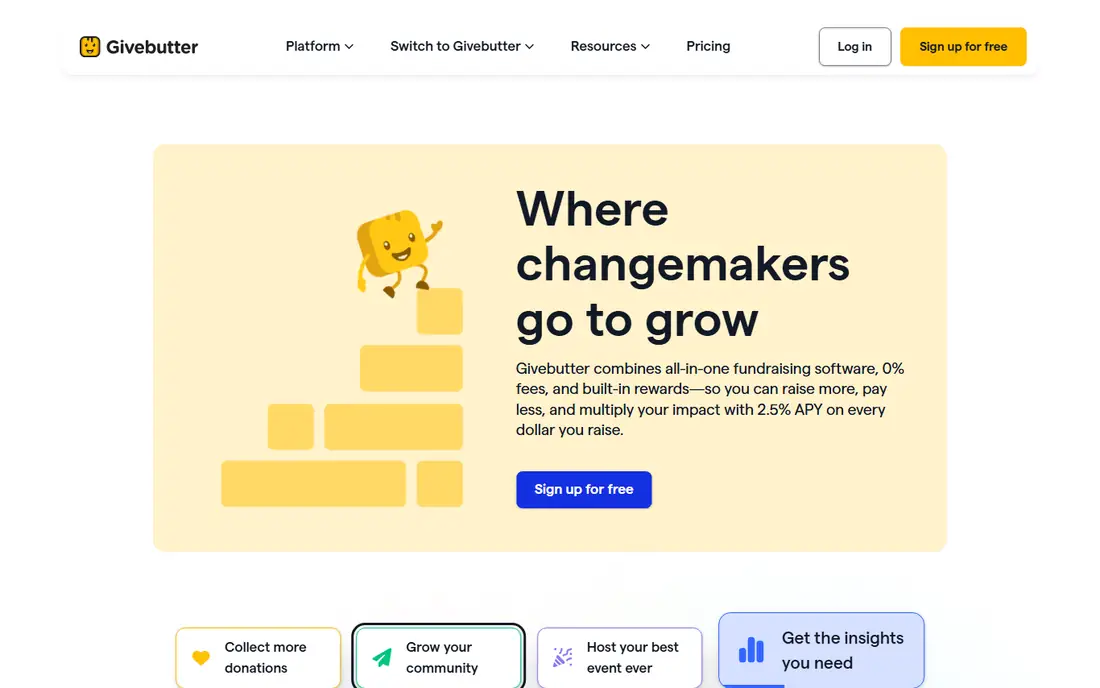
Givebutter is the closest free alternative to Zeffy, and for many nonprofits it is the better tool. With donor tips turned on, the platform fee is 0 percent, and the nonprofit keeps the full donation minus nothing, since tips cover the cost. Turn tips off and the platform fee becomes a flat 3 percent, plus card processing of 2.9 percent plus 30 cents. Paid Plus plans start at 29 dollars a month and add features such as QuickBooks Online sync and higher contact limits.
Where Givebutter pulls ahead of Zeffy is breadth. Peer-to-peer campaigns, events, auctions, and a built-in CRM come standard, so a nonprofit running a gala, a fun run, and a year-end appeal can run all three in one place. Zeffy covers many of the same jobs, but Givebutter has a longer track record on peer-to-peer fundraising, and its donor-facing pages look more polished. If your team wants free fundraising plus real campaign depth, start here.
What we like- 0 percent platform fee with donor tips on
- Strong peer-to-peer and event tools
- Built-in CRM
- Auction support
Watch out for- 3 percent platform fee with tips off
- Card processing of 2.9 percent plus 30 cents applies then
- QuickBooks sync needs a paid Plus plan

#2Donorbox
Best for: Flexible donation forms4.6/5 on
G2 (1,515 reviews, checked Oct 2026)
Visit donorbox.com
Starting priceFree
Free planYes
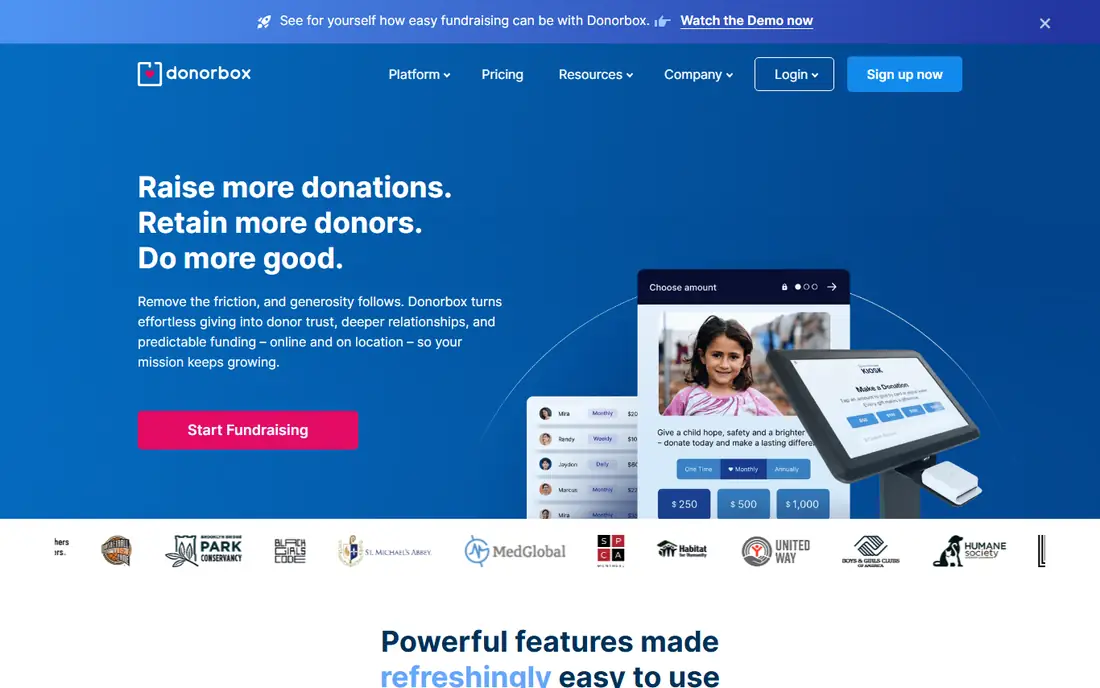
Donorbox is the pick when donation forms are the priority. You can embed a form on your own site in minutes, set up recurring gifts, and let donors manage their own plans through a donor portal. The Standard plan costs 0 dollars a month but carries a 2.95 percent platform fee, or 3.95 percent on some configurations, and Stripe card processing for US nonprofits runs 2.2 percent plus 30 cents. The Pro plan at 150 dollars a month drops the platform fee to 1.75 percent.
That fee structure means Donorbox is never truly free the way Zeffy is, but it buys flexibility and integrations that Zeffy does not match. Donorbox connects with Salesforce, Blackbaud, HubSpot, Bloomerang, Little Green Light, and Neon One, which matters once donor data has to flow into a real CRM. Small nonprofits that only need a form and receipts may prefer Zeffy or Givebutter, while teams with an existing CRM often find Donorbox the cleaner fit.
What we like- Fast form setup
- Recurring giving and donor portal
- Wide CRM integrations
- Nonprofit card rates from Stripe
Watch out for- Standard plan carries a 2.95 percent platform fee
- Pro costs 150 dollars a month
- No configuration reaches 0 percent total cost
Starting priceFree
Free planYes
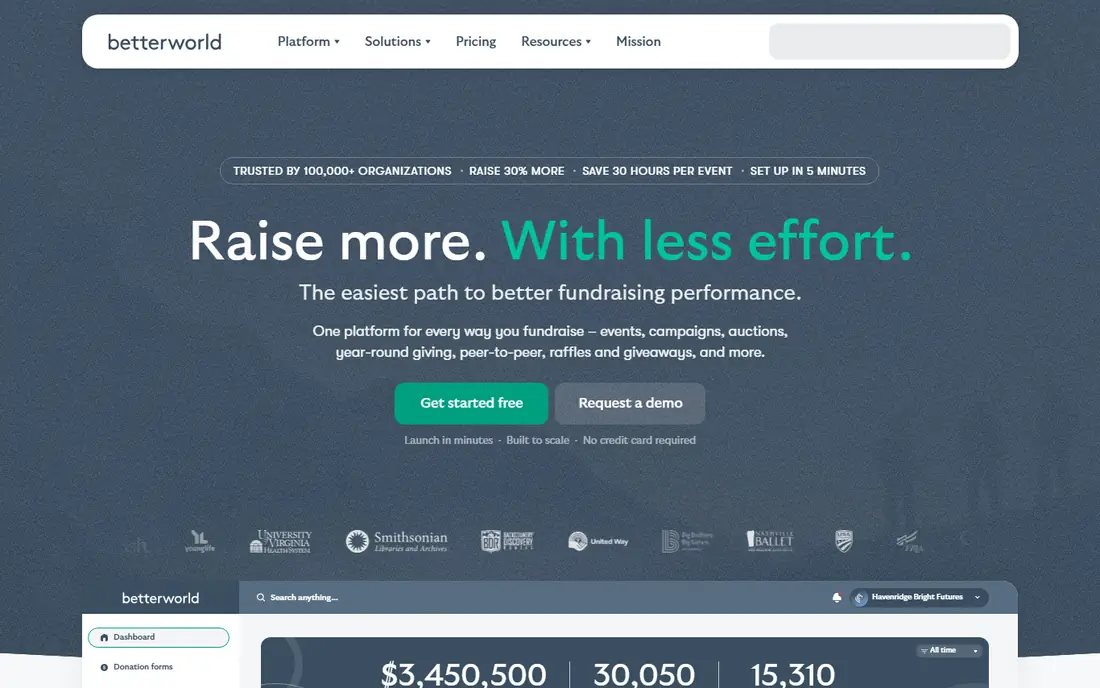
BetterWorld is the best free option for nonprofits whose fundraising centers on events. Auctions, raffles, ticketing, and peer-to-peer campaigns sit alongside simple donation pages, all on a free plan with a 0 percent platform fee and optional donor tips. Card processing runs 2.9 percent plus 30 cents through Stripe, so it is not as cheap as Zeffy on pure donations, but the event stack is broader.
Schools, PTOs, animal rescues, and community groups are the natural audience, since those organizations live on galas, raffles, and urgent campaigns rather than direct-mail appeals. The donor CRM is simpler than Givebutter, and large nonprofits with complex reporting needs may outgrow it. But for a volunteer-run team that needs an auction up this week, BetterWorld is one of the fastest paths from signup to a live event page.
What we like- 0 percent platform fee
- Events, auctions, raffles, and ticketing
- Donor tipping model
- Good for schools and PTOs
Watch out for- Card processing of 2.9 percent plus 30 cents via Stripe
- Narrower donor CRM than Givebutter
- Fewer enterprise features

#4Give Lively
Best for: Free fundraising with low processing4.7/5 on
G2 (81 reviews, checked Oct 2026)
Visit givelively.org
Starting priceFree
Free planYes
Give Lively gives small nonprofits a genuinely free fundraising stack with better processing rates than most rivals. The platform fee is 0 percent, card processing starts at 2.2 percent plus 30 cents for US nonprofits, and ACH gifts cost 0.8 percent capped at 5 dollars. Text-to-donate, peer-to-peer pages, and event tools cover the common campaign types, and the platform is built specifically for nonprofits rather than adapted from a general payment product.
The limits show up at scale. Give Lively has fewer campaign types than Givebutter and less enterprise depth than Classy, and teams that need advanced segmentation or Salesforce-heavy workflows may need another tool. But for a small nonprofit that wants low fees, simple setup, and honest pricing, Give Lively is one of the strongest Zeffy alternatives, especially where ACH gifts make up a large share of donations.
What we like- 0 percent platform fee
- Low nonprofit card rates
- Text-to-donate and peer-to-peer
- Strong for small nonprofits
Watch out for- Card processing still applies
- Fewer campaign types than Givebutter
- Enterprise features limited
Starting priceSee website
Free planNo
Fundraise Up plays a different game from the free platforms: instead of charging a subscription, it takes a share of the donations it processes, and it earns that share by raising conversion. Its checkout uses AI-suggested ask amounts, smart payment options, and recurring prompts tuned to donor behavior, and nonprofits that switch often report higher completion rates on their forms. There is no monthly subscription, which makes it easy to trial.
The catch is transparency. The exact revenue share is not published on its pricing page, so you have to request a quote and model it against your own average gift size. For a nonprofit raising under 50,000 dollars a year online, that share may cost more than a free platform. For a larger nonprofit where a few points of conversion lift mean tens of thousands of dollars, Fundraise Up can pay for itself many times over, which is why it belongs on an enterprise shortlist even without published pricing.
What we like- Conversion-focused checkout
- AI-driven ask amounts
- Strong Salesforce links
- No subscription fee
Watch out for- Takes a share of donations
- Exact rate not published
- Less useful for tiny nonprofits

#6Classy (GoFundMe Pro)
Best for: Enterprise campaigns4.4/5 on
G2 (145 reviews, checked Oct 2026)
Visit classy.org
Starting priceSee website
Free planNo
Classy, now sold as GoFundMe Pro, is the enterprise end of this list. It handles large peer-to-peer campaigns, branded fundraising pages, and multi-team events, with Salesforce integrations for nonprofits that already run on that CRM. The Essentials plan carries no subscription for organizations under 1 million dollars in revenue, but access is by request, and larger organizations pay custom quoted pricing.
Processing runs 2.2 to 2.5 percent plus 30 cents, plus 1 percent for American Express, and paid add-ons cover Giving Cart, live events, and Salesforce. That puts Classy well above the free platforms on cost, but enterprise nonprofits buy it for campaign depth, reporting, and support rather than for the lowest fee. If your team runs a national peer-to-peer program or a multi-chapter campaign, Classy is the tool to compare against Fundraise Up. If you run one annual appeal, it is far more than you need.
What we like- Enterprise campaign tools
- Peer-to-peer at scale
- Salesforce integrations
- GoFundMe brand reach
Watch out for- Custom quoted pricing
- Paid add-ons for events and Salesforce
- Overkill for small teams

#7Stripe
Best for: Direct payment processing4.2/5 on
G2 (462 reviews, checked Oct 2026)
Visit stripe.com
Starting pricePay as you go
Free planNo
Stripe is the processor behind Zeffy and several tools on this list, and going direct is a real option for teams with technical help. Zeffy creates and administers a Stripe account for you and passes no processing fee to the nonprofit, which is part of why it can be free. With a direct Stripe account, a US nonprofit pays 2.2 percent plus 30 cents per card gift, and you get full control over checkout, receipts, and data.
The trade-off is work. Stripe ships no donation pages, no peer-to-peer campaigns, and no donor CRM, so you either build those yourself or connect a separate tool such as Donorbox or Givebutter, which brings you back to a platform fee. Direct Stripe makes sense for a nonprofit with a developer on staff that wants total control and already has a website and CRM. For everyone else, a fundraising platform that runs on Stripe is cheaper in staff time even if the fee line looks higher.
What we like- Full control over checkout
- Nonprofit card rates
- Huge integration ecosystem
- Reliable infrastructure
Watch out for- No fundraising pages out of the box
- You build or buy forms
- Fees apply on every gift
- Needs technical help

#8Donately
Best for: Simple online giving4.4/5 on
G2 (43 reviews, checked Oct 2026)
Visit donately.com
Starting priceSee website
Free planYes
Donately is the simple option for a nonprofit that wants clean donation pages without learning a big platform. Setup is quick, recurring giving works out of the box, and a free tier exists for teams just getting started. The pages look professional, receipts are automatic, and volunteers can run a campaign without training.
The limits are breadth and transparency. Donately has thinner peer-to-peer, auction, and event features than Givebutter or BetterWorld, and some pricing details are not published, so you need to confirm the full fee picture before committing. It fits a small nonprofit that mainly needs a donation form and a recurring program, and it fits less well once events, auctions, and multi-channel campaigns enter the picture. For that simple job, though, it is one of the easiest tools to adopt.
What we like- Clean, simple donation pages
- Recurring giving
- Free tier available
- Quick setup
Watch out for- Thinner campaign features than Givebutter
- Pricing details limited
- Smaller integration library
How we chose
We started from what Zeffy actually is: a free fundraising platform for nonprofits, funded by optional donor tips, with payments running through a Stripe account it administers. That set two tests for every alternative: what does the nonprofit really pay, and what fundraising jobs does the tool cover beyond a donation button. We split platform fees from processing fees in every case, because the two are often confused and the difference decides the real cost. We excluded Zeffy itself and excluded general payment tools that offer no fundraising features, with Stripe as the deliberate exception, since it is the processor under Zeffy and a genuine direct alternative for technical teams.
What to check before you buy
Work out your true cost per 100 dollars donated before you compare headline fees. A 0 percent platform fee with 2.9 percent processing is cheaper than a 2.95 percent platform fee plus 2.2 percent processing, but only if donor tips actually cover the cost on your donor base, so test tip rates on a real campaign before you commit. Then check payout timing, since some platforms hold funds longer than others, and confirm how receipts and tax language work, because donations are not tax-deductible unless the organization and the gift qualify. Finally, map the tool to your CRM and accounting workflow: a free form that forces manual data entry every week costs more in staff time than a paid tool that syncs automatically.
Frequently asked questions
Is Zeffy really free?
Yes, for the nonprofit. Zeffy charges no platform fee and no processing fee to the organization, and it is funded by optional donor contributions. Donors can adjust or remove the tip, so tip rates vary by campaign.
What is the difference between a platform fee and a processing fee?
A platform fee goes to the fundraising software. A processing fee goes to the payment network and card processor, usually around 2.2 to 2.9 percent plus 30 cents per card gift. Both apply on most platforms, so add them together for the true cost.
Can I use my own Stripe account with Zeffy?
No. Zeffy creates and administers a Stripe account for you, and you cannot connect your own. If you need your own Stripe account, use Stripe directly or a platform that supports it, such as Donorbox.
Which alternative is best for events and auctions?
BetterWorld is the strongest free option for events, auctions, and raffles. Givebutter also covers events and peer-to-peer well, while Classy suits large enterprise event programs.
Do donations through these platforms count as tax-deductible?
It depends on the organization and the gift. A donation to a registered 501(c)(3) nonprofit is generally deductible, but ticket purchases, auction items, and raffle entries usually are not. Check the receipt language and confirm with a tax adviser.
Sources we checked (0)
Is your product missing or out of date?
We review this list regularly. Vendors can request a listing, send updated pricing or ask about featured placement.

Shihab Mia · Founder, Rankite
Shihab has 5+ years in B2B and SaaS SEO. He writes Rankite's software buying guides from pricing pages, documentation and public user reviews. More about Shihab.
 BetterWorld
 Fundraise Up