How we make this list: we compare pricing pages, product documentation and public user reviews. Ratings come from G2, Capterra or Trustpilot, with the date we checked them.
Key takeaways
- Workona gives a free plan capped at 5 spaces, with Pro from about $7 per month billed annually, and Team from $8 per user per month.
- Free tools like OneTab, Session Buddy, and Sidebery cover saving and restoring tabs, but none match true workspace isolation.
- Toby and SupaSidebar come closest to the Workona model, with visual collections and cross-browser spaces respectively.
- Browser support decides everything: most tab managers are Chrome-only, Firefox-only, or Mac-only.
Quick comparison
Is your product missing or out of date?
We review this list regularly. Vendors can request a listing, send updated pricing or ask about featured placement.
The best workona alternatives
Starting price$4.50/month
Free planYes
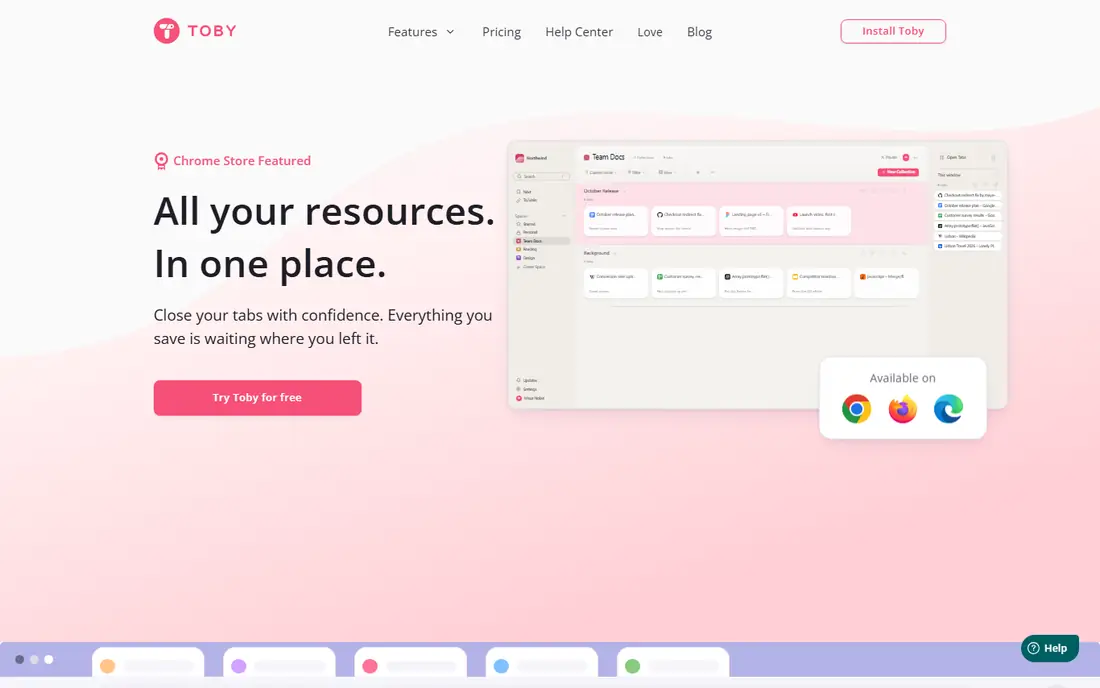
Toby is the closest visual rival to Workona, organizing saved tabs into card-grid collections that replace the new tab page. Teams use it for shared collections, and solo users use it for research boards that reopen in bulk. The free tier covers 60 cards across 3 collections and 1 workspace, with Productivity from $4.50 per month and Team from $8 per month.
The free cap bites fast for heavy users, and browser support covers Chrome and Edge only. For visual, shareable tab collections, Toby is the top pick.
What we like- Visual card boards replace the new tab page
- Cloud sync
- Collections open in bulk
Watch out for- Free tier capped at 60 cards
- Chrome and Edge only
- Account required
Starting price$0
Free planYes
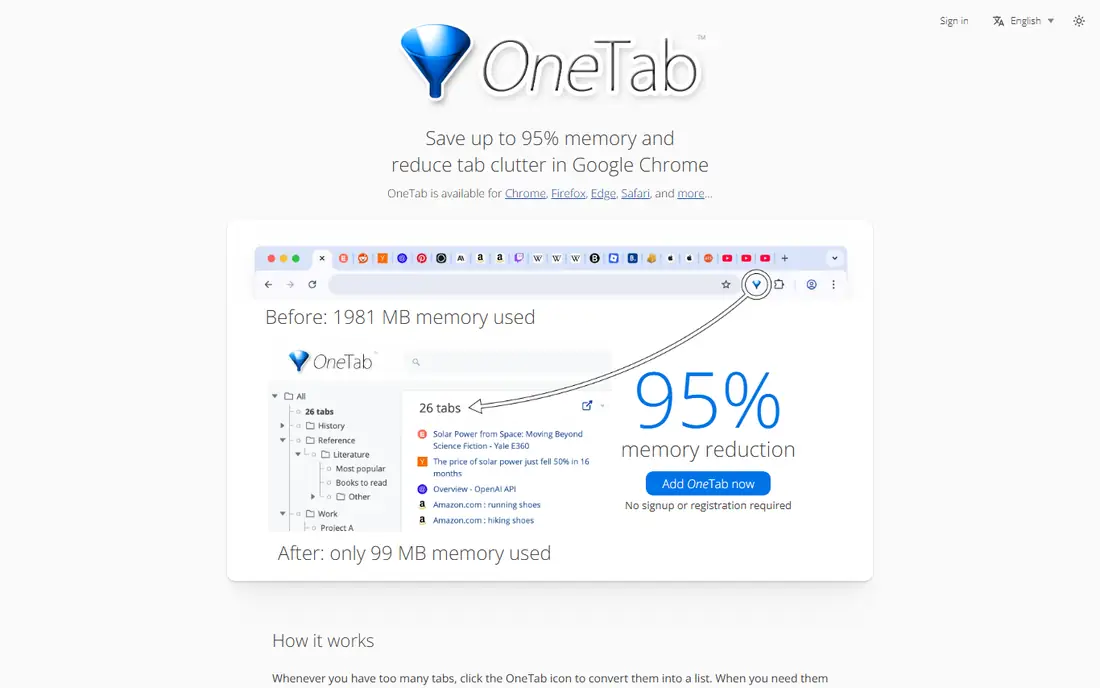
OneTab is the simplest free tab saver: one click sends every open tab into a single list, freeing memory immediately, and each list restores with one click. It runs on Chrome, Firefox, Edge, and Safari, with 2 million users, and cloud sync costs $7 per year. For the nuclear option on a tab pile, nothing is simpler.
It offers no folders on the free tier, no workspace isolation, and no automatic saving, so a crash before collapsing loses everything. For memory relief on a budget, OneTab wins.
What we like- One click collapses all tabs into a list
- Reclaims memory instantly
- 2 million users
Watch out for- Plain list with no folders on free
- Cloud sync is a $7 per year add-on
- Manual action only
Starting price$0
Free planYes
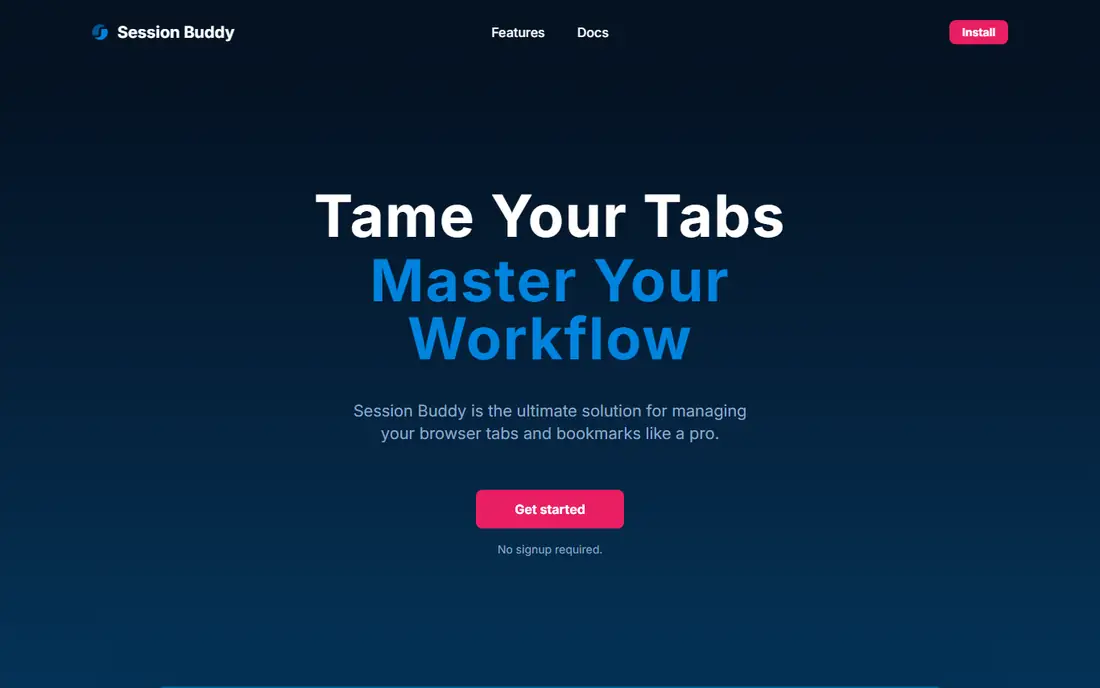
Session Buddy is the crash-recovery specialist, automatically backing up browsing sessions so a browser crash or restart never loses open tabs. It has 1 million users, needs no account, and keeps session archives for later restore. For users whose main fear is losing tabs, it is the safest free tool.
It runs on Chrome only, restores lose tab group structure, and offers no workspace isolation. For crash protection first, Session Buddy is the pick.
What we like- Automatic session backups
- 1 million users
- No account required
Watch out for- Chrome only
- Loses tab group structure on restore
- No workspaces
Starting price$0
Free planYes
Sidebery gives Firefox users the closest equivalent to the Workona model: panels isolate tab sets, tree-style tabs nest related pages, and keyboard shortcuts switch panels fast. It is fully free and open source, with unlimited panels. For Firefox power users, nothing else here matches.
It runs on Firefox only, stores data locally with Firefox Sync as the only sync path, and offers no cloud dashboard or team sharing. For Firefox workspace isolation, Sidebery is unmatched.
What we like- True panel isolation in Firefox
- Tree-style tabs
- Fully free and open source
Watch out for- Firefox only
- Local data with Firefox Sync only
- No cloud dashboard
Starting price$0
Free planYes
Tablerone gives workspace-adjacent organization with no cost and no account: save sessions, restore them later, and keep data local. For Chrome users who want a free, simple session saver without signing up anywhere, it is the cleanest option.
Sessions are flat rather than truly isolated workspaces, browser support is Chrome only, and team features are absent. For free and simple tab saving, Tablerone fits.
What we like- Completely free
- No account required
- Local data
Watch out for- Flat sessions, not true workspaces
- Chrome only
- No team features
Starting price$2.90/month
Free planYes
Amazing Tabs replaces the Workona dashboard with keyboard search: save sessions or collections per project, then switch by typing a few characters in the new-tab search. Premium starts at $2.90 per month billed annually, or $4.90 monthly, with a $99 lifetime plan capped at 200 founder spots, under half the Workona Pro annual cost for solo users.
Team sharing is not yet available, and project shaping is lighter than Workona, since most users rely on search rather than cards. For solo users who live on the keyboard, Amazing Tabs is the lighter, cheaper swap.
What we like- Search-first switching with no dashboard
- Cross-device sync
- Lifetime plan at $99
Watch out for- No team sharing yet
- Lighter than Workona for project shaping
- Newer tool
Starting priceSee website
Free planYes
Tab Group Vault solves one problem no other tool here solves: it preserves Chrome native tab group structure, names, colors, and membership through save and restore cycles. Other session savers flatten groups on restore, so users who organize by tab group lose structure. Pricing runs about $3 to $5 one time, with cloud sync included.
It offers no workspaces and no broader project features, so it pairs with another tool rather than replacing Workona alone. For tab-group users, it is the essential add-on.
What we like- Only tool that preserves Chrome tab group structure
- Cloud sync
- One-time pricing
Watch out for- No workspaces
- Group preservation is its whole job
- Smaller user base
How we chose
We compared workspace isolation, browser support, sync model, free-tier limits, and pricing for each tool, then checked them against recent tab-manager comparisons with data verified in 2026. Tools made the list only if they save, restore, or organize browser tabs today with a published or widely reported offering. Where pricing sits behind a quote or varies by listing, we used See website rather than printing a contested figure. We also weighed browser support separately, since a perfect Chrome tool is useless to a Firefox or Safari user. We also checked sync and privacy models, since cloud-synced tab titles can reveal research topics, while local-first tools keep that data on your machine. Users handling sensitive work should prefer local storage or check the vendor privacy policy before syncing.
Pick by browser first, then by model
Browser support decides the shortlist before features do. Chrome and Edge users can choose any tool except Sidebery and SupaSidebar, Firefox users get Sidebery or OneTab, Safari users get SupaSidebar or OneTab, and multi-browser Mac users get SupaSidebar alone. Once the browser filter applies, choose the model: workspace isolation (Workona, Sidebery panels, SupaSidebar spaces), visual collections (Toby), session archives (Session Buddy, Tablerone), memory saving (OneTab), or keyboard search (Amazing Tabs).
Also confirm the free-tier limits before committing. Workona free covers 5 spaces with section limits, Toby free covers 60 cards, SupaSidebar free covers 3 spaces, and Tablerone and Sidebery are unlimited but single-browser. A tool that fits today may cap out within a month of real use, so test with your actual tab load during the first week, not with a tidy demo set. Also confirm what happens to saved tabs if you cancel a paid plan: some tools keep your collections readable but block new saves, while others lock the dashboard entirely. Export your spaces or collections before canceling, and check whether the export format reopens cleanly in a rival tool or only as a flat bookmark list. Also test keyboard shortcuts and search speed with hundreds of tabs open, since a manager that feels fast at fifty tabs can crawl at five hundred. The best test is your worst tab day, not your best. Pick the tool that matches your worst tab day, not your tidiest one, and switch only after a full week of real use.
Frequently asked questions
What is Workona and what does it cost?
Workona organizes browser tabs, docs, and links into a dedicated space for each project, with cloud sync across devices and team sharing. The free plan covers 5 spaces with section limits, Pro starts at about $7 per month billed annually (about $84 per year), and Team starts at $8 per user per month with a three-user minimum. Nonprofits and education users get 50 percent off. Note that the Chrome extension itself has not been updated since January 2025, though the web app keeps shipping updates.
Which Workona alternative is best for teams?
Toby comes closest for team-oriented visual tab collections, with shared collections and a Team plan from $8 per month. Workona Team itself starts at $8 per user per month with a three-user minimum. Amazing Tabs does not yet offer team sharing, so teams should shortlist Toby or stay on Workona.
Which Workona alternative is free and unlimited?
Sidebery is fully free and open source with unlimited panels, but Firefox only. Tablerone is free with unlimited sessions, but Chrome only. OneTab is free with unlimited tabs, but offers no folders or workspaces on the free tier. True cross-browser unlimited workspaces at no cost do not exist here; SupaSidebar free covers 3 spaces.
Can I keep Chrome tab groups when saving sessions?
Only Tab Group Vault preserves Chrome native tab group structure through save and restore cycles. Session Buddy and other session savers flatten groups on restore. If tab groups are core to your workflow, pair Tab Group Vault with your chosen workspace tool.
Does any Workona alternative work on Safari?
SupaSidebar covers Safari among 32-plus browsers on Mac, and OneTab has a Safari version. Most Chrome-extension tab managers, including Workona itself, do not support Safari. Mac users who need Safari workspaces should start with SupaSidebar. Also confirm mobile support: Workona has a native iPhone and iPad companion app that syncs spaces and shows open desktop tabs, while most rivals here are desktop-only. Mobile access matters if you triage research on a phone between meetings. Also check whether your chosen tool suspends inactive tabs to save memory, since workspace managers organize tabs but do not always free RAM. OneTab and Cluster-style suspension tools help memory directly, while workspace tools mainly help organization.
Sources we checked (8)
- https://www.gettoby.com
- https://www.one-tab.com
- https://www.sessionbuddy.com
- https://github.com/mbnuqw/sidebery
- https://tablerone.com
- https://supasidebar.com
- https://amazingtabs.app
- https://tabgroupvault.com
Is your product missing or out of date?
We review this list regularly. Vendors can request a listing, send updated pricing or ask about featured placement.

Shihab Mia · Founder, Rankite
Shihab has 5+ years in B2B and SaaS SEO. He writes Rankite's software buying guides from pricing pages, documentation and public user reviews. More about Shihab.
 Toby
Toby OneTab
 Session Buddy
 Sidebery
 Tablerone
 SupaSidebar
 Amazing Tabs
 Tab Group Vault