How we make this list: we compare pricing pages, product documentation and public user reviews. Ratings come from G2, Capterra or Trustpilot, with the date we checked them.
Key takeaways
- Google Docs is the best free choice for real-time collaboration, while LibreOffice Writer is the best free choice for offline desktop work.
- ONLYOFFICE suits teams that need the closest Word file fidelity, and WPS Office suits users who want a familiar ribbon interface.
- Apple Pages is free for Apple device owners, and Zoho Writer suits businesses that want document automation and approvals.
- Always test a real Word file in a new editor before switching, since layout can shift on export.
Quick comparison
Is your product missing or out of date?
We review this list regularly. Vendors can request a listing, send updated pricing or ask about featured placement.
The best word alternatives
Starting price$0
Free planYes
Google Docs is the simplest Word replacement for teams that write together. Several people can edit the same document at once, leave comments and suggestions, and restore earlier versions from history. It runs in a browser on any computer, with mobile apps for phones and tablets, and a free Google account is enough to start.
The limits show up in complex Word files. Advanced formatting, macros, and some table and style features do not transfer perfectly, so a document that looks exact in Word may shift after export to Word format. Offline editing also needs setup in Chrome with Drive. For collaborative drafting, school work, and everyday business documents, Google Docs is hard to beat at no cost.
What we like- Live multi-user editing
- Version history
- Works in any browser
Watch out for- Layout can shift on Word export
- Offline mode needs setup
- Advanced Word features are thinner

#2LibreOffice Writer
Best for: Free offline editing4.1/5 on
G2 (87 reviews, checked Oct 2026)
Visit libreoffice.org
Starting price$0
Free planYes
LibreOffice Writer gives users a full desktop word processor at no cost, with styles, tables, footnotes, master documents, and PDF export. It runs offline on Windows, Mac, and Linux, and it opens and saves Word files, which makes it a practical replacement for people who do not need cloud collaboration. Long documents, reports, and books are well within its range.
Real-time collaboration is the gap, since Writer is built for single-user desktop editing, with online collaboration only through a separately hosted setup. The interface also feels less modern than Google Docs or Pages. For writers who value privacy, offline work, and zero cost, Writer is the strongest free desktop option.
What we like- Completely free and open source
- Full desktop word processor
- Strong styles and PDF export
Watch out for- No built-in real-time co-editing
- Interface feels dated
- Word layout can shift on complex files
Starting price$20 per admin per month
Free planYes
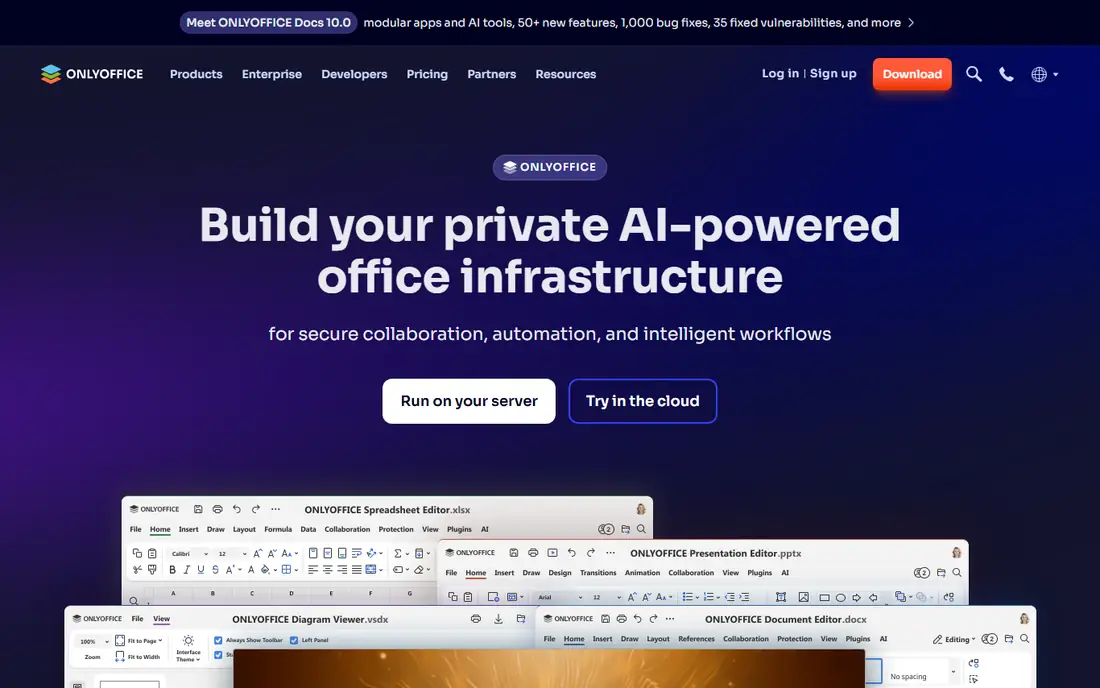
ONLYOFFICE Docs suits teams that exchange Word files constantly and need those files to look the same after editing. Its rendering of Word formats is closer than many rivals, with track changes, comments, and formatting that survive round trips better. Cloud plans start at $20 per admin per month for business use, with a free desktop editor and a free community server for self-hosting.
The ecosystem is smaller than Google or Microsoft, with fewer templates and add-ons, and self-hosting needs technical setup and maintenance. For businesses, schools, and government teams that must preserve Word formatting and control where documents live, ONLYOFFICE is a strong choice.
What we like- High Word format compatibility
- Track changes and comments
- Self-hosting option
Watch out for- Smaller template and add-on ecosystem
- Cloud pricing is per admin
- Setup for self-hosting takes skill

#4
WPS Office Writer
Best for: Familiar Word-style interface
Visit wps.com
Starting price$0
Free planYes
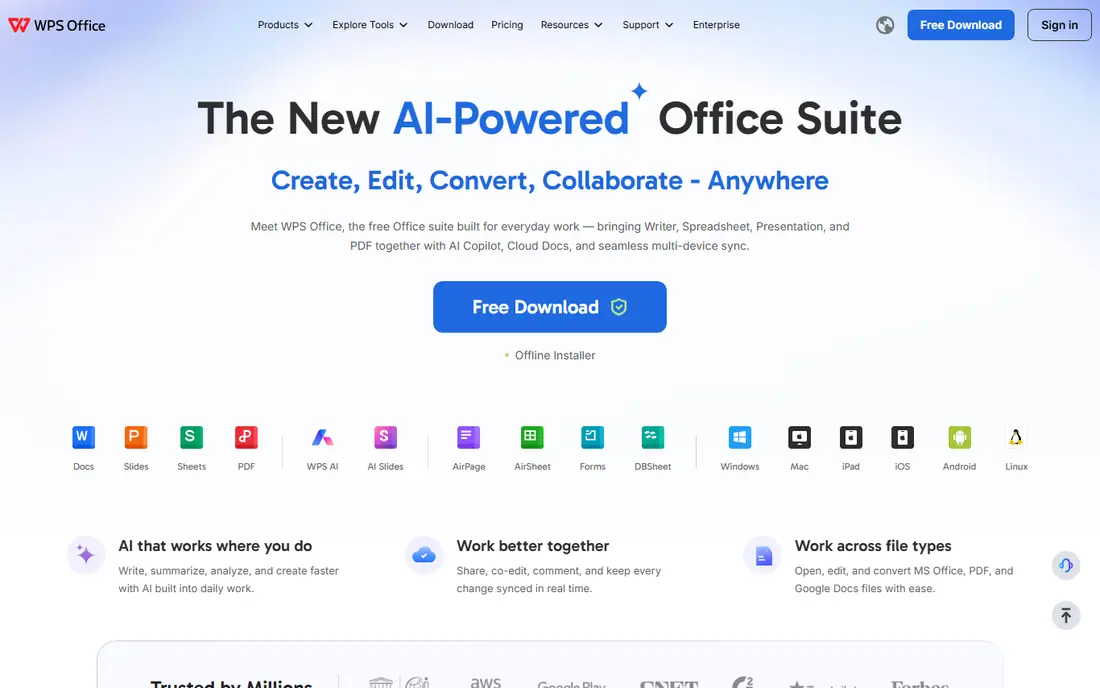
WPS Office Writer appeals to users who want Word without relearning an interface. The ribbon, tabs, and layout feel close to Microsoft Word, and the suite adds spreadsheets, presentations, and PDF tools in one install. A free tier covers everyday writing, with Pro+ at $69.99 per year for users who want more cloud storage, PDF features, and AI tools.
Ads on the free tier and limited free cloud storage are the trade-offs, and some users prefer an open-source tool for privacy reasons. For students and small teams that want a Word-like experience at no upfront cost, WPS Writer is an easy switch.
What we like- Ribbon interface close to Word
- Full office suite plus PDF tools
- Mobile and desktop apps
Watch out for- Free version shows ads
- Cloud storage limited on free tier
- AI features need a paid plan

#5Apple Pages
Best for: Apple device owners4.3/5 on
G2 (376 reviews, checked Oct 2026)
Visit apple.com
Starting price$0
Free planYes
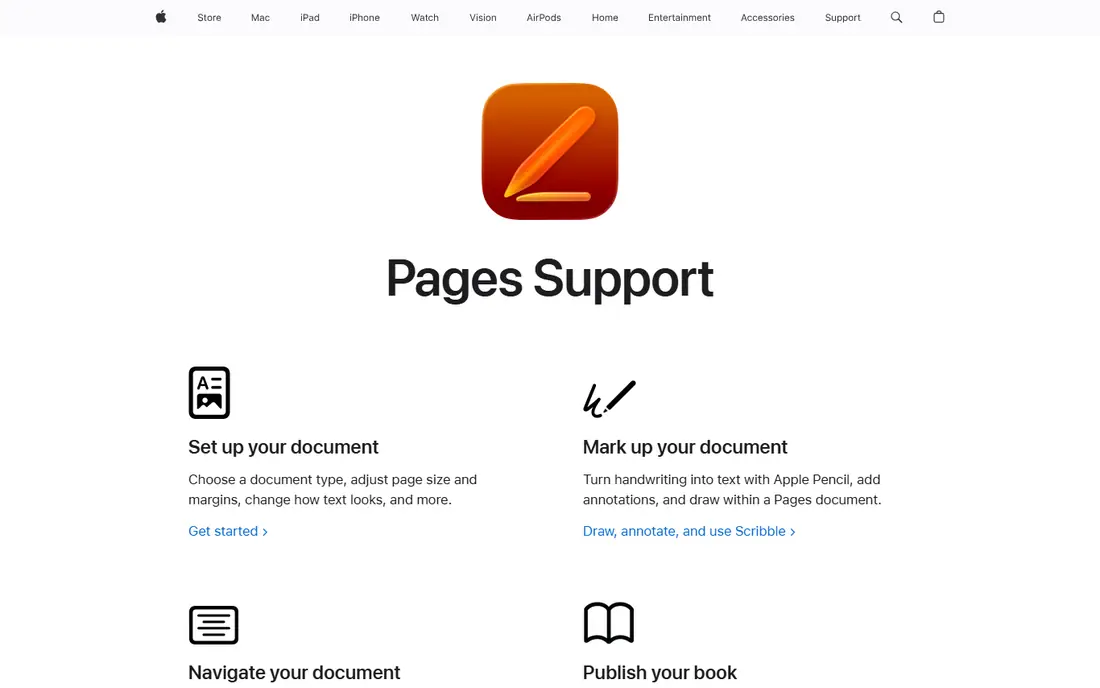
Apple Pages suits anyone who already uses a Mac, iPad, or iPhone, since it is free on those devices and syncs through iCloud. Templates for reports, resumes, newsletters, and books look polished, and layout controls for images and text boxes are stronger than in a plain text editor. Collaboration through iCloud works for Apple and web users, with Pages for iCloud in a browser.
Windows and Android users have no native app, which limits mixed-device teams, and Word files with complex styles, macros, or tracked changes may not transfer perfectly. For Apple-only households, classrooms, and small businesses, Pages is a capable free Word replacement.
What we like- Free on Apple devices
- Polished templates and layout
- ICloud collaboration
Watch out for- No native Windows or Android app
- Word feature parity is partial
- Macros not supported

#6Zoho Writer
Best for: Business document automation4.4/5 on
G2 (97 reviews, checked Oct 2026)
Visit zoho.com
Starting price$0
Free planYes
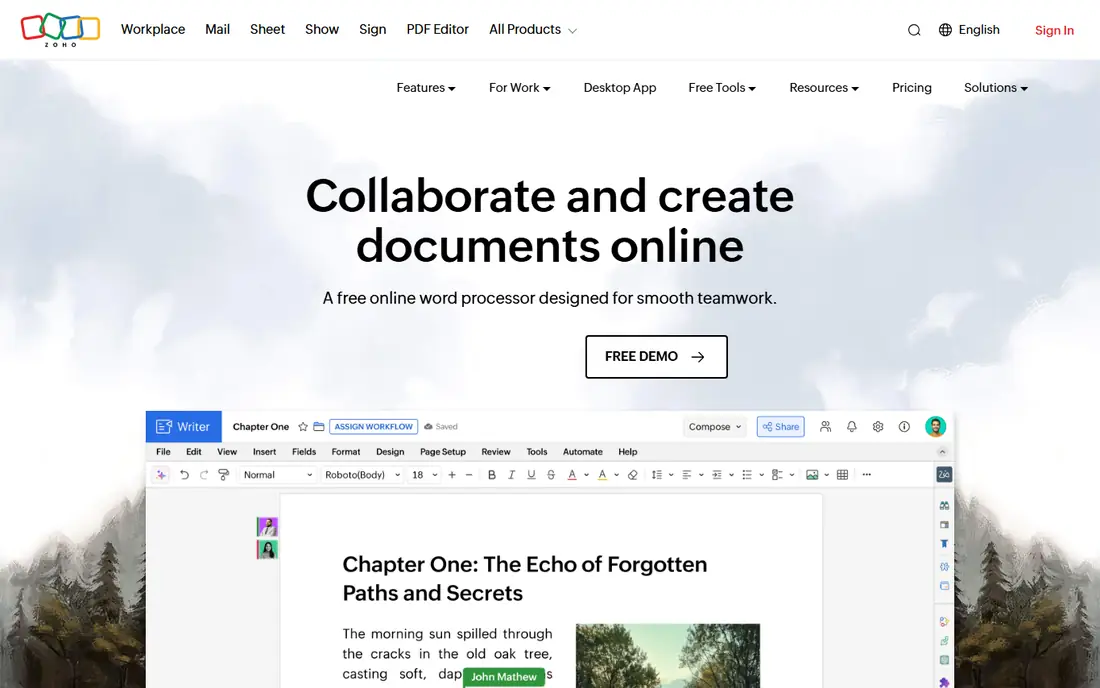
Zoho Writer targets businesses that produce repeatable documents, such as contracts, proposals, and letters. It offers mail merge, fillable forms, automation workflows, approval routing, and e-signature collection, which go beyond basic word processing. Editing itself is free, with paid WorkDrive team plans from $2.50 per user per month for storage and team features.
Very large documents can feel slower than in a desktop editor, and Word conversion, while good, is not perfect for complex layouts. Teams already using Zoho CRM, Books, or Workplace get the most from Writer, since documents connect to those apps. For business document workflows, Zoho Writer punches above its free price.
What we like- Mail merge and document automation
- Approvals and e-signatures
- Offline desktop apps
Watch out for- Slows on very large documents
- Word conversion is imperfect
- Best value inside Zoho ecosystem

#7Notion
Best for: Docs plus databases4.6/5 on
G2 (13,834 reviews, checked Oct 2026)
Visit notion.com
Starting price$10 per user per month
Free planYes
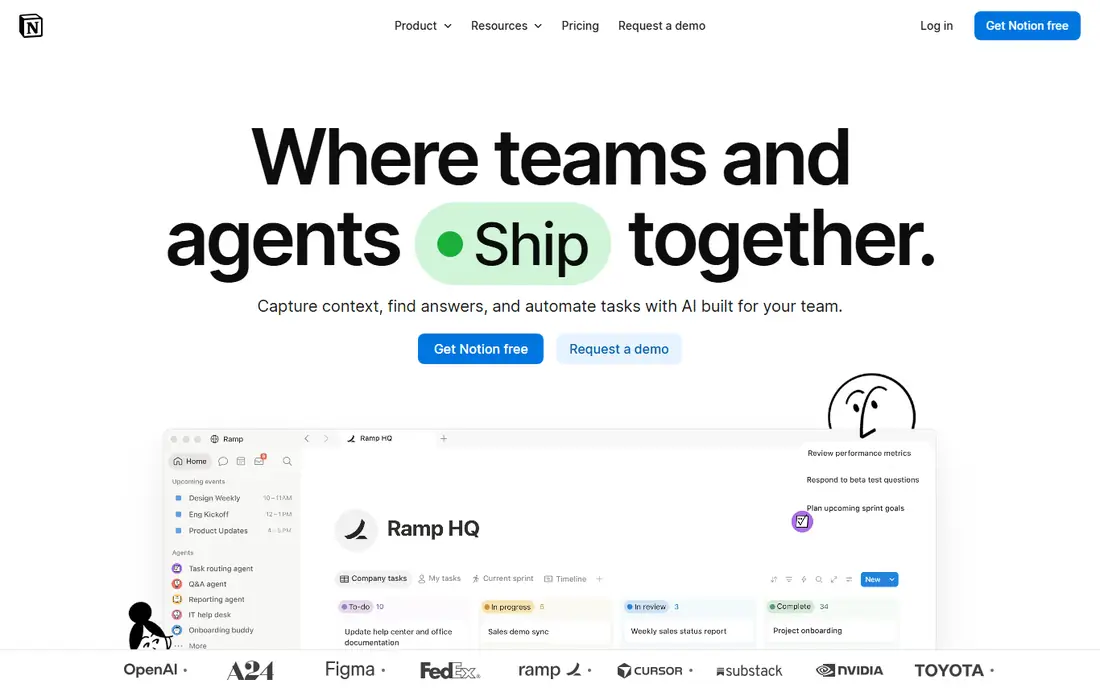
Notion is a different kind of Word alternative, better thought of as a docs and wiki tool that can also handle writing. Pages can become databases, task lists, and team wikis, which suits teams that want living documents rather than static files. The free plan covers personal use, with Plus at $10 per user per month billed annually for teams.
Notion does not export natively to Word format, and print layout control is weaker than in Writer or Pages, so it is not the best pick for documents that must arrive as polished Word files. For internal docs, meeting notes, and team knowledge that stays in Notion, it is a strong and flexible choice.
What we like- Docs, wikis, and databases in one place
- Flexible templates
- Good team knowledge base
Watch out for- No native Word export
- Large pages can slow down
- Not a full Word replacement for print layouts
Starting price$3.99 per month
Free planYes
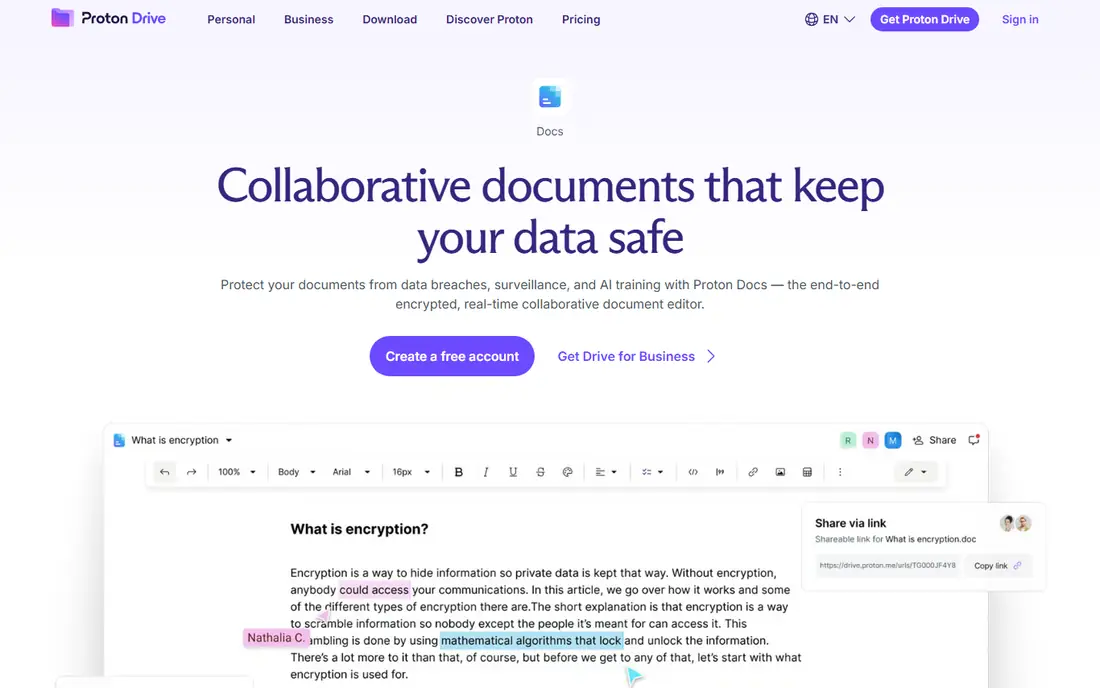
Proton Docs suits users who prioritize privacy, since documents are end-to-end encrypted and only collaborators can read them. It offers real-time collaboration, comments, and sharing through Proton Drive, with a free tier including 5 GB of storage and paid Drive Plus from $3.99 per month billed annually. That privacy model appeals to lawyers, doctors, journalists, and anyone handling sensitive drafts.
Formatting options and templates are lighter than in Google Docs or Word, and Proton Docs is still growing compared with mature word processors. For sensitive documents where privacy matters more than advanced layout, Proton Docs is a distinctive and trustworthy option.
What we like- End-to-end encryption
- Real-time collaboration
- Part of Proton Drive suite
Watch out for- Formatting and templates are lighter
- No spreadsheet or slides equivalent in Docs itself
- Paid storage for larger use
How we chose
We compared tools on Word file compatibility, collaboration, offline access, pricing, and platform coverage. Prices were taken from vendor pages and recent published comparisons, with free tiers and paid starting points kept separate. We did not claim hands-on testing. Vendor documentation and review coverage were used to check claims about export fidelity, offline mode, and collaboration limits.
Picking by how you actually write
Start with your main writing pattern. Collaborative teams need Google Docs, Zoho Writer, or Proton Docs, while solo desktop writers need LibreOffice Writer, WPS Writer, or Pages. Teams that exchange Word files daily should prioritize ONLYOFFICE or WPS for format fidelity, and knowledge teams should consider Notion as a complement rather than a direct Word replacement.
Test with a real document
Export a real Word file that matters to you, such as a report with tables, headers, and images, and open it in each shortlisted editor. Check page breaks, table widths, fonts, and tracked changes before and after saving back to Word format. A tool that passes a simple test document can still shift a complex one, so use your hardest file, not your easiest.
Check sharing and storage rules
Confirm who can view, comment, and edit shared documents, how version history works, and where files are stored. Cloud tools need an account and internet access, while desktop tools need a backup plan for local files. For sensitive work, check encryption, admin controls, and data residency before choosing a cloud editor.
Count the suite, not only the writer
A free writer inside a paid suite can cost more than a free standalone writer once storage, PDF tools, or team features are added. Compare the full cost for your team, including any office suite, cloud storage, and AI add-ons you actually need. A standalone free tool plus a separate PDF tool can be cheaper than a bundled subscription you barely use.
Frequently asked questions
What is the best free alternative to Microsoft Word?
Google Docs is best for collaboration, and LibreOffice Writer is best for offline desktop work, both at no cost. WPS Office Writer is also free and feels closest to Word, while Apple Pages is free for Apple device owners. The best free pick depends on whether you write together, offline, or on Apple devices.
Can these tools open and save Word files?
Most can, with varying fidelity. ONLYOFFICE and WPS Office handle Word formats closely, while Google Docs, LibreOffice Writer, and Zoho Writer handle common Word files well but can shift complex layouts. Notion does not export natively to Word format. Always test your hardest document before switching.
Do I need internet to use a Word alternative?
No, if you choose a desktop tool. LibreOffice Writer, WPS Office desktop apps, Apple Pages, and ONLYOFFICE desktop editors work offline. Google Docs, Zoho Writer, and Proton Docs are cloud-first, with offline modes that need setup. Check offline support if you often work without internet.
Which Word alternative is best for privacy?
Proton Docs leads on privacy, with end-to-end encryption for documents and collaboration. LibreOffice Writer is also strong, since files stay on your own computer unless you share them. Cloud tools from Google, Zoho, and WPS offer account security controls, but their privacy models differ from Proton encryption.
Can I use a Word alternative on a phone or tablet?
Yes. Google Docs, WPS Office, Zoho Writer, Apple Pages, Notion, and Proton Docs all offer mobile apps or mobile web access. Desktop tools such as LibreOffice Writer are best on a computer, though mobile viewers exist. For heavy mobile editing, a cloud-first tool is usually easier.
Sources we checked (8)
- https://docs.google.com
- https://www.libreoffice.org
- https://www.onlyoffice.com
- https://www.wps.com
- https://www.apple.com/pages
- https://www.zoho.com/writer
- https://www.notion.com
- https://proton.me/drive/docs
Is your product missing or out of date?
We review this list regularly. Vendors can request a listing, send updated pricing or ask about featured placement.

Shihab Mia · Founder, Rankite
Shihab has 5+ years in B2B and SaaS SEO. He writes Rankite's software buying guides from pricing pages, documentation and public user reviews. More about Shihab.
 Google Docs
 ONLYOFFICE Docs
 Proton Docs