How we make this list: we compare pricing pages, product documentation and public user reviews. Ratings come from G2, Capterra or Trustpilot, with the date we checked them.
Key takeaways
- DocuSign is the best e-signature app for legal documents overall, with the widest recognition, strong audit trails, and compliance coverage from $11 per month.
- Adobe Acrobat Sign is the best e-signature app for PDF workflows, with full PDF tools plus signing from $14.99 per month.
- PandaDoc is the best e-signature app for proposals plus signing, with a free eSign tier and paid plans from $19 per user per month.
- SignNow is the best budget e-signature app, with full features from $8 per user per month.
- Zoho Sign is the best e-signature app for Zoho users, with a free tier of 5 documents per month and paid plans from $10 per user per month.
Quick comparison
Is your product missing or out of date?
We review this list regularly. Vendors can request a listing, send updated pricing or ask about featured placement.
The best e-signature apps for legal documents

#1DocuSign
Best for: Widest recognition4.5/5 on
G2 (2,896 reviews, checked Oct 2026)
Visit docusign.com
Starting price$11 per month
Free planNo
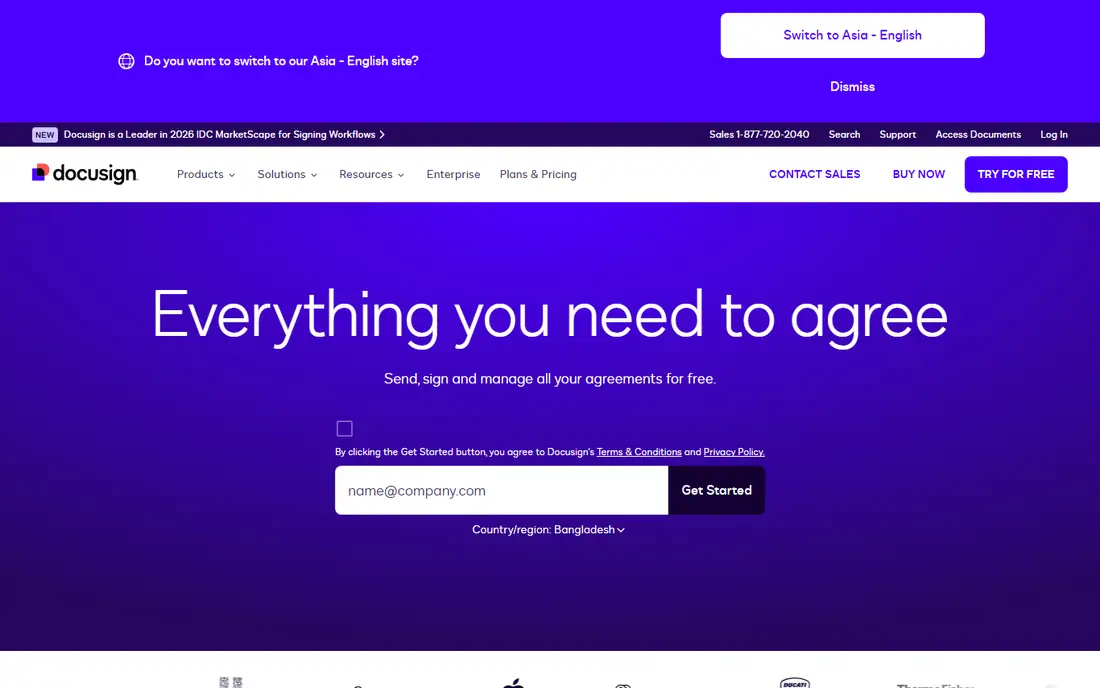
DocuSign is the best e-signature app for legal documents overall, because it is the name most clients already know, and that recognition has practical value. When a counterparty receives a DocuSign envelope, they rarely ask what it is or whether it is valid, which removes friction from deals, hiring, and vendor agreements. Its audit trail records who signed, when, and from where, and its compliance coverage suits regulated industries better than most rivals.
The cost is the catch: the Personal plan at $11 per month covers only a handful of envelopes, so a team sending dozens of documents monthly will need Standard at $25 per user per month or higher. DocuSign is worth the premium when signatures must be beyond question or clients demand it. For routine internal documents, a cheaper tool does the same job without the brand premium.
What we like- Widely recognized by clients and legal teams
- Strong audit trails and compliance coverage
- Large integration library
- SOC 2, ISO 27001, HIPAA, 21 CFR 11
Watch out for- Personal plan at $11 per month covers only a handful of envelopes
- Standard at $25 per user per month
- Price rises steeply on higher tiers

#2Adobe Acrobat Sign
Best for: PDF workflows4.4/5 on
G2 (1,072 reviews, checked Oct 2026)
Visit adobe.com
Starting price$14.99 per month
Free planNo
Adobe Acrobat Sign is the best e-signature app for PDF workflows, combining a full PDF toolset with signing, workflow automation, and compliance coverage including SOC 2, ISO 27001, PCI DSS, and HIPAA-ready controls. It suits teams already paying for Acrobat Pro or standardized on Microsoft 365, where documents already live as PDFs. Signing flows naturally from the PDF tools teams already use.
There is no free plan, only a trial, and Standard costs $14.99 per month billed yearly. It is less flexible outside the Adobe ecosystem. For a team that lives in Acrobat and PDF workflows, Acrobat Sign is the natural choice.
What we like- Full PDF toolset plus signing
- Workflow automation
- SOC 2, ISO 27001, PCI DSS, HIPAA-ready
- Strong for Microsoft 365 standardized teams
Watch out for- No free plan, trial only
- Standard from $14.99 per month billed yearly
- Less flexible outside the Adobe ecosystem

#3PandaDoc
Best for: Proposals plus signing4.7/5 on
G2 (3,621 reviews, checked Oct 2026)
Visit pandadoc.com
Starting priceFree
Free planYes
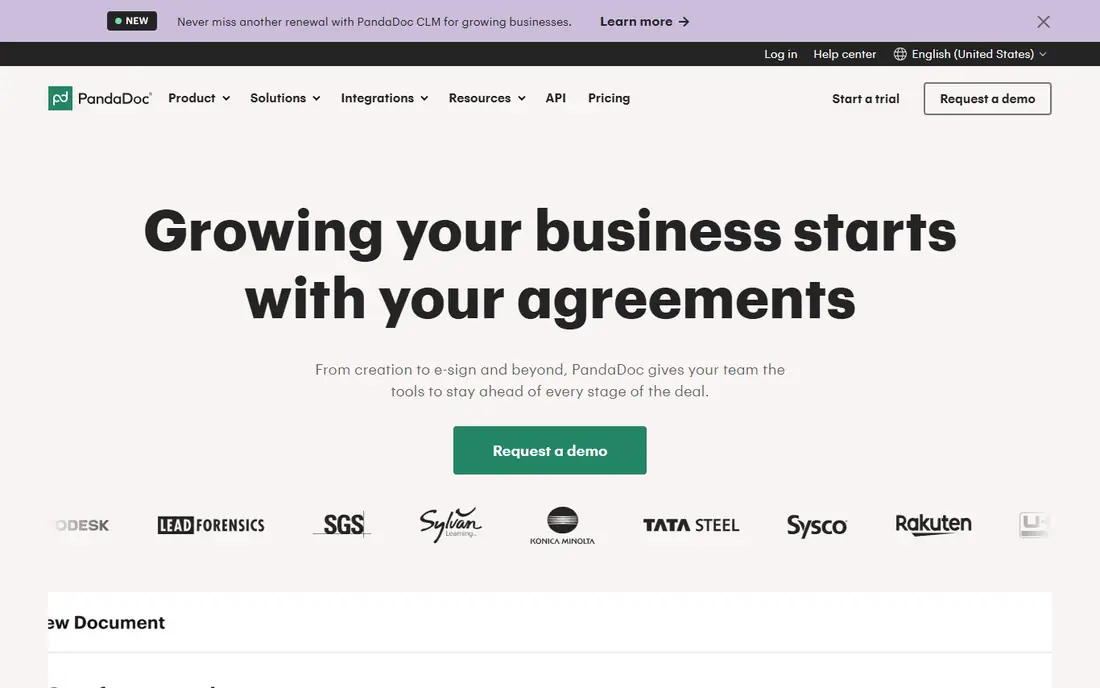
PandaDoc is the best e-signature app for proposals plus signing, letting sales teams create proposals, quotes, and contracts before signing in one workflow. The free eSign tier covers 60 documents per year, which suits occasional use, while paid plans start at $19 per user per month with document automation, a smart editor, and CRM and payment integrations. Compliance coverage includes SOC 2, 21 CFR 11, HIPAA, and GDPR.
Paid plans are pricier than signNow's, and the tool is sales focused, so a team that only needs signing may find it heavier than needed. For a sales team that builds documents before signing them, PandaDoc is the strongest pick.
What we like- Free eSign tier with 60 documents per year
- Document automation and smart editor
- CRM and payment integrations
- SOC 2, 21 CFR 11, HIPAA, GDPR
Watch out for- Paid plans from $19 per user per month
- Sales focused, heavier than needed for signing alone
- Some features need higher tiers

#4Dropbox Sign
Best for: Simplicity plus storage4.7/5 on
G2 (2,283 reviews, checked Oct 2026)
Visit dropbox.com
Starting priceFree
Free planYes
Dropbox Sign is the best e-signature app for simplicity plus storage, with the cleanest signing experience among paid tools and native Dropbox integration for teams already storing documents there. The free tier covers 3 documents per month, which suits individuals and very small teams, while paid plans start near $15 per user per month. Compliance includes SOC 2 and ISO 27001, with HIPAA available on request.
Paid plans cost more than signNow's, and workflow features are fewer than DocuSign's or PandaDoc's. For a Dropbox team that wants simple signing without a new platform, Dropbox Sign is the easiest choice.
What we like- Free tier with 3 documents per month
- Simplest signing experience
- Dropbox storage integration
- SOC 2, ISO 27001, HIPAA on request
Watch out for- Paid plans from $15 per user per month
- Fewer workflow features than DocuSign or PandaDoc
- No free plan beyond the 3 document tier

#5SignNow
Best for: Budget teams4.6/5 on
G2 (1,772 reviews, checked Oct 2026)
Visit signnow.com
Starting price$8 per user per month
Free planNo
SignNow is the best budget e-signature app, with full features from $8 per user per month billed yearly, undercutting DocuSign and PandaDoc for teams that need many users. Higher tiers add unlimited documents, and enterprise tiers add HIPAA and 21 CFR Part 11 coverage. For a small business sending fewer than 50 documents per month that wants cost and simplicity, signNow offers the best value.
There is no free plan, only a trial, and the interface is less polished than DocuSign's. For a budget team that needs legal grade signing without the brand premium, signNow is the top pick.
What we like- Cheapest full-featured paid option from $8 per user per month
- Unlimited documents on higher tiers
- SOC 2, ISO 27001, HIPAA and 21 CFR 11 on enterprise tiers
Watch out for- No free plan, trial only
- Interface less polished than DocuSign
- HIPAA and 21 CFR 11 coverage only on enterprise tiers

#6Zoho Sign
Best for: Zoho ecosystem4.4/5 on
G2 (64 reviews, checked Oct 2026)
Visit zoho.com
Starting priceFree
Free planYes
Zoho Sign is the best e-signature app for Zoho users, with a free tier of 5 documents per month and paid plans from $10 per user per month, plus compliance coverage including ISO 27001, 21 CFR 11, HIPAA, and GDPR. It integrates deeply with Zoho CRM, Books, and other Zoho apps, so a Zoho shop can sign documents without leaving its existing system.
Its best value sits inside the Zoho ecosystem, with fewer third party integrations than DocuSign. For a small business already on Zoho, Zoho Sign is the obvious and cheapest fit.
What we like- Free tier with 5 documents per month
- Paid plans from $10 per user per month
- ISO 27001, 21 CFR 11, HIPAA, GDPR
- Deep Zoho CRM and Books integration
Watch out for- Best value inside the Zoho ecosystem
- Fewer third party integrations than DocuSign
- Interface less polished

#7SignWell
Best for: Flat fee simplicity4.8/5 on
G2 (532 reviews, checked Oct 2026)
Visit signwell.com
Starting priceFree
Free planYes
SignWell is the best e-signature app for flat fee simplicity, with a free tier of 3 documents per month and a flat $10 per month plan billed yearly that includes unlimited documents. That flat pricing suits freelancers and small teams that want plain, affordable signing without per envelope math. Compliance includes SOC 2, with HIPAA on paid plans.
The integration library is smaller than DocuSign's, and workflow features are fewer. For a freelancer or small team that wants unlimited documents at a flat price, SignWell is the simplest choice.
What we like- Free tier with 3 documents per month
- Flat fee plan at $10 per month billed yearly with unlimited documents
- SOC 2 and HIPAA on paid plans
Watch out for- Smaller integration library than DocuSign
- Fewer workflow features
- Flat fee covers one user, teams pay per seat
Starting price$10 per user per month
Free planNo
Signeasy is the best e-signature app for mobile signing, built for field and mobile teams that sign on the go and store contracts in the app. It suits sales, delivery, and field service teams whose signers use phones rather than desktops. Compliance includes SOC 2, with HIPAA and 21 CFR 11 available as an add-on.
There is no free plan, only a 14 day trial, and paid plans start at $10 per user per month billed yearly. For a mobile first team that signs in the field, Signeasy is the best fit.
What we like- Mobile first signing on the go
- Contract storage
- SOC 2, with HIPAA and 21 CFR 11 as an add-on
- Field team friendly
Watch out for- No free plan, trial only
- Paid plans from $10 per user per month billed yearly
- Fewer integrations than DocuSign
How we chose
We compared e-signature apps using published 2026 pricing, free tier limits, audit trail quality, compliance coverage, and workflow features, drawing on vendor pages and independent e-signature comparisons. Each app had to offer legally valid electronic signatures with audit trails under ESIGN and UETA. We weighted recognition, compliance, and price, and we left out tools that only draw a signature image without an audit trail. Prices change, so confirm the current rate before signing.
Buying guide: how to pick an e-signature app for legal documents
Start with the document type. A standard business contract, NDA, or employment agreement works with any app here, since ESIGN and UETA cover most business contracts. A regulated document, such as a HIPAA covered agreement or a 21 CFR Part 11 record, needs the compliance tier that covers it: DocuSign, signNow enterprise, or Zoho Sign. A will, a court filing, or a notarized document may need wet ink or a notary regardless of app, so check the specific rule before relying on e-signature.
Next, check the audit trail and signer authentication. A strong audit trail records signer identity, time, IP address, and document hash, and advanced authentication adds SMS codes or ID verification. For a high stakes agreement, choose an app with the strongest audit trail and authentication your counterparty accepts, and keep the completed audit report with the signed document.
Finally, model cost by volume, not by entry price. DocuSign Personal covers only a handful of envelopes, while signNow and SignWell offer unlimited documents on higher tiers. A team sending dozens of documents monthly pays far more on a per envelope plan than on an unlimited plan. Test the free tier or trial with a real document, including a multi party signing sequence, before committing.
Frequently asked questions
Are electronic signatures legally valid for legal documents?
Yes, for most business contracts in the US under the federal ESIGN Act and state UETA laws, which give electronic signatures the same legal effect as paper where parties consent. Some documents, such as wills, certain court filings, and notarized documents, may need wet ink or specific procedures, and state and court rules vary.
What is the difference between a simple, advanced, and qualified electronic signature?
A simple electronic signature is a clicked checkbox, typed name, or drawn signature with an audit trail, which covers most business contracts. An advanced signature requires stronger identity verification and sole control of signing data, needed for some regulated EU industries. A qualified signature needs a certified digital certificate and equals a handwritten signature under EU law for all purposes.
Do I need a lawyer to use an e-signature app?
No, for routine business contracts, but yes for high stakes documents, regulated industries, or any document where validity is uncertain. This guide is general information, not legal advice, and state and court rules vary.
Which e-signature app is most widely accepted?
DocuSign, because it is the name most clients and legal teams already know. When a counterparty receives a DocuSign envelope, they rarely question its validity, which removes friction from deals.
Can I start with a free e-signature plan?
Yes. PandaDoc free eSign covers 60 documents per year, Zoho Sign covers 5 per month, and Dropbox Sign and SignWell cover 3 per month. Most small businesses outgrow free plans within a month, but the free tier is invaluable for testing workflow before paying.
How do I prove a document was signed?
Keep the completed document plus its audit trail, which records signer identity, time, IP address, and document hash. Store both together, and use an app with strong authentication for high stakes agreements.
Sources we checked (0)
Is your product missing or out of date?
We review this list regularly. Vendors can request a listing, send updated pricing or ask about featured placement.

Shihab Mia · Founder, Rankite
Shihab has 5+ years in B2B and SaaS SEO. He writes Rankite's software buying guides from pricing pages, documentation and public user reviews. More about Shihab.
 Signeasy