How we make this list: we compare pricing pages, product documentation and public user reviews. Ratings come from G2, Capterra or Trustpilot, with the date we checked them.
Key takeaways
- No auto-apply tool replaces a careful resume, because a bad match sent at scale still reads as a bad match to a recruiter.
- Daily caps and review controls matter more than raw volume, since too many rushed applications can hurt your reputation with employers.
- LazyApply suits high-volume board applications, while Simplify and Careerflow suit people who want to review more before anything is sent.
- Credit packs, such as those from AIApply, suit a short burst of searching, while a monthly plan suits a longer search.
- Always check where a tool applies, what email address employers see, and how to pause or cancel before you pay.
Quick comparison
| Tool | Best for | Starting price | Free plan |
|---|
 LazyApply LazyApply | High-volume board applications | $99 per year | No |
 Simplify Simplify | Free autofill and beta auto-apply | Free | Yes |
 Sonara Sonara | Hands-off matching and applying | See website | No |
 Jobright Jobright | US matching with referral help | Free | Yes |
 LoopCV LoopCV | Low-cost automated loops | Free | Yes |
 AIApply AIApply | Credit packs for tailored applications | $49 per month | No |
 Careerflow Careerflow | Reviewed applications with tracking | See website | Yes |
 JobsAICopilot JobsAICopilot | Daily tailored applications with approval | See website | No |
Is your product missing or out of date?
We review this list regularly. Vendors can request a listing, send updated pricing or ask about featured placement.
The best automated job application app
Starting price$99 per year
Free planNo
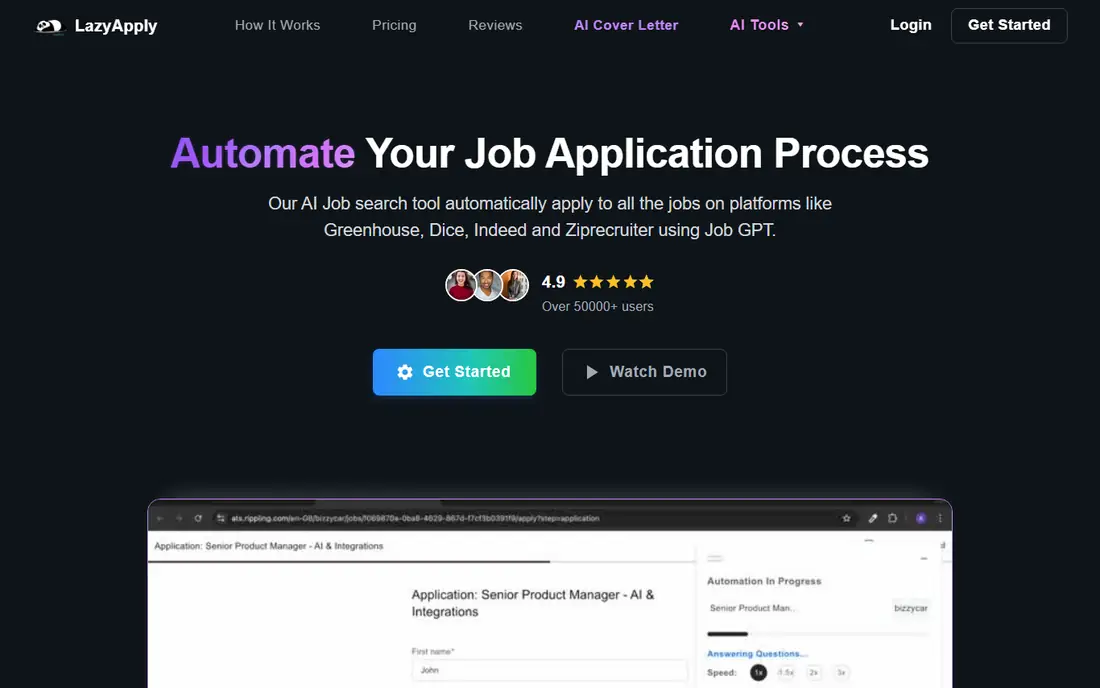
LazyApply is built for job seekers who want volume first. As a browser extension, it fills and submits applications on sites such as LinkedIn, Indeed, ZipRecruiter, Dice, and Greenhouse, up to a daily cap set by the plan. That makes it a fit for people applying to many similar roles, such as support, sales, or junior engineering posts, where the job description changes little from one listing to the next.
Volume is also the risk. If your filters are broad, LazyApply will apply to roles you would have skipped on a careful read, and a generic resume will follow each one. Set narrow titles, locations, and salary floors, and check the dashboard daily for errors or mismatches. Used with tight filters, it saves hours of form filling. Used loose, it creates cleanup work later.
What we like- Applies across major boards and applicant systems
- Daily caps by plan
- Resume and cover letter help included
Watch out for- No free trial, only a money-back window
- Volume can lead to weak matches if filters are loose
Starting priceFree
Free planYes
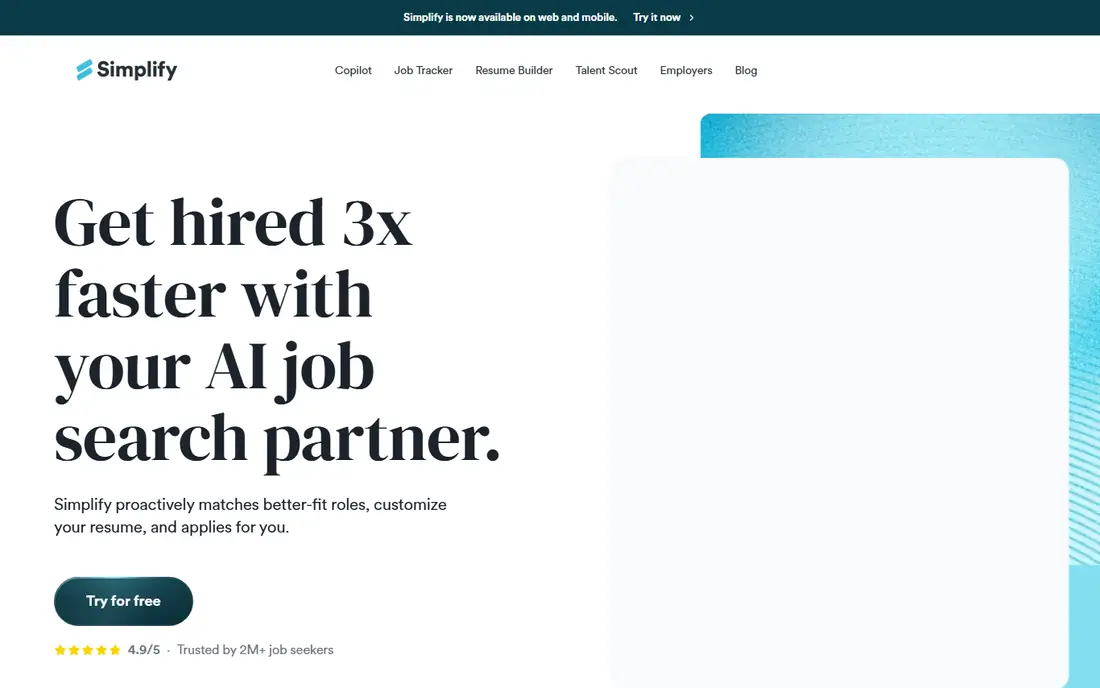
Simplify starts as a free helper, not a full auto-apply service. Its Copilot autofills career site forms, including Workday and Greenhouse, which are two of the slowest systems to complete by hand. The job search and tracker help you see which applications are pending, which need a follow-up, and which roles you have already tried.
The paid Autopilot feature moves closer to true automation, but it is in beta and works on supported portals with a weekly credit allowance. That makes Simplify a good first step: use the free autofill to learn the workflow, then test Autopilot on a small set of roles before paying for a full month. People who want every application reviewed will like that gradual path.
What we like- Free autofill for common applicant systems
- Job search and tracking in one place
- Paid Autopilot in beta
Watch out for- Autopilot is still in beta and has a weekly allowance
- Paid plan is priced by the week or month
Starting priceSee website
Free planNo
Sonara takes the most hands-off approach on this list. You set up a profile, it scans openings, builds a daily list of matched roles, and keeps applying until you are hired, according to its own description. For someone who is working full time while searching, that promise is attractive, because the search continues even on busy days.
The lack of published pricing and limited public detail on review controls is a real drawback. Before you sign up, ask what employers see, whether you can review applications before they go out, and how to pause the service. Sonara may suit a confident job seeker with a strong, general resume, but it is a weaker pick if you want to approve each application or target a narrow set of employers.
What we like- Daily matched roles and continuous applying
- Aimed at US job seekers
- Minimal daily effort after setup
Watch out for- Prices are not published clearly on public pages
- Less detail on review controls and application sources
Starting priceFree
Free planYes
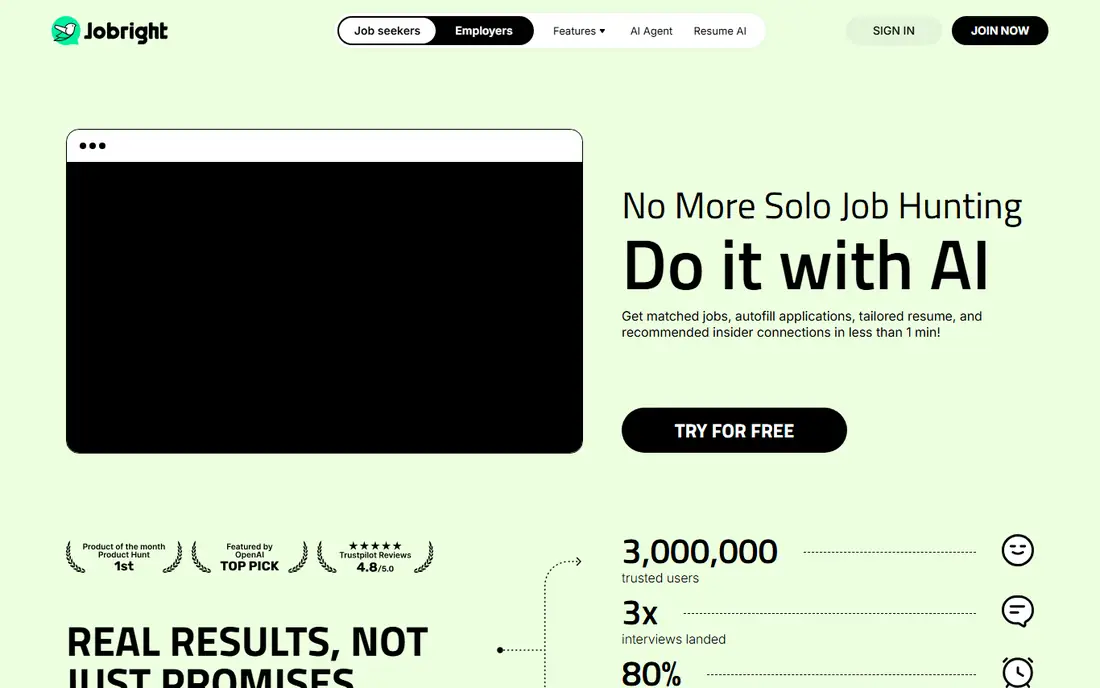
Jobright blends matching, autofill, and networking in a way that suits US job seekers who want more than raw volume. It scores roles against your resume, helps you apply with fewer manual steps, and points to insider connections who might refer you. That referral angle matters, because a referral often carries more weight than a cold application.
The downside is pricing transparency. The free tier is useful for matching and tracking, but Turbo details appear inside the app, so you cannot easily compare it with other tools before creating an account. Jobright is best for US seekers who will use the matching and referral features, not just the apply button.
What we like- Strong US job matching
- One-click autofill
- Insider referral finder for some roles
Watch out for- Paid Turbo pricing is shown in the app rather than on a public pricing page
- US focus limits fit elsewhere
Starting priceFree
Free planYes
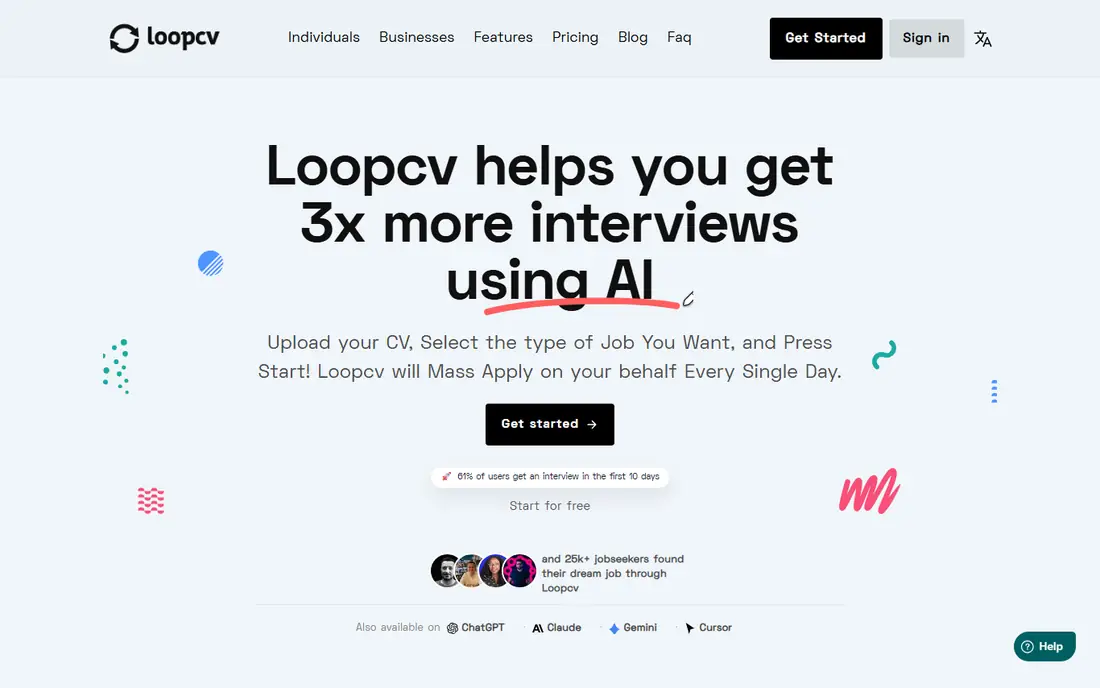
LoopCV runs automated job search loops: you define titles, locations, and boards, and it applies or emails recruiters on a schedule. The free plan lets you test the idea with a small monthly allowance, and paid plans start at a low monthly price compared with many rivals. That makes it an easy tool to try without a large commitment.
Caps are the main limit. A free or entry plan will not support a very high-volume search, and you will need to upgrade or run a second tool if you want hundreds of applications a month. LoopCV also rewards good setup: vague loops produce vague matches. Spend time on titles, excluded companies, and resume keywords before you turn a loop on.
What we like- Low entry cost
- Loops run on many boards
- Recruiter emails included on some plans
Watch out for- Monthly caps limit heavy users
- Matching quality depends heavily on your filters and resume
Starting price$49 per month
Free planNo
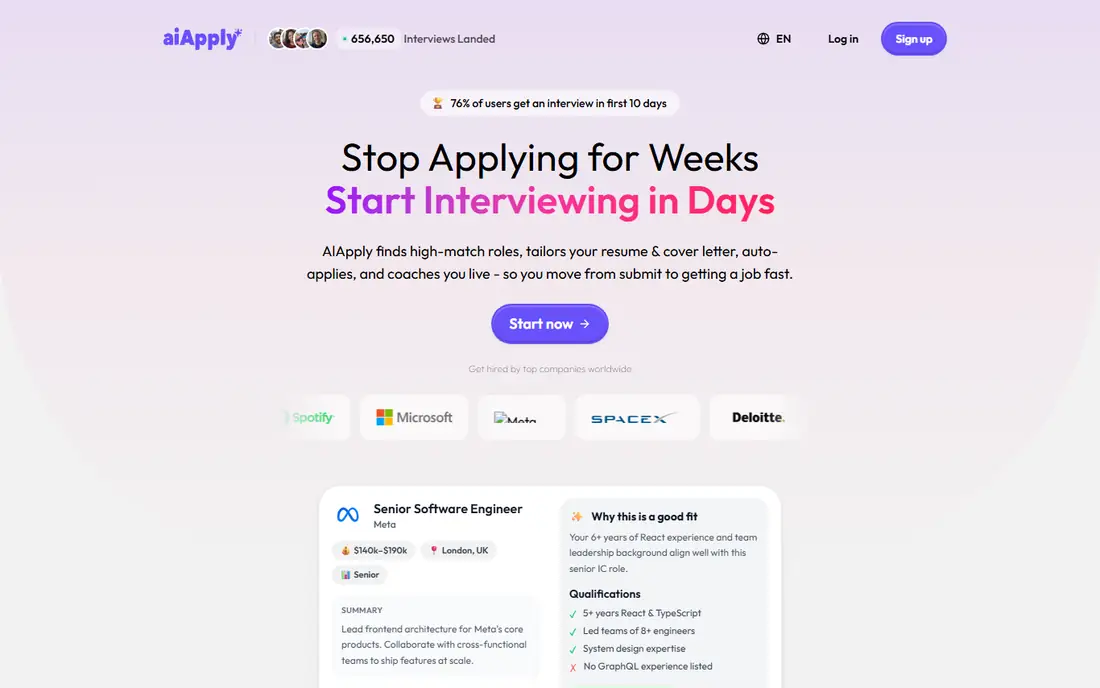
AIApply focuses on tailoring rather than sheer volume. Each application gets a resume and cover letter adjusted to the posting, and you buy applications in monthly credit packs. That model suits a focused search where fit matters, such as a mid-career move into a specific function or industry, where ten strong applications beat fifty generic ones.
The trade-off is cost and credit rules. Unused credits may roll over only while a subscription stays active, so a pack bought for a burst search needs to be used on time. Check the current terms before buying a larger pack. If you plan to apply to a small number of well-chosen roles, AIApply is a strong pick. If you want volume, a yearly tool will be cheaper per application.
What we like- Tailored resume and cover letter per application
- Credit packs suit short searches
- Clear monthly pack pricing
Watch out for- Credits can be lost after cancellation on some terms
- Cost per application is higher than a flat volume tool
Starting priceSee website
Free planYes
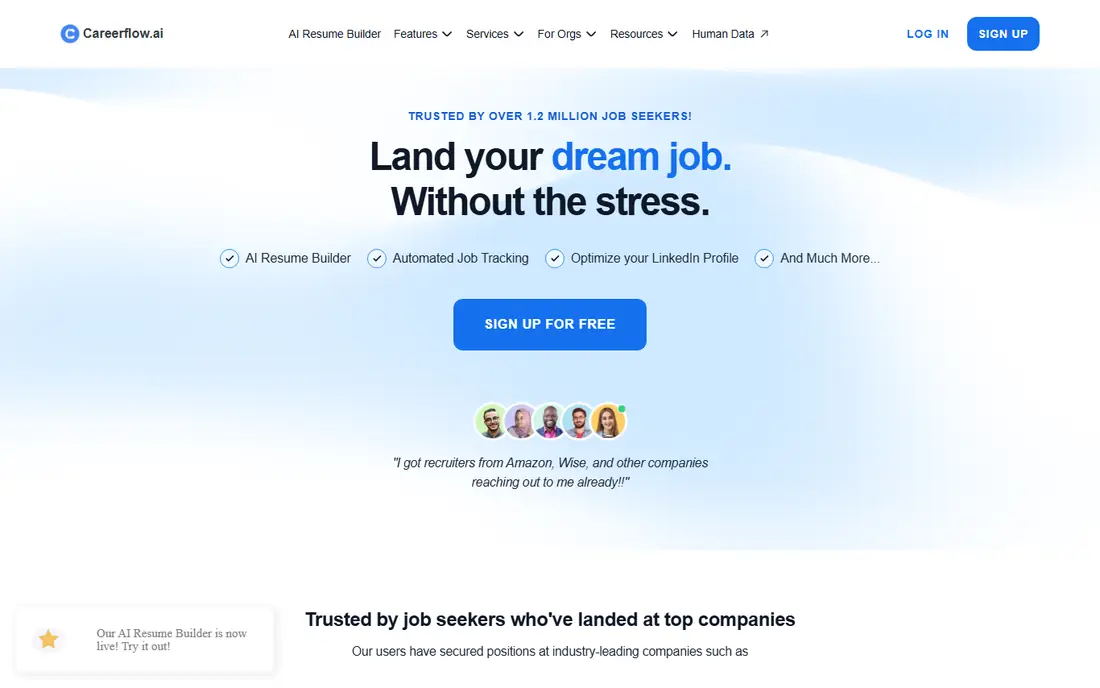
Careerflow is better described as a job search workspace with automation help, rather than a pure auto-apply machine. It offers a resume builder, an application tracker, autofill, and interview preparation, which helps people who want to stay organized across a long search. That breadth suits career changers and new graduates who need structure, not just submissions.
Because auto-apply is not its headline feature, do not buy Careerflow expecting the same volume as LazyApply or LoopCV. Instead, use it if you want one place to build documents, track stages, and prepare for interviews, with automation as a bonus. Check the current plan details in the app, since features and limits change more often than a simple pricing page suggests.
What we like- Resume builder, tracker, and interview prep in one place
- Autofill and application tools
- Free tier to start
Watch out for- Auto-apply is not the core promise
- Pricing and limits vary by plan and need checking in the app
Starting priceSee website
Free planNo
JobsAICopilot aims at a middle path between hands-off automation and manual applying. It scans company career pages daily, tailors applications, and offers a review mode so you can approve each one before it is sent. That control helps people who worry about a tool applying to the wrong role or with the wrong resume version.
There is no free trial, so the first payment is a real test. Weekly billing also makes comparison tricky, so convert any weekly price to a monthly total before you decide. For job seekers who want daily output but still want a final say, JobsAICopilot is one of the more transparent options on this list, because its limits, sources, and approval controls are described up front.
What we like- Daily applications to verified career pages
- Review mode to approve before sending
- Tailored resume and cover letter options
Watch out for- No free trial
- Weekly billing options can make monthly cost harder to compare at a glance
How we chose
We compared tools that claim to automate job applications, autofill forms, or both, and we checked vendor homepages, pricing pages, and public reviews. We included tools with different models, including volume extensions, credit packs, and review-first services, because the right model depends on how many roles you target and how much control you want. We did not include pure resume builders or job boards with no automation feature. Prices and beta features change often, so check the vendor site before you pay, and read the cancellation terms.
Start with a resume that is already strong for your target role. Automation multiplies whatever you feed it, so a vague resume produces vague applications at scale. Tighten titles, locations, salary floors, and excluded employers before you switch automation on, and run a small test batch first.
Review, pause, and follow up
Check sent applications daily for the first week. Look for wrong locations, duplicate submissions, and roles outside your target. Pause the tool when you have interviews lined up, so you are not juggling new applications while preparing. Follow up yourself on roles you care about most, since a tool cannot write a thoughtful note to a hiring manager for you.
Watch the details employers see
Ask which email address employers see, whether a tool creates an alias, and how replies reach you. If replies go to an alias or a dashboard you rarely check, you can miss an interview request. Also check whether the tool stores your resume and personal data, and how to delete your account and data when the search ends.
Know when not to automate
Do not automate applications to a dream employer, a role that needs a custom portfolio, or a job that asks for specific answers about your experience. Write those by hand. Use automation for the long tail of similar roles, and keep your best energy for the few applications that matter most.
Frequently asked questions
Which app is best for automated job applications overall?
There is no single winner, because volume, tailoring, and control pull in different directions. LazyApply suits high volume, AIApply suits tailored packs, and JobsAICopilot suits daily applications with approval. Pick by the model that fits your search length and how much review you want.
Do auto-apply tools really apply for you?
Some do, on supported boards and career pages, while others only autofill forms that you still submit. Simplify, for example, offers autofill for free and beta auto-apply on supported portals. Read the feature description carefully, and test a few applications before you assume every role is fully automated.
Is it safe to let a tool apply with my resume?
It can be, if you control filters, review early batches, and know what email address employers see. Risks include wrong matches, duplicate applications, and missed replies. Use tight filters, check sent applications daily at first, and pause the tool when you need to focus on interviews.
How much do automated job application apps cost?
Costs range from free autofill to about $49 per month for credit packs, $99 per year for LazyApply, and higher plans for daily tailored services. Some tools do not publish prices on public pages, so check in the app and convert weekly prices to monthly totals before comparing.
Can an auto-apply tool get me banned from a job board?
Job boards have their own rules, and aggressive automation can trigger blocks or account limits. Use daily caps, avoid applying to the same role twice, and follow each board's terms. A slower, reviewed approach is safer than maximum volume every day.
Sources we checked (8)
- https://lazyapply.com
- https://simplify.jobs
- https://sonara.ai
- https://jobright.ai
- https://www.loopcv.pro
- https://aiapply.co
- https://careerflow.ai
- https://jobsaicopilot.com
Is your product missing or out of date?
We review this list regularly. Vendors can request a listing, send updated pricing or ask about featured placement.

Shihab Mia · Founder, Rankite
Shihab has 5+ years in B2B and SaaS SEO. He writes Rankite's software buying guides from pricing pages, documentation and public user reviews. More about Shihab.