How we make this list: we compare pricing pages, product documentation and public user reviews. Ratings come from G2, Capterra or Trustpilot, with the date we checked them.
Key takeaways
- Indeed is the best starting point for sheer volume, because it aggregates listings from company sites and job boards in one search.
- LinkedIn is the best second app for most professionals, since recruiters search profiles there and many roles offer one-click applications.
- Glassdoor adds value that a listing alone cannot give, by pairing jobs with company reviews, salary ranges, and interview notes.
- ZipRecruiter and Monster help job seekers who want fast applications and broad coverage across industries.
- Dice and Handshake are niche picks that beat general boards for tech roles and for students and recent graduates.
Quick comparison
| Tool | Best for | Starting price | Free plan |
|---|
 Indeed Indeed | Largest number of listings | Free | Yes |
 LinkedIn LinkedIn | Networking and recruiter visibility | See website | Yes |
 ZipRecruiter ZipRecruiter | Fast matching and applications | Free | Yes |
 Glassdoor Glassdoor | Company research and salary data | Free | Yes |
 Monster Monster | Broad industry coverage | Free | Yes |
 Dice Dice | Tech and IT roles | Free | Yes |
 Handshake Handshake | Students and recent graduates | Free | Yes |
Is your product missing or out of date?
We review this list regularly. Vendors can request a listing, send updated pricing or ask about featured placement.
The best job search apps
#1Indeed
Best for: Largest number of listings4.3/5 on
G2 (615 reviews, checked Oct 2026)
Visit indeed.com
Starting priceFree
Free planYes
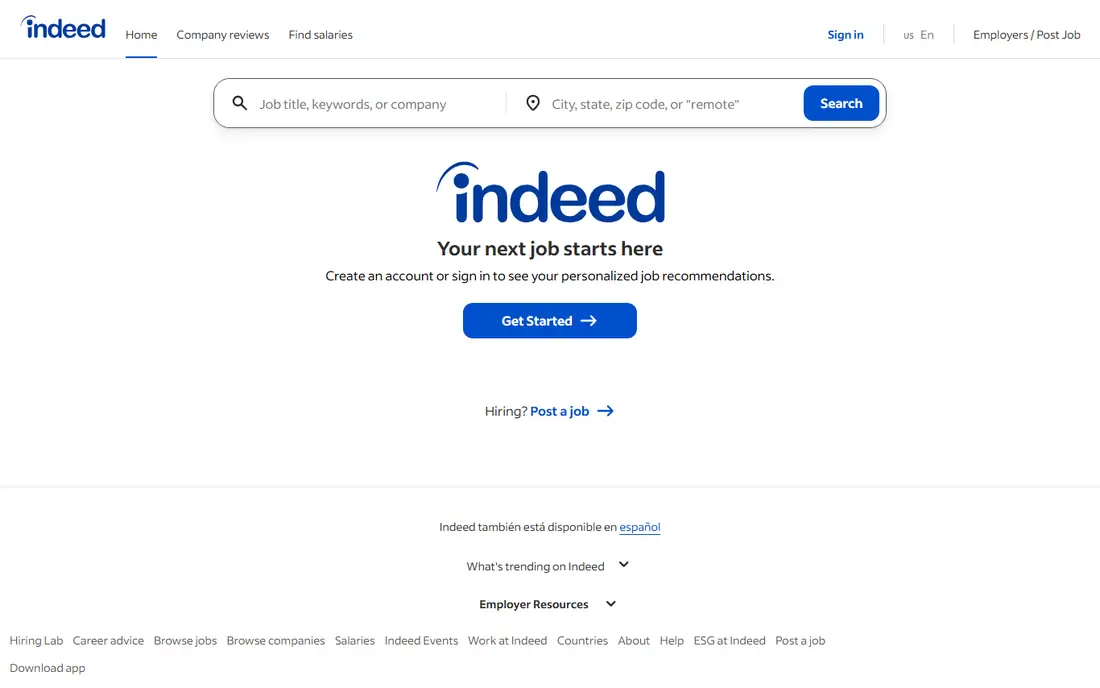
Indeed remains the first app to install for a general job search in the United States. Its strength is coverage: listings from company career pages, staffing firms, and other boards appear in one place, so a search for a common role in a large city can return hundreds of results. Filters for salary, job type, location, remote work, and date posted help narrow that volume, and alerts can send new matches by email or push notification as soon as they appear.
Applying through Indeed is often quick, especially when an employer allows an Indeed application with a stored resume. That speed helps when timing matters, since early applicants are more likely to be seen. The main drawback is noise. A broad search can surface outdated postings, duplicate listings, and roles that are only loosely related to the query. Job seekers should read the full posting on the employer site when possible, check the posting date, and keep a simple tracker of roles applied for, so a large number of applications does not turn into confusion about which employers have replied.
What we like- Very large listing volume across industries
- Simple search by title, keyword, and location
- Job alerts and saved searches
Watch out for- Large volume means more low-quality or duplicate listings
- Some postings link out to employer sites for the full application
Starting priceSee website
Free planYes
LinkedIn is more than a job board, and that difference is why it ranks so highly for professionals. A complete profile acts as a public resume that recruiters can find even when you are not actively applying. Skills, experience, certifications, and an "Open to Work" setting, which can be shown to recruiters only or to the wider community, increase the chance of being contacted about roles that are never posted widely. Many listings also support Easy Apply, which uses profile details to submit an application in a few steps.
The network side of LinkedIn is just as useful as the listings. Following a company, reading posts from employees, and messaging a hiring manager with a short, specific note can give context that a job description cannot. That outreach should be polite and brief, and it should focus on the role, not on a generic request for help. Premium plans add features such as insights into who viewed a profile and how an applicant compares with others, but the free account covers the core job search well. For most professionals, LinkedIn plus Indeed is a stronger pair than either app alone.
What we like- Recruiters search profiles directly
- Easy Apply for many roles
- Company pages and employee connections for research
Watch out for- Premium features require a paid plan
- Feed and notifications can distract from the search itself
#3ZipRecruiter
Best for: Fast matching and applications4.8/5 on
G2 (1,470 reviews, checked Oct 2026)
Visit ziprecruiter.com
Starting priceFree
Free planYes
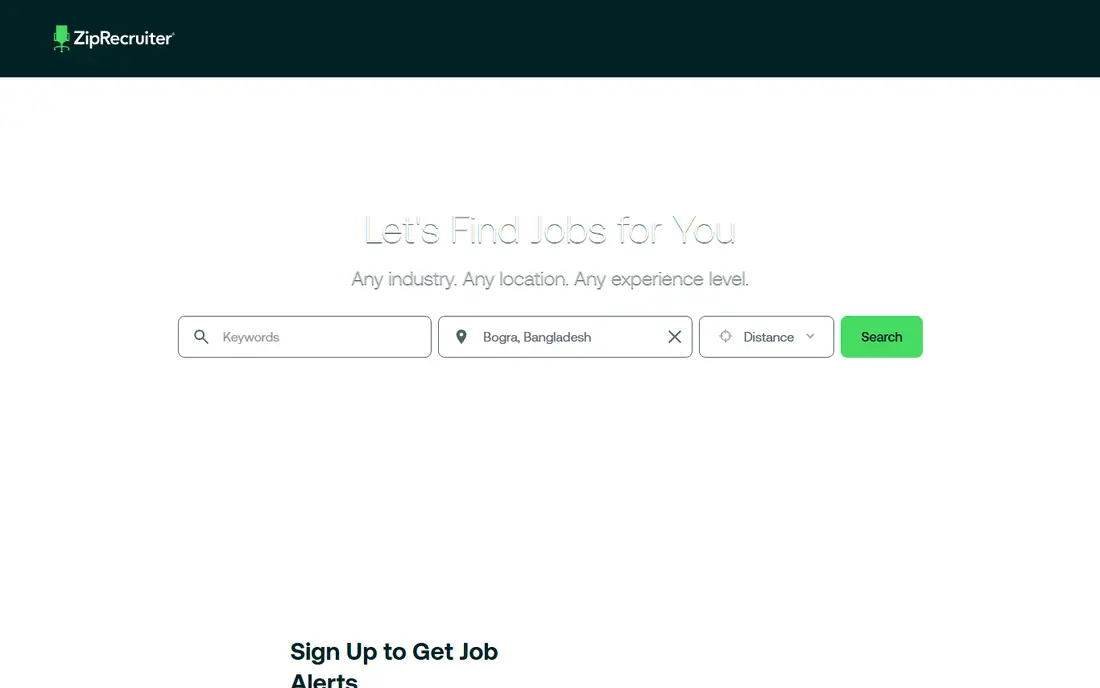
ZipRecruiter focuses on speed. After a job seeker creates a profile and sets preferences, the app suggests roles that match skills, location, and job type, and many applications can be completed with a small number of steps. A feature that lets applicants add a short note to show interest can help an application stand out in a crowded list, which is useful for roles that attract many applicants in the first days after posting.
The trade-off is that matching is only as good as the profile behind it. A thin profile with few skills and no clear job titles will produce broad, less useful suggestions. Job seekers should fill in work history, skills, preferred locations, and salary expectations where asked, then review suggested roles daily rather than waiting for a perfect match to appear. ZipRecruiter is free for job seekers, and it covers a wide range of industries, from customer service and warehouse work to office and professional roles, which makes it a good general companion to Indeed.
What we like- Matching that surfaces relevant roles quickly
- One-tap applications for many listings
- Alerts based on profile and preferences
Watch out for- Matching quality depends on profile completeness
- Some employers require a full application on their own site
Starting priceFree
Free planYes
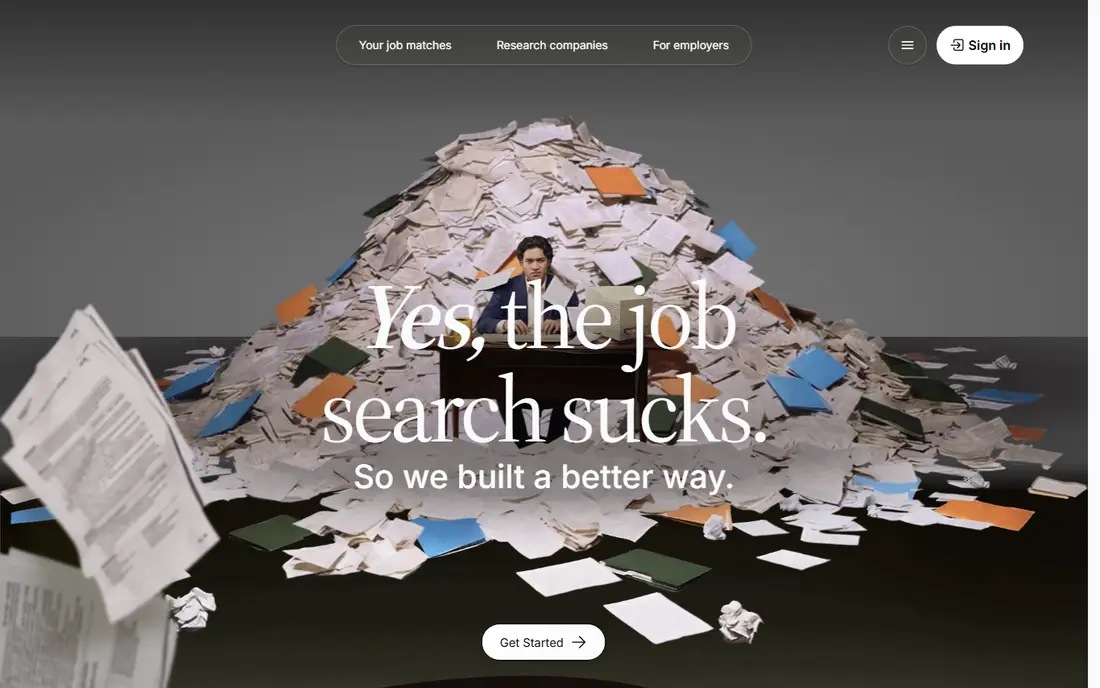
Glassdoor is the best app for answering a question that a listing rarely answers: what is it actually like to work there. Company reviews, salary ranges for common roles, benefits notes, and interview experiences sit next to job postings, so a job seeker can compare a tempting title with the reality reported by current and former employees. That context helps avoid a role that looks good on paper but has a pattern of complaints about management, workload, or pay.
The job search itself has improved, with matching that explains why a role fits a profile and a shortlist view that reduces endless scrolling. Job seekers should still treat reviews with care. Small companies may have only a few reviews, and a single angry or enthusiastic review is not a reliable picture of a workplace. Look for patterns across many reviews, check salary ranges against other sources, and use interview notes to prepare questions for the hiring manager. Used that way, Glassdoor turns a job search from a hunt for any opening into a more careful choice about where to work.
What we like- Reviews, salary ranges, and interview notes alongside listings
- Match scores that explain why a role fits
- Large database of company profiles
Watch out for- Review quality varies by company size and industry
- Some detailed salary data requires a contribution or account activity
Starting priceFree
Free planYes
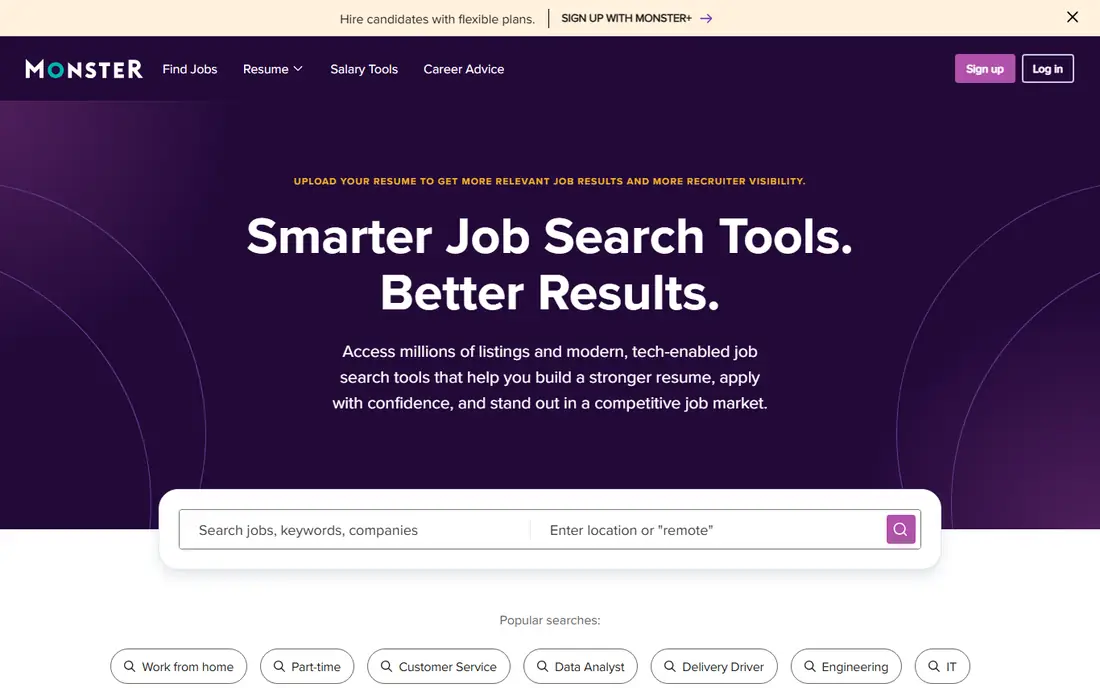
Monster has been a job board for more than thirty years, and that history gives it broad coverage across industries, from health care and education to manufacturing, sales, and office work. A job seeker can search by category, title, or location, upload a resume so employers can find them, and set alerts for new roles. Resume tools are a useful extra: a builder creates an ATS-friendly resume, and a checker shows how that resume may perform when scanned by employer systems.
Application tools, including Quick Apply and AI-assisted options, aim to reduce repetitive form filling, which helps when applying to many roles. Monster is not the largest board today, and many of its listings also appear on Indeed, so it should not be the only app in a search. Its value is as a second or third source that sometimes surfaces roles from employers who post mainly on Monster, plus resume help that newer apps do not always offer. For a job seeker who wants a broad net and a stronger resume, Monster is a solid addition.
What we like- Long history with listings across many fields
- Resume builder and ATS checker
- Quick Apply and AI-assisted application tools
Watch out for- Interface feels dated next to newer apps
- Some listings are also found on larger boards
Starting priceFree
Free planYes
Dice is a niche board, and that focus is its strength. Every listing is a technology role, so a software developer, network engineer, data analyst, or security specialist does not have to filter out unrelated jobs. Search filters cover specific skills, programming languages, certifications, remote or contract work, and security clearance where relevant, which helps a tech job seeker find roles that match a precise skill set rather than a vague title.
Dice also publishes career content for tech workers, including salary guides and skill guides, which can help with negotiation and planning a next step. The main limit is scope: if you are not looking for a tech role, Dice will not help. For tech job seekers, however, a niche board often produces better matches than a general board, because employers posting on Dice expect tech applicants and write postings with tech details. Pair Dice with LinkedIn for networking and Indeed for volume, and use it as the main source for specialized tech searches.
What we like- Listings focused only on technology jobs
- Filters for skills, clearance, and work type
- Salary and career advice for tech workers
Watch out for- Not useful outside technology
- Smaller total volume than general boards
Starting priceFree
Free planYes
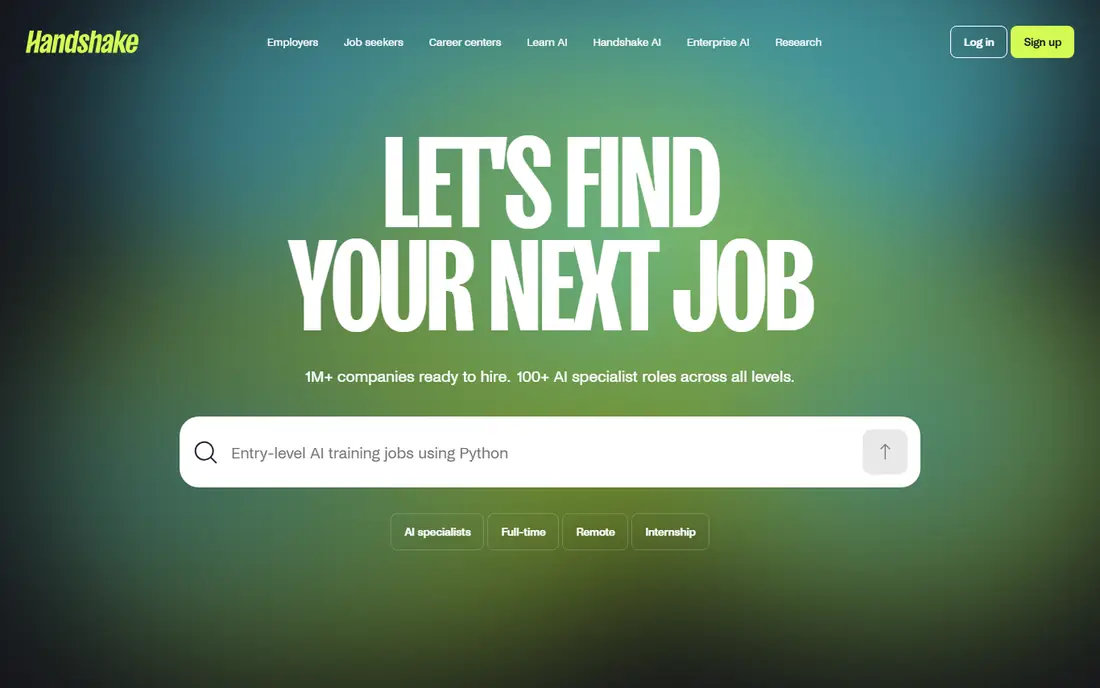
Handshake is built for students and recent graduates, and it shows in the listings. Internships, part-time roles, entry-level jobs, and graduate programs appear alongside employer events and career advice, all aimed at people starting out. Employers that hire from specific schools can connect with students through the platform, and a profile that lists education, coursework, and skills can attract recruiters looking for early-career talent.
The homepage notes a large network of companies ready to hire, and recent updates highlight AI-related roles and project-based learning. That focus makes Handshake less useful for a mid-career professional looking for a senior role, but for a student, it is often the best place to find internships that general boards bury under experienced listings. Students should keep a profile current, attend virtual employer events when possible, and apply early for internships, since popular programs fill quickly. Handshake plus LinkedIn gives a new graduate both a student-focused job source and a professional network for the years after graduation.
What we like- Roles aimed at students and early-career workers
- Employer connections through schools
- Internships and entry-level listings
Watch out for- Less useful for experienced professionals
- Some features depend on school partnerships
How we chose
We focused on apps that are available to US job seekers in 2026, free to use for searching and applying, and active with current listings. We checked each vendor homepage to confirm the product loads and belongs to the named tool, and we reviewed public help pages, listing coverage, and feature documentation for search filters, alerts, application flow, and research tools. We favored a mix of general boards and niche boards, so readers in different fields and at different career stages can find a useful starting point. We did not claim hands-on testing, and readers should confirm current features on the vendor site, since job apps change their plans and tools often.
How to run a job search across several apps
Use two general apps and one niche app
A strong setup is Indeed for volume, LinkedIn for networking, and one niche app for your field, such as Dice for tech or Handshake for students. That mix covers listings, recruiter visibility, and specialized roles without requiring ten different apps and ten different profiles to maintain.
Keep one master resume and one tracker
Tailor a resume for each role, but keep one master version with full work history, skills, and achievements. Track every application in a simple sheet with company, role, date applied, and next step, so follow-ups are easy and duplicate applications are avoided.
Set alerts, then check them on a schedule
Job alerts help, but they can also create constant distraction. Check new matches once or twice a day, apply to strong fits promptly, and save weaker fits for later review. Early applications matter for popular roles, but a rushed, generic application is less useful than a careful one sent the same day.
Research before you apply and before you interview
Use Glassdoor reviews, salary ranges, and company pages on LinkedIn to check pay, culture, and interview style before accepting an offer. Prepare two or three questions about the team, the work, and growth, and use interview notes from Glassdoor to practice answers for common questions in that field.
Frequently asked questions
What is the best job search app overall?
For most US job seekers, Indeed plus LinkedIn is the strongest pair. Indeed offers the largest listing volume, while LinkedIn adds recruiter visibility and networking. Add Glassdoor for research and a niche board for your field when needed.
Are job search apps free for job seekers?
Yes, the apps on this list are free for job seekers to search and apply, though some offer optional paid plans. LinkedIn Premium and similar upgrades add insights and extra features, but they are not required to search or apply for most roles.
How many job search apps should I use?
Two or three is enough for most people: one general board, LinkedIn, and one niche board for your field or stage. Using more apps can spread attention thin and lead to duplicate applications, while using only one app can miss roles posted elsewhere.
Do job apps really help recruiters find me?
Yes, when a profile is complete. LinkedIn and Handshake let recruiters search by skills, location, and experience, and Indeed and Monster let employers find uploaded resumes. Keep titles, skills, and location current, and turn on recruiter visibility where the app offers it.
Should I apply through the app or on the company website?
Apply through the app when it offers a complete application, since that is faster and keeps a record in one place. If the app only shows a summary, follow the link to the employer site and complete the full application there, then record the application in your tracker.
How can I avoid scam job postings?
Be cautious of postings that ask for payment, bank details, or personal documents before an interview, or that promise very high pay for vague work. Research the company on Glassdoor and LinkedIn, check that the posting matches the company career page, and report suspicious listings to the app.
Sources we checked (7)
- https://www.indeed.com
- https://www.linkedin.com
- https://www.ziprecruiter.com
- https://www.glassdoor.com
- https://www.monster.com
- https://www.dice.com
- https://joinhandshake.com
Is your product missing or out of date?
We review this list regularly. Vendors can request a listing, send updated pricing or ask about featured placement.

Shihab Mia · Founder, Rankite
Shihab has 5+ years in B2B and SaaS SEO. He writes Rankite's software buying guides from pricing pages, documentation and public user reviews. More about Shihab.