How we make this list: we compare pricing pages, product documentation and public user reviews. Ratings come from G2, Capterra or Trustpilot, with the date we checked them.
Key takeaways
- Canva is the best software for thumbnails for most creators, with over 2 million templates, a free plan, and a fast drag-and-drop editor.
- Adobe Express suits creators who want Adobe-quality templates, Firefly AI, and native export at YouTube 3840 by 2160 standard.
- Snappa suits fast thumbnail creation with a focused tool, while VistaCreate and Fotor suit template-first workflows at lower prices.
- Adobe Photoshop suits advanced creators who need pixel-level control and compositing, while Figma suits teams that design collaboratively.
- Picsart suits AI photo editing on mobile, with a low annual price.
- YouTube thumbnails work best at 1280 by 720 pixels in a 16:9 ratio, with bold text of 3 words or fewer, contrasting colors, and a design that reads at 150 by 90 pixels on mobile.
Quick comparison
| Tool | Best for | Starting price | Free plan |
|---|
 Canva Canva | Most creators and templates | $14.99 per month | Yes |
 Adobe Express Adobe Express | Adobe-quality templates and AI | $9.99 per month | Yes |
 Snappa Snappa | Fast focused thumbnails | $10 per month | Yes |
 VistaCreate VistaCreate | Template-first design | $10 per month | Yes |
 Fotor Fotor | Budget template design | $8.99 per month | Yes |
 Adobe Photoshop Adobe Photoshop | Pixel-level compositing | $9.99 per month | No |
 Figma Figma | Collaborative team design | $16 per full seat per month | Yes |
 Picsart Picsart | Mobile AI photo editing | $10.50 per month | Yes |
Is your product missing or out of date?
We review this list regularly. Vendors can request a listing, send updated pricing or ask about featured placement.
The best software for thumbnails
#1Canva
Best for: Most creators and templates4.7/5 on
G2 (7,678 reviews, checked Oct 2026)
Visit canva.com
Starting price$14.99 per month
Free planYes
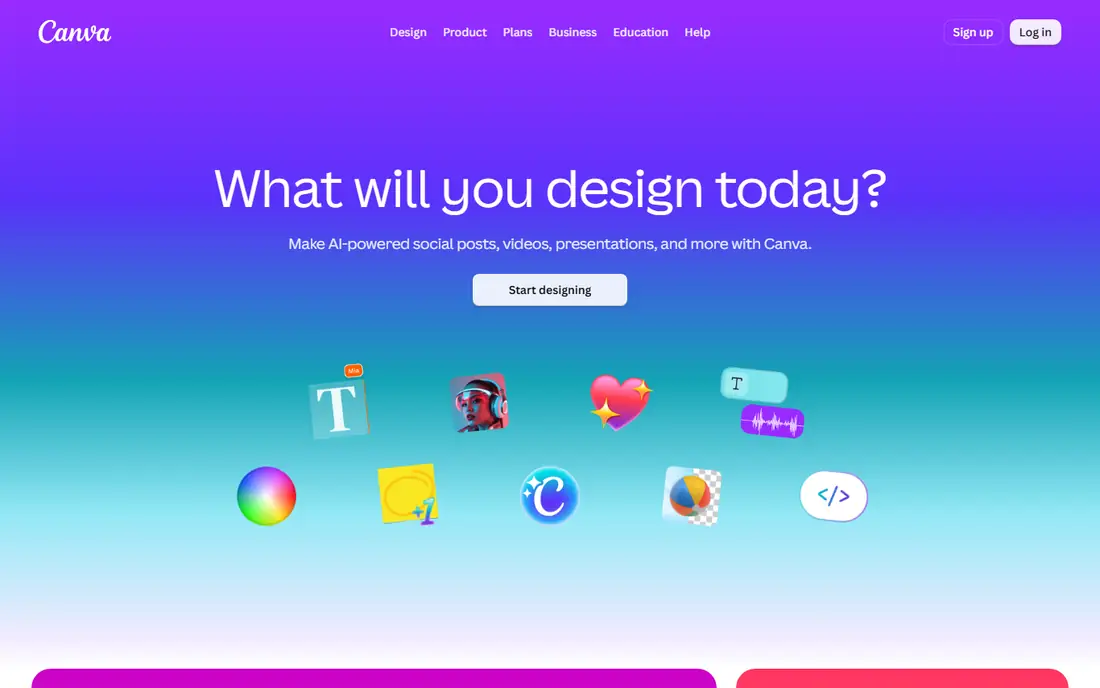
Canva still wins on raw template count, with over 2 million templates compared with Adobe Express hundreds of thousands, and a free plan that downloads without watermarks. The Magic Studio suite adds text-to-image generation, Magic Eraser, Background Remover, and Magic Expand within a drag-and-drop interface. Hundreds of pre-built templates are optimized for the 1280 by 720 format, and the brand kit keeps thumbnails consistent.
Pro prices vary by source, from $12.99 to $14.99 per month, and background remover is limited on free. Templates can feel generic without customization. For most creators who want speed and choice, Canva is clearly the best thumbnail tool, since its template count and free plan are unmatched.
What we like- Over 2 million templates
- Free plan with no watermarks
- Magic Studio AI suite
Watch out for- Pro price varies by source
- Templates can feel generic
- Resize is Pro-only
#2Adobe Express
Best for: Adobe-quality templates and AI4.5/5 on
G2 (855 reviews, checked Oct 2026)
Visit adobe.com
Starting price$9.99 per month
Free planYes
Adobe Express brings Adobe design quality to everyday creators, with professional templates, Adobe Stock integration, advanced text and effects, and Firefly-powered generative AI. It is the only tool in this comparison that combines a genuinely free plan, thousands of purpose-built templates, and Firefly AI with native export at YouTube current 3840 by 2160 thumbnail standard. Premium costs $9.99 per month, with 100 GB storage and premium fonts.
Template count is lower than Canva, and the free version is more limited. For creators who want Adobe quality without the Photoshop price, Adobe Express is clearly the top recommendation for most upload schedules.
What we like- Professional Adobe templates
- Firefly AI
- Native export at 3840 by 2160
Watch out for- Fewer templates than Canva
- Free version more limited
- Interface less intuitive for beginners
#3Snappa
Best for: Fast focused thumbnails4.6/5 on
G2 (40 reviews, checked Oct 2026)
Visit snappa.com
Starting price$10 per month
Free planYes
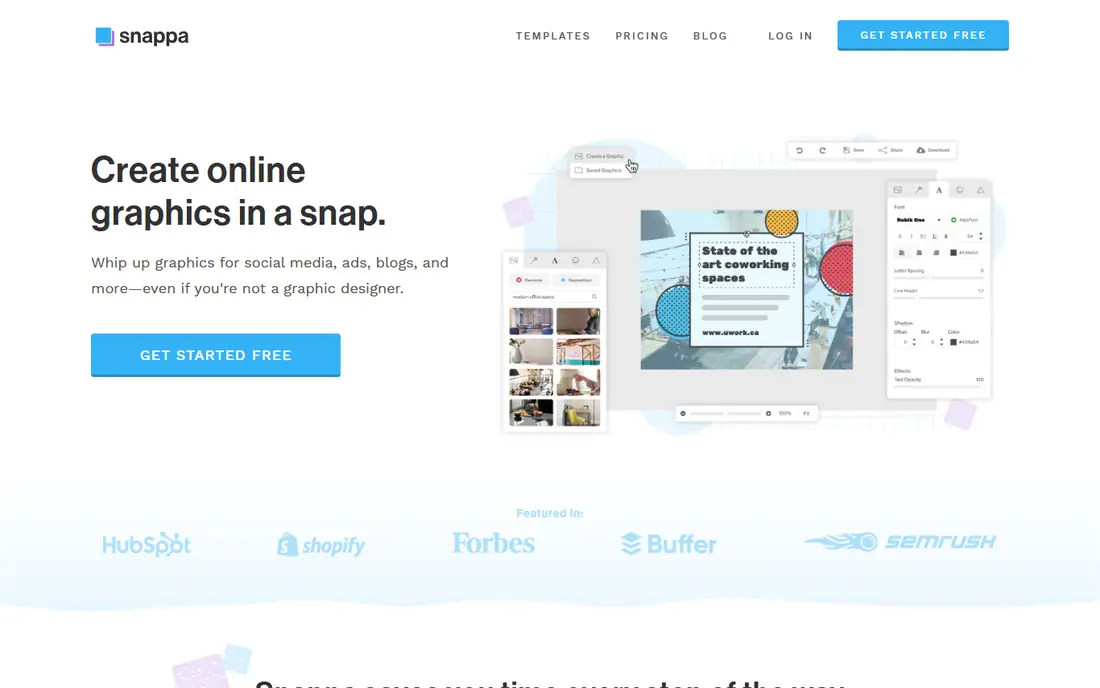
Snappa is built specifically for social media thumbnails, including YouTube, and it is faster and simpler than Canva if you know exactly what you want. Templates are pre-sized for YouTube, stock photos cover 5 million plus images, and batch processing creates multiple sizes at once. Pro costs $10 per month billed annually, with $15 monthly.
The free tier allows only 3 downloads per month, and the template library is smaller than Canva. For creators who want a focused tool with no distractions, Snappa is clearly the fastest pick, since its YouTube-specific workflow cuts steps.
What we like- Very fast workflow
- YouTube-specific templates
- Batch processing and one-click resize
Watch out for- Free tier allows only 3 downloads per month
- Smaller template library
- No mobile app
Starting price$10 per month
Free planYes
VistaCreate offers ready-made templates and a social media design library at $10 per month billed annually, with a free plan for basic use. The tool suits creators who want template-first design without the breadth of Canva, with a clean editor and quick exports for YouTube and other platforms.
The community is smaller than Canva, and AI features are thinner. For template-first creators on a budget, VistaCreate is clearly a solid pick, since its $10 monthly price suits small channels.
What we like- Ready-made templates
- Social media design library
- Low price
Watch out for- Smaller community than Canva
- Fewer AI features
- Less brand recognition
#5Fotor
Best for: Budget template design4.2/5 on
G2 (342 reviews, checked Oct 2026)
Visit fotor.com
Starting price$8.99 per month
Free planYes
Fotor offers the lowest paid price among template tools here, at $8.99 per month, with a simple editor, photo editing, and templates for YouTube thumbnails. The free plan covers basic design, while Pro adds more templates, stock photos, and batch tools.
The template library is smaller than Canva, and YouTube-specific focus is thinner. For budget creators who want a simple tool, Fotor is clearly the best value, since its $8.99 monthly price is the lowest here.
What we like- Lowest paid price here
- Simple editor
- Photo editing plus templates
Watch out for- Smaller template library
- Less YouTube-specific focus
- Fewer collaboration features
#6Adobe Photoshop
Best for: Pixel-level compositing4.6/5 on
G2 (13,426 reviews, checked Oct 2026)
Visit adobe.com
Starting price$9.99 per month
Free planNo
Adobe Photoshop sits outside the template range, starting around $9.99 to $23 per month depending on the Creative Cloud plan, reflecting its position as a professional-grade compositing tool rather than a template maker. Creators who outgrow template tools entirely and need pixel-level control, advanced masking, and compositing still need Photoshop as a professional fallback.
There is no free plan, and the learning curve is steep for beginners. For advanced creators who need full control, Photoshop is clearly the professional standard, since no template tool matches its compositing depth.
What we like- Pixel-level control
- Advanced compositing
- Industry standard for professionals
Watch out for- No free plan
- Price varies by Creative Cloud plan
- Steep learning curve
#7Figma
Best for: Collaborative team design4.7/5 on
G2 (1,593 reviews, checked Oct 2026)
Visit figma.com
Starting price$16 per full seat per month
Free planYes
Figma suits teams that design thumbnails collaboratively, with reusable components, real-time collaboration, and a free starter plan. Design systems keep thumbnails consistent across a channel, and comments and version history help teams review work. The paid plan costs $16 per full seat per month.
Figma is a design tool rather than a thumbnail maker, with no YouTube-specific templates built in, and non-designers face a learning curve. For teams that design together, Figma is clearly the best collaborative pick, since its reusable components and comments suit team review workflows well.
What we like- Reusable components
- Real-time collaboration
- Free starter plan
Watch out for- Design tool, not a thumbnail maker
- $16 per full seat
- Learning curve for non-designers
#8Picsart
Best for: Mobile AI photo editing4.5/5 on
G2 (797 reviews, checked Oct 2026)
Visit picsart.com
Starting price$10.50 per month
Free planYes
Picsart offers AI photo editing with a mobile-first editor, covering background removal, stickers, effects, and text for thumbnails made on a phone. The paid plan costs $10.50 per month billed annually, with a free plan for basic editing.
Template depth is less than Canva, and the mobile focus limits desktop work. For creators who make thumbnails on a phone, Picsart is clearly the best mobile pick, since its AI tools are built specifically for phone editing.
What we like- AI photo tools
- Mobile-first editing
- Low annual price
Watch out for- Less template depth than Canva
- Mobile focus limits desktop work
- Premium needed for full AI
How we chose
We compared template count, YouTube-specific features, AI tools, export quality, collaboration, and pricing. We also weighed brand kit features, since consistent colors, fonts, and layouts across thumbnails help viewers recognize your channel at a glance. Tools with purpose-built YouTube templates scored higher than general design tools, while tools with pixel control scored higher for advanced creators. We favored tools with genuinely free plans over trials alone. We did not test any tool hands-on, and prices come from vendor and comparison sources, with conflicts noted.
Buying guide: what to check before you pick
Start with your speed needs: template-first tools like Snappa, VistaCreate, and Fotor suit fast weekly uploads, while Canva and Adobe Express suit creators who want choice and AI. Time your first thumbnail in each shortlisted tool, since a tool that takes twice as long per thumbnail costs you hours every month. Check the free tier limits, since Snappa allows only 3 free downloads per month and Canva limits background remover on free. Check export quality, since YouTube thumbnails should be 1280 by 720 pixels minimum, with 3840 by 2160 for the highest standard, and test how your design reads at 150 by 90 pixels on mobile. Use bold text of 3 words or fewer, contrasting colors, and a custom image or screenshot rather than stock alone. Finally, test on mobile before you publish, since most viewers see thumbnails small, and a design that works at full size can fail at phone size. Shrink your thumbnail to 150 by 90 pixels and check whether the main subject and text still read clearly, since that is the size most viewers actually see in search results and feeds.
Frequently asked questions
What is the best free software for thumbnails?
Canva offers the best free plan for thumbnails, with thousands of templates and no watermarks on downloads. Adobe Express also offers a genuinely free plan with professional templates, though its free tier is more limited than Canva for stock photos and premium fonts overall today indeed for most casual users worldwide.
What size should a YouTube thumbnail be?
YouTube thumbnails work best at 1280 by 720 pixels in a 16:9 ratio, with a minimum width of 640 pixels. Adobe Express exports natively at 3840 by 2160 for the highest standard.
Is Photoshop better than Canva for thumbnails?
Photoshop offers pixel-level control and compositing for advanced creators, while Canva offers speed and templates for most creators. Most upload schedules suit Canva or Adobe Express better than Photoshop, since template tools produce a finished thumbnail in minutes rather than hours of manual design work each single busy week.
How many words should a thumbnail have?
Use bold text of 3 words or fewer, at large sizes, with contrasting colors, so the text reads on mobile. More words clutter the design and fail at small sizes.
Can I make thumbnails on my phone?
Yes, Canva and Picsart offer strong mobile apps for thumbnail design, while Snappa has no mobile app. Photoshop on mobile is limited compared with desktop.
Sources we checked (0)
Is your product missing or out of date?
We review this list regularly. Vendors can request a listing, send updated pricing or ask about featured placement.

Shihab Mia · Founder, Rankite
Shihab has 5+ years in B2B and SaaS SEO. He writes Rankite's software buying guides from pricing pages, documentation and public user reviews. More about Shihab.