How we make this list: we compare pricing pages, product documentation and public user reviews. Ratings come from G2, Capterra or Trustpilot, with the date we checked them.
Key takeaways
- Webflow suits design-led marketing sites, while WordPress suits owners who want full control and the widest choice of plugins and themes.
- WordPress software is free, but hosting, a domain and maintenance set the real yearly cost, usually from about 60 dollars a year for a basic site.
- Squarespace renamed its plans and raised prices in July 2026, so older guides quoting Personal at 16 dollars a month are out of date.
- Shopify and BigCommerce price by plan tier and sales volume, so check yearly billing and transaction fees before comparing prices.
- Framer is the cheapest way to publish a polished landing page, but its pricing reads conflict, so confirm the current plan on the vendor page before you buy.
Which is better, Webflow or WordPress, for a business website?
Webflow is better for a business that wants a polished marketing site with a visual editor, built-in hosting and a CMS, without managing updates or plugins. WordPress is better for a business that wants to own its site outright, choose any host, and add almost any feature through plugins. A small marketing team with no developer usually moves faster on Webflow, while a content-heavy site or a site with unusual features usually fits WordPress better. Changing direction later costs more on Webflow because you cannot export a working site in the same way.
Webflow charges per site, with a free Starter plan, Basic at 15 dollars a month billed yearly or 25 dollars billed monthly, and Premium at 25 dollars billed yearly or 39 dollars billed monthly. WordPress software costs nothing, while hosting typically runs from 3 to 30 dollars a month, plus a domain at about 10 to 15 dollars a year. Wix runs from 17 dollars a month for Light to 159 dollars for Business Elite on yearly billing. Squarespace now lists Basic at 19 dollars, Core at 29 dollars, Plus at 49 dollars and Advanced at 99 dollars a month billed yearly. Shopify lists Basic at 29 dollars, Grow at 79 dollars and Advanced at 299 dollars a month billed yearly, with Plus from 2,300 dollars a month. BigCommerce lists Core at 29 dollars, Growth at 79 dollars, Scale at 299 dollars and Performance from 1,499 dollars a month billed yearly. Framer lists Mini at 5 dollars, Basic at 15 dollars and Pro at 30 dollars a month on yearly billing in several May 2026 reads, but other reads conflict, as flagged below.
Price conflicts to check at publication. Squarespace renamed Personal, Business, Commerce Basic and Commerce Advanced to Basic, Core, Plus and Advanced, and raised yearly prices in July 2026 by 19 to 26 percent, so the carry-over figures of 16, 23, 28 and 52 dollars a month are stale. Shopify shows a conflict: most November 2026 reads list Grow at 79 dollars and Advanced at 299 dollars a month billed yearly, but a 16 November 2026 read showed 89 and 359 dollars on some visits, described as an apparent price test, and one 7 November 2026 read showed 19 and 49 dollars, which looks like non-United States pricing. Framer also conflicts: the per-site read lists 5, 15 and 30 dollars, while a July 2026 per-editor read lists 10, 18 and 35 dollars, and other reads list 10, 20 and 40 dollars. Webflow Premium bandwidth conflicts too: most sources list 50 GB, one lists 200 GB. Confirm all four on the vendor pricing pages before publication.
Which platform is easier to use and maintain?
Webflow is easier to maintain day to day because hosting, security, backups and updates are handled for you, and the visual editor shows the finished page as you build it. The trade is a steeper learning curve at the start, because the editor exposes layout controls such as spacing and breakpoints. WordPress is easier to start, because the block editor is familiar and thousands of themes give you a finished layout in minutes, but maintenance stays with you or your host, including updates, backups and security checks. Wix and Squarespace are the easiest of the eight for a beginner.
Which platform is best for SEO, blogging and selling online?
WordPress is the strongest choice for blogging and SEO control, because you can add any SEO plugin, control redirects and URL structure, and choose a host tuned for speed. Webflow is strong for technical SEO on a marketing site, with clean code, fast hosting and control over meta tags and redirects, but its CMS is smaller than WordPress for large content libraries. Squarespace and Wix cover the basics well for small sites, while Framer is best for landing pages rather than a large blog. For selling, Shopify is the strongest hosted store, BigCommerce suits larger catalogues, and WooCommerce suits WordPress owners who want full store control.
We picked Webflow and WordPress plus six widely used alternatives buyers shortlist for the same job: Wix, Squarespace, Shopify, WooCommerce, BigCommerce and Framer. We checked starting prices against vendor pricing pages and pricing guides read on 19 November 2026, and we flagged every price conflict instead of silently picking one figure. We compared design control, ease of use, blogging and SEO, selling, ownership, and total cost. Last verified 19 November 2026.
Webflow vs WordPress alternatives compared
| Tool |
Starting price |
Free plan |
Best for |
Main limit |
| Webflow |
From 15 dollars a month, Basic |
Free Starter plan |
Design-led marketing sites |
Per-site price, no full export |
| WordPress |
Free software, hosting 3 to 30 dollars a month |
Free software |
Full ownership, large content sites |
You manage updates and security |
| Wix |
From 17 dollars a month, Light |
Free plan with Wix branding |
Beginners, site and store in one |
Hard to move a site off Wix |
| Squarespace |
From 19 dollars a month, Basic |
14-day free trial, no free plan |
Design-led brands, portfolios |
Fewer apps than WordPress |
| Shopify |
From 29 dollars a month, Basic |
3 days free, then 1 dollar a month for 3 months |
Stores where selling is the business |
Cost rises with staff and apps |
| WooCommerce |
Free plugin, hosting 25 to 350 dollars a month |
Free plugin |
WordPress stores you control |
You pay hosting, extensions, upkeep |
| BigCommerce |
From 29 dollars a month, Core |
15-day free trial |
Larger catalogues, growing stores |
Sales caps can force an upgrade |
| Framer |
From 5 dollars a month, Mini, prices conflict |
Free plan on a Framer subdomain |
Polished landing pages, portfolios |
No native ecommerce, prices conflict |
Quick comparison
| Tool | Best for | Starting price | Free plan |
|---|
 Webflow | Design-led marketing sites built and edited by a small team without a developer | Basic 15 dollars per month billed yearly; Premium 25 dollars per month billed yearly; free Starter plan | Free Starter plan, 2 pages, Webflow subdomain, 1 GB bandwidth |
 WordPress | Owners who want full control, a large plugin library and low software cost | Free software; hosting typically 3 to 30 dollars per month, plus a domain at about 10 to 15 dollars per year | Free open-source software, with free themes and plugins available |
 Wix | Beginners and small businesses that want a website, bookings and a small store in one place | Light 17 dollars per month billed yearly; Core 29 dollars; Business 39 dollars; Business Elite 159 dollars | Free plan with Wix branding and no custom domain |
 Squarespace | Design-led brands and small businesses where presentation matters as much as the product | Basic 19 dollars per month billed yearly; Core 29 dollars; Plus 49 dollars; Advanced 99 dollars | No free plan; every site starts with a 14-day free trial |
 Shopify | Stores where selling is the business, from a first store to a high-volume brand | Basic 29 dollars per month billed yearly; Grow 79 dollars; Advanced 299 dollars; Plus from 2,300 dollars per month | 3 days free, then 1 dollar per month for 3 months; no permanent free plan |
 WooCommerce | WordPress owners who want a store they fully control, with no platform cut of sales | Free plugin; hosting 25 to 350 dollars per month for most stores; WooPayments 2.9 percent plus 0.30 dollars per United States card transaction | Free open-source plugin with no monthly subscription and no revenue share |
 BigCommerce | Larger catalogues and growing stores that need built-in features | Core 29 dollars per month billed yearly; Growth 79 dollars; Scale 299 dollars; Performance from 1,499 dollars | 15-day free trial; no permanent free plan |
 Framer | Polished landing pages, portfolios and startup marketing sites | Mini 5 dollars per month billed yearly, Basic 15 dollars, Pro 30 dollars; price conflict flagged below | Free plan that publishes on a Framer subdomain with Framer branding |
Is your product missing or out of date?
We review this list regularly. Vendors can request a listing, send updated pricing or ask about featured placement.
The 8 best Webflow vs WordPress alternatives
#1Webflow
Best for: Design-led marketing sites built and edited by a small team without a developer4.4/5 on
G2 (995 reviews, checked Oct 2026)
Visit webflow.com
Starting priceBasic 15 dollars per month billed yearly; Premium 25 dollars per month billed yearly; free Starter plan
Free planFree Starter plan, 2 pages, Webflow subdomain, 1 GB bandwidth
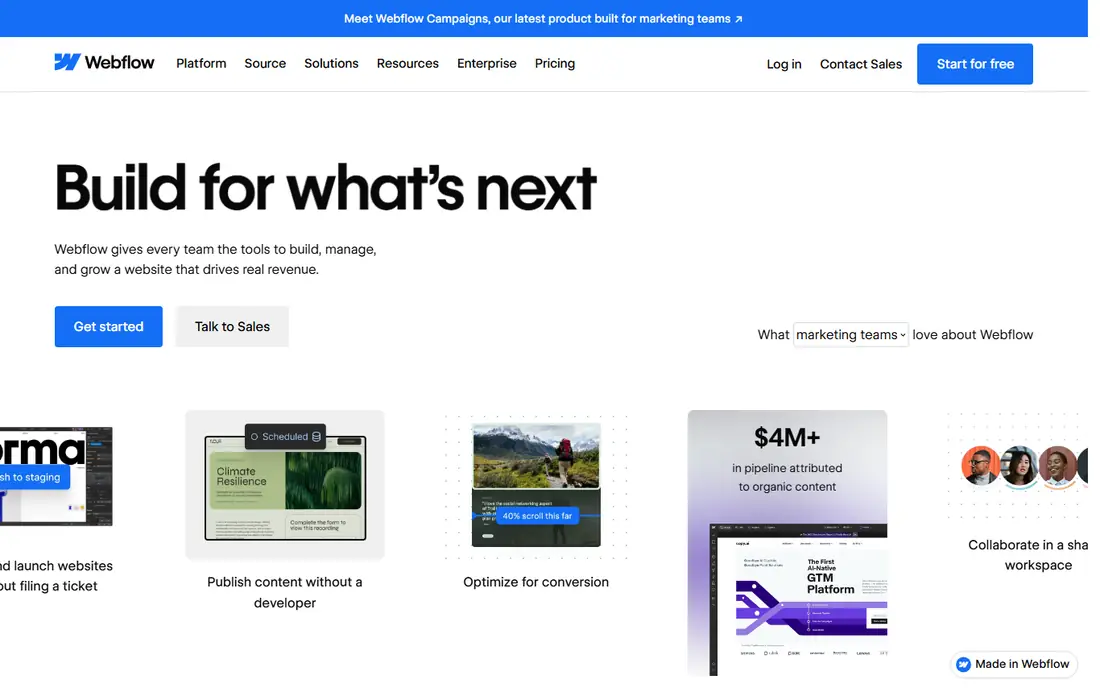
Webflow gives a designer or marketer direct control over layout, spacing and interactions without writing code, and the finished site is hosted on the same platform. The CMS handles blogs, case studies and location pages, and Premium includes 20,000 CMS items. That suits a company site that must look distinct and stay easy to edit. The cost to watch is the per-site model.
What we like- Visual builder with precise design control, built-in CMS, hosting, SSL and CDN included
Watch out for- Price is charged per site, so several sites add up fast, and there is no way to export a fully working site
#2WordPress
Best for: Owners who want full control, a large plugin library and low software cost4.4/5 on
G2 (9,546 reviews, checked Oct 2026)
Visit wordpress.org
Starting priceFree software; hosting typically 3 to 30 dollars per month, plus a domain at about 10 to 15 dollars per year
Free planFree open-source software, with free themes and plugins available
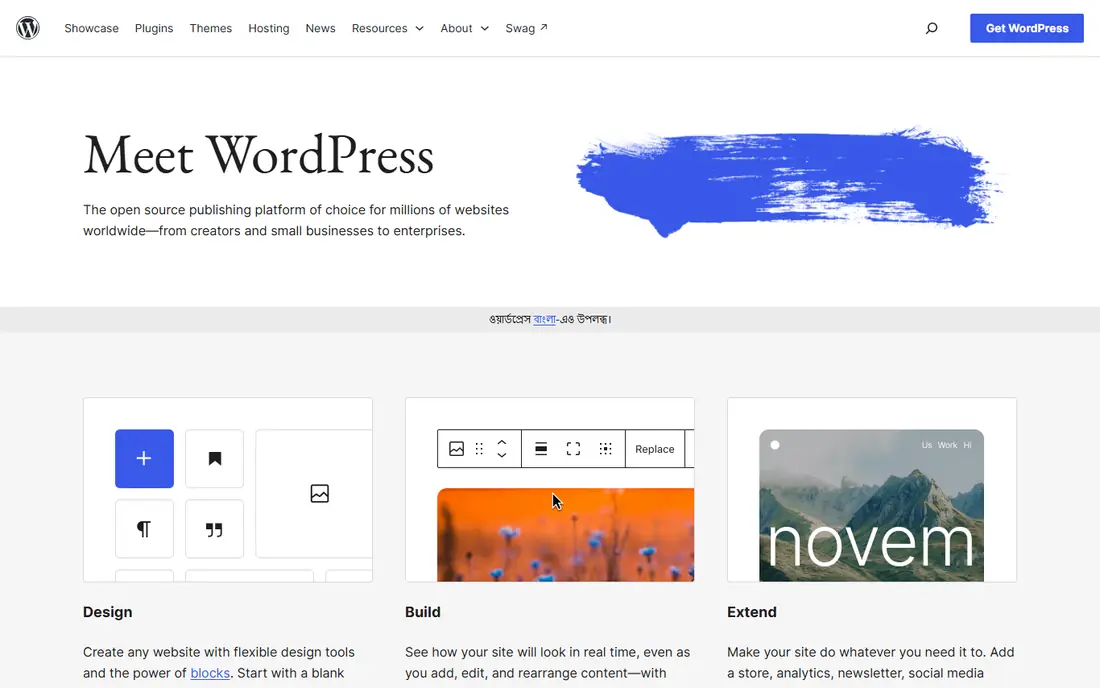
WordPress, in this guide WordPress.org self-hosted, is free software you install on hosting you choose. You can change host, theme or plugins at any time, and add almost any feature, from memberships to booking to a full store with WooCommerce. That freedom is the main reason to choose it, and the main cost is the upkeep. A basic site can run for about 60 dollars a year.
What we like- Full ownership and portability, the largest theme and plugin library, strong blogging and SEO control
Watch out for- You or your host must manage updates, backups and security, and many plugins can make a site slow or fragile
#3Wix
Best for: Beginners and small businesses that want a website, bookings and a small store in one place4.2/5 on
G2 (1,888 reviews, checked Oct 2026)
Visit wix.com
Starting priceLight 17 dollars per month billed yearly; Core 29 dollars; Business 39 dollars; Business Elite 159 dollars
Free planFree plan with Wix branding and no custom domain
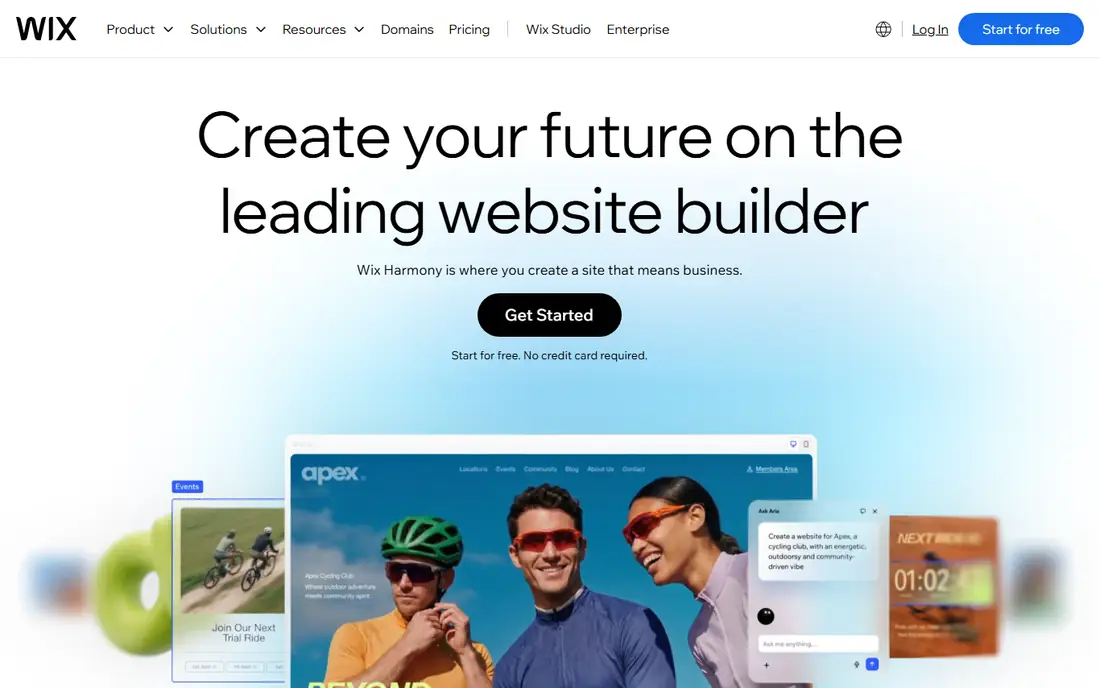
Wix is the simplest route from nothing to a live business site. Light suits a portfolio site, while Core at 29 dollars a month is the cheapest plan that accepts payments. The editor is forgiving for a first-time builder, and the app market adds bookings and marketing tools. The trade is lock-in: you rent the platform, and if you outgrow it, you rebuild elsewhere.
What we like- Very easy drag-and-drop editor, built-in bookings, marketing and store tools, free domain for the first year
Watch out for- A site cannot be moved off Wix, and large catalogues are harder to manage than on Shopify
#4Squarespace
Best for: Design-led brands and small businesses where presentation matters as much as the product4.4/5 on
G2 (1,133 reviews, checked Oct 2026)
Visit squarespace.com
Starting priceBasic 19 dollars per month billed yearly; Core 29 dollars; Plus 49 dollars; Advanced 99 dollars
Free planNo free plan; every site starts with a 14-day free trial
Squarespace is the closest hosted rival to Webflow on design quality, with templates that look finished with little custom work. The July 2026 rename replaced Personal, Business, Commerce Basic and Commerce Advanced with Basic, Core, Plus and Advanced, and raised yearly prices, so ignore older guides that quote 16, 23, 28 and 52 dollars a month. Core is the fair starting point for selling, because it removes the store transaction fee.
What we like- Polished templates, all-in hosting with SSL and a free custom domain for the first year, built-in commerce
Watch out for- Fewer third-party apps than WordPress, and Basic adds a 2 percent online store transaction fee
#5Shopify
Best for: Stores where selling is the business, from a first store to a high-volume brand4.4/5 on
G2 (5,144 reviews, checked Oct 2026)
Visit shopify.com
Starting priceBasic 29 dollars per month billed yearly; Grow 79 dollars; Advanced 299 dollars; Plus from 2,300 dollars per month
Free plan3 days free, then 1 dollar per month for 3 months; no permanent free plan
Shopify is the default choice when the store, rather than the brochure site, is the business. Basic covers a solo store, Grow adds up to 5 staff accounts, and Advanced adds reporting and lower card rates. A price conflict is open: most November 2026 reads list Grow at 79 dollars and Advanced at 299 dollars a month billed yearly, but one 16 November 2026 read showed 89 and 359 dollars on some visits, described as an apparent price test. Check the price on your own plan screen before you pay.
What we like- Strong checkout, payments and app store, reliable hosting and support, lower card rates on higher plans
Watch out for- Costs rise with apps, themes and staff accounts, and a third-party payment provider adds 2 percent on Basic, 1 percent on Grow and 0.6 percent on Advanced
#6WooCommerce
Best for: WordPress owners who want a store they fully control, with no platform cut of sales4.4/5 on
G2 (1,283 reviews, checked Oct 2026)
Visit woocommerce.com
Starting priceFree plugin; hosting 25 to 350 dollars per month for most stores; WooPayments 2.9 percent plus 0.30 dollars per United States card transaction
Free planFree open-source plugin with no monthly subscription and no revenue share
WooCommerce turns a WordPress site into a store without a monthly platform fee, which suits owners who already run WordPress. The plugin costs nothing and takes no cut of sales, but a live store still pays for hosting, a domain, extensions and card processing. WooCommerce puts most stores at 25 to 350 dollars a month for hosting, and a small store with managed hosting, one paid extension and card fees can run about 107 dollars a month at 2,500 dollars in sales.
What we like- Free core plugin, full ownership of data and design, thousands of extensions
Watch out for- You pay for hosting, paid extensions at 29 to 299 dollars a year each, and your own maintenance
#7BigCommerce
Best for: Larger catalogues and growing stores that need built-in features4.2/5 on
G2 (580 reviews, checked Oct 2026)
Visit bigcommerce.com
Starting priceCore 29 dollars per month billed yearly; Growth 79 dollars; Scale 299 dollars; Performance from 1,499 dollars
Free plan15-day free trial; no permanent free plan
BigCommerce renamed Standard, Plus, Pro and Enterprise to Core, Growth, Scale and Performance on 1 June 2026, kept the base prices, and cut the sales caps sharply, from 50,000 to 30,000 dollars on Core and from 180,000 to 100,000 dollars on Growth. Scale includes 33,333 dollars of monthly GMV and charges 0.9 percent above that instead of forcing an upgrade. The platform suits a store that wants more built-in features than Shopify offers on lower plans. Tax and shipping count toward the GMV total, so a cap can be crossed sooner than sales suggest.
What we like- Strong built-in catalogue and B2B features, no platform fee on embedded payment providers
Watch out for- Sales caps can force a plan upgrade, with Core capped at 30,000 dollars and Growth at 100,000 dollars in trailing 12-month GMV
#8Framer
Best for: Polished landing pages, portfolios and startup marketing sites4.5/5 on
G2 (144 reviews, checked Oct 2026)
Visit framer.com
Starting priceMini 5 dollars per month billed yearly, Basic 15 dollars, Pro 30 dollars; price conflict flagged below
Free planFree plan that publishes on a Framer subdomain with Framer branding
Framer is the fastest of the eight to a good-looking landing page. Mini is the cheapest paid route to a custom domain, Basic adds more pages, and Pro adds CMS collections and staging. The price needs a publication spot-check: the per-site read lists Mini at 5 dollars, Basic at 15 dollars and Pro at 30 dollars a month, while a July 2026 per-editor read lists 10, 18 and 35 dollars, and other reads list 10, 20 and 40 dollars. Confirm the current plan before you buy, and budget per site, not per account.
What we like- Fast visual builder with strong templates and animations, low entry price for a custom domain
Watch out for- No native ecommerce, so selling needs a third-party integration, and pricing reads conflict
Frequently asked questions
Is Webflow better than WordPress for SEO?
WordPress gives you more SEO control through plugins, redirects and hosting choice, which suits large blogs. Webflow gives you clean code, fast hosting and control over meta tags, which suits a marketing site with a smaller content library. Either platform can rank well with good content and fast loading, so choose on who will manage the site.
Can I move my site from Webflow to WordPress later?
You can export content and design assets from Webflow, but you cannot export a fully working site to run elsewhere without rebuilding it. WordPress content is easier to move, because you can export posts, pages and media into another WordPress install. If you may need to leave later, that portability is a real reason to choose WordPress.
Which is cheaper, Webflow or WordPress?
WordPress software is free, and a basic site can cost about 60 dollars a year for shared hosting and a domain, which is cheaper than Webflow Basic at 180 dollars a year. A business WordPress site with managed hosting and paid plugins can cost several hundred dollars a year, which narrows the gap. Webflow Premium at 300 dollars a year includes hosting, CMS and security, so compare the full yearly total.
Do I need a developer for Webflow or WordPress?
Most small sites on either platform can be built without a developer, using templates and the visual editor. Webflow needs more design learning at the start, but less technical maintenance after launch. WordPress is easier to start, but a custom design or a complex store often needs a developer. If you have no developer and no time to learn, Wix or Squarespace may be simpler.
Which platform should I choose if I mainly want to sell online?
Choose Shopify if selling is the main job, because its checkout, payments and app store are built for stores. Choose BigCommerce for a larger catalogue, or WooCommerce if you already run WordPress and want full store control. Webflow, Wix and Squarespace suit a small store attached to a marketing site, but not a high-volume store.
Sources we checked (8)
- https://webflow.com/pricing
- https://wordpress.org
- https://www.wix.com/pricing
- https://www.squarespace.com/pricing
- https://www.shopify.com/pricing
- https://woocommerce.com/pricing
- https://www.bigcommerce.com/pricing
- https://www.framer.com/pricing
Is your product missing or out of date?
We review this list regularly. Vendors can request a listing, send updated pricing or ask about featured placement.

Shihab Mia · Founder, Rankite
Shihab has 5+ years in B2B and SaaS SEO. He writes Rankite's software buying guides from pricing pages, documentation and public user reviews. More about Shihab.