How we make this list: we compare pricing pages, product documentation and public user reviews. Ratings come from G2, Capterra or Trustpilot, with the date we checked them.
Key takeaways
- Webflow gives designers the most control over layout, animations and CMS structure, while Wix gives beginners the fastest route to a live site.
- Wix starts at $17 per month billed yearly and Webflow starts at $15 per month billed yearly, so the entry cost is close and the real difference is what each plan includes.
- Squarespace changed its plan names and prices in July 2026, so older guides quoting Personal at $16 per month are out of date.
- Shopify is the best choice when the store is the business, starting at $29 per month billed yearly.
- WordPress.org is the only option here with free software and full ownership of your site and data, with hosting paid separately.
Which is better, Webflow or Wix?
Webflow is better for design-led teams and Wix is better for beginners, so the right answer depends on who will build and run the site. Webflow gives you control over spacing, breakpoints, interactions and CMS collections in fine detail. Wix works like a drag-and-drop editor with more than 900 templates, an AI builder and built-in business tools, which means a small business owner can publish a polished site in an afternoon without touching code. Webflow has a steeper learning curve, while Wix limits how far you can customise a template once you pick one. If your site is a marketing asset a designer will keep improving, choose Webflow. If you want to build it yourself and move on, choose Wix.
How much do Webflow and Wix cost in 2026?
Webflow and Wix cost almost the same at the entry level, and the gap opens up on higher plans and add-ons. Webflow Basic costs $15 per month billed yearly or $25 billed monthly, and Premium costs $25 per month billed yearly or $39 billed monthly. Premium is the plan most content sites need because Basic has no CMS. Wix Light costs $17 per month billed yearly or $24 billed monthly, Core costs $29 or $36, Business costs $39 or $46 and Business Elite costs $159 or $172. Wix often shows a 50 percent discount on the first year of Core, Business and Business Elite, and the price renews at the full list price after that, so budget for the renewal rate.
Which builder is easiest for a beginner?
Wix is the easiest builder in this comparison for a complete beginner. Its editor lets you drag any element anywhere on the page, its AI builder can draft a whole site from a few answers, and its templates cover most small business types with the sections already laid out. Squarespace is the next easiest, with polished templates that look good with very little editing. Webflow takes longer to learn because it exposes real layout concepts such as flexbox, grid and breakpoints. Framer sits between Wix and Webflow, since it feels like a design tool but publishes real sites quickly. WordPress.org is the hardest starting point because you choose hosting, install the software and maintain updates yourself.
Which builder is best for selling online?
Shopify is the best builder in this comparison for selling online, with Wix and BigCommerce as the next best options. Shopify is built around commerce from the start, with strong checkout, inventory, discount and reporting tools, plus a large app store for shipping, tax and marketing. Wix sells from its Core plan at $29 per month billed yearly, which suits small shops that also need a content site. BigCommerce suits stores that expect to grow past $30,000 in annual sales, although its plans force an upgrade once trailing twelve-month sales pass set thresholds. Webflow ecommerce starts at $29 per month billed yearly and suits small catalogues only, while WooCommerce suits WordPress users who want full control and no platform transaction fee.
Quick comparison
| Tool | Best for | Starting price | Free plan |
|---|
 Webflow | Design-led marketing sites and teams that want full layout and CMS control | $15 per month billed yearly for Basic ($25 billed monthly); Premium $25 per month billed yearly ($39 billed monthly), prices checked 19 November 2026 | Free Starter plan for building on a Webflow subdomain, with 2 pages and no custom domain |
 Wix | Beginners and small businesses that want the fastest path to a live site | $17 per month billed yearly for Light ($24 billed monthly); Core $29, Business $39, Business Elite $159 billed yearly, prices checked 19 November 2026 | Free plan on a Wix subdomain with Wix ads and no custom domain |
 WordPress.org | Owners who want full control of their site, content and data | Free software; hosting typically $3 to $30 per month depending on the host and plan, prices checked 19 November 2026 | The WordPress software itself is free and open source, with no monthly platform fee |
 Squarespace | Design-led brands, portfolios and small stores that value polished templates | $19 per month billed yearly for Basic ($25 billed monthly); Core $29, Plus $49, Advanced $99 billed yearly, prices checked 19 November 2026 | No free plan; a 14-day free trial is available |
 Shopify | Online stores where selling is the core of the business | $29 per month billed yearly for Basic ($39 billed monthly); Grow $79, Advanced $299 billed yearly, Plus from $2,300 per month, prices checked 19 November 2026 | No free plan; 3-day free trial then $1 per month for 3 months on monthly plans |
 WooCommerce | WordPress users who want a store with full control and no platform fee | Free plugin; WooCommerce estimates hosting at $25 to $350 per month for most stores, prices checked 19 November 2026 | The core WooCommerce plugin is free with 0 percent revenue share |
 BigCommerce | Growing stores that expect sales to rise past $30,000 a year | $29 per month billed yearly for Core ($39 billed monthly); Growth $79, Scale $299 billed yearly, Performance from $1,499 per month, prices checked 19 November 2026 | No free plan; a 15-day free trial is available |
 Framer | Designers and startups that want a polished marketing site fast | $5 per month billed yearly for Mini ($10 billed monthly); Basic $15, Pro $30 billed yearly, prices checked 19 November 2026 | Free plan for building on a Framer subdomain with Framer branding |
Is your product missing or out of date?
We review this list regularly. Vendors can request a listing, send updated pricing or ask about featured placement.
The 8 best website builders for Webflow vs Wix buyers
#1Webflow
Best for: Design-led marketing sites and teams that want full layout and CMS control4.4/5 on
G2 (995 reviews, checked Oct 2026)
Visit webflow.com
Starting price$15 per month billed yearly for Basic ($25 billed monthly); Premium $25 per month billed yearly ($39 billed monthly), prices checked 19 November 2026
Free planFree Starter plan for building on a Webflow subdomain, with 2 pages and no custom domain
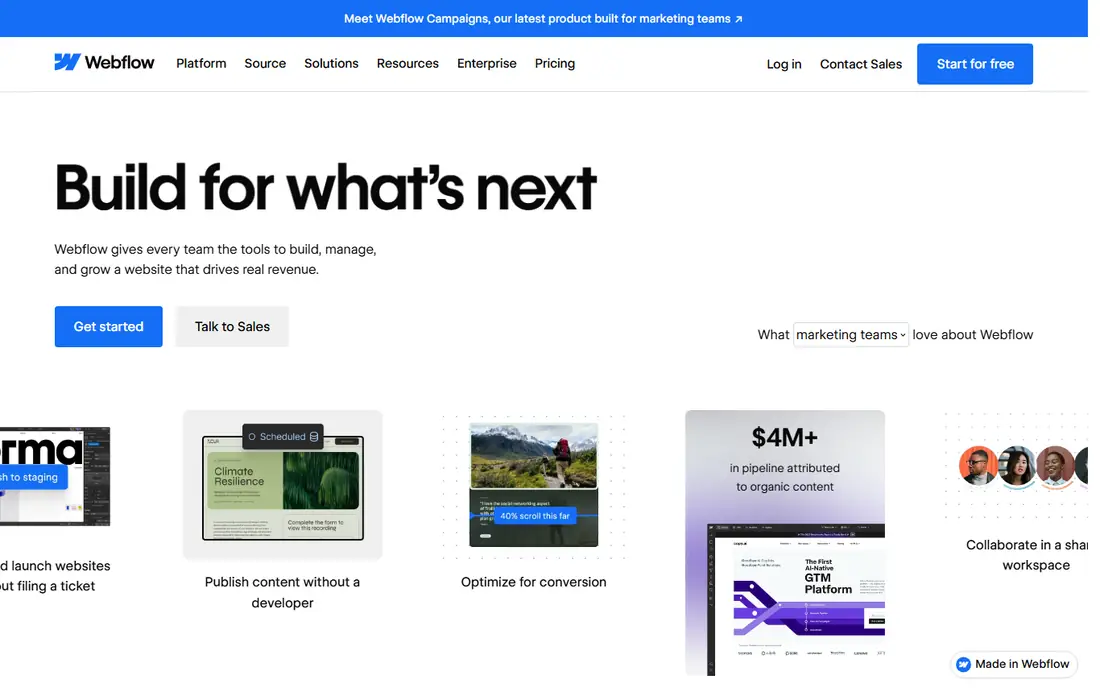
Webflow is a visual website builder aimed at designers and marketing teams that want a site to look exactly as designed without handing it to a developer. The May 2026 pricing change merged the old CMS and Business plans into a single Premium plan at $25 per month billed yearly, while Basic at $15 covers simple brochure sites, with hosting, SSL and a content delivery network included.
What we like- Precise visual design control, powerful CMS with 20,000 items on Premium, clean hosting with SSL and CDN included, strong animation and interaction tools
Watch out for- Steep learning curve, no CMS on Basic, ecommerce suits only small catalogues, per-site pricing adds up fast for agencies
#2Wix
Best for: Beginners and small businesses that want the fastest path to a live site4.2/5 on
G2 (1,888 reviews, checked Oct 2026)
Visit wix.com
Starting price$17 per month billed yearly for Light ($24 billed monthly); Core $29, Business $39, Business Elite $159 billed yearly, prices checked 19 November 2026
Free planFree plan on a Wix subdomain with Wix ads and no custom domain

Wix is the most approachable builder in this list. Light at $17 per month billed yearly adds a custom domain and removes Wix ads, while Core at $29 per month billed yearly is the first plan that accepts payments. The main limits are design flexibility and portability, since you cannot export a Wix site to another host, and changing template means rebuilding.
What we like- Very easy drag-and-drop editor, more than 900 templates, AI builder that drafts a site in minutes, built-in bookings, marketing and ecommerce tools
Watch out for- Templates cannot be switched after publishing, the 50 percent first-year promo renews at full price, advanced design control is limited
#3WordPress.org
Best for: Owners who want full control of their site, content and data4.4/5 on
G2 (9,546 reviews, checked Oct 2026)
Visit wordpress.org
Starting priceFree software; hosting typically $3 to $30 per month depending on the host and plan, prices checked 19 November 2026
Free planThe WordPress software itself is free and open source, with no monthly platform fee
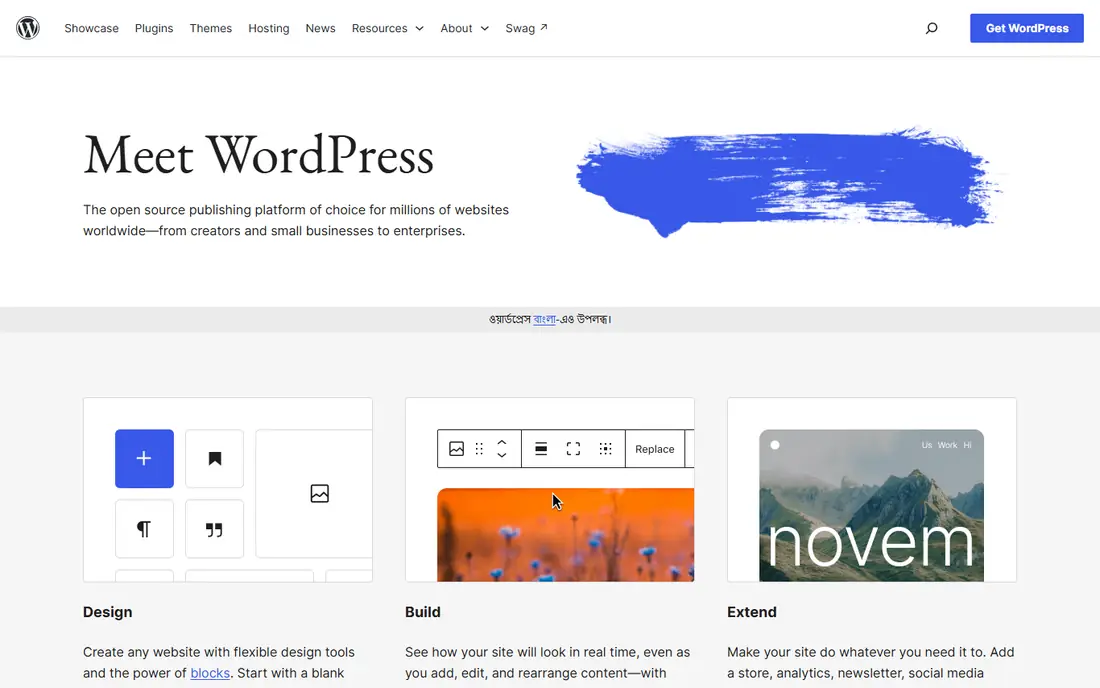
WordPress.org is free, open source software that runs on hosting you choose. The software costs nothing, so the real budget is hosting, which typically runs $3 to $30 per month for a small business site. That freedom is the main reason to choose it, since you can change hosts and edit any code. WordPress.com is a separate hosted service from Automattic, with Personal at $4, Premium at $8, Business at $25 and Commerce at $45 per month billed yearly. The cost is responsibility for updates, backups and security.
What we like- Full ownership of code and data, more than 60,000 plugins, any theme or custom design, no platform lock-in, strong SEO plugin options
Watch out for- You manage hosting, updates, backups and security, quality varies between hosts and themes, costs rise with premium plugins and developer help
#4Squarespace
Best for: Design-led brands, portfolios and small stores that value polished templates4.4/5 on
G2 (1,133 reviews, checked Oct 2026)
Visit squarespace.com
Starting price$19 per month billed yearly for Basic ($25 billed monthly); Core $29, Plus $49, Advanced $99 billed yearly, prices checked 19 November 2026
Free planNo free plan; a 14-day free trial is available
Squarespace is the best fit for a business where the look of the site matters as much as the content, such as a photographer or restaurant. Its templates are consistently polished, and the editor keeps design choices restrained. Squarespace renamed its plans in July 2026 and raised prices by up to 26 percent, so Basic is now $19 per month billed yearly, Core is $29, Plus is $49 and Advanced is $99. Older guides still quote the old Personal, Business and Commerce prices, and those figures are now stale.
What we like- Beautiful templates that look professional with little editing, all-in-one hosting with SSL and a free first-year domain, good blogging and scheduling tools, no transaction fee from Core upward
Watch out for- Fewer apps than Wix or Shopify, Basic adds a 2 percent store transaction fee, less design freedom than Webflow, no free plan
#5Shopify
Best for: Online stores where selling is the core of the business4.4/5 on
G2 (5,144 reviews, checked Oct 2026)
Visit shopify.com
Starting price$29 per month billed yearly for Basic ($39 billed monthly); Grow $79, Advanced $299 billed yearly, Plus from $2,300 per month, prices checked 19 November 2026
Free planNo free plan; 3-day free trial then $1 per month for 3 months on monthly plans
Shopify is the strongest choice in this list when the store itself is the business. Basic at $29 per month billed yearly covers a new store with online card rates of 2.9 percent plus 30 cents through Shopify Payments, while Grow at $79 and Advanced at $299 add staff accounts, lower card rates and better reporting. Two price notes need a spot-check. One 16 November 2026 read showed yearly Grow at $89 and Advanced at $359, a likely Shopify price test, and one non-US read showed Basic at $19 and Grow at $49, localised pricing.
What we like- Best-in-class checkout and store management, large app store, strong reporting on higher plans, reliable hosting and security, good multi-channel selling
Watch out for- Cost rises quickly with paid apps and themes, fees apply with a third-party payment provider, blogging tools are weaker than Webflow or WordPress
#6WooCommerce
Best for: WordPress users who want a store with full control and no platform fee4.4/5 on
G2 (1,283 reviews, checked Oct 2026)
Visit woocommerce.com
Starting priceFree plugin; WooCommerce estimates hosting at $25 to $350 per month for most stores, prices checked 19 November 2026
Free planThe core WooCommerce plugin is free with 0 percent revenue share
WooCommerce turns a WordPress site into a store, for a business already running on WordPress. The plugin itself is free, and WooCommerce charges no platform fee on sales, so your running costs are hosting, extensions and card processing. WooCommerce estimates hosting at $25 to $350 per month for most stores, and extensions typically cost $29 to $299 per year each. WooPayments charges US stores 2.9 percent plus 30 cents per card payment. The trade off is maintenance, since you or your developer handle updates, backups and security.
What we like- Free core plugin with no platform transaction fee, full ownership of store data, huge extension library, works with any WordPress theme, flexible shipping and tax rules
Watch out for- You manage hosting, updates and security, costs vary with extensions, setup takes longer than a hosted store
#7BigCommerce
Best for: Growing stores that expect sales to rise past $30,000 a year4.2/5 on
G2 (580 reviews, checked Oct 2026)
Visit bigcommerce.com
Starting price$29 per month billed yearly for Core ($39 billed monthly); Growth $79, Scale $299 billed yearly, Performance from $1,499 per month, prices checked 19 November 2026
Free planNo free plan; a 15-day free trial is available
BigCommerce is a hosted ecommerce platform that competes directly with Shopify on built-in features, and it often needs fewer paid apps to run a serious store. Core at $29 per month billed yearly suits a new store, while Growth at $79 and Scale at $299 suit larger stores. After the June 2026 rename, Core now covers up to $30,000 in trailing twelve-month gross merchandise value and Growth covers up to $100,000. Pass a cap and the plan upgrades automatically.
What we like- Strong built-in ecommerce features with fewer paid apps needed, no extra transaction fee with embedded payment providers, multi-channel selling, good B2B tools
Watch out for- Plans force an upgrade once sales pass $30,000 or $100,000, an Open Payment Provider fee of up to 2 percent applies outside the embedded list, design tools are less flexible than Webflow
#8Framer
Best for: Designers and startups that want a polished marketing site fast4.5/5 on
G2 (144 reviews, checked Oct 2026)
Visit framer.com
Starting price$5 per month billed yearly for Mini ($10 billed monthly); Basic $15, Pro $30 billed yearly, prices checked 19 November 2026
Free planFree plan for building on a Framer subdomain with Framer branding
Framer is the fastest route in this list from a design idea to a live marketing site, for startups and designers who want Webflow-style polish without the learning curve. Mini at $5 per month billed yearly is the cheapest way to publish on a custom domain, Basic at $15 adds more pages and visitors, and Pro at $30 adds CMS collections, staging and advanced analytics. One pricing conflict needs a spot-check. A July 2026 read described a per-editor model at $10, $18 and $35 per month, while other recent reads list $5, $15 and $30 per month billed yearly.
What we like- Very fast to build a polished site, strong animation and interaction tools, cheap entry plan with a custom domain, AI tools for drafting pages
Watch out for- No native ecommerce, CMS collections need Pro, per-site pricing adds up, pricing model needs a spot-check before buying
How do the 8 builders compare side by side?
The table below compares all eight builders on the same points, using annual billing prices checked on 19 November 2026.
| Tool |
Starting price (annual billing) |
Free plan |
Best for |
Selling online |
| Webflow |
$15 per month, Basic |
Yes, Starter on a subdomain |
Design-led marketing sites |
Small catalogues from $29 per month |
| Wix |
$17 per month, Light |
Yes, on a Wix subdomain |
Beginners and small businesses |
Yes, from Core at $29 per month |
| WordPress.org |
Free software, hosting $3 to $30 per month |
Yes, software is free |
Full control and ownership |
Yes, with WooCommerce |
| Squarespace |
$19 per month, Basic |
No, 14-day trial only |
Design-led brands and portfolios |
Yes, small catalogues |
| Shopify |
$29 per month, Basic |
No, trial then $1 per month for 3 months |
Online stores |
Yes, best in this list |
| WooCommerce |
Free plugin, hosting $25 to $350 per month |
Yes, core plugin is free |
WordPress stores with full control |
Yes, full store features |
| BigCommerce |
$29 per month, Core |
No, 15-day trial only |
Growing stores |
Yes, strong built-in features |
| Framer |
$5 per month, Mini |
Yes, on a Framer subdomain |
Fast polished marketing sites |
No native ecommerce |
How we picked
We picked these eight builders by starting with the two named in the keyword, Webflow and Wix, then adding the six most common alternatives buyers compare them with. Prices were checked against each vendor pricing page and recent pricing guides on 19 November 2026, and conflicts are flagged in the relevant tool section rather than hidden. We ranked tools on design control, ease of use, selling features, total cost and ownership. Last verified 19 November 2026.
Frequently asked questions
Is Webflow better than Wix for SEO?
Webflow has a small edge for technical SEO because it gives you full control over semantic HTML, meta tags, redirects and structured data. Wix has closed most of the gap, with solid built-in SEO tools, automatic sitemaps and good mobile performance. For most small business sites, content quality matters more than the platform, so choose the builder your team will keep updated.
Can I move my site from Wix to Webflow later?
Moving from Wix to Webflow is possible, but it is a rebuild rather than a transfer. Wix does not offer a site export, so you rebuild the design in Webflow, move the content by hand or with a migration tool, and set up redirects from the old URLs. The same is true in reverse. If you think you may outgrow Wix, start on Webflow or WordPress.org instead.
Which is cheaper, Webflow or Wix?
The entry plans are almost the same price, with Webflow Basic at $15 per month billed yearly and Wix Light at $17 per month billed yearly. The real cost depends on what you need. Webflow Premium at $25 per month billed yearly is the plan most content sites need, while Wix Core at $29 per month billed yearly is the first plan that sells online. Add the cost of apps, extra sites and renewal prices before comparing totals.
Do I need to know code to use Webflow?
You do not need to write code to use Webflow, but you do need to learn layout concepts such as flexbox, grid and breakpoints. The editor is visual, so you drag and style elements on a canvas, yet it behaves more like a front-end tool than a simple page builder. A designer or a patient beginner can learn it in a few days, while someone who wants a site live today will be faster on Wix.
Which builder is best for an online store?
Shopify is the best builder here for an online store, because checkout, inventory, discounts and reporting are built in from the start. Wix suits a small shop that also needs a content site, and BigCommerce suits a store expecting fast sales growth. WooCommerce is the best option for a WordPress site that wants full control with no platform fee. Webflow and Framer suit small catalogues only.
Sources we checked (8)
- https://webflow.com/pricing
- https://www.wix.com/plans
- https://wordpress.org
- https://www.squarespace.com/pricing
- https://www.shopify.com/pricing
- https://woocommerce.com
- https://www.bigcommerce.com/pricing
- https://www.framer.com/pricing
Is your product missing or out of date?
We review this list regularly. Vendors can request a listing, send updated pricing or ask about featured placement.

Shihab Mia · Founder, Rankite
Shihab has 5+ years in B2B and SaaS SEO. He writes Rankite's software buying guides from pricing pages, documentation and public user reviews. More about Shihab.