How we make this list: we compare pricing pages, product documentation and public user reviews. Ratings come from G2, Capterra or Trustpilot, with the date we checked them.
Key takeaways
- Broadcom ended VMware perpetual licenses and moved customers to subscription bundles, and alternatives differ in licensing, scale, and migration effort.
- Proxmox VE is the best open-source pick, with KVM and LXC virtualization, a built-in ESXi import wizard, and enterprise support from 110 euros per socket per year.
- Microsoft Hyper-V is the best Windows pick, with hardware-based virtualization, GPU partitioning, and failover clustering in Windows Server 2025.
- Nutanix AHV is the best hyperconverged pick, with one platform for apps, data, and AI, trusted by 32,000 plus companies.
- Red Hat OpenShift Virtualization is the best Kubernetes pick, running VMs alongside containers as native Kubernetes objects.
- XCP-ng is the best Xen pick, with turnkey server virtualization, live migration, and easy migration out of Broadcom VMware.
- Scale Computing is the best edge pick, with compute, storage, and networking in one compact platform and zero on-site IT.
- Citrix Hypervisor is the best VDI pick, with Xen-based virtualization for Citrix workloads and graphics-heavy desktops.
- KVM is the best Linux-native pick, with full virtualization in the Linux kernel for x86 hardware with Intel VT or AMD-V.
Quick comparison
Is your product missing or out of date?
We review this list regularly. Vendors can request a listing, send updated pricing or ask about featured placement.
Starting priceFree open source
Free planYes
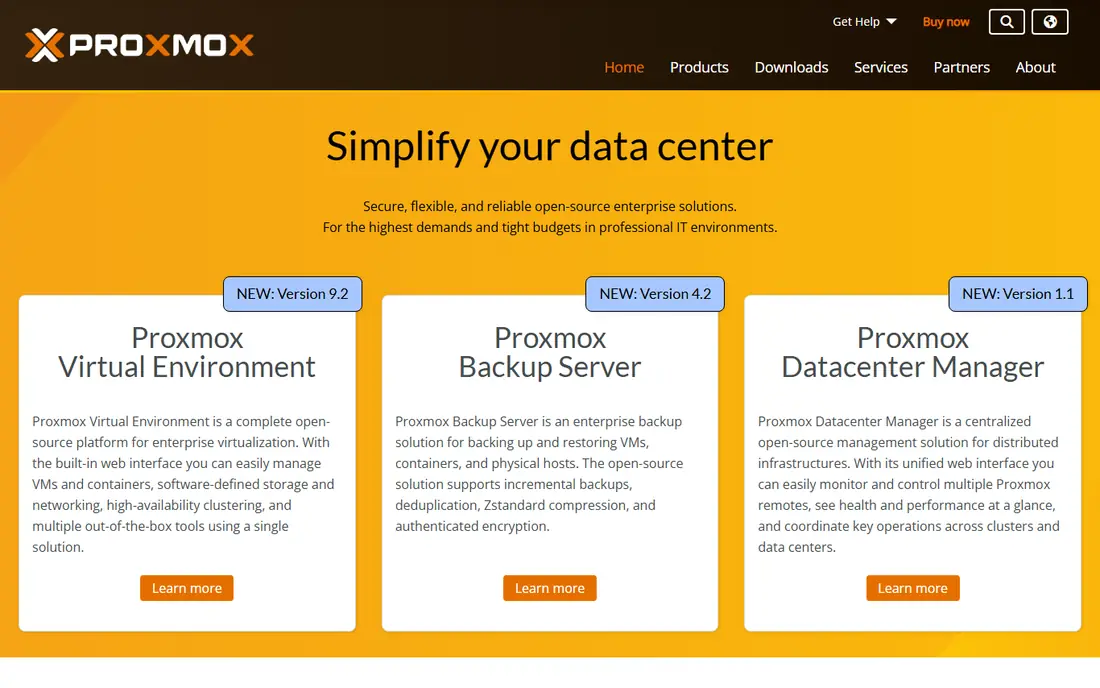
Proxmox VE is the best open-source pick. Proxmox offers powerful open-source server solutions with enterprise support and flexible services tailored to each company's IT strategy, from conception to successful implementation of data center strategy. Proxmox VE combines KVM virtualization and LXC containers in one web-managed platform, with a built-in ESXi import wizard for migrating VMware VMs, plus backup, clustering, and software-defined storage. Comparison sources cite free download with enterprise support from about 110 euros per socket per year, and Proxmox reports trust from tens of thousands of customers.
The trade-off is network virtualization. Proxmox VE has no direct NSX equivalent, so teams with heavy NSX investments should plan networking separately. For cost-driven teams that want open-source virtualization, Proxmox VE is the best pick.
What we like- Open-source KVM and LXC platform with web management
- Built-in ESXi import wizard
- Enterprise support and services tailored to goals
- Trusted by tens of thousands of customers
Watch out for- No NSX equivalent for advanced network virtualization
- Smaller enterprise support ecosystem than VMware
Starting priceIncluded in Windows Server
Free planNo
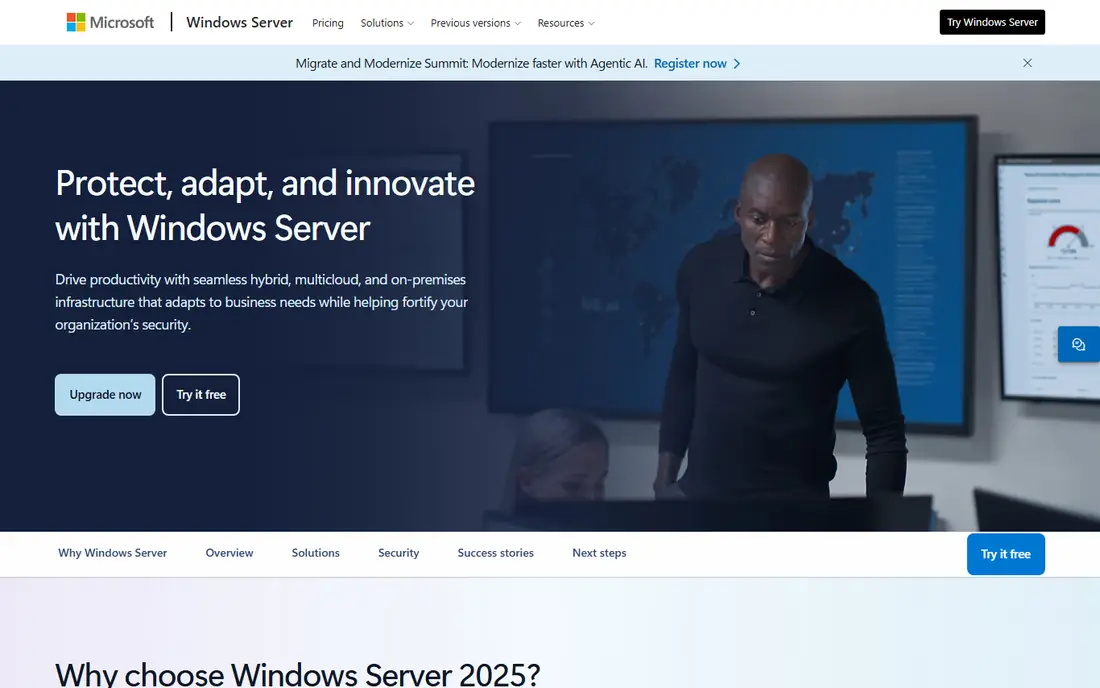
Microsoft Hyper-V is the best Windows pick. Its Windows Server page describes Hyper-V offering hardware-based virtualization and isolation, virtualization-based security, and advanced capabilities such as GPU partitioning and failover clustering, with Windows Server VMs more scalable than ever, supporting 240 TB of RAM and 2048 virtual processors. Hyper-V also benefits from hybrid features including Azure Arc management, hotpatching for on-premises and multicloud Windows Servers, and pay-as-you-go pricing for on-premises Windows Server. Comparison sources cite Azure Local at 10 dollars per core per month, with on-prem Hyper-V included in Windows Server Datacenter.
The catch is ecosystem. Hyper-V fits best in Microsoft shops already paying for Windows Server and Azure, while Linux-heavy teams may prefer Proxmox or KVM. For Windows-first estates, Hyper-V is the best pick.
What we like- Hardware-based virtualization and isolation
- Virtualization-based security
- GPU partitioning and failover clustering
- Windows Server VMs support 240 TB of RAM and 2048 virtual processors
Watch out for- Windows-first, weaker for Linux-heavy estates
- Licensing tied to Windows Server editions

#3Nutanix AHV
Best for: Hyperconverged4.5/5 on
G2 (2 reviews, checked Oct 2026)
Visit nutanix.com
Starting priceSee website
Free planFree trial
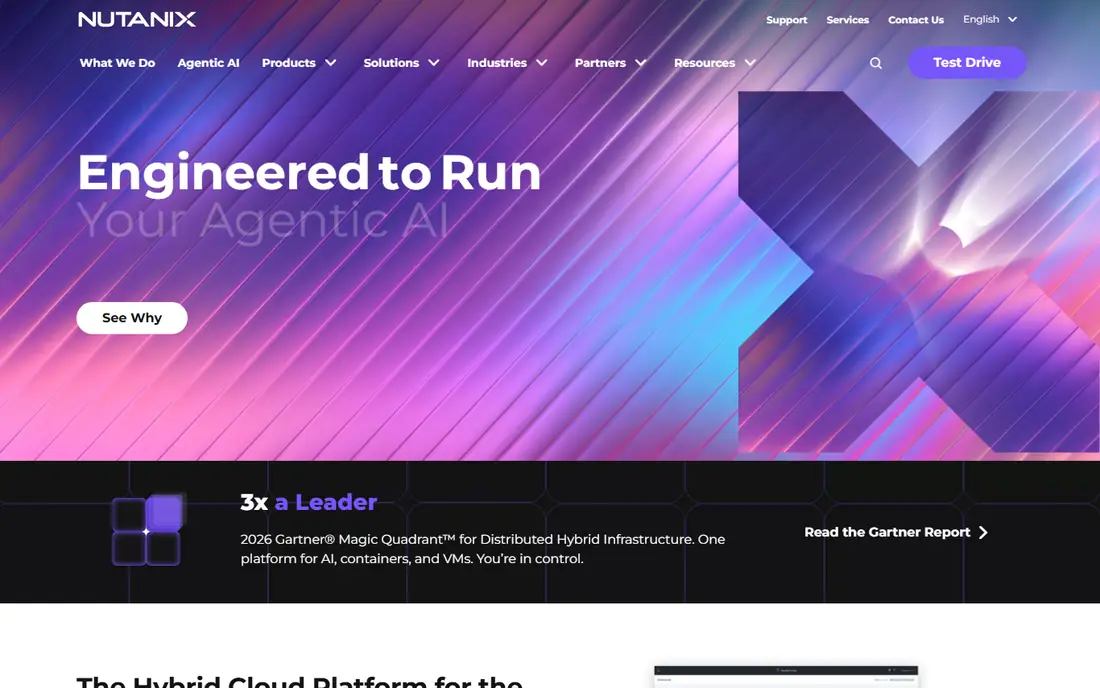
Nutanix AHV is the best hyperconverged pick. Its homepage describes one platform to run apps, data, and AI anywhere, a hybrid cloud platform for the AI-powered enterprise with one operating model engineered to run AI, apps, and data anywhere. Features include building and optimizing agentic AI workflows with control over token costs and data sovereignty, running AI, containers, and VMs consistently anywhere on one complete stack, and reducing complexity with a platform that keeps AI, agents, applications, and data secure, governed, and resilient. Nutanix explicitly offers migration from VMware on your terms, is recognized as a Leader in Gartner's Magic Quadrant for Distributed Hybrid Infrastructure, and reports trust from 32,000 plus companies. Comparison sources cite per-node or per-core pricing with Starter, Pro, and Ultimate editions.
The trade-off is hardware. Nutanix AHV runs best on Nutanix HCI, so migration may require a hardware refresh. For enterprises that want a turnkey commercial platform, Nutanix AHV is the best pick.
What we like- One platform to run apps, data, and AI anywhere
- Dual-native platform for VMs and containers
- Migration from VMware on your terms
- Trusted by 32,000 plus companies
Watch out for- Pricing by quote on the homepage
- HCI hardware refresh may be needed for migration
Starting priceSee website
Free planFree trial
Red Hat OpenShift Virtualization is the best Kubernetes pick. Its official FAQ describes an included feature of Red Hat OpenShift providing a modern platform for running and deploying new and existing VM workloads, letting teams migrate and manage traditional VMs alongside containers in a trusted, comprehensive, and consistent hybrid cloud platform from core to cloud to edge. Features include VMs as native Kubernetes objects managed through the OpenShift web console or command line, KVM hypervisor technology deployed using containers, a migration toolkit for virtualization, and OpenShift Virtualization Engine, a dedicated edition focused solely on deploying, managing, and scaling VMs without containers. OpenShift Virtualization is included in all Red Hat OpenShift editions and is certified in Microsoft's Windows Server Virtualization Validation Program.
The catch is skill. OpenShift Virtualization requires Kubernetes expertise, so teams without it should consider Proxmox or Nutanix first. For container-modernizing organizations, OpenShift Virtualization is the best pick.
What we like- VMs run alongside containers as native Kubernetes objects
- Based on KVM and the CNCF KubeVirt project
- Migration toolkit for virtualization included
- OpenShift Virtualization Engine for VM-only estates
Watch out for- Kubernetes expertise required
- Subscription pricing per core
- Gaps in disaster recovery and backup versus vSphere
Starting priceFree open source
Free planYes
XCP-ng is the best Xen pick. Its homepage describes XenServer-based, community-powered turnkey server virtualization, with a modern web UI through Xen Orchestra, live migration of VMs around the world without interruption, scaling by adding hosts, and security through control of VMs on your own bare metal with no neighbors. Features include easy migration out of Broadcom VMware, with Xen Orchestra migrating VMware VMs to XCP-ng by directly streaming from any accessible ESXi host, plus an upgrade path from XenServer that keeps storage and VM settings after a reboot. The current release is XCP-ng 8.3 LTS, and XCP-ng is officially part of the Xen Project hosted by the Linux Foundation. Comparison sources cite free download with Vates support from about 340 euros per node per year.
The trade-off is ecosystem size. XCP-ng's community is smaller than Proxmox's, though its VMware migration tooling is strong. For teams that want a Xen-based platform with a clear VMware exit, XCP-ng is the best pick.
What we like- Turnkey server virtualization with modern web UI and live migration
- Easy migration out of Broadcom VMware via Xen Orchestra
- 8.3 LTS release
- Officially part of the Xen Project
Watch out for- Smaller community than Proxmox
- Management via Xen Orchestra adds a component to operate
Starting priceSee website
Free planFree trial
Scale Computing is the best edge pick. Its homepage describes one platform for all edge locations, with compute, storage, and networking in one compact platform designed to cut costs and complexity at every location, under the banner of one platform, thousands of sites, and zero on-site IT. Products include SC//HyperCore hypervisor, SC//Reliant manager, SC//AcuVigil networking, and SC//Connect SD-WAN, plus edge computing with self-healing, right-sized infrastructure running critical apps where they are needed, and data center solutions leading the HCI industry in simplicity and cost-effectiveness. Scale Computing is a DCIG TOP 5 Enterprise VMware vSphere Alternative for 2026 to 2027. Comparison sources cite pricing from 249 to 312 dollars per core per year.
The catch is scale. Scale Computing shines at edge, retail, and manufacturing sites, while large data centers may prefer Nutanix or Proxmox. For distributed enterprises with many sites, Scale Computing is the best pick.
What we like- One platform for all edge locations with compute, storage, and networking in one compact platform
- Self-healing infrastructure
- DCIG TOP 5 Enterprise VMware vSphere Alternative
Watch out for- Pricing by quote on the homepage
- Best for edge and SMB, less suited to large data centers
Starting priceSee website
Free planFree trial
Citrix Hypervisor is the best VDI pick. Citrix Hypervisor, formerly XenServer, is a Xen-based virtualization platform optimized for Citrix workloads, with strong VDI performance and GPU acceleration for graphics-heavy desktops. Comparison sources cite high user density, free and paid enterprise editions, and a requirement for an eligible Citrix subscription. Citrix itself now positions the Citrix Platform Flex as a persona-based platform for secure application access, managed services, and observability, with over 4,300 healthcare customers and leadership in desktop as a service.
The trade-off is packaging. Citrix Hypervisor is now part of the broader Citrix platform, so standalone hypervisor buyers should confirm licensing. For Citrix shops running VDI at scale, Citrix Hypervisor is the best pick.
What we like- Xen-based virtualization optimized for Citrix workloads
- Strong VDI and GPU acceleration
- High user density for graphics-heavy desktops
- Part of the Citrix platform
Watch out for- Homepage extract was generic Citrix platform content, so product details rest on comparison sources
- Requires eligible Citrix subscription
Starting priceFree open source
Free planYes
KVM is the best Linux-native pick. Its homepage describes KVM as a full virtualization solution for Linux on x86 hardware containing virtualization extensions, consisting of a loadable kernel module providing core virtualization infrastructure plus processor-specific modules for Intel and AMD. Using KVM, teams can run multiple virtual machines with unmodified Linux or Windows images, each with private virtualized hardware including network card, disk, and graphics adapter. KVM is open-source software, with the kernel component in mainline Linux since version 2.6.20 and the userspace component in mainline QEMU since version 1.3.
The catch is management. KVM alone has no web console, clustering, or backup, so teams pair it with Proxmox, oVirt, or OpenShift Virtualization. For Linux experts building their own platform, KVM is the best pick.
What we like- Full virtualization in the Linux kernel for x86 hardware with Intel VT or AMD-V
- Runs unmodified Linux or Windows images
- Kernel component in mainline Linux since 2.6.20
- Userspace in mainline QEMU since 1.3
Watch out for- No management platform on its own, needs Proxmox, oVirt, or OpenShift for enterprise management
- Linux expertise required
How we chose
We compared tools that replace VMware by Broadcom across its core jobs: server virtualization, clustering, live migration, storage, and management. Each vendor homepage was opened to confirm the product exists today and matches its category, and we kept a mix of open-source platforms, Windows platforms, hyperconverged platforms, Kubernetes platforms, Xen platforms, edge platforms, VDI platforms, and Linux-native hypervisors, since VMware users range from SMBs to large enterprises. We flagged that Citrix's homepage extract was generic platform content, so its product details rest on comparison sources. Pricing is taken from vendor homepages where published, and written as See website where vendors price by quote or on pricing pages not shown on the homepage.
Your VMs usually migrate, since most alternatives offer import tools for ESXi, so inventory your VMs, storage, and network configurations, test migration on a pilot group, and validate performance before cutting over. Budget time for re-creating clustering, backup, and disaster recovery policies, which rarely transfer automatically. Check support timelines carefully: general support ends for vSphere 8 in October 2027, so plan migration before renewal deadlines force decisions under pressure.
Test with a small group first. Run the new platform alongside VMware for one maintenance cycle, compare performance and management workflows, and fix gaps before migrating the whole estate. Finally, check licensing models carefully: per-core, per-socket, per-node, and subscription pricing can change total cost dramatically as your estate grows.
Frequently asked questions
Why are teams leaving VMware after Broadcom?
Broadcom ended perpetual licenses and moved customers to subscription bundles, with some customers reporting large price increases. Many teams now evaluate alternatives before renewal deadlines.
What is the closest alternative to VMware vSphere?
Proxmox VE is the most common VMware alternative, with KVM underneath and a built-in ESXi importer. XCP-ng is the closest match to the vSphere and vCenter experience for Xen-based teams.
Which VMware alternative is cheapest?
Proxmox VE, XCP-ng, and KVM are free open source, so infrastructure and optional support are the only costs. For commercial platforms, Scale Computing and Hyper-V offer lower entry costs than Nutanix or OpenShift.
Can I run VMs and containers on one platform?
Yes. Red Hat OpenShift Virtualization runs VMs alongside containers as native Kubernetes objects, and Nutanix runs AI, containers, and VMs on one platform. Proxmox VE also runs VMs and LXC containers together.
Which alternative is best for edge locations?
Scale Computing is the best edge pick, with compute, storage, and networking in one compact platform designed for zero on-site IT across thousands of sites.
Do I need to replace my hardware to leave VMware?
Not always. Proxmox VE, XCP-ng, and Hyper-V run on standard x86 hardware, while Nutanix AHV runs best on Nutanix HCI and may need a hardware refresh. Check hardware compatibility before committing.
Sources we checked (8)
- https://www.proxmox.com
- https://www.microsoft.com/en-us/windows-server
- https://www.nutanix.com
- https://www.redhat.com/en/resources/openshift-virtualization-faq
- https://xcp-ng.org
- https://www.scalecomputing.com
- https://www.citrix.com
- https://www.linux-kvm.org
Is your product missing or out of date?
We review this list regularly. Vendors can request a listing, send updated pricing or ask about featured placement.

Shihab Mia · Founder, Rankite
Shihab has 5+ years in B2B and SaaS SEO. He writes Rankite's software buying guides from pricing pages, documentation and public user reviews. More about Shihab.
 Proxmox VE
 Microsoft Hyper-V
 Red Hat OpenShift Virtualization
 XCP-ng
 Scale Computing
 Citrix Hypervisor
 KVM
KVM