How we make this list: we compare pricing pages, product documentation and public user reviews. Ratings come from G2, Capterra or Trustpilot, with the date we checked them.
Key takeaways
- SGLang is the strongest production alternative for agentic and multi-turn workloads, thanks to its prefix caching and structured output support.
- TensorRT-LLM gives the highest throughput on NVIDIA hardware, but it locks a team into NVIDIA GPUs and needs more tuning effort.
- Ollama and llama.cpp win for local and CPU use, where ease of setup and hardware range matter more than peak server throughput.
- Text Generation Inference entered maintenance mode in late 2025, so new projects should pick SGLang or another active engine instead.
Quick comparison
| Tool | Best for | Starting price | Free plan |
|---|
 SGLang SGLang | Production serving for agents | Free, open source | Yes |
 TensorRT-LLM TensorRT-LLM | Maximum NVIDIA throughput | Free, open source | Yes |
 Text Generation Inference Text Generation Inference | Existing Hugging Face deployments | Free, open source | Yes |
 Ollama Ollama | Simple local model use | Free, open source | Yes |
 llama.cpp llama.cpp | CPU and edge hardware | Free, open source | Yes |
 LMDeploy LMDeploy | Long context on NVIDIA GPUs | Free, open source | Yes |
 MLC LLM MLC LLM | Mobile, browser, and edge deployment | Free, open source | Yes |
 Triton Inference Server Triton Inference Server | Multi-model serving fleets | Free, open source | Yes |
Is your product missing or out of date?
We review this list regularly. Vendors can request a listing, send updated pricing or ask about featured placement.
The best vllm alternatives
Starting priceFree, open source
Free planYes
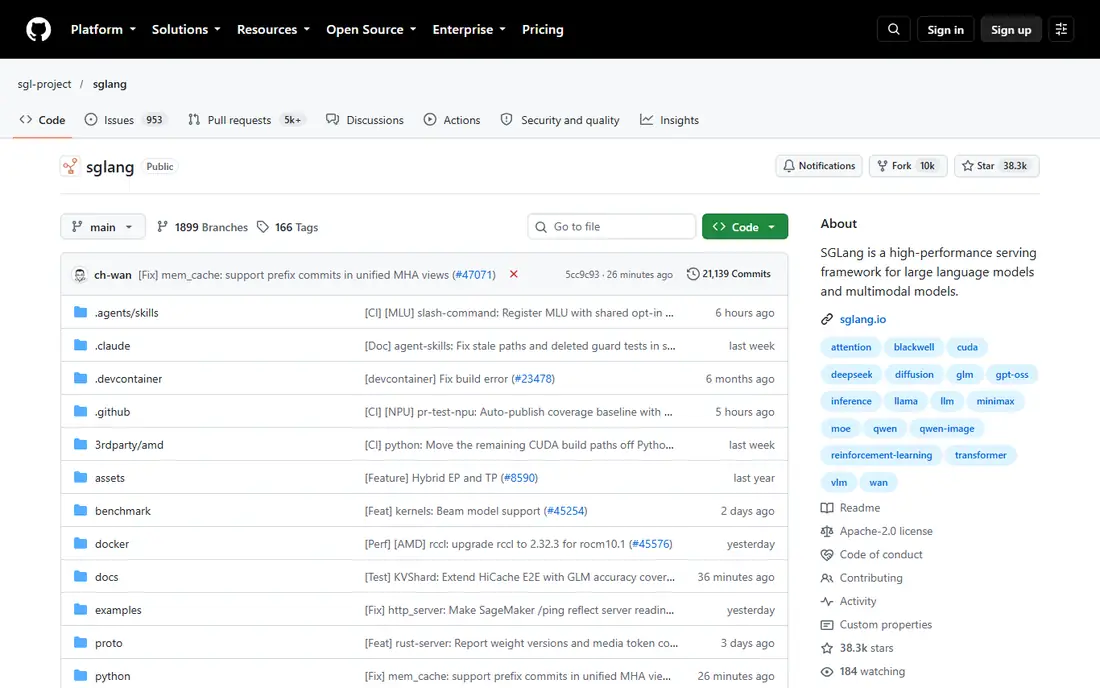
SGLang is the leading production alternative to vLLM in 2026. Its RadixAttention cache reuses shared prompt prefixes, which pays off for agents and retrieval workflows where many requests share a system prompt. It supports structured output, multi-LoRA serving, and Prometheus metrics, and it runs on NVIDIA, AMD, TPU, and Ascend hardware. Guides report deployment on hundreds of thousands of GPUs worldwide.
The cost is complexity. SGLang setup and tuning take more effort than a local tool, and teams should benchmark it on their own prompts before switching, since the caching advantage shrinks for fully random queries. For production APIs, agentic workloads, and structured output needs, SGLang is the first alternative to test.
What we like- RadixAttention prefix caching
- Strong structured output
- Wide hardware support
Watch out for- Setup is heavier than Ollama
- Tuning takes effort
- Newer than vLLM in some shops
Starting priceFree, open source
Free planYes
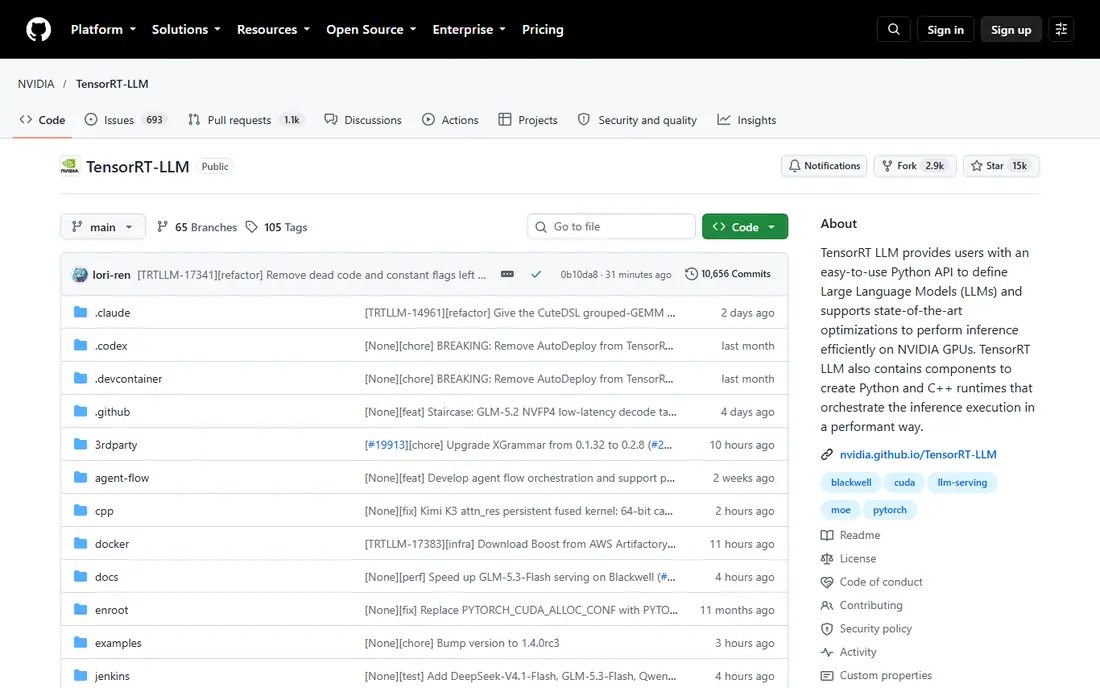
TensorRT-LLM is NVIDIA's own inference engine, built for maximum throughput on NVIDIA datacenter GPUs. It supports advanced quantization formats such as FP8 and NVFP4, plus cache reuse, and it serves through an OpenAI-compatible endpoint. Teams running latency-sensitive, high-volume production on NVIDIA hardware get the best raw numbers here.
The lock-in is real. TensorRT-LLM runs on NVIDIA only, and tuning takes expert effort. Model support is narrower than vLLM, and new model releases may need a wait for optimized kernels. It fits teams that already standardize on NVIDIA and care more about peak throughput than hardware flexibility.
What we like- Highest throughput on NVIDIA GPUs
- FP8 and NVFP4 quantization
- Strong cache reuse
Watch out for- NVIDIA only
- Hard to tune
- Model support is narrower than vLLM
#3
Text Generation Inference
Best for: Existing Hugging Face deployments
Visit github.com
Starting priceFree, open source
Free planYes
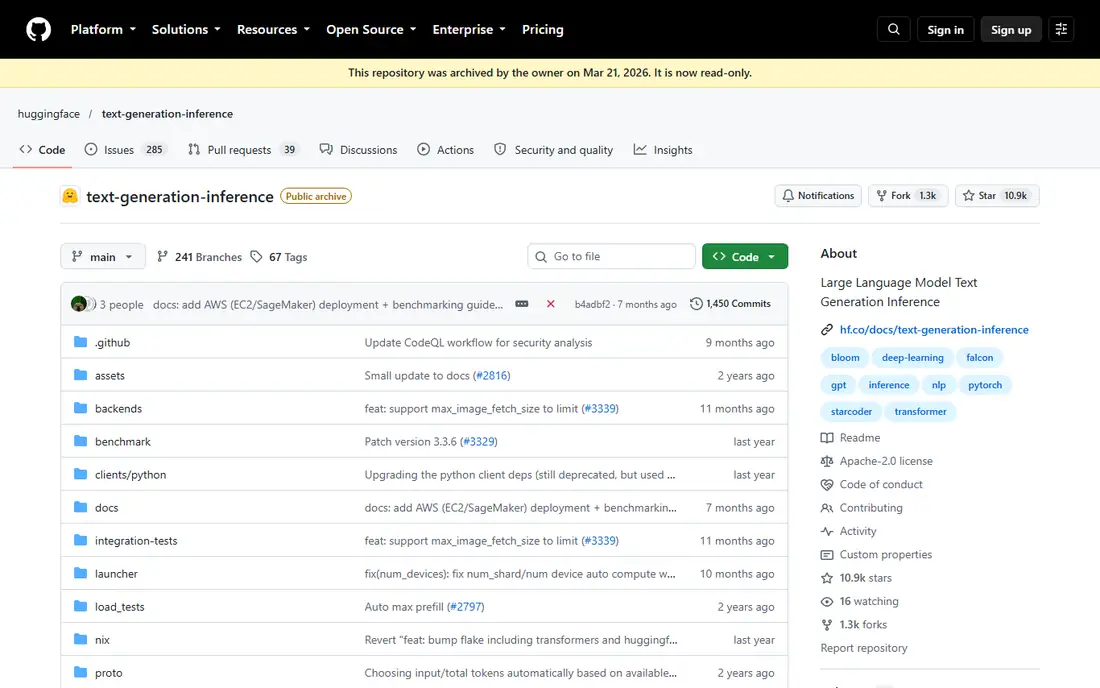
Text Generation Inference, known as TGI, was Hugging Face's production serving engine and remains easy to set up with an OpenAI-compatible API. It supports quantization formats such as GPTQ and AWQ, and it links deeply with the Hugging Face model hub. Teams already running TGI can keep it going with bug fixes.
The key fact is its status. TGI entered maintenance mode in December 2025, with only bug fixes accepted, and Hugging Face docs point new users toward vLLM, SGLang, llama.cpp, and MLX. New projects should not pick TGI. It stays on this list only for teams that already run it and need a migration plan, not for fresh deployments.
What we like- Easy setup
- OpenAI-compatible API
- Deep Hugging Face ecosystem links
Watch out for- In maintenance mode since late 2025
- No new features
- Migrate for new projects
Starting priceFree, open source
Free planYes
Ollama is the simplest way to run models locally. One command pulls a model and starts chatting, and it runs on NVIDIA, AMD, Apple Metal, and CPU hardware. Its model library covers popular open models, and it suits solo developers, prototyping, and private desktop workflows where data must stay on the machine.
Ollama is not a production server. Multi-user serving is limited, peak throughput trails vLLM and SGLang, and production controls such as advanced batching and metrics are thinner. Teams that outgrow Ollama usually move to SGLang or vLLM for serving, while keeping Ollama for development. For local use, nothing here is easier.
What we like- Easiest setup
- Runs on CPU and major GPUs
- Large model library
Watch out for- Limited multi-user serving
- Lower peak throughput
- Fewer production controls
Starting priceFree, open source
Free planYes
llama.cpp is the portability champion. Written in C++, it runs on NVIDIA, AMD, Metal, Vulkan, and plain CPUs, with GGUF quantization that squeezes large models onto modest hardware. Its server mode offers an OpenAI-compatible API with JSON schema output and grammar controls, plus opt-in Prometheus metrics.
The server mode is basic compared with SGLang or vLLM, and multi-user production needs extra work. Setup also assumes command-line comfort. llama.cpp fits enthusiasts, edge devices, CPU-only servers, and developers building desktop apps on top of local models. When hardware is unusual or weak, it is often the only engine that works well.
What we like- Runs on almost any hardware
- Excellent CPU support
- GGUF quantization range
Watch out for- Single-user focus
- Server mode is basic
- Setup needs command-line comfort
Starting priceFree, open source
Free planYes
LMDeploy, from the InternLM team, targets fast serving on NVIDIA GPUs with low first-token latency and long context windows. It supports vision-language models and quantization formats such as AWQ and W4A16, and it offers an OpenAI-compatible API with Prometheus metrics. Teams serving long documents or multimodal models should test it.
Hardware focus is the limit. LMDeploy centers on NVIDIA, with Huawei Ascend support, and its community is smaller than vLLM or SGLang. Some features, such as multi-LoRA serving, work only on its PyTorch engine. For NVIDIA teams with long-context needs, LMDeploy is a strong second engine to benchmark.
What we like- Low first-token latency
- Long context support
- Vision model support
Watch out for- NVIDIA focused
- Smaller community than vLLM
- PyTorch engine limits some features
Starting priceFree, open source
Free planYes
MLC LLM compiles models for on-device use across phones, browsers, smart TVs, and laptops, using Metal, Vulkan, WebGPU, and CUDA backends. That makes it the pick for apps that must run inference without a server, keeping user data on the device. Quantization options such as Q4 and Q8 help models fit mobile memory.
Setup is harder than Ollama, and the range of well-tested mobile models is narrower than server engines. Performance varies widely by device, so teams must test on target phones. MLC LLM fits product teams shipping AI features inside mobile or web apps, where server costs or privacy rules block a cloud API.
What we like- Runs on phones, browsers, and TVs
- Metal, Vulkan, and WebGPU backends
- On-device privacy
Watch out for- Harder to set up
- Mobile model range is narrower
- Performance varies by device
Starting priceFree, open source
Free planYes
Triton Inference Server, from NVIDIA, serves many model types, not only LLMs, inside one fleet. It supports multiple frameworks, dynamic batching, and model management tools that suit enterprise teams running dozens of models. Combined with TensorRT-LLM as a backend, it can serve LLMs at scale inside a wider inference platform.
For a single LLM, Triton is overkill. Configuration is hard, and its LLM-specific features trail SGLang and vLLM. Teams pick Triton when they already serve vision, speech, and recommendation models alongside LLMs and want one serving layer. Teams serving only LLMs should pick SGLang or vLLM instead.
What we like- Serves many model types in one fleet
- Strong enterprise tooling
- Multi-framework support
Watch out for- Hard to configure
- LLM features trail dedicated engines
- Overkill for one model
How we chose
We compared these engines on throughput, first-token latency, hardware range, quantization support, structured output, multi-LoRA serving, metrics, and project status. Vendor docs, project repositories, and comparison guides from 2026 shaped the list, and we flagged TGI maintenance status because it changes the recommendation. We favored active projects with OpenAI-compatible APIs, since that eases migration.
We also weighed workload fit over raw speed. The fastest engine on one GPU can be the wrong pick on a laptop, a phone, or a CPU server. The list therefore mixes production servers, local tools, and edge compilers so that teams can match the engine to the hardware and user count they actually have.
What to check before you switch engines
Benchmark on your own prompts
Published benchmarks use prompts that may not match yours. Run your real prompts, including your longest contexts and your most common system prompt, on two shortlisted engines. Measure throughput, first-token latency, and memory use at your target concurrency, not only at single-request speed. Record results at several concurrency levels, since an engine that wins at one request at a time may lose at fifty concurrent requests. Repeat the test with your longest prompts and your shortest prompts, and check tail latency, not only average latency, because a slow tail hurts user experience more than a slightly slower average.
Check quantization and model support
Confirm that your exact model and quantization format work on the shortlisted engine. TensorRT-LLM and MLC LLM support fewer models than vLLM or llama.cpp, and a missing kernel can block a model entirely. Test the model you ship, not a demo model from the docs.
Plan for project status
Check whether the project is actively developed before building on it. TGI maintenance mode shows why this matters: a retired engine still runs, but it stops gaining features and model support. Prefer active projects for new deployments, and keep migration paths open with an OpenAI-compatible API layer.
Frequently asked questions
Is SGLang better than vLLM?
It depends on the workload. SGLang leads for agentic and multi-turn workloads with shared prefixes, thanks to RadixAttention caching, and it matches vLLM on structured output and metrics. For general production serving, both are strong, so benchmark on your own prompts before choosing.
Can I run these engines on a laptop?
Yes, with the right pick. Ollama and llama.cpp run on laptops, including CPU-only machines, and MLC LLM targets Apple Silicon and mobile devices. SGLang and TensorRT-LLM need server GPUs and are poor laptop choices.
Which engine is best for CPU-only servers?
llama.cpp is the best CPU choice, with excellent CPU support and GGUF quantization. CTranslate2 is another CPU-focused option not covered in the eight tools above. Production servers such as SGLang and vLLM assume GPUs and run poorly on CPU alone.
Is Text Generation Inference dead?
Not dead, but in maintenance mode since late 2025, with only bug fixes accepted. Existing deployments keep working, but new projects should pick SGLang, vLLM, or llama.cpp instead, since TGI will not gain new features or model support.
Do these engines cost anything?
All eight are open source and free to use, with no license fees. Costs come from hardware, cloud GPUs, and engineering time. Managed hosting from cloud vendors is a separate product and is priced by those vendors, not by the engine projects.
Sources we checked (11)
- https://github.com/sgl-project/sglang
- https://github.com/NVIDIA/TensorRT-LLM
- https://github.com/huggingface/text-generation-inference
- https://ollama.com
- https://github.com/ggml-org/llama.cpp
- https://github.com/InternLM/lmdeploy
- https://github.com/mlc-ai/mlc-llm
- https://github.com/triton-inference-server/server
- https://dev.to/jaipalsingh/10-best-vllm-alternatives-for-llm-inference-in-production-2026-530k
- https://www.designveloper.com/blog/vllm-alternatives/
- https://hackernoon.com/best-inference-servers-for-running-open-source-models-in-production
Is your product missing or out of date?
We review this list regularly. Vendors can request a listing, send updated pricing or ask about featured placement.

Shihab Mia · Founder, Rankite
Shihab has 5+ years in B2B and SaaS SEO. He writes Rankite's software buying guides from pricing pages, documentation and public user reviews. More about Shihab.