How we make this list: we compare pricing pages, product documentation and public user reviews. Ratings come from G2, Capterra or Trustpilot, with the date we checked them.
Key takeaways
- DevSecOps automation means security checks run inside the delivery pipeline, not after it, so the best tools combine CI/CD with scanning in one workflow.
- The cheapest path is usually the platform you already use: GitHub Actions for GitHub repos, GitLab CI/CD for GitLab repos, and Jenkins free for teams that self-host.
- Pricing meters differ wildly, per user, per minute, per credit and per developer, so compare vendors on your own build volume before signing.
- Gate on new findings only at first, because blocking every old issue on day one stalls delivery and teaches teams to bypass the checks.
Quick comparison
| Tool | Best for | Starting price | Free plan |
|---|
 GitLab GitLab | All-in-one DevOps with security | $0 (Free plan) | Yes (400 compute minutes/month) |
 GitHub Actions GitHub Actions | GitHub-native automation | $0 | Yes (free for public repos) |
 Jenkins Jenkins | Free self-hosted automation | $0 (open source) | Yes (completely free) |
 CircleCI CircleCI | Fast hosted CI with credits | $0 (Free plan) | Yes (30,000 credits/month) |
 Harness Harness | Enterprise delivery automation | See website | Free trial |
 Snyk Snyk | Developer-first security scanning | $0 (Free plan) | Yes |
 Checkmarx Checkmarx | Enterprise application security | See website | No |
 JFrog JFrog | Artifact and container security | See website | Free trial |
Is your product missing or out of date?
We review this list regularly. Vendors can request a listing, send updated pricing or ask about featured placement.
The best automation software in DevSecOps
Starting price$0 (Free plan)
Free planYes (400 compute minutes/month)
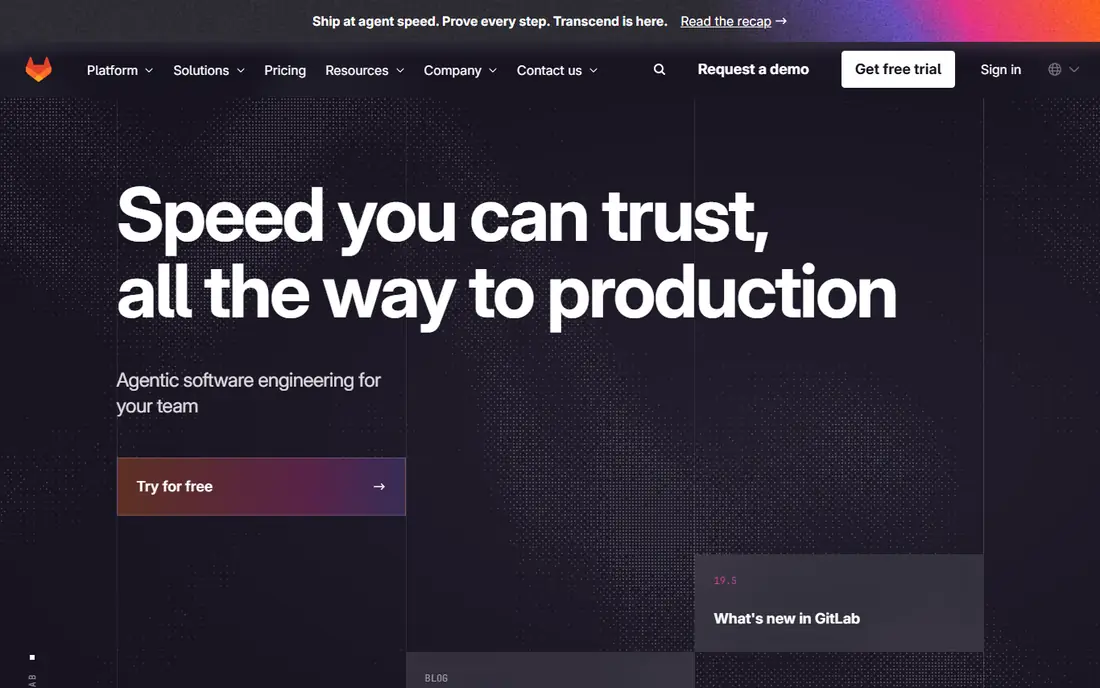
GitLab is the broadest DevSecOps platform in this list because security scanning is built into the same application as source control, CI/CD, container registry and issue tracking. SAST, dependency scanning, secrets detection and container scanning run as pipeline jobs, and findings appear in merge requests where developers already work. That native placement is why adoption tends to be higher than with bolted-on scanners.
The Free plan costs $0 with 400 compute minutes per month on shared runners, Premium costs $29 per user per month on annual billing with 10,000 minutes, and Ultimate is quote-led. Free minutes run out fast on active projects, so budget for Premium once the team grows. GitLab fits teams that want the whole lifecycle in one platform and prefer published pricing to sales calls.
What we like- CI/CD, SAST, DAST, secrets and container scanning in one app
- Published pricing
- Self-managed option
Watch out for- Free tier minutes are low for active teams
- Interface can feel slower than lighter rivals
Starting price$0
Free planYes (free for public repos)
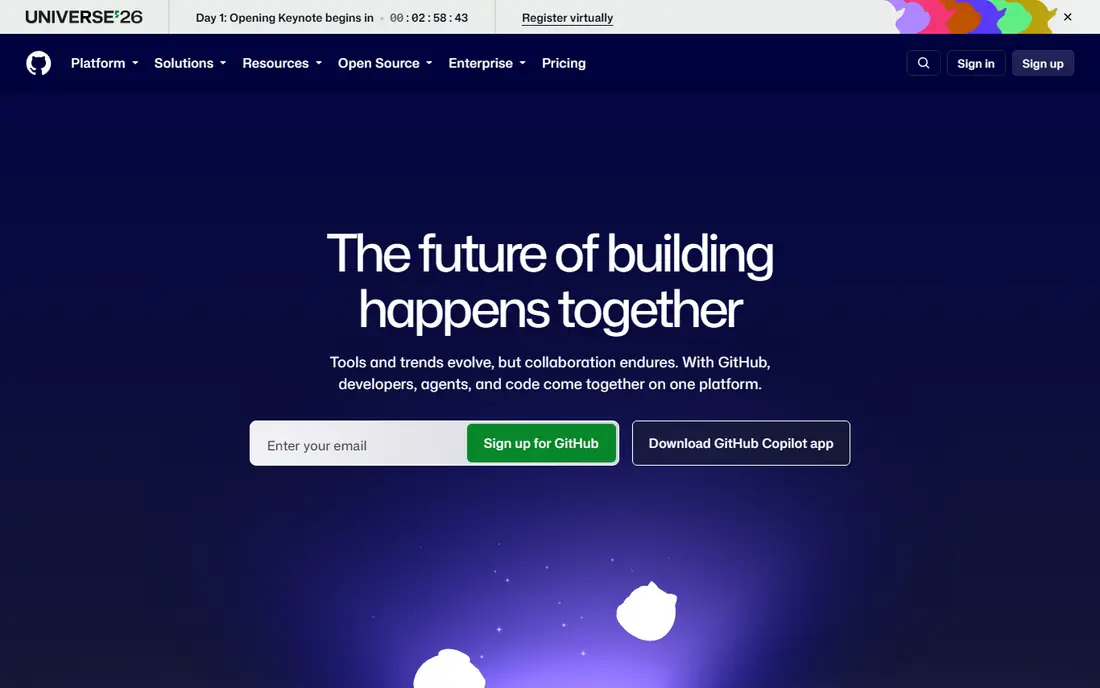
GitHub Actions turns any GitHub repository into an automated pipeline with almost no setup. Workflows defined in YAML run tests, builds and security checks on every push and pull request, and the Actions marketplace offers reusable steps for scanning, deployment and notifications. CodeQL code scanning and Dependabot alerts add security coverage for teams on GitHub Advanced Security.
Pricing is free for public repositories on standard runners, while private repositories get monthly minute allowances, 2,000 minutes on Free and more on paid plans, with overages from around $0.006 per Linux minute. That model is cheap for small teams and open source, but heavy macOS or Windows builds raise costs quickly. GitHub Actions fits any team whose code already lives on GitHub.
What we like- Zero friction for GitHub repos
- Huge Actions marketplace
- Fine-grained permissions
Watch out for- Per-minute costs add up at scale
- Limited runner control without self-hosted runners
#3Jenkins
Best for: Free self-hosted automation4.4/5 on
G2 (570 reviews, checked Oct 2026)
Visit jenkins.io
Starting price$0 (open source)
Free planYes (completely free)
Jenkins is the free self-hosted workhorse of CI/CD, and it remains the right choice when builds must stay on your own network, need unusual hardware, or depend on plugins other tools lack. Pipelines defined in Groovy-based Jenkinsfiles can orchestrate nearly anything, and the plugin catalog covers security scanning, artifact handling and deployment targets of every kind.
The cost of Jenkins is people, not licenses: someone must patch, back up and upgrade the controller and agents, and plugin sprawl needs governance to stay secure. Teams without operations capacity often spend more on that labor than a hosted tool would cost. Jenkins fits teams with strong operations skills and strict control requirements.
What we like- Free and open source
- More than 2,000 plugins
- Runs on your own network and hardware
Watch out for- You operate, patch and upgrade it
- Plugin sprawl needs governance
#4CircleCI
Best for: Fast hosted CI with credits4.4/5 on
G2 (510 reviews, checked Oct 2026)
Visit circleci.com
Starting price$0 (Free plan)
Free planYes (30,000 credits/month)
CircleCI is a managed CI platform built for speed, with hosted executors, reusable configuration packages called orbs, and self-hosted runners for teams that need builds inside a private network. The Free plan includes 30,000 credits per month, and Performance starts at $15 per month with 30,000 credits included plus $15 per additional 25,000 credits. A Linux medium machine uses about 10 credits per minute, roughly $0.006 per minute.
Security scanning in CircleCI comes mainly through integrations and orbs rather than native scanners, so pair it with Snyk or a similar tool for DevSecOps coverage. CircleCI fits cloud teams that want fast, reliable builds with minimal fuss and are comfortable with credit-based billing.
What we like- Fast hosted builds
- Reusable orbs
- Self-hosted runners for private networks
Watch out for- Credit use varies with resource choices
- Security scanning comes via integrations
#5Harness
Best for: Enterprise delivery automation4.6/5 on
G2 (336 reviews, checked Oct 2026)
Visit harness.io
Starting priceSee website
Free planFree trial
Harness focuses on the delivery half of DevSecOps: continuous delivery pipelines with verification, rollback and governance, plus AI-assisted features for large organizations. It orchestrates deployments across clouds and Kubernetes, verifies releases against live signals, and gives platform teams policy controls over who can ship what. That governance layer is what separates it from simpler CI tools.
Pricing is tiered and not published as a simple entry rate, so this article marks it "See website". Harness fits organizations that need advanced delivery at scale, with many services and strict change controls. Smaller teams will find GitHub Actions or GitLab simpler and cheaper.
What we like- Advanced continuous delivery with AI assistance
- Pipeline orchestration across services
- Enterprise governance
Watch out for- Tiered pricing not published as a simple rate
- Depth exceeds small-team needs
Starting price$0 (Free plan)
Free planYes
Snyk is the developer-first security workbench in this list, scanning open source dependencies, first-party code, containers and infrastructure as code, with findings surfaced in pull requests and IDEs. That placement matters: developers fix issues where they already work, instead of reading a separate security report days later. The free tier covers small projects and individual developers.
Paid plans price per developer, which scales with team size rather than build volume, and some enterprise lanes like full application security suites run deeper at Checkmarx or GitLab Ultimate. Snyk fits teams that want broad scanning with fast adoption and published per-developer pricing, and it pairs well with any CI tool here.
What we like- Broad scanning for code, dependencies, containers and infrastructure
- Findings in the developer workflow
- Free tier
Watch out for- Per-developer pricing on paid plans
- Depth in some lanes trails enterprise suites
#7Checkmarx
Best for: Enterprise application security4.2/5 on
G2 (49 reviews, checked Oct 2026)
Visit checkmarx.com
Starting priceSee website
Free planNo
Checkmarx is the enterprise application security suite in this list, with deep static analysis, software composition analysis and related AppSec tools built for organizations with strict compliance requirements. Its SAST engine has a long track record in regulated industries, and its platform consolidates several scanning lanes that smaller teams buy separately.
Pricing is quote-based with no free tier, only a demo, so buyers should expect an enterprise sales process. That makes Checkmarx a poor fit for startups, but a strong one for large organizations standardizing AppSec across many teams. Pair it with a CI platform like Jenkins, GitLab or GitHub Actions for the pipeline itself.
What we like- Deep application security suite
- Strong SAST heritage
- Enterprise compliance support
Watch out for- Quote-based pricing
- Demo only, no free tier
#8JFrog
Best for: Artifact and container security4.2/5 on
G2 (164 reviews, checked Oct 2026)
Visit jfrog.com
Starting priceSee website
Free planFree trial
JFrog covers the artifact half of DevSecOps: Artifactory manages binaries and containers, while Xray scans them for vulnerabilities and license issues. That combination matters because a secure pipeline can still ship a vulnerable artifact, and Xray catches problems at the package level before deployment. JFrog fits naturally into Jenkins, GitLab and GitHub Actions pipelines.
Pricing is tiered and not published as a single entry rate, so this article marks it "See website". JFrog is not a CI tool itself, so teams need a pipeline platform alongside it. It fits organizations with serious artifact management needs and container-heavy delivery.
What we like- Artifact management plus Xray container and dependency scanning
- Strong DevOps ecosystem fit
- Tiered plans
Watch out for- Pricing tiers not published as a simple rate
- Artifact focus means CI comes from elsewhere
How we chose
We compared tools on pipeline-native security coverage, pricing transparency, free tier quality and the limits reviewers cite most often. Sources included vendor pricing pages and independent comparisons checked in October 2026, including a ten-platform DevSecOps ranking and a CI/CD overview guide. Where pricing is quote-based or tiered without a published entry rate, the article says "See website" instead of repeating a guide figure. We did not claim hands-on testing.
What to check before you sign
Start with what your host already includes. GitLab tiers and GitHub Advanced Security reset every business case, since scanning you already pay for beats a separate tool you must adopt. Activate the native scanners first, measure fix rates, and only then buy a dedicated tool for the gap that remains.
Next, gate on new findings only. Blocking every historical issue on day one stalls delivery and teaches teams to bypass checks. Set a baseline, fail builds on new critical findings, and burn down old issues on a schedule. Consolidate findings into the tracker developers already open, since a dashboard nobody visits changes nothing.
Finally, model your pricing meter honestly. Per-user, per-minute, per-credit and per-developer meters punish different architectures, so run a real month of builds through a trial and compare the bill, not the headline rate. Measure fix rate monthly, since it is the one DevSecOps metric that survives contact with reality.
Frequently asked questions
What is DevSecOps automation software?
It is software that automates security checks inside the software delivery pipeline, so vulnerabilities in code, dependencies, containers and infrastructure are found during builds rather than after release. Typical tools combine CI/CD with SAST, dependency scanning, secrets detection and container scanning.
How much does DevSecOps automation cost?
Entry prices run from free at Jenkins, GitHub Actions for public repos, GitLab Free and Snyk Free to $15 per month at CircleCI Performance and $29 per user per month at GitLab Premium, with Harness, Checkmarx and JFrog on tiered or quote-based pricing.
Is there a free DevSecOps tool?
Yes. Jenkins is completely free and open source, GitHub Actions is free for public repositories, GitLab offers a free tier with 400 compute minutes per month, CircleCI offers 30,000 free credits per month, and Snyk offers a free tier for small projects.
Should security block a build on any finding?
Not at first. Blocking every historical finding stalls delivery and pushes teams to bypass checks. Gate on new critical findings, set a baseline for old issues, and burn them down on a schedule while tracking fix rates.
What is the difference between SAST and DAST?
SAST analyzes source code without running it, finding flaws early in development. DAST tests a running application from the outside, finding issues that only appear at runtime. Most DevSecOps pipelines use both, plus dependency and container scanning.
Do I need a separate security tool if my CI platform includes scanning?
Often not at first. GitLab and GitHub include substantial scanning, and activating it usually beats buying a separate tool. Add a dedicated scanner like Snyk or Checkmarx when you need deeper coverage, a specific compliance report, or a lane your platform lacks.
Sources we checked (3)
- https://quashbugs.com/blog/best-jenkins-alternatives
- https://www.cryptika.com/top-10-best-devsecops-platforms-in-2026-ranked-scored/
- https://rankite.com/blog/best-build-automation-software
Is your product missing or out of date?
We review this list regularly. Vendors can request a listing, send updated pricing or ask about featured placement.

Shihab Mia · Founder, Rankite
Shihab has 5+ years in B2B and SaaS SEO. He writes Rankite's software buying guides from pricing pages, documentation and public user reviews. More about Shihab.