How we make this list: we compare pricing pages, product documentation and public user reviews. Ratings come from G2, Capterra or Trustpilot, with the date we checked them.
Key takeaways
- Per-user pricing is the norm. On the vendor pricing pages we checked, entry plans run from $39 per user/month (Bill4Time, billed annually) to $89 per user/month (Tabs3 Cloud).
- Paying annually saves real money. MyCase lists savings of up to 16% and Bill4Time up to 25% compared with month-to-month billing.
- LEDES and UTBMS billing for insurance and corporate clients is often kept for higher tiers. Bill4Time includes it in Legal Pro and LeanLaw in Pro, not in their entry plans.
- If your bookkeeper already lives in QuickBooks Online, LeanLaw is built around it. Firms that want trust and general ledger accounting inside the legal tool should look at CosmoLex, Tabs3 or Clio.
- Add-ons can raise the real cost. Rocket Matter's CRM has a one-time $399 onboarding fee and a 3-user minimum, and MyCase Accounting adds $39 per user/month.
Quick comparison
| Tool | Best for | Starting price | Free plan |
|---|
 Clio Clio | Firms that want billing inside a full practice platform | $49 per user/month | Free trial |
 MyCase MyCase | Small firms that want clear, published tier pricing | $50 per user/month (billed annually) | Free trial |
 Bill4Time Bill4Time | Budget-minded firms focused on time and invoicing | $39 per user/month (billed annually) | Free trial |
 TimeSolv TimeSolv | Firms with complex billing arrangements | See website | Free trial |
 LeanLaw LeanLaw | Firms that run their books in QuickBooks Online | $55 per user/month | No |
 Rocket Matter Rocket Matter | Firms that want billing, CRM and marketing from one vendor | $59 per user/month (billed annually) | Free trial |
 CosmoLex CosmoLex | Firms that want accounting without QuickBooks | See website | Free trial |
 Tabs3 Tabs3 | Mid-size firms that need deep billing and on-premise options | $69 per user/month (on-premise) | No |
Is your product missing or out of date?
We review this list regularly. Vendors can request a listing, send updated pricing or ask about featured placement.
The best legal billing management software
#1Clio
Best for: Firms that want billing inside a full practice platform4.6/5 on
G2 (997 reviews, checked Oct 2026)
Visit clio.com
Starting price$49 per user/month
Free planFree trial

Clio is the safe default for a firm of 3 to 50 people that wants time tracking, invoicing, payments and matter management in one login. The Starter plan covers the billing basics: tracking time and expenses, taking online payments and reconciling trust and operating accounts, with no separate bookkeeping software needed.
On the higher tiers, the billing tools get more automated. Core lets you set billing rules once and have AI draft bills on a schedule, and it adds a client portal for messages and payments. Signature adds billing in multiple currencies and splitting a bill across several payers, which matters for insurance defense and family law. Clio offers 24/5 live support and data migration, and says you can cancel at the end of a monthly or annual term.
The catch is pricing transparency. Clio publishes only the $49 starting price. Everything above Starter sits behind a "Get pricing" button, so budget for a sales call before you can compare total cost properly.
What we like- Trust and operating account reconciliation built into the entry plan
- Clients can pay by card, eCheck, Apple Pay or Google Pay
- Data export, SOC 2 Type II certification and a 99.9% uptime guarantee
Watch out for- Only the entry price is published, so Core, Signature and Elite need a sales quote
- Multi-currency and split billing across payers are kept for the Signature tier
#2MyCase
Best for: Small firms that want clear, published tier pricing4.4/5 on
G2 (390 reviews, checked Oct 2026)
Visit mycase.com
Starting price$50 per user/month (billed annually)
Free planFree trial
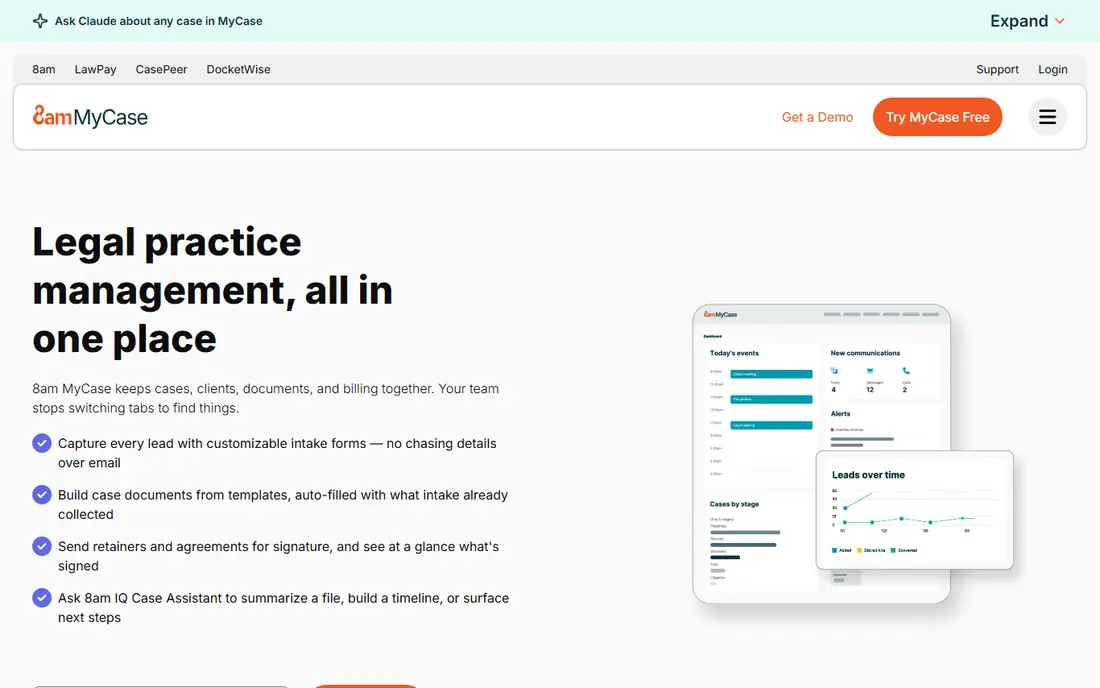
MyCase suits a solo or small firm owner who wants to know the full cost before speaking to anyone. Basic is $50 per user/month billed annually ($60 monthly), Pro is $100 ($120 monthly) and Advanced is $130 ($150 monthly). The free trial doesn't need a credit card.
Payments work well. LawPay is built in with no monthly fee, only processing rates, and the payments page mentions IOLTA trust account protection that follows ABA guidelines. Pro adds more than 70 integrations and an AI writing assistant, and Advanced adds an open API for firms with in-house tech help.
The weak spot is that the entry tier is fairly bare. If you want full accounting inside MyCase, you need Pro plus the $39 Accounting add-on, which brings you to $139 per user/month on annual billing. Do that math before you assume MyCase is the cheap choice.
What we like- Every tier price is published for both monthly and annual billing
- LawPay payments with no monthly fee
- Unlimited document storage on Basic
Watch out for- The client portal is limited on Basic
- Full accounting costs an extra $39 per user/month and only works on Pro and Advanced
#3Bill4Time
Best for: Budget-minded firms focused on time and invoicing4.7/5 on
G2 (36 reviews, checked Oct 2026)
Visit bill4time.com
Starting price$39 per user/month (billed annually)
Free planFree trial
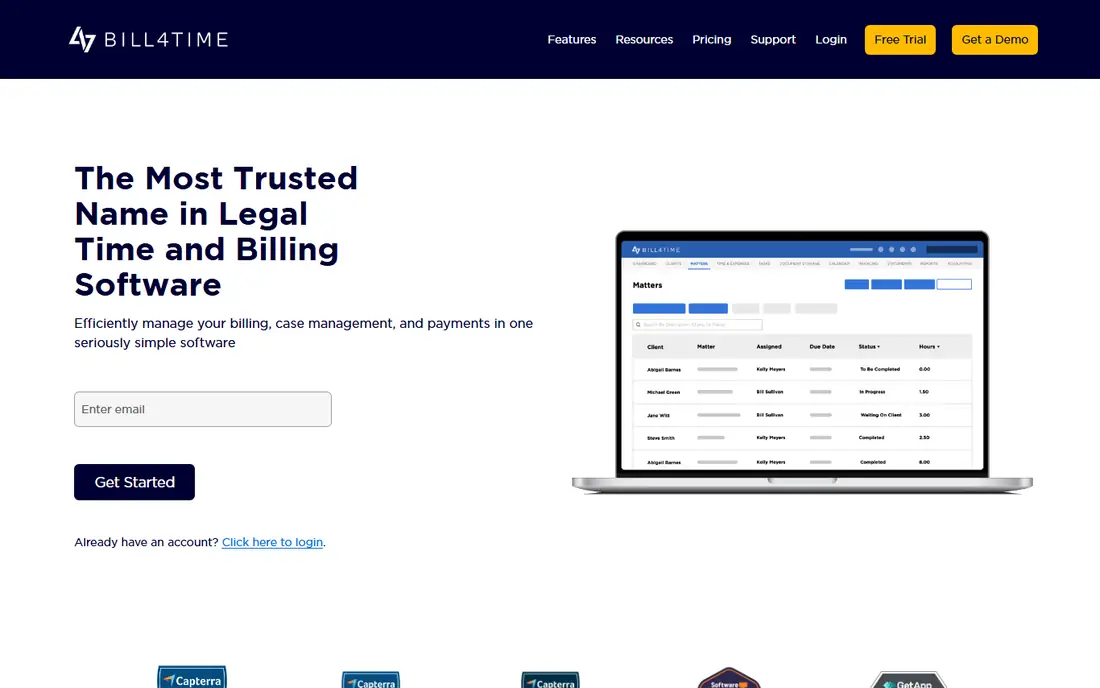
Bill4Time is a timekeeping and invoicing tool first, and that focus keeps it affordable. A small firm that already has a document system and only needs to capture hours and get invoices out will find the Time & Billing plan ($39 per user/month annually, $49 monthly) covers a lot, including QuickBooks sync and encrypted backups.
Most law firms should look at Legal Pro, which is $59 annually or $69 monthly. It adds LEDES export, a legal billing code set and Box and NetDocuments integrations, which is what insurance defense and corporate-client work usually requires.
The honest limitation is depth outside billing. Bill4Time is not trying to be a full practice suite, so firms that want intake, CRM and document automation from the same vendor will end up adding other tools.
What we like- Lowest entry price on this list
- QuickBooks integration, mobile app and calendar sync on the base plan
- LEDES export available without enterprise pricing
Watch out for- The $39 plan is a general time and billing tier, not a legal one
- Custom LEDES formats and a dedicated success specialist need Legal Enterprise at $89
#4TimeSolv
Best for: Firms with complex billing arrangements4.5/5 on
G2 (427 reviews, checked Oct 2026)
Visit timesolv.com
Starting priceSee website
Free planFree trial

TimeSolv has a strong reputation with firms whose billing is the hard part of the job. Think of offices that juggle hourly, flat-fee and split-billing matters for different clients and need e-billing formats that corporate legal departments will accept. It focuses on time capture, invoicing and payment collection and doesn't try to replace your whole stack.
That narrow focus is also its main trade-off. Firms looking for a single system for intake, documents and client communication may find TimeSolv better as a billing layer next to other tools.
We could not verify current plan prices on TimeSolv's own site while preparing this guide, so check the vendor directly and ask whether payment processing, LEDES and premium support are included or cost extra.
What we like- Long track record in legal timekeeping and billing
- Handles LEDES and UTBMS formats for corporate and insurance clients
- Integrates with QuickBooks for firms that keep the general ledger elsewhere
Watch out for- Pricing could not be confirmed on a vendor page for this guide
- The interface feels more practical than polished, according to public reviews
#5LeanLaw
Best for: Firms that run their books in QuickBooks Online4.5/5 on
G2 (1 reviews, checked Oct 2026)
Visit leanlaw.co
Starting price$55 per user/month
Free planNo
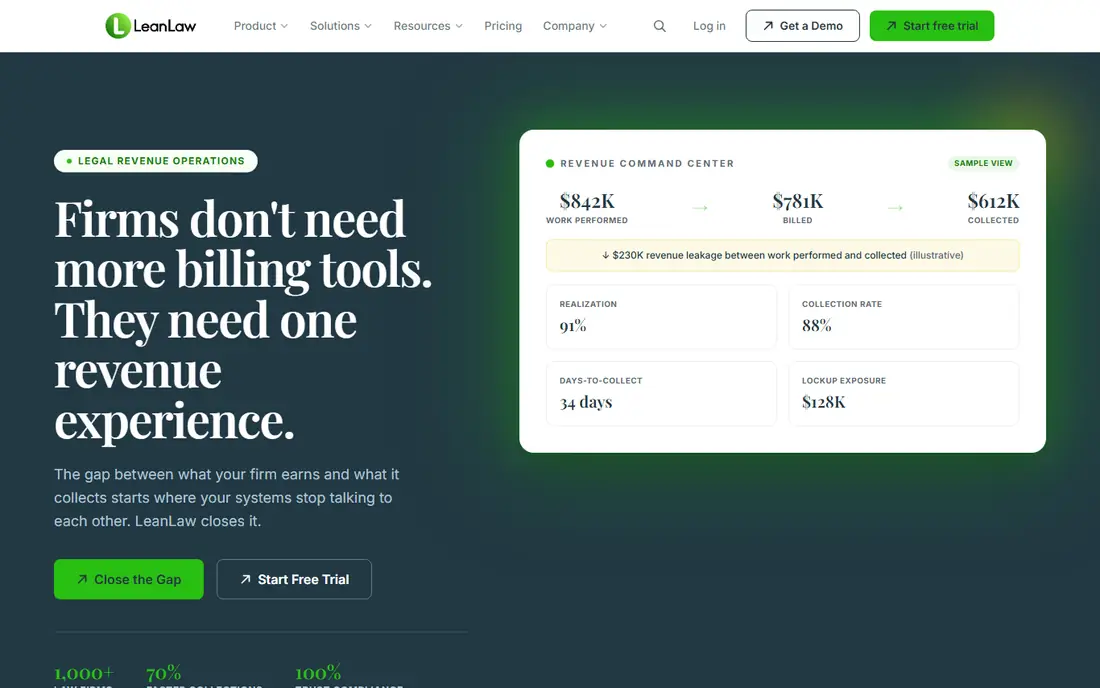
LeanLaw takes a different approach from the all-in-one suites. Instead of replacing your accounting, it sits on top of QuickBooks Online and keeps time entries, invoices, payments and trust balances in sync both ways. That is usually what an outside bookkeeper or CPA prefers, because they keep working in software they already know.
Core costs $55 per user/month and includes time tracking, trust accounting, professional invoices, e-payments and the QuickBooks sync. Pro, at $75, adds custom invoice templates, LEDES billing and matter-based accounting. Elite and a contingency-fee plan are quoted on request.
The obvious catch is the dependency. If your firm uses QuickBooks Desktop, Xero or no accounting software at all, most of LeanLaw's advantage goes away. Onboarding also starts with a demo rather than a self-serve trial.
What we like- Runs natively on QuickBooks Online with two-way sync
- Trust accounting (IOLTA) included on every plan
- E-payments included on the Core plan
Watch out for- LEDES billing and custom invoice templates need the $75 Pro plan
- Unlimited invoices are listed only on the custom-priced Elite plan, so check invoice volume limits on lower tiers
#6Rocket Matter
Best for: Firms that want billing, CRM and marketing from one vendor4.3/5 on
G2 (173 reviews, checked Oct 2026)
Visit rocketmatter.com
Starting price$59 per user/month (billed annually)
Free planFree trial
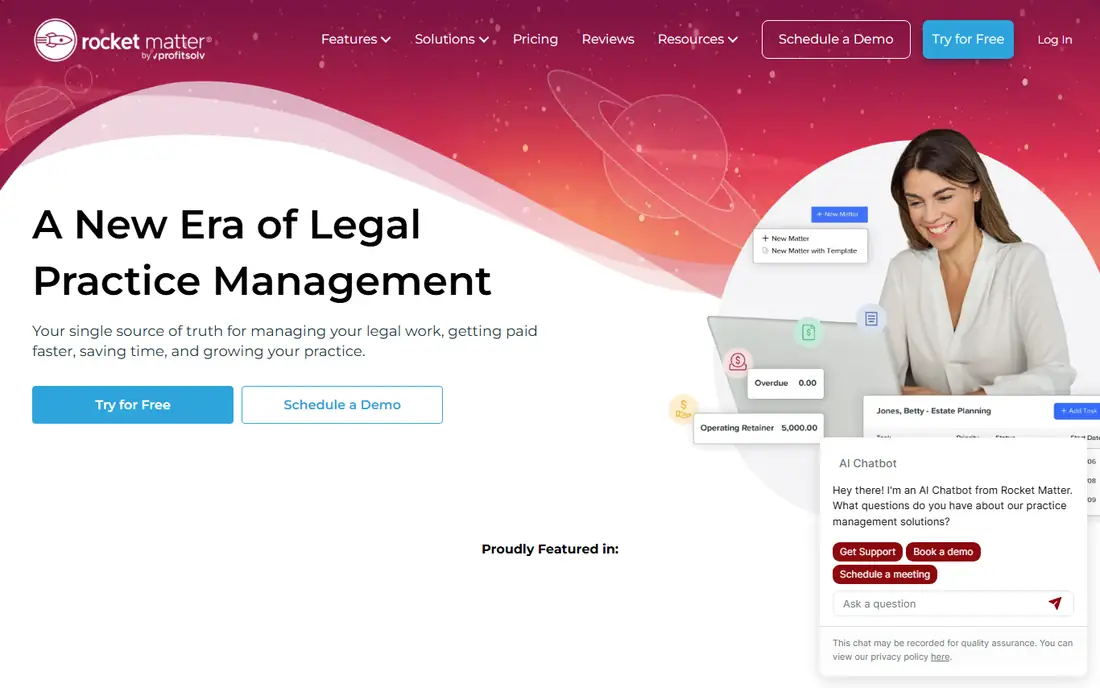
Rocket Matter was built around legal billing and has grown into a broader practice platform. It fits a growing firm that wants to bill, track leads and run a website with a single vendor. Essentials is $59 per user/month, Pro $95 and Premier $115, all billed annually, and every tier includes free data migration.
The add-ons are where buyers need to pay attention. The CRM starts at $39 per user/month with a one-time $399 onboarding fee and a 3-user minimum. A managed website has a $599 setup fee, and e-signature overages run $2 per envelope. Each of these is reasonable, but together they can push your first-year cost well above the plan price.
One small warning: the plan table lists Essentials at $59, but the FAQ on the same pricing page says plans start at $49. Ask your sales rep which figure applies to your firm before you sign.
What we like- Free data migration and client support on every tier
- Optional CRM, website and e-signature add-ons from the same vendor
- Three clear tiers (Essentials, Pro, Premier)
Watch out for- Add-ons come with setup fees and minimums
- The pricing page shows two different starting prices, so confirm the quote in writing
#7CosmoLex
Best for: Firms that want accounting without QuickBooks4.2/5 on
G2 (331 reviews, checked Oct 2026)
Visit cosmolex.com
Starting priceSee website
Free planFree trial
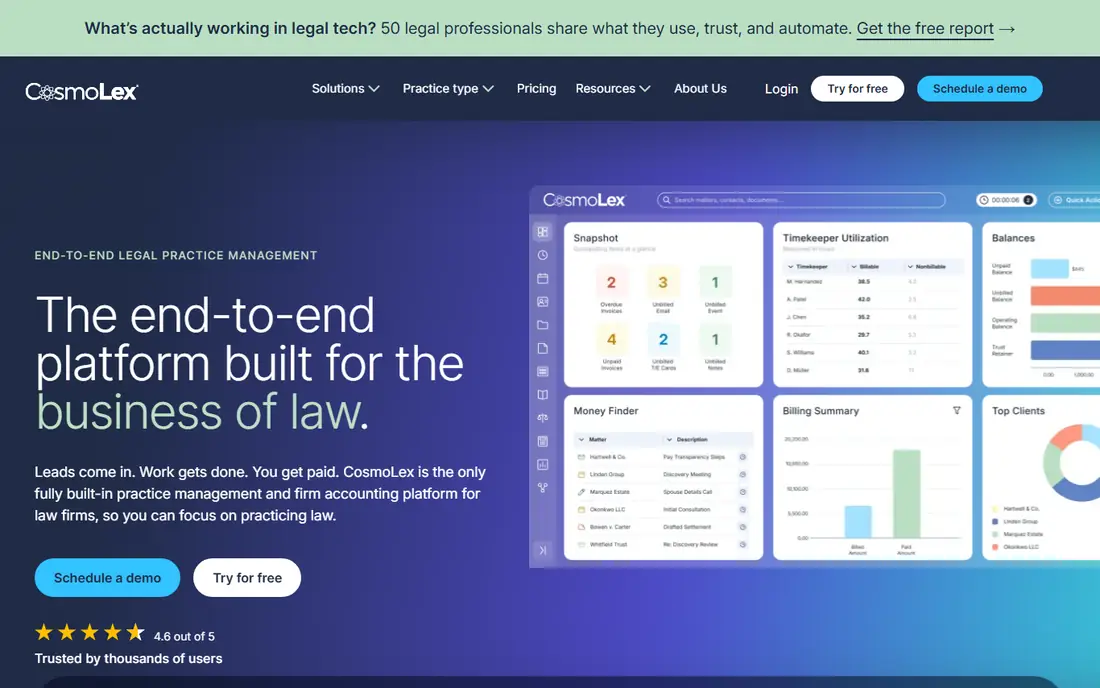
CosmoLex is the choice for the solo or small-firm attorney who wants to stop paying for QuickBooks and running a sync between two systems. Time entries turn into invoices, payments post to the right ledger, and trust activity is recorded in the same database. That makes month-end reconciliation much simpler.
Firms that handle a lot of client trust money, such as real estate, estate planning and personal injury practices, tend to value this setup most. Your accountant gets reports from one source instead of matching records across two products.
The trade-off is that CosmoLex focuses on billing and books more than on document automation or intake. Pricing wasn't available on a vendor page we could confirm for this guide, so request a quote and ask about migration help if you're moving off QuickBooks.
What we like- Billing, trust accounting and general ledger in one system
- Removes the need for a separate accounting package
- Designed with trust compliance and reconciliation in mind
Watch out for- Pricing could not be verified on the vendor's site for this guide
- Practice management features are thinner than in the largest suites
#8
Tabs3
Best for: Mid-size firms that need deep billing and on-premise options
Visit tabs3.com
Starting price$69 per user/month (on-premise)
Free planNo
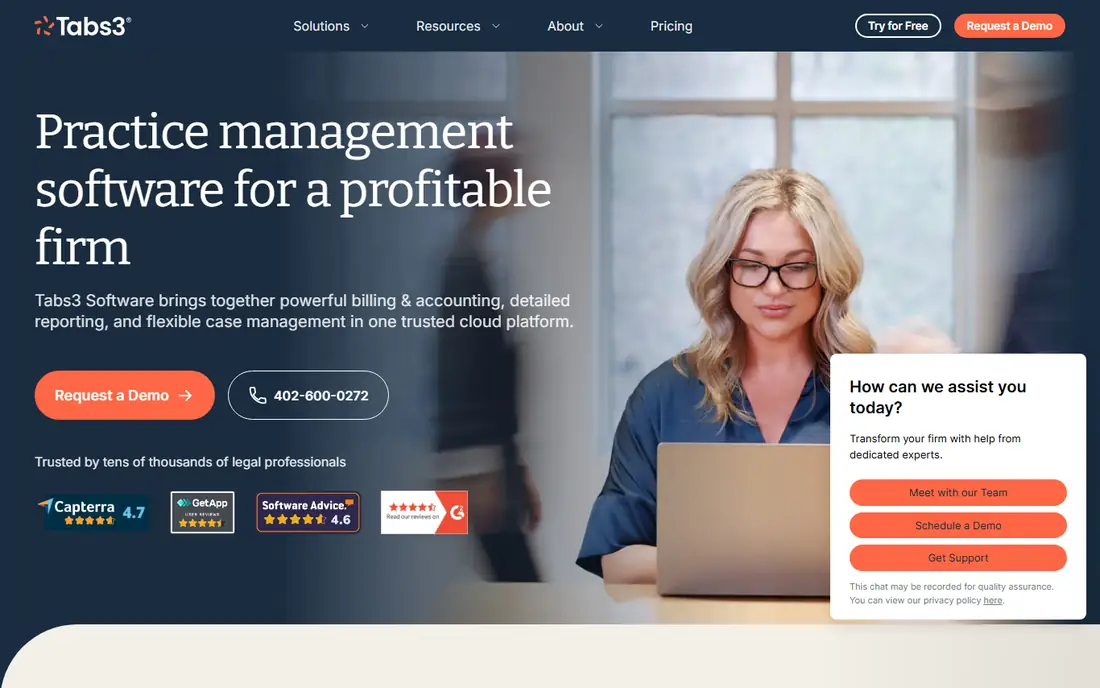
Tabs3 has been around for decades and shows it in a good way: billing and accounting are detailed, and it's one of the few vendors here that still sells a version you can run on your own servers. That matters to firms with strict data policies or an IT team that prefers local control. On-premise starts at $69 per user/month and the hosted cloud version at $89, with volume discounts available.
Billing, trust and accounting make up the core product. You can add PracticeMaster for matter management ($35 per user/month in the cloud, $32 on-premise), and Tabs3 Connect gives mobile access for entering fees and costs. Tabs3 Pay handles online payments.
This is not a tool you sign up for over lunch. Expect a demo, a quote and a proper implementation. For a 15-person firm with heavy billing needs, that is fine. For a solo attorney it's probably more system than needed.
What we like- Choice of cloud or on-premise deployment
- Volume discounts for larger headcounts
- PracticeMaster add-on for matter management if you need it
Watch out for- The highest entry price here for cloud ($89 per user/month)
- Sales-led buying with demos rather than a self-serve trial
How we chose
We started with the vendors buyers most often shortlist for law firm billing and checked each one's official website and pricing page for current plan names, prices, billing terms and add-on fees. Where a vendor didn't publish a price, or we couldn't confirm it on the vendor's own site, we wrote "See website" instead of using third-party estimates. We didn't test any of these products hands-on.
To judge fit, we compared features that matter specifically for legal billing: trust and IOLTA accounting, LEDES and UTBMS e-billing, payment processing, accounting integrations, data export and support. We also read public reviews on G2, Capterra and Reddit to spot recurring complaints. Each product was then matched to the firm size and billing style it serves best.
What to check before you sign
Count the real per-user cost
Nearly every tool here charges per user, so a five-attorney firm with two paralegals and a bookkeeper may need eight seats. Ask which roles need a paid license. Then add the extras: accounting modules, CRM, e-signature and payment processing rates. A $59 plan can easily cost $100 or more per seat once add-ons are included.
Match the tool to your accounting setup
Make this decision first. If your CPA works in QuickBooks Online, a tool with a native two-way sync (LeanLaw, or Bill4Time's integration) avoids friction. If you want to drop outside accounting software altogether, choose a system with a built-in general ledger and trust accounting, such as CosmoLex, Tabs3 or Clio.
Confirm e-billing requirements early
Insurance carriers and corporate legal departments often require LEDES invoices coded with UTBMS task codes. Several vendors keep this for their second tier or higher. If even one major client needs it, price the tier that includes it.
Ask about contracts, migration and exit
Monthly billing gives you flexibility. Annual billing lowers the price but locks you in for the year. Ask who moves your historical time entries, invoices and trust balances, and whether there's a fee. Rocket Matter and Clio both advertise migration help. Before you sign, also confirm you can export your full data in a standard format if you ever leave.
Plan the rollout
A small firm can usually set up time entry and invoicing within a few days. Trust accounting, historical data import and custom invoice templates take longer. Pick a quiet billing cycle for the switch, and run the old and new systems side by side for one month so you can check the first invoices.
Frequently asked questions
How much does legal billing software cost per month?
On the pricing pages we checked, entry plans range from $39 per user/month (Bill4Time, billed annually) to $89 per user/month (Tabs3 Cloud). Mid-tier plans with automation, e-billing or wider integrations usually cost $75 to $130 per user/month. Add-ons such as accounting or CRM come on top of that.
Do any of these tools have a free plan?
None of the eight tools here offers a permanent free plan for law firms. Most offer a free trial, and MyCase says no credit card is needed to start one. Tabs3 and LeanLaw lead with demos instead.
What is LEDES billing and do I need it?
LEDES is a standard electronic invoice format that many insurance companies and corporate legal departments require, usually with UTBMS task and activity codes. If you bill those clients, you need a plan that exports LEDES. Firms that only bill individuals can usually skip it.
Can legal billing software handle trust accounting?
Many can, but how they do it varies. Clio, CosmoLex and Tabs3 handle trust accounting inside their own systems. LeanLaw includes IOLTA trust accounting and syncs it with QuickBooks Online. Always confirm the tool supports three-way reconciliation and the trust reports your state bar expects.
Should a small firm choose a billing-only tool or a full practice suite?
If you already have systems you like for documents and intake, a focused billing tool such as Bill4Time, TimeSolv or LeanLaw is usually cheaper and quicker to roll out. If you're starting fresh or want fewer logins, a suite like Clio, MyCase or Rocket Matter puts billing, matters and client communication in one place. The suite costs more per seat but can replace several smaller subscriptions.
Is annual billing worth it?
If you're confident in the choice after a trial, usually yes. MyCase lists savings of up to 16% and Bill4Time up to 25% for paying yearly. If you're unsure, start monthly and switch to annual once the system has proven itself for a few billing cycles.
Sources we checked (7)
- https://www.clio.com/pricing/
- https://www.mycase.com/pricing/
- https://www.bill4time.com/pricing/
- https://www.bill4time.com/
- https://www.leanlaw.co/pricing/
- https://www.rocketmatter.com/pricing/
- https://www.tabs3.com/pricing/
Is your product missing or out of date?
We review this list regularly. Vendors can request a listing, send updated pricing or ask about featured placement.

Shihab Mia · Founder, Rankite
Shihab has 5+ years in B2B and SaaS SEO. He writes Rankite's software buying guides from pricing pages, documentation and public user reviews. More about Shihab.