How we make this list: we compare pricing pages, product documentation and public user reviews. Ratings come from G2, Capterra or Trustpilot, with the date we checked them.
Key takeaways
- Only three of the eight vendors publish a clear entry price we could verify on their own pages: Zapier ($19.99 per month on the Professional plan, billed annually), Tray.ai (from $50 per month) and Boomi (from $99 per month plus usage). The rest require a visit to the pricing page or a sales call.
- Pricing models differ more than features do. Zapier counts tasks, Boomi counts messages, Tray.ai counts tasks and compute units, and Microsoft sells per user or per bot. Compare them against your own run volume, not the headline price.
- Small teams that want to connect SaaS apps in an afternoon should look at Zapier, Make or n8n. Mid-size and larger companies with IT oversight, audit needs or on-premise systems are better served by Workato, Boomi, Celigo or Tray.ai.
- Microsoft Power Automate is the obvious pick if your company already runs on Microsoft 365, and a poor pick if most of your apps live elsewhere.
- Run a 14 to 30 day trial on your single most painful workflow before signing anything. Several vendors here offer a trial, and annual contracts are common at the higher end.
Quick comparison
| Tool | Best for | Starting price | Free plan |
|---|
 Zapier Zapier | Non-technical teams connecting many SaaS apps | $19.99 per month (Professional, billed annually) | Yes |
 Make Make | Visual, multi-branch workflows on a budget | See website | Yes |
 n8n n8n | Technical teams that want to self-host | See website | Yes (self-hosted Community Edition only) |
 Workato Workato | Enterprise-grade automation across departments | See website | See website |
 Celigo Celigo | Order-to-cash and ERP-centered integrations | See website | Free trial |
 Boomi Boomi | Hybrid cloud and on-premise integration | $99 per month plus usage (Pay-as-You-Go, billed monthly) | Free trial (30 days) |
 Tray.ai Tray.ai | Usage-based automation with AI agents and governance | $50 per month | Free trial |
 Microsoft Power Automate Microsoft Power Automate | Microsoft 365 shops and desktop automation | See website | Free trial (30 days) |
Is your product missing or out of date?
We review this list regularly. Vendors can request a listing, send updated pricing or ask about featured placement.
The best iPaaS for automating software workflows
#1Zapier
Best for: Non-technical teams connecting many SaaS apps4.5/5 on
G2 (2,088 reviews, checked Oct 2026)
Visit zapier.com
Starting price$19.99 per month (Professional, billed annually)
Free planYes
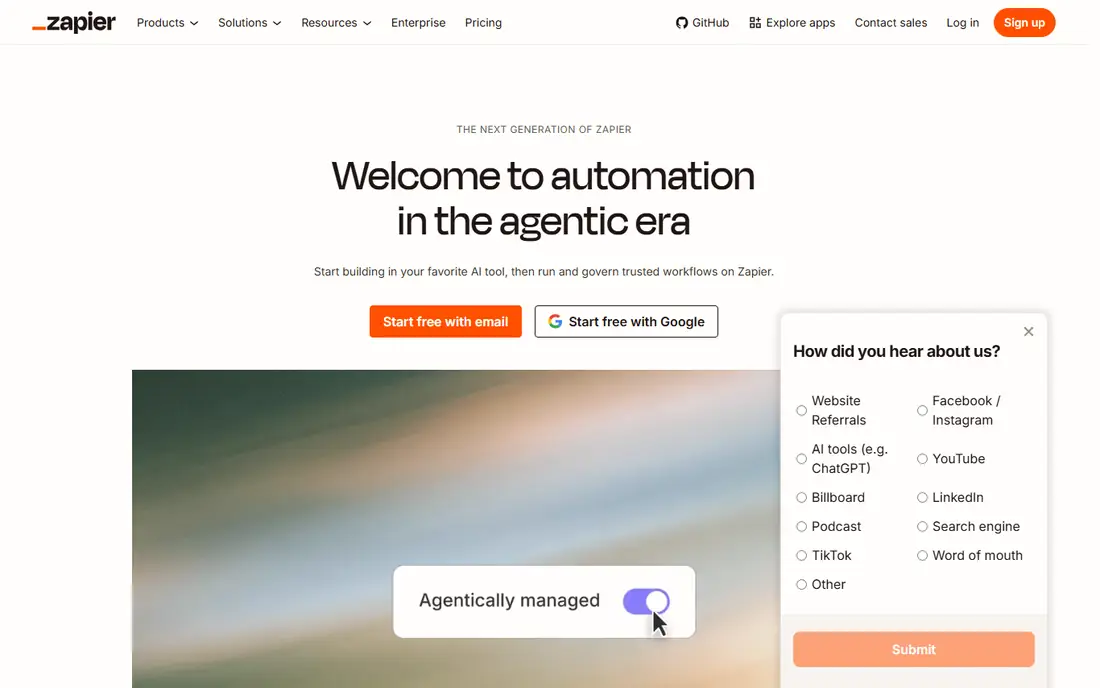
Zapier is the tool most people try first, and for good reason. Its site advertises connections to more than 9,000 apps, so the odds that your CRM, form tool and spreadsheet are already supported are high. A marketing manager can usually build a working lead-routing workflow in under an hour without help from IT.
The free plan covers 100 tasks per month, which is enough to test an idea but not to run a department. Paid plans start with Professional at $19.99 per month billed annually, with a 14-day trial and 750 tasks included. The Team plan is $69 per month billed annually and adds shared folders, shared app connections, user roles and SAML SSO. One detail worth knowing: Zapier states that Filters, Paths and Formatter steps do not count toward your task limit, which helps when a workflow has a lot of branching.
The catch is cost at scale. Every action in a workflow that does real work counts as a task, so a busy workflow can burn through an allowance fast, and extra tasks are billed on top. Zapier is also an automation tool first and an integration platform second. If you need heavy data mapping between systems of record, the tools further down this list are a better fit.
What we like- Very large app library
- Fast setup for simple workflows
- Filters, paths and formatting steps do not count as tasks
Watch out for- Task-based billing climbs quickly at volume
- Complex logic gets awkward on a linear builder
#2Make
Best for: Visual, multi-branch workflows on a budget4.6/5 on
G2 (347 reviews, checked Oct 2026)
Visit make.com
Starting priceSee website
Free planYes

Make suits people who think in diagrams. Workflows (called scenarios) are drawn on a canvas where routers, iterators and aggregators are visible, which makes it easier to build something like "split this order into line items, process each, then combine the results." Operations teams and technically minded marketers tend to like it once they get past the first week.
Pricing is credit-based, with a free plan and paid tiers named Core, Pro and Teams plus a custom Enterprise level. Third-party pricing guides disagree on exact dollar figures, and the numbers have changed more than once, so check the vendor page before budgeting.
The honest weakness is the learning curve. A simple two-step automation is quicker in Zapier, and a long scenario with many modules can become hard to read and debug. Credits can also vanish faster than expected if a scenario polls frequently, so set up usage alerts early.
What we like- Visual canvas shows branching logic clearly
- A free tier exists
- Generally cheaper per operation than Zapier at moderate volume
Watch out for- Steeper learning curve for beginners
- Credit-based billing needs monitoring
#3n8n
Best for: Technical teams that want to self-host4.7/5 on
G2 (319 reviews, checked Oct 2026)
Visit n8n.io
Starting priceSee website
Free planYes (self-hosted Community Edition only)
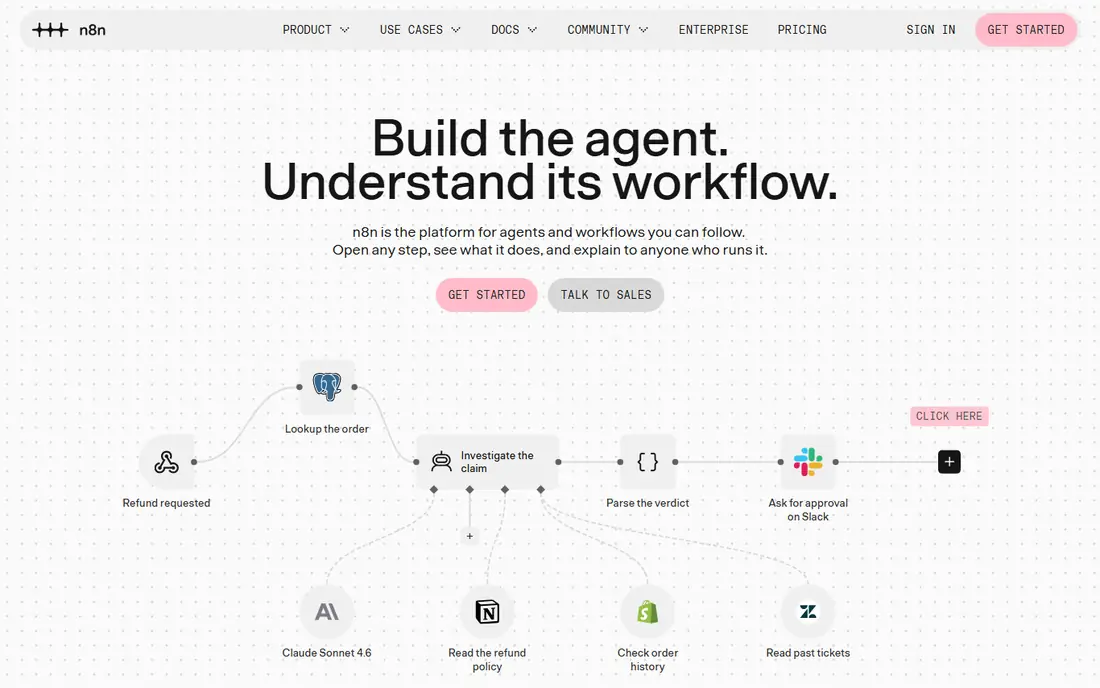
n8n is the pick for teams with at least one developer. You can run the Community Edition on your own infrastructure at no license cost, which keeps data inside your network and avoids per-task fees. For companies with privacy rules or very high run volumes, that is a real advantage.
The hosted cloud plans are priced in euros and based on executions, meaning one full workflow run counts once no matter how many steps it has. Third-party guides report Starter and Pro tiers, plus a separate self-hosted Business license and a custom Enterprise plan. That execution-based model is friendlier to long, many-step workflows than per-task billing, though you should confirm current limits on the vendor page.
The trade-off is that free is not the same as cheap. Someone has to patch the server, manage backups and handle credentials, and that time costs money. n8n also has fewer polished, one-click app connections than Zapier, so expect to use its HTTP request node more often than you would like.
What we like- Free source-available edition you can host yourself
- Unlimited users on cloud plans
- Code and visual nodes in one editor
Watch out for- Self-hosting means you maintain servers and updates
- No permanent free tier on the cloud product
#4Workato
Best for: Enterprise-grade automation across departments4.7/5 on
G2 (843 reviews, checked Oct 2026)
Visit workato.com
Starting priceSee website
Free planSee website
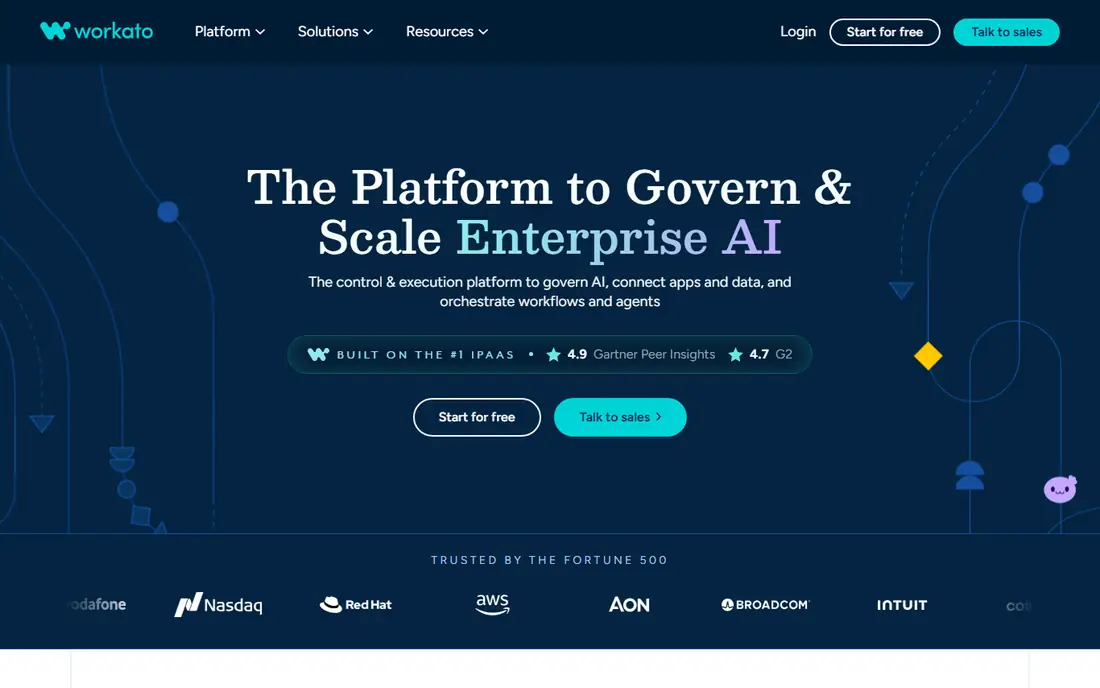
Workato is built for companies where IT, finance and operations all want automation and someone needs to keep control of it. Workflows are called recipes, and the platform supports separate development and production environments, role-based access and approval flows. That matters once dozens of people are building automations and you need to know who changed what.
Pricing combines a platform fee with usage fees, according to third-party pricing breakdowns, and most editions go through sales. Those guides generally put real-world contracts in five figures per year or more, so this is not a casual purchase. A published entry tier may exist for smaller buyers, which is worth checking on the vendor site.
If you have a five-person team and a handful of simple automations, Workato is overkill. It earns its price when you have many systems, many builders and a compliance team asking questions.
What we like- Strong governance, audit and environment management
- Deep connectors for enterprise apps
- Works for both integration and process automation
Watch out for- Expensive for small teams
- Pricing is mostly quote-based
#5Celigo
Best for: Order-to-cash and ERP-centered integrations4.6/5 on
G2 (1,105 reviews, checked Oct 2026)
Visit celigo.com
Starting priceSee website
Free planFree trial
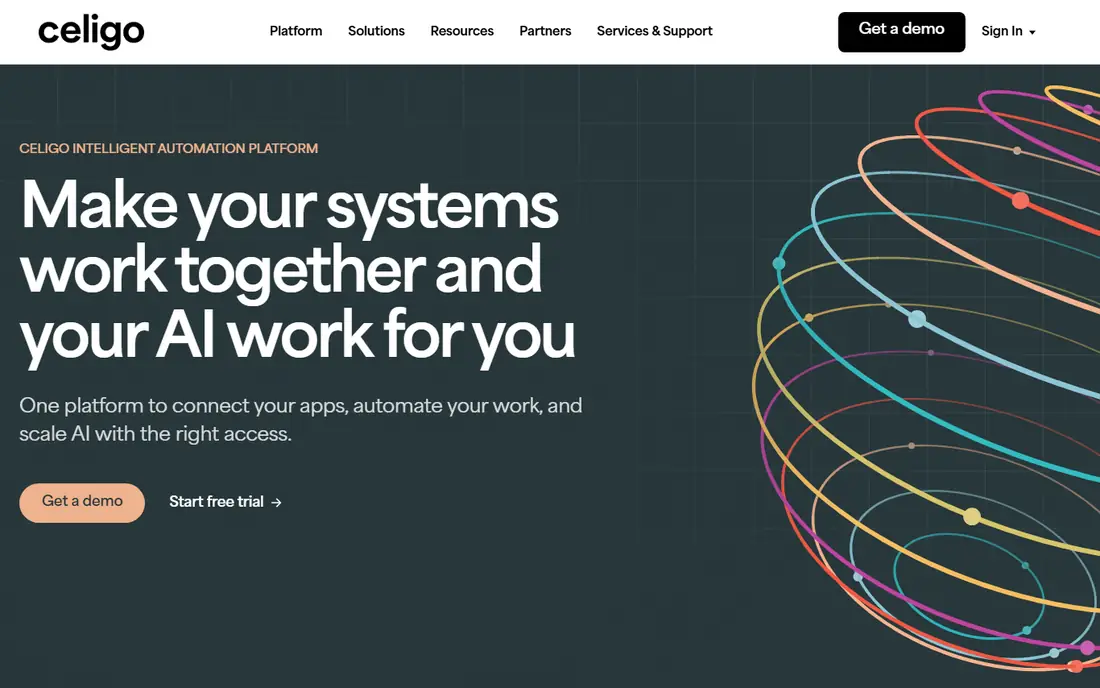
Celigo is strongest where the business runs on an ERP such as NetSuite and needs it connected to a storefront, CRM, shipping tool or billing system. Its prebuilt integration templates for those scenarios save weeks compared with building from scratch. Finance and operations teams at mid-size companies are its natural audience.
Plans are tiered (Starter, Professional and Enterprise, per third-party pricing data), and cost generally depends on the number of connected endpoints and flows rather than on users. Public estimates vary widely, from roughly a few hundred dollars a month at the low end to several thousand at the high end, so treat any figure as a starting point for a quote. The vendor offers a free trial.
The weakness is breadth of appeal. If you mostly want to connect lightweight marketing and sales apps, Celigo will feel heavier than you need. Ask early about implementation services, since complex ERP work often needs a partner or Celigo professional services, and those fees sit on top of the subscription.
What we like- Prebuilt templates for common ERP, ecommerce and finance flows
- Tiered plans by size
- Visual flow builder
Watch out for- Pricing is not fully public
- Costs depend on endpoints and flow counts
#6Boomi
Best for: Hybrid cloud and on-premise integration4.4/5 on
G2 (505 reviews, checked Oct 2026)
Visit boomi.com
Starting price$99 per month plus usage (Pay-as-You-Go, billed monthly)
Free planFree trial (30 days)
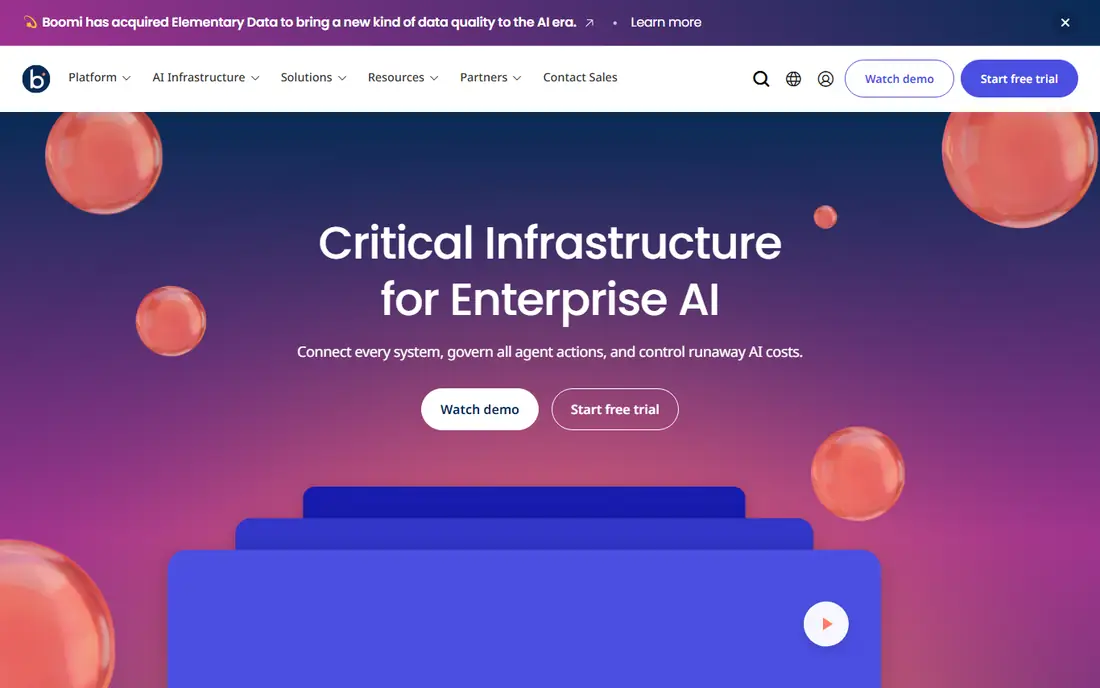
Boomi is one of the older names in this market and still one of the most capable for hybrid setups, where some systems sit in the cloud and others sit in a data center. It is the kind of platform an integration team adopts to handle EDI, APIs and application connectivity under one roof. The company says it serves more than 30,000 customers.
What many buyers miss is that Boomi now has a self-serve entry point. Its Pay-as-You-Go edition starts at $99 per month plus usage, includes the full Boomi Enterprise Platform, and requires no contract. Usage is metered in a single unit called the Boomi Message. A 30-day free trial gives limited access to the platform. Larger deployments are priced by edition and add-ons and are bought through an order form.
The catch is complexity. Boomi rewards people who invest time in learning it, and a small team that only needs a few app-to-app automations will find the setup heavier than Zapier or Make.
What we like- Pay-as-You-Go option with no contract
- Handles cloud and on-premise systems
- Long track record in enterprise integration
Watch out for- Large platform with a learning curve
- Usage is metered in Boomi Messages, which takes time to estimate
#7Tray.ai
Best for: Usage-based automation with AI agents and governance4.5/5 on
G2 (158 reviews, checked Oct 2026)
Visit tray.ai
Starting price$50 per month
Free planFree trial
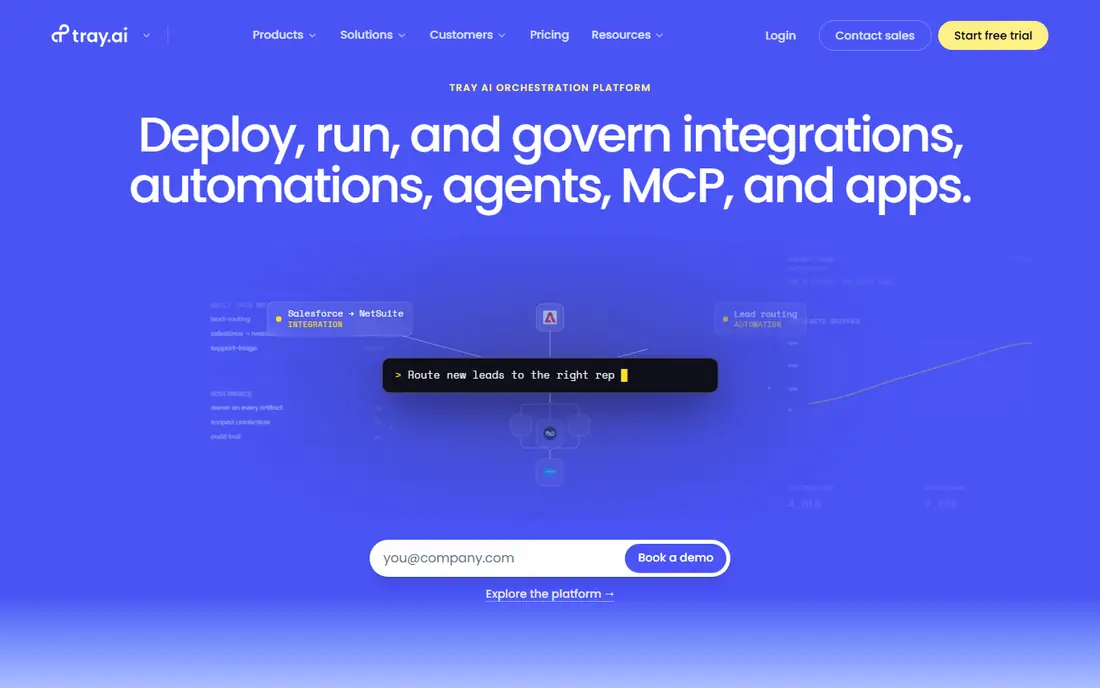
Tray.ai positions itself as an orchestration platform covering integration, automation and AI agents. Its pricing page states that plans start at $50 per month and that a free trial lets you size your usage. It suits technical operations teams and mid-size companies that want one platform for both classic integrations and newer agent-style workflows.
Pricing is based on usage, measured in tasks and Helix Compute Units. There are no per-user or per-connection fees, which is useful if many people need access. The three tiers are Pro, Team and Enterprise: Pro supports up to 3 workspaces, Team supports 20, and Enterprise offers unlimited workspaces plus regional hosting, log streaming and on-premise connectivity. HIPAA support and SSO appear in the Enterprise feature list.
The downside is that the pricing unit takes some effort to understand, and you will want a vendor walkthrough before forecasting costs. Tray.ai is also less of a casual tool than Zapier. Expect a short learning period and more configuration for each workflow.
What we like- No per-user or per-connection fees
- Flexible builder with both visual and code options
- Strong governance on higher plans
Watch out for- Plan limits are tied to workspaces and usage units
- Higher plans are sales-led
#8Microsoft Power Automate
Best for: Microsoft 365 shops and desktop automation4.4/5 on
G2 (1,092 reviews, checked Oct 2026)
Visit microsoft.com
Starting priceSee website
Free planFree trial (30 days)
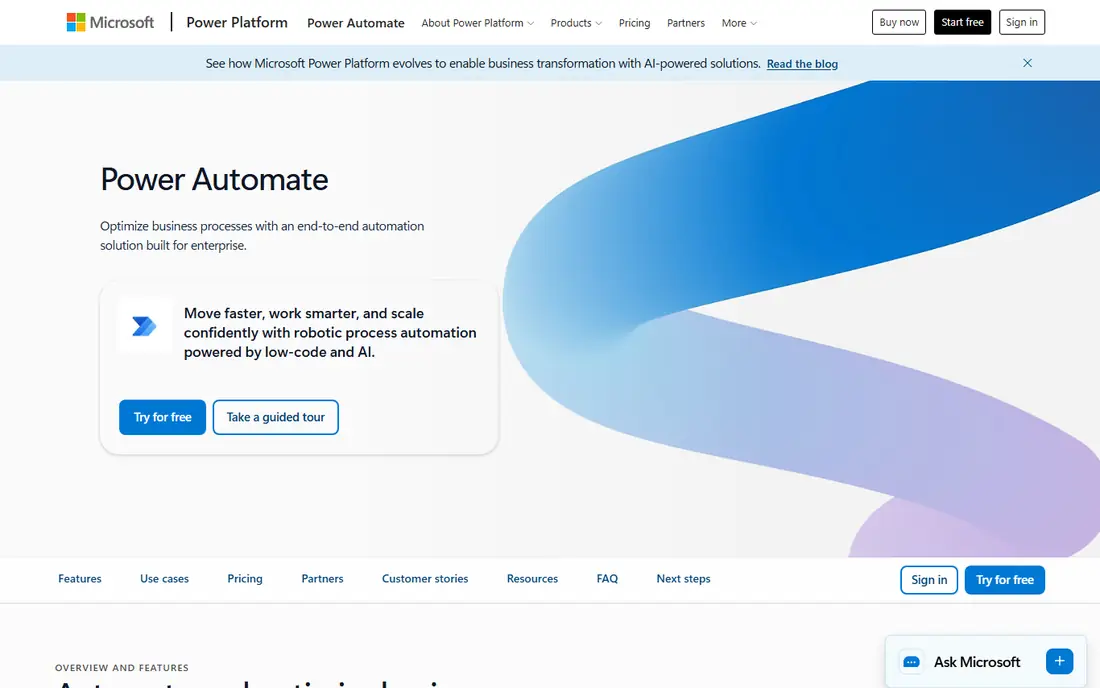
Power Automate makes the most sense when your company already lives in Microsoft 365. Approvals in Teams, SharePoint list updates, Outlook triggers and Dynamics workflows are all natural starting points, and some automation access is already bundled with many Microsoft 365 subscriptions. IT admins also get the familiar Microsoft governance and identity controls.
Paid licensing is split between per-user plans and per-bot plans for unattended desktop automation, and premium connectors and Dataverse features sit behind paid tiers. Third-party guides describe a per-user entry plan, a per-bot process plan and a hosted process plan, and a 30-day trial is available. Because the rules shift by connector and by license, ask your Microsoft reseller to map your specific flows to licenses before you buy.
Its main weakness is outside the Microsoft ecosystem. Connectors to non-Microsoft SaaS tools exist, but many of the most useful ones are premium, which pushes the cost up. Desktop flows are a real strength for old software with no API, but they can be fragile when screens change.
What we like- Tight fit with Microsoft 365, Teams, SharePoint and Dynamics
- Desktop flows cover legacy apps without APIs
- Many companies already own some access
Watch out for- Premium licensing is confusing
- Weaker for workflows centered on non-Microsoft apps
How we chose
We built this list from public information. For each vendor we read the pricing page where we could access it, product documentation, and public reviews on G2, Capterra and Reddit, then compared features, integrations, contract terms and the size of company each tool is aimed at. We did not run hands-on tests, and nothing here should be read as lab-tested.
Where a vendor's own page was not accessible when we checked, or its prices were unclear, we wrote "See website" instead of repeating third-party numbers that disagree with each other. We favored a mix: established enterprise platforms, popular self-serve tools, and a self-hostable option.
How to pick an iPaaS for your workflows
Start with who will build and maintain the workflows
The biggest split in this market is between tools built for business users and tools built for integration teams. Zapier and Make are meant for people in marketing, sales and operations. Workato, Boomi and Tray.ai assume someone owns the platform and enforces standards. n8n sits in between and works best when a developer is around.
If a non-technical person will own the workflows, choose for ease and support. If IT has to approve and audit everything, choose for environments, access control and logging.
Understand the billing unit before you compare prices
Every vendor here charges differently. Zapier bills by task. Make bills by credit. n8n bills by workflow execution on its cloud plans. Boomi bills by message. Tray.ai bills by tasks and compute units. Microsoft bills by user or by bot.
Take one real workflow, count how many steps it has and how often it runs per month, then work out the cost in each unit. A 10-step workflow that runs 1,000 times a month looks very different under a per-task model than under a per-execution model.
Check what lives behind the paywall
Look for the limits that matter on lower tiers: how many workflows or workspaces you get, how often a workflow can poll for changes, how long logs are kept, whether SSO is included, and whether premium connectors cost extra. Zapier, for example, reserves shared app connections and SAML SSO for its Team plan and above, and Tray.ai ties workspace counts to its plan tiers.
Plan for exit and run a pilot
Ask where credentials are stored, whether you can export workflows, and what happens if pricing changes. Then pick one workflow that costs your team hours each week, build it in two tools, and compare build time, error handling and monthly cost.
Frequently asked questions
What is an iPaaS?
iPaaS stands for integration platform as a service. It is a cloud service that connects applications, moves data between them and runs automated workflows without you building the connections from scratch. Some tools lean toward simple app-to-app automation, while others handle enterprise integration, APIs and governance.
Is Zapier an iPaaS?
Zapier is usually described as a no-code automation platform, and analysts and buyers often group it with iPaaS tools because it connects apps and runs workflows in the cloud. It is lighter on data transformation, environment management and on-premise connectivity than Boomi or Workato. For many small teams that trade-off is fine.
How much does an iPaaS cost?
Costs range from a free plan or a few dozen dollars per month for self-serve tools to five-figure annual contracts for enterprise platforms. Of the tools here, Zapier starts at $19.99 per month billed annually, Tray.ai at $50 per month and Boomi at $99 per month plus usage. Usage-based billing means your real cost depends heavily on run volume.
Should I choose a self-hosted option like n8n?
Choose it if you have developers, strict data residency requirements or very high run volumes. You avoid per-task fees but take on hosting, updates, backups and security. If nobody on your team wants to run servers, a cloud plan is the safer choice.
Do I need an iPaaS if I only use Microsoft 365?
Possibly not. Power Automate can handle many approvals and file workflows, and some access is bundled with Microsoft 365 plans. You would look at a separate iPaaS when you need to connect many non-Microsoft apps or want one tool across departments.
Sources we checked (13)
- https://zapier.com/blog/zapier-pricing/
- https://tray.ai/pricing/
- https://boomi.com/pay-as-you-go/
- https://zapier.com/blog/workato-pricing/
- https://www.jetadmin.io/blog/make-pricing/
- https://www.jetadmin.io/blog/n8n-pricing/
- https://www.nocode.mba/articles/n8n-pricing
- https://www.lindy.ai/blog/workato-pricing
- https://www.spendflo.com/blog/workato-pricing-guide
- https://www.vendr.com/marketplace/celigo
- https://www.spendflo.com/vendors/celigo
- https://www.flowforma.com/blog/power-automate-pricing
- https://thedigitalprojectmanager.com/tools/microsoft-power-automate-pricing/
Is your product missing or out of date?
We review this list regularly. Vendors can request a listing, send updated pricing or ask about featured placement.

Shihab Mia · Founder, Rankite
Shihab has 5+ years in B2B and SaaS SEO. He writes Rankite's software buying guides from pricing pages, documentation and public user reviews. More about Shihab.