How we make this list: we compare pricing pages, product documentation and public user reviews. Ratings come from G2, Capterra or Trustpilot, with the date we checked them.
Key takeaways
- Automatic email logging is not equal across CRMs. Some tools log mail on every plan, while others hide two-way sync behind a mid-tier plan (Pipedrive and Capsule are the clearest examples to check).
- Streak and Copper live inside Gmail, so reps log nothing by hand. The trade-off is that both are tied to Google Workspace, and Streak charges every user the same plan price.
- HubSpot, Zoho CRM and Freshsales offer a free tier you can test with real email threads before paying. Pipedrive, Close and Less Annoying CRM only offer trials.
- Less Annoying CRM is the one flat-price option: a single plan with every feature, no contract and a 30-day trial. Its email logging works through a dedicated address rather than a full inbox sync, so confirm the workflow suits your team.
- Always check the privacy settings. Auto-logging pulls in every thread with a contact, so decide who can see which emails before you connect a shared inbox.
Quick comparison
| Tool | Best for | Starting price | Free plan |
|---|
 HubSpot HubSpot | Teams that want a free CRM with a full contact timeline | See website | Yes |
 Pipedrive Pipedrive | Small sales teams that live in a visual pipeline | See website | Free trial |
 Zoho CRM Zoho CRM | Budget-conscious teams that want depth and customization | See website | Yes |
 Copper Copper | Google Workspace companies that sell through Gmail | See website | Free trial |
 Streak Streak | Gmail users who want the CRM inside the inbox | $49 per user/month (billed annually) | Yes |
 Close Close | Outbound teams that call, email and text from one screen | See website | Free trial |
 Capsule Capsule | Small service firms and agencies with simple pipelines | See website | Yes |
 Freshsales Freshsales | Small teams that want email, phone and chat in one CRM | See website | Yes |
 Less Annoying CRM Less Annoying CRM | Owner-run businesses that want one price and no tiers | $15 per user/month | Free trial (30 days) |
Is your product missing or out of date?
We review this list regularly. Vendors can request a listing, send updated pricing or ask about featured placement.
The best CRM software that logs emails automatically
#1HubSpot
Best for: Teams that want a free CRM with a full contact timeline1.5/5 on
Trustpilot (1,178 reviews, checked Oct 2026)
Visit hubspot.com
Starting priceSee website
Free planYes
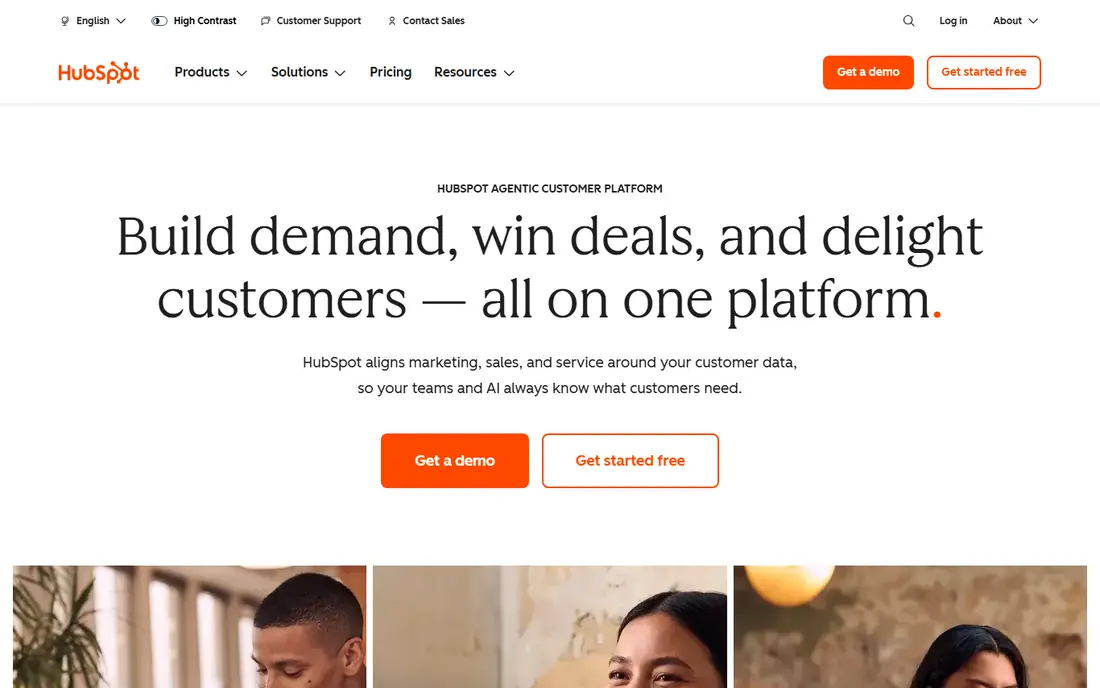
HubSpot is the safe pick when you want email history attached to every contact from day one. You connect a Gmail or Microsoft 365 inbox, and conversations with known contacts appear on the contact record's timeline. The free CRM covers the basics, and public pricing guides confirm that email logging and tracking sit in the free tier rather than behind a paywall.
The strength here is how much sits on top of that timeline. Deals, tasks, meeting links and templates all read from the same logged emails, so a manager can open a record and see the whole conversation without asking the rep. The learning curve is gentle, which matters when the person adopting the CRM is the owner and not an administrator.
The catch is the price ladder. Paid Starter seats are inexpensive according to 2026 pricing guides, but the next rung up (Professional) is priced as a flat monthly figure in the high hundreds of dollars, and several guides mention a one-time onboarding fee. If you expect to need automation and reporting within a year, price that jump now. Check the live pricing page before you budget.
What we like- Free CRM includes email logging and tracking
- Huge integration library
- Easy for non-technical staff to learn
Watch out for- Costs jump sharply between Starter and Professional
- Professional-tier hubs have been reported with mandatory onboarding fees
#2Pipedrive
Best for: Small sales teams that live in a visual pipeline4.3/5 on
G2 (5,034 reviews, checked Oct 2026)
Visit pipedrive.com
Starting priceSee website
Free planFree trial
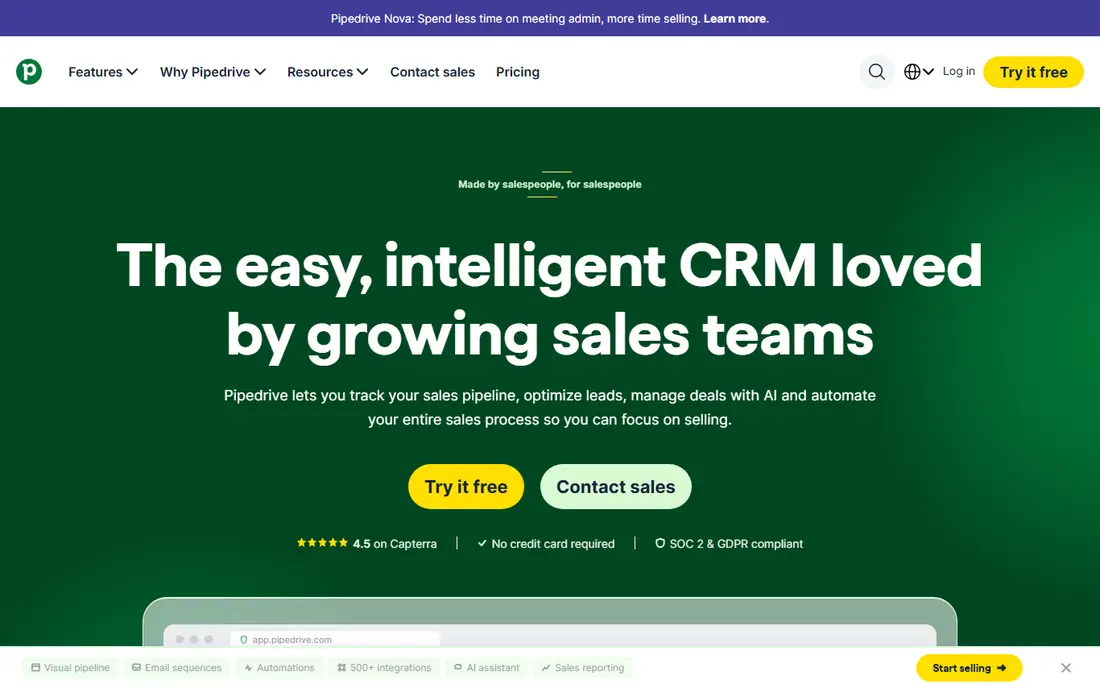
Pipedrive suits teams that think in deals and stages. Reps drag cards across a pipeline, and synced emails attach to the person, organization and deal they relate to. Most reviewers describe setup as quick, and there is no free plan, only a trial of about two weeks.
Read the plan table carefully before you buy. Pricing guides from 2026 show the cheapest plan (Lite) has calendar sync but no email sync, so the plan that actually logs your mail is the next one up, Growth. Plan names were also reshuffled in 2025, which is why older articles list different tiers and prices.
Add-ons are the other watch point. Lead capture, web visitor tracking and the campaigns tool are priced on top of the per-seat fee, so a five-person team can end up well above the headline number. Pipedrive is a good fit if email sync and a pipeline are your two priorities and you can live without marketing features.
What we like- Clean drag-and-drop pipeline
- Two-way email sync on mid-tier plans
- Easy to set up in an afternoon
Watch out for- Entry plan does not include email sync
- Useful add-ons are billed separately
#3Zoho CRM
Best for: Budget-conscious teams that want depth and customization4.1/5 on
G2 (2,952 reviews, checked Oct 2026)
Visit zoho.com
Starting priceSee website
Free planYes
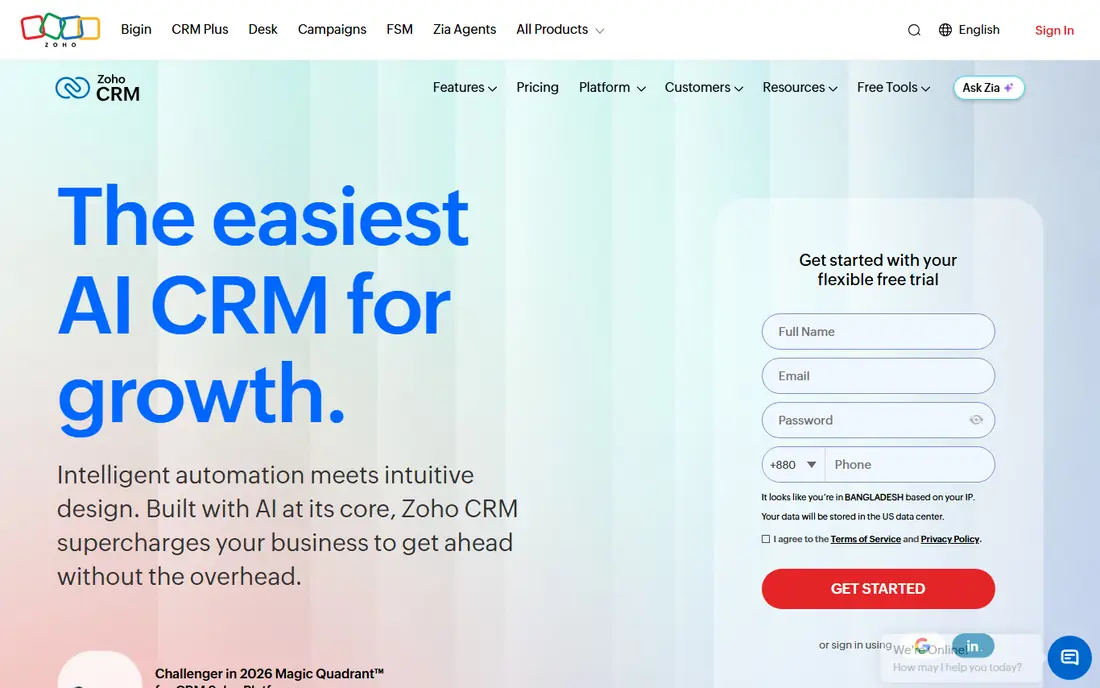
Zoho CRM is where you look when you want a lot of control for not much money. The free edition covers up to three users with basic records and workflows, and the first paid edition (Standard) adds email integration, multiple pipelines and forecasting, according to 2026 pricing guides. That makes it one of the cheapest ways to get inbox-connected CRM for a small team.
It also connects easily to the rest of the Zoho family, which helps if you already use Zoho Mail, Books or Campaigns. Customization goes deep: custom modules, blueprints for process steps and approval rules appear as you move up the editions.
The honest drawback is complexity. A fresh account has a lot of menus, and small teams often need a few hours of configuration before email, deals and tasks line up the way they expect. Pricing guides also point out that paying monthly instead of annually costs noticeably more, so the annual price is the realistic one. Confirm current prices on Zoho's site.
What we like- Free edition for up to 3 users
- Email integration on the entry paid edition
- No contract lock-in reported
Watch out for- Monthly billing carries a steep premium over annual
- Interface takes time to learn
#4Copper
Best for: Google Workspace companies that sell through Gmail4.5/5 on
G2 (1,158 reviews, checked Oct 2026)
Visit copper.com
Starting priceSee website
Free planFree trial
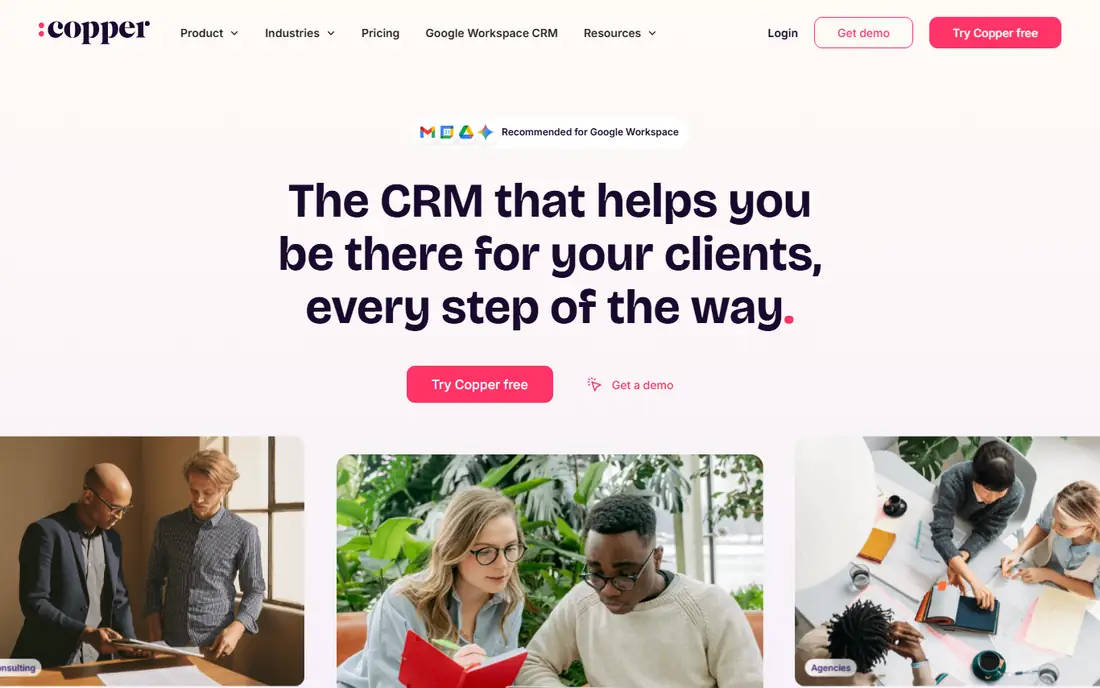
Copper was designed around Google Workspace, and it shows. Install it, and emails, meetings and shared files link to contact records without a rep pressing a button. If your team already runs its day in Gmail and Calendar, adoption tends to be easy, because there is little new to learn.
The limitation is the platform lock. Copper works with Google Workspace only, so a company with Outlook users should look elsewhere. Third-party reviews also note that cheaper plans are lighter than they sound: the entry plan has a contact cap and, according to some guides, leaves out leads and opportunities, which pushes serious sales teams to the Professional plan.
Copper makes sense for relationship-led teams of roughly 3 to 20 people, such as agencies, consultancies and professional-service firms. Price per seat climbs as you go up, so ask for a quote based on your real headcount and contact volume.
What we like- Built for Gmail and Google Calendar
- Contacts and emails fill in automatically
- Sits in a side panel inside Gmail
Watch out for- Requires Google Workspace
- Lower plans cap contacts and lack sales objects
#5Streak
Best for: Gmail users who want the CRM inside the inbox4.5/5 on
G2 (269 reviews, checked Oct 2026)
Visit streak.com
Starting price$49 per user/month (billed annually)
Free planYes
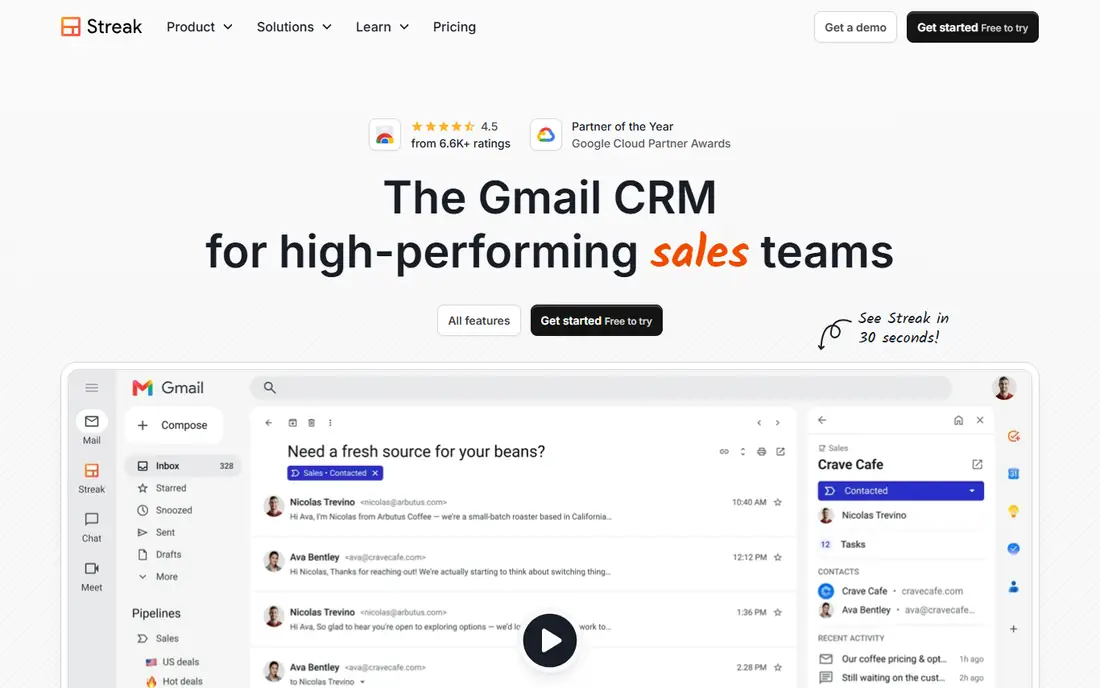
Streak is the most literal answer to the question of logging emails automatically, because the CRM is the inbox. Pipelines appear as boxes within Gmail, so a thread and its deal are the same object. There is nothing to sync and nothing to forget.
Pricing on Streak's own page is per user: Pro is $49 per user per month billed annually ($59 monthly), Pro+ is $69 ($89 monthly) and Enterprise is $129 ($159 monthly). The page states that every user on a team counts as a paid seat, view-only users do not get a cheaper price, and everyone must be on the same plan. The free plan covers email tracking, snippets and 50 mail merge sends a day, but it does not include CRM pipelines.
That structure is the catch. A small team that only needs two or three people in the pipeline still pays the full seat price for each person. Streak also works only with Gmail, and reviewers on Capterra mention occasional glitches. For a Google-based team that wants the lowest friction possible, it is hard to beat.
What we like- Pipelines live inside Gmail
- Unlimited records on paid plans
- No separate login
Watch out for- Free plan has no CRM pipelines
- Everyone on a team must be on the same plan
#6Close
Best for: Outbound teams that call, email and text from one screen4.7/5 on
G2 (2,069 reviews, checked Oct 2026)
Visit close.com
Starting priceSee website
Free planFree trial
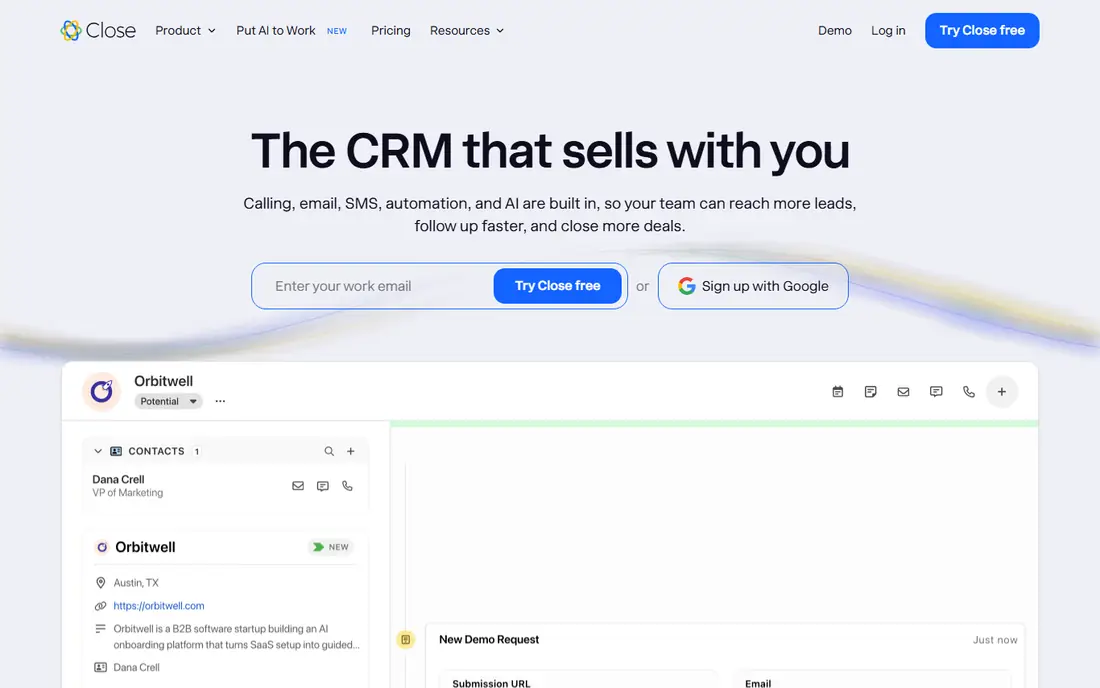
Close is built for teams that spend the day reaching out to people. Emails, calls and texts are sent from within the CRM, so each touch is recorded on the lead record without any extra step. That matters for managers who coach from activity history.
Pricing guides for 2026 describe four per-user plans, with a one-seat Solo plan at the bottom, and note that automated workflows and the power dialer start on the Growth tier. Calling is metered separately (around two cents a minute in one guide), so a team that dials a lot should model the real monthly bill, not just the seat price. Close does not list a permanent free plan, only a short trial.
Choose Close when volume outreach is the job. It is less natural for a team that mostly nurtures existing clients over long cycles, where a simpler, cheaper CRM will do the same email logging without the dialing features you would be paying for.
What we like- Built-in calling, email and SMS
- Every touchpoint logs to the lead
- Strong fit for inside sales
Watch out for- Call minutes and extras are billed on top
- Workflows start on higher plans
#7Capsule
Best for: Small service firms and agencies with simple pipelines4.7/5 on
G2 (525 reviews, checked Oct 2026)
Visit capsulecrm.com
Starting priceSee website
Free planYes
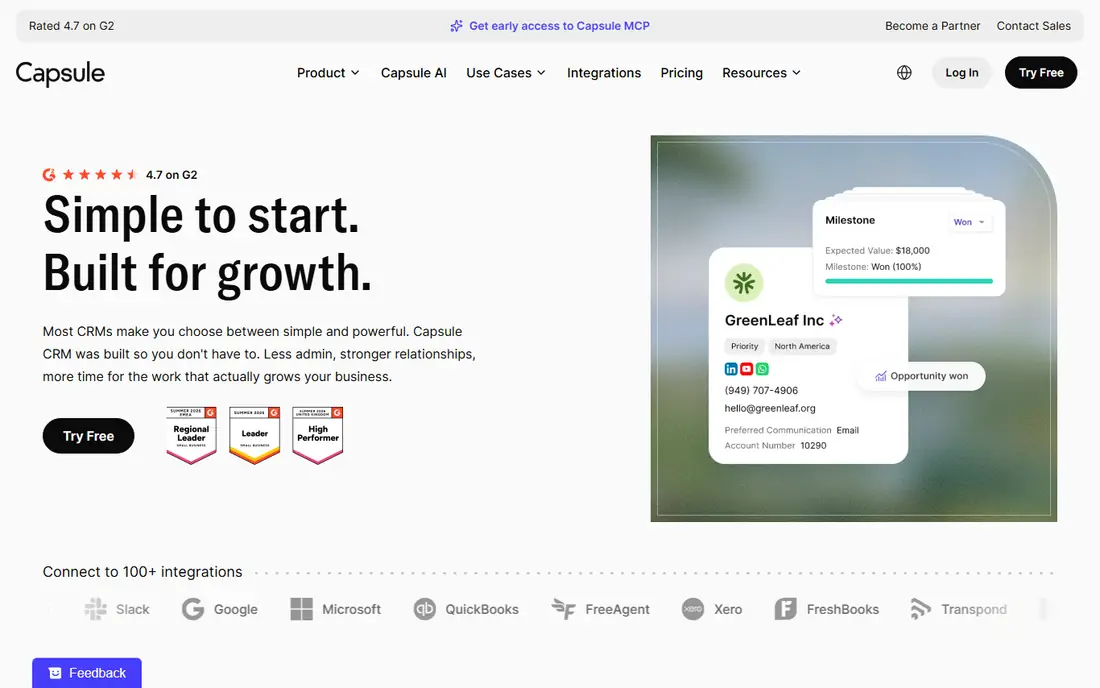
Capsule appeals to small firms that want a tidy contact book with deals attached, and not a sprawling platform. The free plan supports two users and 250 contacts, which is enough to test the workflow with real clients. Paid plans are per user and billed monthly or annually.
The detail to verify is email. One review site states that two-way email sync begins on the Growth plan, while others describe email sync as part of Starter, and the free plan lacks two-way sync. The sources disagree, so open the current plan comparison and test with your own mailbox during the trial before choosing a tier.
Contact limits apply per account, and Capsule counts a person and their linked company as two records, so a B2B database fills the free plan faster than a headcount suggests. Workflow automation is also not available until Growth. Capsule is a good fit when your needs are modest and you value a calm interface.
What we like- Free plan for two users
- Clean contact and pipeline views
- Predictable per-user pricing
Watch out for- Two-way email sync depends on the tier
- Automation starts at Growth
#8Freshsales
Best for: Small teams that want email, phone and chat in one CRM4.5/5 on
G2 (1,237 reviews, checked Oct 2026)
Visit freshworks.com
Starting priceSee website
Free planYes
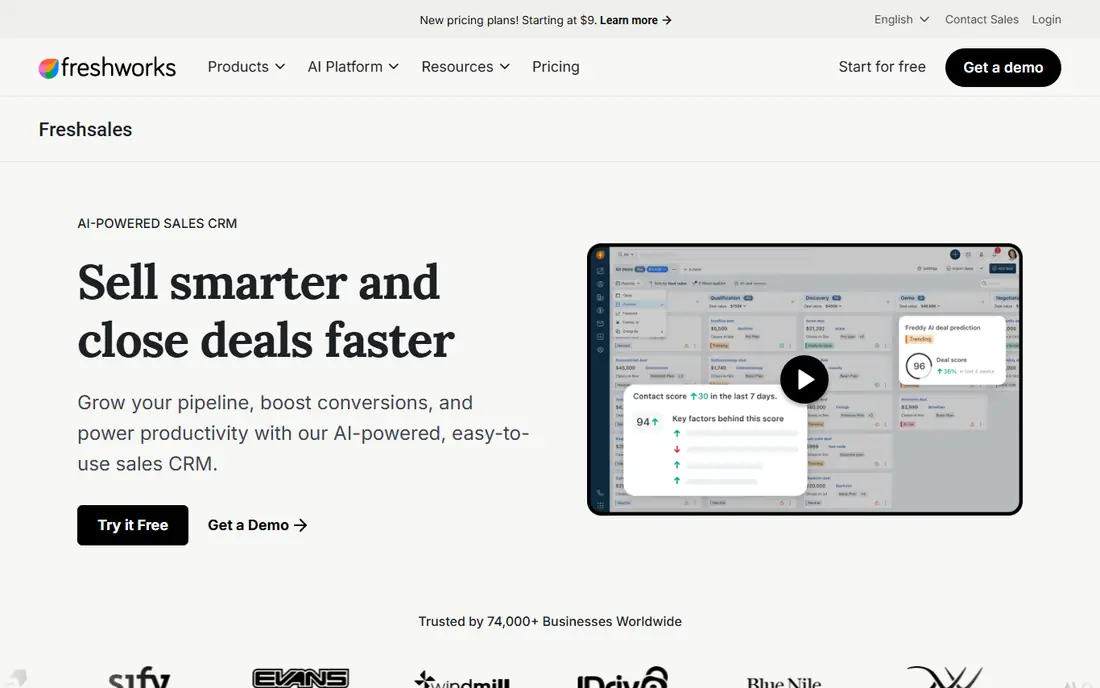
Freshsales, from Freshworks, packs email, phone and chat into one workspace, so messages with a lead are stored on the same record. Its free plan is reported to cover up to three users, and the first paid plan (Growth) adds email sync and phone features, according to 2026 comparisons.
The pricing is the draw for small teams, but the jump from Growth to Pro is large. Multiple pipelines, territory management and stronger sequences sit on Pro, and the Freddy AI assistant is billed as an extra by several guides. A ten-person team can find the real per-seat cost sitting well above the starting number.
If you are comparing Freshsales with Pipedrive or Zoho, test the same task in each: connect a mailbox, send three emails, and confirm they land on the right deal. Freshsales earns a place on the shortlist when you also want phone calls recorded in the same timeline.
What we like- Free plan for small teams
- Built-in phone and email
- AI lead scoring on paid plans
Watch out for- Feature gaps between Growth and Pro
- AI add-ons raise the per-seat cost
#9Less Annoying CRM
Best for: Owner-run businesses that want one price and no tiers4.9/5 on
G2 (668 reviews, checked Oct 2026)
Visit lessannoyingcrm.com
Starting price$15 per user/month
Free planFree trial (30 days)
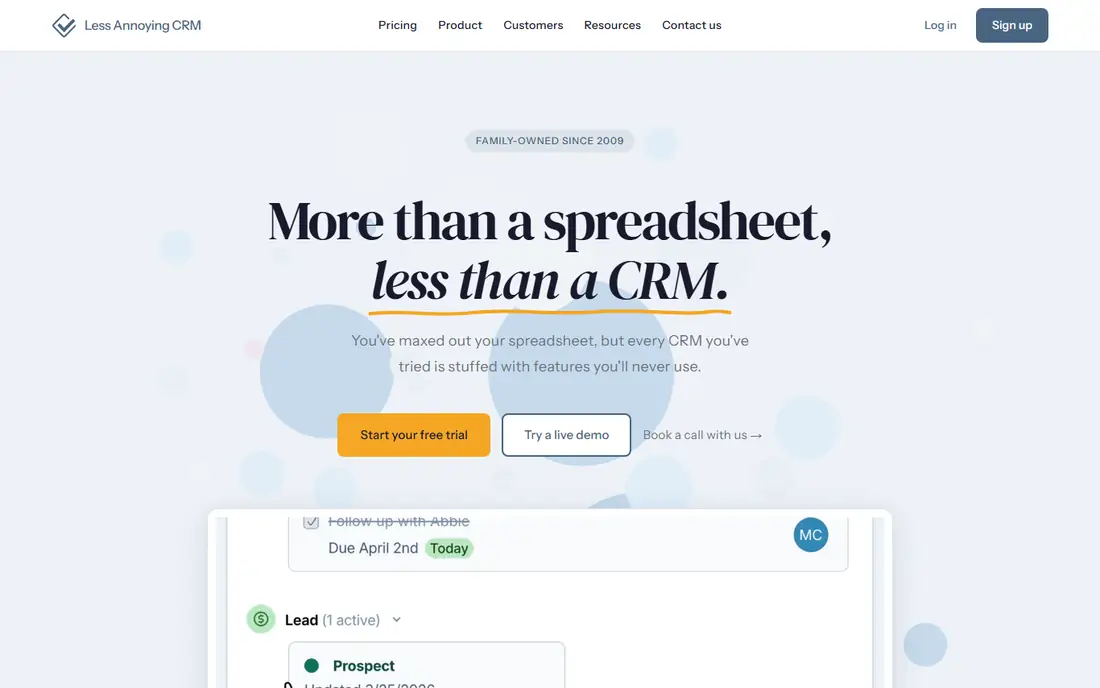
Less Annoying CRM takes the opposite approach from the tiered vendors. The vendor's pricing page lists a single price of $15 per user per month, with no other plans or fees, a 30-day trial and no credit card needed to start. There is no cheaper tier to outgrow and no hidden email-sync gate.
That clarity makes it a good match for consultants, agencies and small client-service teams who are leaving spreadsheets. Setup is short, and the support team is reachable by phone and email. Because there are no feature tiers, you can test everything, including email logging, during the trial.
The honest weakness is depth. Third-party reviews say it is not designed for branching automation, heavy reporting or offline field work, and the interface is English only. Email logging uses a dedicated address and calendar sync, so check that the workflow feels natural to your team before moving everyone over. For a ten-person company that wants predictability, it is among the cheapest sensible choices.
What we like- One plan with every feature included
- No contracts
- Live human support
Watch out for- No free plan
- Limited automation compared with larger CRMs
How we chose
We did not run hands-on tests. We built the list from vendor documentation, published pricing pages and 2026 pricing guides, then cross-checked claims against public review sites such as G2 and Capterra and user discussions. We looked at how each tool captures email (inbox-native, two-way sync or forwarding), which plan tier unlocks it, and how pricing scales per seat.
We also weighed company-size fit, integrations, contract terms, free tiers and data export. Where a vendor page could not be confirmed, or where sources disagreed, we say so and write "See website" in place of a price. Treat every price as a starting point and confirm it on the vendor's site before you buy.
Start with your inbox, not the feature list
Your email platform narrows the field quickly. Gmail-only teams can consider Streak and Copper, which sit inside Google Workspace. Teams on Outlook or mixed mailboxes should lean toward HubSpot, Pipedrive, Zoho CRM or Close, which advertise broader mailbox support. Check this first, because switching mail systems later is costly.
Check which plan actually logs the mail
Vendors often market a low starting price and then place email sync on the second tier. Pipedrive is the plainest case, and Capsule's tier boundary is worth confirming. Write down the plan that includes two-way sync, calendar sync and shared inbox features, and compare those prices, not the entry prices.
Test with real threads during the trial
Connect an actual mailbox, send three emails to a test contact, then reply from a phone. Confirm the messages land on the right record, that a colleague can see them (or cannot, if you want them private), and that internal threads are not captured. Ten minutes of testing shows more than a feature table.
Decide on privacy before you connect
Auto-logging records every thread with a known contact. Decide whether personal emails, HR matters or sensitive client discussions should be hidden, and look for sharing controls at the user, team or thread level. Make sure staff know what is being captured.
Plan for exit and cost growth
Ask how you export contacts, deals and email history, and whether exports include the messages themselves. Per-seat pricing grows linearly, so model your headcount in 12 months. Streak's rule that all users share a plan and Less Annoying CRM's flat rate are good examples of why seat math differs by vendor.
Frequently asked questions
What does it mean when a CRM logs emails automatically?
It means emails to and from a contact are saved to that contact's record without manual copying. This happens through a connected mailbox, a browser extension that lives in the inbox, or a special address you copy on messages. The method varies by product, which affects how complete the history is.
Do I need a paid plan to get automatic email logging?
Not always. HubSpot's free CRM includes email logging, while Pipedrive's entry plan does not include email sync. Capsule's free plan lacks two-way sync. Check the plan comparison for the specific vendor, then confirm during a trial.
Which tools work best for Gmail users?
Streak runs entirely inside Gmail, and Copper is built around Google Workspace. Both require Google, so they are not suitable if part of your team uses Outlook. HubSpot, Pipedrive and Zoho CRM also connect to Gmail and are better if your mailboxes are mixed.
Is automatic email logging a privacy risk?
It can be if you connect broadly without rules. Because the CRM captures every thread with a known contact, set sharing permissions and tell staff what is recorded. Look for options to keep individual emails private or exclude certain domains.
How long does it take to set up?
Light tools such as Streak, Less Annoying CRM and Capsule are reported to be usable within an afternoon. Zoho CRM and Close usually need more configuration for pipelines, fields and calling. Budget a few days for importing contacts and training the team in any case.
Sources we checked (20)
- https://www.streak.com/pricing
- https://lessannoyingcrm.com/crm-pricing/less-annoying-crm-pricing
- https://www.axongarside.com/blog/hubspot-starter-vs-professional-vs-enterprise
- https://elefanterevops.com/blog/hubspot-pricing
- https://www.forbes.com/advisor/business/hubspot-crm-pricing/
- https://www.larksuite.com/en_us/blog/pipedrive-pricing
- https://axisconsulting.io/pipedrive-pricing-plans/
- https://www.perksvalley.com/zoho-crm-pricing
- https://www.spotsaas.com/blog/zoho-crm-pricing
- https://www.teamopipe.com/en/blog/copper-crm-pricing
- https://pipelinecrm.com/comparison/copper-vs-pipeline-crm/
- https://www.capterra.com/p/124465/Streak/
- https://www.dialsheet.io/resources/close-crm-calling-cost
- https://capsulecrm.com/blog/close-crm-pricing/
- https://www.onepagecrm.com/crm-reviews/capsule/
- https://leadhaste.com/blog/capsule-crm-pricing
- https://marketintelligencetools.com/reviews/capsule-crm/
- https://crmnewstoday.com/freshsales-pricing-plans/
- https://www.saasbluebook.com/tools/freshsales/
- https://saascrmreview.com/less-annoying-crm-review/
Is your product missing or out of date?
We review this list regularly. Vendors can request a listing, send updated pricing or ask about featured placement.

Shihab Mia · Founder, Rankite
Shihab has 5+ years in B2B and SaaS SEO. He writes Rankite's software buying guides from pricing pages, documentation and public user reviews. More about Shihab.