How we make this list: we compare pricing pages, product documentation and public user reviews. Ratings come from G2, Capterra or Trustpilot, with the date we checked them.
Key takeaways
- Code sharing tools let teams share snippets, examples, and full projects, with access control that public paste sites lack.
- GitHub Gist and GitLab Snippets lead on snippet sharing for developers, while full repos lead for project sharing.
- Private sharing matters for internal code, since a public paste of company code is a security incident, not a shortcut.
- Searchable snippets save time, since a team that cannot find past solutions rewrites them again and again.
- Pick tools that fit your repo platform, since snippet sharing works best where your code already lives.
Quick comparison
Is your product missing or out of date?
We review this list regularly. Vendors can request a listing, send updated pricing or ask about featured placement.
Starting priceFree
Free planFree
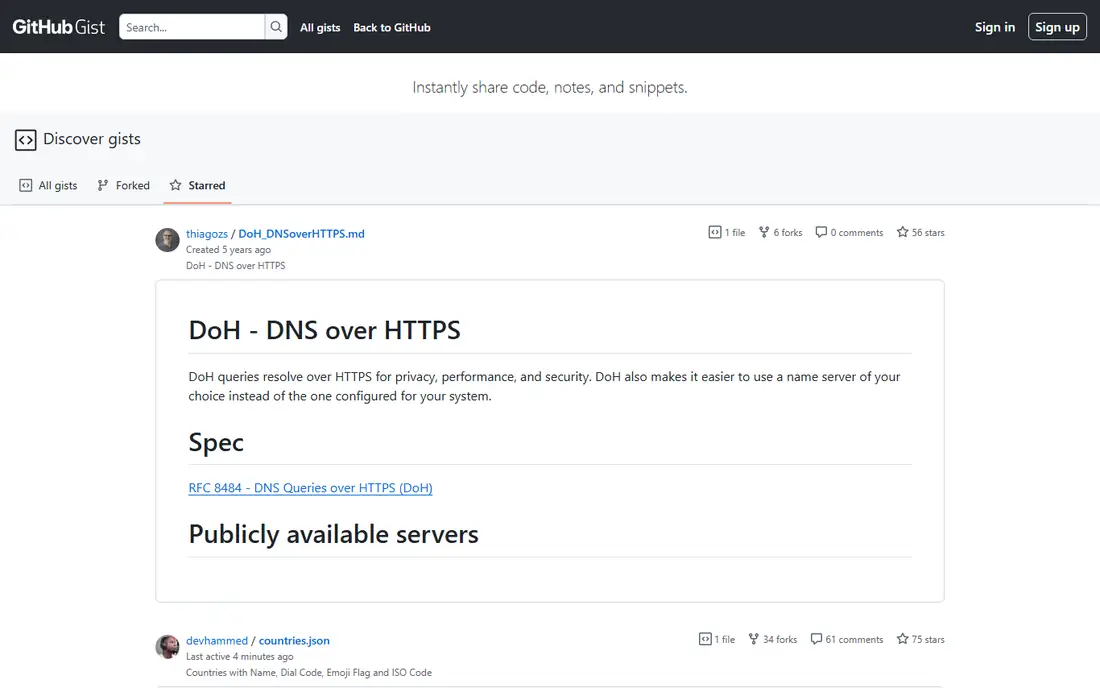
GitHub Gist lets developers share code snippets as Git repos, with version history, comments, forks, and embedding in docs and blogs. Public gists are searchable, while secret gists hide from search but remain accessible to anyone with the link. The tool suits sharing examples, configs, and small utilities with a team or the public.
Secret gists are not truly private, since anyone with the link can view them, so company secrets must never go in a gist. Discovery is basic compared with dedicated snippet managers. For developer snippet sharing tied to GitHub, Gist offers the simplest, most widely used option.
What we like- Git backed snippets
- Public and secret
- Comments and forks
Watch out for- Secret is not private
- Discovery is basic
Starting priceFree
Free planFree
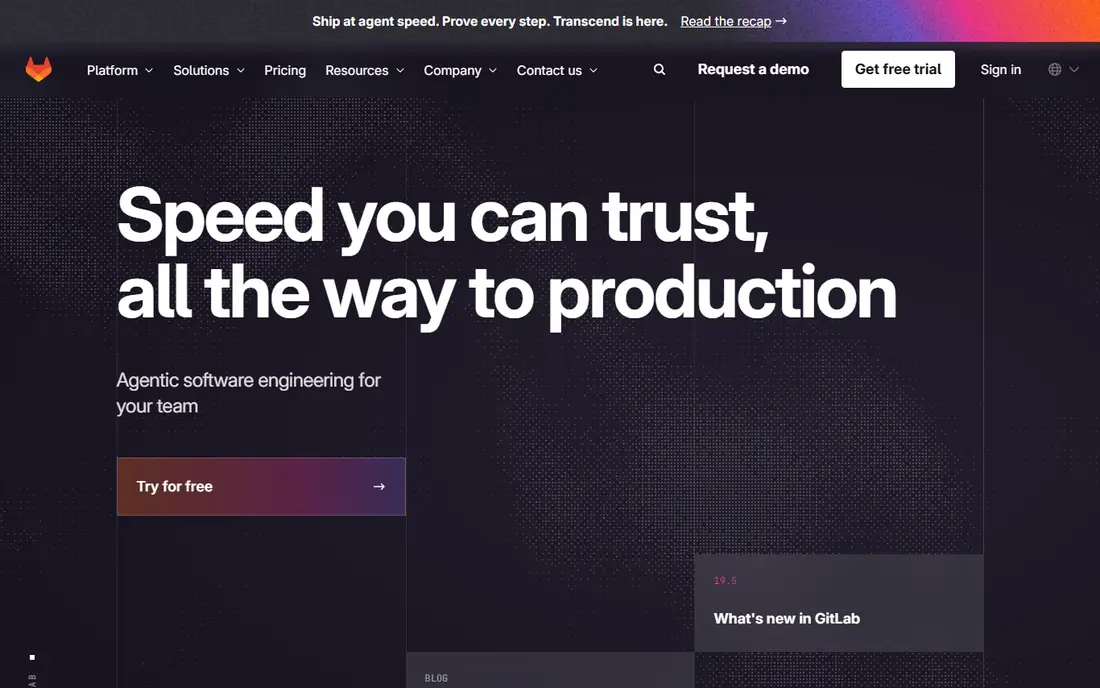
GitLab Snippets lets teams share code snippets inside GitLab, with private, internal, and public visibility, comments, and version history. Private snippets suit internal code that must not leak, while integration with projects and merge requests keeps snippets close to the work. The tool fits GitLab teams that want snippet sharing without a separate service.
The focus is GitLab, so GitHub teams gain little, and discovery across many snippets stays basic. For a GitLab team that shares snippets internally, Snippets offers a clean, private option.
What we like- GitLab integration
- Private snippets
- Comments
Watch out for- GitLab focus
- Discovery is basic
Starting priceFree
Free planFree
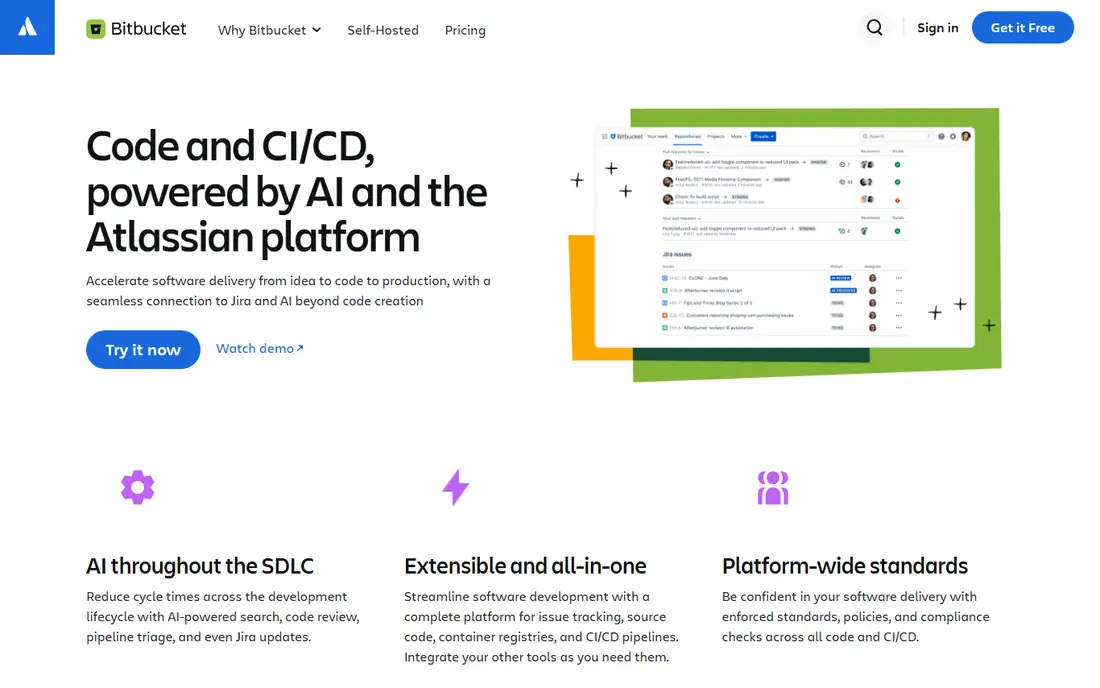
Bitbucket Snippets, part of Bitbucket Cloud, lets teams share code snippets with workspace controls, comments, and version history. Private snippets suit internal sharing, while public snippets share examples with the wider community. Integration with Bitbucket repos keeps snippets near project code.
The focus is Bitbucket, so other platform teams gain little, and the community is smaller than GitHub Gist. For a Bitbucket team that shares snippets, Snippets offers a natural, integrated choice.
What we like- Bitbucket integration
- Private snippets
- Comments
Watch out for- Bitbucket focus
- Smaller community
Starting priceSee website
Free planFree
CodePen lets frontend developers share HTML, CSS, and JavaScript pens with live previews, collections, and comments, making it ideal for demos, UI experiments, and bug reports. Teams share a pen link, reviewers see the result live, and forks let others iterate on an idea. The community offers inspiration and feedback for frontend work.
Frontend only limits backend sharing, and private pens sit behind a paid plan, so internal frontend code needs a Pro account. For frontend demos and experiments, CodePen offers the most visual sharing experience.
What we like- Live frontend previews
- Collections
- Community
Watch out for- Frontend only
- Private pens are paid
Starting priceFree
Free planFree
JSFiddle provides a free, fast way to share frontend code with live previews, no signup needed for basic fiddles. Developers paste HTML, CSS, and JavaScript, share a link, and reviewers see the result at once, which suits quick bug reports and forum answers. The simplicity keeps sharing friction near zero.
Features are basic compared with CodePen, with limited collaboration, collections, and private options. For a quick, free frontend share without setup, JSFiddle covers the basics well.
What we like- Free
- Fast setup
- Live previews
Watch out for- Features are basic
- Collaboration is limited
Starting priceFree
Free planFree
Pastebin offers simple text and code pastes with a link, no signup needed for basic use, and a long history as a general paste site. Developers use it for logs, configs, and quick shares in chats and forums where a full snippet tool feels heavy. The simplicity suits one off shares.
Pastes are public by default, team features are absent, and company code pasted publicly is a security risk, so Pastebin suits only non sensitive shares. For a quick public paste of harmless text, Pastebin remains the simplest option.
What we like- Simple
- No signup for basics
- Long history
Watch out for- Public by default
- No team features
- Security risk
Starting priceSee website
Free planFree trial
Sourcegraph provides code search across many repos, with shareable links to exact code locations, plus integrations with editors and code hosts. Teams share a link to a function or file, reviewers jump straight to the context, and search finds examples across the whole codebase. The platform suits large teams with many repos where finding code matters as much as sharing it.
Enterprise pricing and setup effort put Sourcegraph beyond small teams, though trials let teams test search quality. For a large team that shares code by linking to exact locations across repos, Sourcegraph offers unmatched search depth.
What we like- Code search across repos
- Sharing links
- Integrations
Watch out for- Enterprise pricing
- Setup effort

#8Replit
Best for: Shareable runnable projects4.4/5 on
G2 (417 reviews, checked Oct 2026)
Visit replit.com
Starting priceSee website
Free planFree
Replit lets teams share runnable projects, not only static code, with multiplayer editing and hosting from the browser. A shared link opens a working project that reviewers can run, edit, and fork, which suits demos, prototypes, and learning. The free tier covers personal projects and testing.
Performance limits apply for large projects, and team pricing grows with seats and resources. For sharing code that reviewers should run, not only read, Replit offers the most complete shareable project experience.
What we like- Runnable shared projects
- Multiplayer
- Hosting
Watch out for- Performance limits
- Team pricing
How we chose
We compared snippet support, private sharing, version history, search, collaboration, platform integration, pricing, and public developer feedback. We favored tools with clear private options for internal code, version history for snippets, and search that helps teams reuse past work. No hands on testing is claimed, and prices are shown as Free where a free tier exists, or See website where pricing varies.
Sharing code safely inside a team
Never paste company code, secrets, or customer data to a public paste site, since public links spread fast and cannot be fully recalled. Use private snippets, private repos, or internal tools for company code, and treat secret gists as link shared, not private. Scan shared snippets for keys, tokens, and passwords before sending, and rotate any secret that slips into a shared link at once. A short sharing policy, private by default plus a scan step, prevents most code leak incidents.
Making shared code findable and reusable
Tag snippets with language, purpose, and project, since an untagged snippet library becomes a graveyard no one searches. Write a one line description for each shared snippet, naming what it does and when to use it, so teammates judge relevance without opening every item. Review shared snippets quarterly, deleting outdated examples that mislead new hires, and updating popular snippets when APIs change. A curated, searchable snippet library saves more time than a large, messy one.
Reviews, demos, and knowledge sharing
Share code early in reviews, with context on what changed and why, since reviewers judge faster with runnable examples or live previews. Use CodePen or Replit for frontend demos, so reviewers see behavior, not only code, and use Gist or Snippets for backend examples with clear descriptions. Record decisions from code discussions in the repo or docs, since a shared snippet without context loses meaning over time. Good sharing habits turn individual knowledge into team knowledge.
Before you decide
Create a team snippet library with folders by language and purpose, so a new hire finds the auth helper or the logging setup in seconds instead of asking around. Add a short readme to your snippet library that explains naming, tagging, and privacy rules, since a library without rules grows messy within weeks. Scan every shared snippet for secrets before you send the link, because a single token in a gist can expose production systems within minutes. Link shared snippets from your docs and onboarding guide, so useful examples live where new teammates actually look instead of in forgotten chats. Archive snippets tied to retired APIs at once, since an outdated example that looks official misleads developers into building on dead endpoints. Ask reviewers to comment on shared snippets, because a snippet with review notes and edge cases documented helps far more than bare code alone. A reviewed snippet carries trust, since teammates know someone checked it, and a bare snippet leaves every reader guessing whether it still works. Add the reviewer name and date to the snippet description, so future readers know how fresh the review is and whether it needs another check. Fresh reviews keep the library trustworthy, and stale reviews should trigger a recheck before anyone reuses the code.
Frequently asked questions
What is the best code sharing tool for a software team?
GitHub Gist suits GitHub teams for snippets, GitLab Snippets suits GitLab teams, and Sourcegraph suits large teams that search across repos. For runnable demos, Replit and CodePen lead. Pick the tool that matches your repo platform and sharing need, not the most popular tool alone.
Are secret gists private?
No, since secret gists hide from search but anyone with the link can view them, so they are link shared, not private. Never put company secrets, keys, or sensitive code in a secret gist. Use private repos or private snippets in GitLab or Bitbucket for internal code.
Should teams use Pastebin for code sharing?
Only for harmless, non sensitive text, since Pastebin pastes are public by default and lack team features. Company code, configs with secrets, and customer data must never go to Pastebin. For internal sharing, use private snippets or repos with access control.
How do I make shared snippets reusable?
Tag each snippet, write a clear one line description, and keep snippets in one searchable place tied to your repo platform. Review snippets quarterly, updating or deleting outdated ones, so the library stays trustworthy. A small curated library beats a large messy one.
Can I share runnable code, not only static snippets?
Yes, with Replit for full projects and CodePen or JSFiddle for frontend code, where reviewers run the code live from a link. Runnable shares suit demos, bug reports, and prototypes, while static snippets suit configs and examples. Choose runnable sharing when behavior matters more than code text alone.
Sources we checked (8)
- https://gist.github.com
- https://about.gitlab.com
- https://bitbucket.org
- https://codepen.io
- https://jsfiddle.net
- https://pastebin.com
- https://sourcegraph.com
- https://replit.com
Is your product missing or out of date?
We review this list regularly. Vendors can request a listing, send updated pricing or ask about featured placement.

Shihab Mia · Founder, Rankite
Shihab has 5+ years in B2B and SaaS SEO. He writes Rankite's software buying guides from pricing pages, documentation and public user reviews. More about Shihab.
 GitHub Gist
 GitLab Snippets
 Bitbucket Snippets
 CodePen
 JSFiddle
 Pastebin
 Sourcegraph