How we make this list: we compare pricing pages, product documentation and public user reviews. Ratings come from G2, Capterra or Trustpilot, with the date we checked them.
Key takeaways
- Every tool here lets a non-technical person build a dashboard by clicking, dragging or typing a question. None of them forces you to write SQL on day one.
- Power BI and Looker Studio are the cheapest ways to start, but Power BI reports get harder once you need custom calculations (DAX), and Looker Studio gets slower and messier with large data.
- Zoho Analytics and Databox are the easiest picks for small teams that mainly pull numbers from apps like CRM, ads and accounting tools. Both have a free plan.
- ThoughtSpot and Qlik suit larger companies with governed data and a real budget. Pricing is sales-led or capacity-based, so plan on a quote and a longer setup.
- Metabase is the one to try if someone on your team can host it or you want an open source option. Its question builder works without SQL, though the best features sit on paid tiers.
Quick comparison
| Tool | Best for | Starting price | Free plan |
|---|
 Microsoft Power BI Microsoft Power BI | Teams already on Microsoft 365 | See website | Yes (Power BI Desktop is free to build reports) |
 Zoho Analytics Zoho Analytics | Small teams pulling data from business apps | See website | Yes (limited users and rows) |
 Tableau Tableau | Visual exploration by analysts and managers | See website | Free trial |
 Looker Studio Looker Studio | Marketing and web reporting on a budget | See website | Yes |
 Metabase Metabase | Self-serve questions on a company database | See website | Yes (open source, self-hosted) |
 Databox Databox | Quick KPI dashboards from connected apps | See website | Yes (limited data sources and dashboards) |
 ThoughtSpot ThoughtSpot | Asking data questions in plain English | See website | Free trial |
 Qlik Cloud Analytics Qlik Cloud Analytics | Mid-size and large companies with mixed data | See website | See website |
Is your product missing or out of date?
We review this list regularly. Vendors can request a listing, send updated pricing or ask about featured placement.
The best BI software without SQL requirements
#1Microsoft Power BI
Best for: Teams already on Microsoft 3654.5/5 on
G2 (1,661 reviews, checked Oct 2026)
Visit microsoft.com
Starting priceSee website
Free planYes (Power BI Desktop is free to build reports)
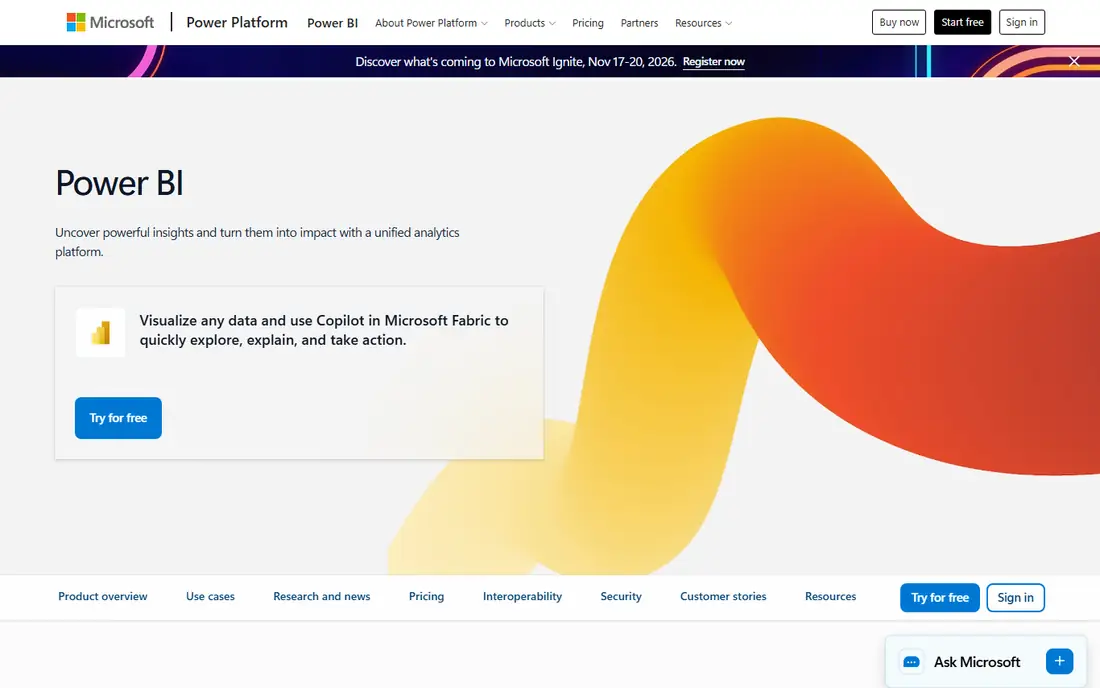
Power BI is the default choice for companies that live in Excel, Teams and SharePoint. You can load a spreadsheet, drop fields onto a canvas and get charts without touching SQL. Power Query, the data cleanup tool inside it, is point and click for most jobs such as merging files, splitting columns and removing duplicates.
The catch is that simple dashboards are easy and advanced ones are not. Once you want year-over-year comparisons or rolling averages, you will meet DAX, Microsoft's formula language. It is not SQL, but it is still code, and many first-time users get stuck there. Budget a few evenings with the free Microsoft Learn courses or find a power user internally.
Licensing deserves a close read. Building is free on the desktop app, but sharing within your organization needs a paid license for each person who publishes and, in most setups, each person who views. Larger rollouts move to capacity-based pricing through Microsoft Fabric. Check the current numbers on Microsoft's page before you commit, because the plan structure has changed several times.
What we like- Familiar Excel-style interface
- Huge library of connectors
- Strong sharing and security through Microsoft accounts
Watch out for- Custom measures need DAX, which has a real learning curve
- Sharing reports requires paid per-user or capacity licenses
#2Zoho Analytics
Best for: Small teams pulling data from business apps4.2/5 on
G2 (289 reviews, checked Oct 2026)
Visit zoho.com
Starting priceSee website
Free planYes (limited users and rows)
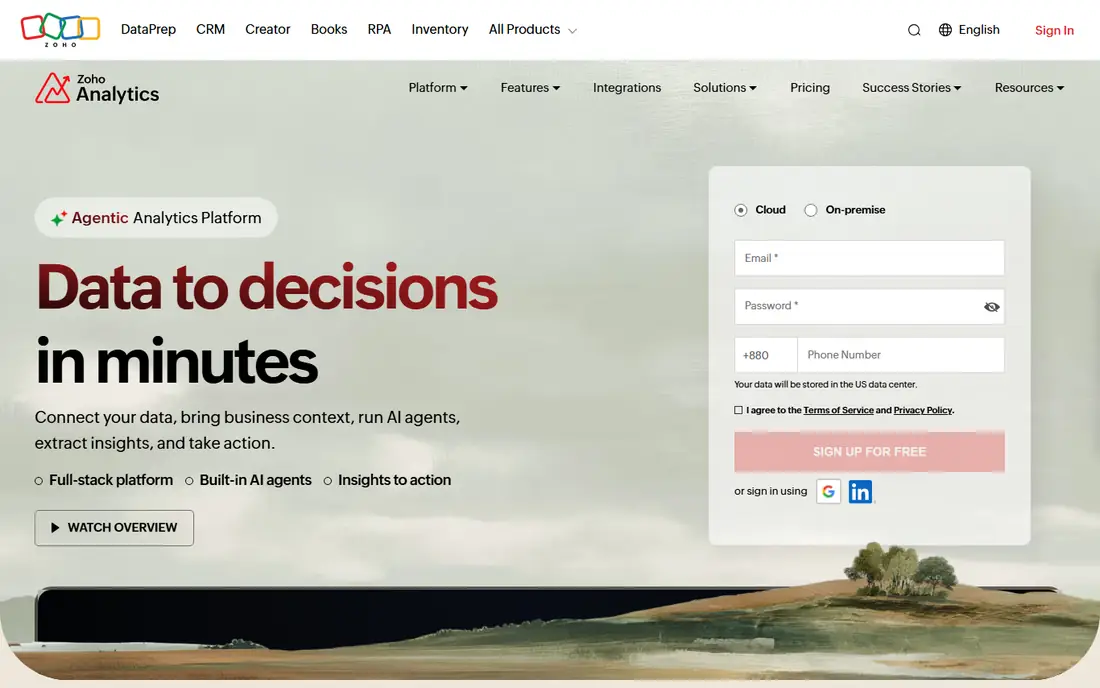
Zoho Analytics is a practical pick for a 10 to 100 person company that wants sales, finance or support numbers without hiring an analyst. You connect an app such as Zoho CRM, QuickBooks or Google Ads, choose a template and get a working dashboard the same afternoon. A drag-and-drop report builder handles custom views, and the Ask Zia assistant lets people type a question instead of building a chart by hand.
It is one of the few BI tools that publishes pricing openly, which makes budgeting simple. Plans scale by number of users and rows of data, so a growing dataset can push you up a tier faster than you expect. The free plan is useful for testing but is capped on both users and rows.
Zoho also sells SQL-based querying for people who want it, so analysts and non-analysts can share one workspace. The honest weakness is polish. The interface packs in many menus, and new users sometimes need a few sessions to find where things live.
What we like- Prebuilt connectors and templates for common business apps
- AI assistant answers questions in plain language
- Published pricing with a free tier
Watch out for- Free and entry plans have tight row and user limits
- Interface feels busy compared with newer tools
#3Tableau
Best for: Visual exploration by analysts and managers4.4/5 on
G2 (3,787 reviews, checked Oct 2026)
Visit tableau.com
Starting priceSee website
Free planFree trial
Tableau earned its reputation by making data exploration feel visual. You drag a field onto a canvas and the chart appears, then you keep adjusting until a pattern shows up. For a manager who wants to poke at sales by region, then by product, then by month, it is still one of the most natural tools to work in.
Pricing is split by role, with different licenses for people who create content, people who explore and edit, and people who only view. A team of two creators and thirty viewers is priced very differently from thirty creators, so map out roles before you request a quote. Every deployment needs at least one creator license, and the cloud and self-hosted editions are priced separately.
The weakness is data preparation. Tableau expects reasonably clean, well-structured data, and messy source files need cleanup first, either with Tableau Prep or outside the tool. Companies without a data-minded person often find the visuals quick but the groundwork slow.
What we like- Best-in-class drag-and-drop visuals
- Large community and training library
- Works with many data sources
Watch out for- Priced per role, and costs climb quickly as viewers are added
- Data prep is a separate skill
Starting priceSee website
Free planYes
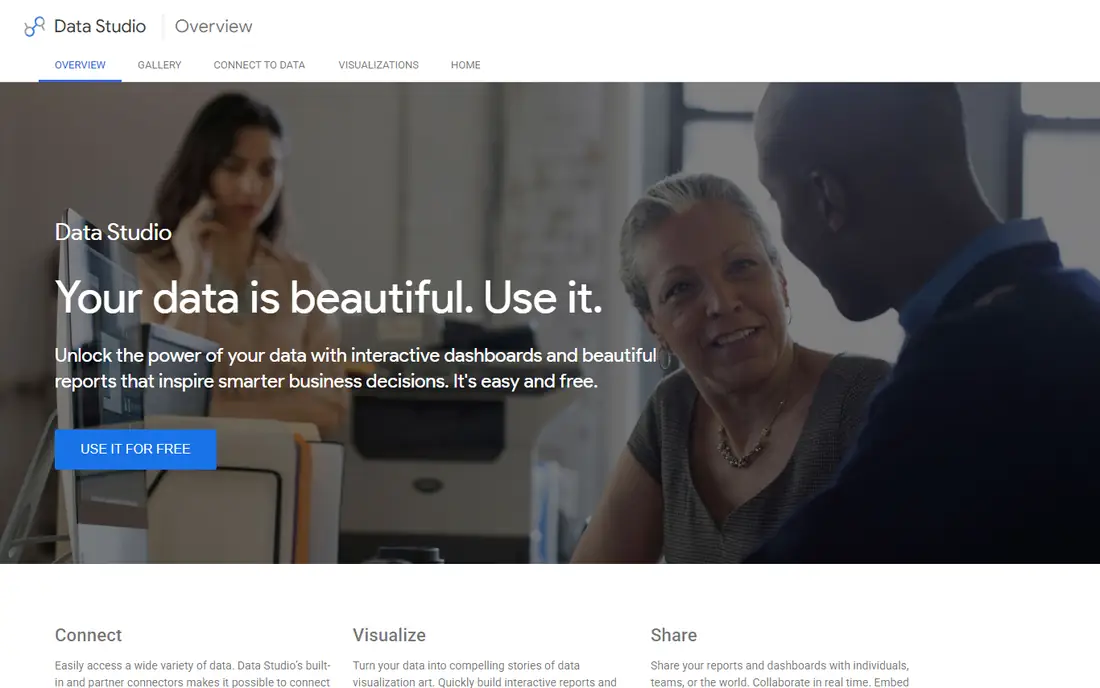
Looker Studio is the budget answer for marketers. If your data sits in Google Analytics, Google Ads, Search Console or Google Sheets, you can build a client-ready report in an hour with no code. Sharing works like a Google Doc, with view or edit links and scheduled email delivery.
The limit shows up when you step outside Google's own products. Connecting to Facebook Ads, HubSpot or a CRM usually means a paid connector from a third party, and those monthly fees add up. Reports built on big blended datasets can also load slowly, and cross-source calculations are clumsy compared with a proper BI platform.
There is a paid Pro tier that adds team workspaces and admin controls, which matters once several people own reports. For a solo marketer or small agency, the free version is often enough. Treat it as a reporting layer, not a full analytics warehouse.
What we like- Free core product
- Native connectors for Google Analytics, Ads, Search Console and Sheets
- Easy to share a live link
Watch out for- Third-party connectors often cost extra
- Dashboards slow down on large datasets
#5Metabase
Best for: Self-serve questions on a company database4.4/5 on
G2 (147 reviews, checked Oct 2026)
Visit metabase.com
Starting priceSee website
Free planYes (open source, self-hosted)
Metabase is built for a specific situation: your company already has data in a database, and non-technical people want to explore it without asking a developer. Someone technical connects it once. After that, colleagues use the question builder to filter, group and summarize tables by clicking, and SQL is available only if they ever want it.
The open source edition is free to self-host, which is rare among tools in this guide. It does take someone comfortable with servers or containers, plus ongoing upgrades. The hosted cloud plans remove that work, and their tiers are priced by team size and feature set. Pricing is published on the vendor site, so confirm the current figures.
Where Metabase is weaker is polish for presentation. Charts are clean but less customizable than Tableau or Power BI, and it assumes your data is already reasonably organized in a database. It is a fine fit for startups and product teams, and less so for finance teams who live in spreadsheets.
What we like- Point-and-click question builder over your database
- Open source version is free to run
- Clean interface that non-technical staff pick up quickly
Watch out for- Someone must set up and maintain the database connection and models
- Advanced permissions and embedding sit on paid plans
#6Databox
Best for: Quick KPI dashboards from connected apps4.4/5 on
G2 (189 reviews, checked Oct 2026)
Visit databox.com
Starting priceSee website
Free planYes (limited data sources and dashboards)
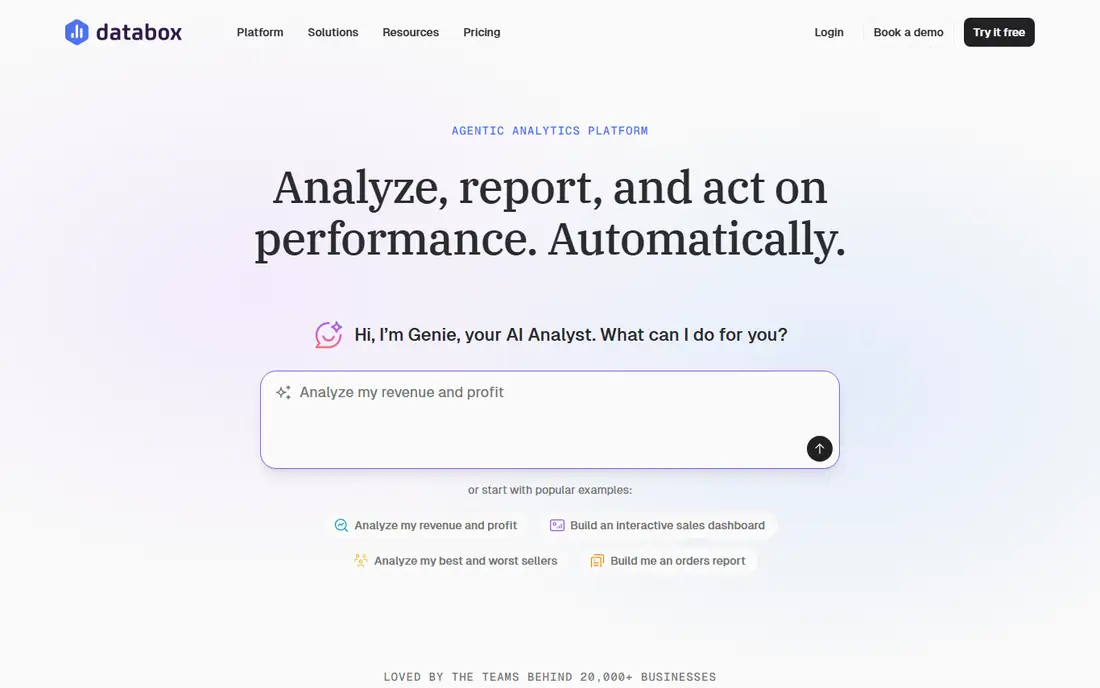
Databox is for the owner or marketing lead who wants a live scoreboard instead of a deep analysis environment. You connect your tools, pick from templates and see the numbers in a single view that updates on a schedule. Goal tracking, performance alerts and a mobile app help people check the business without opening five tabs.
The pricing model is worth understanding. Paid plans are tied to the number of data sources you connect, so a business pulling from many apps will pay more than the headline price suggests. The free plan covers a small number of sources and dashboards, which is enough to judge whether the format suits you.
Databox is not where you go to slice a large dataset ten different ways. It excels at tracking known KPIs and sharing them, including with clients. Agencies often like it for that reason, while analysts tend to outgrow it.
What we like- Many one-click integrations with marketing, sales and finance tools
- Templates get a dashboard live fast
- Goals and alerts built in
Watch out for- Pricing grows with the number of connected data sources
- Less suited to deep custom analysis
#7ThoughtSpot
Best for: Asking data questions in plain English4.4/5 on
G2 (340 reviews, checked Oct 2026)
Visit thoughtspot.com
Starting priceSee website
Free planFree trial
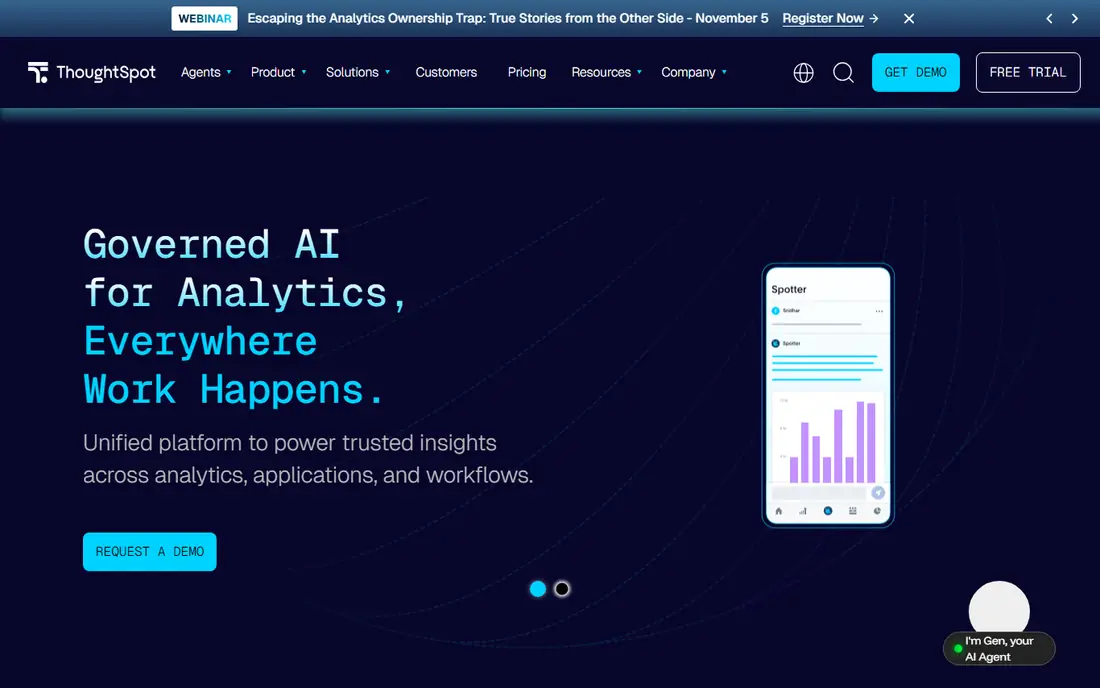
ThoughtSpot treats analytics like a search box. A sales manager types a question about revenue by region last quarter, and the tool returns a chart that can be saved to a board. That makes it a good fit where dozens or hundreds of non-technical people need answers without waiting on a report.
Behind the simple front end, someone has to prepare the data. Models, joins and definitions are set up by a technical team, which is also where SQL skills tend to live. Business users get the easy part, and the data team does the groundwork. Without that team, the experience suffers.
Pricing is not built for tiny companies. Third-party buyer guides describe entry packages that start in the low thousands of dollars per month, with larger deals negotiated, so confirm directly with the vendor. If your company has fewer than about 20 people who need analytics, one of the earlier tools in this list will likely cost much less.
What we like- Search-style and AI-driven questions over live data
- Built for many casual business users
- Strong governance for larger teams
Watch out for- Sales-led pricing aimed at mid-size and larger companies
- Needs a data team to model data up front
#8
Qlik Cloud Analytics
Best for: Mid-size and large companies with mixed data
Visit qlik.com
Starting priceSee website
Free planSee website
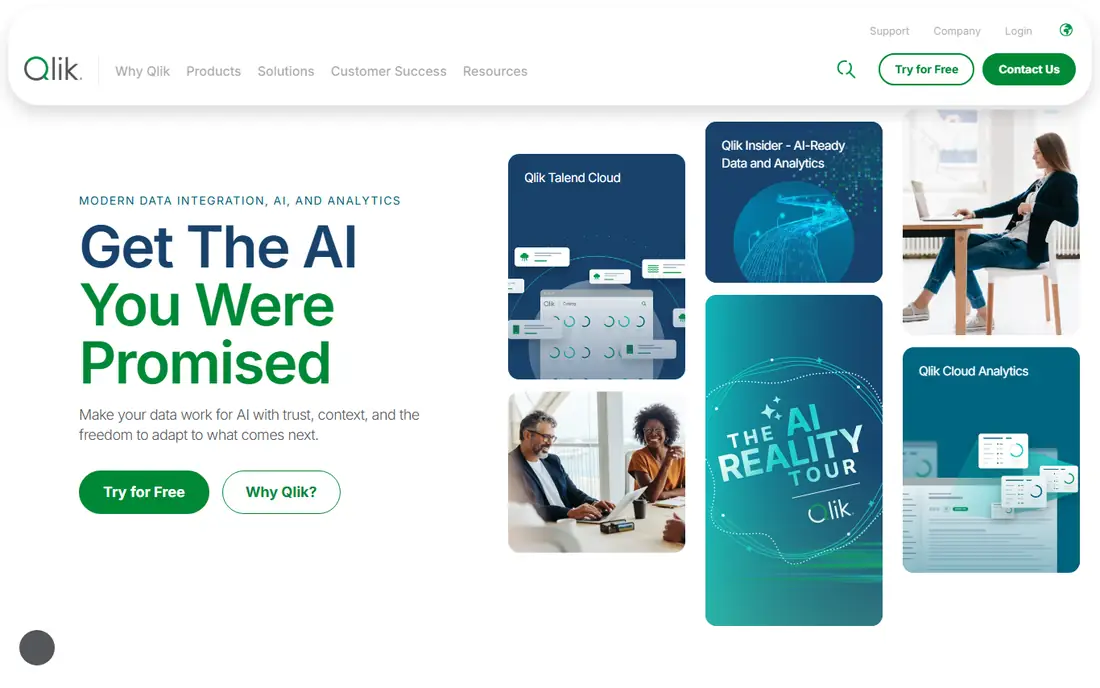
Qlik is a good fit when data comes from many places and users want to move through it freely. Its associative engine highlights related and unrelated values as you click, which helps people spot gaps such as customers with no orders. Non-technical users can build charts by drag and drop and use natural language search.
Qlik Cloud Analytics is sold in tiers (Starter, Standard, Premium and Enterprise) that scale by users and data capacity, rather than a simple per-seat model. That suits companies with a defined number of users and a predictable data volume. It can feel restrictive if your headcount or data grows fast, so ask what happens when you cross a limit.
The learning curve is the real cost. Qlik rewards teams that invest in training, and the first app takes more effort than in Zoho or Looker Studio. Choose it if you have mixed sources and someone to own the platform, not for a quick weekend dashboard.
What we like- Associative engine lets users click through related data in any direction
- Capacity-based tiers published for the cloud edition
- AutoML for no-code predictions on higher plans
Watch out for- Concepts take longer to learn than in Power BI or Zoho
- Entry tiers are capacity-limited by users and data volume
How we chose
We did not run hands-on tests for this guide. We built the list by reading vendor pricing pages and documentation, then cross-checking against public reviews on G2 and Capterra, Reddit threads and independent pricing breakdowns. We looked at whether a person with no SQL knowledge can reach a useful dashboard through a visual builder, templates or natural language questions.
We also weighed integrations, per-seat versus flat or capacity pricing, free plan limits, company-size fit and how much technical help each tool expects. Where we could not confirm a current price from the vendor, the listing says See website. Pricing in this category changes often, so check the live page before you buy.
Start with where your data lives, not with a feature list. If most of it sits in Google products, Looker Studio is hard to beat on cost. If it sits in Microsoft files and systems, Power BI will connect with less friction. If it sits in many SaaS apps, Zoho Analytics and Databox are built for that job.
Check what "no SQL" really covers
Most vendors claim you can build dashboards without code. Ask the harder question: what happens when you need a calculated field, a blend of two sources or a rolling average? In Power BI that is DAX, in Tableau it is calculated fields, and in ThoughtSpot or Qlik it often falls to a data team. A tool that is code-free for charts can still need a technical person for setup.
Count the people, by role
Per-seat tools like Power BI and Tableau get expensive when everyone needs a license, while capacity and flat models such as Qlik, Databox and Metabase's team tiers change the math. List who builds reports, who edits them and who only views. Then price three scenarios: today, in a year and at double your headcount.
Run a one-week trial with a real report
Pick one report your team builds by hand every month and try to recreate it in two or three tools. Note how long it takes, where people get stuck and whether the numbers match your spreadsheet. That tells you more than any demo.
Ask about data export and contract terms
Confirm how you can export dashboards and underlying data if you leave, whether billing is monthly or annual and what happens when you exceed row or user limits. Annual contracts often carry the lowest price but lock you in, so a short pilot first is sensible.
Frequently asked questions
Can I use BI software with no SQL knowledge at all?
Yes, for most day-to-day work. Every tool here offers a visual builder, templates or natural language search that produces charts without SQL. You may still need technical help for the initial data connection or for complex custom calculations.
What is the cheapest BI tool for a small business?
Looker Studio and the free tiers of Zoho Analytics, Databox and Power BI Desktop cost nothing to start, and Metabase is free if you self-host it. Each has limits, such as rows, users, connectors or sharing rules. Check the vendor's pricing page for what the paid step up costs.
Do I need a data warehouse before buying one of these?
Not for tools such as Zoho Analytics, Databox or Looker Studio, which connect straight to business apps and spreadsheets. Metabase, ThoughtSpot and Qlik work best when data is already organized in a database or warehouse. If you have no such setup, start with an app-connected tool.
Is Power BI or Tableau easier for beginners?
Power BI is usually easier for people who already know Excel, and it is often cheaper. Tableau's drag-and-drop exploration feels more intuitive for visual analysis, but its role-based licensing can cost more across a team. A one-week trial with your own data will settle it.
How long does setup take?
App-connected tools like Zoho Analytics, Databox and Looker Studio can show a first dashboard within a day. Power BI and Tableau take longer once data cleanup is involved, and ThoughtSpot or Qlik rollouts often take weeks because someone has to model the data first.
Sources we checked (16)
- https://zebrabi.com/power-bi-licensing/
- https://www.epcgroup.net/power-bi-cost-and-licensing-guide-for-desktop-pro-and-premium
- https://www.luzmo.com/blog/tableau-pricing
- https://dashboardfox.com/blog/tableau-pricing/
- https://coefficient.io/zoho-analytics-pricing
- https://www.trustradius.com/products/zoho-analytics/pricing
- https://www.luzmo.com/blog/metabase-pricing
- https://www.activepieces.com/blog/metabase-pricing-2026-when-you-need-sso-or-embedding
- https://coefficient.io/databox-pricing
- https://hackceleration.com/labs/databox-pricing
- https://www.trustradius.com/products/looker-studio/pricing
- https://whatagraph.com/blog/articles/google-data-studio-pricing
- https://www.luzmo.com/blog/thoughtspot-pricing
- https://embeddable.com/blog/thoughtspot-pricing
- https://www.luzmo.com/blog/qlik-sense-pricing
- https://www.knowi.com/blog/qlik-pricing/
Is your product missing or out of date?
We review this list regularly. Vendors can request a listing, send updated pricing or ask about featured placement.

Shihab Mia · Founder, Rankite
Shihab has 5+ years in B2B and SaaS SEO. He writes Rankite's software buying guides from pricing pages, documentation and public user reviews. More about Shihab.