How we make this list: we compare pricing pages, product documentation and public user reviews. Rankite is independent; if a vendor ever pays for a featured spot, that listing is clearly labeled Partner.
Key takeaways
- DBeaver Community is the best free universal SQL client, supporting 100+ databases.
- DataGrip is the premier paid database IDE for developers, with AI-assisted query writing.
- TablePlus is the fastest native client for Mac, Windows, and Linux with a perpetual license.
- dbForge Studio starts at $9.95/month for MySQL/MariaDB pros, with a free Express edition.
- pgAdmin, MySQL Workbench, and HeidiSQL are excellent free tools for PostgreSQL and MySQL.
Quick comparison
Is your product missing or out of date?
We review this list regularly. Vendors can request a listing, send updated pricing or ask about featured placement.
The best SQL software
Starting priceFree
Free planYes
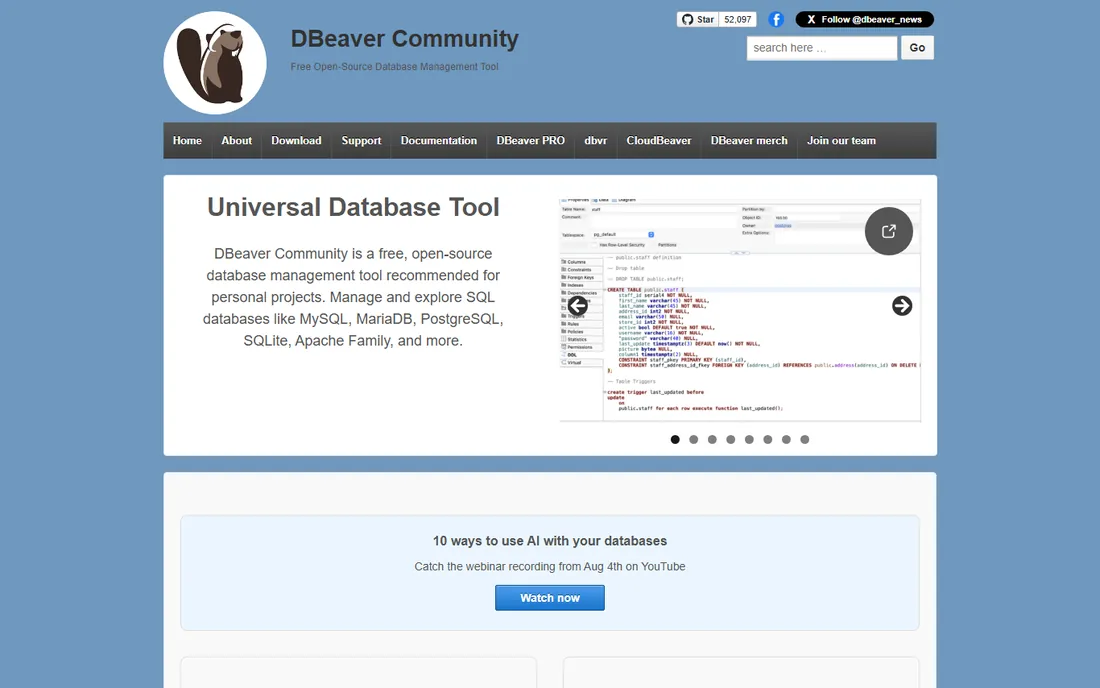
DBeaver Community is the default free SQL client for good reason: open source, cross-platform, and able to connect to over 100 databases from MySQL and PostgreSQL to cloud warehouses and NoSQL stores. The SQL editor, data grid, ER diagrams, and task management cover daily database work well, and recent versions added AI chat assistance.
Paid editions (Pro and Ultimate) add NoSQL support, cloud databases, advanced security, and technical support. The Java/Eclipse base makes it heavier than native tools, but for a free tool that does everything, it is unmatched. The team ships frequent releases, so the AI features and driver support keep improving.
What we like- Free and open source Community edition
- 100+ database drivers
- AI chat and visual query builder
Watch out for- Java-based, heavy and slower to start
- Dense interface for beginners
- Premium features need paid editions
Starting priceSee website
Free planFree trial
DataGrip brings JetBrains' IDE expertise to databases: context-aware code completion, on-the-fly analysis with quick fixes, intelligent query consoles, and version control integration. The schema-aware AI assistance writes queries, fixes errors, and converts between SQL dialects.
It is the tool serious developers reach for when databases are daily work. Subscription pricing and the depth of features make it overkill for occasional queries, but professionals find the productivity hard to give up. If you already use IntelliJ or PyCharm, the familiar interface and shared keymaps make adoption nearly instant.
What we like- Best-in-class code completion and refactoring
- JetBrains AI assistance
- Version control integration
Watch out for- Subscription pricing
- Overkill for simple queries
- Learning curve
Starting priceSee website
Free planFree trial
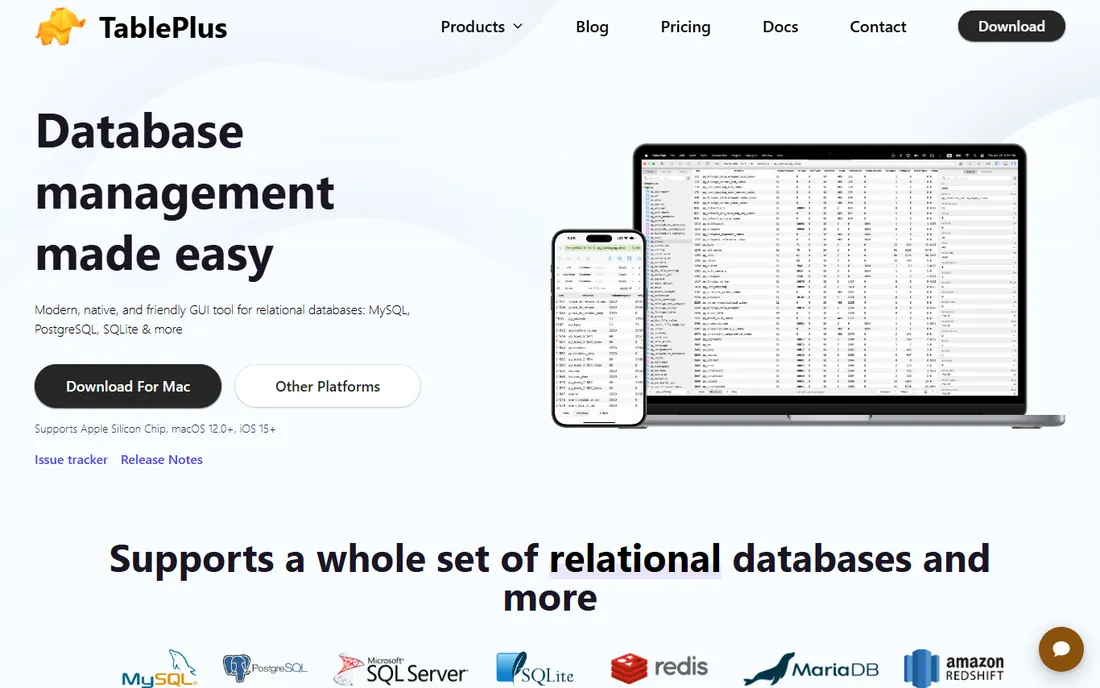
TablePlus is the speed pick: a truly native app that launches instantly and feels at home on each platform, with inline editing, advanced filters, safe mode for production, and a smart query editor with streaming results. Trusted by over 100,000 developers.
Licenses are perpetual per device rather than subscriptions, which many users prefer. The free tier is limited, and it focuses on relational databases. For developers who live in MySQL or PostgreSQL, it is the most pleasant client here. The iOS app is a nice bonus for checking on databases from your phone.
What we like- Native and blazing fast on Mac, Windows, Linux, iOS
- Clean focused UI
- Perpetual licenses
Watch out for- Free tier limited to 2 tabs and connections
- Per-device licensing
- Weaker on non-relational databases
Starting priceSee website
Free planNo
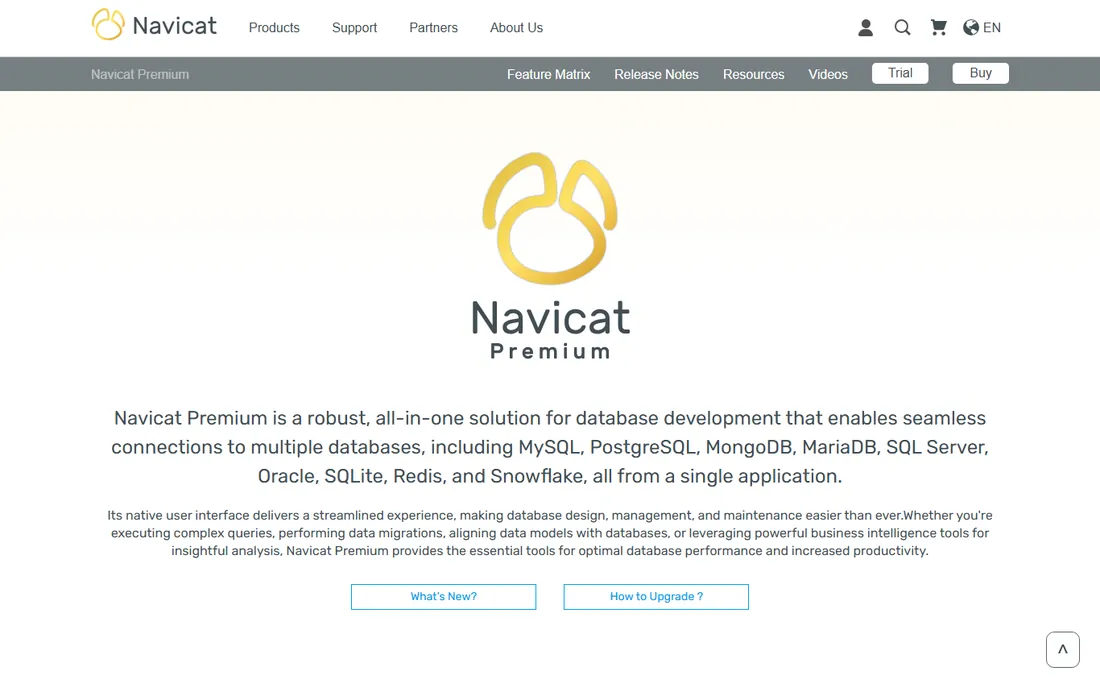
Navicat Premium is the polished commercial suite that connects to nearly every major database, relational and NoSQL, from one native interface. Data migration, schema sync, backup scheduling, and a visual query builder are mature and reliable, and Navicat AI adds query assistance.
Licenses are sold per platform, which adds up across machines. But teams that need one professional tool for a mixed database estate keep choosing Navicat. The data modeling and chart features also make it useful for documentation and stakeholder reports, not just daily querying.
What we like- Connects to MySQL, PostgreSQL, MongoDB, Redis, Snowflake in one app
- Mature data transfer and sync
- Navicat AI
Watch out for- Premium pricing
- Licenses per platform
- Can feel heavy
Starting price$9.95/month
Free planYes (Express)
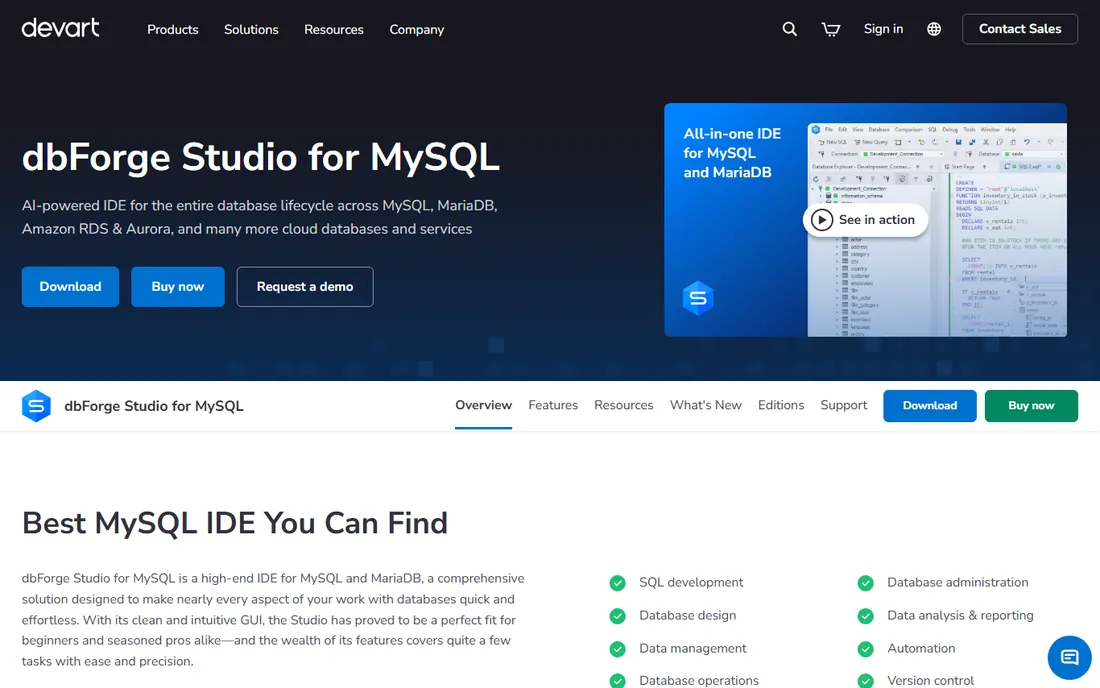
dbForge Studio for MySQL starts at $9.95 a month (or $99.95 a year) for the Standard edition, with a free Express edition for basic work. It is the most complete MySQL/MariaDB IDE: visual database design, query profiler, debugger, schema and data comparison, and an AI assistant that generates, explains, and optimizes queries.
If your world is MySQL or MariaDB, nothing covers it more thoroughly. Multi-database shops should look at DBeaver or Navicat instead. The visual query builder is genuinely useful for analysts who think in diagrams rather than SQL syntax.
What we like- Deep MySQL/MariaDB feature set
- AI assistant for queries
- Schema and data comparison
- Free Express edition
Watch out for- MySQL-family only
- Paid tiers needed for profiling and sync
- Windows-first history
Starting priceFree
Free planYes
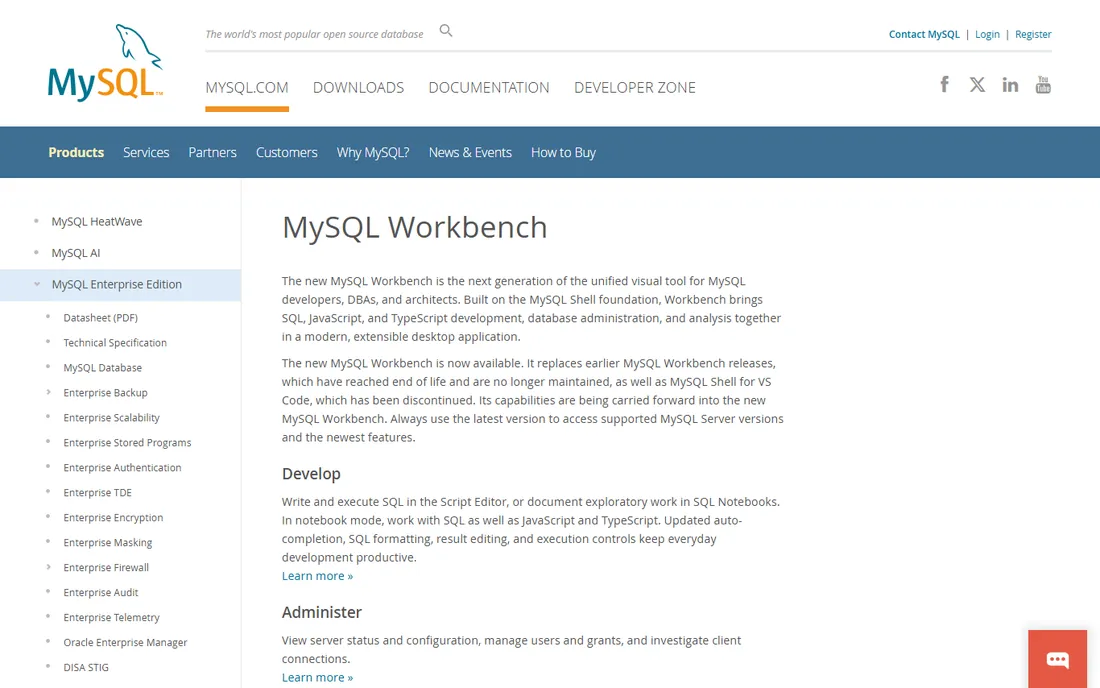
MySQL Workbench is the official free visual tool for MySQL, now rebuilt as a next-generation desktop app on the MySQL Shell foundation with SQL, JavaScript, and TypeScript support. Database design, server administration, performance analysis with visual explain, and backup workflows come built in.
It is the safe, free choice for MySQL shops that want the vendor's own tool. It only speaks MySQL, and older releases reached end of life, so always use the latest version. The SQL notebooks with JavaScript and TypeScript support are a welcome modern addition for exploratory work.
What we like- Free and official from MySQL
- Visual design and administration
- Performance reports and visual explain
Watch out for- MySQL only
- The new generation replaced older releases
- Can be resource-heavy
Starting priceFree
Free planYes
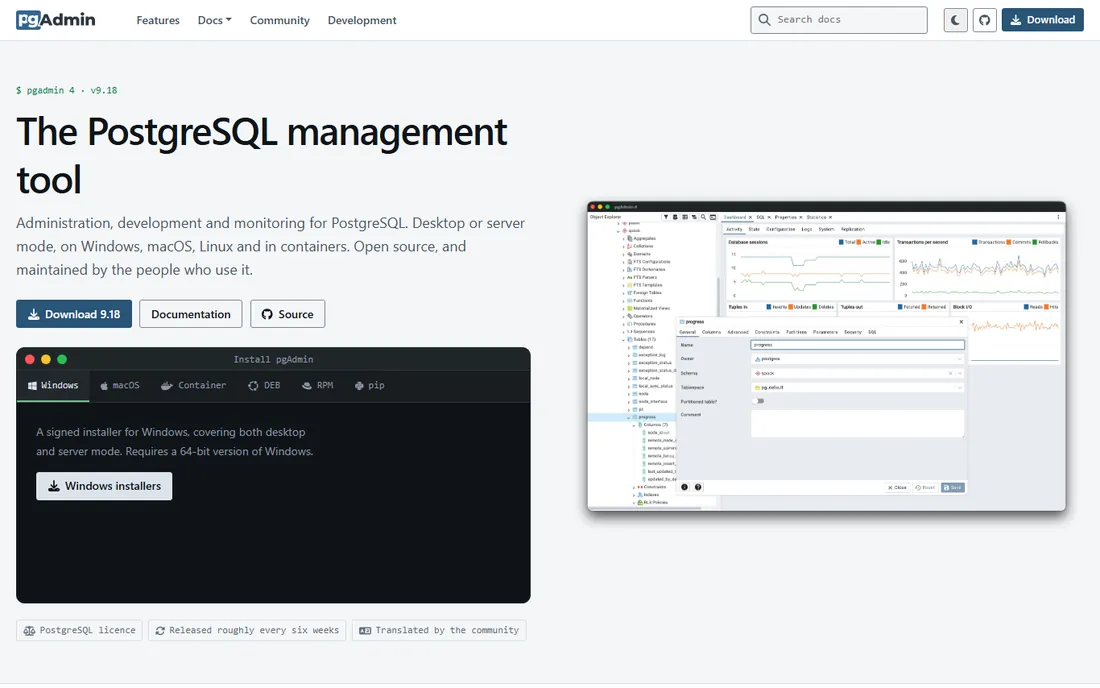
pgAdmin is the standard free management tool for PostgreSQL: cross-platform, open source, with full object management, a serious query tool with graphical EXPLAIN, and schema diff. Recent releases added AI features including EXPLAIN insights and a chat agent.
Every PostgreSQL user should know it. It only manages PostgreSQL, and the browser-based architecture is not as snappy as native clients, but at zero cost it is essential. Deploy it in server mode and the whole team can share one installation through a browser.
What we like- Leading open-source PostgreSQL tool
- Complete object management
- AI features in recent versions
Watch out for- PostgreSQL only
- Web-app architecture can feel slow
- Interface is functional, not beautiful
Starting priceFree
Free planYes
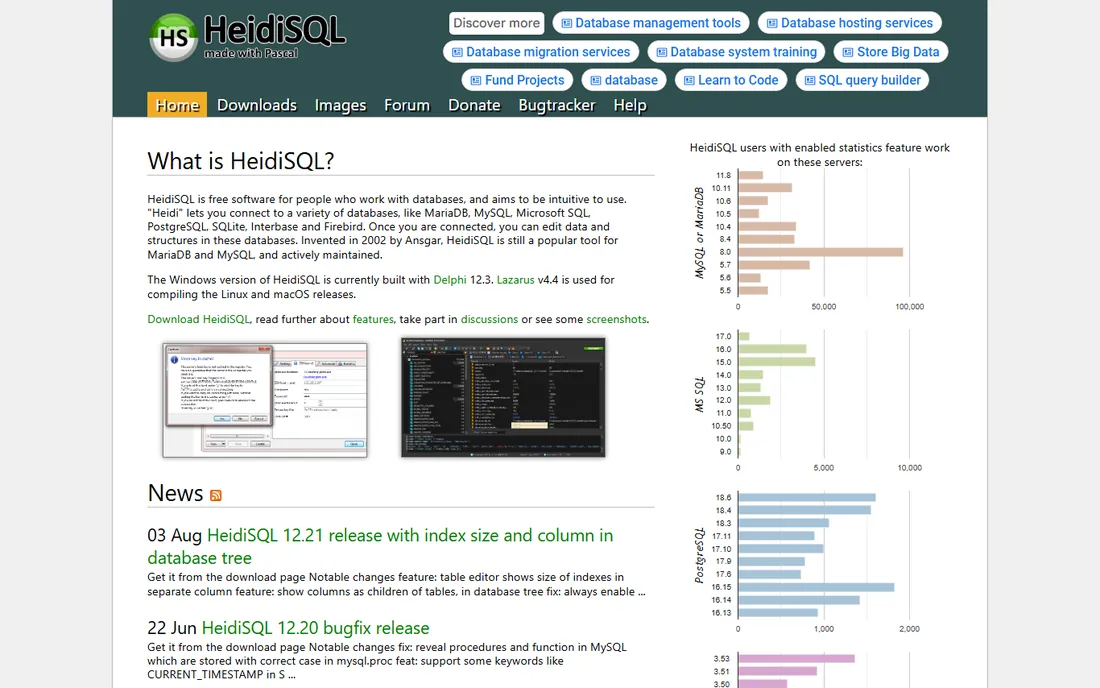
HeidiSQL has been the lightweight free favorite since 2002: a fast, intuitive client for MySQL, MariaDB, PostgreSQL, SQL Server, SQLite, and more. Grid editing, exports in a dozen formats, SSH tunnels, and user management come in a package that stays out of your way.
It will not replace a full IDE, but for quick daily database work it is wonderfully efficient. Windows, Linux, and macOS builds are all available. The bulk table operations and one-click exports save real time on routine maintenance tasks.
What we like- Free and open source
- Fast and lightweight
- Supports MySQL, PostgreSQL, MSSQL, SQLite
Watch out for- Smaller feature set than DBeaver
- Interface looks dated
- Fewer advanced tools
How we chose
We reviewed vendor product pages, pricing pages, and developer-community discussion across database forums and publications, comparing database support, editor quality, pricing models, platform availability, and professional features. Every tool had to be currently available with a working website. We did not claim hands-on testing. Pricing changes often, so confirm current prices on each vendor's site before purchasing.
Picking by your database
The first filter is which databases you use. PostgreSQL shops get everything they need free with pgAdmin, and the active release cycle with AI additions means it keeps improving. Cloud databases like Snowflake and BigQuery push you toward the universal or commercial tools, since the native free clients do not cover them. MySQL shops choose between the free official Workbench, lightweight HeidiSQL, and the deep dbForge Studio. Mixed estates need a universal client: DBeaver free, or TablePlus, DataGrip, and Navicat Premium paid.
The second filter is how you work. Developers who write SQL all day benefit from DataGrip's refactoring and completion or TablePlus's speed. If you manage databases as part of a broader role, the free universal clients will serve you well without the learning curve of a full IDE. DBAs doing administration, migrations, and backups lean toward DBeaver, Navicat, or the database-native tools. Analysts running queries occasionally are well served by any of the free options. When in doubt, start with the free tool built for your database and only shop for alternatives when you hit a real limit.
Free SQL tools in 2026 are genuinely excellent: DBeaver, pgAdmin, HeidiSQL, and MySQL Workbench cover professional work without spending a dollar. Paid tools earn their price through speed (TablePlus), IDE depth (DataGrip), breadth (Navicat Premium), or MySQL specialization (dbForge Studio).
The honest test: if your current free tool slows you down daily, a paid client pays for itself in weeks. If you query databases a few times a week, the free tier is all you will ever need. Most developers settle on one primary client and keep a free universal tool like DBeaver around for the databases their main client does not cover.
Frequently asked questions
What is the best free SQL software?
DBeaver Community is the best free universal client for any database. For specific databases, pgAdmin (PostgreSQL), MySQL Workbench and HeidiSQL (MySQL) are the top free picks. All four are genuinely production-ready, not trialware, and used daily by professional teams.
Is DBeaver really free?
Yes. DBeaver Community is free and open source. Paid Pro and Ultimate editions add NoSQL support, cloud databases, advanced security, and technical support.
DataGrip vs DBeaver: which is better?
DataGrip offers deeper IDE features, better code completion, and AI assistance, but requires a paid subscription. DBeaver is free and supports more databases. Developers who write SQL all day usually prefer DataGrip; everyone else is fine with DBeaver. Try both during the DataGrip trial before deciding, since the difference is about workflow feel more than feature checklists.
What is the fastest SQL client for Mac?
TablePlus, thanks to its native macOS build. DataGrip and DBeaver are Java-based and slower to start, though perfectly usable once running. HeidiSQL also deserves a mention for staying light and fast across platforms.
Do I need a paid SQL tool?
Not necessarily. Free tools cover most professional work. Paid tools make sense if you manage many database types, write SQL constantly, or need advanced features like schema sync and team collaboration. Start free, and upgrade only when you can clearly name the specific feature you are missing.
Sources we checked (8)
- https://dbeaver.io/
- https://www.jetbrains.com/datagrip/
- https://tableplus.com/
- https://www.navicat.com/en/products/navicat-premium
- https://www.devart.com/dbforge/mysql/studio/
- https://www.mysql.com/products/workbench/
- https://www.pgadmin.org/
- https://heidisql.com/
Is your product missing or out of date?
We review this list regularly. Vendors can request a listing, send updated pricing or ask about featured placement.

Shihab Mia · Founder, Rankite
Shihab has spent more than a decade helping SaaS and e-commerce brands grow through search. He writes Rankite's software buying guides from pricing pages, documentation and public user reviews. More about Shihab.
 DBeaver
 DataGrip
 TablePlus
 Navicat Premium
 dbForge Studio for MySQL
 MySQL Workbench
 pgAdmin
 HeidiSQL