How we make this list: we compare pricing pages, product documentation and public user reviews. Ratings come from G2, Capterra or Trustpilot, with the date we checked them.
Key takeaways
- The biggest benefit for small teams is a single place for every applicant. Resumes stop living in inboxes and spreadsheets, and nobody has to ask who last spoke to a candidate.
- Pricing models differ more than features. Manatal charges per user, Breezy HR uses flat plans with unlimited users, and Workable scales with company headcount.
- Several well-known vendors do not make pricing easy to find. Teamtailor is widely reported as quote-only, and Greenhouse pricing depends on company size, so budget for a sales conversation.
- Free options exist but are narrow. Breezy HR has a free tier limited to one active job, and Zoho Recruit has a free edition with tight limits.
- Pick the tool that matches how you hire. Agencies need a candidate database and client tracking, while in-house teams need career pages, scorecards and hiring manager access.
Quick comparison
| Tool | Best for | Starting price | Free plan |
|---|
 Workable Workable | Small and mid-size companies that want job posting plus AI sourcing | See website | Free trial (15 days) |
 Breezy HR Breezy HR | Teams with many hiring managers on a tight budget | See website | Yes (Bootstrap plan, limited to 1 active job) |
 JazzHR JazzHR | Small businesses that want a low-cost, no-frills ATS | See website | Free trial |
 Zoho Recruit Zoho Recruit | Companies already using Zoho and small agencies | See website | Yes (limited free edition) |
 Manatal Manatal | Agencies and lean HR teams that want per-user pricing | $15 per user/month (billed annually) | Free trial |
 Greenhouse Greenhouse | Structured hiring at growing companies | See website | No |
 Teamtailor Teamtailor | Employer branding and career sites | See website | See website |
 Recruitee Recruitee | Collaborative hiring in European-style team workflows | See website | Free trial (18 days) |
Is your product missing or out of date?
We review this list regularly. Vendors can request a listing, send updated pricing or ask about featured placement.
The best recruitment software
#1Workable
Best for: Small and mid-size companies that want job posting plus AI sourcing4.4/5 on
G2 (706 reviews, checked Oct 2026)
Visit workable.com
Starting priceSee website
Free planFree trial (15 days)
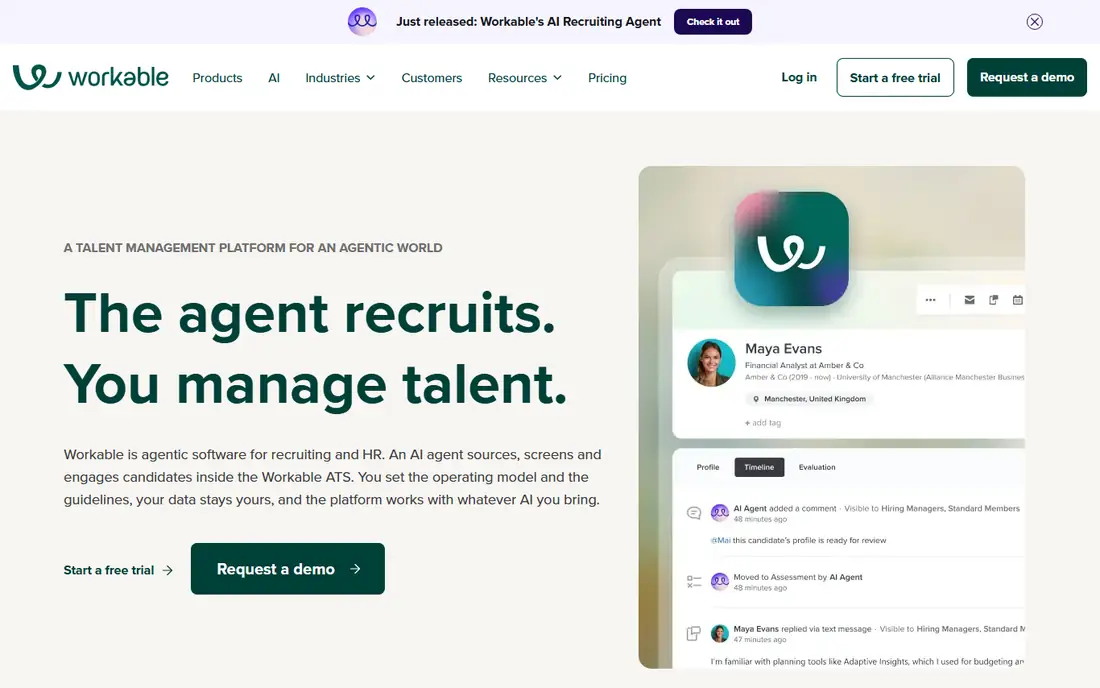
Workable is the tool many first-time buyers meet first, and for good reason. You write a job once, publish it to multiple boards, and applicants land in a single pipeline that hiring managers can score. Setup is usually a matter of days, not weeks, because the templates for job descriptions, interview kits and emails are already there.
The pricing model is the part to understand before you sign. Reports of the current pricing page indicate that plans are priced by total employee count rather than by recruiter seats, with entry-level plans for companies of 1 to 20 people starting in the low hundreds of dollars per month on annual billing. That is fair if you have a small headcount and a big hiring team, and less fair if you are a 200-person company that hires twice a year.
The honest catch is that the add-ons (extra sourcing credits, assessments, and some reporting) can push the real cost above the headline plan. Ask for a written quote that lists everything you need before the trial ends.
What we like- Posts to many job boards from one screen
- Built-in sourcing and screening tools
- Pricing does not depend on how many recruiters log in
Watch out for- Price scales with company headcount, so growth raises the bill
- The old low-cost entry plan has been dropped
#2Breezy HR
Best for: Teams with many hiring managers on a tight budget4.4/5 on
G2 (695 reviews, checked Oct 2026)
Visit breezy.hr
Starting priceSee website
Free planYes (Bootstrap plan, limited to 1 active job)
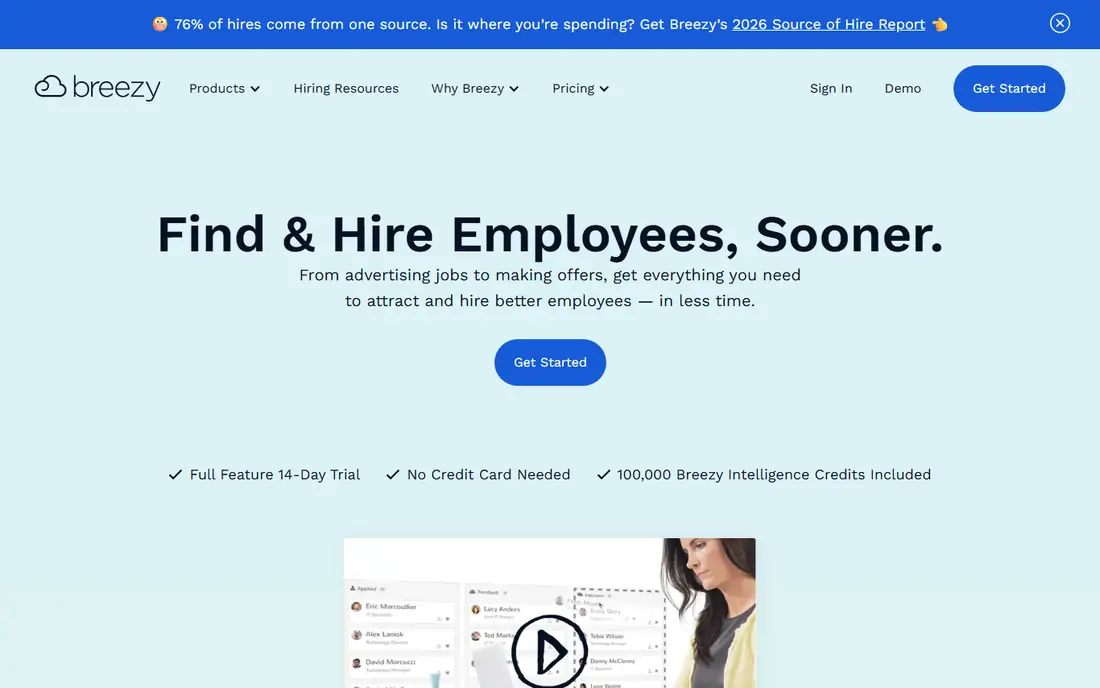
Breezy HR suits companies where hiring is a shared job. A restaurant group, a clinic or a 40-person agency can give every manager a login without paying per seat. Reports on its current pricing say every paid tier includes unlimited users, which removes the usual argument about who deserves a license.
The interface is a Kanban-style board, and most people figure it out without training. You can move candidates between stages, attach scorecards and send templated emails from the same view. If you hire for one role at a time, the free Bootstrap plan lets you test the whole routine before paying anything.
The weak spot is depth. Once you need approval chains, custom workflows across departments or detailed analytics, you will find those features on the more expensive plans, and the top tier requires a custom quote. Breezy is a strong fit for simple, repeatable hiring, and a tighter fit for complex enterprise processes.
What we like- Flat pricing with unlimited users
- Visual drag-and-drop pipelines
- Free tier is usable for a single role
Watch out for- Free plan allows only one active job
- Advanced automation and reporting sit on higher tiers
#3JazzHR
Best for: Small businesses that want a low-cost, no-frills ATS4.4/5 on
G2 (872 reviews, checked Oct 2026)
Visit jazzhr.com
Starting priceSee website
Free planFree trial
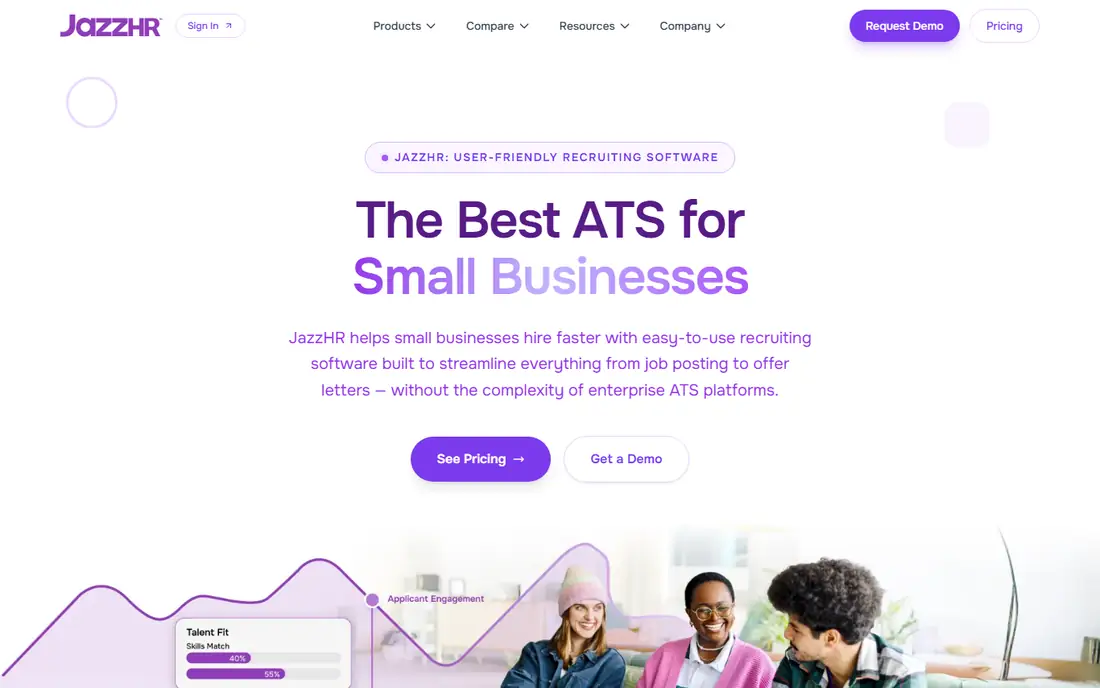
JazzHR is aimed at companies with roughly 10 to 200 employees that need to stop tracking candidates by email. It is now part of Employ Inc., the same company behind Lever and Jobvite. That gives it a stable owner, though it also means the product sits in a portfolio, not at the center of a company's roadmap.
Its strength is cost. Third-party reviews of its pricing page describe annual plans in the low thousands of dollars per year, with unlimited users, which is hard to beat for a small employer. You get job posting, candidate tracking, email templates and basic reporting without a long implementation.
The tradeoff is polish. Reviewers on G2 and Capterra often describe the interface as functional rather than pleasant, and some features, such as structured interviews and AI matching, are reserved for the middle plan. Check the contract term and what happens to your data if you leave.
What we like- One of the lower-priced dedicated ATS options
- Unlimited users on every plan
- Covers the basics of posting, tracking and offers
Watch out for- Interface feels dated next to newer tools
- E-signature offers and advanced reporting need higher plans
#4Zoho Recruit
Best for: Companies already using Zoho and small agencies4.4/5 on
G2 (1,867 reviews, checked Oct 2026)
Visit zoho.com
Starting priceSee website
Free planYes (limited free edition)
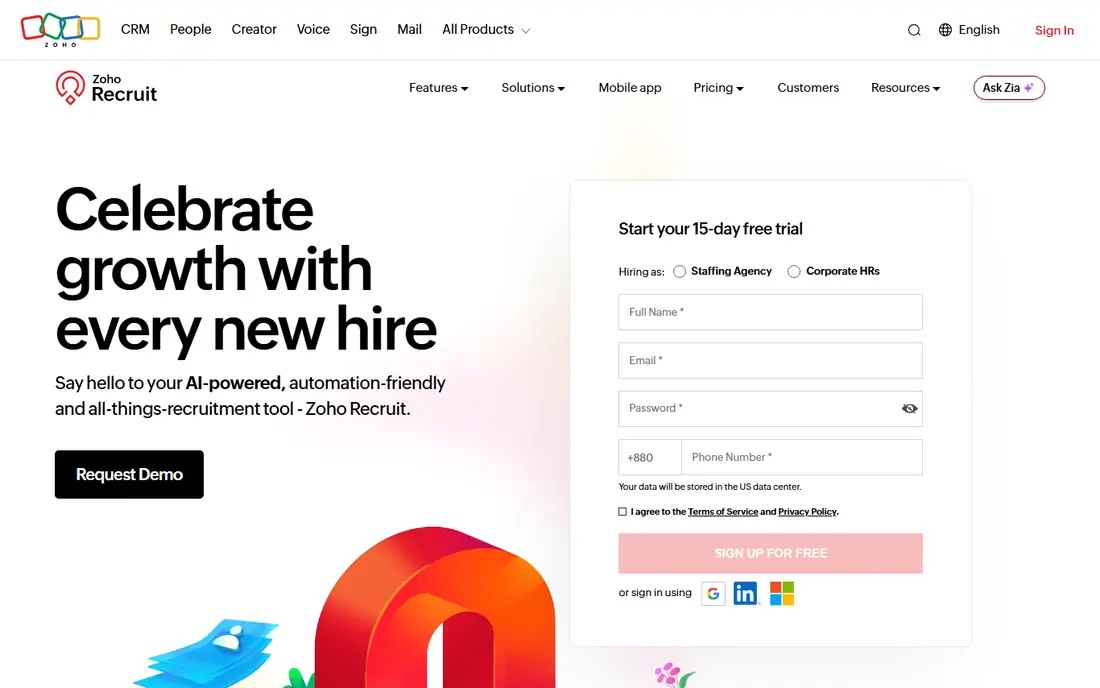
Zoho Recruit is the practical pick if your sales, accounting or HR data already sits in Zoho. It connects with the rest of that suite, and you can start on a free edition before deciding whether to pay. Zoho offers separate plans for corporate HR teams and for staffing agencies, so check which one you are pricing.
It is also one of the more configurable tools in this list. You can build custom fields, modules and automations, which helps agencies that track clients, job orders and candidates together. The cost of that flexibility is a slower start. Expect to spend time on configuration, and plan for someone on your team to own it.
The usual complaint is that the entry plans are cheap but narrow. Agency buyers have reported that client portals, duplicate detection and AI features sit above the Standard tier, and record limits apply on every plan. Read the limits for jobs and candidate records before you import your database.
What we like- Works with other Zoho apps
- Separate editions for in-house teams and staffing agencies
- Low entry cost
Watch out for- Setup takes more effort than simpler tools
- Some advanced features sit above the entry plans
#5Manatal
Best for: Agencies and lean HR teams that want per-user pricing4.8/5 on
G2 (147 reviews, checked Oct 2026)
Visit manatal.com
Starting price$15 per user/month (billed annually)
Free planFree trial
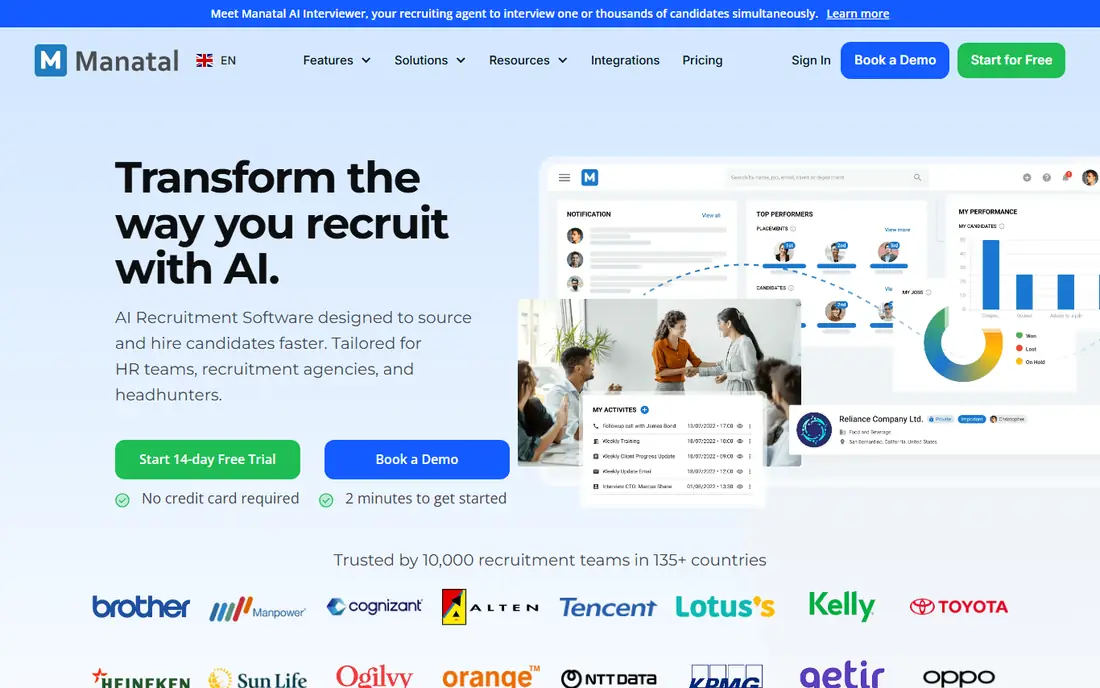
Manatal is one of the few vendors here that publishes every price on its own page. Per its pricing page, the Professional plan is $15 per user per month on annual billing ($19 monthly), Enterprise is $35 ($39 monthly), and Enterprise Plus is $55 ($59 monthly). A custom plan is available on request, and all standard plans offer a free trial.
The mix suits small recruitment agencies and freelance recruiters, because it pairs an ATS with a CRM for tracking clients. In-house teams can use it too. The Professional plan includes unlimited hiring managers, which keeps collaboration affordable.
Limits matter here. Professional allows up to 15 jobs and 10,000 candidates per account, and workflow automation only arrives at Enterprise. Per-user pricing also means costs grow as your recruiting team does, so a ten-recruiter agency will pay a very different bill than a two-person HR department.
What we like- Clear public pricing
- Candidate sourcing from social profiles and job boards
- Includes a recruitment CRM for agencies
Watch out for- The entry plan caps you at 15 jobs and 10,000 candidates
- Automation requires the second tier
#6Greenhouse
Best for: Structured hiring at growing companies4.4/5 on
G2 (4,033 reviews, checked Oct 2026)
Visit greenhouse.com
Starting priceSee website
Free planNo
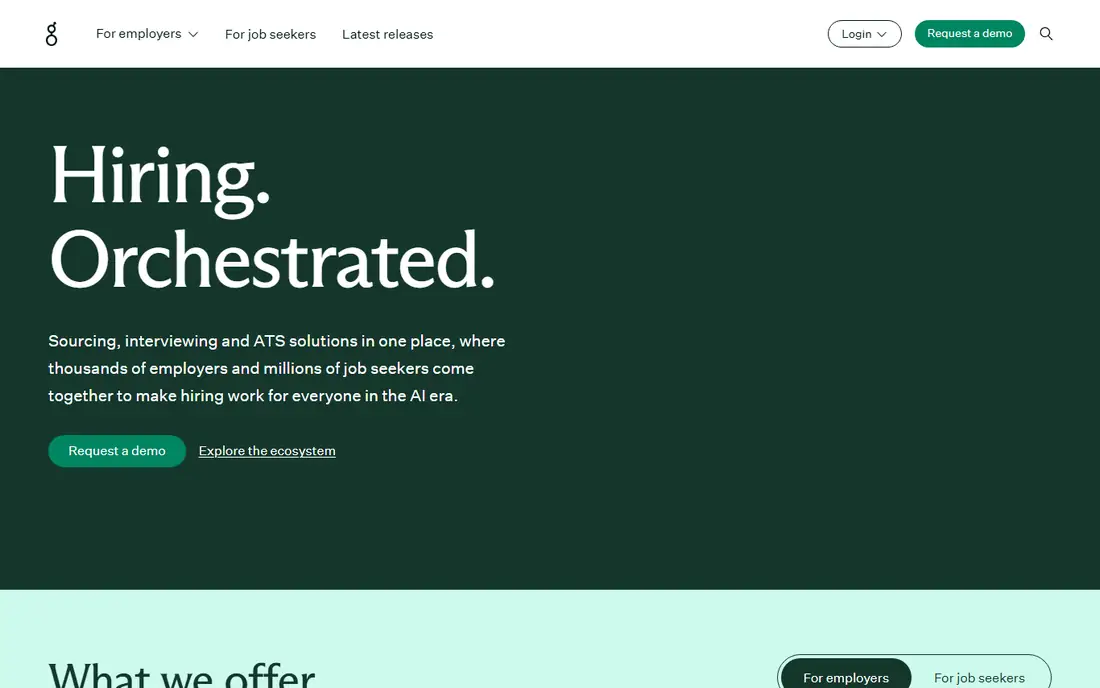
Greenhouse is built for companies that want every candidate evaluated the same way. Interview kits, scorecards and approval flows are central to the product, which helps reduce the "gut feel" hiring that creates inconsistent decisions. If your company is past 50 or 100 employees and hires across several departments, this process discipline is the reason to consider it.
It is also known for its integrations marketplace, which covers job boards, background checks, assessments and HR systems. That matters when your recruiting stack has more than three tools in it. Implementation usually takes longer than for lighter ATS products, so plan for weeks and not days.
Price is the obstacle for smaller buyers. Greenhouse pricing is tied to company size and tier, and third-party guides describe sourcing automation as a separately quoted add-on. There is no free plan, so a small team hiring a handful of people a year will probably be overbuying.
What we like- Strong structured interviewing and scorecards
- Deep integrations and reporting
- Built for teams with defined hiring processes
Watch out for- Costs more than most tools here
- Sourcing and some add-ons are sold separately
Starting priceSee website
Free planSee website
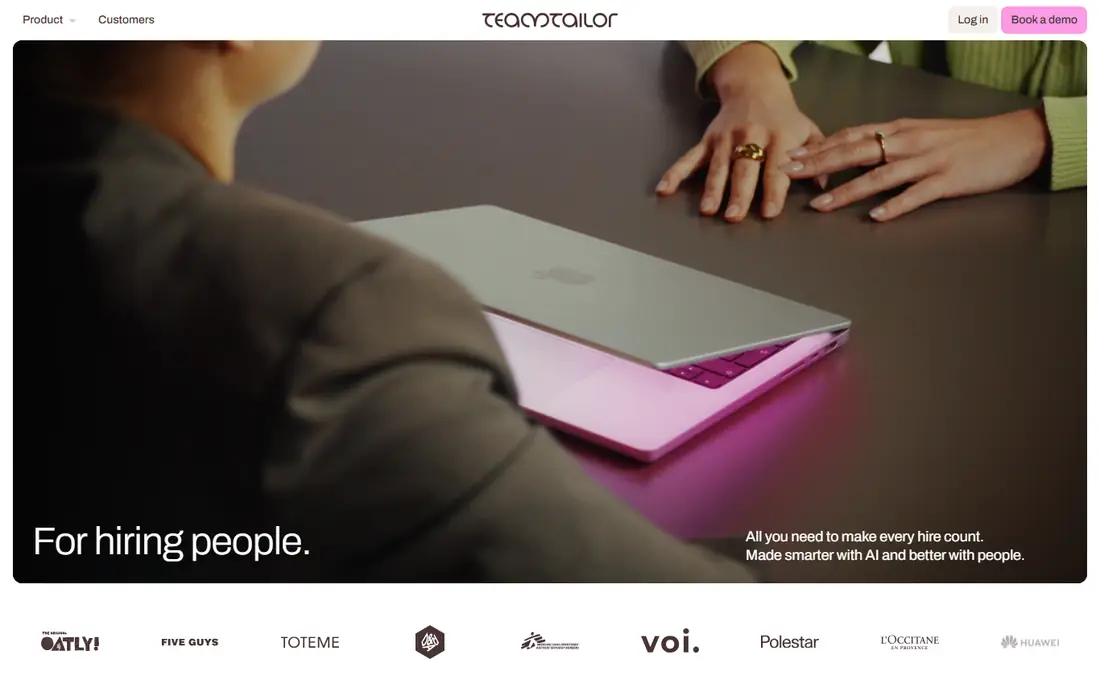
Teamtailor puts the candidate experience first. Its career site builder lets you add photos, videos and team stories to your job pages without a developer. For retail, hospitality and consumer brands that compete for applicants on reputation, that is a real advantage over plainer tools.
Pipeline management and messaging are straightforward, and hiring managers can join without much training. It has grown especially popular in Europe and is increasingly sold to US companies.
The practical issue is price transparency. Several third-party guides report that Teamtailor does not publish prices and that quotes depend on company size and plan, with small-business deals reported in the low hundreds of dollars per month. Treat those figures as estimates and ask for a written quote. If you want deep analytics or complex approval chains, check the reporting depth during your demo.
What we like- Attractive, easy-to-edit career pages
- Good candidate communication tools
- Works well for companies that care about employer brand
Watch out for- Pricing is reported as quote-only
- Reporting is lighter than in some larger ATS products
#8Recruitee
Best for: Collaborative hiring in European-style team workflows4.5/5 on
G2 (461 reviews, checked Oct 2026)
Visit recruitee.com
Starting priceSee website
Free planFree trial (18 days)
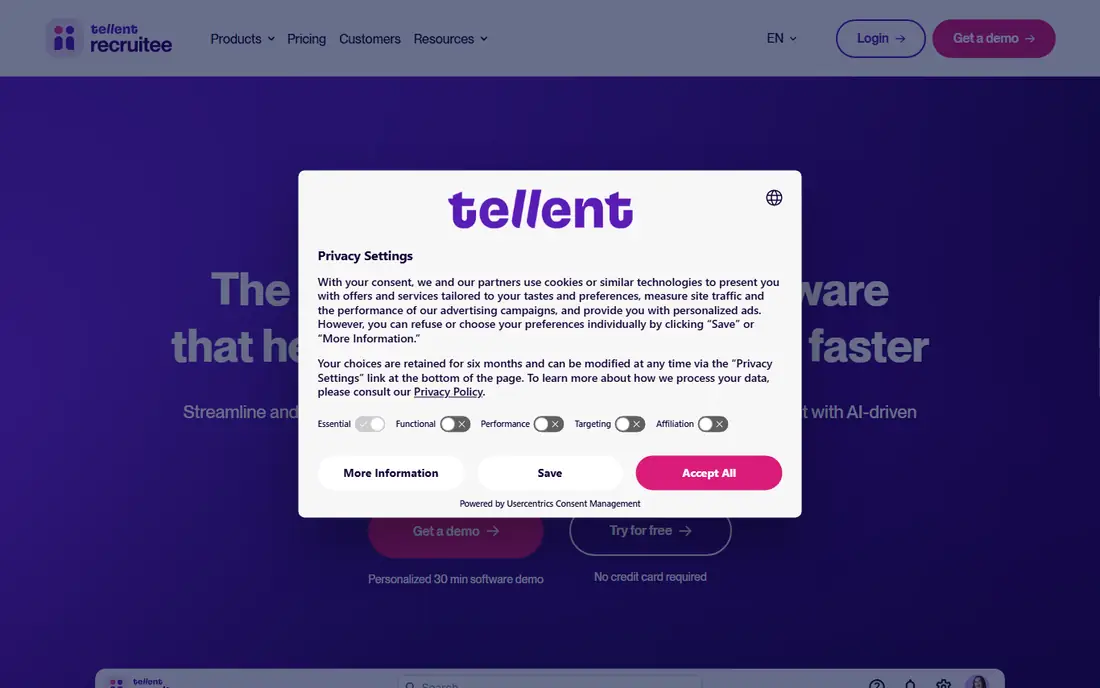
Recruitee is built around teamwork. Hiring managers, recruiters and interviewers share one pipeline with comments, tagging and evaluation forms, so feedback stays attached to the candidate instead of floating around in chat. Companies that hire in several countries also tend to like its multi-language career pages.
Third-party reviews put the entry price at roughly the mid-hundreds of dollars per month for smaller teams, with the Start, Advance and Optimize tiers growing in features and cost. The vendor has also been rolling its brand into a larger talent management group, so check the current product and plan names on the website before comparing quotes.
The free trial runs 18 days according to a published pricing review, but it reportedly limits you to a handful of published jobs. That is enough to judge the interface, though not enough to run a real hiring push. If you only fill a few roles each year, the monthly cost may be hard to justify.
What we like- Shared pipelines, notes and team scorecards
- Career site builder included
- Published plan tiers
Watch out for- Entry pricing is higher than some small-business tools
- Trial limits how many jobs you can publish
How we chose
We did not run hands-on tests of these products. Instead we built the list from public sources: vendor pricing pages and documentation where they were available, then public reviews on G2, Capterra and Reddit, and third-party pricing breakdowns. We compared features, integrations, billing models, free plans and the size of company each tool is designed for.
Where we could not confirm a current price from the vendor itself, we wrote "See website" instead of guessing. Prices change often in this category, so confirm every number with the vendor before you commit. We aimed for a mix of established names and smaller vendors, and we included an honest weakness for each.
What recruitment software actually improves
The phrase "top benefits of using recruitment software" sounds generic, so here is what changes in practice. Most of these gains show up in the first two or three months of use, and they depend on your team actually using the system.
Less time on repetitive admin
Posting to job boards, sending rejection emails, scheduling interviews and updating spreadsheets can take hours each week. Recruitment software handles these with templates, automations and shared calendars. The time saved is greatest for teams that hire often, since the set-up work is done once.
One record per candidate
When resumes arrive by email, text and job board messages, duplicates and lost applications are common. An applicant tracking system stores each person once, with their notes, scores and history. That also helps when you want to reconsider a strong candidate for a new job six months later.
Better collaboration with hiring managers
Managers who cannot see the pipeline tend to ask for status updates. A shared system gives them a place to review candidates, leave feedback and approve offers. Tools with unlimited users, such as Breezy HR and JazzHR, make this cheaper for small teams.
More consistent, defensible decisions
Scorecards and structured interview kits make it easier to compare candidates on the same criteria. They also leave a record, which is useful if a hiring decision is questioned. Greenhouse is the clearest example, though most tools here offer some form of it.
Clearer hiring data
Reports on time to hire, source of hire and stage drop-off tell you which job boards deserve your money and where candidates are lost. Do not expect good data from day one. It only becomes useful once your team records outcomes consistently.
A better candidate experience
Branded career pages, automatic acknowledgements and faster replies make a company look organized. This matters most in competitive markets where candidates apply to several employers at once.
What to check before you buy
- Pricing model: per user, per job or by headcount. Run the numbers for the next 12 months of hiring, not just this month.
- Contract terms: annual commitments are common, and some vendors auto-renew.
- Data export: confirm that you can download candidate records in a usable format if you leave.
- Integrations: make sure it connects to your job boards, calendar, email and HR or payroll system.
- Compliance: ask how the tool handles EEO reporting, data retention and candidate privacy requests.
- Limits on lower plans: active job caps, candidate record caps and locked features are where cheap plans get expensive.
Frequently asked questions
What are the main benefits of using recruitment software?
The main benefits are less manual admin, a single record for each candidate, easier collaboration with hiring managers, more consistent evaluation and better reporting. Smaller teams usually notice the time savings first. Reporting benefits take longer, because they need a few months of clean data.
How much does recruitment software cost?
It varies widely. Manatal publishes per-user pricing starting at $15 per user per month on annual billing, while many other vendors price by company size, number of jobs or custom quote. Because plans and add-ons change, check each vendor's pricing page and ask for a written quote.
Do small businesses need an applicant tracking system?
If you hire a few people a year, a spreadsheet and a shared inbox may be enough. Once you are running several open roles at once, or involving several managers, an ATS pays off through less lost information and faster responses. A free or low-cost plan is a sensible way to start.
Is there free recruitment software?
Yes, but with limits. Breezy HR offers a free plan limited to one active job, and Zoho Recruit has a free edition with restricted limits. Other tools on this list offer free trials only, so confirm what is included before you rely on one.
How long does it take to set up recruitment software?
Simple tools such as Breezy HR or JazzHR can be running within days. Configurable or enterprise-oriented tools such as Zoho Recruit or Greenhouse usually take longer, because you need to set up stages, scorecards, permissions and integrations. Budget extra time if you plan to import old candidate data.
Can I move my candidate data if I switch vendors?
Most vendors let you export records, but formats and completeness differ. Ask for a sample export during the trial and check that notes, attachments and stage history are included.
Sources we checked (9)
- https://www.manatal.com/pricing
- https://www.pin.com/blog/workable-pricing/
- https://www.pin.com/blog/breezy-hr-pricing/
- https://www.noon.ai/blog/articles/110-jazzhr-pricing-2026
- https://recruitwithatlas.com/blog/zoho-recruit-pricing/
- https://www.pin.com/blog/greenhouse-pricing/
- https://www.pin.com/blog/teamtailor-pricing/
- https://www.compono.com/articles/teamtailor-pricing-2026-buyers-guide
- https://avahr.com/recruitee-pricing/
Is your product missing or out of date?
We review this list regularly. Vendors can request a listing, send updated pricing or ask about featured placement.

Shihab Mia · Founder, Rankite
Shihab has 5+ years in B2B and SaaS SEO. He writes Rankite's software buying guides from pricing pages, documentation and public user reviews. More about Shihab.