How we make this list: we compare pricing pages, product documentation and public user reviews. Ratings come from G2, Capterra or Trustpilot, with the date we checked them.
Key takeaways
- LinkedIn Sales Navigator is still the base layer for most B2B social selling. Core is $119.99 per month or $1,079.88 per year per license, and Advanced is $159.99 per month or $1,799.88 per year.
- Outreach automation tools cost far less per seat than Sales Navigator. Octopus CRM starts at $9.99 per month, Waalaxy at 19 euros per user per month, and Expandi at $99 per month for every feature.
- Pricing models differ more than features. HeyReach charges per LinkedIn sender, Meet Alfred and Waalaxy charge per user, and Taplio charges per account with discounts for teams.
- Every automation tool here works on top of LinkedIn, and LinkedIn restricts automation in its terms. Cloud tools and conservative daily limits reduce risk but do not remove it.
- Taplio is the odd one out. It helps with content and engagement, which suits founder-led selling better than cold outreach.
Quick comparison
| Tool | Best for | Starting price | Free plan |
|---|
 LinkedIn Sales Navigator LinkedIn Sales Navigator | Lead search, account alerts and relationship mapping | $119.99 per user/month (Core), or $1,079.88 per year | Free trial |
 Waalaxy Waalaxy | Beginners running LinkedIn plus email sequences | 19 euros per user/month | Free trial (14 days) |
 HeyReach HeyReach | Agencies and teams with many LinkedIn senders | $79 per sender/month (billed monthly) | Free trial |
 Expandi Expandi | Safety-focused cloud automation for small sales teams | $99 per month ($79 billed annually) | Free trial (7 days) |
 Octopus CRM Octopus CRM | Solo sellers and recruiters on a tight budget | $9.99 per month (Starter, billed monthly) | Free trial (7 days) |
 Dripify Dripify | Multi-step LinkedIn drip campaigns | $59 per month | Free trial |
 Meet Alfred Meet Alfred | Teams that want LinkedIn, email and user roles in one tool | $29 per user/month (Individual, billed annually) | Free trial |
 Taplio Taplio | Founder and rep personal branding on LinkedIn | $39 per month (Starter, billed monthly) | Free trial (7 days) |
Is your product missing or out of date?
We review this list regularly. Vendors can request a listing, send updated pricing or ask about featured placement.
#1LinkedIn Sales Navigator
Best for: Lead search, account alerts and relationship mapping4.4/5 on
G2 (2,210 reviews, checked Oct 2026)
Visit business.linkedin.com
Starting price$119.99 per user/month (Core), or $1,079.88 per year
Free planFree trial
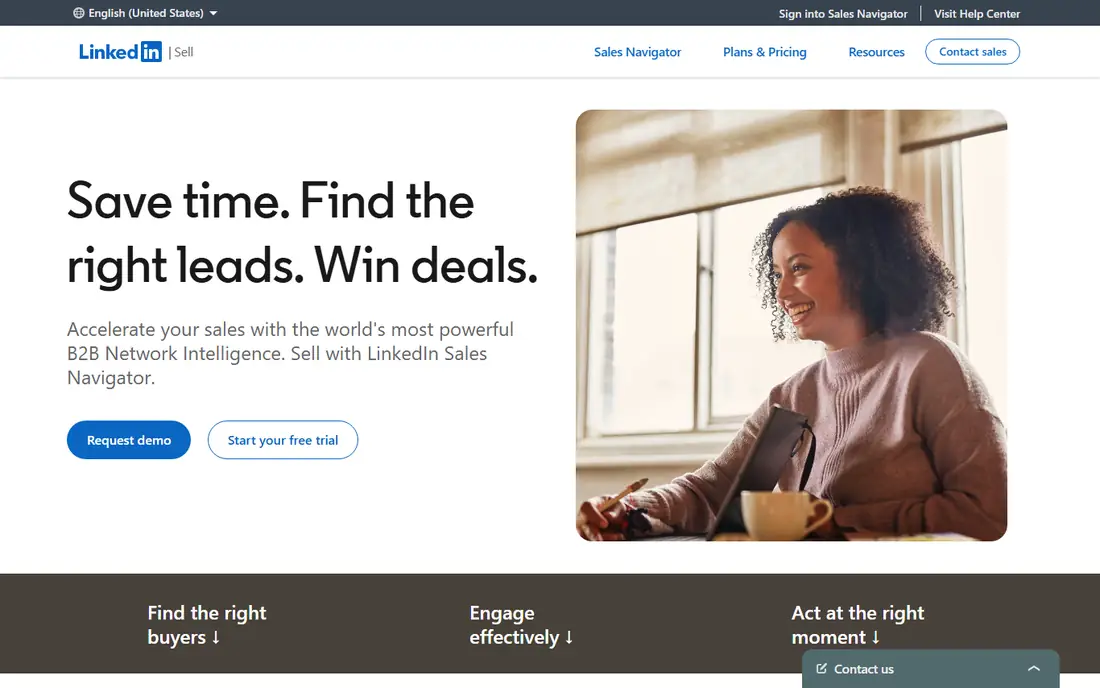
Sales Navigator is where most social selling programs begin, because it is built by LinkedIn and sits on LinkedIn's own data. You get advanced lead and account search, saved lists and alerts when a prospect changes jobs or posts. For a rep who sells to defined accounts, that signal feed is the main reason to pay.
Pricing is per license. Core costs $119.99 per month or $1,079.88 per year, which LinkedIn describes as a 25% saving. Advanced costs $159.99 per month or $1,799.88 per year, and it adds the CRM and team features that managers usually want. Advanced Plus is quote-based. LinkedIn's trial is only open to members who are not on a paid LinkedIn plan and have not used a LinkedIn trial in the past 365 days.
The catch is that Sales Navigator finds people but does not do the work of contacting them at volume. You still send connection requests and messages by hand, and the per-seat cost adds up fast for a ten-person team. Most buyers pair it with one of the tools below.
What we like- Native LinkedIn data and filters
- Advanced adds CRM integrations and team features
- No third-party account risk
Watch out for- Expensive per seat
- No outreach automation or content tools
#2
Waalaxy
Best for: Beginners running LinkedIn plus email sequences
Visit waalaxy.com
Starting price19 euros per user/month
Free planFree trial (14 days)
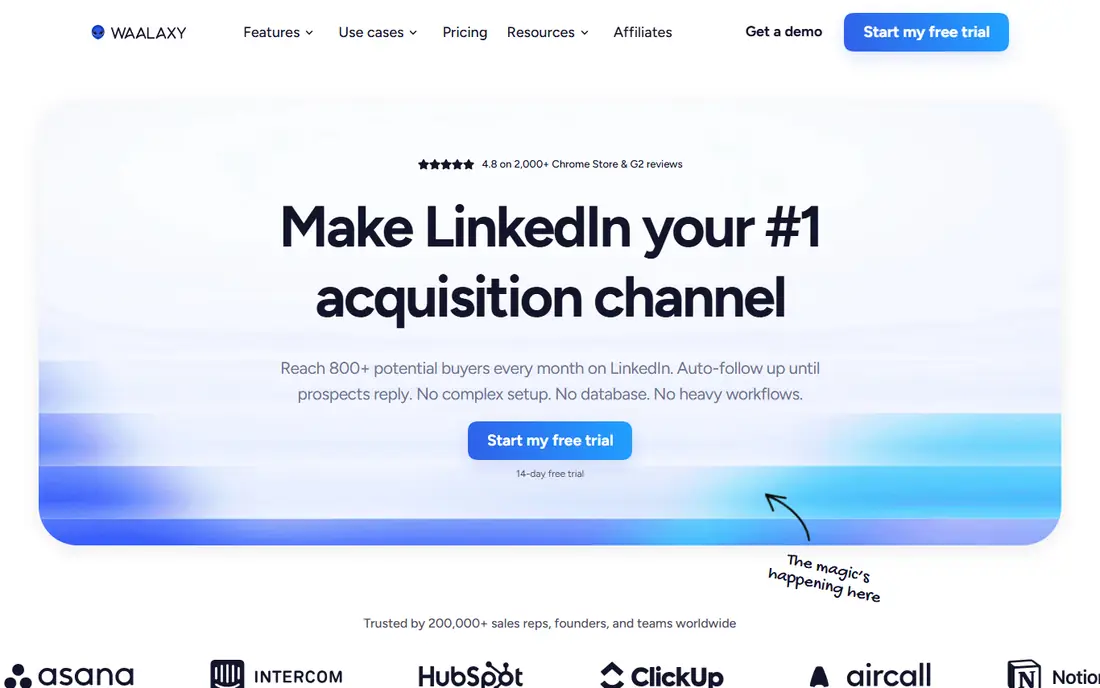
Waalaxy is a good first automation tool for a small team that has never run LinkedIn sequences. You build a campaign from prebuilt steps, import prospects from LinkedIn searches, and let it send invitations and follow-up messages on a schedule. The learning curve is short, and most people can launch a first campaign in an afternoon.
Pricing is per user per month, in euros. Pro is 19, Advanced is 49 and Business is 69. The pricing page describes Business as the plan for a multi-channel setup with LinkedIn and email at full scale, so if you want both channels you should budget for the top tier. Every plan starts with a 14-day trial, and the page also advertises 500 free conversations in its LinkedIn inbox with no time limit.
The honest weakness is depth. Teams that need shared workspaces for many senders, or heavy reporting, tend to outgrow it. It is a strong fit for a freelancer or a two-to-five person sales team, less so for an agency.
What we like- Low entry price
- Guided campaign templates
- Email follow-ups on the top plan
Watch out for- Per-user pricing grows with team size
- Business plan needed for full LinkedIn plus email
Starting price$79 per sender/month (billed monthly)
Free planFree trial
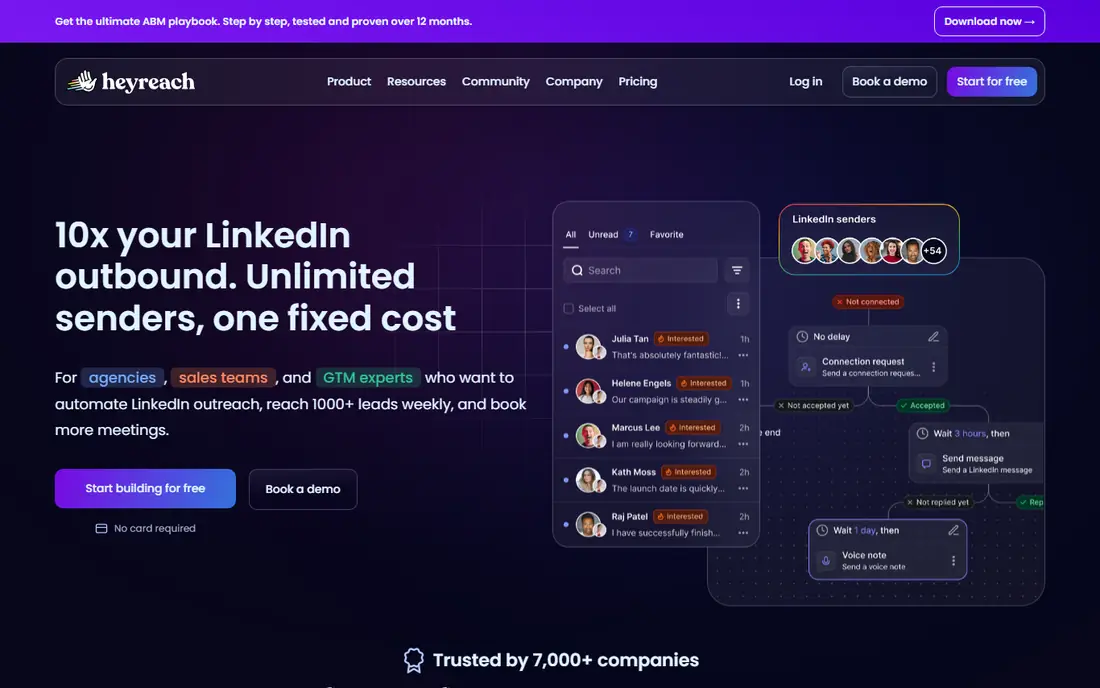
HeyReach is designed for the case where one campaign runs across several LinkedIn profiles. A sales team can rotate outreach across its reps, and an agency can manage client accounts in separate workspaces. If your approach is to put several senders behind one target list, this is the most natural fit on the list.
The Growth plan is priced per sender. Under ten senders it is $79 per sender per month billed monthly, falling to $63 on annual billing. At ten or more senders the range is $59 down to $47. Agency plans run from $799 to $1,399 per month depending on billing, with 25 or 50 senders included, and the Unlimited plan runs from $2,399 to $2,999 per month. HeyReach also lists an early-stage startup plan for teams under $250,000 in ARR and fewer than five people.
The catch is cost at small scale. A five-person team on monthly billing pays about $395 per month before any data tools, which is more than most alternatives here. It makes sense once you need multi-sender control, not before.
What we like- Built around multiple sender accounts
- Agency and unlimited-sender plans
- Discounts for quarterly and annual billing
Watch out for- Per-sender pricing is costly for small teams
- Agency tiers start at $799 per month
#4
Expandi
Best for: Safety-focused cloud automation for small sales teams
Visit expandi.io
Starting price$99 per month ($79 billed annually)
Free planFree trial (7 days)
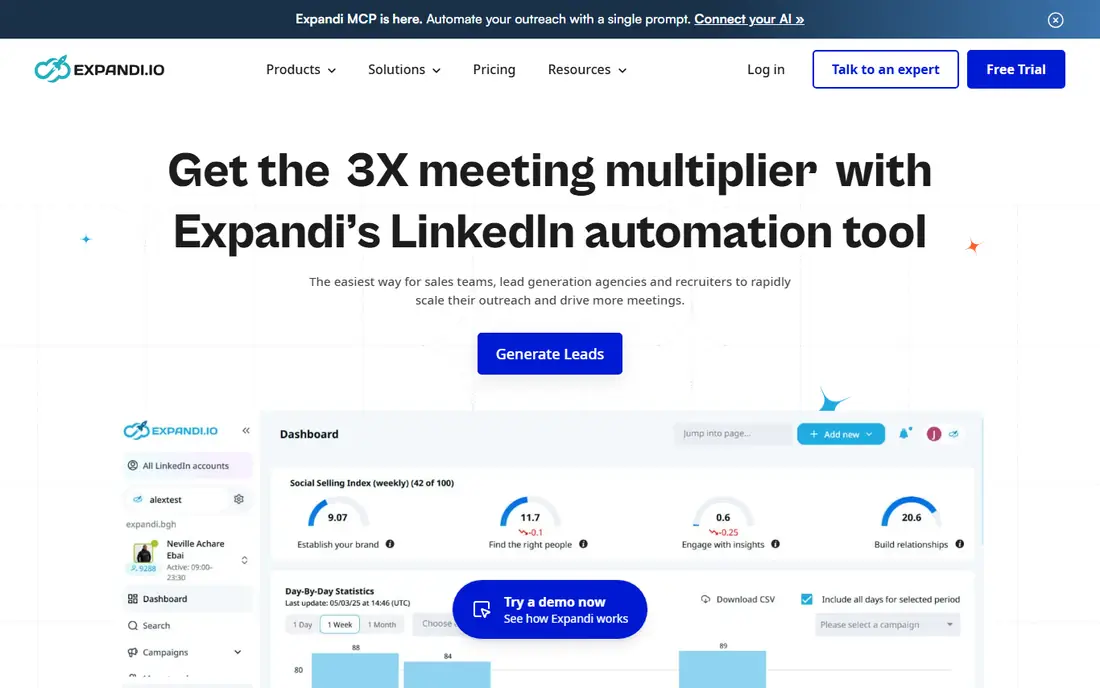
Expandi keeps things simple. There is one Business plan at $99 per month, or $79 per month when you pay annually, and the pricing page says it includes all features. It runs in the cloud, which is a practical advantage because your campaigns continue when your laptop is closed.
The tool focuses on LinkedIn outreach with personalization and sequence logic, and it positions itself around account safety. That positioning is a marketing claim, and no tool can promise your account will never be restricted. Treat it as a sign of how the vendor designs its limits, and keep your own daily volumes modest.
Expandi is best for a small sales team or consultant who wants one predictable price and does not want to pick between tiers. If you only need to send a few dozen invitations per week, the entry price is hard to justify, and Octopus CRM or Waalaxy will cost less.
What we like- One plan with every feature
- Cloud-based, so nothing runs in your browser
- Annual billing saves two months
Watch out for- Highest entry price among the single-seat tools
- No low-cost tier
Starting price$9.99 per month (Starter, billed monthly)
Free planFree trial (7 days)
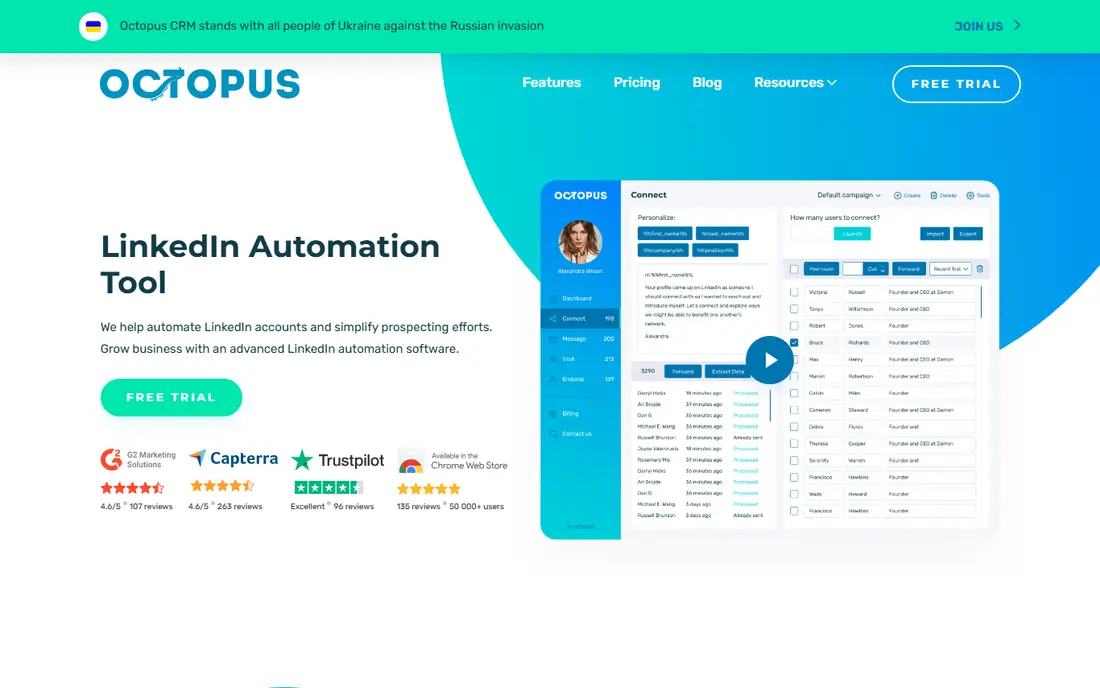
Octopus CRM is the budget pick. Plans are $9.99, $14.99, $21.99 and $39.99 per month for Starter, Pro, Advanced and Unlimited, and the annual option takes about 35% off. Every plan comes with a 7-day trial and no credit card is required. The product installs as a Chrome extension rather than running in a separate cloud workspace.
Higher plans add integrations such as HubSpot and Salesforce, and the tool works with Sales Navigator searches. There is also an agency tab for people who manage many accounts. For an independent consultant sending a handful of targeted invitations a day, the price is difficult to beat.
The tradeoff is that the extension model suits one person better than a team. Managers who want shared reporting across a team will find the tools further down this list more complete. It is also the one to try first if you are unsure whether automation fits your sales process at all.
What we like- Lowest price on this list
- Plans for Sales Navigator and Recruiter users
- Annual billing cuts about 35%
Watch out for- Browser-based, so campaigns depend on your session
- Basic plans lack CRM integrations
Starting price$59 per month
Free planFree trial
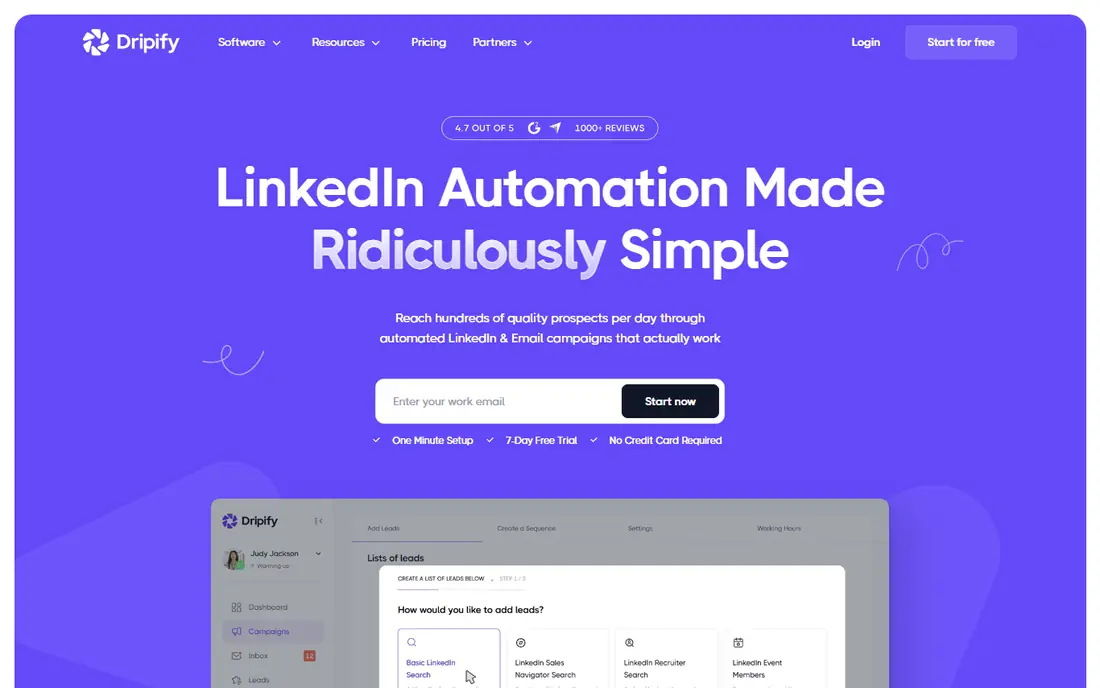
Dripify is for teams that want to design a sequence once and let it run. Its sequence builder handles delays, conditions and a mix of LinkedIn and email actions, so you can branch on whether a prospect accepted your invitation. That makes it a better fit for structured outbound than for casual networking.
The vendor lists plans starting from $59 per month, and its pricing page says there are no setup fees and no credit card required to start. Plans are priced per user. Check the pricing page for the current tier limits before you commit, since automation caps differ by plan.
The main drawback is that it competes with cheaper options that do much the same job. It makes most sense when the sequence logic matters to you and you prefer a cloud tool to a browser extension.
What we like- Sequence builder with delays and conditions
- LinkedIn and email actions in one flow
- Cloud-based
Watch out for- Higher entry price than Waalaxy or Octopus
- LinkedIn-first, so email is secondary
#7
Meet Alfred
Best for: Teams that want LinkedIn, email and user roles in one tool
Visit meetalfred.com
Starting price$29 per user/month (Individual, billed annually)
Free planFree trial
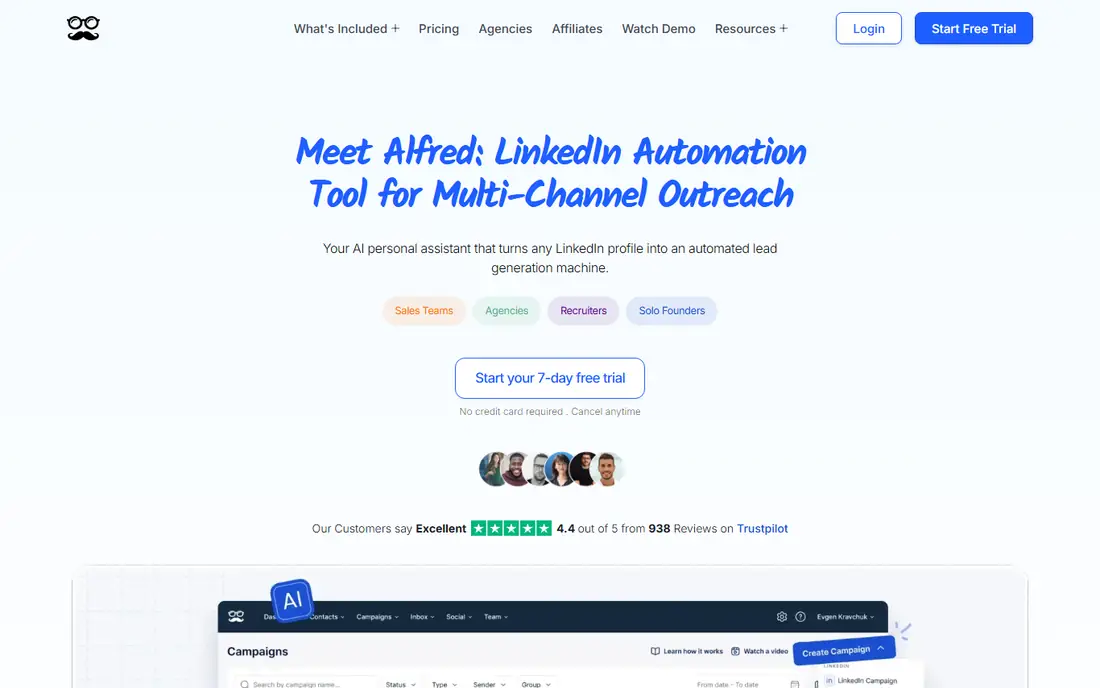
Meet Alfred covers more than one channel. It runs LinkedIn outreach alongside email, and its higher plans add team controls. For a sales manager who wants to see what every rep is sending, that is more useful than a collection of personal tools.
On annual billing the Individual plan is $29 per user per month, Teams is $39 and Business is $49, and the page says annual billing saves 40%. Teams starts at three seats and adds shared inboxes, roles, team analytics and white label. The Unlimited plan is priced on request.
Because the headline numbers assume a yearly commitment, a small team that wants to test month by month should confirm the monthly rate first. It is a reasonable middle option between a solo tool and a full multi-sender platform.
What we like- Team plan with roles, shared inboxes and analytics
- White-label option
- Cheaper annual rates per seat
Watch out for- Prices shown are annual, so monthly billing costs more
- Unlimited plan is custom-quoted
#8Taplio
Best for: Founder and rep personal branding on LinkedIn4.1/5 on
G2 (9 reviews, checked Oct 2026)
Visit taplio.com
Starting price$39 per month (Starter, billed monthly)
Free planFree trial (7 days)
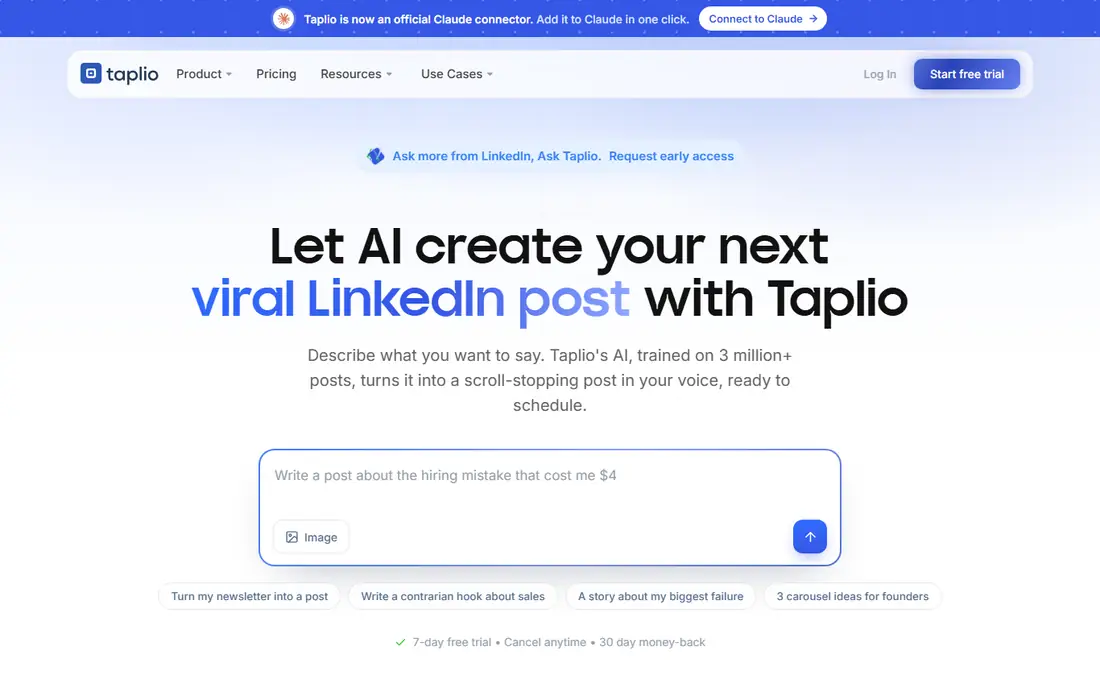
Taplio takes the other half of social selling: being worth following. It helps you schedule posts, draft content with AI, find posts worth commenting on and track how your content performs. In B2B, where a founder or a senior rep often brings in deals through their own profile, that matters as much as outreach.
Pricing is $39 per month for Starter, $69 for Growth and $199 for Pro, billed monthly, with a 7-day trial that gives full app access and a 30-day money-back guarantee. Team collaboration starts on Growth, and lead outreach automation arrives on Pro. Teams and agencies can save up to 30% with multi-seat discounts.
The limitation is clear. Taplio will not build a prospect list or run a connection campaign on its cheaper plans. Pair it with Sales Navigator and one outreach tool, and treat it as the content layer of your program.
What we like- Scheduling, AI drafting and analytics in one place
- Team and agency discounts up to 30%
- 30-day money-back guarantee
Watch out for- Not a cold outreach tool on lower plans
- Lead automation only on the $199 Pro plan
How we chose
We did not run hands-on tests of these products. Instead, we compared each vendor's official pricing page and documentation, then read public reviews on G2, Capterra and Reddit to understand common complaints. We checked features, integrations, billing terms and the size of team each tool fits.
We then picked a mix of the category leader and strong smaller vendors, and we kept only tools that clearly support B2B social selling on LinkedIn: prospecting, outreach or content. Where a vendor did not publish a clear price or trial length, we say so or write See website rather than guess. Prices change often, so confirm the figure on the vendor's page before you buy.
Social selling is three jobs that are often confused: finding the right people, starting conversations, and building a profile people trust. No single product here does all three well, so start by deciding which job is your bottleneck.
Pick by team size
A solo seller or founder can run a good program on Sales Navigator Core or a low-cost automation tool, plus a content tool if posting is part of the plan. Octopus CRM and Waalaxy are the cheapest places to begin. A team of five to fifteen should look at Meet Alfred, Dripify or HeyReach, where shared visibility and sender management start to matter. Agencies running accounts for several clients should compare HeyReach's agency tiers with Meet Alfred's custom plan.
Understand the pricing model
Per-seat and per-sender pricing behave differently. HeyReach charges per LinkedIn sender, so cost grows with the number of profiles you run. Waalaxy and Meet Alfred charge per user. Expandi has one plan price per account. Before you compare, multiply by the number of reps and by twelve months, and note whether the quoted price assumes annual billing.
Plan for LinkedIn account risk
LinkedIn's rules restrict automation, and an account can be limited if activity looks unnatural. Cloud tools, low daily volumes and human-sounding messages reduce risk. Do not run automation on an account that is critical to your business without accepting that trade-off, and keep your Sales Navigator seat separate from experiments where you can.
Check CRM and data export
Ask where your prospect and conversation data lives and whether you can export it. Octopus CRM offers HubSpot and Salesforce integration on higher plans, and Sales Navigator Advanced adds CRM integrations. If your team lives in a CRM, make sure the tool syncs there before you sign.
Frequently asked questions
What is social selling in B2B?
It means using social networks, mainly LinkedIn, to find buyers, build relationships and start sales conversations. That includes searching for prospects, engaging with their posts, sending personalized messages and keeping a credible profile. Software helps with each of those steps.
Do I need Sales Navigator if I use an automation tool?
Not always, but many people pair them. Sales Navigator gives better search filters and alerts, and the automation tool sends the messages. Octopus CRM states compatibility with Sales Navigator searches, and Waalaxy and others can import from LinkedIn searches, so check which search types your tool supports.
Is LinkedIn automation safe?
It carries risk. LinkedIn restricts automation tools in its terms, and accounts can be limited if behavior looks abnormal. Cloud-based tools with sensible daily limits lower the chance of problems, but no vendor can guarantee your account stays unaffected.
How much do B2B social selling tools cost?
Entry prices on this list range from $9.99 per month for Octopus CRM to $119.99 per month per license for Sales Navigator Core. Multi-sender platforms such as HeyReach start at $79 per sender per month on monthly billing. Annual billing usually lowers the rate noticeably.
Which tool is best for a small team on a budget?
Octopus CRM and Waalaxy have the lowest entry prices, at $9.99 per month and 19 euros per user per month. Both offer a free trial, so you can test one before paying. Add Sales Navigator later if you need better search.
Sources we checked (8)
- https://business.linkedin.com/sell/sales-navigator/compare-plans
- https://www.waalaxy.com/pricing
- https://help.heyreach.io/en/articles/14741630-heyreach-plans-and-pricing-what-s-included-and-how-to-choose
- https://expandi.io/pricing/
- https://octopuscrm.io/
- https://dripify.com/pricing/
- https://meetalfred.com/pricing
- https://taplio.com/pricing
Is your product missing or out of date?
We review this list regularly. Vendors can request a listing, send updated pricing or ask about featured placement.

Shihab Mia · Founder, Rankite
Shihab has 5+ years in B2B and SaaS SEO. He writes Rankite's software buying guides from pricing pages, documentation and public user reviews. More about Shihab.