How we make this list: we compare pricing pages, product documentation and public user reviews. Ratings come from G2, Capterra or Trustpilot, with the date we checked them.
Key takeaways
- If your identity platform is already Microsoft Entra or Okta, the built-in governance add-on is the cheapest place to start. Entra ID Governance is listed at $7 per user per month, and Okta includes Access Governance from its Essentials suite at $17 per user per month.
- SailPoint and Saviynt are the deep enterprise options. Both are quote-only, and public deal data suggests six-figure annual contracts plus meaningful implementation services.
- Veza, Lumos, Zluri, Opal and ConductorOne are newer or more focused. They suit teams that want reviews to cover SaaS and cloud apps outside the main directory, usually with faster setup than classic governance suites.
- Most vendors do not publish prices for access reviews. Plan on a sales call and ask for the all-in number, including connectors, services and modules.
- Reviewer experience matters as much as features. A tool that shows usage data and risk context will get faster, more honest sign-offs than one that sends managers a spreadsheet.
Quick comparison
| Tool | Best for | Starting price | Free plan |
|---|
 Microsoft Entra ID Governance Microsoft Entra ID Governance | Microsoft 365 and Azure environments | $7 per user/month (billed annually, on top of Entra ID P1 or P2) | Free trial |
 Okta Identity Governance Okta Identity Governance | Companies that already use Okta for workforce identity | $17 per user/month (Essentials suite, billed annually) | Free trial |
 SailPoint Identity Security Cloud SailPoint Identity Security Cloud | Large enterprises with complex, regulated identity estates | See website | No |
 Saviynt Saviynt | ERP-heavy, compliance-driven enterprises | See website | No |
 Veza Veza | Teams that need to see effective permissions across cloud, data and SaaS | See website | No |
 Lumos Lumos | Mid-market IT and GRC teams that want fewer manual review decisions | See website | No |
 Zluri Zluri | SaaS-heavy teams that want reviews tied to real app usage | See website | No |
 Opal Security Opal Security | Engineering-led teams that want policy as code and just-in-time access | See website | No |
 ConductorOne ConductorOne | Security teams that want modern, fast-to-connect governance | See website | No |
Is your product missing or out of date?
We review this list regularly. Vendors can request a listing, send updated pricing or ask about featured placement.
#1
Microsoft Entra ID Governance
Best for: Microsoft 365 and Azure environments
Visit microsoft.com
Starting price$7 per user/month (billed annually, on top of Entra ID P1 or P2)
Free planFree trial
If your people, groups and app assignments already live in Entra, the access review feature is the obvious first test. Reviewers can be managers, resource owners or the users themselves, and reviews can run on a recurring schedule or on demand. Approved and denied decisions feed back into the directory, so removal does not need a ticket.
The catch is licensing. Entra ID Governance is an add-on that needs Entra ID P1 or P2 underneath, and published licensing guides say it must cover every member user in scope of a governance feature, not just the reviewers. Some basic review scenarios work with P2 alone. Read Microsoft's licensing notes for your exact scenario before you budget.
Entra is the weakest pick when most of your risk sits in SaaS apps that are not connected to the directory. You can close that gap with connectors and custom work, but at that point compare it with a dedicated tool below.
What we like- Native to the directory most US companies already run
- Reviews cover groups, apps, access packages and privileged roles
- Rejected access can be removed automatically
Watch out for- Licensing is layered and easy to get wrong
- Weaker for non-Microsoft apps without extra work
#2
Okta Identity Governance
Best for: Companies that already use Okta for workforce identity
Visit okta.com
Starting price$17 per user/month (Essentials suite, billed annually)
Free planFree trial
Okta fits teams that have already standardized sign-in and provisioning on Okta and want certification campaigns without adding another vendor. Its Essentials suite includes Access Governance, Lifecycle Management and a set of workflows, and the vendor sells it with an annual contract minimum. That makes the cost easy to estimate for a company of a few hundred employees.
The honest limit is depth. Okta's reviews are well integrated with its own lifecycle tooling, but buyers with complex entitlement models, heavy ERP separation-of-duties rules or lots of on-premises systems often find dedicated governance vendors go further. Higher tiers are quote-based.
Check the suite you are on today. Some lower Okta suites do not include governance, so an upgrade may cost more than the headline per-user figure suggests.
What we like- Governance sits next to SSO, MFA and lifecycle management
- Large integration catalog
- Published entry pricing
Watch out for- Not available in the cheapest Starter and Core Essentials suites
- Value drops if Okta is not your main identity provider
#3
SailPoint Identity Security Cloud
Best for: Large enterprises with complex, regulated identity estates
Visit sailpoint.com
Starting priceSee website
Free planNo
SailPoint is the incumbent in identity governance, and access certification is one of its core jobs. It supports campaigns across cloud and data-center systems, gives reviewers recommendations, and records outcomes for auditors. For a bank, insurer or hospital system with hundreds of apps and strict audit rules, it is usually on the shortlist for good reason.
The cost and effort are the downside. SailPoint does not publish list prices. Third-party deal data from Vendr, based on a small sample of contracts, puts median annual spend near six figures, and Lumos (a competitor) notes that implementation services often add a large share of first-year cost. Treat those as rough guides, not quotes.
A 150-person company with 40 SaaS apps will probably find SailPoint more machinery than it needs. A 5,000-person company with SAP, Active Directory and mainframe access probably will not.
What we like- Mature certification engine
- Deep role and entitlement modeling
- Broad connectors including on-premises systems
Watch out for- Long, services-heavy deployments
- No public pricing
#4Saviynt
Best for: ERP-heavy, compliance-driven enterprises4.3/5 on
G2 (102 reviews, checked Oct 2026)
Visit saviynt.com
Starting priceSee website
Free planNo
Saviynt sells a cloud-based identity platform with certification campaigns, access requests, lifecycle controls and application governance. It is especially associated with ERP environments such as SAP, Oracle and Workday, where separation-of-duties rules decide whether an audit passes. It also publishes Essentials, Pro and Premium tiers, though not the numbers behind them.
Peer reviews on G2 mention slow support responses and a steep learning curve, and a competitor's comparison says many campaigns still run as full entitlement lists rather than showing only what changed. Weigh those as opinions, then test them in a proof of concept with your own data.
One public data point from a pricing analysis: a quote of $120,000 per year for 5,000 users works out to about $2 per user per month. Your number will differ, but it shows the range some buyers report.
What we like- Strong separation-of-duties controls for ERP apps
- Governance, application access and cloud entitlements in one suite
- Risk context in reviews
Watch out for- Admin experience is often described as hard to learn
- No public pricing and long rollouts
#5
Veza
Best for: Teams that need to see effective permissions across cloud, data and SaaS
Visit veza.com
Starting priceSee website
Free planNo
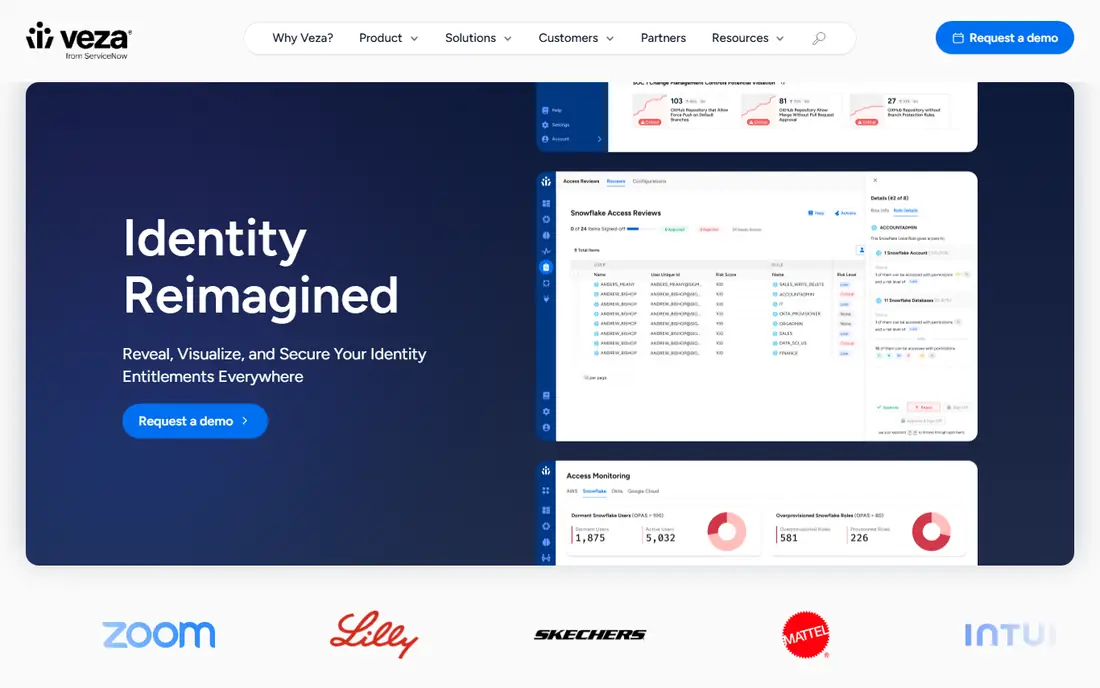
Veza starts from the permissions layer. Instead of asking a manager to approve a group called "data-eng-prod", it shows what that access actually allows on which data, then adds activity and risk signals. That is useful when the hard question is not who is in the group but what they can do.
Reviews can be multi-level, and policy rules can trigger a review when something changes, such as a role move or a risky permission. Security teams with data platforms, cloud infrastructure and service accounts in scope tend to see the most benefit.
If your reviews are mostly "does this person still need Slack, Jira and Salesforce", Veza is likely more than you need. Pricing is quote-only.
What we like- Translates permissions into plain actions reviewers can understand
- Covers human and machine identities
- Supports event-driven micro-certifications
Watch out for- More permission analysis than a simple quarterly review needs
- No public rate card
#6
Lumos
Best for: Mid-market IT and GRC teams that want fewer manual review decisions
Visit lumos.com
Starting priceSee website
Free planNo
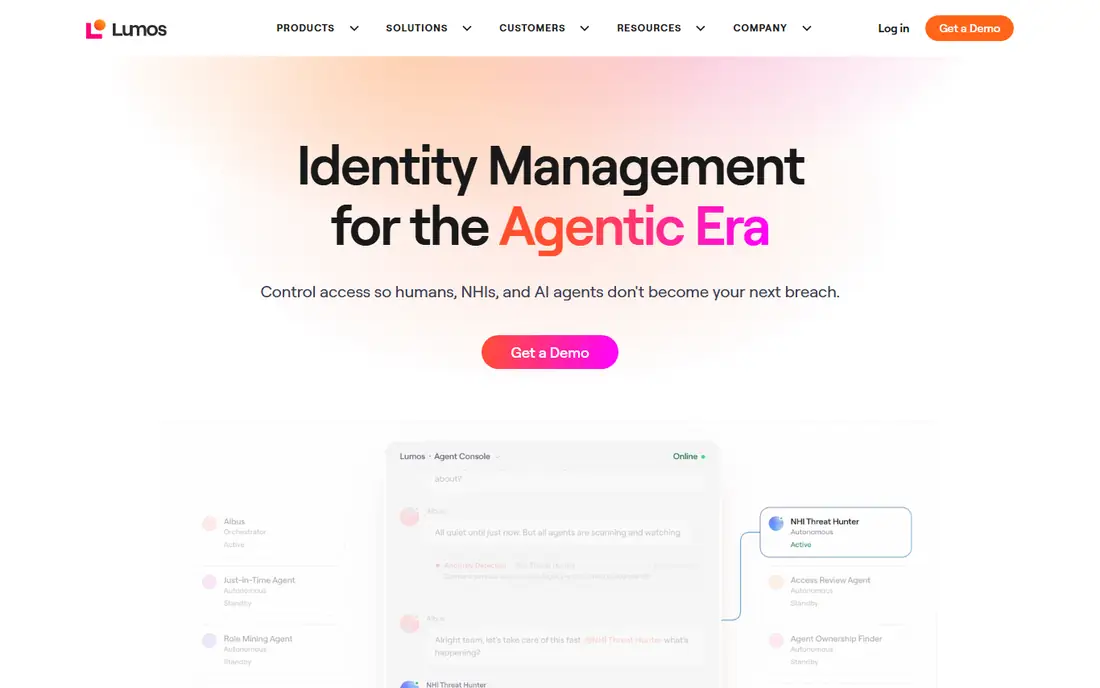
Lumos is built around a simple idea: most review items are obvious, so the software should handle them and send people only the doubtful ones. It uses identity, app, usage and policy data to recommend approve, revoke or escalate. Reviewers see why a suggestion was made, which helps when an auditor asks how a decision was reached.
The platform also covers joiner-mover-leaver automation and software license reclamation, so access reviews are one part of a wider IT buy. The vendor says it has more than 300 integrations. That breadth is a plus if you want one contract, and a distraction if you only need certification.
Lumos publishes no firm price for reviews. Some of its own content mentions starting rates, but treat any figure as unconfirmed until you hold a quote. The vendor itself notes small teams may find it more than they need.
What we like- Delta reviews that surface only entitlements changed since the last cycle
- AI recommendations with reasoning
- Also covers lifecycle automation and SaaS spend
Watch out for- Aimed at mid-market and enterprise (the vendor cites roughly 200 or more employees)
- Sits on top of your identity provider rather than replacing it
#7Zluri
Best for: SaaS-heavy teams that want reviews tied to real app usage4.6/5 on
G2 (177 reviews, checked Oct 2026)
Visit zluri.com
Starting priceSee website
Free planNo
Zluri began as a SaaS management product, and that history shows in how it handles reviews. It discovers apps, imports accounts, and shows whether an account was used recently. A manager deciding on a Figma seat with no logins in 90 days has an easy call.
That makes Zluri a good match for IT teams who also fight shadow IT and license waste. A reviewer on G2 described implementation as heavy for a large, disorganized SaaS estate, so budget time for reconciliation work.
Zluri does not publish list prices. Vendr's marketplace data suggests a median contract in the tens of thousands of dollars per year, with access reviews, lifecycle and implementation licensed separately. Verify with your own quote.
What we like- Pulls users and permissions from apps and identity providers
- Activity data separates active from dormant access
- Multi-level reviews with remediation
Watch out for- Governance depth trails the big enterprise suites
- Modular pricing with add-ons
#8
Opal Security
Best for: Engineering-led teams that want policy as code and just-in-time access
Visit opal.dev
Starting priceSee website
Free planNo
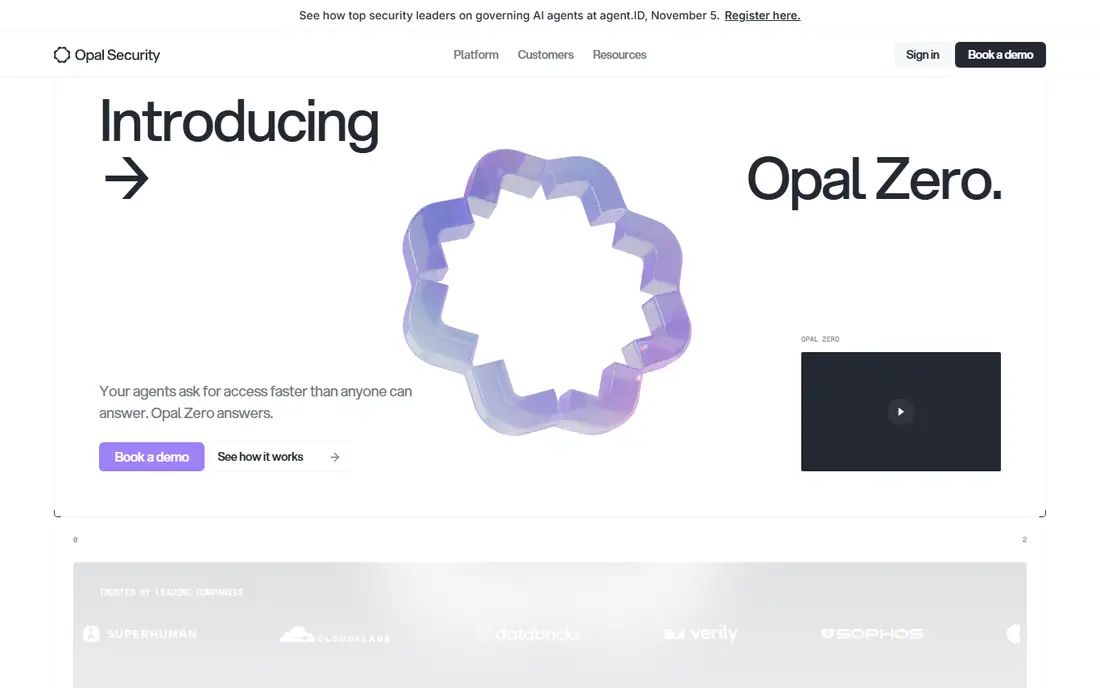
Opal is a venture-backed vendor founded in 2020 and focused on access governance rather than the whole identity lifecycle. Its strengths show up in engineering-heavy companies where people ask for production database or cloud role access and expect it to expire on its own. Reviews then become a cleanup of what is left, not a quarterly flood.
The vendor has also announced Opal Zero, which targets AI agent access, with a launch offer of $30,000 for the first year for organizations under 3,000 employees. That is a separate product from classic access reviews, so do not read it as the price of the core platform.
Customers with limited engineering time may not enjoy writing and refactoring policy logic. One G2 reviewer also mentioned that the command-line tool and interface could be more flexible.
What we like- Access requests, reviews and time-limited access in one product
- Large integration catalog across cloud, SaaS and databases
- AI-grouped reviews to cut effort
Watch out for- Policy-as-code means your team writes and maintains rules
- Younger and smaller than enterprise vendors
Starting priceSee website
Free planNo
ConductorOne is the closest peer to Opal and competes for the same buyer: a security or IT team at a growth-stage company that finds classic governance suites too slow. Its customers describe getting apps connected and reviews running within about a month, according to a competitor's write-up, which is quick compared with a typical enterprise rollout.
The trade-off is in who maintains the logic. Rules are expressed as code-like policy, which appeals to technical teams and annoys others. A competitor also points out it has no built-in software spend or license tooling, so it will not help with cost cutting.
Pricing is custom. Vendr data shows a median figure in the low five figures per year, but it is a limited sample and your quote will depend on identities and modules. Ask for a multi-year price, not only year one.
What we like- Covers access requests, reviews and just-in-time access
- Designed for quick connection of apps
- Includes non-human identities
Watch out for- Policy-as-code approach requires ongoing upkeep
- Custom pricing that scales with identities and modules
How we chose
We did not run hands-on trials of these products. Our method is desk research: vendor product and pricing pages where they were available, product documentation, public reviews on G2, Capterra and Reddit, competitor and analyst comparisons (read with the author's bias in mind), and marketplace deal data from Vendr and cloud marketplaces for sanity checks on cost.
We looked at review depth (campaigns, delegation, escalation, evidence), reviewer context, remediation, connector coverage, pricing transparency, rollout effort and company-size fit. We also mixed established vendors with newer ones. Where we could not confirm a vendor's price from its own pricing page, we wrote "See website" rather than guess. The two published per-user figures here, for Entra and Okta, are the ones that are consistently reported for those vendors, and you should confirm them on the vendor's site before you buy.
The phrase "ID platform" usually means your identity provider, so start there. The right tool depends on how much of your access risk sits inside that directory and how much sits outside it.
If you run Entra or Okta
Check the built-in option first. It costs less than most separate products, and your admins already know the console. Test it on your three riskiest apps. If reviewers still need spreadsheets for those apps, or if non-directory apps are left out, that is your reason to add a dedicated tool.
If your risk lives in SaaS and cloud
Look at Lumos, Zluri, Opal, ConductorOne and Veza. They connect to the apps and infrastructure around your identity provider and can pull usage data. Ask each vendor how many of your actual apps have native connectors, and how long custom ones take.
If you face heavy audits
SOX, HIPAA, PCI and SOC 2 auditors want evidence: who reviewed what, when, and what changed after. Ask for a sample evidence report and check whether it can be exported without vendor help. For ERP separation-of-duties rules, SailPoint and Saviynt have the longest track record.
Questions to ask in every demo
- What is the all-in annual cost, including connectors, modules and services, in years one through three?
- Is pricing per user, per identity (including service accounts), or flat?
- How long is the contract, and what happens to review history if we leave?
- Can reviewers act from email, Slack or Teams, or must they log in?
- Does revoked access get removed automatically, and what happens if removal fails?
Frequently asked questions
What is access review software?
It helps you check whether employees, contractors and service accounts should still hold their current access. Most products collect entitlement data, send it to reviewers, record decisions, remove denied access and keep an audit trail. It is also called access certification or recertification.
How often should we run access reviews?
There is no universal schedule. Quarterly is common for sensitive systems and annual for low-risk apps, and auditors for frameworks like SOX or SOC 2 often expect documented, recurring reviews. Event-driven reviews, such as after a role change, add a useful extra layer.
Do I need a separate tool if my identity provider already has reviews?
Not always. If most apps connect to your provider and the built-in reviews give reviewers enough context, a separate product may be unnecessary. A dedicated tool makes sense when you have many apps outside the directory, need usage data, or face strict separation-of-duties rules.
How much does access review software cost?
Published prices are rare. Entra ID Governance is listed at $7 per user per month and Okta's Essentials suite at $17, while most other vendors sell by quote. Public deal data suggests five-figure annual contracts for newer vendors and six-figure ones for enterprise suites, but get your own quote.
How long does setup take?
It varies by vendor and scope. Newer vendors say you can connect apps and run a first review within weeks, while classic enterprise governance rollouts are often described in quarters. Your own timeline depends mostly on connector availability and how clean your entitlement data is.
Sources we checked (16)
- https://www.microsoft.com/en-us/security/business/microsoft-entra-pricing
- https://www.corma.io/blog/microsoft-entra-id-governance-licensing
- https://www.okta.com/products/identity-governance/
- https://www.corma.io/blog/okta-identity-governance
- https://underdefense.com/industry-pricings/okta-pricing-ultimate-guide-for-security-products/
- https://www.sailpoint.com/solutions/access-certification
- https://saviynt.com/products/identity-governance-and-administration
- https://www.zluri.com/eye-on-identity/saviynt-pricing-cost-iga-platform-evaluation
- https://veza.com/product/access-reviews/
- https://www.lumos.com/products/access-reviews
- https://www.lumos.com/topic/conductorone-alternatives-competitors
- https://www.zluri.com/access-reviews
- https://www.vendr.com/marketplace/zluri
- https://www.vendr.com/buyer-guides/conductorone
- https://www.opal.dev/zero
- https://zenphi.com/user-access-review-software/
Is your product missing or out of date?
We review this list regularly. Vendors can request a listing, send updated pricing or ask about featured placement.

Shihab Mia · Founder, Rankite
Shihab has 5+ years in B2B and SaaS SEO. He writes Rankite's software buying guides from pricing pages, documentation and public user reviews. More about Shihab.