How we make this list: we compare pricing pages, product documentation and public user reviews. Rankite is independent; if a vendor ever pays for a featured spot, that listing is clearly labeled Partner.
Key takeaways
- SOLIDWORKS remains the industry standard for professional mechanical design teams.
- Autodesk Fusion bundles CAD, CAM, and simulation at an accessible subscription price.
- Onshape brings full cloud-native CAD with version control, no installs needed.
- PTC Creo and Siemens NX serve complex, enterprise-scale engineering.
- FreeCAD is the best free parametric modeler, and Onshape offers free tiers for students and hobbyists.
Quick comparison
| Tool | Best for | Starting price | Free plan |
|---|
 SOLIDWORKS SOLIDWORKS | Industry-standard mechanical CAD | See website | No |
 Autodesk Fusion Autodesk Fusion | Design plus manufacturing | $57/month | Free trial |
 Onshape Onshape | Cloud-native team CAD | See website | Yes (limited) |
 Autodesk Inventor Autodesk Inventor | Mechanical design and simulation | See website | No |
 PTC Creo PTC Creo | Complex parametric engineering | See website | No |
 Siemens NX Siemens NX | Enterprise CAD/CAM/CAE | See website | No |
 Solid Edge Solid Edge | Affordable Siemens CAD | See website | No |
 CATIA CATIA | Aerospace and automotive design | See website | No |
 FreeCAD FreeCAD | Free open-source CAD | Free | Yes |
 Rhino Rhino | NURBS modeling and freeform design | $995 one-time | Free trial |
Is your product missing or out of date?
We review this list regularly. Vendors can request a listing, send updated pricing or ask about featured placement.
The top 10 mechanical design software
Starting priceSee website
Free planNo
SOLIDWORKS is the default answer in mechanical design for a reason: parametric modeling, assemblies, drawings, and simulation in a package that manufacturers and suppliers everywhere understand. With more than 8 million users, finding trained engineers, tutorials, and compatible vendors is easy.
The 2027 release adds AI capabilities to speed repetitive work. It is priced for professional teams and sold largely through resellers. If your industry runs on SOLIDWORKS, joining the ecosystem is the pragmatic choice. The DraftSight 2D CAD integration also covers teams that still need DWG-compatible drafting alongside 3D.
What we like- Massive user base and ecosystem
- Strong simulation and data management
- AI capabilities in the 2027 release
Watch out for- Windows-focused and hardware-intensive
- Pricing by quote or reseller
Starting price$57/month
Free planFree trial
At $57 per month billed annually, Fusion gives startups and small manufacturers an integrated design-to-manufacturing platform that used to cost many times more. Parametric modeling, generative design, simulation, and CAM toolpaths live in one cloud workspace with built-in version control.
It is the best value in professional CAD. Large assemblies can strain it, and the cloud model is not for everyone, but for product teams that design and make things, Fusion is the obvious starting point. The 30-day free trial is genuinely useful: model a real part from your own work before deciding.
What we like- CAD, CAM, CAE, and PCB in one subscription
- Cloud collaboration
- Affordable for small teams
Watch out for- Struggles with very large assemblies
- Cloud dependence
Starting priceSee website
Free planYes (limited)
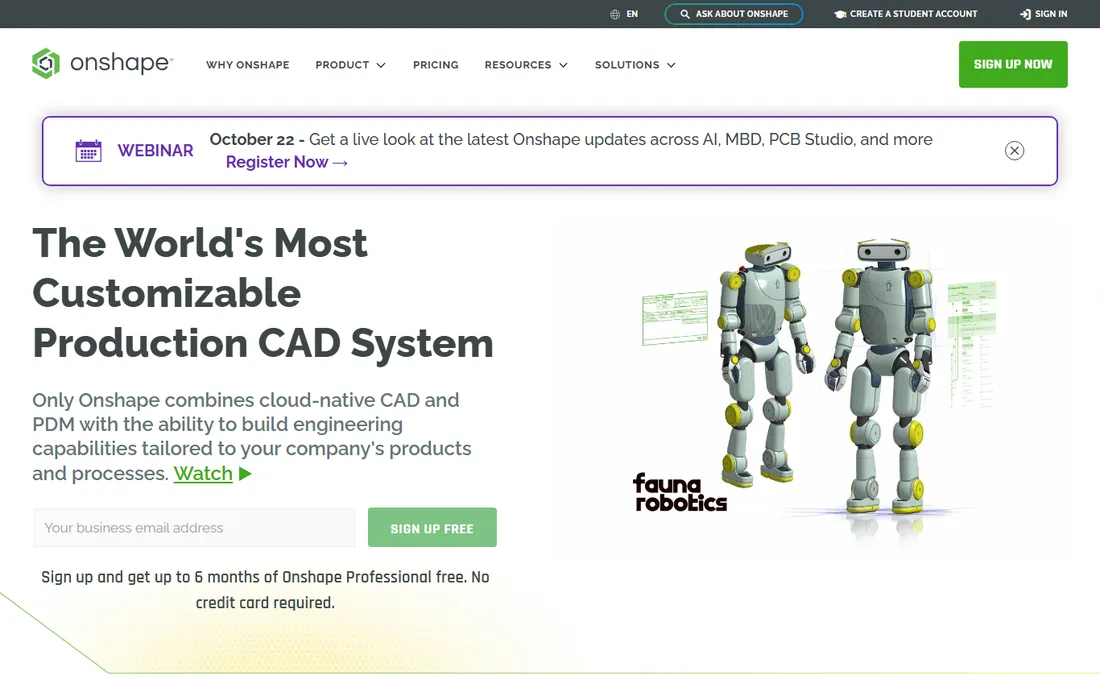
Onshape, now part of PTC, is CAD rebuilt for the cloud: full parametric modeling in a browser, with version control, branching, and merging built in rather than bolted on. No crashes from corrupted files, no PDM server to maintain, and distributed teams work on the same data in real time.
Free tiers cover students, educators, and hobbyists. Professional plans are subscription-based. Teams that collaborate across locations get the most from it. The infinite undo and complete audit trail also simplify design reviews, since every change is traceable.
What we like- Runs in any browser, no installs
- Built-in version control with branching
- Real-time collaboration
Watch out for- Advanced CAM and simulation need add-ons
- Internet required
Starting priceSee website
Free planNo
Inventor is Autodesk's dedicated mechanical CAD, with specialized tools for machine design, sheet metal, frame structures, and cable harnesses that Fusion does not match. iLogic automates configurable designs, and dynamic simulation analyzes mechanism motion.
It is the choice for mechanical engineers who live in detailed machine design. The Windows-only platform and professional pricing keep it in the serious-user category. Shops already using AutoCAD will find the DWG-native drawings and Vault data management a natural fit.
What we like- Deep mechanical toolset: sheet metal, frames, tube and pipe
- ILogic design automation
- Strong simulation
Watch out for- Windows only
- Pricing is premium
#5
PTC Creo
Best for: Complex parametric engineering
Visit ptc.com
Starting priceSee website
Free planNo

Creo is the parametric powerhouse, descended from the original Pro/ENGINEER. Its single associative model drives design, simulation, and manufacturing without disconnected add-ons, and it handles the most complex assemblies in the industry. Creo+ adds a SaaS option with cloud collaboration.
It is not beginner-friendly and pricing is enterprise-grade. For organizations designing complex products where parametric rigor matters, Creo is the top-tier choice. The Creo AI Assistant now helps with guidance and automation, which softens the learning curve somewhat.
What we like- Extremely capable parametric modeling
- Integrated real-time simulation
- Generative design and composites
Watch out for- Steep learning curve
- Enterprise pricing
Starting priceSee website
Free planNo

Siemens NX is the complete product engineering platform: CAD, CAM, and CAE integrated around the digital twin, with some of the best freeform surfacing in the industry. An AI copilot now assists inside the tool, and a free student edition exists for learning.
Aerospace, automotive, and heavy-industry teams standardize on NX. Smaller shops will find it more than they need, but at the enterprise scale it is unmatched. The integrated CAM is a genuine strength: design and manufacturing stay in one system instead of crossing a translation gap.
What we like- Integrated CAD, CAM, and CAE in one platform
- Top-tier surfacing
- AI copilot features
Watch out for- Enterprise pricing and complexity
- Overkill for simple parts
Starting priceSee website
Free planNo
Solid Edge brings Siemens engineering to the mid-market. Its synchronous technology lets designers edit models directly without history-tree fights, while keeping parametric control where it matters. The portfolio scales from 2D drafting to simulation and data management.
It is a strong alternative for small and mid-size businesses that want professional CAD without SOLIDWORKS pricing. The 30-day trial makes evaluation easy. Startups in particular like the low entry cost paired with room to grow into simulation and data management.
What we like- Synchronous technology blends direct and parametric modeling
- Affordable tiers
- 30-day free trial
Watch out for- Smaller ecosystem than SOLIDWORKS
- Advanced modules add cost
Starting priceSee website
Free planNo

CATIA, from Dassault Systemes, is the high end of mechanical design: class-A surfacing for car bodies and aircraft, model-based systems engineering, and simulation fused with modeling. The 3DEXPERIENCE platform versions add AI-driven design and virtual twin technology.
It is overkill for most small companies and priced accordingly. But in aerospace and automotive, where it is the standard, there is no substitute. Suppliers in those industries often choose CATIA simply because their customers require it.
What we like- Unmatched surface modeling for complex shapes
- Systems engineering integration
- Industry standard in aerospace
Watch out for- Very steep learning curve
- Enterprise pricing only
Starting priceFree
Free planYes
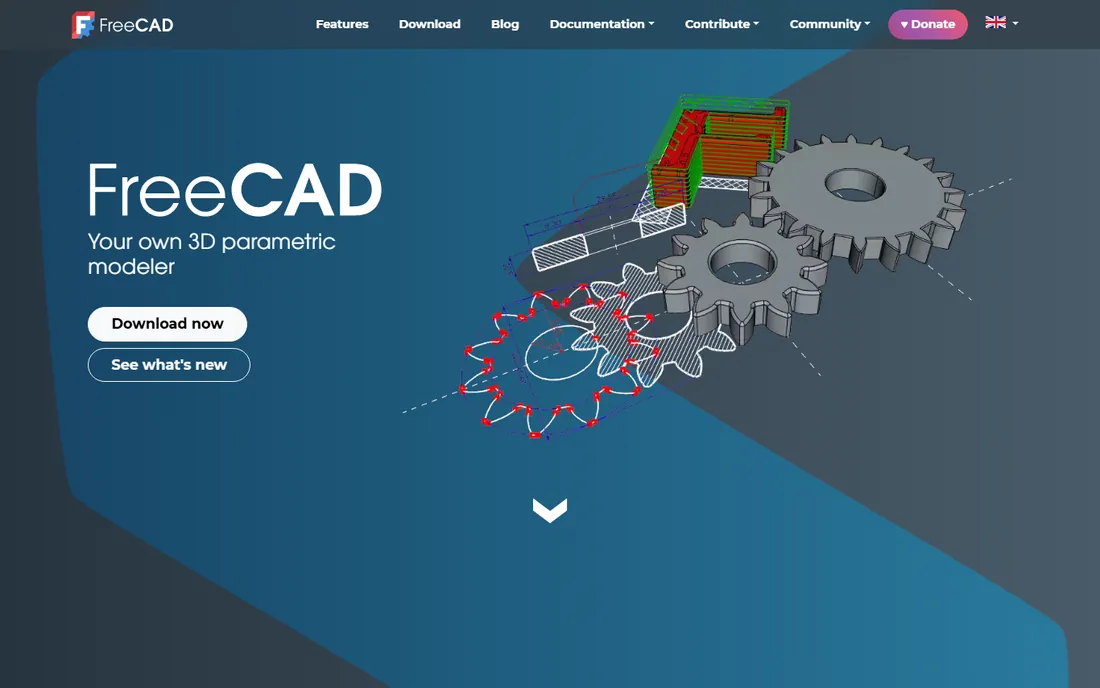
FreeCAD is the open-source parametric modeler that keeps improving. Sketch-based parametric design, assembly workbenches, finite element analysis, CAM for CNC, and BIM tools come free on Windows, Mac, and Linux, with no licensing fees or vendor lock-in.
The interface is less polished than commercial tools and the learning resources thinner. But for students, hobbyists, makers, and budget-conscious professionals, it is remarkably capable at zero cost. The 3D printing community in particular has embraced it, with slicer-friendly export built in.
What we like- Completely free parametric modeling
- FEA, CAM, and BIM workbenches
- No sign-up or paywall
Watch out for- Interface and workflow can be rough
- Smaller professional ecosystem
Starting price$995 one-time
Free planFree trial
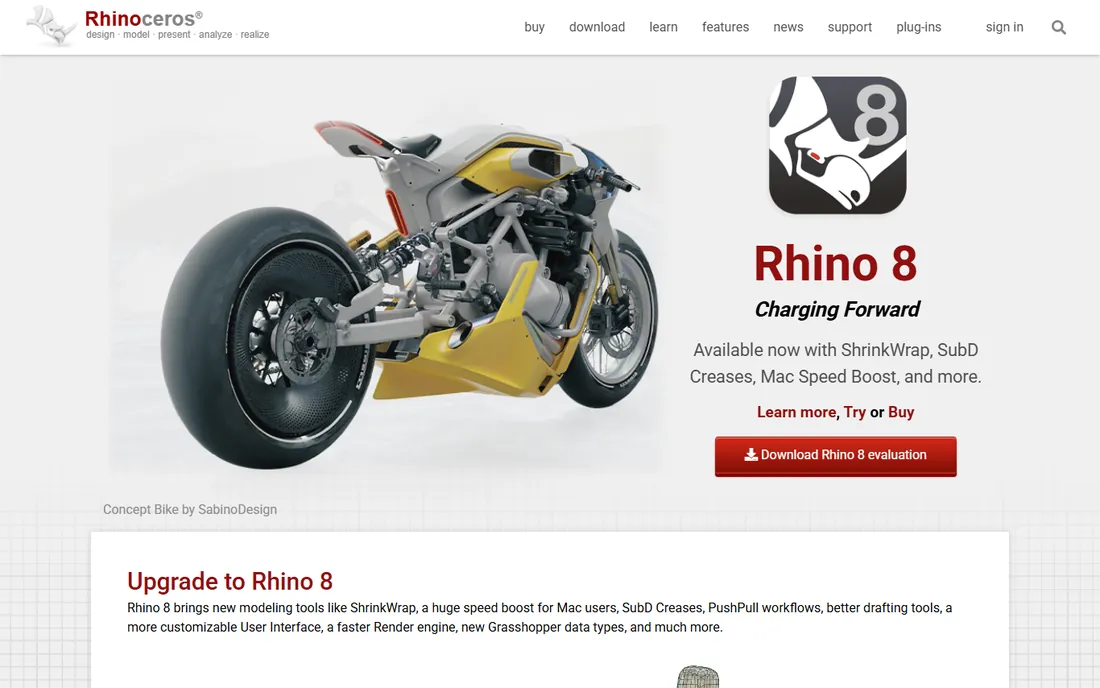
Rhino 8 costs $995 as a one-time perpetual purchase, with a 90-day full-featured trial. Its NURBS modeling is the best in the business for freeform shapes, and Grasshopper adds visual programming for generative design. The 1,500-plus app ecosystem extends it enormously.
It is not a parametric mechanical CAD like SOLIDWORKS; engineers use it for industrial design, concepts, and complex geometry, then export downstream. That focused role is exactly why it survives alongside the giants. For freeform work, nothing touches it at this price.
What we like- Best-in-class NURBS freeform modeling
- Grasshopper visual programming
- Perpetual license, no subscription
Watch out for- Not parametric history-based CAD
- Mechanical drafting is basic
How we chose
We reviewed vendor product pages, pricing pages, and practitioner discussion across engineering publications and forums, comparing modeling capabilities, simulation, collaboration, pricing models, and platform support. Every tool had to be currently available with a working website. We did not claim hands-on testing.
A buying guide for mechanical design software
Start with your industry's standard. If your suppliers, customers, and hires all use SOLIDWORKS, matching them avoids translation friction. Automotive and aerospace default to CATIA or NX. Startups and job shops get the best value from Fusion or Solid Edge.
Decide between desktop and cloud. Desktop tools like SOLIDWORKS and Inventor need powerful workstations but work offline. Onshape and Fusion run lighter hardware and collaborate better across locations, at the cost of internet dependence.
Budget honestly over three years. Subscriptions from Autodesk and PTC compound, while Rhino's perpetual license and FreeCAD's zero cost do not. Factor in training time too: Creo and CATIA demand serious learning investment, while Fusion and Onshape onboard faster.
Parametric versus direct modeling
Parametric CAD, like SOLIDWORKS, Creo, and Inventor, builds models from features with editable history: change a dimension and the model rebuilds. It is powerful for families of parts but punishes sloppy modeling. Direct modeling, championed by Solid Edge's synchronous technology, lets you push and pull geometry without history. Most modern tools blend both. Beginners often find direct modeling more intuitive, while production teams usually need parametric control for revision-heavy work. Know which your workflow demands before you commit, and test both styles during the trial period.
Frequently asked questions
What is the best mechanical design software for beginners?
Autodesk Fusion for its balance of power and approachability, Onshape for browser-based simplicity, and FreeCAD if the budget is zero. All three have strong tutorial ecosystems.
Is SOLIDWORKS better than Fusion?
SOLIDWORKS leads in industry adoption, large-assembly performance, and ecosystem depth. Fusion wins on price, integrated CAM, and cloud collaboration. Choose SOLIDWORKS for established professional teams, Fusion for startups and cost-conscious shops.
Can I get professional CAD for free?
Yes. FreeCAD is fully free and open source. Onshape offers free tiers for students, educators, and hobbyists. Autodesk and Siemens offer free trials and student editions.
What CAD software do automotive companies use?
CATIA dominates automotive body and surface design, while Siemens NX is strong in powertrain and manufacturing engineering. Suppliers typically match their OEM customers.
Should I choose cloud or desktop CAD?
Cloud CAD like Onshape suits distributed teams and light hardware, with built-in version control included. Desktop CAD like SOLIDWORKS suits large assemblies and offline work. Many teams now mix both.
Sources we checked (10)
- https://www.solidworks.com/
- https://www.autodesk.com/products/fusion-360/overview
- https://www.onshape.com/
- https://www.autodesk.com/products/inventor/overview
- https://www.ptc.com/en/products/creo
- https://plm.sw.siemens.com/en-US/nx/
- https://www.plm.automation.siemens.com/global/en/products/solid-edge/
- https://www.3ds.com/products/catia
- https://www.freecad.org/
- https://www.rhino3d.com/
Is your product missing or out of date?
We review this list regularly. Vendors can request a listing, send updated pricing or ask about featured placement.

Shihab Mia · Founder, Rankite
Shihab has spent more than a decade helping SaaS and e-commerce brands grow through search. He writes Rankite's software buying guides from pricing pages, documentation and public user reviews. More about Shihab.