How we make this list: we compare pricing pages, product documentation and public user reviews. Ratings come from G2, Capterra or Trustpilot, with the date we checked them.
Key takeaways
- Only one tool here publishes a clean list price: Dynamics 365 Business Central, at $80 per user per month for Essentials and $110 for Premium, paid yearly. The rest are quote-based or sold through partners.
- Sage Intacct and NetSuite lead on multi-entity financials, but both are built for companies that can afford an implementation project, not a weekend setup.
- Odoo and Acumatica are the most flexible on price structure. Odoo has a free single-app tier, and Acumatica prices by resource consumption instead of by user.
- QuickBooks Enterprise is the cheapest step up from small-business accounting, but it is the least complete as a true ERP.
- The license fee is rarely the biggest cost. Implementation, data migration and partner fees usually decide the real budget.
Quick comparison
| Tool | Best for | Starting price | Free plan |
|---|
 NetSuite NetSuite | Growing multi-entity companies | See website | No |
 Sage Intacct Sage Intacct | Finance-led teams and multi-entity reporting | See website | No |
 Microsoft Dynamics 365 Business Central Microsoft Dynamics 365 Business Central | Microsoft-centric small and mid-size firms | $80 per user/month (Essentials, billed yearly) | Free trial |
 Acumatica Acumatica | Companies with many occasional users | See website | No |
 Odoo Odoo | Budget-conscious teams wanting modular apps | See website | Yes (one app only) |
 SAP Business One SAP Business One | Product-based small businesses | See website | No |
 QuickBooks Enterprise QuickBooks Enterprise | Outgrowing QuickBooks, simple operations | See website | Free trial |
Is your product missing or out of date?
We review this list regularly. Vendors can request a listing, send updated pricing or ask about featured placement.
The best ERP accounting software
#1NetSuite
Best for: Growing multi-entity companies4.1/5 on
G2 (4,963 reviews, checked Oct 2026)
Visit netsuite.com
Starting priceSee website
Free planNo
NetSuite is the name most buyers meet first, and it earns the attention. It runs accounting, order management, inventory, procurement and reporting on a single cloud database, which means a finance lead and an operations lead are looking at the same numbers. Companies that open a second entity or sell in a second currency tend to feel the benefit quickly.
The catch is how you buy it. NetSuite does not publish prices. Your cost depends on the modules, the number of full users and the service tier, and you will get a quote after a sales conversation. Expect a multi-year contract and budget separately for an implementation partner, because going live is rarely a self-serve job.
It fits a company that has outgrown entry-level accounting and has someone who will own the system after launch. A ten-person shop with simple books will pay for far more than it uses. Ask for the price of adding users and modules in year two, not just the opening quote.
What we like- Financials, inventory, order management and CRM in one system
- Strong multi-subsidiary and multi-currency handling
- Large partner and customer base
Watch out for- Quote-based pricing with no public price list
- Implementation is a real project with real cost
#2Sage Intacct
Best for: Finance-led teams and multi-entity reporting4.3/5 on
G2 (4,521 reviews, checked Oct 2026)
Visit sage.com
Starting priceSee website
Free planNo
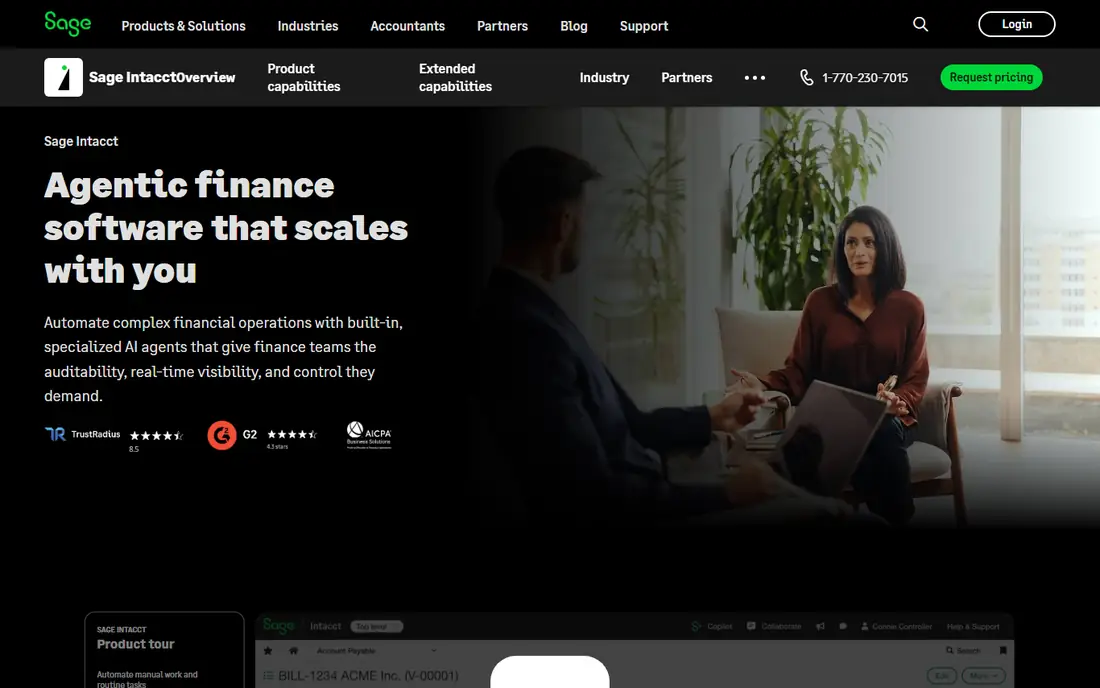
Sage Intacct started life as a financial management product, and that shows. Its strength is reporting: you tag transactions with dimensions such as department, project or location, then slice the numbers without exporting to a spreadsheet. Controllers and CFOs at services firms, nonprofits and software companies usually like it for this reason.
Sage lists core financials alongside an extended set of capabilities and a marketplace of connected applications. That marketplace matters, because Intacct is narrower than a classic ERP on the operations side. If you run a warehouse or a production line, plan on connecting third-party tools for the parts it does not cover.
Pricing is by quote and depends on modules, entities and users. It suits companies where accounting is the center of gravity and operations are modest. If your pain is inventory and manufacturing, look at other tools on this list first.
What we like- Deep cloud financials with dimensional reporting
- Handles multiple entities and consolidation well
- Marketplace of connected apps
Watch out for- Quote-based pricing
- Operations features such as inventory and manufacturing are lighter than a full ERP
#3Microsoft Dynamics 365 Business Central
Best for: Microsoft-centric small and mid-size firms4.0/5 on
G2 (917 reviews, checked Oct 2026)
Visit microsoft.com
Starting price$80 per user/month (Essentials, billed yearly)
Free planFree trial
Business Central is the easiest tool here to price on paper. Microsoft's pricing page lists Essentials at $80 per user per month and Premium at $110, both paid yearly. Essentials covers finance, sales, purchasing and inventory, while Premium adds the heavier operations features such as manufacturing and service management.
The Microsoft connection is the main draw. If your team already lives in Excel, Outlook and Teams, the learning curve is gentler than with most competitors, and finance staff can pull data into familiar spreadsheets. Power BI and the wider Microsoft stack are close at hand for reporting.
The honest weakness is that the license price is only the start. Most companies buy through a Microsoft partner who configures, migrates data and trains staff, and the quality of that partner shapes your experience more than the software does. Ask for references from companies of your size and industry before signing.
What we like- Published per-user pricing
- Works naturally with Excel, Outlook and Teams
- Covers finance, sales, purchasing and inventory
Watch out for- Premium needed for manufacturing and service management
- Partner-led implementation adds cost
#4Acumatica
Best for: Companies with many occasional users4.4/5 on
G2 (2,021 reviews, checked Oct 2026)
Visit acumatica.com
Starting priceSee website
Free planNo
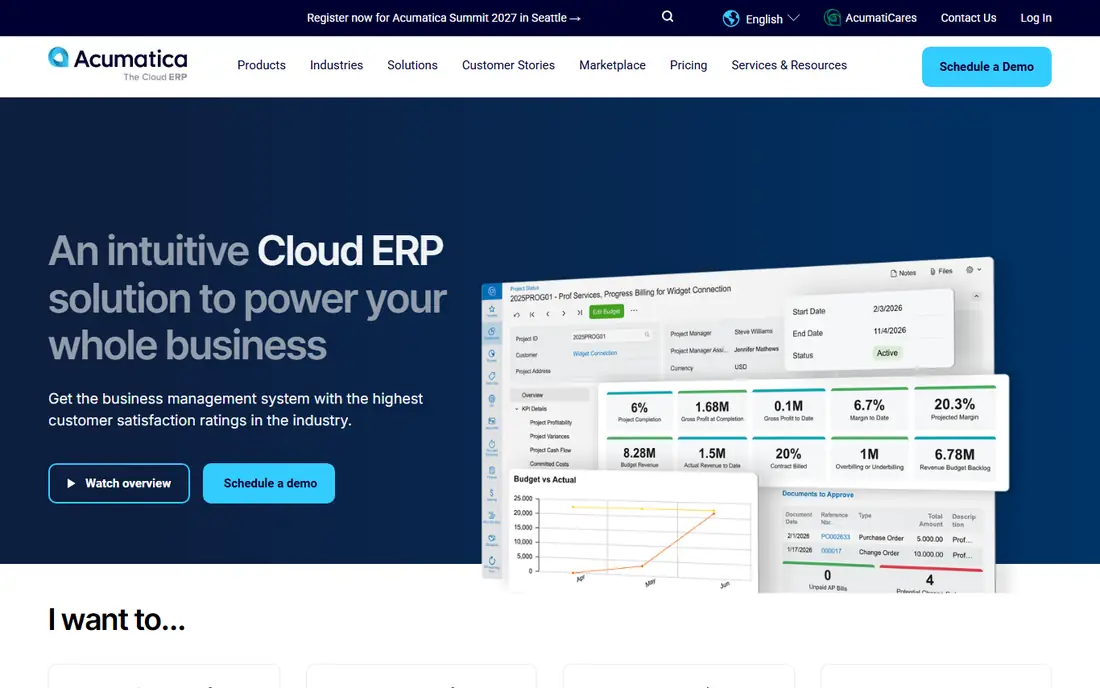
Acumatica takes a different approach to pricing. Instead of charging for every named user, it licenses by the computing resources you consume, so a company with warehouse staff, sales reps and approvers who each log in occasionally does not pay a seat for each one. For businesses where many people touch the system lightly, that can be cheaper than per-user rivals.
The software itself covers financials, distribution, project accounting, manufacturing and commerce, with editions aimed at specific industries. It is a good match for mid-size distributors, contractors and manufacturers that want more depth than Business Central Essentials.
The trade-off is predictability. Resource-based pricing is harder to forecast than a simple seat count, and you buy through a partner, so the quote you get depends on who you talk to. Ask how the partner sizes your transaction volume, and what happens to the price if volume doubles.
What we like- Consumption-based licensing instead of per-user fees
- Cloud and private-cloud deployment options
- Wide set of industry editions
Watch out for- Pricing is hard to predict without a partner quote
- Sold only through resellers
#5Odoo
Best for: Budget-conscious teams wanting modular apps4.2/5 on
G2 (354 reviews, checked Oct 2026)
Visit odoo.com
Starting priceSee website
Free planYes (one app only)
Odoo is the outlier on this list. It is a suite of apps (accounting, inventory, sales, manufacturing, CRM, e-commerce and more) that you switch on as needed. You can start with just accounting and add inventory six months later without changing vendors. Odoo has also offered a free tier limited to one app, which is useful for testing a single process, though you should confirm current terms on its pricing page.
The pricing is per user and generally lower than the quote-based systems above, which makes Odoo popular with startups and small manufacturers. There is also an open-source community edition for teams with in-house developers, though the community version leaves out some features found in the paid edition.
The weakness is consistency. Because the platform is so flexible, results depend heavily on how it is configured, and customization can turn into a long project. US-specific accounting needs, such as sales tax and local reporting, are worth checking in a demo with your own scenarios.
What we like- Modular apps you can add one at a time
- Free tier for a single app
- Open-source community edition for technical teams
Watch out for- Accounting depth varies by region and version
- Heavy customization needs a skilled partner
#6SAP Business One
Best for: Product-based small businesses4.3/5 on
G2 (542 reviews, checked Oct 2026)
Visit sap.com
Starting priceSee website
Free planNo
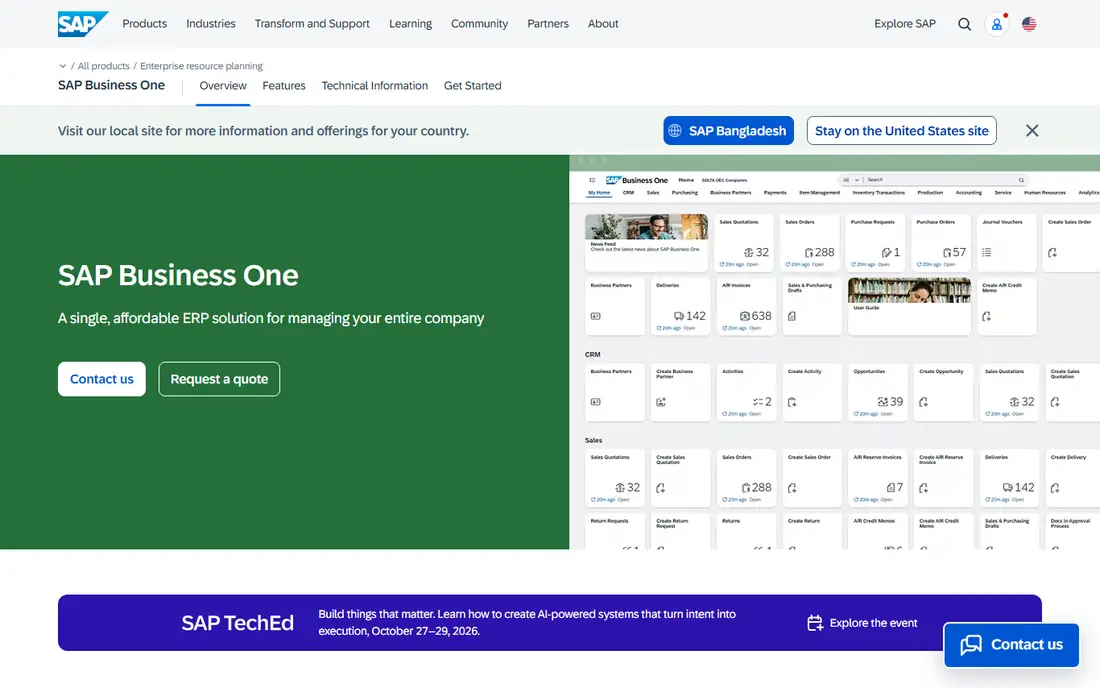
SAP Business One is SAP's product for small and mid-size companies, separate from its enterprise systems. It handles financials, sales, purchasing, inventory and production, and it fits companies that make or move physical goods. Wholesalers, small manufacturers and distributors are the common buyers.
The product is sold through SAP partners, and pricing depends on license type, deployment and the partner. You can choose cloud or on-premise options, so ask each partner to quote both over a three to five year view. Support is typically handled by the partner, not by SAP directly.
If your business is service-based, it is probably more than you need. If you carry stock across multiple warehouses and need solid costing and planning, it is worth a serious look. Review a demo that uses your actual item and bill-of-materials data.
What we like- Strong inventory, purchasing and production planning
- Made specifically for smaller companies
- Large partner network
Watch out for- Sold through partners with quotes that vary
- Interface feels dated to some users compared with newer cloud tools
#7QuickBooks Enterprise
Best for: Outgrowing QuickBooks, simple operations4.3/5 on
G2 (1,061 reviews, checked Oct 2026)
Visit quickbooks.intuit.com
Starting priceSee website
Free planFree trial
QuickBooks Enterprise is the sensible first step for a business that has stretched QuickBooks Online or Pro to its limits. It adds more users, larger lists, advanced inventory and more reporting, and almost every bookkeeper in the US knows how to use it. The change management cost is therefore close to zero.
Intuit publishes pricing for QuickBooks Online on its pricing page, but Enterprise plans are tiered and the details are easiest to confirm directly with Intuit, so check the current numbers there. Enterprise is a desktop-based product, with hosting options available for remote access.
Be clear about what it is. It is a strong accounting and light inventory product, not an integrated ERP with deep manufacturing, multi-entity consolidation or workflow automation. If you expect to add entities or complex operations in the next three years, you may be buying twice.
What we like- Familiar interface for QuickBooks users
- Easy data migration from smaller QuickBooks versions
- Wide accountant familiarity
Watch out for- Not a full ERP
- Limited multi-entity and automation features compared with cloud ERPs
How we chose
We built this list from public sources, not hands-on testing. For each product we reviewed the vendor's pricing page and product documentation, then compared what buyers say on G2, Capterra and Reddit, along with features, integrations, deployment options and the company sizes each vendor targets. Where a vendor does not publish a price, we say so instead of repeating an estimate from a third party.
We kept the list to tools that include real accounting at the core and some form of operations management, then mixed established leaders (NetSuite, Sage Intacct, Business Central) with flexible alternatives (Odoo, Acumatica) and a low-friction option (QuickBooks Enterprise). The title says seven because we only listed products that truly fit the topic, even though the search phrase mentions ten.
What to check before you shortlist an ERP
Match the system to your biggest pain
Start with the problem that costs you the most today. If it is month-end close and reporting, a finance-first product such as Sage Intacct deserves a look. If it is inventory accuracy and production, SAP Business One or Acumatica are closer fits. If you just need more users and bigger lists, QuickBooks Enterprise may be enough.
Count the full cost
License fees are only one piece. Add implementation, data migration, training, integrations, annual price increases and partner support. Ask each vendor for a three-year total for your user count, and ask what is not included.
Ask about contract and exit terms
Most quote-based ERPs sign you to multiple years. Ask about the renewal increase cap, the cost of adding users, and how you can export your data if you leave. A clear answer on export in a standard format tells you a lot about how the vendor treats customers.
Run a demo on your own data
A generic demo shows the best case. Give the vendor a sample of your chart of accounts, a few typical invoices and a purchase order flow, and ask them to show those. Include your accountant or controller, because they will live in it daily.
Frequently asked questions
What is the difference between ERP and accounting software?
Accounting software handles the books: invoices, bills, payments, ledgers and reports. ERP software covers accounting plus operations such as inventory, purchasing, order management, projects and sometimes manufacturing. Several tools here sit in between, so check which modules you actually get.
How much does ERP accounting software cost?
It varies widely. Business Central lists $80 per user per month for Essentials and $110 for Premium, billed yearly, while NetSuite, Sage Intacct, Acumatica and SAP Business One are quoted individually. Plan for implementation costs on top of the subscription.
Do small businesses need an ERP?
Not always. If your accounting is simple and you do not manage complex inventory or multiple entities, a good accounting package is cheaper and faster to run. An ERP starts to make sense when spreadsheets and disconnected tools slow down orders, purchasing or reporting.
How long does an ERP implementation take?
It depends on scope. Small, simple rollouts can take a few weeks, while multi-entity or manufacturing projects often run several months. Ask each partner for a timeline based on your modules and data volume, and ask what delays are typical.
Is cloud ERP better than on-premise?
Cloud ERP removes server maintenance and usually updates automatically, which suits most small and mid-size companies. On-premise can make sense for specific control or compliance needs. Compare the total cost of both over several years, including hosting and IT staff time.
Sources we checked (7)
- https://www.microsoft.com/en-us/dynamics-365/products/business-central/pricing
- https://quickbooks.intuit.com/pricing/
- https://www.acumatica.com/
- https://www.acumatica.com/cloud-erp-software/
- https://www.sap.com/products/erp/business-one.html
- https://www.sage.com/en-us/sage-business-cloud/intacct/product-capabilities/core-financials/
- https://www.sage.com/en-us/sage-business-cloud/intacct/product-capabilities/extended-capabilities/marketplace/
Is your product missing or out of date?
We review this list regularly. Vendors can request a listing, send updated pricing or ask about featured placement.

Shihab Mia · Founder, Rankite
Shihab has 5+ years in B2B and SaaS SEO. He writes Rankite's software buying guides from pricing pages, documentation and public user reviews. More about Shihab.