How we make this list: we compare pricing pages, product documentation and public user reviews. Ratings come from G2, Capterra or Trustpilot, with the date we checked them.
Key takeaways
- Artgrid is the best cinematic pick, with curated footage and unlimited downloads on a yearly membership.
- Envato Elements is the best value bundle, since one membership covers video, music, templates and graphics.
- Pond5 suits editors who need one specific clip, since it sells per clip without a membership commitment.
- Adobe Stock fits Creative Cloud users who want clips inside Premiere Pro without leaving the editor.
- Pexels and Mixkit cover free projects, but free footage carries no indemnity, so client work needs a paid license.
Quick comparison
| Tool | Best for | Starting price | Free plan |
|---|
 Artgrid Artgrid | Cinematic footage | $19.99 per month | Free trial |
 Envato Elements Envato Elements | All-in-one asset bundle | $16.50 per month | Free trial |
 Shutterstock Shutterstock | Largest catalog | $49 per month | Free trial |
 Pond5 Pond5 | Per-clip buying | $25 per clip | No |
 Adobe Stock Adobe Stock | Creative Cloud workflows | $29.99 per month | Free trial |
 Motion Array Motion Array | Footage plus templates | $24.99 per month | Free trial |
 iStock iStock | Rights-protected clips | $99 per month | Free trial |
 Pexels Pexels | Free footage | $0 | Yes |
Is your product missing or out of date?
We review this list regularly. Vendors can request a listing, send updated pricing or ask about featured placement.
The best Storyblocks alternatives
Starting price$19.99 per month
Free planFree trial
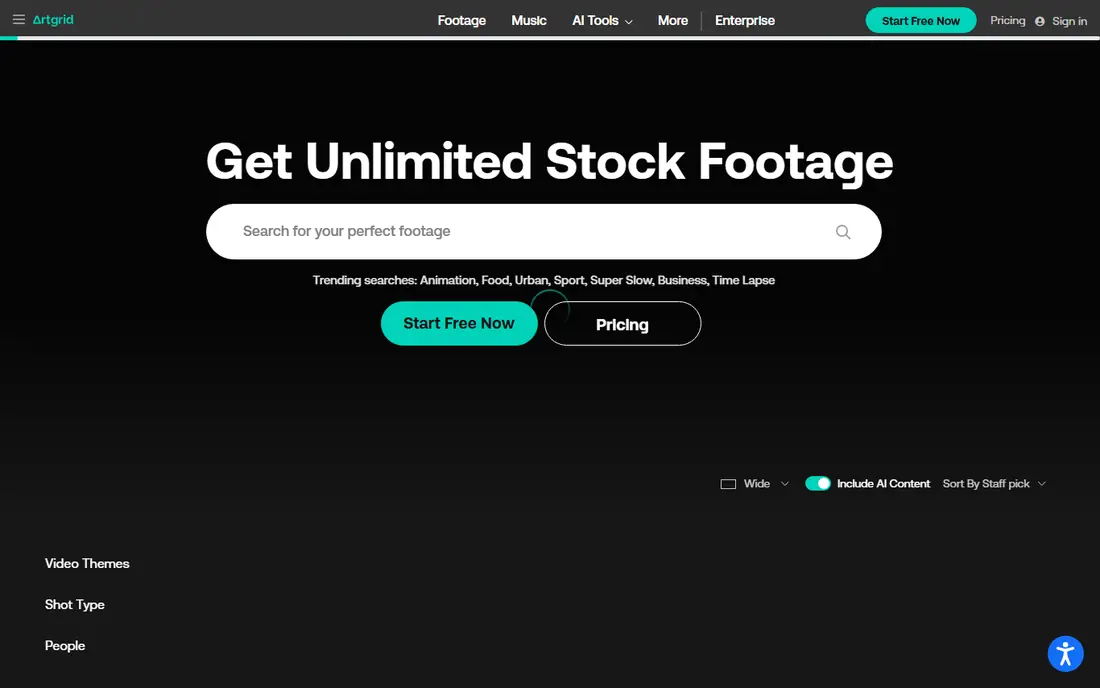
Artgrid is the first place editors look when Storyblocks footage feels too generic for a brand film or commercial. Its catalog is curated by filmmakers, with story-driven sequences shot by named artists rather than bulk uploads, and it reaches 8K resolution on many clips. A membership near $19.99 per month billed yearly gives unlimited downloads, and work made while subscribed stays licensed after you cancel.
The membership model is also its limit. If you need one clip per quarter, a yearly membership costs more than buying that clip outright, and Artgrid's catalog is smaller than Shutterstock's for everyday topics. For editors producing regular video content with a cinematic standard, Artgrid's quality and simple licensing make it the strongest Storyblocks replacement.
What we like- Curated cinematic catalog
- Unlimited downloads
- Clips stay licensed after cancelling
Watch out for- Membership only, no per-clip buying
- Weaker for everyday B-roll volume
Starting price$16.50 per month
Free planFree trial
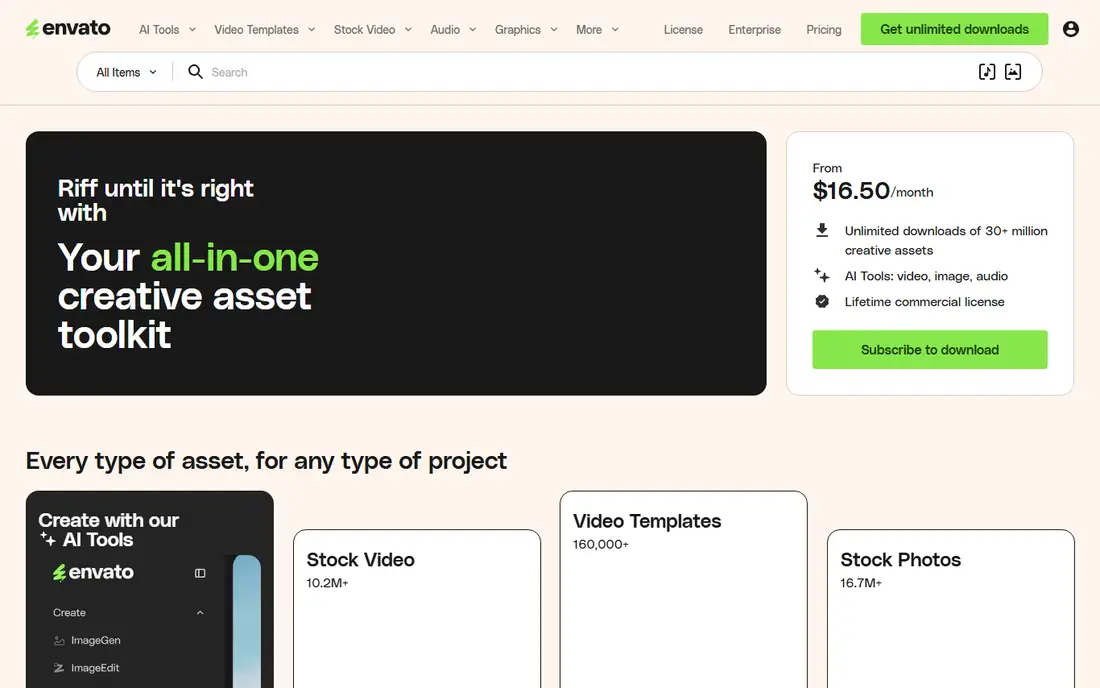
Envato Elements is the best value on this list for editors who need more than video. One membership near $16.50 per month billed yearly covers millions of stock videos plus music tracks, sound effects, video templates, graphics and fonts. Downloads are not metered per item, so a busy editor can pull assets for many projects without counting clips.
Licensing needs care: you must register each download, and the license for unfinished work depends on keeping the membership active, though completed licensed projects stay covered. Quality varies more than Artgrid's curated catalog, so expect to preview more clips. For YouTubers, agencies and social teams that need many asset types on one bill, Envato Elements is hard to beat.
What we like- Video plus music, templates and graphics
- Unlimited downloads
- Low monthly price
Watch out for- License tied to active membership for unfinished work
- Catalog quality varies
Starting price$49 per month
Free planFree trial
Shutterstock wins on breadth. With tens of millions of video clips plus images and music, it is the most likely place to find a specific shot, from a rare location to a niche profession. Video plans start near $49 per month in some listings and near $99 per month for larger packs, with per-clip licensing available for one-off needs.
Breadth has two costs. First, price: Shutterstock is among the pricier ways to license motion, especially for 4K clips. Second, familiarity: because so many editors use it, the same clips show up in many videos. For corporate and news work where finding the exact shot matters more than uniqueness, Shutterstock remains the reliable choice.
What we like- Huge catalog of 35 million videos
- Strong search and tagging
- Enhanced rights available
Watch out for- Pricier than rivals
- Same clips appear everywhere
Starting price$25 per clip
Free planNo
Pond5 is the marketplace answer to subscriptions. Individual clips start near $25, with premium 4K clips running far higher, and each purchase carries a perpetual license, so the clip stays yours even if you never buy again. That model suits editors who license one or two clips per month and would waste money on a membership.
Credit packs lower per-clip costs for regular buyers, and membership options exist for heavier users, but Pond5 never matches Artgrid or Envato for unlimited volume. Contributor pricing also varies a lot, so two similar clips can cost very different amounts. For occasional, specific needs, Pond5's pay-for-what-you-use model is the most honest deal available.
What we like- Buy exactly one clip
- Perpetual license
- Huge marketplace with many contributors
Watch out for- Premium clips cost far more
- No unlimited plan for heavy users
Starting price$29.99 per month
Free planFree trial
Adobe Stock earns its place through workflow. Editors working in Premiere Pro can search, preview and license clips without leaving the timeline, and licensed clips drop straight into the project panel. Plans start near $29.99 per month for one video, scaling to higher tiers for more monthly videos, with per-clip purchases available for one-off needs.
The low tier is thin: one video per month suits only light users, and a la carte HD clips start near $150 for two. Teams already paying for Creative Cloud will find the integration worth it, since it removes the download-import round trip. Editors outside Adobe's ecosystem get better value from Artgrid or Envato.
What we like- Works inside Premiere Pro and After Effects
- Perpetual licenses
- Strong search
Watch out for- Low-tier plans include few videos
- Per-clip prices are high
Starting price$24.99 per month
Free planFree trial
Motion Array bundles stock footage with the extras editors actually use: video templates, transitions, plugins, music and sound effects. A full membership near $24.99 per month, or near $249.99 per year, gives unlimited downloads across all of it, which suits editors who build many similar videos from templates.
Licensing follows the completed-project rule: work finished while subscribed stays covered, but unfinished projects lose coverage if you cancel. The footage catalog is smaller than Shutterstock's, so very specific shots may be missing. For template-driven editors and agencies producing volume content, Motion Array's bundle is more useful than a footage-only library.
What we like- Footage plus templates, plugins and music
- Unlimited downloads
- Premiere and After Effects tools
Watch out for- Completed projects only after cancelling
- Catalog smaller than Shutterstock
Starting price$99 per month
Free planFree trial
iStock, backed by Getty Images, is the choice when legal defensibility matters most. Its clips carry strong model and property releases, which matters for advertising and broadcast work where a rights challenge can kill a campaign. Video plans start near $99 per month billed yearly for 10 videos, with per-clip purchases for one-off needs.
That price puts iStock out of reach for casual creators, and its catalog, while large at 18 million videos, is smaller than Shutterstock's. For broadcast, paid advertising and brand campaigns where releases and indemnity justify the cost, iStock is the safest pick. For everyday content, cheaper subscriptions cover the same needs.
What we like- Strong rights and releases
- Getty-backed quality
- Perpetual licenses
Watch out for- Expensive
- Video plans start high
Starting price$0
Free planYes
Pexels is the free starting point every editor should know. Its library covers lifestyle, business, nature and abstract footage in HD, free to use without attribution. For personal projects, YouTube videos and student work, it removes the budget question entirely.
Free footage has a legal limit: Pexels offers no indemnity, so if a clip turns out to have a rights problem, you carry the risk. Quality also varies, and the best cinematic shots live on paid sites. Use Pexels for drafts, personal work and low-risk content, and switch to a paid license for client work, advertising or anything that will run widely.
What we like- Completely free
- No attribution required
- Good lifestyle and business clips
Watch out for- No indemnity
- Quality varies
- Limited for commercial client work
How we chose
We compared libraries on catalog size, resolution, licensing terms, pricing model and workflow fit. We used vendor pages and recent comparison guides for prices, and we favored services still actively selling in 2026. We did not claim hands-on testing. Instead we weighed what each service licenses, what it costs at realistic usage levels, and where its catalog is strongest, so editors can match a service to their volume and risk level.
Subscription or per-clip: doing the math
Count your last three months of licensed clips before choosing. If you used more than about eight clips per month, a subscription such as Artgrid or Envato Elements almost always beats per-clip buying. If you used one or two, Pond5 or Adobe Stock per-clip purchases save money, since an unused membership is the most expensive option of all.
Also check what happens when you cancel. Artgrid and Pond5 let finished work stay licensed, while Envato Elements and Motion Array tie unfinished work to an active membership. For long projects that may pause, that difference matters more than a few dollars of monthly price. Read the license terms for broadcast, paid advertising and resale use before you commit, since those uses often need higher tiers.
Resolution is another quiet cost driver. Most subscriptions now include 4K, but some older per-clip listings charge far more for 4K than HD, and a few budget plans cap downloads at HD. If your delivery spec is 4K, confirm that your plan includes it before you build a project around clips you cannot export at full quality. A short early test export at the start of a project avoids an expensive re-license later.
Frequently asked questions
Is Storyblocks still a good option?
Storyblocks remains a solid volume option near $30 per month billed yearly for its all-access plan, with unlimited downloads. Its main limits are uneven catalog quality and the rule that clips lose coverage outside Enterprise plans after cancelling, which is why many editors compare alternatives before renewing.
What is the cheapest Storyblocks alternative?
Pexels is free, and Envato Elements near $16.50 per month is the cheapest broad paid subscription. Artgrid near $19.99 per month is the cheapest curated cinematic option, while Pond5 suits buyers who need only one clip at a time.
Do I keep the license if I cancel a subscription?
It depends on the service. Artgrid and Pond5 purchases stay licensed for work made while subscribed, and Adobe Stock and iStock sell perpetual licenses. Envato Elements and Motion Array cover completed projects but tie unfinished work to an active membership, so finish projects before cancelling.
Can I use stock footage in paid ads?
Yes, but check the tier. Most standard licenses cover online and social ads, while broadcast television, theatrical and large paid campaigns often need an extended or enterprise license. iStock and Filmsupply are built for those uses, while cheaper plans may exclude them.
Is free footage safe for client work?
Free footage from Pexels or Mixkit is usable, but it carries no indemnity, so the client bears the risk if a rights issue appears. For paid client work, a paid license with indemnity from Shutterstock, iStock or Adobe Stock is the safer professional choice.
Sources we checked (8)
- https://artgrid.io
- https://elements.envato.com
- https://www.shutterstock.com
- https://www.pond5.com
- https://stock.adobe.com
- https://motionarray.com
- https://www.istockphoto.com
- https://www.pexels.com
Is your product missing or out of date?
We review this list regularly. Vendors can request a listing, send updated pricing or ask about featured placement.

Shihab Mia · Founder, Rankite
Shihab has 5+ years in B2B and SaaS SEO. He writes Rankite's software buying guides from pricing pages, documentation and public user reviews. More about Shihab.