How we make this list: we compare pricing pages, product documentation and public user reviews. Ratings come from G2, Capterra or Trustpilot, with the date we checked them.
Key takeaways
- UptimeRobot is the cheapest way to watch many sites, with a free tier covering 50 monitors.
- Better Stack is the best all-rounder for small teams, combining uptime, incidents and logs from $29 per month.
- Datadog Synthetics is the right pick for teams already running Datadog, with usage-based pricing near $15 per host per month.
- Pingdom is the simplest enterprise-grade uptime tool, starting near $15 per month for 10 monitors.
- New Relic Synthetics and Uptime Kuma are the best no-cost options, with a real free tier and a free self-hosted tool respectively.
Quick comparison
Is your product missing or out of date?
We review this list regularly. Vendors can request a listing, send updated pricing or ask about featured placement.
The best Site24x7 alternatives
Starting price$7 per month
Free planYes, 50 monitors
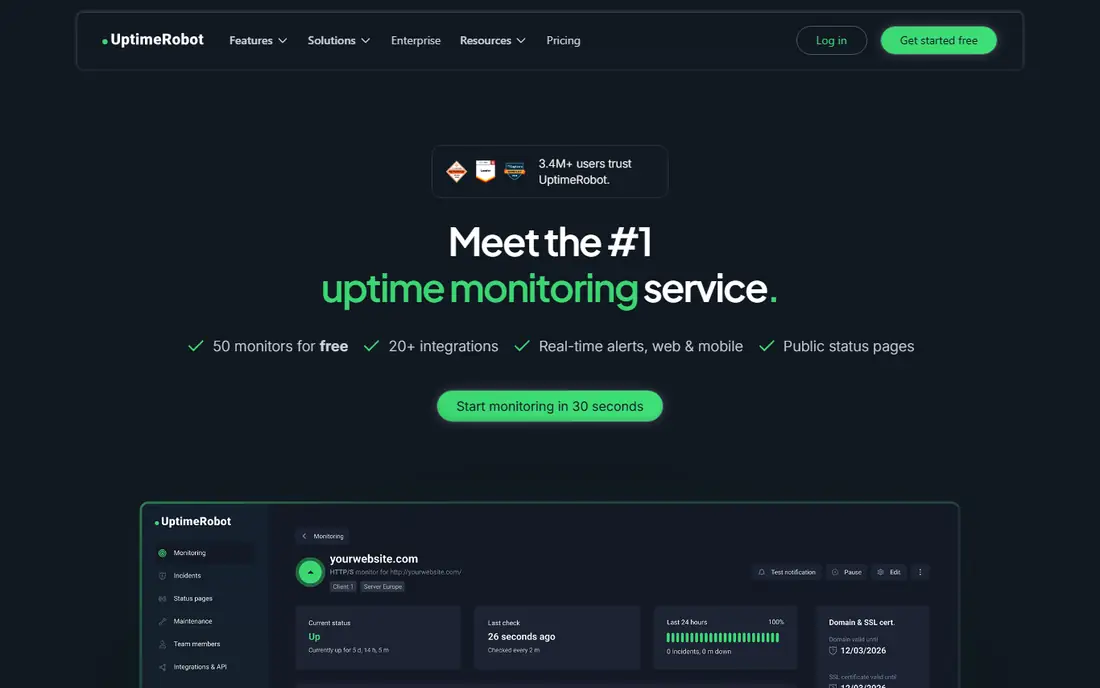
UptimeRobot is the cheapest way to watch many websites, and its free tier covers 50 monitors with checks every five minutes. Paid plans start near $7 per month, adding shorter check intervals, SMS and voice alerts, and longer incident history. For a personal site, a small agency, or a side project portfolio, that price is hard to beat.
One caveat matters: since October 2024, the free tier is limited to non-commercial use, so a business that relies on it should move to a paid plan. Reporting is also basic compared with Datadog or Better Stack, with less depth on root-cause analysis. For pure uptime checking at the lowest cost, UptimeRobot remains the default choice.
What we like- Free tier covers 50 monitors
- Very cheap paid plans
- Simple setup
Watch out for- Free tier is non-commercial since October 2024
- Basic reporting only
Starting price$29 per month
Free planFree trial
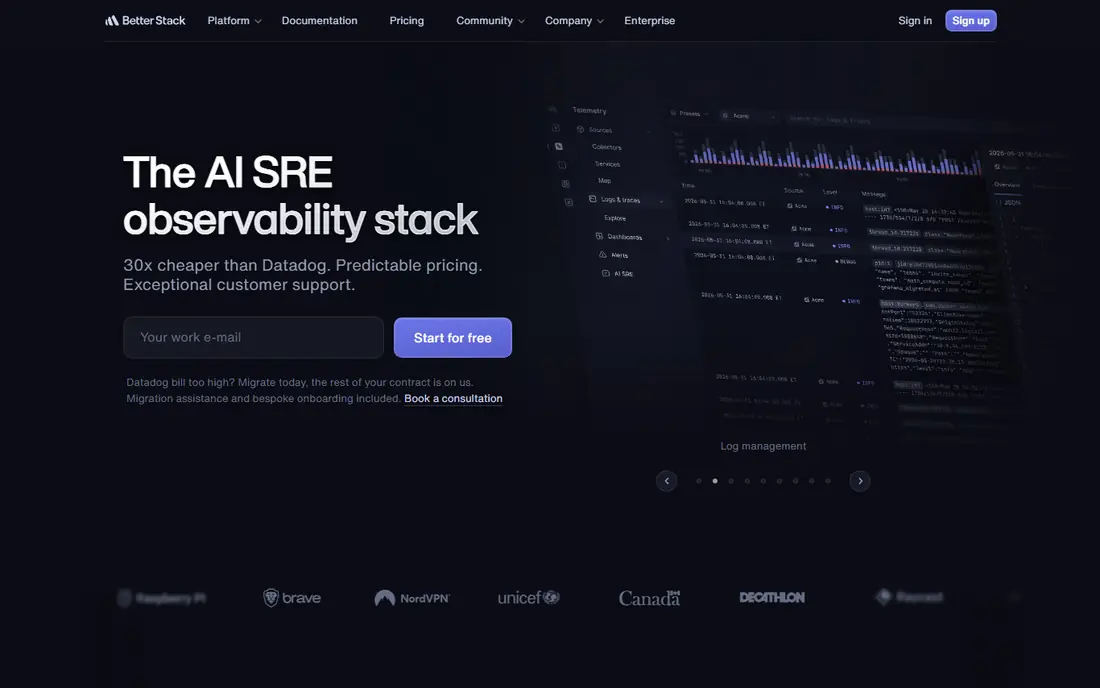
Better Stack combines uptime monitoring, incident management and log management in one product, starting near $29 per month. That combination is exactly what a small team needs: when a check fails, the incident page opens automatically, the on-call schedule pages the right person, and the logs help explain what broke. The interface is clean and fast, a noticeable change from older monitoring tools.
Better Stack is newer than Datadog or Pingdom, so its integration catalog is smaller and its enterprise features are less proven at very large scale. For a team of up to a few dozen engineers that wants one monitoring product instead of three, Better Stack is the best all-rounder on this list.
What we like- Uptime, incidents and logs in one product
- Clean interface
- Generous monitor limits
Watch out for- Newer than Datadog or Pingdom
- Fewer deep integrations
Starting priceSee website
Free planFree trial
Datadog Synthetics suits teams already running Datadog for infrastructure and application monitoring, since browser and API tests feed the same dashboards and alerts as the rest of the stack. A failed synthetic test can be traced straight to an APM trace and the relevant logs, which shortens incident investigations. Pricing is usage-based, with browser tests commonly near $12 to $15 per 1,000 tests and API tests cheaper.
Usage billing can grow fast for teams that run many tests at short intervals, so budget monitoring matters. Outside a Datadog shop, Synthetics is overkill; a standalone uptime tool costs less. For a team already paying for Datadog, adding Synthetics is the most coherent way to cover uptime.
What we like- Deep integration with Datadog APM and logs
- Browser and API tests
- Global locations
Watch out for- Usage-based billing can grow fast
- Overkill outside Datadog
Starting price$15 per month
Free planFree trial
Pingdom is the simplest enterprise-grade uptime tool, starting near $15 per month for 10 monitors. It checks websites, servers and transactions from global locations, alerts by email, SMS or app, and adds page speed insights that help teams spot slow pages before users complain. Setup takes minutes, and the alerting is reliable.
There is no free tier, and at a similar price Better Stack offers incidents and logs that Pingdom lacks. Pingdom's strength is focus: it does one job, uptime monitoring, and does it reliably for teams that already handle incidents and logs elsewhere. For a team that wants a proven, simple uptime tool, Pingdom remains a safe choice.
What we like- Simple to run
- Trusted brand
- Page speed insights included
Watch out for- No free tier
- Fewer features than Better Stack at a similar price
Starting price$20 per month
Free planFree trial
StatusCake covers uptime monitoring, SSL certificate checks, domain expiry alerts and public status pages from near $20 per month. The status page feature is the differentiator at this price: teams can publish a branded page that shows service health to customers during an outage, which cuts support tickets during incidents.
The interface feels dated next to Better Stack, and advanced test types such as multi-step browser transactions are thinner. For a small business that wants uptime alerts plus a customer-facing status page at a budget price, StatusCake is a practical pick.
What we like- Affordable paid plans
- Status pages included
- SSL and domain checks
Watch out for- Interface feels dated
- Fewer advanced test types

#6Checkly
Best for: Developer-friendly checks4.6/5 on
G2 (33 reviews, checked Oct 2026)
Visit checkly.com
Starting price$24 per month
Free planFree trial
Checkly is built for developers who want monitoring defined as code. Browser checks run on Playwright, API checks run from code, and checks live in a Git repository alongside the application, so monitoring changes go through the same review process as code changes. Plans start near $24 per month, with a free tier for small projects.
The developer focus is also the downside: non-technical teams will find Checkly less approachable than UptimeRobot or Pingdom. For an engineering team that already treats infrastructure as code and wants end-to-end browser tests tied to deployments, Checkly is the most natural fit on this list.
What we like- Monitoring as code
- Playwright browser checks
- GitHub integration
Watch out for- Developer-focused
- Less friendly for non-technical teams
Starting price$0
Free planYes
New Relic Synthetics offers a genuine free tier with up to 500 checks, which is enough for a small site portfolio. Scripted browser tests simulate real user journeys, and results feed the same platform as New Relic APM, so a failed check can be traced to a slow backend call. The free tier suits teams that want real synthetic monitoring without paying anything.
The free tier is limited in test volume and retention, and full platform pricing is usage-based, so costs grow with scale. For a team already using New Relic, or a small team that wants a free synthetic tier with an upgrade path, New Relic Synthetics is the best no-cost option here.
What we like- Real free tier with 500 checks
- Deep APM integration
- Scripted browser tests
Watch out for- Free tier is limited
- Full platform pricing is usage-based
Starting price$0
Free planYes
Uptime Kuma is a free, open source, self-hosted monitoring tool with a clean dashboard, HTTP, TCP, DNS and ping checks, and dozens of notification channels from email to Slack to Telegram. It runs in a Docker container in minutes and costs nothing beyond the server it runs on. For homelabs, small teams and privacy-conscious organizations that do not want monitoring data in a vendor cloud, it is the best free option available.
The trade-off is ownership: you run, update and back up the tool yourself, and there is no vendor support line when it breaks. Monitoring the monitor also matters, since a self-hosted tool on the same infrastructure it watches can fail silently. For teams comfortable with self-hosting, Uptime Kuma delivers the most capability for zero license cost.
What we like- Completely free and open source
- Self-hosted
- Many notification channels
Watch out for- You run and maintain it
- No hosted support option
How we chose
We compared monitoring tools on check types, alerting, status pages, pricing transparency and fit for small, mid-size and enterprise teams. We used vendor pricing pages and recent comparison guides for rates, and we favored tools with a free tier or published entry price. We did not claim hands-on testing. Instead we weighed what each tool monitors, how it alerts, and what it costs per month, so buyers can match a tool to their team size and technical comfort. Where a price was not published, we used "See website" rather than guessing a figure. That rule keeps every number in this guide traceable to a vendor page or a published comparison, which is what a buyer needs before committing to a monthly bill.
Picking the right check interval
Check interval is the setting most teams get wrong. A five-minute interval means an outage can run for nearly five minutes before anyone knows, which is fine for a brochure site but not for a checkout page. One-minute checks catch outages faster but cost more on usage-based plans and can create alert fatigue if thresholds are too tight.
Set intervals by business impact: one minute for revenue pages and APIs, five minutes for marketing pages, and longer for internal tools. Pair the interval with a confirmation rule, such as alerting only after two consecutive failures, to avoid waking anyone for a single blip. A well-tuned interval plus a confirmation rule is worth more than any extra feature on this list. Review alert history monthly, since a check that fires weekly for a flaky third-party dependency will train your team to ignore alerts, and ignored alerts are worse than no alerts at all. Tune or remove noisy checks before they erode trust in the whole system.
Frequently asked questions
What is the cheapest Site24x7 alternative?
UptimeRobot is cheapest, with a free tier for 50 monitors and paid plans from near $7 per month. For a business, remember the free tier is non-commercial since October 2024, so a paid plan is the correct choice for commercial use.
Can I monitor for free?
Yes. UptimeRobot's free tier covers 50 monitors for non-commercial use, New Relic Synthetics offers a free tier with 500 checks, and Uptime Kuma is free and open source if you self-host it.
Do I need synthetic monitoring or is uptime enough?
Uptime checks confirm a site responds, while synthetic monitoring simulates a real user journey such as logging in and checking out. Any site with a login, cart or payment flow should run synthetic tests in addition to uptime checks.
How many monitors do I need?
Count every public URL, API endpoint and SSL certificate you own, then add internal services worth watching. A small business typically needs 10 to 30 monitors, while a mid-size SaaS product often needs 50 to 200 once APIs and subdomains are included.
Should I self-host monitoring?
Self-hosting with Uptime Kuma costs nothing and keeps data private, but you own maintenance and uptime of the monitor itself. A hosted tool costs money but removes that burden and alerts you even when your own infrastructure is down.
Sources we checked (8)
- https://uptimerobot.com
- https://betterstack.com
- https://www.datadoghq.com
- https://www.pingdom.com
- https://www.statuscake.com
- https://checkly.com
- https://newrelic.com
- https://uptime.kuma.pet
Is your product missing or out of date?
We review this list regularly. Vendors can request a listing, send updated pricing or ask about featured placement.

Shihab Mia · Founder, Rankite
Shihab has 5+ years in B2B and SaaS SEO. He writes Rankite's software buying guides from pricing pages, documentation and public user reviews. More about Shihab.
 UptimeRobot
 Better Stack
 Datadog Synthetics
 Pingdom
 StatusCake
 New Relic Synthetics
 Uptime Kuma