How we make this list: we compare pricing pages, product documentation and public user reviews. Ratings come from G2, Capterra or Trustpilot, with the date we checked them.
Key takeaways
- InvokeAI is the best balanced local alternative, with a canvas for editing, layers and model management in a polished interface, including SD 3.5 support.
- AUTOMATIC1111 still has the largest extension library, though its core updates have slowed compared with newer forks.
- Stable Diffusion WebUI Forge is the better pick for AUTOMATIC1111 users who want faster runs and lower memory use.
- SwarmUI offers ComfyUI power with a simpler front end, and can use ComfyUI or AUTOMATIC1111 as its backend.
- SD.Next and Forge Neo suit users who want broad support for newer models beyond SD 3.5, including Flux and Qwen Image.
Quick comparison
Is your product missing or out of date?
We review this list regularly. Vendors can request a listing, send updated pricing or ask about featured placement.
The best SD 3.5 GUI alternatives to ComfyUI
Starting price$0
Free planYes
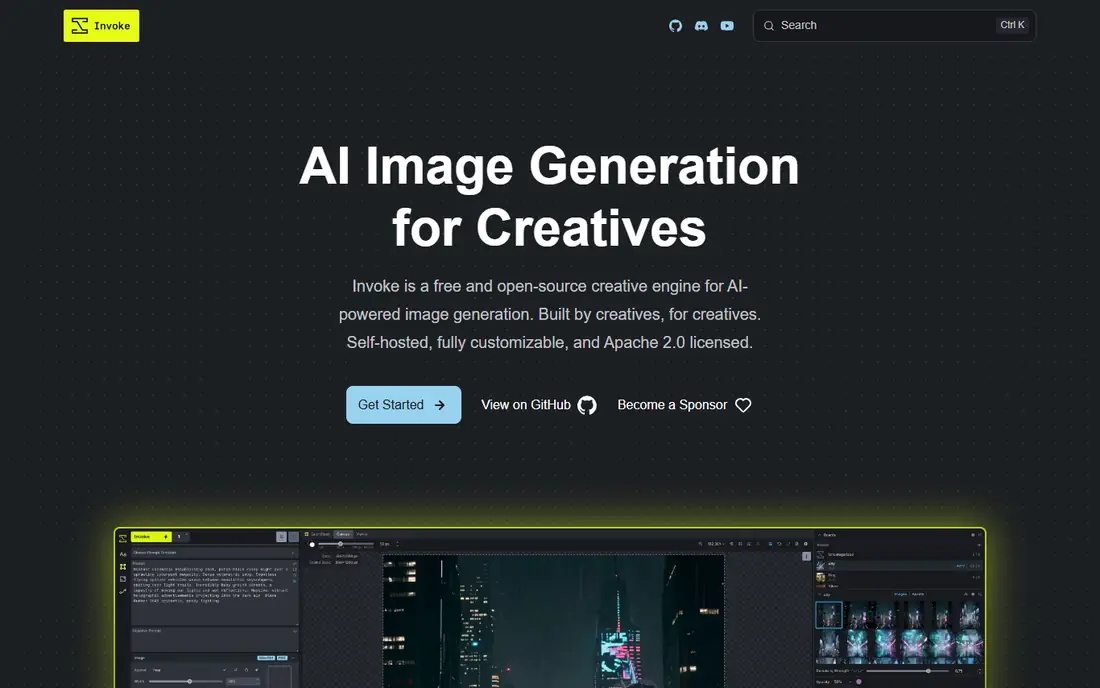
InvokeAI is the best balanced local alternative to ComfyUI, with a canvas for editing, layers and model management in a polished interface. Its Unified Canvas is the standout feature for artists: paint, erase, inpaint and outpaint directly on the image, with layers and masks handled visually rather than through nodes. Model support includes SD 3.5 alongside Flux and newer image models, so it covers the SD 3.5 use case directly.
InvokeAI offers less node-level control than ComfyUI, so users building complex multi-stage pipelines will hit its limits sooner. AMD GPU support runs on Linux only via ROCm. For an artist who wants a polished workspace for SD 3.5 generation and editing without learning nodes, InvokeAI is the best choice.
What we like- Polished interface
- Unified Canvas for inpainting and outpainting
- SD 3.5 support
Watch out for- Less node-level control than ComfyUI
- AMD support on Linux only via ROCm
Starting price$0
Free planYes
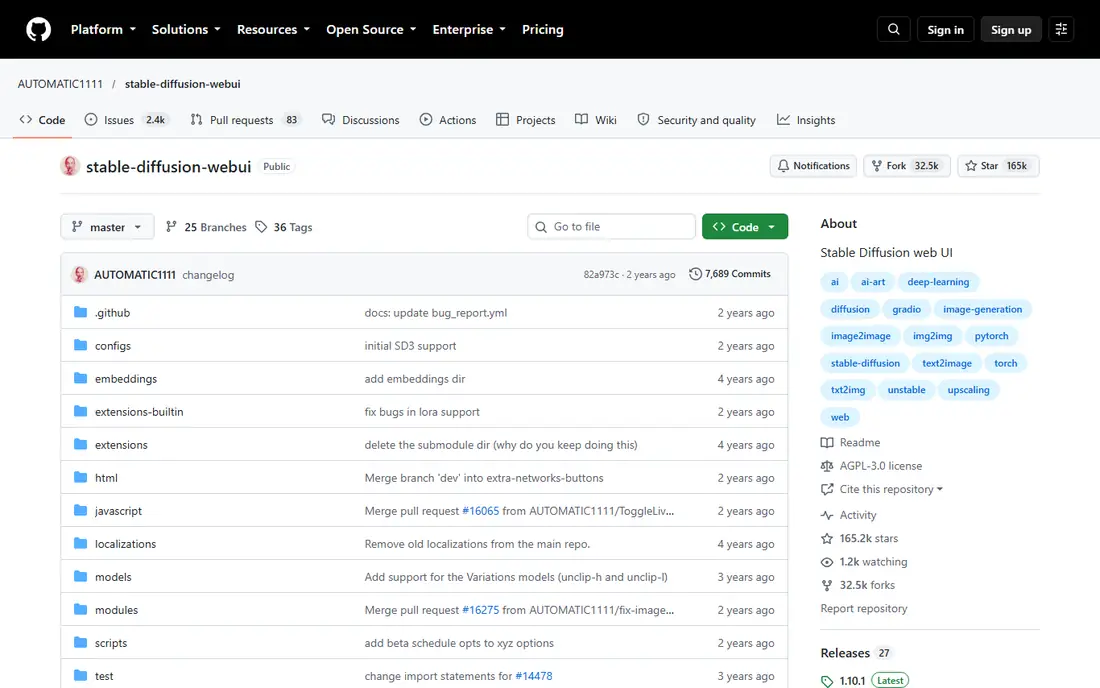
AUTOMATIC1111 still has the largest extension library of any Stable Diffusion interface, with ControlNet, IP-Adapter and hundreds of community plugins, plus the most tutorials ever written for a local image tool. That ecosystem is why many users start here: nearly every technique has a guide written for this interface. SD 3.5 support is listed among its supported models, though exact support depends on the installed extensions and backend version.
Core updates have slowed compared with newer forks, and the interface can feel heavy on VRAM next to Forge or ComfyUI. For a user who values extensions and tutorials over raw speed, AUTOMATIC1111 remains the most documented way to run Stable Diffusion locally.
What we like- Largest extension library
- Most tutorials
- ControlNet and IP-Adapter support
Watch out for- Core updates have slowed
- Heavy on VRAM
- SD 3.5 support depends on extensions

#3
Stable Diffusion WebUI Forge
Best for: Faster AUTOMATIC1111-style runs
Visit github.com
Starting price$0
Free planYes
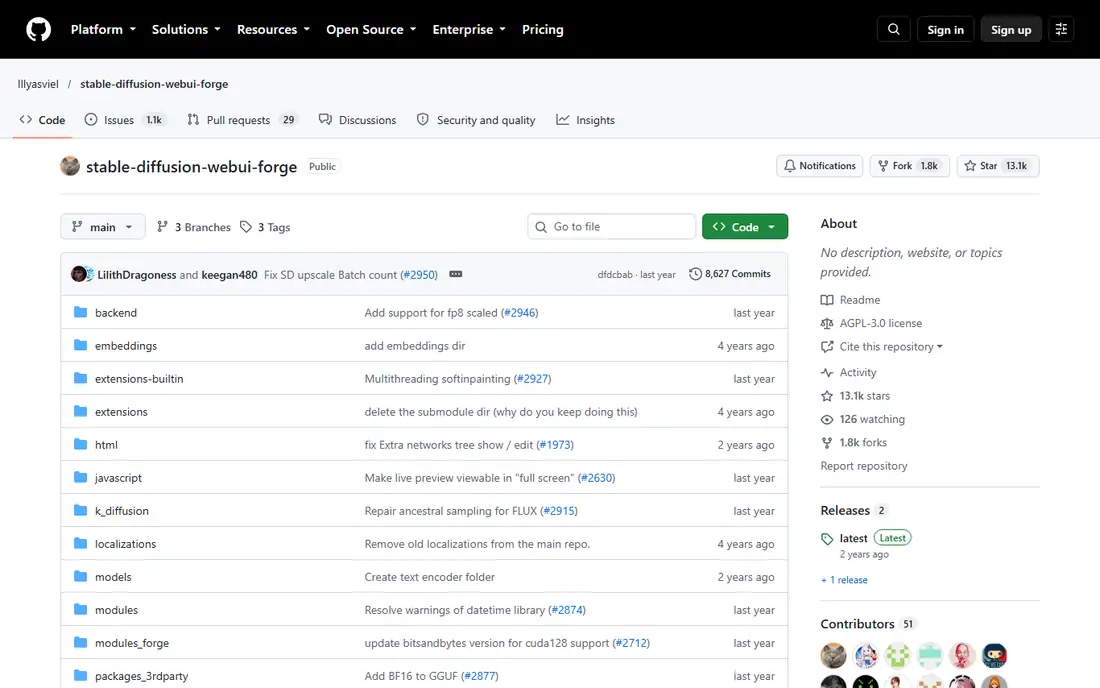
Stable Diffusion WebUI Forge is the better pick for AUTOMATIC1111 users who want faster runs and lower memory use without relearning an interface. It keeps the familiar AUTOMATIC1111 layout while optimizing the backend for speed and memory, so the same GPU produces images faster and handles larger resolutions. Flux support arrived in newer builds, extending its model range beyond SD 1.5, SDXL and SD 3.
AMD support is not official and runs through community forks such as ZLUDA, so AMD users should check the current fork status before installing. For an AUTOMATIC1111 user who wants a speed upgrade without changing workflows, Forge is the natural next step.
What we like- Faster runs than AUTOMATIC1111
- Lower memory use
- Familiar interface for A1111 users
Watch out for- Flux support only via newer builds
- AMD support via community forks only
Starting price$0
Free planYes
Forge Neo is the successor direction for Forge users who want newer models with a familiar interface. It supports Flux 2 Klein, Qwen Image, Z-Image and Wan alongside the Stable Diffusion family, making it the most future-proof of the Forge-style interfaces. The interface keeps the AUTOMATIC1111-style layout, so existing users adapt quickly.
Forge Neo is a newer project with a smaller guide library than AUTOMATIC1111, and its focus is Windows and Linux, with macOS support less central. For a user who likes the Forge interface but wants current-model support, Forge Neo is the best forward-looking pick.
What we like- Newer model support including Flux 2 and Qwen Image
- Forge-style interface
- Active development
Watch out for- Newer project with a smaller guide library
- Windows and Linux focused
Starting price$0
Free planYes
SwarmUI, previously StableSwarmUI, is the official Stability AI web interface for Stable Diffusion, and it lets users run AUTOMATIC1111 or ComfyUI as the backend behind a simpler front end. That design gives ComfyUI-level power without forcing users to build node graphs for every image, while keeping the backend's model support, including newer models such as Flux 2, Qwen Image and Wan. It is the closest thing to an official SD 3.5 interface outside ComfyUI itself.
Setup is more involved than a one-click tool such as Fooocus or Easy Diffusion, since the backend must be configured. For a power user who wants ComfyUI's engine with a cleaner front end, SwarmUI is the best compromise between control and usability.
What we like- Simpler front end over powerful backends
- Official Stability AI project
- Broad model support
Watch out for- Still depends on a backend
- Setup is more involved than Fooocus or Easy Diffusion
Starting price$0
Free planYes
SD.Next offers the broadest model support among AUTOMATIC1111-style interfaces, covering Flux 2, Qwen Image, Z-Image and Wan alongside the Stable Diffusion family. Its interface is more modern than AUTOMATIC1111's, with better defaults for newer models, and development is active, so new architectures arrive quickly. That breadth makes SD.Next the best choice for users who switch between model families often.
The tutorial library is smaller than AUTOMATIC1111's, and the interface changes more often as new models are added. For a user who wants one interface for SD 3.5, Flux and newer image models, SD.Next's breadth is unmatched.
What we like- Broadest model support
- Modern interface
- Active development
Watch out for- Smaller tutorial library than AUTOMATIC1111
- Interface changes more often
Starting price$0
Free planYes
Draw Things is the Mac-native sweet spot for local image generation, with an App Store install, no Python or runtime setup, and a Metal stack that runs fast on Apple Silicon. It supports SD models alongside Flux, Qwen Image Edit and Wan video, making it a strong default for Mac users who want local generation without a workstation setup. Its interface is clean and approachable for casual users.
Draw Things runs on Mac and iOS only, and it offers less pipeline control than ComfyUI for complex multi-stage workflows. For a Mac user who wants SD 3.5 generation with minimal setup, Draw Things is the easiest path available.
What we like- Mac-native and fast on Apple Silicon
- App Store install
- Supports many backbones
Watch out for- Mac and iOS only
- Less pipeline control than ComfyUI
Starting price$0
Free planYes
Easy Diffusion is the simplest cross-platform installer, with a one-click setup that needs no Python or Git knowledge. Its v4 engine supports Flux natively alongside SD 1.5 and SDXL, and the interface stays simple enough for hobbyists who want to avoid configuration entirely. That simplicity is why beginners recommend it so often.
SD 3.5 support varies by version and backend, so users should verify the installed build supports SD 3.5 before relying on it for that model. Depth is less than InvokeAI or SD.Next for editing and pipeline work. For a beginner who wants the easiest local install and mainly uses SDXL or Flux, Easy Diffusion is the least painful start.
What we like- Simplest cross-platform installer
- One-click setup
- V4 engine supports Flux natively
Watch out for- SD 3.5 support varies by version
- Less depth than InvokeAI or SD.Next
How we chose
We compared local image interfaces on SD 3.5 support, ease of installation, editing features, model breadth, hardware efficiency and community resources. We used vendor pages and recent comparison guides for facts, and we favored tools with free, open-source licenses. We did not claim hands-on testing. Instead we weighed what each interface runs, how hard it is to install, and how it fits beginners versus power users, so image makers can match a tool to their hardware and skill level.
Checking SD 3.5 support before you install
SD 3.5 support varies by interface and version, so verify it before committing to a tool. Check the interface's model list for SD 3.5 specifically, not just SD 3, since the two differ in checkpoints and text encoders. Confirm that your GPU has enough VRAM: SD 3.5 Large needs substantially more memory than SD 1.5, and quantized or medium checkpoints help on smaller cards.
Also confirm the backend: interfaces such as SwarmUI inherit model support from their backend, so the backend version matters as much as the front end. If a tool's SD 3.5 support is unclear, install it, load an SD 3.5 checkpoint and run a test image before building a workflow around it. A ten-minute test saves hours of troubleshooting later. Keep a second interface installed as a fallback, since a broken update in one tool should not block a deadline.
Frequently asked questions
Why would someone switch from ComfyUI to another interface?
ComfyUI's node-based system offers unmatched control, but its learning curve is steep. Alternatives such as InvokeAI, Draw Things and Easy Diffusion offer cleaner interfaces, canvas editing or one-click installs for users who value simplicity over node-level control.
Which interface is best for beginners?
Easy Diffusion is easiest for a one-click install, while Draw Things is easiest on a Mac. Fooocus is also simple, but it supports SDXL only, so it is not listed here as an SD 3.5 option.
Does Fooocus support SD 3.5?
No, according to current comparison guides Fooocus supports SDXL only, not SD 3.5. That is why it is excluded from this list despite its simplicity. Users who want a Fooocus-style experience for SD 3.5 should try Easy Diffusion or InvokeAI instead.
Do I need a powerful GPU for SD 3.5?
SD 3.5 Large needs a GPU with substantial VRAM, ideally 16 GB or more, though medium and quantized checkpoints run on smaller cards. ComfyUI and Forge handle VRAM most efficiently, while AUTOMATIC1111 is heaviest. If your card has 8 GB or less, start with a medium checkpoint and lower resolutions before judging quality. Upscaling a good small image often beats struggling with a large one. Many artists generate at 1024 pixels and upscale as a separate step. That workflow also keeps iteration fast on most consumer graphics cards.
Can I run these tools on a Mac?
Yes. Draw Things is Mac-native and fastest on Apple Silicon, InvokeAI offers an official macOS installer, and Easy Diffusion runs cross-platform. ComfyUI also runs on Mac via Python and Metal, though setup is more involved.
Sources we checked (8)
- https://invoke.ai
- https://github.com/AUTOMATIC1111/stable-diffusion-webui
- https://github.com/lllyasviel/stable-diffusion-webui-forge
- https://github.com/lllyasviel/forge-neo
- https://github.com/Stability-AI/StableSwarmUI
- https://github.com/vladmandic/automatic
- https://drawthings.ai
- https://easydiffusion.github.io
Is your product missing or out of date?
We review this list regularly. Vendors can request a listing, send updated pricing or ask about featured placement.

Shihab Mia · Founder, Rankite
Shihab has 5+ years in B2B and SaaS SEO. He writes Rankite's software buying guides from pricing pages, documentation and public user reviews. More about Shihab.
 InvokeAI
 AUTOMATIC1111
 Forge Neo
 SwarmUI
 SD.Next
 Draw Things
 Easy Diffusion