How we make this list: we compare pricing pages, product documentation and public user reviews. Ratings come from G2, Capterra or Trustpilot, with the date we checked them.
Key takeaways
- GitHub Codespaces, CodeSandbox and StackBlitz are the closest cloud coding replacements for Replit, with browser-based development and collaboration.
- Glitch suits playful, small web projects and learning, while Bolt, Lovable and v0 suit AI-generated apps from prompts rather than hand-written code.
- Cursor is a desktop AI editor, not a cloud IDE, but it suits a developer who wants AI help in a local editor instead of a browser workspace.
- Cloud coding costs depend on usage, storage and compute time, so check pricing for your project size before committing to a paid tier.
Quick comparison
| Tool | Best for | Starting price | Free plan |
|---|
 GitHub Codespaces GitHub Codespaces | GitHub cloud coding | See website | Yes |
 CodeSandbox CodeSandbox | Browser coding | Free | Yes |
 StackBlitz StackBlitz | Instant web apps | Free | Yes |
 Glitch Glitch | Playful web projects | Free | Yes |
 Bolt Bolt | AI app building | See website | Free trial |
 Lovable Lovable | AI app building | See website | Free trial |
 v0 v0 | AI interface building | See website | Free trial |
 Cursor Cursor | Desktop AI editor | $20 per month | Free trial |
Is your product missing or out of date?
We review this list regularly. Vendors can request a listing, send updated pricing or ask about featured placement.
The best Replit alternatives
Starting priceSee website
Free planYes
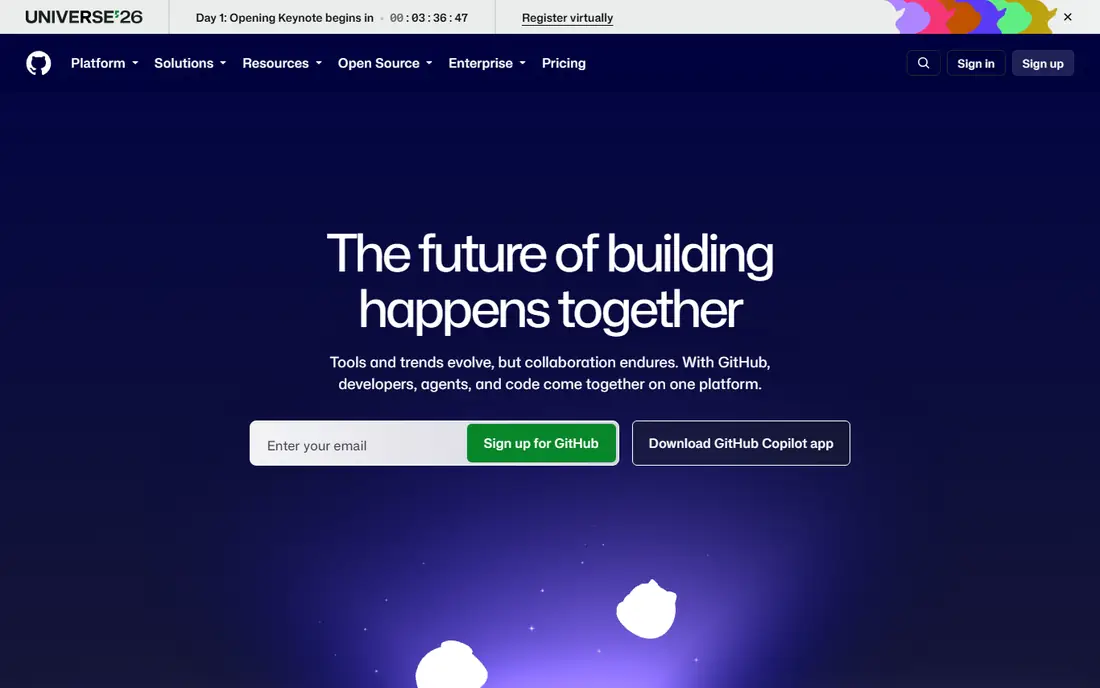
GitHub Codespaces is the closest professional replacement for Replit cloud coding. A full Visual Studio Code environment runs in the browser, tied directly to a GitHub repository, with dev containers that keep every contributor on the same tools and versions. That setup suits teams that already use GitHub, since code, issues and pull requests sit alongside the coding environment. For a developer who wants Replit convenience with GitHub scale, Codespaces is the natural step up.
Billing is usage-based for compute and storage, so a heavy user who leaves environments running can face a larger bill than expected. Setup also needs GitHub and container knowledge, which is more than Replit asks of a beginner. For a GitHub-based developer or team, Codespaces offers the most complete cloud coding environment in this list.
What we like- Full VS Code in the browser tied to GitHub repos
- Dev containers for consistent setups
- Collaboration through shared repos
Watch out for- Usage-based billing can surprise heavy users
- Setup needs GitHub and container knowledge
Starting priceFree
Free planYes
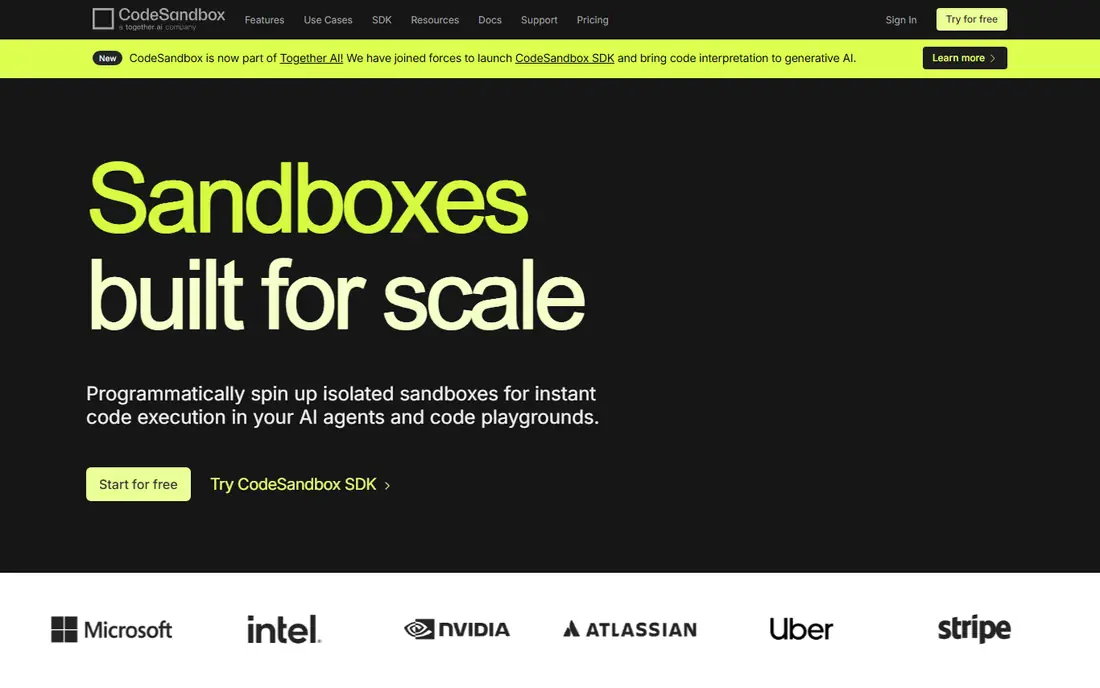
CodeSandbox suits a web developer who wants to start coding in seconds. Sandboxes for React, Vue, Angular and vanilla JavaScript open in the browser with templates, live preview and sharing links. Collaboration lets another developer join the same sandbox, which helps pair programming and code reviews. For a front-end developer prototyping an idea, CodeSandbox is faster than setting up a local project.
Web focus is the limit. Backend, mobile and data projects fit less naturally than in Replit or Codespaces, and larger projects need paid tiers for more resources. For browser-based web development and sharing, CodeSandbox is an excellent Replit alternative.
What we like- Instant browser sandboxes for web projects
- Templates for popular frameworks
- Collaboration and sharing
Watch out for- Web-focused, so backend and non-web projects fit less well
- Larger projects need paid tiers
Starting priceFree
Free planYes
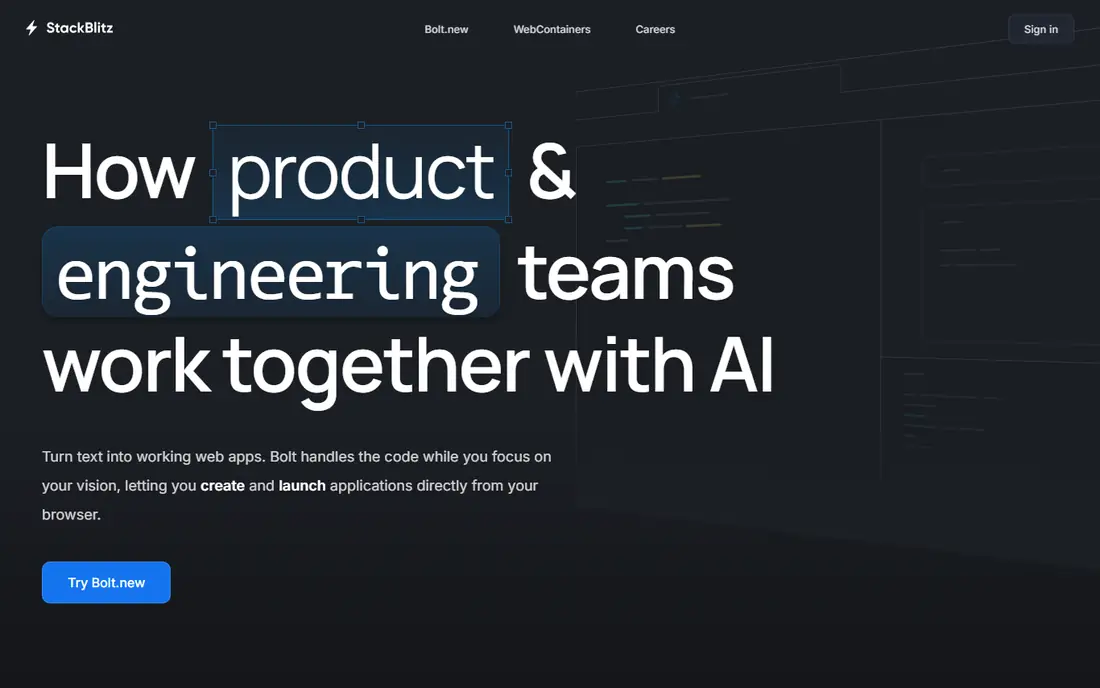
StackBlitz suits a web developer who wants instant environments without waiting for a container to boot. Web containers run Node directly in the browser, so a React, Angular, Vue or Next project starts in seconds with live preview. Sharing and embedding make StackBlitz popular for tutorials, bug reports and demos, since a reader can open and run the exact code. For front-end demos and prototypes, StackBlitz speed is hard to beat.
As with CodeSandbox, the focus is web-only, so backend services, databases and non-web languages need another tool. A full-stack developer may pair StackBlitz with a backend platform. For instant web app development in the browser, StackBlitz is a top Replit alternative.
What we like- Instant web containers in the browser
- Strong framework support
- Easy sharing and embedding
Watch out for- Web-only focus
- Backend projects need other tools
Starting priceFree
Free planYes
Glitch suits a learner, hobbyist or teacher who wants to build a small web app with joy rather than setup pain. Projects start from a template or by remixing a community app, and the editor, preview and sharing sit together in a friendly interface. The community encourages remixing, so a beginner can learn by changing a working app rather than starting blank. For a classroom, a hackathon or a weekend project, Glitch is delightful.
Professional scale is limited. Resource limits, uptime and tooling trail Codespaces and CodeSandbox for larger projects, and Glitch suits small web apps rather than complex backends. For playful, small web projects and learning, Glitch captures the spirit that made Replit popular with beginners.
What we like- Friendly, playful web app builder
- Instant remixing of projects
- Community discovery
Watch out for- Less suited to large or professional projects
- Resource limits on free tier
#5Bolt
Best for: AI app building4.3/5 on
G2 (94 reviews, checked Oct 2026)
Visit bolt.new
Starting priceSee website
Free planFree trial
Bolt suits a founder, designer or non-developer who wants a working app from a written prompt. Describe the app, and Bolt generates front-end, back-end and database code in the browser, with instant preview and deployment options. That speed helps a startup test an idea in hours rather than weeks, and revisions happen through further prompts. For a reader who wants an app without learning to code first, Bolt is a powerful Replit alternative in spirit.
AI code needs review. Generated apps can contain bugs, security gaps and messy structure, so a developer should audit important code before production use. Credit-based pricing also rises with many revisions. For rapid AI app prototyping, Bolt is an exciting choice, with the caveat that generated code is a starting point, not a finished product.
What we like- Build full-stack apps from prompts in the browser
- Instant preview and deployment
- No local setup
Watch out for- AI-generated code needs review and fixing
- Credit-based pricing can rise with revisions
#6Lovable
Best for: AI app building4.6/5 on
G2 (456 reviews, checked Oct 2026)
Visit lovable.dev
Starting priceSee website
Free planFree trial
Lovable suits a non-developer or small team that wants a polished web app from prompts. The builder creates front-end and Supabase-backed features, including authentication and databases, from plain language descriptions, and publishing is straightforward. That makes Lovable popular for internal tools, landing pages with accounts, and startup prototypes. For a founder who needs a working product to show investors or users, Lovable delivers quickly.
Credit limits on lower tiers can slow heavy iteration, and generated code needs review before production, as with Bolt. A professional developer may prefer hand-written code in Codespaces for long-term maintenance. For prompt-built apps with a real backend, Lovable is a strong Replit alternative for non-developers.
What we like- Prompt-to-app building with Supabase backend
- Friendly for non-developers
- Easy publishing
Watch out for- Credit limits on lower tiers
- Generated code needs review for production use
#7v0
Best for: AI interface building4.5/5 on
G2 (28 reviews, checked Oct 2026)
Visit v0.dev
Starting priceSee website
Free planFree trial
v0, from Vercel, suits a developer or designer who wants AI-generated user interfaces fast. Describe a page or component, and v0 produces React and Next.js code with modern styling, ready to refine in an editor or deploy on Vercel. That focus makes v0 excellent for landing pages, dashboards and app front ends, where visual quality matters most. For a front-end developer, v0 speeds up the part of building that usually takes longest.
v0 is interface-focused, so a full app with authentication, databases and business logic needs additional tools or a backend platform. Credit-based pricing also applies. For AI interface generation with clean React output, v0 is a specialized and useful alternative to Replit workflows.
What we like- AI-generated interfaces from prompts
- Strong React and Next.js output
- Vercel deployment
Watch out for- Interface-focused, so full backends need other tools
- Credit-based pricing
#8Cursor
Best for: Desktop AI editor4.6/5 on
G2 (326 reviews, checked Oct 2026)
Visit cursor.com
Starting price$20 per month
Free planFree trial
Cursor is not a cloud IDE, and this article says so plainly. It is a desktop code editor built on VS Code, with AI completion, chat and agent features that help a developer write, refactor and understand code locally. That suits a professional developer who wants AI help without moving work to a browser workspace, and who already runs a local setup with Git and deployment tools. For AI-assisted coding on your own machine, Cursor is currently one of the most popular editors.
It lacks Replit built-in hosting, sharing and instant browser workspaces, so a learner who wants zero setup should pick Codespaces, CodeSandbox or Glitch instead. Cursor Pro also costs $20 per month after a trial. For desktop AI coding, Cursor is an excellent tool, but it replaces the editor part of Replit, not the cloud workspace part.
What we like- AI coding assistant built into a VS Code-style editor
- Strong code completion and chat
- Local development
Watch out for- Desktop app, not a browser IDE
- No built-in hosting or sharing like Replit
How we chose
We compared vendor pricing pages, feature lists and public reviews for cloud coding and AI building tools that readers use instead of Replit. We looked for browser coding, collaboration, AI generation, deployment and honest pricing. We did not claim hands-on testing, and we separated cloud IDEs from AI builders and desktop editors, since mixing those categories misleads buyers.
How to pick the right Replit alternative
Start with how you actually build. A developer who writes code by hand should pick Codespaces, CodeSandbox or StackBlitz for browser work, or Cursor for desktop AI help. A non-developer who wants an app from prompts should pick Bolt, Lovable or v0, depending on whether the app needs a backend or only an interface. A learner or hobbyist should start with Glitch for friendly, small projects.
Next, check cost at your usage level. Usage-based and credit-based pricing can rise fast with heavy use or many AI revisions, so set a budget and monitor usage in the first month. Finally, plan for code ownership. AI-generated apps and browser workspaces should still live in a Git repository you control, so you can move, fix and deploy the code if a platform changes pricing or features. Keep secrets such as API keys out of shared sandboxes and public remixes, since a leaked key can be abused within minutes. Rotate any key that was ever pasted into a shared project.
Frequently asked questions
What is the closest alternative to Replit?
GitHub Codespaces is closest for professional cloud coding, while CodeSandbox and StackBlitz are closest for browser web development. Glitch is closest for playful, beginner-friendly web projects in the original Replit spirit.
Can AI tools like Bolt replace learning to code?
No, not fully. Bolt, Lovable and v0 can build working prototypes fast, but generated code needs review, fixing and maintenance, especially for production use. Learning basic coding helps you judge, fix and extend what AI builds.
Is GitHub Codespaces free?
Codespaces offers a free tier with limited usage, while heavier use bills for compute and storage. Check current free allowances and set spending limits before running large or long-lived environments.
Do I need to install anything for these tools?
No, for cloud tools such as Codespaces, CodeSandbox, StackBlitz, Glitch, Bolt, Lovable and v0, which run in the browser. Cursor is a desktop app that needs installation on your computer.
Which tool is best for a team?
GitHub Codespaces suits a team already on GitHub, with shared repos and dev containers. CodeSandbox and StackBlitz suit web teams that share prototypes, while Cursor suits teams that work locally with AI assistance and Git.
Sources we checked (8)
- https://github.com
- https://codesandbox.io
- https://stackblitz.com
- https://glitch.com
- https://bolt.new
- https://lovable.dev
- https://v0.dev
- https://www.cursor.com
Is your product missing or out of date?
We review this list regularly. Vendors can request a listing, send updated pricing or ask about featured placement.

Shihab Mia · Founder, Rankite
Shihab has 5+ years in B2B and SaaS SEO. He writes Rankite's software buying guides from pricing pages, documentation and public user reviews. More about Shihab.