How we make this list: we compare pricing pages, product documentation and public user reviews. Ratings come from G2, Capterra or Trustpilot, with the date we checked them.
How much do Pipedrive and Copper cost?
Pipedrive is cheaper at every step. Essential costs $14 per user per month billed annually, Advanced costs $29, Professional costs $49, Power costs $64 and Enterprise costs $99. Copper Basic costs $23, Professional costs $59 and Business costs $99 per user per month billed annually. A five person team on Pipedrive Professional pays $2,940 a year. The same team on Copper Professional pays $3,540 a year, a difference of $600 a year. Note that pricing sources disagree on Pipedrive. Some list Advanced at $34 and Professional at $59, and one source reports a July 2025 rename to Lite, Growth, Premium and Ultimate. Copper pricing also carries a warning. Many articles still quote a Starter plan at $9, but that plan is not on the public pricing page as of July 2026, so budget from Basic at $23. Both tools offer a 14-day free trial and no free plan. Pipedrive has no seat minimums, while Copper notes that seat minimums apply on its plan comparison table.
What is the real difference between Pipedrive and Copper?
The difference is workflow against inbox. Pipedrive is built around the pipeline. Reps see deals as cards, move them by drag and drop, and always know the next action. It is the fastest daily workflow in this list for a team that sells by pipeline stages. Copper is built around Gmail. It is the only CRM here designed specifically for Google Workspace, and it updates contact and deal records from the inbox with almost no typing. A rep that lives in Gmail will keep Copper current without thinking about it. A rep that lives in the pipeline will keep Pipedrive current without thinking about it. The choice comes down to where your team already works. Pipedrive also has the wider integration library and the cleaner mobile app, while Copper has the deeper Google integration and the simpler setup for a Google shop.
Pipedrive vs Copper at a glance
| Tool | Starting price | Free plan | Best for |
| Pipedrive | $14 per user per month billed annually | None, 14-day trial | Sales teams that live in the pipeline view |
| Copper | $23 per user per month billed annually | None, 14-day trial | Google Workspace teams that live in Gmail |
| Salesforce Sales Cloud | $25 per user per month | Free Suite for up to 2 users | Large teams that need deep customization |
| HubSpot Sales Hub | $20 per seat per month at list | Free CRM for up to 2 users | Teams whose pipeline starts in marketing |
| Zoho CRM | $14 per user per month billed annually | Free for up to 3 users | Value seekers that want the most features per dollar |
| Freshsales | $9 per user per month billed annually | None on the current pricing page, 21-day trial | Small teams that want built-in calling at a low price |
| monday CRM | $12 per seat per month billed annually | None, 14-day trial | Visual teams that manage deals on boards |
| Close | $9 per user per month billed annually | None, 14-day trial | Outbound teams that sell by phone |
Quick comparison
| Tool | Best for | Starting price | Free plan |
|---|
 Pipedrive | Sales teams that live in the pipeline view and want the simplest daily workflow | Essential $14, Advanced $29, Professional $49, Power $64, Enterprise $99 per user per month, billed annually | None, 14-day free trial |
 Copper | Small teams that run their whole working day inside Google Workspace | Basic $23, Professional $59, Business $99 per user per month, billed annually | None, 14-day free trial |
 Salesforce Sales Cloud | Large sales teams that need deep customization, territory management and a huge integration ecosystem | Free Suite $0 for up to 2 users; Starter Suite $25 per user per month; Pro Suite $100, Enterprise $175, Unlimited $350, Agentforce 1 Sales $550, all billed annually except Starter | Free Suite for up to 2 users, with limits on custom objects and automation |
 HubSpot Sales Hub | Teams whose pipeline starts in marketing and who want one shared platform | Free $0 for up to 2 users; Starter $20 per seat per month at list; Professional $90 plus a $1,500 onboarding fee; Enterprise $150 plus a $3,500 onboarding fee | Free CRM for up to 2 users |
 Zoho CRM | Growing businesses that want enterprise style features at a small business price | Free for up to 3 users; Standard $14, Professional $23, Enterprise $40, Ultimate $52 per user per month, billed annually | Free plan for up to 3 users with 5,000 records |
 Freshsales | Small inside sales teams that want built-in phone, chat and email at a low price | Growth $9, Pro $39, Enterprise $59 per user per month, all billed annually | No free plan listed on the current pricing page; 21-day free trial on paid plans |
 monday CRM | Visual teams that want to shape boards around their own sales process | Basic $12, Standard $17, Pro $28 per seat per month, billed annually; Ultimate by quote | None, 14-day free trial |
 Close | Outbound sales teams that live on the phone and need a built-in dialer | Solo $9, Essentials $35, Growth $99, Scale $139 per user per month, billed annually | None, 14-day free trial |
Is your product missing or out of date?
We review this list regularly. Vendors can request a listing, send updated pricing or ask about featured placement.
#1Pipedrive
Best for: Sales teams that live in the pipeline view and want the simplest daily workflow4.3/5 on
G2 (5,034 reviews, checked Oct 2026)
Visit pipedrive.com
Starting priceEssential $14, Advanced $29, Professional $49, Power $64, Enterprise $99 per user per month, billed annually
Free planNone, 14-day free trial
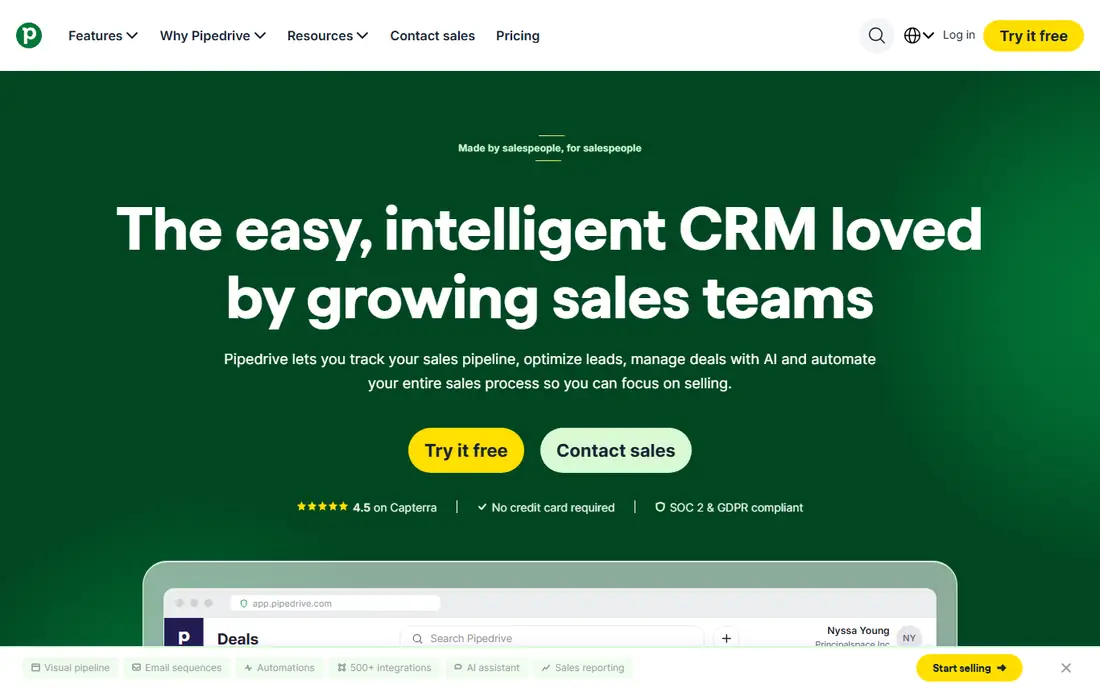
Pipedrive is built by salespeople for salespeople, and it shows in the daily workflow. The pipeline view is the clearest in this list, deals move by drag and drop, and reps can see exactly what needs attention without opening reports. Essential at $14 per user per month covers the basics, while Professional at $49 adds revenue forecasting, team management and AI assistance. Note that pricing sources disagree on Advanced and Professional, with some listing $34 and $59, and one source reporting a July 2025 rename to Lite, Growth, Premium and Ultimate. Confirm the live plan names on the pricing page before you buy.
What we like- Cleanest visual pipeline in the category, very fast to learn, no seat minimums, strong email integration
Watch out for- No free plan, some sources list Advanced at $34 or $39 after a plan rename, add-ons such as LeadBooster cost extra
#2Copper
Best for: Small teams that run their whole working day inside Google Workspace4.5/5 on
G2 (1,158 reviews, checked Oct 2026)
Visit copper.com
Starting priceBasic $23, Professional $59, Business $99 per user per month, billed annually
Free planNone, 14-day free trial
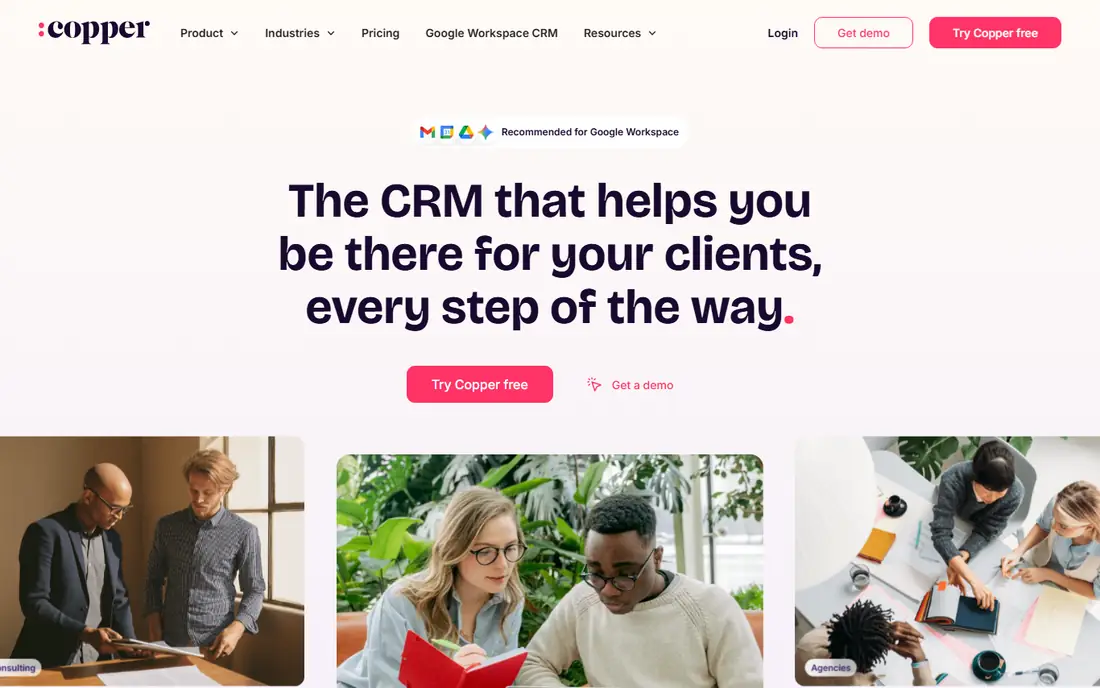
Copper is the only CRM in this list built specifically around Google Workspace, and it is the official recommendation for Google users. It syncs contacts, emails and pipelines directly inside Gmail, so reps update records without leaving the inbox. Basic at $23 per user per month covers pipelines for up to 2,500 contacts, while Professional at $59 adds workflow automation, bulk email and reporting. The Starter plan at $9 that many articles still quote is not on the public pricing page as of July 2026, so budget from Basic. Teams outside Google Workspace should look elsewhere.
What we like- Deep Gmail and Google Workspace integration, records update from the inbox with little typing, simple to adopt for Google shops
Watch out for- Starter at $9 appears withdrawn from the public pricing page, workflow automation starts at Professional, contact caps are low on cheaper tiers
#3Salesforce Sales Cloud
Best for: Large sales teams that need deep customization, territory management and a huge integration ecosystem4.4/5 on
G2 (27,571 reviews, checked Oct 2026)
Visit salesforce.com
Starting priceFree Suite $0 for up to 2 users; Starter Suite $25 per user per month; Pro Suite $100, Enterprise $175, Unlimited $350, Agentforce 1 Sales $550, all billed annually except Starter
Free planFree Suite for up to 2 users, with limits on custom objects and automation
Salesforce is the default enterprise CRM for a reason. It handles complex sales processes that smaller tools cannot model, from multi level approvals to territory hierarchies and custom objects. The reporting engine is strong, and the AppExchange marketplace covers nearly every integration a sales team will ever need. The cost is the catch. Meaningful functionality starts at Pro Suite at $100 per user per month, and implementation commonly costs as much as the first year of licenses. Small teams should start on Starter Suite and move up only when the process demands it. Some pages still list Enterprise at $165 and Unlimited at $330, so confirm the figure on the vendor page.
What we like- Deepest customization in the category, strong reporting and forecasting, thousands of AppExchange integrations, proven at very large scale
Watch out for- Expensive once you pass Starter, needs an administrator or partner to set up well, onboarding takes weeks rather than days
#4HubSpot Sales Hub
Best for: Teams whose pipeline starts in marketing and who want one shared platform4.4/5 on
G2 (14,364 reviews, checked Oct 2026)
Visit hubspot.com
Starting priceFree $0 for up to 2 users; Starter $20 per seat per month at list; Professional $90 plus a $1,500 onboarding fee; Enterprise $150 plus a $3,500 onboarding fee
Free planFree CRM for up to 2 users
HubSpot is the easiest of the big CRMs to adopt. The free CRM covers contacts, deals and pipelines for two users, and the interface is the most approachable in this list. Starter at $20 per seat per month at list adds more pipelines and basic automation, though a new customer promotion has shown $7 per seat. The real decision is Professional at $90 per seat per month, where sequences, forecasting and custom reports live, plus a mandatory $1,500 onboarding fee. Teams that already run marketing on HubSpot get the most value, because the shared database removes the usual handoff friction between marketing and sales.
What we like- Free CRM to start, excellent contact and company records, strong marketing integration, easy to learn
Watch out for- Professional onboarding fee is mandatory, sequences start at Professional, costs climb fast as you add seats and hubs
#5Zoho CRM
Best for: Growing businesses that want enterprise style features at a small business price4.1/5 on
G2 (2,952 reviews, checked Oct 2026)
Visit zoho.com
Starting priceFree for up to 3 users; Standard $14, Professional $23, Enterprise $40, Ultimate $52 per user per month, billed annually
Free planFree plan for up to 3 users with 5,000 records
Zoho CRM is the value pick in this comparison. Standard at $14 per user per month includes workflows and scoring rules that rivals charge more for, and Professional at $23 adds Blueprint process automation and inventory management. Enterprise at $40 adds the Zia AI assistant, territory management and advanced analytics. The free plan for three users makes it easy to test with a real pipeline. The trade off is polish. The interface packs in more menus than Pipedrive or Freshsales, so new reps take longer to feel at home. For a team that wants the most capability per dollar, Zoho is hard to beat.
What we like- Best feature count per dollar in this list, free plan for three users, Zia AI from Enterprise, deep Zoho app ecosystem
Watch out for- Interface feels busier than Pipedrive or Freshsales, some advanced features need higher tiers, support quality varies by plan
#6Freshsales
Best for: Small inside sales teams that want built-in phone, chat and email at a low price4.5/5 on
G2 (1,237 reviews, checked Oct 2026)
Visit freshworks.com
Starting priceGrowth $9, Pro $39, Enterprise $59 per user per month, all billed annually
Free planNo free plan listed on the current pricing page; 21-day free trial on paid plans
Freshsales gives a small team a working CRM for very little money. Growth at $9 per user per month includes a Kanban pipeline, lifecycle stages, built-in chat, email and phone, and basic workflows, which is enough for a team that does not need sequences yet. Pro at $39 adds contact scoring, deal insights, territory management and sales sequences. The main weakness is the jump between tiers. A team that outgrows Growth pays more than four times as much per seat for Pro. Check the free plan position at signup, because sources disagree on whether the three user free plan still exists.
What we like- Very low entry price, built-in phone and chat on Growth, clean Kanban pipeline, Freddy AI scoring from Pro
Watch out for- Steep jump from Growth at $9 to Pro at $39, smaller integration ecosystem than Salesforce, free plan was removed from the pricing page in 2026
#7monday CRM
Best for: Visual teams that want to shape boards around their own sales process4.5/5 on
G2 (1,810 reviews, checked Oct 2026)
Visit monday.com
Starting priceBasic $12, Standard $17, Pro $28 per seat per month, billed annually; Ultimate by quote
Free planNone, 14-day free trial
monday CRM turns the pipeline into a visual board, which suits teams that think in stages and cards rather than lists. Basic at $12 per seat per month covers contact and deal management, while Standard at $17 adds 10,000 contacts and deals, 250 automations a month and a communication timeline. Pro at $28 raises that to 100,000 contacts and 25,000 automations. The seat rules need attention. Plans start at a three seat minimum and then step up in buckets of five, so a four person team pays for five seats. A team above 40 users must request a quote.
What we like- Flexible boards that fit unusual processes, strong automations from Standard, clear visual pipeline
Watch out for- Three seat minimum with seats sold in buckets, no free plan, Basic caps contacts at 1,000
#8Close
Best for: Outbound sales teams that live on the phone and need a built-in dialer4.7/5 on
G2 (2,069 reviews, checked Oct 2026)
Visit close.com
Starting priceSolo $9, Essentials $35, Growth $99, Scale $139 per user per month, billed annually
Free planNone, 14-day free trial
Close is the CRM for teams that sell by phone. Solo at $9 per user per month covers a single user with 10,000 leads, while Essentials at $35 adds multi user teams with unlimited contacts and leads. Growth at $99 is the tier most outbound teams need, because it adds automated workflows, the power dialer, bulk email and voicemail drop. Scale at $139 adds a predictive dialer, live call coaching and custom roles. The seat price does not include calling minutes, so budget for telephony on top. A team that makes most sales by phone will move faster on Close than on a general CRM with a dialer bolted on.
What we like- Built-in power dialer from Growth, calling and SMS included in the seat, clean outbound workflow, AI assistant Chloe on every plan
Watch out for- No free plan, workflows and the power dialer start at Growth at $99, calling minutes are billed on top of the seat
How to pick between Pipedrive and Copper in three steps
First, check your email platform. If the team runs on Google Workspace and lives in Gmail, Copper's inbox integration is a real daily saving, and it justifies the higher price. If the team runs on Outlook or a mix of tools, Copper loses its main advantage and Pipedrive is the better choice. Second, test the pipeline workflow with live deals. Move five open opportunities into each tool and time how long it takes a rep to update a stage, log a call and send a follow up. Third, price the working tier. Pipedrive Professional at $49 undercuts Copper Professional at $59, and Pipedrive has no seat minimums, so the gap grows as the team adds reps.
Frequently asked questions
Is Pipedrive cheaper than Copper?
Yes. Pipedrive Essential starts at $14 per user per month billed annually, against $23 for Copper Basic. At the working tier, Pipedrive Professional at $49 undercuts Copper Professional at $59 by $10 per seat per month. A five person team saves $600 a year on Pipedrive Professional. Copper's value is its Gmail integration, not its price.
Does Copper only work with Google Workspace?
Copper is built for Google Workspace and works best there. It syncs Gmail, Google Calendar and Google Drive directly, and it is the only CRM officially recommended by Google. It can work without Google Workspace, but it loses the integration that justifies its price. Teams on Outlook should choose Pipedrive or another general CRM instead.
Which CRM is easier to set up?
Both are easy. Pipedrive can be running in an afternoon, with pipelines, stages and users configured by a sales manager. Copper is also quick for a Google Workspace team, because it pulls contacts and history from Gmail automatically. Neither needs an administrator or an implementation partner, which is a real advantage over Salesforce.
Can I migrate from Copper to Pipedrive later?
Yes. Export contacts, organizations, opportunities and activities from Copper and import them into Pipedrive with its import tools. Gmail history does not transfer as cleanly, so export email history separately if you need it. The move is easiest before you pass 30 users, because custom fields and history get harder to map as they grow.
What is the best alternative if neither fits?
Zoho CRM is the best value alternative, with Standard at $14 per user per month and a free plan for three users. Freshsales is the cheapest paid start at $9 per user per month, with built-in calling included. Close is the best alternative for outbound teams that sell by phone, with Growth at $99 per user per month including a power dialer.
Sources we checked (8)
- https://www.pipedrive.com/pricing
- https://www.copper.com/pricing
- https://www.salesforce.com/sales/pricing/
- https://www.hubspot.com/pricing/sales
- https://www.zoho.com/crm/pricing/
- https://www.freshworks.com/crm/pricing/
- https://monday.com/pricing/
- https://www.close.com/pricing
We compared Pipedrive and Copper head to head on price, pipeline, Gmail integration and ease of use, then added six widely used CRM tools that teams consider alongside them. Prices were checked on 17 November 2026 from vendor pricing pages and recent pricing guides. Pipedrive Advanced and Professional conflict across sources at $29 or $34 and $49 or $59, and one source reports a July 2025 plan rename. Copper Starter at $9 appears withdrawn from the public pricing page as of July 2026. Salesforce Enterprise at $175 and Unlimited at $350 conflict with some pages that list $165 and $330. Confirm prices on the vendor page before you buy. Last verified 17 November 2026.
Is your product missing or out of date?
We review this list regularly. Vendors can request a listing, send updated pricing or ask about featured placement.

Shihab Mia · Founder, Rankite
Shihab has 5+ years in B2B and SaaS SEO. He writes Rankite's software buying guides from pricing pages, documentation and public user reviews. More about Shihab.