How we make this list: we compare pricing pages, product documentation and public user reviews. Ratings come from G2, Capterra or Trustpilot, with the date we checked them.
Key takeaways
- There is no single like-for-like PhantomBuster replacement, because teams use it for scraping, enrichment, and outreach in different mixes.
- Apify and Octoparse suit general web scraping, while Evaboot, Waalaxy, and Dripify focus more narrowly on LinkedIn prospecting.
- Clay and Captain Data suit teams that want to combine many data sources into one enriched lead list.
- Credit-based pricing makes monthly cost hard to predict, so check what a credit buys before comparing headline prices.
- LinkedIn automation carries account risk on every tool, so conservative daily limits and clean data matter more than speed.
Quick comparison
| Tool | Best for | Starting price | Free plan |
|---|
 Apify Apify | General web scraping at scale | See website | Yes |
 Octoparse Octoparse | No-code scraping without coding | See website | Free trial |
 Clay Clay | Enrichment from many sources | See website | Free trial |
 TexAu TexAu | Multi-platform automation recipes | See website | Free trial |
 Evaboot Evaboot | Clean Sales Navigator exports | See website | Free trial |
 Waalaxy Waalaxy | LinkedIn outreach sequences | See website | Free trial |
 Dripify Dripify | LinkedIn campaigns with analytics | See website | Free trial |
 Captain Data Captain Data | Data workflows and enrichment | See website | Free trial |
 Browse AI Browse AI | Monitoring and extracting website data | See website | Yes |
Is your product missing or out of date?
We review this list regularly. Vendors can request a listing, send updated pricing or ask about featured placement.
The best PhantomBuster alternatives
#1Apify
Best for: General web scraping at scale4.7/5 on
G2 (669 reviews, checked Oct 2026)
Visit apify.com
Starting priceSee website
Free planYes
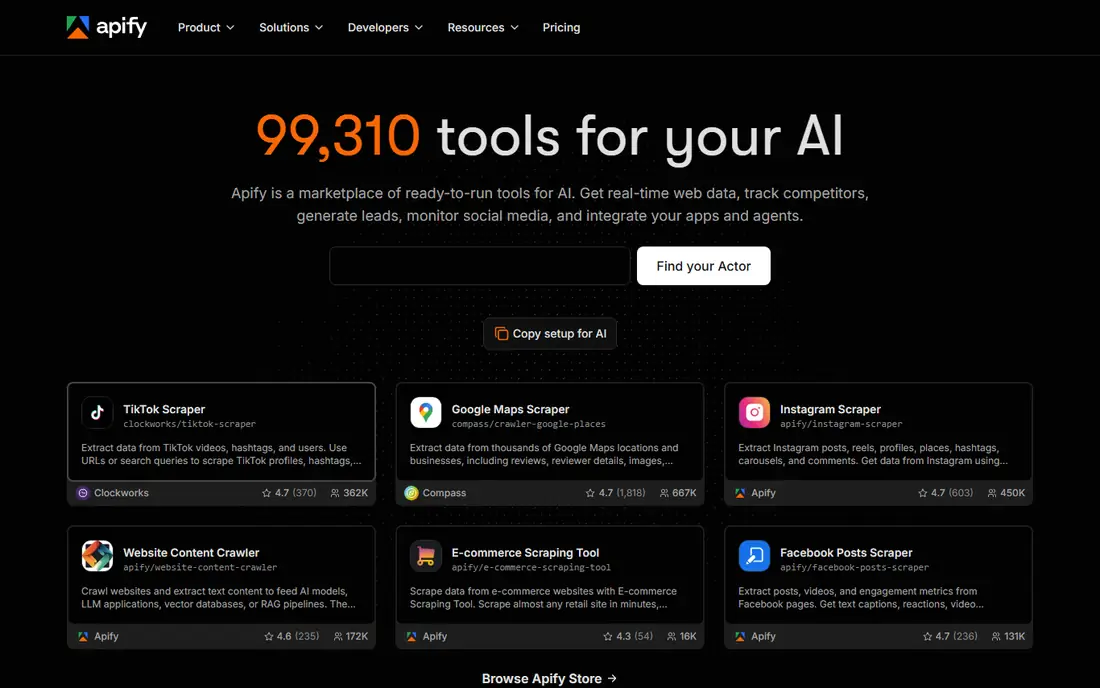
Apify is the closest general-purpose replacement for PhantomBuster's scraping side. Its marketplace, called the Apify Store, contains ready-made scrapers, known as Actors, for Google Maps, LinkedIn, Instagram, TikTok, e-commerce sites, and many other sources. Teams can run an Actor on a schedule, pass in a list of URLs or search terms, and export the results to a spreadsheet, database, or API.
The platform also suits teams that outgrow a single scraper. Developers can build custom Actors in JavaScript or Python, chain them into workflows, and manage proxies, queues, and storage in one place. The catch is complexity: a non-technical user may need time to learn Actors, inputs, and datasets. For pure LinkedIn outreach, a specialist tool will feel simpler, but for broad scraping work Apify is hard to beat.
What we like- Large library of ready-made scrapers
- Strong API and scheduling
- Handles proxies and anti-blocking infrastructure
Watch out for- Setup can feel technical for non-developers
- Credit usage needs careful monitoring
#2Octoparse
Best for: No-code scraping without coding4.8/5 on
G2 (52 reviews, checked Oct 2026)
Visit octoparse.com
Starting priceSee website
Free planFree trial
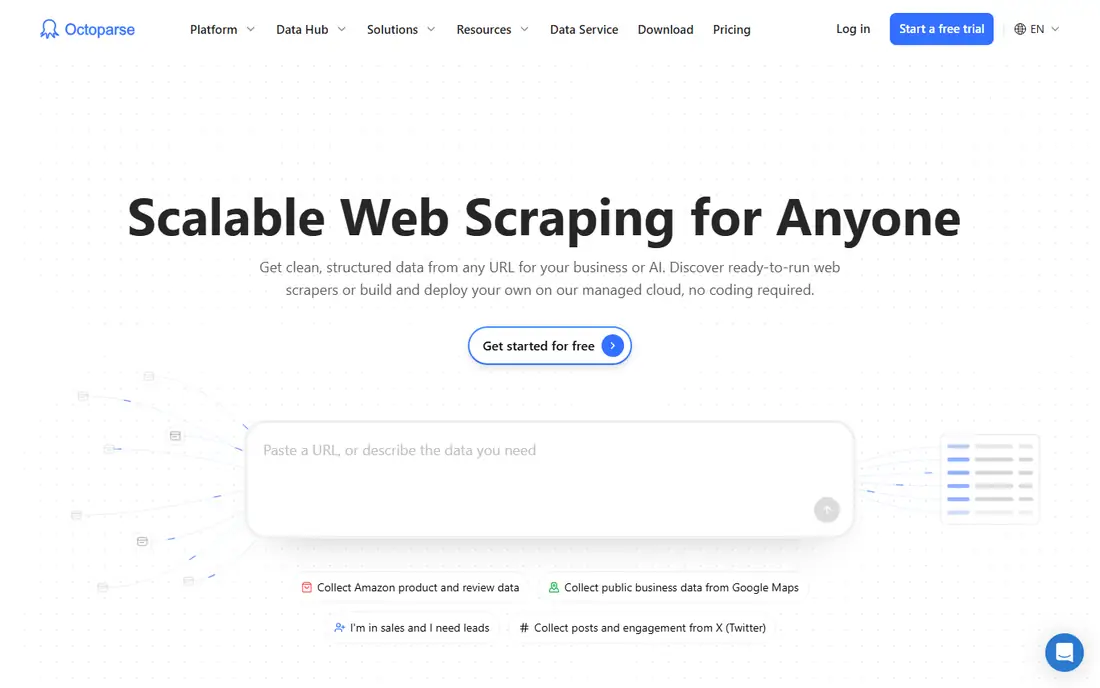
Octoparse appeals to teams that want scraping without writing code. The user opens a target page, clicks the data fields to collect, and Octoparse builds the extraction workflow. Cloud extraction then runs the job on a schedule, with pagination, login handling, and exports to CSV, Excel, or a database. Templates for sites such as Amazon, Google Maps, and social platforms shorten setup further.
That visual approach works well for stable pages with clear structure. It works less well for sites that change layout often or block automated access aggressively, where a run may need adjustment. Octoparse also focuses on extraction rather than outreach, so teams that need LinkedIn messaging will need a second tool. For research, price monitoring, and lead list building, it is a practical pick.
What we like- Visual point-and-click setup
- Cloud runs and scheduling
- Templates for common sites
Watch out for- Complex or heavily protected sites can still need workarounds
- Advanced features sit on higher plans
#3Clay
Best for: Enrichment from many sources4.6/5 on
G2 (234 reviews, checked Oct 2026)
Visit clay.com
Starting priceSee website
Free planFree trial
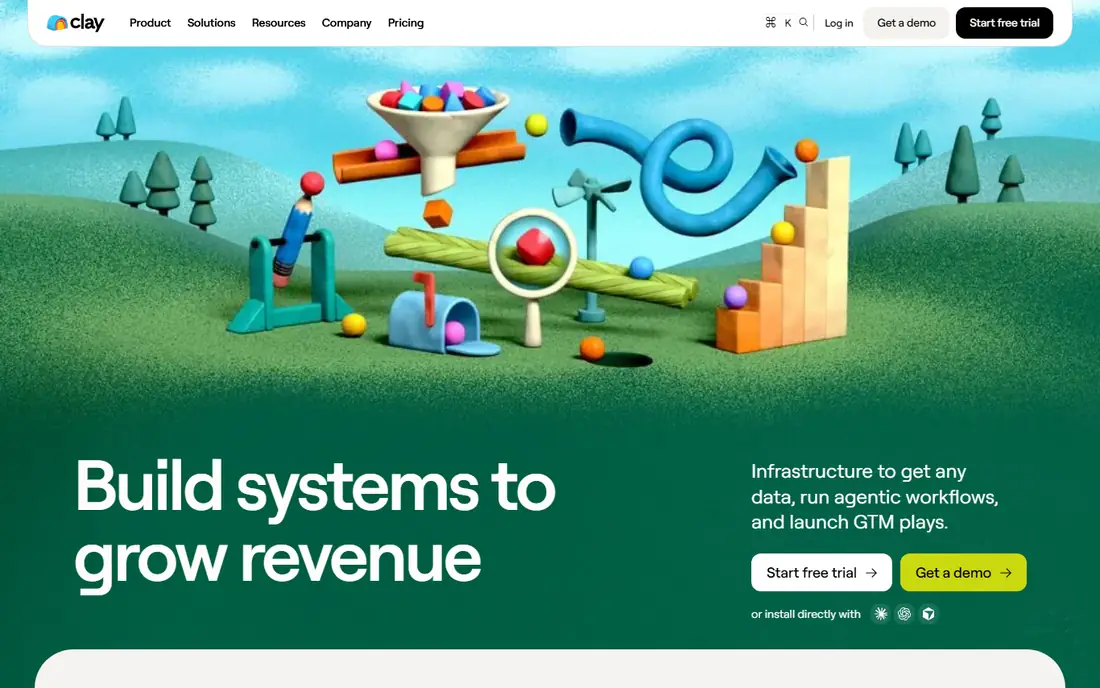
Clay takes a different route from a straight scraper. It starts with a table of companies or people, then enriches each row using many providers, web searches, and AI research steps. A team can find a work email, check funding, pull recent news, score a lead, and draft a first outreach line, all inside the same workflow. That makes Clay a strong choice when the goal is a short, high-quality prospect list rather than a huge raw scrape.
The trade-off is cost control. Each enrichment step can consume credits, and a workflow with several providers adds up fast. Teams should test one workflow on a small list, check the match rate and accuracy, and set a credit budget before scaling. Clay also works best when the user already knows their ideal customer profile, since enrichment only improves a list that starts in the right place.
What we like- Combines dozens of data providers in one table
- AI-assisted research and writing
- Strong CRM export options
Watch out for- Credit costs can rise quickly
- Learning curve for building enrichment workflows
#4TexAu
Best for: Multi-platform automation recipes4.3/5 on
G2 (60 reviews, checked Oct 2026)
Visit texau.com
Starting priceSee website
Free planFree trial
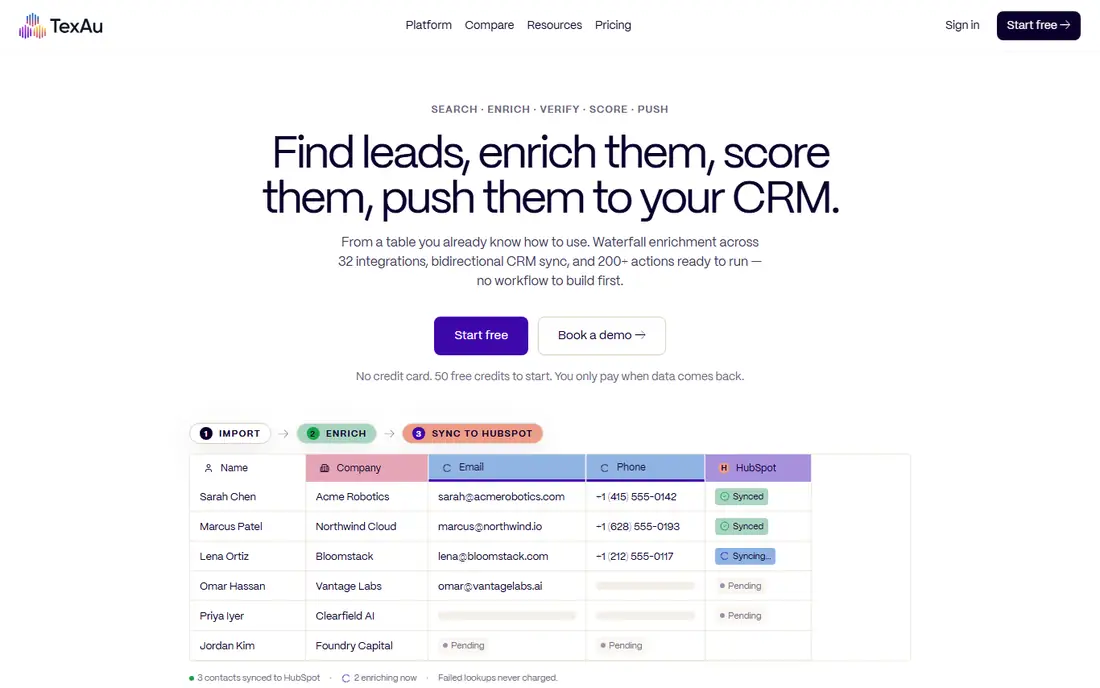
TexAu resembles PhantomBuster more closely than most tools on this list, because it offers ready-made automation recipes across several platforms. A recipe can extract LinkedIn search results, collect Twitter followers, scrape Instagram profiles, or send connection requests, with inputs taken from a spreadsheet and results written back to one. Cloud execution means the user does not need to keep a browser open.
That breadth is useful for growth teams that work across channels. It also means TexAu is a generalist: its LinkedIn export is not as polished as a specialist such as Evaboot, and its scraping depth is not as broad as Apify. Buyers should pick TexAu when they want one place for several smaller automations, not when they need deep expertise in a single channel.
What we like- Recipes for LinkedIn, Twitter, Instagram, and other platforms
- Cloud execution
- Spreadsheet-style inputs and outputs
Watch out for- Interface can feel dense
- LinkedIn automation still carries platform risk
#5Evaboot
Best for: Clean Sales Navigator exports4.6/5 on
G2 (82 reviews, checked Oct 2026)
Visit evaboot.com
Starting priceSee website
Free planFree trial
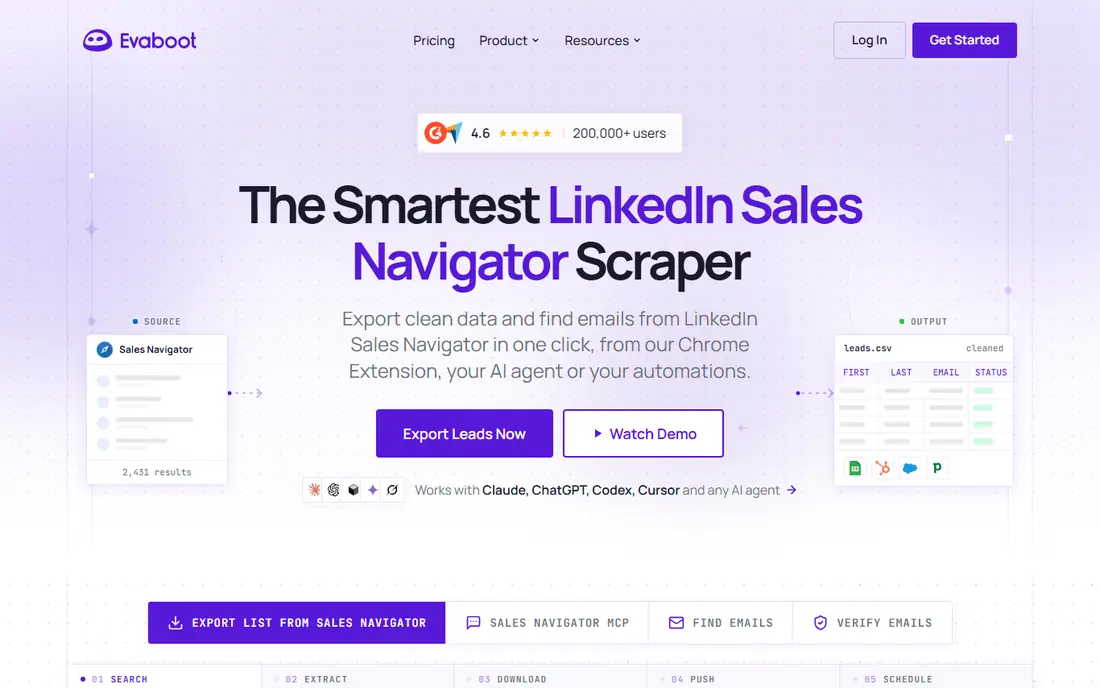
Evaboot solves one problem well: turning a LinkedIn Sales Navigator search into a clean, usable list. Its Chrome extension extracts leads and companies, removes duplicates, fills in missing fields where possible, and exports a spreadsheet that needs little cleanup. For sales teams that live in Sales Navigator, that saved cleanup time is the main selling point.
The limit is scope. Evaboot does not scrape general websites, run multi-channel campaigns, or enrich from dozens of providers. It also depends on Sales Navigator, so teams without that subscription get less value. If LinkedIn list building is the core PhantomBuster job being replaced, Evaboot deserves a shortlist spot. If the job is broader scraping, pair it with Apify or Octoparse.
What we like- Clean, deduplicated Sales Navigator data
- Chrome extension workflow
- Exports ready for CRM import
Watch out for- LinkedIn focused only
- Needs an active Sales Navigator account for full value
Starting priceSee website
Free planFree trial
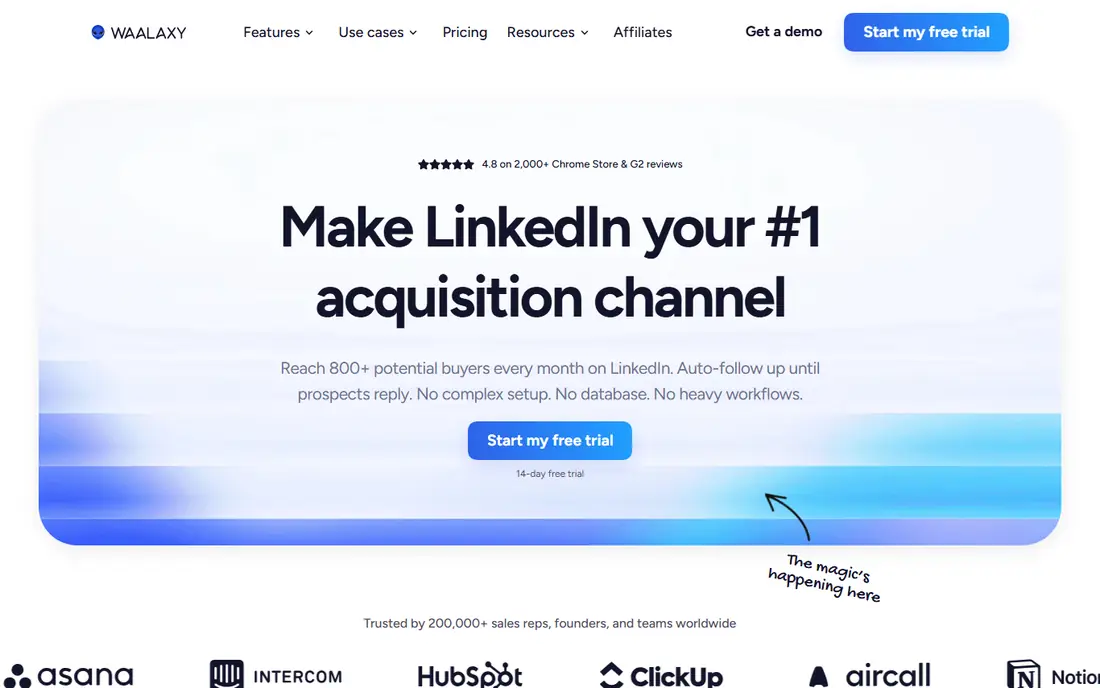
Waalaxy replaces the outreach half of PhantomBuster. Users import a list of LinkedIn profiles, build a sequence of connection requests, messages, and follow-ups, and let Waalaxy run the campaign with daily limits and delays designed to look human. Campaign reports show acceptance rates, reply rates, and which step performs best.
That simplicity helps small sales teams get started without a complex setup. It does not help with finding the list in the first place, beyond basic imports and its own prospect features, so most teams pair Waalaxy with a scraping or database tool. Users should also keep volumes conservative and personalise messages, because no tool removes the risk that LinkedIn restricts an account for automation.
What we like- Simple campaign builder for connection requests and messages
- Email sequences in higher plans
- Clear campaign stats
Watch out for- Outreach only, not a general scraper
- Results depend heavily on message quality and targeting
Starting priceSee website
Free planFree trial
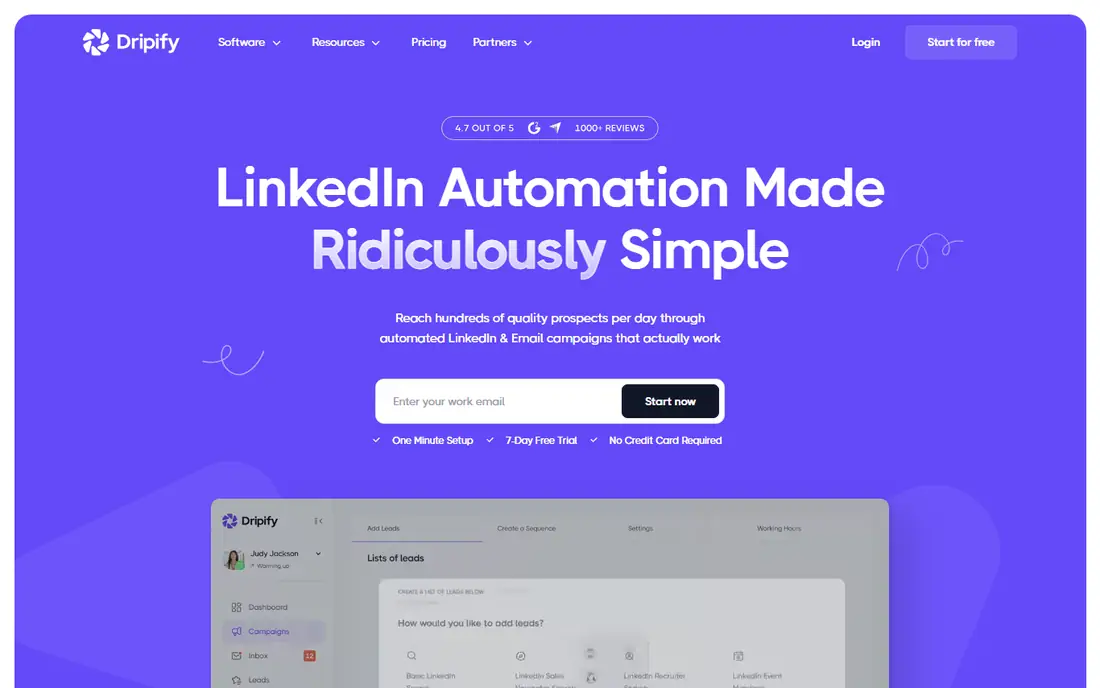
Dripify is another LinkedIn-first option, with a stronger focus on team campaigns and reporting than Waalaxy. Its builder supports branching logic, so a campaign can take a different path when a prospect accepts, replies, or ignores a request. Managers can assign campaigns to team members, review performance by rep, and test message variants.
That structure suits agencies and sales teams running several campaigns at once. For a solo user sending one simple sequence, Dripify may feel heavier than needed, and its price reflects the team features. As with all LinkedIn automation, the tool can manage pace and safety settings, but it cannot guarantee that LinkedIn will accept automated activity.
What we like- Visual campaign builder with conditions
- Team management features
- Detailed analytics and A/B testing
Watch out for- LinkedIn only
- Higher cost for teams that only need simple sequences
Starting priceSee website
Free planFree trial
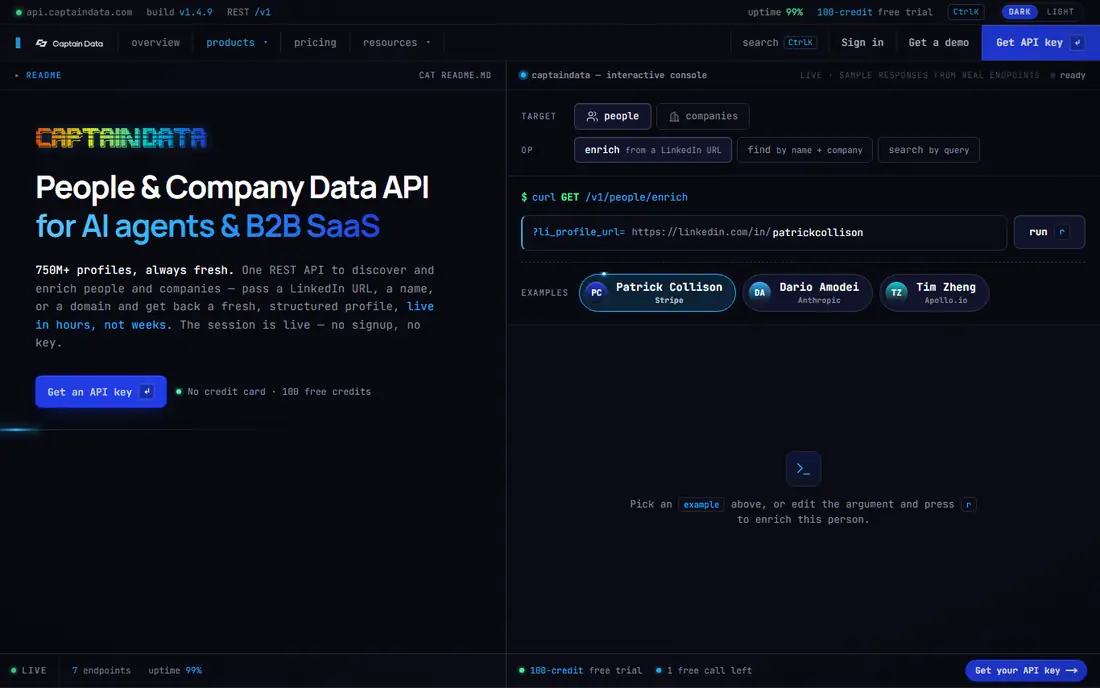
Captain Data sits between a scraper and an enrichment platform. Users build workflows that pull data from LinkedIn, a CRM, or a web source, enrich it, and push the result somewhere useful. The visual builder makes multi-step jobs easier to follow than a set of scripts, and the API lets developers embed those workflows in their own systems.
The product fits operations and growth teams that repeat the same data job every week, such as refreshing a target account list or enriching new signups. Solo users with a one-off scrape may find it more than they need. Captain Data also works best when the team has a clear data model, since a workflow built on messy inputs will still produce messy outputs.
What we like- Visual workflow builder for data tasks
- Many integrations for LinkedIn, CRM, and enrichment
- API access for custom pipelines
Watch out for- Pricing is aimed at teams rather than solo users
- Setup takes planning for complex workflows
#9Browse AI
Best for: Monitoring and extracting website data4.8/5 on
G2 (62 reviews, checked Oct 2026)
Visit browse.ai
Starting priceSee website
Free planYes
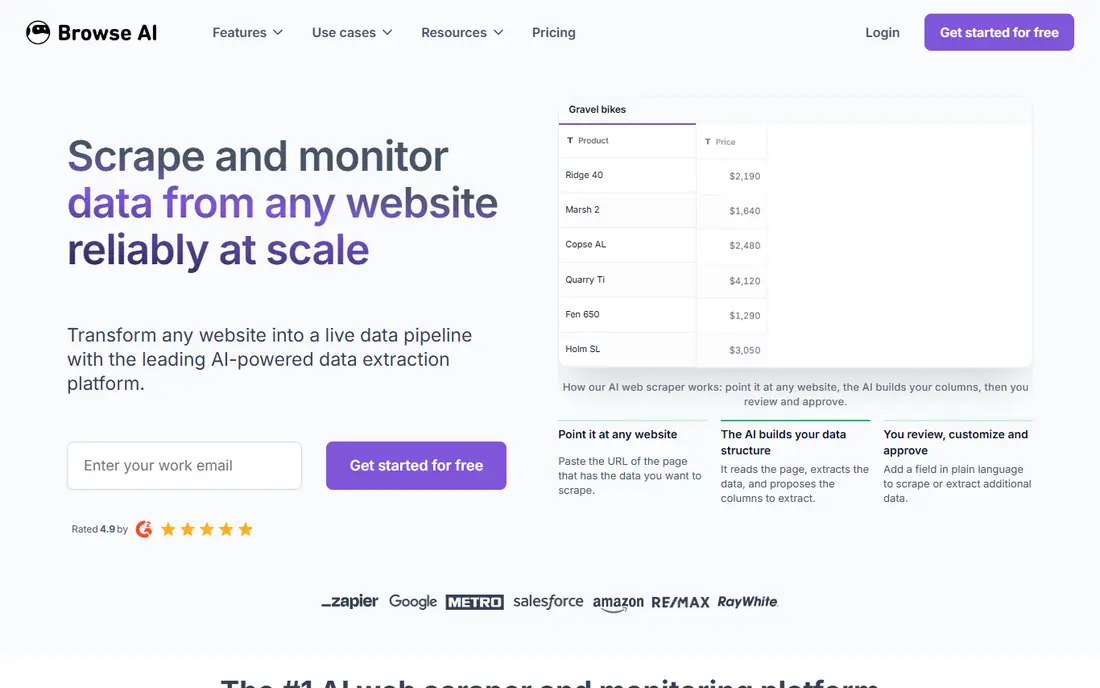
Browse AI focuses on one job: training a robot to extract data from a chosen website, then running it on a schedule or when the page changes. A user points the tool at the fields they want, and Browse AI handles pagination and data capture. That makes it useful for price tracking, job board monitoring, directory building, and competitor research.
It is not a LinkedIn automation tool, and it is not a lead enrichment platform. Its value shows when a team needs repeated extraction from a small set of pages rather than broad discovery across the web. Buyers should test a robot on their exact target site, because layout changes can break extraction and need a quick rebuild.
What we like- Easy robot setup for a specific page
- Change monitoring and scheduled extraction
- Spreadsheet and API outputs
Watch out for- Page-specific robots need maintenance when sites change
- Not built for LinkedIn outreach
How we chose
We compared vendor documentation, pricing pages, and public reviews on G2, Capterra, and Reddit, and grouped tools by the job they actually replace: general scraping, LinkedIn extraction, LinkedIn outreach, or enrichment. A tool made this list only if it is actively sold today and covers at least one major PhantomBuster use case in a credible way. We avoided tools that only sell a contact database, since those solve a different problem from scraping and automation.
Where a vendor did not publish a clear starting price, we wrote See website instead of guessing. Pricing in this category changes often and often depends on credits, seats, or volume, so a trial on a real list is a better guide than a headline price alone.
The most common mistake is buying a general scraper and an outreach tool, then finding that neither covers enrichment, or buying an enrichment tool and finding it cannot scrape the source list. Map the workflow first, then match tools to steps.
Split the workflow into three steps
First, list building: where do prospects come from, and is that LinkedIn, Google Maps, a directory, or a website? Second, enrichment: what extra fields are needed, such as email, phone, company size, or recent activity? Third, outreach: will the team send LinkedIn messages, emails, or both, and from which tool? A tool that covers two steps well is often better than three tools that each cover one step badly.
Test accuracy on your own list
Run each shortlisted tool on the same 100 prospects and compare match rates, duplicate rates, and field accuracy. A scraper that returns 90 percent usable rows beats a cheaper tool that returns 60 percent usable rows, because cleanup time is a real cost. Check email bounce rates separately, since a found email is not the same as a deliverable email.
Read the platform rules before scaling
LinkedIn and other platforms restrict automation, and every tool in this category operates in that grey area. Keep daily volumes low, use personalised messages, and avoid running several automation tools on the same account at once. If LinkedIn access matters more than speed, a Chrome extension tool or a manual export may be safer than a cloud bot, even if it is slower.
Watch credit math, not just the monthly fee
Credit-based tools can look cheap until a workflow consumes credits for failed lookups, duplicate rows, or enrichment steps that return nothing. Ask what counts as a credit, whether failed lookups are charged, and whether credits roll over. Set a monthly cap during the trial and see how far a typical list actually goes.
Frequently asked questions
Is there a free PhantomBuster alternative?
Apify and Browse AI both offer free plans that suit small scraping jobs, and several other tools offer free trials. A free plan usually limits runs, credits, or rows, so it works for testing and small lists but not for ongoing high-volume prospecting.
Which PhantomBuster alternative is best for LinkedIn?
Evaboot is best for clean Sales Navigator exports, while Waalaxy and Dripify are best for outreach sequences. Many teams use Evaboot to build the list and Waalaxy or Dripify to run the campaign, rather than expecting one tool to do both jobs well.
Which PhantomBuster alternative is best for general web scraping?
Apify is the strongest general choice, with a large library of ready-made scrapers and developer tools for custom jobs. Octoparse is a better pick for non-developers who want a visual setup, and Browse AI suits repeated extraction from a small set of pages.
Is using a PhantomBuster alternative allowed on LinkedIn?
LinkedIn terms restrict third-party automation, and no vendor can change that. Tools reduce risk with limits, delays, and human-like pacing, but they do not remove it. Users should keep volumes conservative, follow platform rules, and accept that account restrictions remain possible.
Do I need coding skills to use these tools?
No, for most of them. Octoparse, Browse AI, Evaboot, Waalaxy, and Dripify are built for non-developers. Apify, Clay, and Captain Data also offer no-code options, but getting full value from them helps to have someone comfortable with data, APIs, or workflow design.
How much should a PhantomBuster alternative cost?
Cost depends on volume and job type. A small team may manage on a free plan or a low paid plan, while a team enriching thousands of leads a month will pay mainly for credits. Compare cost per usable lead after a trial, not the headline monthly price, because match rates and credit rules differ widely.
Sources we checked (9)
- https://apify.com/
- https://www.octoparse.com/
- https://www.clay.com/
- https://texau.com/
- https://evaboot.com/
- https://www.waalaxy.com/
- https://dripify.com/
- https://captaindata.co/
- https://browse.ai/
Is your product missing or out of date?
We review this list regularly. Vendors can request a listing, send updated pricing or ask about featured placement.

Shihab Mia · Founder, Rankite
Shihab has 5+ years in B2B and SaaS SEO. He writes Rankite's software buying guides from pricing pages, documentation and public user reviews. More about Shihab.