How we make this list: we compare pricing pages, product documentation and public user reviews. Ratings come from G2, Capterra or Trustpilot, with the date we checked them.
Key takeaways
- NinjaOne is the strongest like for like RMM replacement, with published per endpoint pricing from 1.50 to 3.75 dollars a month depending on volume.
- Atera and Syncro charge per technician instead, 129 dollars a month billed annually with unlimited endpoints, which wins when a small team manages many devices.
- Action1 covers patching and endpoint management free for the first 200 endpoints, the best free entry point in this category.
- Datto RMM, N-able N-central, and ConnectWise are quote only, so the real comparison for larger MSPs happens in a sales process, not on a pricing page.
Quick comparison
| Tool | Best for | Starting price | Free plan |
|---|
 NinjaOne NinjaOne | Ease of use and automation | $3.75 per endpoint per month | No |
 Atera Atera | Per technician pricing, unlimited endpoints | $129 per technician per month | No |
 Syncro Syncro | RMM and PSA in one platform | $129 per user per month | No |
 SuperOps SuperOps | Modern RMM plus PSA bundle | $1.50 per endpoint per month | No |
 Action1 Action1 | Patching with a free tier | Free | Yes |
 Datto RMM Datto RMM | MSPs in the Kaseya ecosystem | See website | No |
 N-able N-central N-able N-central | Large, complex environments | See website | No |
 ManageEngine Endpoint Central ManageEngine Endpoint Central | Internal IT departments on a budget | See website | Yes |
Is your product missing or out of date?
We review this list regularly. Vendors can request a listing, send updated pricing or ask about featured placement.
The best Panorama9 alternatives
#1NinjaOne
Best for: Ease of use and automation4.7/5 on
G2 (5,037 reviews, checked Oct 2026)
Visit ninjaone.com
Starting price$3.75 per endpoint per month
Free planNo
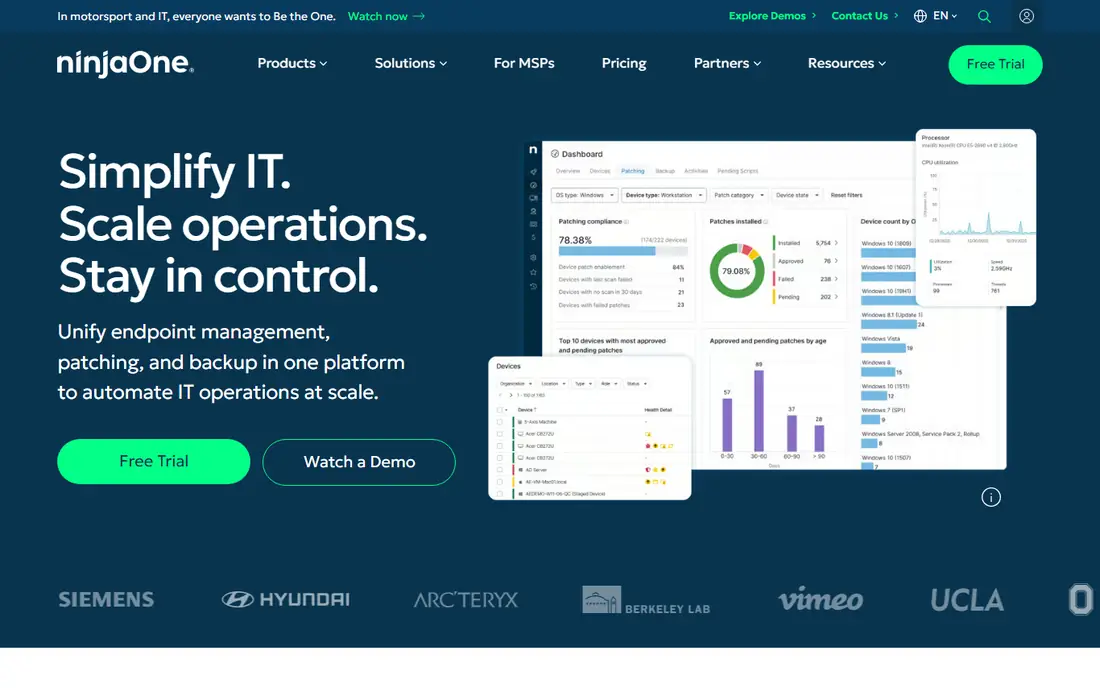
What we like- NinjaOne is the RMM most Panorama9 users are comparing against: monitoring, patch management for Windows, macOS, and Linux, scripting and automation, remote access, and backup options in a fast, modern console that technicians consistently rate the easiest to learn. Pricing is published as a volume range, about 3.75 dollars per endpoint a month at 50 or fewer endpoints, sliding toward 1.50 dollars at high volume. Policy based automation is its depth advantage: patch rings, remediation scripts, and alerting run the same way across every client.
Watch out for- It is RMM only, so ticketing, contracts, and invoicing need a separate PSA purchase, where Panorama9 bundles a help desk in. Per endpoint pricing grows in a straight line with your fleet, which per technician rivals exploit. There is no free plan, only a 14 day trial.
#2Atera
Best for: Per technician pricing, unlimited endpoints4.6/5 on
G2 (1,123 reviews, checked Oct 2026)
Visit atera.com
Starting price$129 per technician per month
Free planNo
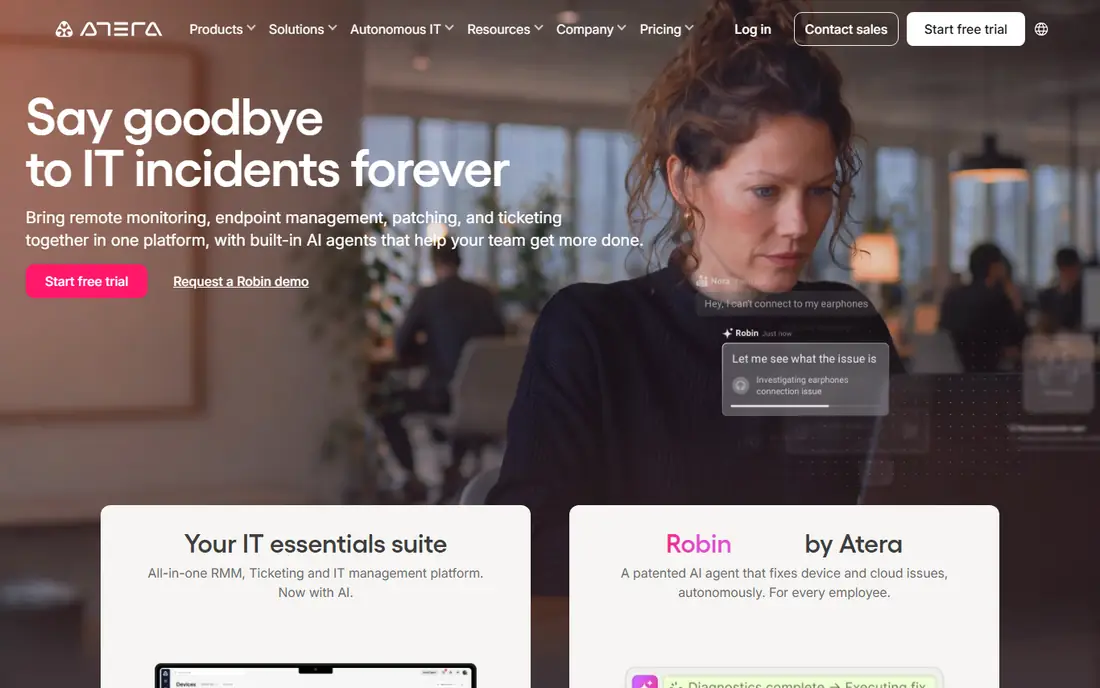
What we like- Atera flips the pricing model: 129 dollars per technician a month billed annually for the Pro tier, with unlimited endpoints, plus a light built in PSA with ticketing and billing basics, remote access, and patching. For a three person team watching 600 devices, that works out near 65 cents per endpoint, cheaper than any per device plan here. Its AI assistance drafts ticket replies and scripts, and onboarding is self serve with a 30 day trial.
Watch out for- Per technician pricing punishes the opposite shape: a large team watching few devices overpays. The built in PSA is lighter than Syncro's or a dedicated PSA, so billing heavy MSPs still buy one. Atera has stopped publishing some MSP tier details, so confirm the exact tier and add on costs, such as extra remote access tools, in the trial rather than from old comparison pages.
#3Syncro
Best for: RMM and PSA in one platform4.5/5 on
G2 (553 reviews, checked Oct 2026)
Visit syncro.com
Starting price$129 per user per month
Free planNo
What we like- Syncro is the all in one answer: RMM, a full PSA with tickets, contracts, invoicing and integrated payments, scripting, and remote access on one data model, at 129 dollars per user a month billed annually for Core or 179 for Team, with unlimited endpoints. It is the only platform in this list whose full price is published and buyable online with no sales call. For a small MSP tired of paying for RMM and PSA separately and syncing them, the single bill and single database are the argument.
Watch out for- The RMM side, while capable, lacks some of NinjaOne's polish and automation depth at large scale. Monthly billing costs more, at 159 and 209 dollars. Very large MSPs tend to outgrow its reporting and multi tech workflow features, which is why the enterprise end of the market sits with ConnectWise and Kaseya.
#4SuperOps
Best for: Modern RMM plus PSA bundle4.4/5 on
G2 (205 reviews, checked Oct 2026)
Visit superops.com
Starting price$1.50 per endpoint per month
Free planNo
What we like- SuperOps pairs RMM with a real PSA in a modern interface, with ticketing, asset management, patching, and AI assisted ticket handling, priced per endpoint from about 1.50 to 3.00 dollars a month. That undercuts NinjaOne at small volumes while including the business side NinjaOne leaves out. Unlimited technicians on endpoint plans suit growing teams whose headcount rises before the fleet does.
Watch out for- Endpoint minimums apply, reported at 100 to 150 endpoints, which shuts out the very smallest shops and side practices Panorama9 happily serves. The platform is younger than the incumbents, with a smaller integration marketplace and community. Per endpoint pricing still scales against you at high device counts where Atera and Syncro stay flat.
#5Action1
Best for: Patching with a free tier4.9/5 on
G2 (1,206 reviews, checked Oct 2026)
Visit action1.com
Starting priceFree
Free planYes
What we like- Action1 focuses on patch management and endpoint hygiene: OS and third party patching, vulnerability visibility, software deployment, and remote access, delivered from the cloud with unusually fast setup. The first 200 endpoints are free with no feature limits and no credit card, which makes it a genuine production tool for a small IT team, not a demo. An internal IT department leaving Panorama9 mainly over patching gaps can cover that job at zero cost while deciding on a fuller platform.
Watch out for- Action1 is not a full RMM and PSA: there is no ticketing system, invoicing, or client management for MSPs, so service providers still need the business layer elsewhere. Above 200 endpoints pricing moves to quote based tiers. Monitoring and automation breadth is narrower than NinjaOne or N-central.
#6Datto RMM
Best for: MSPs in the Kaseya ecosystem4.5/5 on
G2 (803 reviews, checked Oct 2026)
Visit datto.com
Starting priceSee website
Free planNo
What we like- Datto RMM is a policy driven platform with strong monitoring, automation components, and ransomware detection, and it pairs naturally with Autotask PSA inside the Kaseya ecosystem that many established MSPs already run. Component based automation is genuinely deep: jobs, monitors, and scripts can be assembled and reused across clients at scale. For an MSP standardizing on Kaseya's stack, the shared contracts and integrations simplify the back office even if the console itself is one of several.
Watch out for- Pricing is quote only and contracts carry committed minimums, so there is no way to comparison shop it from a web page. The Kaseya ecosystem's breadth is also its complexity, and smaller teams report a heavier onboarding than the self serve rivals. Support experiences vary by product line, a recurring theme in MSP community reporting.
#7N-able N-central
Best for: Large, complex environments4.4/5 on
G2 (567 reviews, checked Oct 2026)
Visit n-able.com
Starting priceSee website
Free planNo
What we like- N-central is the heavy end of MSP RMM: deep monitoring, automation through its automation manager, patching, and integrations with security and backup tooling, built for MSPs running thousands of endpoints across complex client networks, with on premises and hybrid deployment options the cloud only rivals lack. Mature MSPs with compliance heavy clients use it where simpler platforms run out of controls.
Watch out for- N-able publishes no pricing for N-central anywhere, so every figure on third party blogs is unverified
- Budget for a quote process. The platform's depth carries a learning curve and administration overhead that small teams feel daily. For a ten person shop, it is usually more platform than the work requires.
#8ManageEngine Endpoint Central
Best for: Internal IT departments on a budget4.5/5 on
G2 (1,149 reviews, checked Oct 2026)
Visit manageengine.com
Starting priceSee website
Free planYes
What we like- Endpoint Central aims at internal IT rather than MSPs: patch management, software deployment, asset inventory, and remote control for Windows, Mac, and Linux fleets, with a free edition covering up to 25 devices and editions that scale to enterprise fleets. Companies with several ManageEngine products get shared administration and pricing that undercuts the MSP platforms. On premises deployment is available, which regulated internal teams sometimes require.
Watch out for- It has no PSA, multi client structure, or MSP billing, so service providers should look at the platforms above instead. Published cloud pricing is inconsistent between editions and regions, hence see website here
- The licence model needs a careful read. The interface is utilitarian beside NinjaOne and SuperOps.
How we chose
We compared platforms on monitoring and patching depth, automation and scripting, whether a PSA is included, remote access, and pricing transparency. We favoured published prices and noted the pricing model for each tool, since per endpoint versus per technician decides the bill more than features do. We excluded remote access only tools without monitoring, and security suites without endpoint management, since Panorama9's buyers need the management layer.
How to choose the right Panorama9 alternative
Run the pricing math on your real numbers first. Count endpoints and technicians, then price both models: a technician watching 200 endpoints costs about 65 cents per endpoint on Atera or Syncro, 300 dollars a month on SuperOps, and up to 750 dollars on NinjaOne at low volume rates. Then run the same math at the fleet size you expect in 18 months, because the model that wins today can lose after a big client lands, and RMM migrations are painful enough that you want the pricing to survive growth.
Next, decide whether the PSA is part of the purchase. Panorama9 includes a help desk; NinjaOne, Datto, and N-central do not, so their true cost is RMM plus a PSA subscription plus the sync between them, while Syncro and SuperOps price the pair together. Finally, trial on real endpoints: deploy the agent to one client's machines, test patching rings, a remediation script, and an after hours alert, and check the mobile app your technicians will actually use at 2 a.m. Staged migration, client by client, beats a weekend cutover every time.
Frequently asked questions
What does Panorama9 do that alternatives need to match?
Panorama9 combines remote monitoring and management, patching, asset inventory, and an integrated help desk in one dashboard aimed at MSPs and internal IT teams. An alternative needs to cover at least the monitoring, patching, and remote access core; whether it must also replace the help desk depends on whether your team actually uses Panorama9's, which is the first question to answer before shopping.
Is per technician or per endpoint pricing cheaper?
It depends entirely on your ratio. Per technician pricing, Atera and Syncro at 129 dollars a month with unlimited endpoints, wins when each technician covers many devices. Per endpoint pricing wins for small fleets and for teams with many technicians per device. Price both models at your current counts and at your expected counts next year before deciding.
Are there free RMM tools worth using?
Action1 is the standout: free for the first 200 endpoints with full patching features, which covers many small internal IT teams outright. ManageEngine Endpoint Central's free edition covers 25 devices. Beyond patching, genuinely free full RMM does not really exist; the rest of this list works on trials of 14 to 30 days, which is enough to test one client properly.
How hard is it to migrate from Panorama9 to another RMM?
The agent swap is the easy half: deploy the new agent alongside the old one, rebuild policies and patch rings, then remove Panorama9 client by client. The work is in the policies: monitoring thresholds, scripts, and automation you built up over years do not transfer between platforms and must be recreated. Plan a staged exit over weeks, not a weekend cutover, and keep the old console running until the last client is verified on the new one.
Do I still need a separate PSA with these tools?
With Syncro and SuperOps, no: the PSA is built in. With Atera you get a light PSA that covers ticketing and basic billing for many small MSPs. With NinjaOne, Datto RMM, and N-central, yes: budget for a separate PSA such as Autotask, ConnectWise PSA, or HaloPSA, and judge the pair's combined price against the all in one platforms.
Sources we checked (0)
Is your product missing or out of date?
We review this list regularly. Vendors can request a listing, send updated pricing or ask about featured placement.

Shihab Mia · Founder, Rankite
Shihab has 5+ years in B2B and SaaS SEO. He writes Rankite's software buying guides from pricing pages, documentation and public user reviews. More about Shihab.