How we make this list: we compare pricing pages, product documentation and public user reviews. Ratings come from G2, Capterra or Trustpilot, with the date we checked them.
Key takeaways
- Proposify, Qwilr, and Better Proposals suit teams that build proposals inside the tool, with templates, pricing tables, and tracking.
- DocuSign, Dropbox Sign, SignNow, Signeasy, and Zoho Sign suit teams that mainly need reliable eSignatures on prepared documents.
- GetAccept suits sales teams that want deal rooms, engagement tracking, and signatures in one workflow.
- SignNow and Better Proposals offer some of the lowest entry prices on this list, while Qwilr is priced higher for design-led proposals.
- Zoho Sign is the only tool here with a free plan for a small number of envelopes per month.
Quick comparison
| Tool | Best for | Starting price | Free plan |
|---|
 DocuSign DocuSign | Reliable eSignatures at scale | $10 per month | Free trial |
 Dropbox Sign Dropbox Sign | Simple signing for small teams | $15 per month | Free trial |
 SignNow SignNow | Low-cost business signing | $8 per user per month | Free trial |
 Proposify Proposify | Structured proposals and approvals | $19 per user per month | Free trial |
 Qwilr Qwilr | Interactive, design-led proposals | $35 per user per month | Free trial |
 Better Proposals Better Proposals | Affordable proposal creation | $13 per user per month | Free trial |
 GetAccept GetAccept | Sales deal rooms and signing | $25 per user per month | Free trial |
 Signeasy Signeasy | Straightforward business signing | $20 per user per month | Free trial |
 Zoho Sign Zoho Sign | Free and low-cost signing | See website | Yes |
Is your product missing or out of date?
We review this list regularly. Vendors can request a listing, send updated pricing or ask about featured placement.
The best PandaDoc alternatives
#1DocuSign
Best for: Reliable eSignatures at scale4.5/5 on
G2 (2,896 reviews, checked Oct 2026)
Visit docusign.com
Starting price$10 per month
Free planFree trial
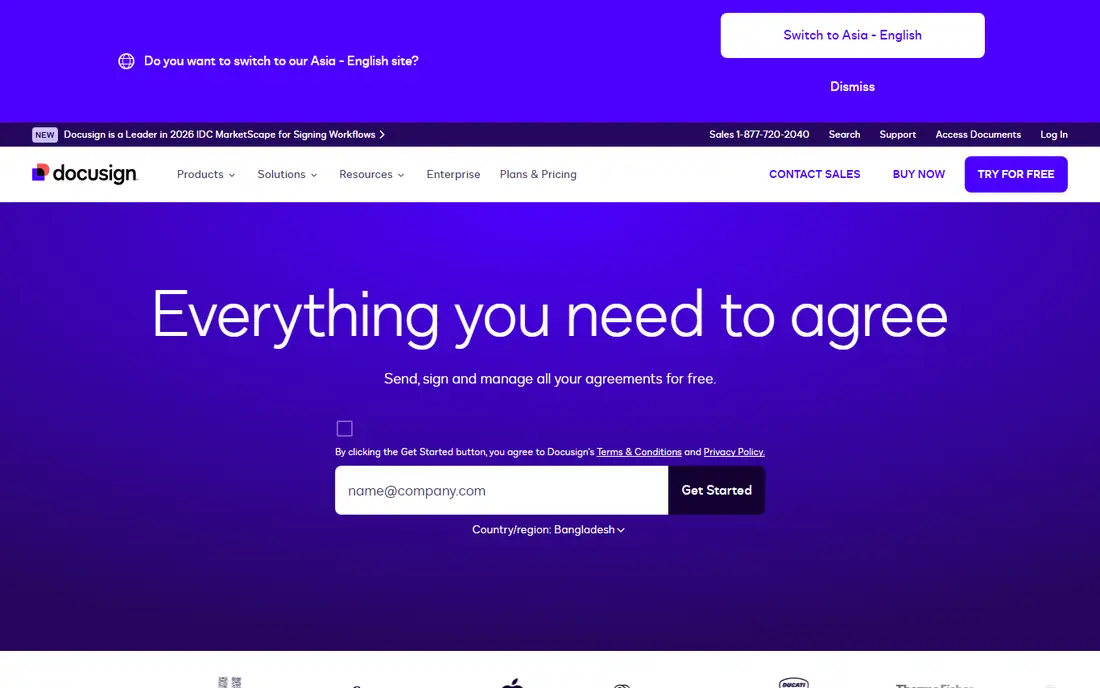
DocuSign is the safest choice when signatures themselves are the priority. It is widely recognized by clients, legal teams, and procurement departments, which reduces friction when a signer sees a request from an unfamiliar sender. Its plans support templates, signer order, reminders, and a detailed audit trail, and it integrates with many CRM and document systems.
The limit is scope. DocuSign eSignature plans are not proposal builders, so teams that need interactive pricing tables and proposal analytics will need another tool or a higher-tier DocuSign offering. Check envelope limits on the plan you choose, since annual plans often cap envelopes per user per year. For pure signing at scale, DocuSign remains the default many teams compare everything else against.
What we like- Widely recognized and trusted for signing
- Broad integrations
- Strong audit trail and compliance options
Watch out for- Proposal creation is limited in eSignature plans
- Higher plans are needed for advanced features
#2Dropbox Sign
Best for: Simple signing for small teams4.7/5 on
G2 (2,283 reviews, checked Oct 2026)
Visit dropboxsign.com
Starting price$15 per month
Free planFree trial
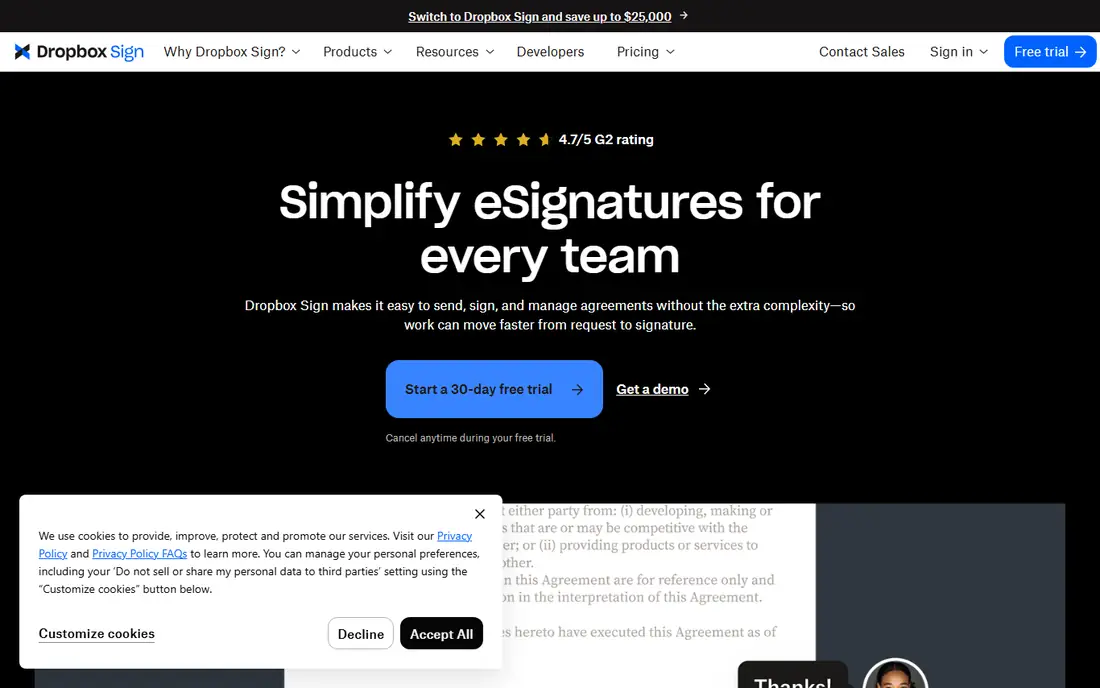
Dropbox Sign, formerly HelloSign, suits small teams that want signing to be quick and painless. Senders upload a document, add signature fields, and send it, while signers complete it without creating an account in most cases. The interface is deliberately simple, which helps when clients are not technical and when documents must move fast.
Simplicity has a cost in flexibility. Dropbox Sign does not match Proposify or Qwilr for proposal design, pricing tables, or sales analytics. If your documents are already prepared in another tool and you only need them signed, that is not a problem. If you want to build proposals inside the tool, choose a proposal-first alternative instead.
What we like- Simple setup and clean signing experience
- Dropbox integration
- Templates and reminders on paid plans
Watch out for- Proposal building is limited
- Advanced workflow features sit on higher plans
#3SignNow
Best for: Low-cost business signing4.6/5 on
G2 (1,772 reviews, checked Oct 2026)
Visit signnow.com
Starting price$8 per user per month
Free planFree trial
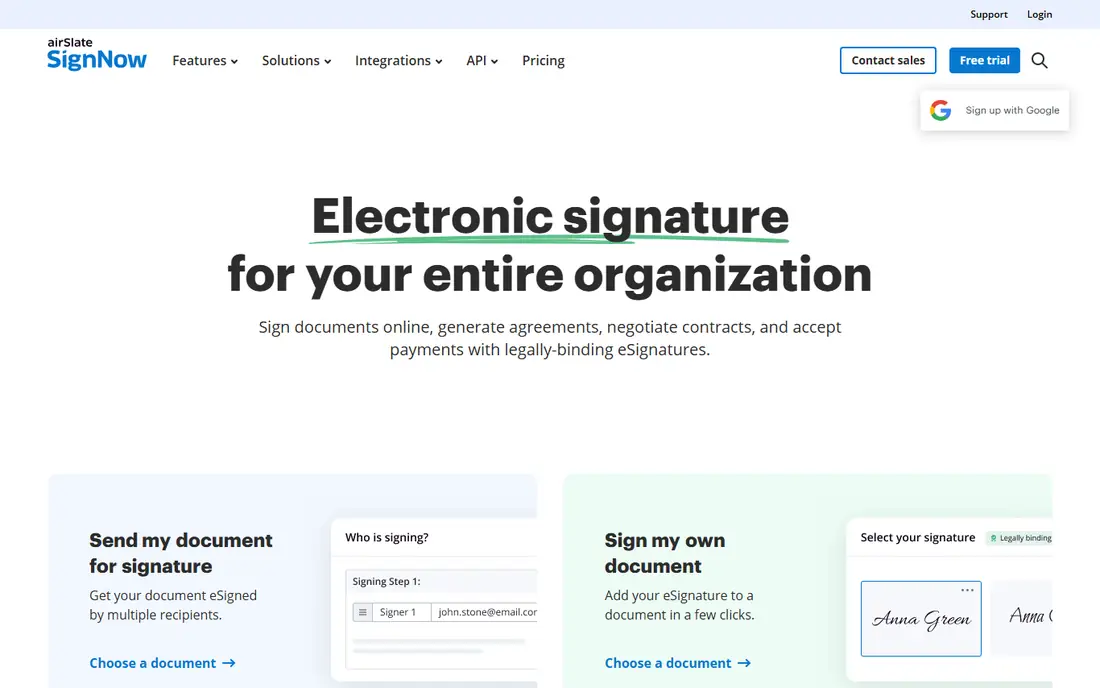
SignNow is a strong value pick for teams that sign often but do not need proposal software. Its business plan, at $8 per user per month when billed annually, includes features many small teams need, such as reusable templates, conditional fields, and signer order. It also supports mobile and in-person signing, which helps field teams and client meetings.
Do not expect a proposal builder here. SignNow handles documents you upload, and while it offers forms and templates, it does not provide the interactive pricing and analytics that proposal tools offer. For a sales or operations team that mainly needs contracts, NDAs, and order forms signed quickly and affordably, SignNow is hard to beat on price.
What we like- Low entry price for a business plan
- Templates, signing order, and audit trail
- In-person and mobile signing
Watch out for- Proposal features are limited
- Some advanced integrations require higher plans
#4Proposify
Best for: Structured proposals and approvals4.6/5 on
G2 (1,143 reviews, checked Oct 2026)
Visit proposify.com
Starting price$19 per user per month
Free planFree trial
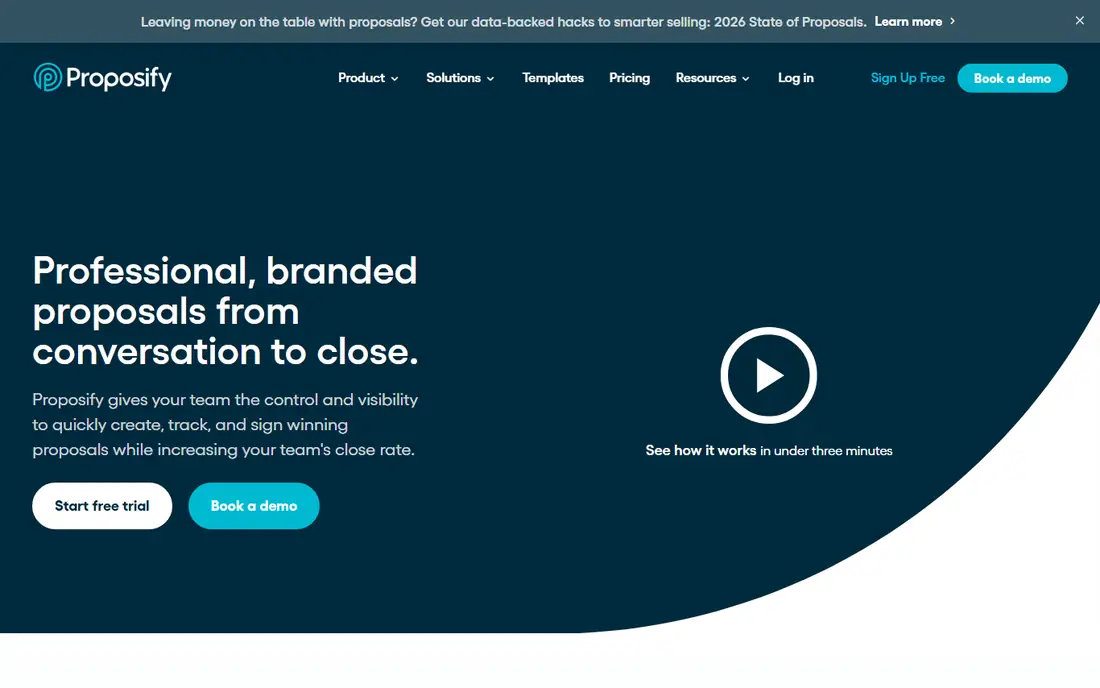
Proposify is built for teams that send proposals regularly and need control over content, pricing, and approvals. Its content library lets teams reuse approved sections, its interactive pricing tables let clients select options, and its analytics show when a proposal is opened and which sections get attention. Approval workflows help larger teams keep proposals consistent before they reach a client.
Watch the limits and add-ons. The basic plan caps monthly sends, and some CRM integrations carry an extra per-user cost, so model your real team size and send volume before comparing prices. For proposal teams that value structure and repeatability over flashy design, Proposify is one of the closest PandaDoc replacements on this list.
What we like- Strong proposal templates and content library
- Interactive pricing and approvals
- Proposal analytics
Watch out for- Basic plan has send limits
- Some CRM integrations cost extra
#5Qwilr
Best for: Interactive, design-led proposals4.6/5 on
G2 (933 reviews, checked Oct 2026)
Visit qwilr.com
Starting price$35 per user per month
Free planFree trial
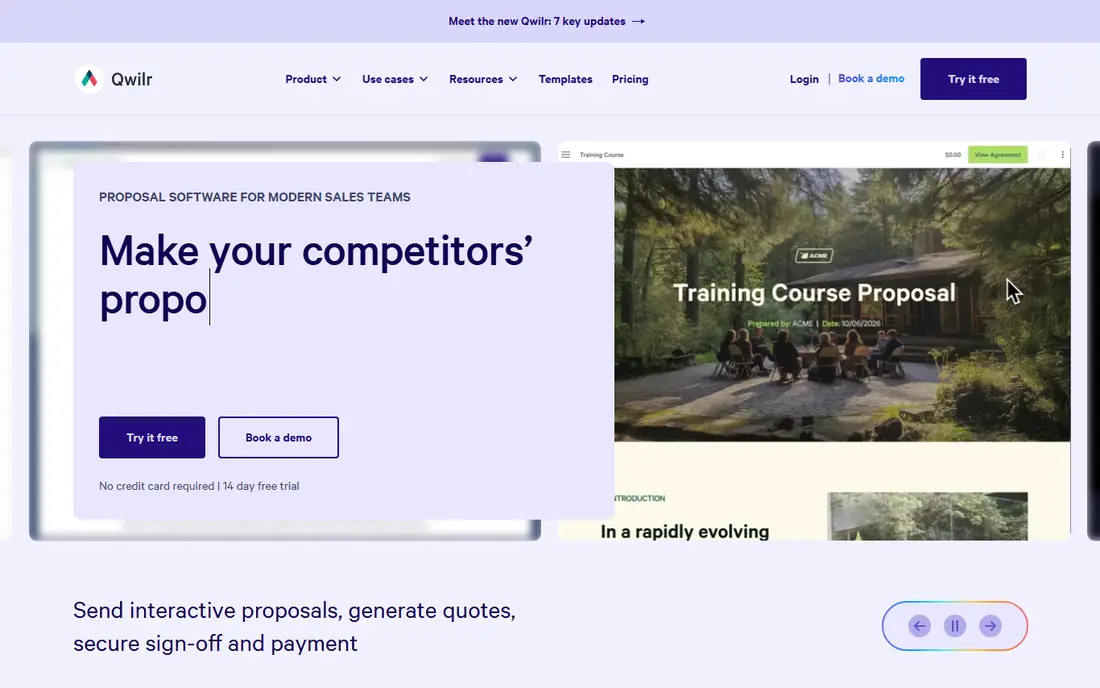
Qwilr turns proposals into interactive web pages rather than static PDFs, which suits design-conscious agencies, consultancies, and SaaS sales teams. Clients can explore pricing options, accept terms, and pay from the same page, and sellers can see engagement in real time. The result feels more like a product experience than a document, and that can help in competitive deals.
Price is the main barrier. At $35 per user per month when billed annually, Qwilr costs more than most alternatives here, and Salesforce integration requires a higher enterprise tier with a minimum seat count. If design and interactivity win deals for you, that premium may pay for itself. If you need simple, structured proposals, a cheaper tool will do the same job.
What we like- Beautiful interactive web proposals
- Strong pricing tables and payment options
- Good analytics and CRM options on higher plans
Watch out for- Higher entry price
- Salesforce integration sits on an expensive enterprise tier
Starting price$13 per user per month
Free planFree trial
Better Proposals suits freelancers and small agencies that want professional proposals without a large monthly bill. At $13 per user per month when billed annually, it covers templates, eSignatures, tracking, and payment collection in one tool. Setup is fast, and the templates look polished without design help, which matters for small teams that send proposals weekly.
Advanced teams may hit limits. Workflow automation, approvals, and CRM depth are lighter than in Proposify or GetAccept, and plan limits affect how many documents you can manage. For a solo consultant or a small agency, those limits rarely matter. For a larger sales team with complex approvals, shortlist a more structured tool.
What we like- Low entry price
- Clean templates and eSignatures
- Proposal tracking and payment collection
Watch out for- Fewer advanced workflow features than Proposify or Qwilr
- Document limits vary by plan
#7GetAccept
Best for: Sales deal rooms and signing4.6/5 on
G2 (1,268 reviews, checked Oct 2026)
Visit getaccept.com
Starting price$25 per user per month
Free planFree trial
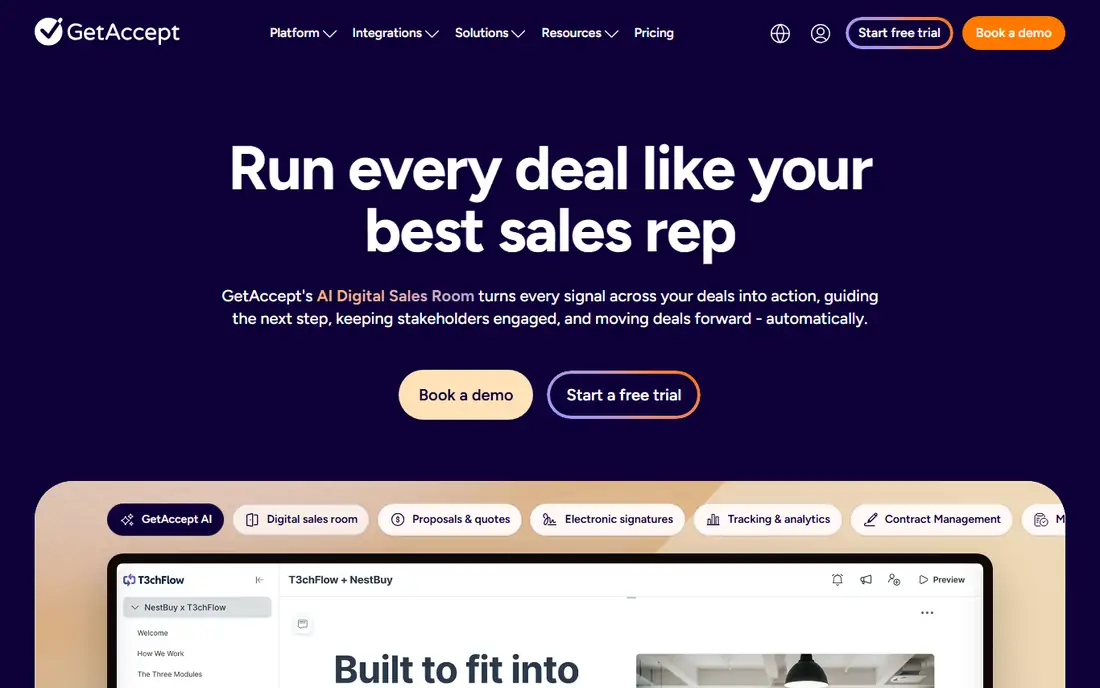
GetAccept is aimed at sales teams that manage the whole pre-signature deal, not only the final signature. Its digital sales rooms bring proposals, videos, mutual action plans, and signatures together, and its tracking shows how buyers engage with each asset. That visibility helps sellers follow up at the right moment, with the right material, instead of guessing.
The tool is priced for sales use, at $25 per user per month, so teams that only need occasional signing will overpay. It also works best when sellers actually use deal rooms consistently, which needs some process change. For revenue teams that already run structured sales cycles, GetAccept is a strong PandaDoc alternative with broader deal management.
What we like- Digital sales rooms and engagement tracking
- ESignatures and proposal content in one place
- CRM integrations
Watch out for- Higher price than signing-only tools
- Full value needs active sales use
#8Signeasy
Best for: Straightforward business signing4.7/5 on
G2 (782 reviews, checked Oct 2026)
Visit signeasy.com
Starting price$20 per user per month
Free planFree trial
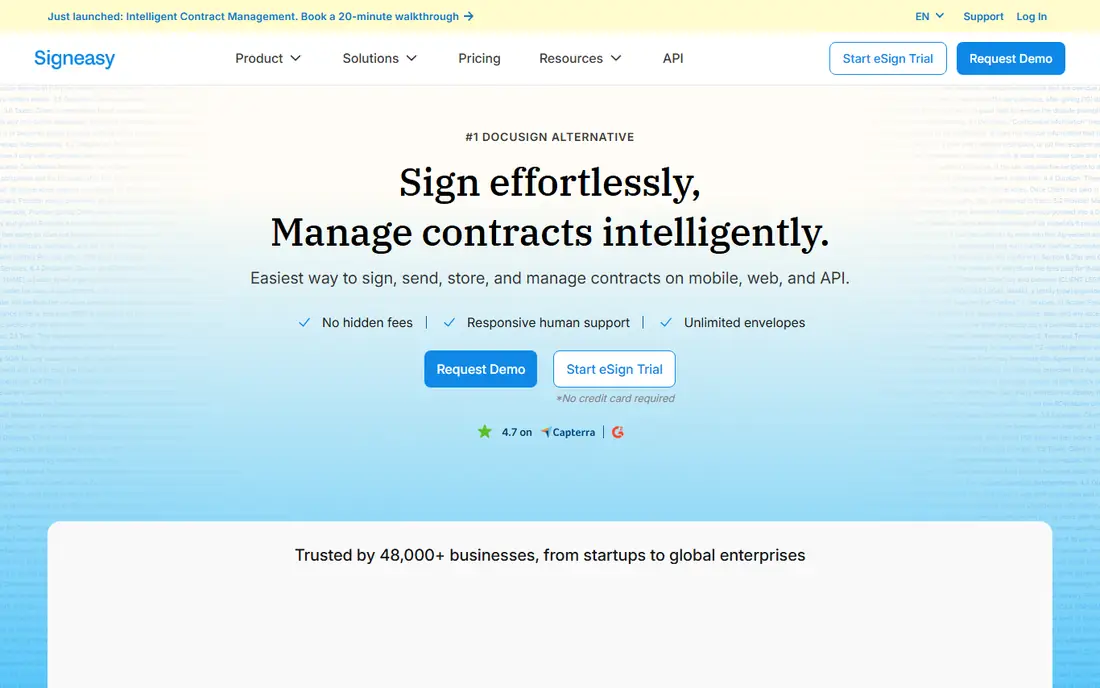
Signeasy offers a clean, business-focused signing experience for teams that send contracts, forms, and agreements regularly. Its business plan, at $20 per user per month when billed annually, includes templates, bulk sending options, and team management, with a mobile app that works well for signing on the go. Setup is quick, and the learning curve is low.
The main question is value against cheaper signing tools. Signeasy does not build proposals, so teams comparing it with SignNow should check whether its workflow, integrations, or support justify the higher price. For teams that want a simple, reliable signing tool with good mobile support and do not need proposal features, Signeasy is a solid, low-friction choice.
What we like- Simple business signing workflow
- Templates and team features
- Mobile signing experience
Watch out for- No proposal builder
- Price is higher than SignNow for similar signing needs
#9Zoho Sign
Best for: Free and low-cost signing4.4/5 on
G2 (64 reviews, checked Oct 2026)
Visit zoho.com
Starting priceSee website
Free planYes
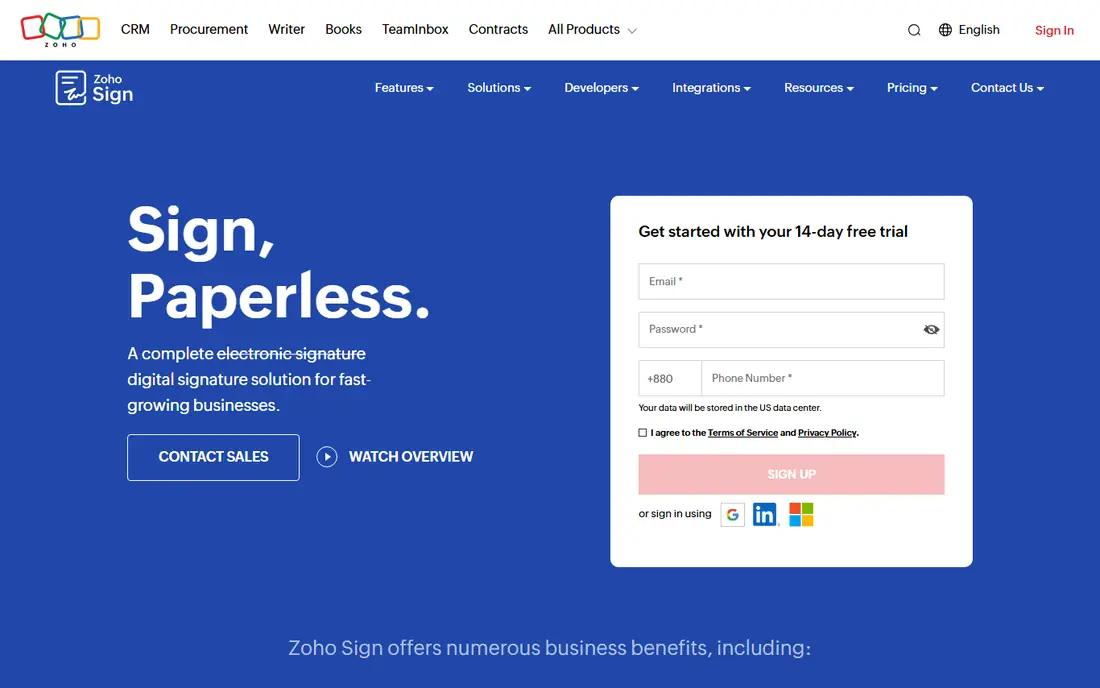
Zoho Sign is the only tool here with a free plan, offering a small number of envelopes per month at no cost. That makes it ideal for individuals and very small teams that sign only a few documents each month. Paid plans add more envelopes, templates, bulk sending, and integrations, and the tool fits naturally alongside other Zoho apps such as Zoho CRM.
Outside the Zoho ecosystem, the case is weaker. Zoho Sign is a signing tool, not a proposal builder, and teams using HubSpot or Salesforce may find another tool integrates more smoothly. If you already use Zoho, or if your signing volume is low enough for the free plan, Zoho Sign is the cheapest credible way to replace PandaDoc for signatures.
What we like- Free plan with a small monthly envelope allowance
- Strong value inside the Zoho ecosystem
- Templates and audit trail
Watch out for- Proposal features are limited
- Best value is for teams already using Zoho apps
How we chose
We compared tools on whether they build proposals or only sign documents, on pricing, send and envelope limits, free plans, templates, analytics, and integrations, using vendor pricing pages and documentation plus public reviews on G2, Capterra, and Reddit. We included both proposal builders and signature tools because PandaDoc buyers split into those two groups, and we noted where a low price hides limits or add-on costs. We did not claim hands-on testing, since proposal and signing workflows depend on team size and CRM setup. Prices are listed as published on vendor pricing pages, and "See website" is used where a vendor does not publish a single standard starting price.
Deciding between proposals and signatures
Start by sorting your documents into two piles. If most are already written elsewhere, you need signing. If most are created, priced, and tracked in the tool, you need proposals.
If you only need signatures
Choose DocuSign for broad recognition, SignNow for low cost, Dropbox Sign or Signeasy for simplicity, or Zoho Sign for low volume. Compare envelope limits and per-user costs at your actual team size, not at one seat.
If you need proposals
Choose Proposify for structure and approvals, Qwilr for interactive design, Better Proposals for low cost, or GetAccept for deal rooms. Run a real proposal through each finalist, including pricing options and payment, before signing an annual contract.
Check integrations and limits first
Confirm CRM integration availability and cost, since some tools charge extra or reserve it for enterprise plans. Confirm send or envelope caps, template limits, and what happens when you exceed them. Those details decide the real annual cost.
Frequently asked questions
What is the best free PandaDoc alternative?
Zoho Sign is the best free option here, since its free plan covers a small number of envelopes per month. PandaDoc itself also offers a free eSign tier, but that tier is built for signing, not for building proposals. For proposal creation at low cost, Better Proposals and SignNow offer some of the lowest paid entry prices.
Is DocuSign better than PandaDoc?
It depends on the job. DocuSign is stronger for pure eSignatures, recognition, and compliance, especially at scale. PandaDoc is stronger for building proposals with pricing tables, content libraries, and payments in one tool. If you mainly sign prepared documents, DocuSign is often the better fit. If you build proposals daily, a proposal-first tool is better.
Which PandaDoc alternative is cheapest for a small team?
SignNow and Better Proposals are among the cheapest paid options, at $8 and $13 per user per month respectively when billed annually. Zoho Sign can be free for very low signing volume. Always model total cost at your team size, including any CRM add-ons, rather than comparing a single-seat price.
Do these tools work with HubSpot or Salesforce?
Most do, but availability and cost vary. Proposify charges extra for some CRM integrations, and Qwilr reserves Salesforce for a higher enterprise tier. DocuSign, GetAccept, and other tools offer CRM integrations on many plans, but confirm the exact plan and any extra fee before you buy.
Can I switch from PandaDoc without losing my templates?
You can usually export documents, but templates rarely transfer directly between tools. Plan to rebuild key templates in the new tool, and use the trial period to recreate your most-used proposal or contract. Budget a few hours for this work, and keep PandaDoc access until the new templates are tested.
Sources we checked (9)
- https://www.docusign.com
- https://www.dropboxsign.com
- https://www.signnow.com
- https://www.proposify.com
- https://www.qwilr.com
- https://www.betterproposals.io
- https://www.getaccept.com
- https://www.signeasy.com
- https://www.zoho.com/sign/
Is your product missing or out of date?
We review this list regularly. Vendors can request a listing, send updated pricing or ask about featured placement.

Shihab Mia · Founder, Rankite
Shihab has 5+ years in B2B and SaaS SEO. He writes Rankite's software buying guides from pricing pages, documentation and public user reviews. More about Shihab.