How we make this list: we compare pricing pages, product documentation and public user reviews. Ratings come from G2, Capterra or Trustpilot, with the date we checked them.
Key takeaways
- Padlet is a simple wall for posts, links, and files, so alternatives range from whiteboards to full workspaces.
- Miro and Mural suit workshops and classrooms that need structured boards and facilitation.
- FigJam is cheapest for design teams, while Microsoft Whiteboard costs nothing extra inside Microsoft 365.
- Free board caps force upgrades fast, so check editable board limits before choosing.
- Teachers should check student privacy, guest access, and moderation controls, not just board features.
Quick comparison
| Tool | Best for | Starting price | Free plan |
|---|
 Miro Miro | Workshops and team boards | $8 per member per month | Yes |
 Mural Mural | Facilitated design thinking | $9.99 per member per month | Yes |
 FigJam FigJam | Figma teams and quick boards | $3 per collaborator per month | Yes |
 Microsoft Whiteboard Microsoft Whiteboard | Microsoft 365 teams | Included with Microsoft 365 | Yes |
 Lucidspark Lucidspark | Brainstorms that become diagrams | $9 per user per month | Yes |
 Whimsical Whimsical | Fast boards and diagrams | $10 per editor per month | Yes |
 ClickUp ClickUp | Boards that become tracked work | $7 per user per month | Yes |
 Excalidraw Excalidraw | Free sketch boards | $6 per user per month | Yes |
Is your product missing or out of date?
We review this list regularly. Vendors can request a listing, send updated pricing or ask about featured placement.
The best Padlet alternatives
#1Miro
Best for: Workshops and team boards4.6/5 on
G2 (13,631 reviews, checked Oct 2026)
Visit miro.com
Starting price$8 per member per month
Free planYes

Miro is the most capable Padlet replacement for teams. Sticky notes, frames, voting, timers, and templates support workshops, retrospectives, and classroom brainstorms on one infinite canvas. Integrations with Slack, Asana, Jira, and Zoom keep boards connected to real work, and Starter costs $8 per member per month billed annually.
Frames and sections keep large boards readable, and board templates cover retros, journey maps, and lesson plans. The free plan caps at three editable boards, so active classes or teams upgrade quickly. Large boards can get hard to scan without frames and structure. For a team or classroom that runs frequent collaborative sessions, Miro is the strongest all-around board.
What we like- Infinite canvas
- Voting, timers, and templates
- 250 plus integrations
Watch out for- Free plan caps at 3 editable boards
- Large boards get messy
- Per-member cost grows
#2Mural
Best for: Facilitated design thinking4.6/5 on
G2 (1,496 reviews, checked Oct 2026)
Visit mural.co
Starting price$9.99 per member per month
Free planYes
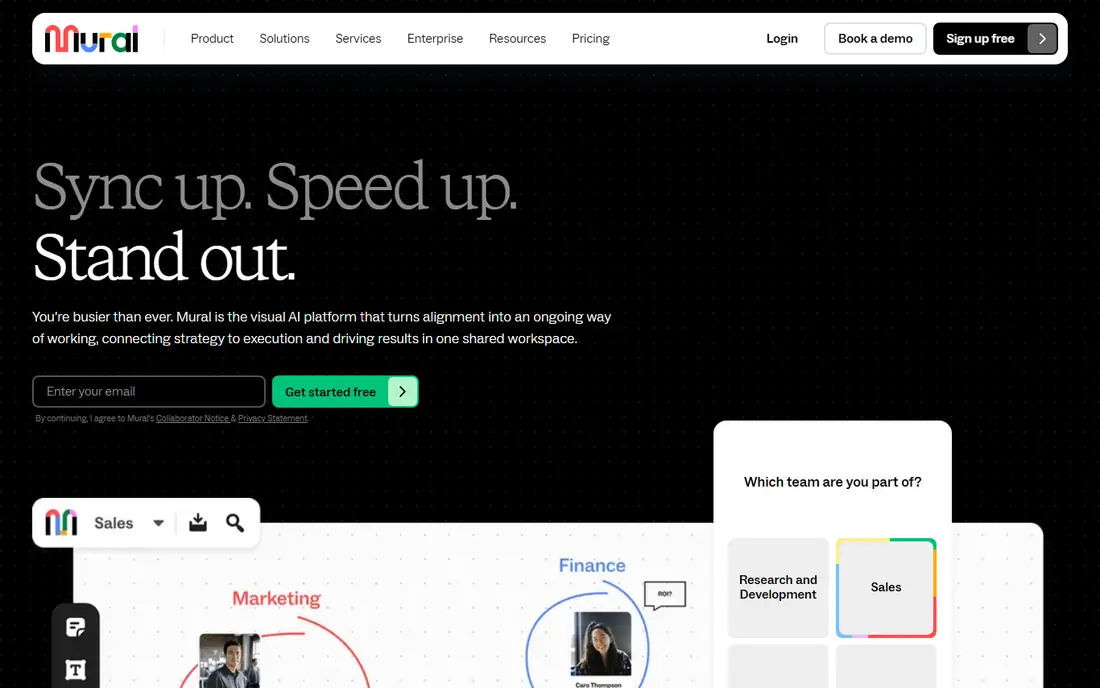
Mural suits facilitated workshops and design thinking sessions. Frameworks, guided activities, and threaded discussions help a facilitator run a session with purpose, while enterprise permissions and security satisfy larger organizations. Team+ costs $9.99 per member per month billed annually, with unlimited editable murals.
New users and occasional guests can struggle with canvas controls, which slows short sessions. The entry cost runs above Miro, and AI features trail Miro's set. For consultants, trainers, and enterprise teams that run structured workshops, Mural is the most facilitation-focused board.
What we like- Structured facilitation tools
- Threaded discussions
- Strong enterprise permissions
Watch out for- Guests can trip over canvas controls
- Higher entry cost
- Lighter AI than Miro
#3FigJam
Best for: Figma teams and quick boards4.5/5 on
G2 (465 reviews, checked Oct 2026)
Visit figma.com
Starting price$3 per collaborator per month
Free planYes
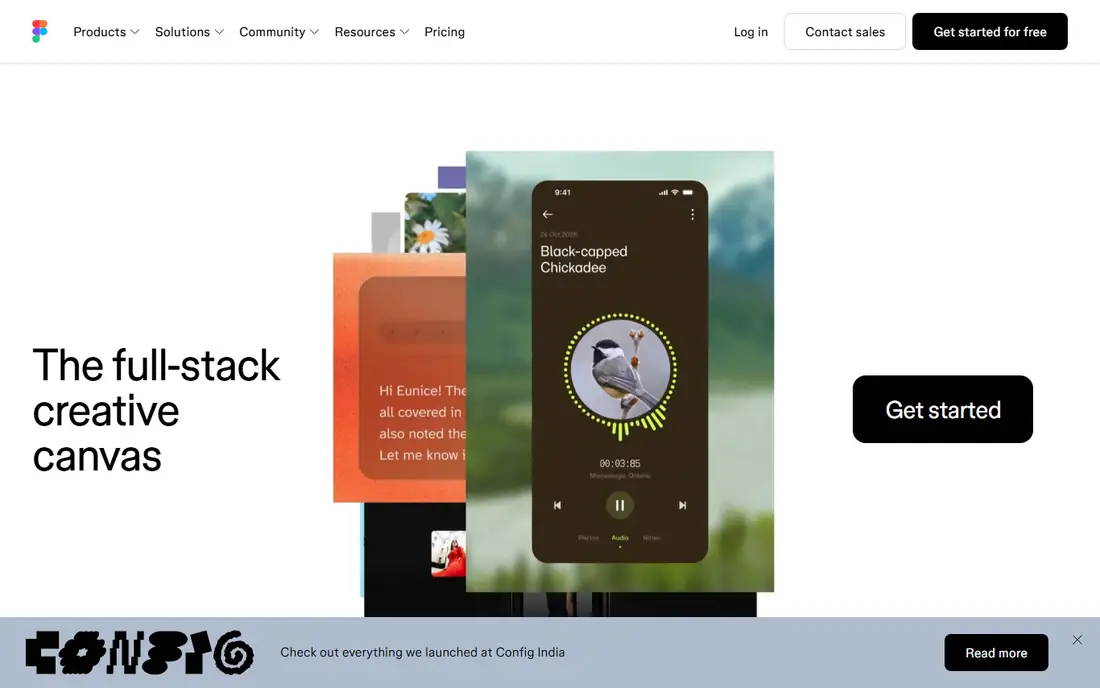
FigJam is the cheapest paid board for teams already in Figma. Collaborator seats cost $3 per month, and boards hand off cleanly to Figma Design for product work. Stamps, hidden voting, cursor chat, and AI features cover quick brainstorms and design critiques without leaving the Figma family.
Outside Figma-heavy teams, FigJam weakens, and workshop governance is lighter than Mural or Miro. Free Starter files carry caps that active teams outgrow. For a design team that already pays for Figma, FigJam is nearly free and obvious.
What we like- Cheapest paid seat here
- Figma Design handoff
- Stamps, voting, and cursor chat
Watch out for- Weaker outside Figma teams
- Lighter workshop governance
- File caps on free tier
#4Microsoft Whiteboard
Best for: Microsoft 365 teams4.0/5 on
G2 (51 reviews, checked Oct 2026)
Visit microsoft.com
Starting priceIncluded with Microsoft 365
Free planYes
Microsoft Whiteboard is the zero-cost answer for Microsoft 365 tenants. Boards live inside Teams and on the web, with ink, sticky notes, templates, and follow mode for meetings. Schools and companies already paying for Microsoft 365 get a usable board without another subscription.
It is too light for advanced facilitation, with fewer frameworks and moderation tools than Miro or Mural. Standalone Windows, iOS, and Android apps retired on 16 October 2026, after which Whiteboard continues in Teams and on the web. For a Microsoft school or office that needs simple boards, Whiteboard is the pragmatic pick.
What we like- Zero extra cost inside Microsoft 365
- Teams integration
- Ink and sticky notes
Watch out for- Too light for advanced facilitation
- Standalone apps retired in October 2026
- Personal support shrinking
Starting price$9 per user per month
Free planYes
Lucidspark turns brainstorms into diagrams better than any board here. Breakout boards, visual activities, and timed voting structure ideation, then Lucid AI and the Lucidchart handoff convert rough notes into formal flowcharts and process maps. Paid plans start at $9 per user per month.
Lucidspark shines brightest inside the Lucid suite, and rough notes still need cleanup before they become presentation diagrams. For a team that brainstorms on Monday and presents a process map on Friday, Lucidspark closes that gap best.
What we like- Breakout boards and timed voting
- Lucid AI
- Clean handoff to Lucidchart
Watch out for- Strongest inside the Lucid suite
- Rough notes need cleanup
- Pricing varies by plan
#6Whimsical
Best for: Fast boards and diagrams4.6/5 on
G2 (189 reviews, checked Oct 2026)
Visit whimsical.com
Starting price$10 per editor per month
Free planYes
Whimsical suits teams that want a Padlet-like board plus real diagrams. Sticky notes, flowcharts, mind maps, wireframes, and docs share one clean interface that new users learn in minutes. Pro costs $10 per editor per month billed annually, with viewers free.
Whimsical is lighter than Mural for large facilitated workshops, and the free plan caps monthly board objects and doc blocks. Template depth trails Miro. For a product team that wants fast boards and diagrams without workshop ceremony, Whimsical is a clean fit.
What we like- Clean and fast
- Boards, flowcharts, and docs in one place
- Easy learning
Watch out for- Lighter for large facilitated workshops
- Free plan caps monthly objects
- Fewer templates
#7ClickUp
Best for: Boards that become tracked work4.6/5 on
G2 (14,878 reviews, checked Oct 2026)
Visit clickup.com
Starting price$7 per user per month
Free planYes
ClickUp turns boards into tracked work. Whiteboards and mind maps sit next to tasks, docs, and goals, so a brainstorm can become assigned work without exporting anything. Paid plans start at $7 per user per month billed annually, and the free plan covers unlimited tasks and members.
Setup takes longer than a standalone board, and the interface packs in a lot. A teacher or team that only needs occasional sticky-note sessions will find ClickUp heavy. For a team that already runs ClickUp and wants boards inside its work hub, it is the most practical Padlet replacement.
What we like- Whiteboards, mind maps, tasks, and docs in one workspace
- Brain AI
- Cheap entry
Watch out for- More setup than a standalone board
- Interface feels busy
- Overkill for occasional boards
Starting price$6 per user per month
Free planYes
Excalidraw is the free answer for sketch boards. The web app at excalidraw.com is free with unlimited collaborators and no account needed, and the open source editor is self-hostable. Hand-drawn style boards suit quick sketches, architecture notes, and classroom explanations.
Structured facilitation tools like voting and timers are absent, and templates are few. Hosted team features need Excalidraw Plus at $6 per user per month. For a teacher or engineer who just needs a free shared sketch surface, Excalidraw is the simplest choice.
What we like- Free web app with unlimited collaborators
- Self-hostable
- Fast sketching
Watch out for- No structured facilitation tools
- Fewer templates
- Plus needed for team features
How we chose
We compared tools on board types, facilitation features, guest and student access, moderation controls, free plan limits, integrations, and published pricing. We also noted whether each tool supports anonymous posting, since classrooms often need it for honest student input. We used vendor pricing pages, product documentation, and published comparison guides. Where a vendor quotes privately, we wrote See website instead of repeating an unverified estimate.
How to pick a Padlet replacement
Start with who uses the board. A classroom needs simple posting, guest access for students, and moderation controls so a teacher can remove or hide posts. A workshop needs facilitation tools like timers, voting, and breakout boards. A product team needs handoff to design or task tools. Padlet served all three lightly, but the best replacement depends on which audience matters most to you.
Next, check free limits against real usage. Miro caps free users at three editable boards, Mural limits free users to three editable murals at a time, and FigJam caps free files. A teacher with five classes will blow past those caps in a week, so price the paid plan from the start. Also check guest policy: tools that charge for every viewer punish classrooms and workshops with many occasional participants.
Then test posting friction with a real group. Padlet won because posting took seconds with no account for guests. Ask a colleague or student to post, comment, and upload a file on your finalist without training. If they hesitate, the board will sit empty no matter how powerful it is. Finally, confirm export and privacy terms, especially for schools: who owns student posts, how long data is kept, and whether the board exports cleanly for grading or archives.
Moderation deserves its own check for classrooms. A teacher needs to hide an inappropriate post fast, approve posts before they appear, and lock a board when class ends. Some boards offer all three, while others rely on deleting after the fact. Test moderation with a student account during the trial, not just an admin account, since permission gaps only appear when a real student tries to post.
Frequently asked questions
What is the closest free alternative to Padlet?
Excalidraw is the closest free sketch board, with unlimited collaborators and no account needed on the web app. Microsoft Whiteboard is free inside Microsoft 365, and Miro and FigJam offer free tiers with board and file caps that suit light use.
Which Padlet alternative is best for teachers?
Miro suits teachers who run frequent classroom boards, with templates and a free tier for light use. Microsoft Whiteboard suits schools already on Microsoft 365 at no extra cost. Check student privacy terms, guest access, and moderation controls before choosing for a classroom.
Can guests post without an account?
It varies. Excalidraw allows collaborators without an account on the free web app. Miro and Mural allow view-only visitors free, but editing usually needs an account or a paid seat. Test guest posting during your trial with real students or colleagues. Always check the guest policy carefully before the first lesson or workshop.
Is Microsoft Whiteboard still available?
Yes, Microsoft Whiteboard continues in Teams and on the web with a Microsoft account or Microsoft 365 account. Standalone Windows, iOS, and Android apps retired on 16 October 2026, so use the Teams or web version going forward.
Which board turns brainstorms into diagrams best?
Lucidspark turns brainstorms into diagrams best, with breakout boards, timed voting, and a clean handoff to Lucidchart. Miro also converts boards into diagrams, but Lucidspark is built for that path specifically.
Do these tools work for remote workshops?
Yes, Miro and Mural are built for remote workshops, with voting, timers, breakout boards, and presentation controls. FigJam suits smaller design critiques, while Excalidraw suits quick sketch sessions without facilitation needs.
Sources we checked (8)
- https://www.miro.com/pricing
- https://www.mural.co/pricing
- https://www.figma.com/pricing
- https://www.microsoft.com/en-us/microsoft-365/whiteboard
- https://www.lucidspark.com/pricing
- https://www.whimsical.com/pricing
- https://www.clickup.com/pricing
- https://excalidraw.com/pricing
Is your product missing or out of date?
We review this list regularly. Vendors can request a listing, send updated pricing or ask about featured placement.

Shihab Mia · Founder, Rankite
Shihab has 5+ years in B2B and SaaS SEO. He writes Rankite's software buying guides from pricing pages, documentation and public user reviews. More about Shihab.