How we make this list: we compare pricing pages, product documentation and public user reviews. Ratings come from G2, Capterra or Trustpilot, with the date we checked them.
Key takeaways
- Fathom offers the most generous free plan for solo users, with unlimited recordings and AI summaries, though paid team features require a subscription.
- Fireflies.ai is the strongest pick for sales teams, with CRM links, conversation intelligence, and broad language support, but its AI credits need watching.
- Notta is the best value for multilingual meetings, with a low paid starting price and broad language coverage, while its free plan is tight.
- tl;dv stands out for shareable clips and searchable meeting libraries, which suits teams that reuse meeting moments in coaching or follow-up.
- Descript and Rev fit people who need more than meeting notes, since Descript edits audio and video from a transcript and Rev adds human transcription.
Quick comparison
| Tool | Best for | Starting price | Free plan |
|---|
 Fireflies.ai Fireflies.ai | Sales teams and CRM workflows | $10 per user/month (billed annually) | Yes |
 Fathom Fathom | Solo users and small teams | See website | Yes |
 Notta Notta | Multilingual transcription on a budget | $8.17 per user/month (billed annually) | Yes |
 tl;dv tl;dv | Clips and searchable meeting libraries | $18 per user/month (billed annually) | Yes |
 Descript Descript | Editing audio and video from transcripts | Free | Yes |
 Rev Rev | AI plus human transcription | See website | Yes |
 Sonix Sonix | File transcription and translation | See website | Free trial |
 Tactiq Tactiq | Live transcripts without a bot | $8 per user/month (billed annually) | Yes |
 Grain Grain | Video highlights and customer calls | See website | Yes |
Is your product missing or out of date?
We review this list regularly. Vendors can request a listing, send updated pricing or ask about featured placement.
The best Otter.ai alternatives
#1Fireflies.ai
Best for: Sales teams and CRM workflows4.7/5 on
G2 (754 reviews, checked Oct 2026)
Visit fireflies.ai
Starting price$10 per user/month (billed annually)
Free planYes
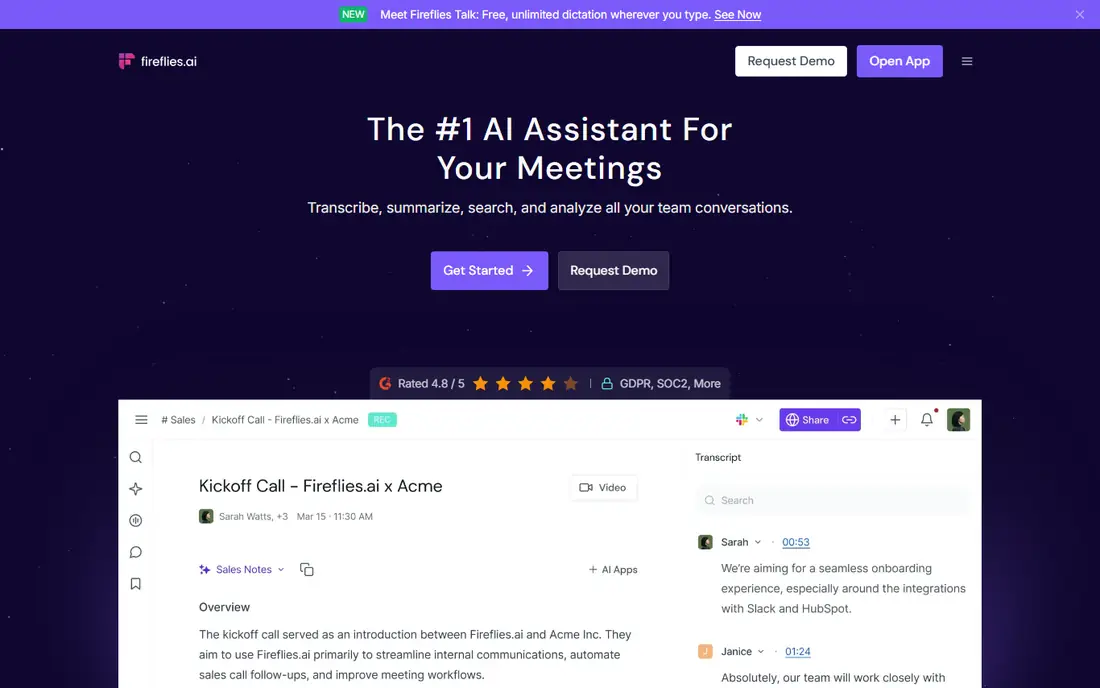
Fireflies.ai joins meetings as a bot, records and transcribes the call, and produces a summary with action items that can flow into a CRM record. For a sales team, that chain is the point: a rep finishes a call, the notes land in HubSpot or Salesforce, and a manager can search across calls for a competitor name or an objection without replaying audio. Support for many languages also helps teams with international customers.
The costs to watch are storage and AI credits. The free plan limits stored recording minutes, and paid plans add a small one-time pool of AI credits for features such as AskFred, with extra credits sold separately. If your team asks questions across meetings every day, budget for credits early. If you mainly need transcripts and summaries for a small team, the Pro plan at 10 dollars per user per month on annual billing is a clear Otter rival.
What we like- Unlimited transcription on paid plans
- CRM links to HubSpot and Salesforce
- Conversation intelligence and AskFred search
Watch out for- Free storage is limited
- AI credits are a separate pool that can run out
#2Fathom
Best for: Solo users and small teams5.0/5 on
G2 (7,076 reviews, checked Oct 2026)
Visit fathom.video
Starting priceSee website
Free planYes
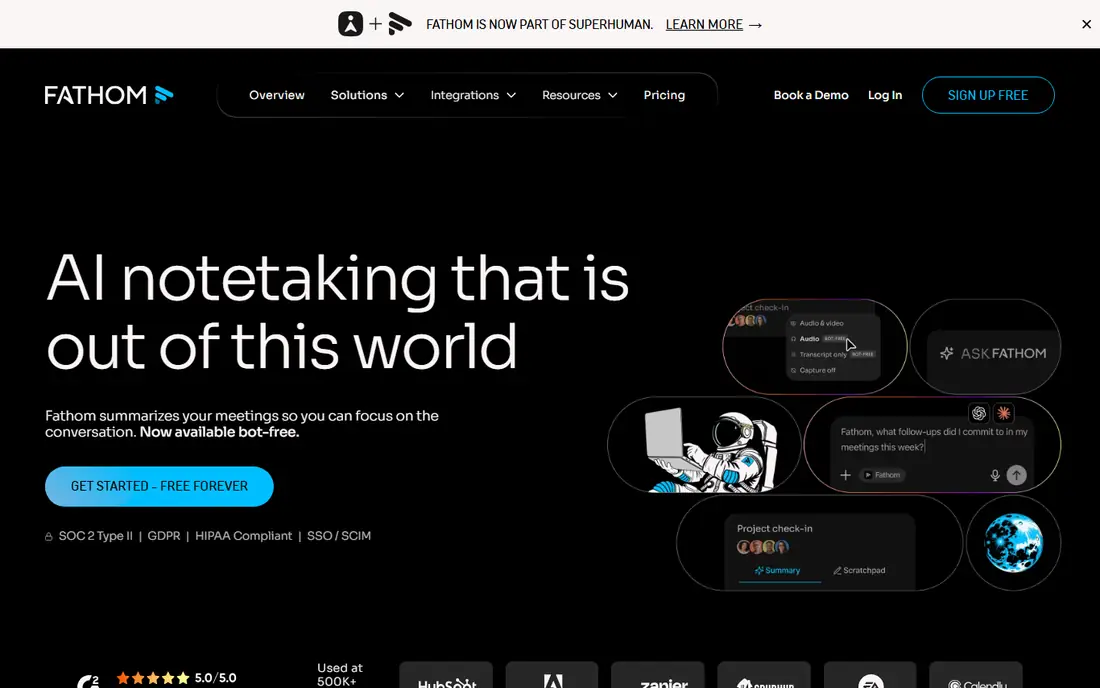
Fathom is the first tool to try if you are leaving Otter mainly because of free-plan limits. Its free plan records and transcribes without a monthly minute cap, and it generates an AI summary and action items after each call. That combination covers a freelancer, consultant, or small team that needs reliable notes without paying from day one.
Paid plans add fuller AI features, team sharing, and CRM field sync, with team pricing that requires at least two users. The free plan marks some AI features as limited use without publishing a number, so test the features you rely on during a busy week before you decide. For many solo users, Fathom removes the need to pay at all, which is rare in this category.
What we like- Free plan with unlimited recordings
- Instant AI summaries and action items
- Works with Zoom, Google Meet, and Microsoft Teams
Watch out for- Some AI features are limited on the free plan
- Team plans require a minimum number of users
#3Notta
Best for: Multilingual transcription on a budget4.3/5 on
G2 (347 reviews, checked Oct 2026)
Visit notta.ai
Starting price$8.17 per user/month (billed annually)
Free planYes
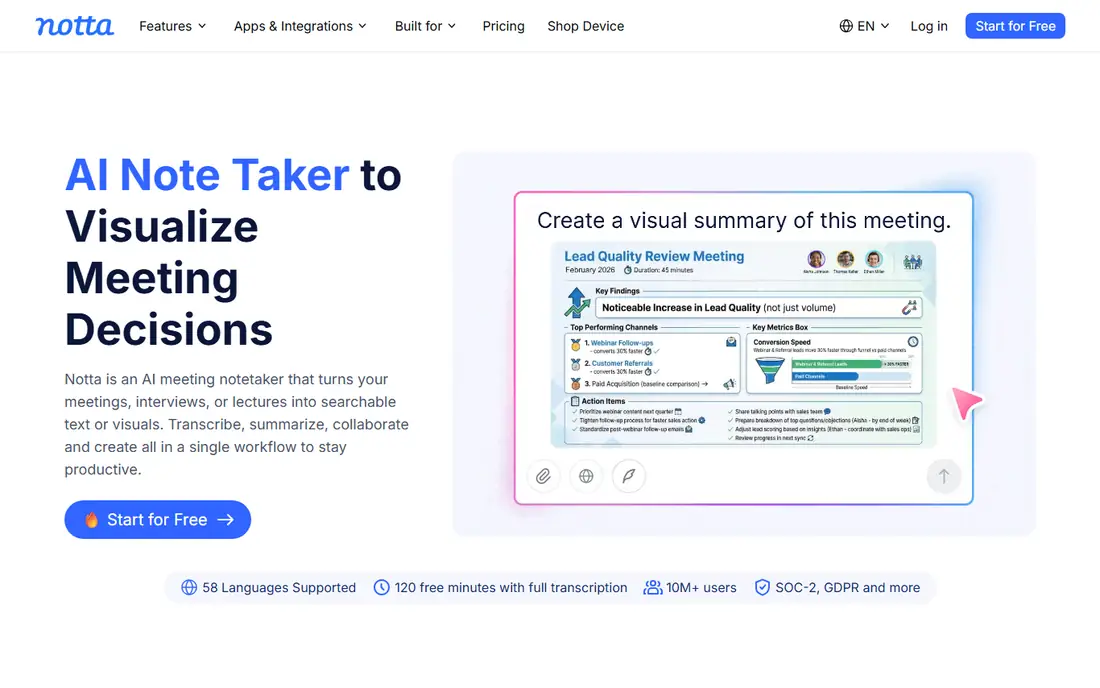
Notta earns its place on language coverage. It transcribes in dozens of languages, shows bilingual transcripts side by side, and offers live translation during calls, which matters for international teams and consultants with clients abroad. The Pro plan at 8.17 dollars per user per month on annual billing undercuts Otter and Fathom on paid price, and it adds a meeting bot and a bot-free desktop option.
The free plan is the weak point. It caps recording length and monthly minutes at a low level, so it works as a trial rather than a working plan for regular meetings. If your calls are mostly in English and you want a generous free tier, Fathom fits better. If languages are part of the job, Notta is worth the paid plan, and its transcript quality is the strength to judge it on.
What we like- Wide language coverage with bilingual transcripts
- Low paid starting price
- Turns transcripts into summaries and documents
Watch out for- Free plan is tight, with short recordings and low monthly minutes
- AI summaries are less polished than the transcript itself
#4tl;dv
Best for: Clips and searchable meeting libraries4.7/5 on
G2 (537 reviews, checked Oct 2026)
Visit tldv.io
Starting price$18 per user/month (billed annually)
Free planYes
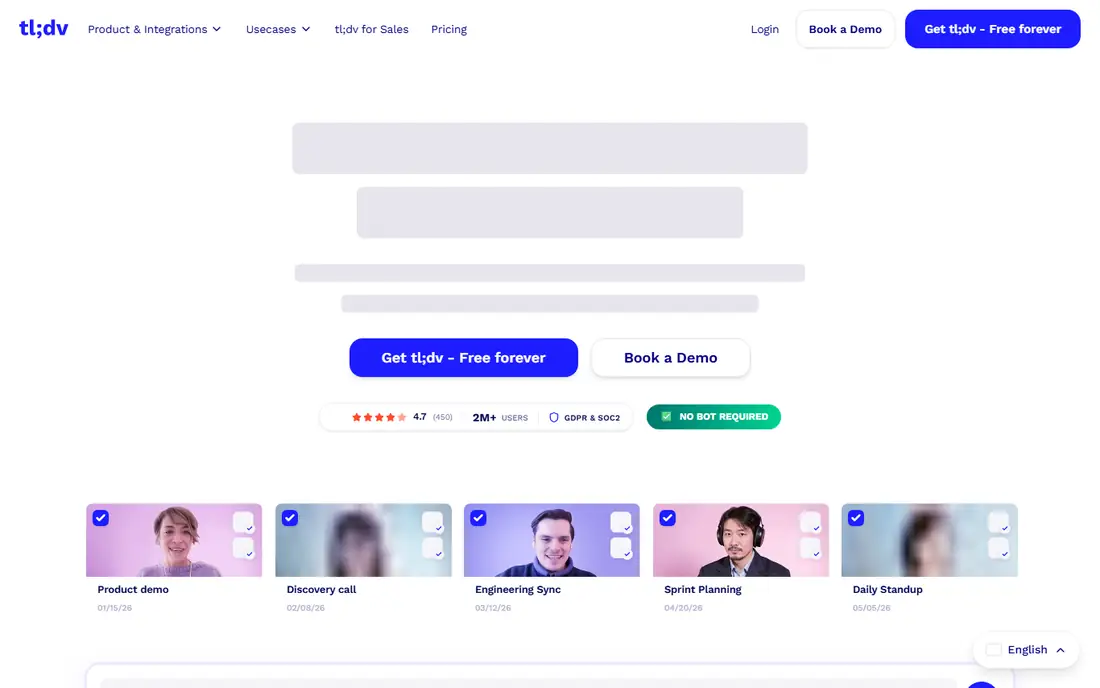
tl;dv records meetings across Zoom, Google Meet, and Microsoft Teams, with bot-based capture or a bot-free desktop app. Its standout feature is clipping: you can mark a moment during or after a call and share just that segment, which is useful for coaching, handoffs, and customer follow-up. The meeting library is searchable, so a phrase from last month is findable without scrubbing through full recordings.
The free plan includes unlimited recordings and transcripts, plus AI notes for up to 10 meetings a month, which is generous for an individual. Paid value arrives at the Pro plan, at 18 dollars per user per month on annual billing, with CRM sync and unlimited AI notes, while multi-meeting insights and sales playbook features sit on the higher Business plan. Teams that share clips often will get more from tl;dv than from a transcript-only tool.
What we like- Unlimited recordings and transcripts on the free plan
- Clips and highlights for sharing
- CRM links and API on paid plans
Watch out for- Paid starting price is higher than Otter
- Advanced cross-meeting insights sit on the Business plan
#5Descript
Best for: Editing audio and video from transcripts4.6/5 on
G2 (928 reviews, checked Oct 2026)
Visit descript.com
Starting priceFree
Free planYes
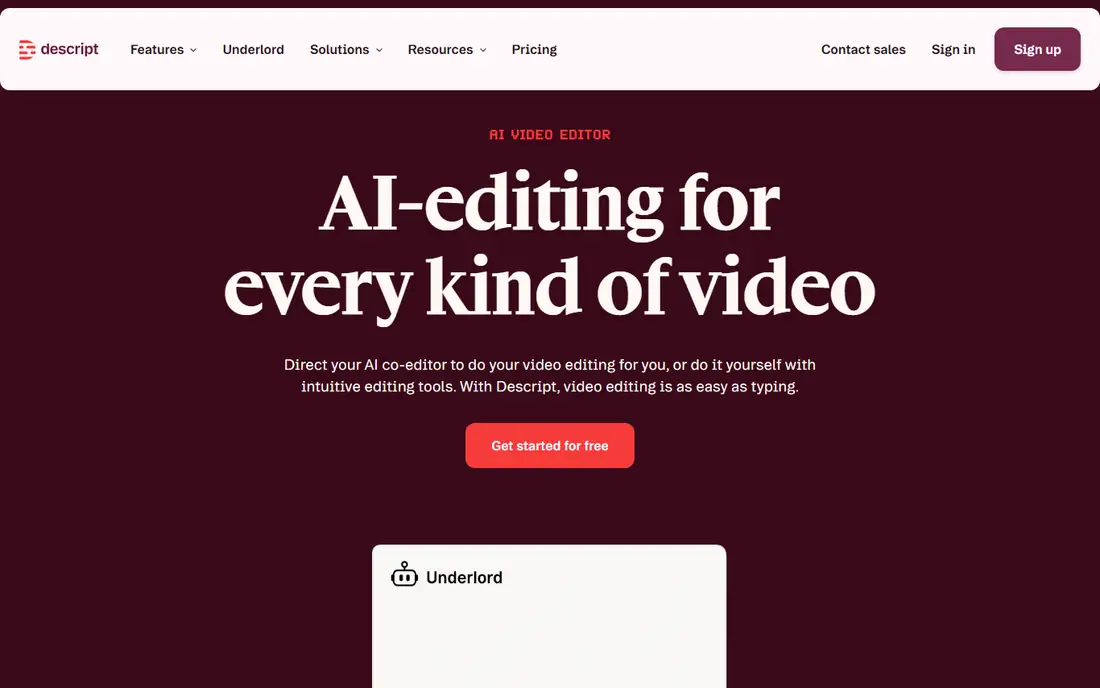
Descript is a different kind of Otter alternative, because it is an editor first and a note taker second. You record or import audio or video, Descript transcribes it, and you edit by deleting words in the transcript, which cuts the media to match. That workflow suits podcasters, course creators, and teams that turn meetings into clips, show notes, or polished recordings, rather than people who only need a meeting summary.
Pricing follows media minutes, not transcription hours. The free plan allows 60 media minutes a month with watermarked 720p exports, and the Hobbyist plan starts at 16 dollars per person per month on annual billing with 10 hours of media and 1080p exports. If you only need meeting notes, Descript is more tool than you need. If your meetings become content, its transcript editing saves real time.
What we like- Edit media by editing text
- Strong transcription
- Studio Sound cleanup and Overdub voice tools
Watch out for- Free plan caps media minutes and exports at 720p with a watermark
- Media minutes count uploads, not finished length
#6Rev
Best for: AI plus human transcription4.7/5 on
G2 (621 reviews, checked Oct 2026)
Visit rev.com
Starting priceSee website
Free planYes
Rev covers a wider range than most note takers, because it pairs AI transcription with human transcription, captions, and subtitles. The free plan offers a small amount of AI transcription each month in English, which is enough to test accuracy on your own audio. Teams that need court-grade accuracy, captions for video, or a transcript they can publish will value the human option, even though it costs per minute on top of any subscription.
The subscription side is the part to verify on the pricing page before you buy, since Rev has revised its plans and the entry paid tier differs from older reviews. Rev suits a buyer who needs both fast AI notes and occasional human-verified work in one account. If you only need meeting summaries, a dedicated note taker such as Fathom or Fireflies will be simpler and cheaper.
What we like- Free AI transcription to try
- Human transcription and captions under one brand
- API and integrations for teams
Watch out for- Paid subscription pricing has changed and can confuse
- Human services cost extra per minute
#7Sonix
Best for: File transcription and translation4.7/5 on
G2 (27 reviews, checked Oct 2026)
Visit sonix.ai
Starting priceSee website
Free planFree trial
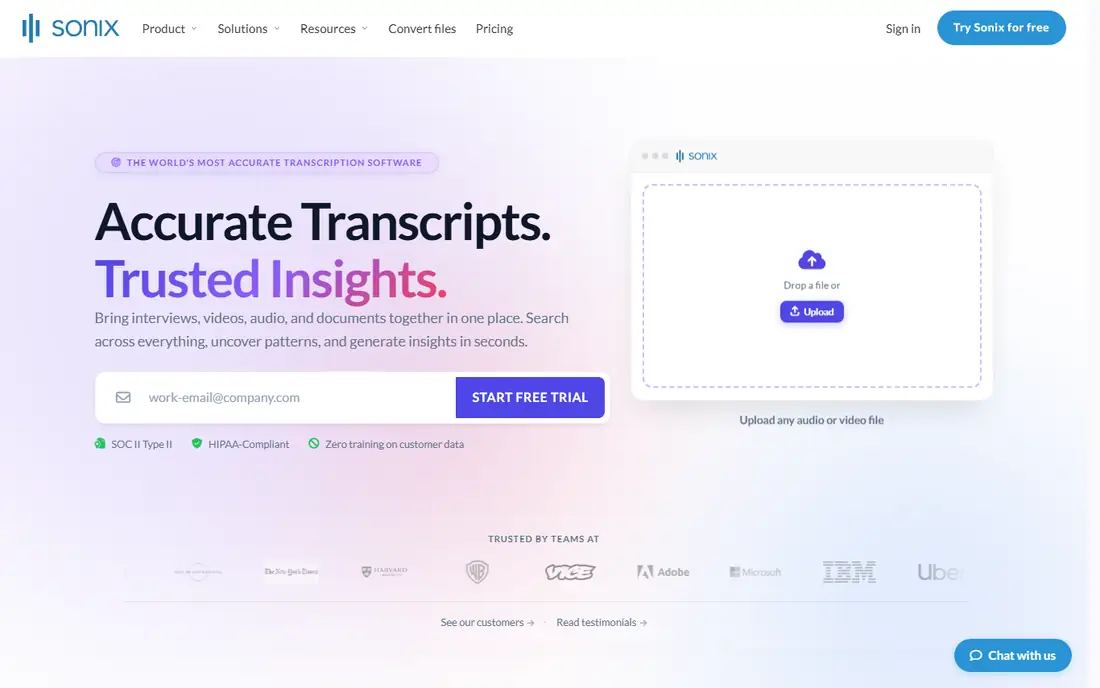
Sonix is built for files, not live meetings. You upload audio or video, Sonix transcribes it in the browser, and you edit the transcript, add speaker labels, translate it, or export subtitles. That makes it a strong Otter alternative for researchers, journalists, and teams with a backlog of recorded interviews, webinars, or calls that were recorded elsewhere.
It is weaker as a live meeting bot, since its strength is processing files you already have. There is no ongoing free plan, only a trial, and pricing is usage-based, so heavy users should check the per-hour or subscription rate against their monthly volume. If your work starts with a recording file and ends with a clean, searchable transcript, Sonix is a direct fit. If you need a bot to join your next Zoom call, pick Fathom or Fireflies instead.
What we like- Fast automated transcription for uploaded files
- Translation and subtitle tools
- Browser-based editor with speaker labels
Watch out for- No free plan, only a trial
- Meeting capture is weaker than dedicated note takers
- Pricing is usage-based
Starting price$8 per user/month (billed annually)
Free planYes
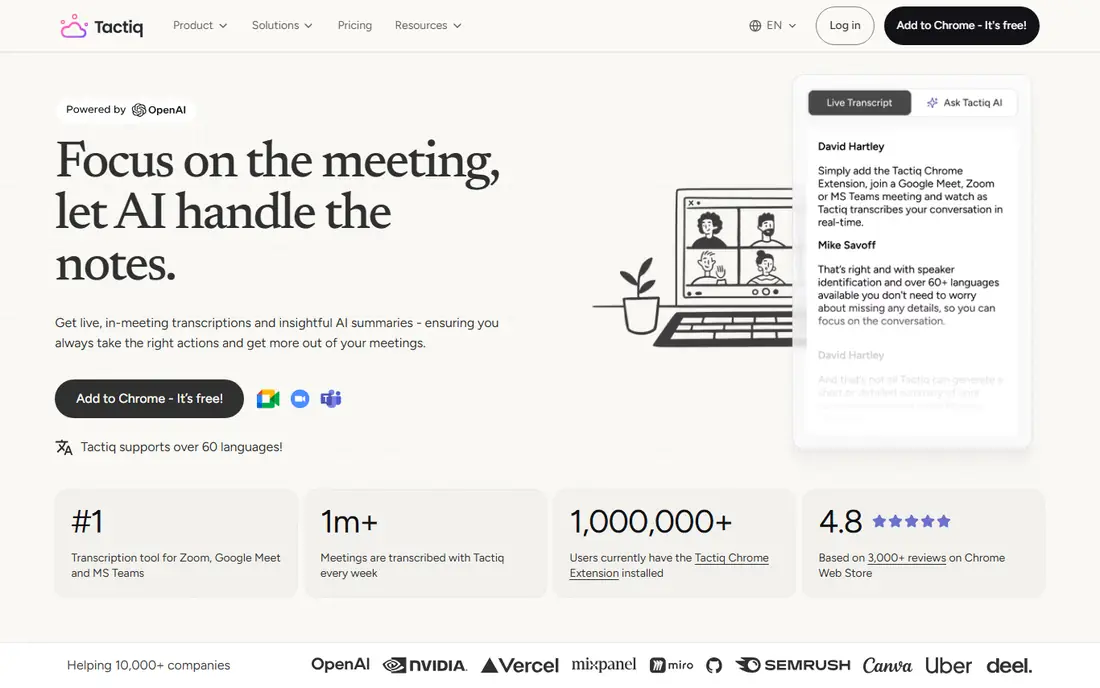
Tactiq takes a different approach to meeting capture: a Chrome extension shows a live transcript while you are in the call, without sending a bot into the meeting. That matters when clients dislike seeing a bot participant, or when you want notes without recording audio or video. You can ask AI questions during the meeting, generate a summary, and send the transcript to Notion, Slack, or Google Docs.
The free plan is modest, with 10 transcripts and 5 AI credits a month, so regular users will need the Pro plan at 8 dollars per user per month on annual billing for unlimited transcripts. Accuracy also depends on the meeting platform, since Tactiq uses platform captions in some cases. For privacy-sensitive calls and client meetings where a bot feels intrusive, Tactiq is a thoughtful Otter alternative.
What we like- Real-time transcript during the call
- No bot joins the meeting
- Integrations with Notion, Slack, and Google Docs
Watch out for- Free plan limits transcripts and AI credits each month
- Some platforms rely on captions, which affects accuracy
#9Grain
Best for: Video highlights and customer calls4.7/5 on
G2 (314 reviews, checked Oct 2026)
Visit grain.com
Starting priceSee website
Free planYes
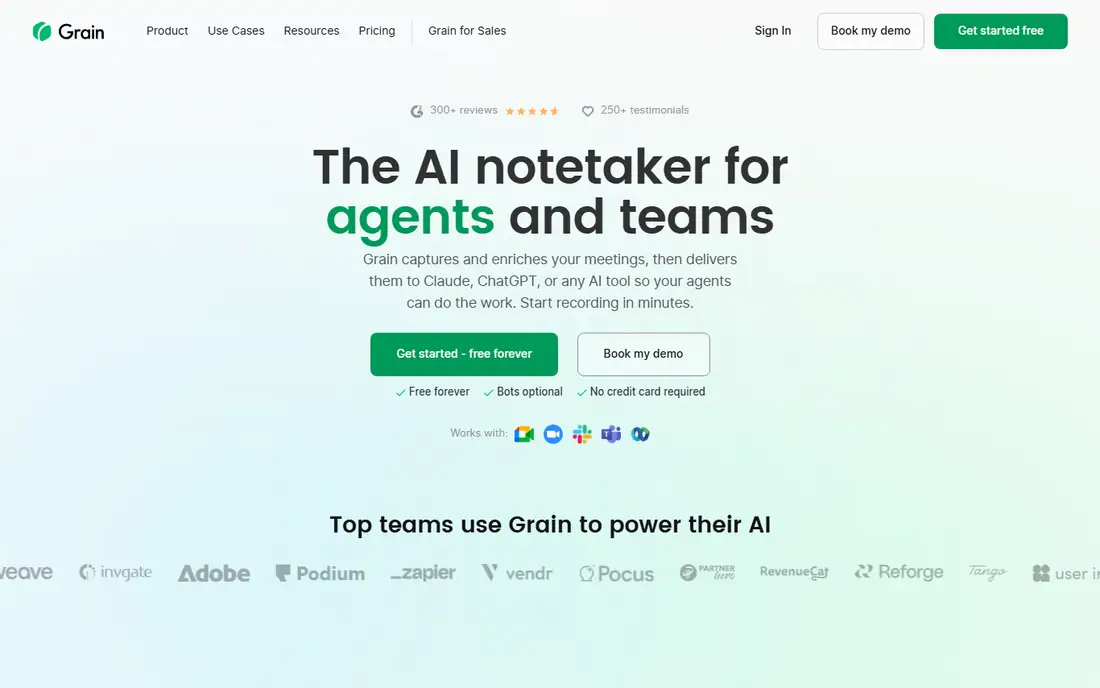
Grain records meetings with video, transcribes them, and lets you highlight moments and share short clips with teammates or customers. That video-first design suits sales, customer success, and product teams that want to show a customer saying something, not just quote a transcript line. Highlights can feed coaching, deal reviews, and handoffs without asking anyone to watch a full call.
The free plan lets you test recording and clipping, but paid plans are priced for teams rather than solo note taking, so a general user who only needs summaries will find Fathom cheaper. Grain is worth shortlisting when video moments are the deliverable: a clip for a manager, a quote for a product ticket, or a highlight reel for a deal review. For plain meeting notes, simpler tools do the job for less.
What we like- Records video with transcripts
- Highlights and clips for sharing
- CRM and Slack integrations
Watch out for- Paid plans cost more than basic note takers
- Best features favor sales and customer teams over general notes
How we chose
We compared pricing pages, product documentation, and public reviews on G2, Capterra, and Reddit, and we checked each tool for meeting platforms supported, bot versus bot-free capture, free-plan limits, language support, integrations, and fit for solo users versus teams. We kept a mix of generous free plans, sales-focused tools, multilingual options, and file-based transcription, because Otter users leave for different reasons. We did not claim hands-on testing, and we treated vendor pricing pages as the source for prices and limits, with review sites used only to spot common complaints such as credit limits or accuracy issues.
Choosing by your meeting pattern
Start with how you meet. If most calls are on Zoom and you work alone, Fathom gives you unlimited free recordings and summaries without much setup. If calls span Zoom, Google Meet, and Teams, Fireflies and tl;dv cover all three, while Tactiq works through a browser extension and suits people who want live text without a bot. If you record in person or upload files later, Sonix and Descript handle files better than a meeting bot.
Next, check what happens after the call. Sales teams need CRM sync and search across calls, which points to Fireflies or tl;dv. Consultants who share follow-ups need clean summaries and exports, which Fathom and Notta handle well. Content teams need editing, which points to Descript. A tool that records well but traps notes in a hard-to-share library will slow you down, so test sharing and export during your trial week.
Watch the limits that actually bite
Free plans fail in predictable ways. Otter caps monthly minutes and per-call length, Fathom limits some AI features, Fireflies limits storage and AI credits, Notta limits recording length, and Descript limits media minutes. Read the limit that matches your usage: a team with 20 calls a week cares about storage, while a solo user with long interviews cares about per-call length. A short trial during a normal week reveals more than a pricing page alone.
Privacy and consent come first
Tell participants when a meeting is recorded or transcribed, and check your company policy and local rules before you use a bot or a browser extension. Some clients prefer bot-free capture, some require data controls such as single sign-on or a data processing agreement, and some industries need HIPAA or similar safeguards. Pick the tool that meets your strictest regular client, not just your easiest one, and delete recordings you no longer need.
Frequently asked questions
What is the best free alternative to Otter.ai?
Fathom is the strongest free alternative for most solo users, because its free plan includes unlimited recordings with AI summaries and action items. Fireflies and tl;dv also offer useful free plans, but their storage or AI note limits appear sooner. If you need more languages, Notta is worth testing, though its free plan is much tighter.
Do these tools work with Zoom, Google Meet, and Teams?
Most do, but not all cover every platform on every plan. Fireflies, Fathom, and tl;dv support Zoom, Google Meet, and Microsoft Teams, while Tactiq works through a browser extension on supported platforms. Check the vendor page for your exact platform before you commit, especially if your clients use Webex or another tool.
Is it rude to use a bot note taker in a client meeting?
It can feel intrusive if participants are surprised, so announce the note taker at the start and explain what it records. Bot-free options such as Tactiq, or a tool with a clear recording notice, can ease that concern. When a client objects, offer to take manual notes or to share the transcript afterward, rather than recording without agreement.
Can I replace Otter completely, or should I keep both?
Most users can replace Otter completely once they confirm the new tool covers their platforms, minute volume, and export needs. Keep Otter during a trial week if you rely on its real-time transcript during calls, since some alternatives focus on post-call summaries. Export your old Otter transcripts before you cancel, so your archive stays searchable.
Which Otter alternative is best for sales teams?
Fireflies.ai is the strongest sales pick, with CRM links, conversation intelligence, and search across calls. tl;dv is close behind for teams that share clips and coach from real calls, and Grain suits teams that want video highlights. Compare CRM sync, credit limits, and per-seat price on annual billing before you choose for a full team.
Sources we checked (9)
- https://fireflies.ai
- https://fathom.video
- https://www.notta.ai
- https://tldv.io
- https://www.descript.com
- https://www.rev.com
- https://sonix.ai
- https://tactiq.io
- https://grain.com
Is your product missing or out of date?
We review this list regularly. Vendors can request a listing, send updated pricing or ask about featured placement.

Shihab Mia · Founder, Rankite
Shihab has 5+ years in B2B and SaaS SEO. He writes Rankite's software buying guides from pricing pages, documentation and public user reviews. More about Shihab.