How we make this list: we compare pricing pages, product documentation and public user reviews. Ratings come from G2, Capterra or Trustpilot, with the date we checked them.
Key takeaways
- This article frames Notion alternatives without AI as privacy-first and local-first tools, and it does not claim a tool is AI-free if it merely hides AI features behind a toggle.
- Obsidian is the consensus pick for local-first notes, with plain Markdown files in a folder you own, free for personal use, and no built-in AI assistant.
- Anytype is the closest Notion-style object and database model that runs local-first, with end-to-end encryption and offline-first sync.
- Joplin is the open-source Evernote replacement, fully self-hostable with end-to-end encryption and no built-in AI.
- Logseq suits outliner-first daily notes with a graph view, free and open source, with local Markdown files and no built-in AI.
- The trade-off for local-first tools is collaboration: real-time team editing is where cloud apps are still better, and most local apps either skip it or bolt it on through optional sync.
Quick comparison
| Tool | Best for | Starting price | Free plan |
|---|
 Obsidian Obsidian | Local Markdown knowledge graph | Free | Yes |
 Anytype Anytype | Privacy-first Notion-style objects | Free | Yes |
 Joplin Joplin | Open-source self-hosted notes | Free | Yes |
 Logseq Logseq | Outliner-first daily notes | Free | Yes |
 Standard Notes Standard Notes | Privacy above everything | Free | Yes |
 Bear Bear | Apple ecosystem Markdown notes | Free | Yes |
 Trilium Notes Trilium Notes | Self-hosted hierarchical notes | Free | Yes |
 Zettlr Zettlr | Academic Markdown writing | Free | Yes |
Is your product missing or out of date?
We review this list regularly. Vendors can request a listing, send updated pricing or ask about featured placement.
The best Notion alternatives without AI
#1Obsidian
Best for: Local Markdown knowledge graph4.5/5 on
G2 (13 reviews, checked Oct 2026)
Visit obsidian.md
Starting priceFree
Free planYes
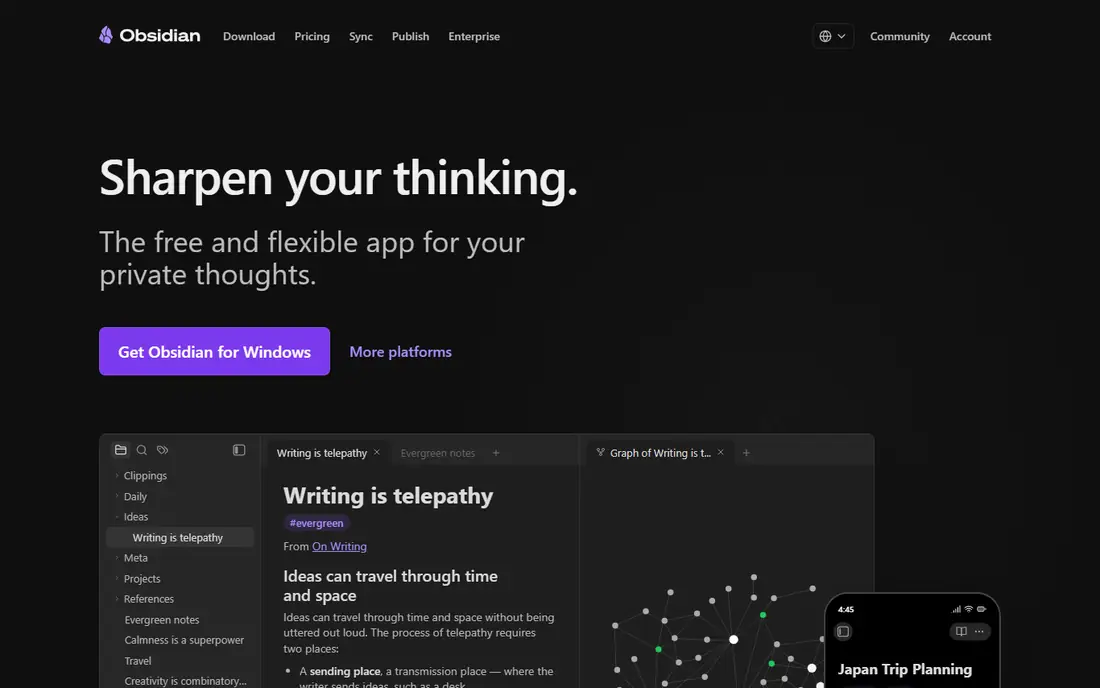
Obsidian is the consensus pick for local-first notes, and deservedly so. Your notes are plain Markdown files in a folder you choose, the plugin ecosystem can turn it into almost anything, and it costs nothing for personal use. There is no built-in AI assistant in the core app, though third-party plugins can add AI features, so users who want a fully AI-free setup should simply not install AI plugins.
The honest caveats are setup time and polish: it is a workshop, not a finished tool, and users should expect to spend real time on vaults, themes, and plugin curation before it feels like theirs. Sync costs $4 per month billed yearly in one source and about $5 per month in another, while commercial use costs about $50 per user per year. Solo thinkers who value ownership and speed over team collaboration should choose Obsidian.
What we like- Plain Markdown files you own
- No built-in AI assistant
- Plugin ecosystem over 1,500 plugins
- Graph view
- Full offline use
Watch out for- Workshop, not finished tool
- Setup time on vaults, themes, plugins
- Editor shows Markdown syntax
- Sync costs $4 to $5 per month
Starting priceFree
Free planYes
Anytype is the closest thing to Notion object-and-relation model that runs local-first. Everything is encrypted on the device, works offline, and syncs peer-to-peer when wanted, with no central server holding the notes. The free tier covers 1 GB of network storage in one source, with Builder at $99 per year adding more storage, while another source lists paid plans from $5 per month.
The trade is maturity and vocabulary: it has its own terms for objects, sets, and spaces with a genuine learning curve, and polish is still catching up to ambition. For people who left Notion missing the databases more than the docs, Anytype is the one to try first, and it carries no built-in AI assistant in the core product.
What we like- Closest Notion object and relation model local-first
- End-to-end encrypted
- Offline-first
- Peer-to-peer sync
- Open source code
Watch out for- Still maturing
- Some features feel unfinished
- Own vocabulary with learning curve
- Paid plans add network storage
#3Joplin
Best for: Open-source self-hosted notes4.8/5 on
G2 (5 reviews, checked Oct 2026)
Visit joplinapp.org
Starting priceFree
Free planYes
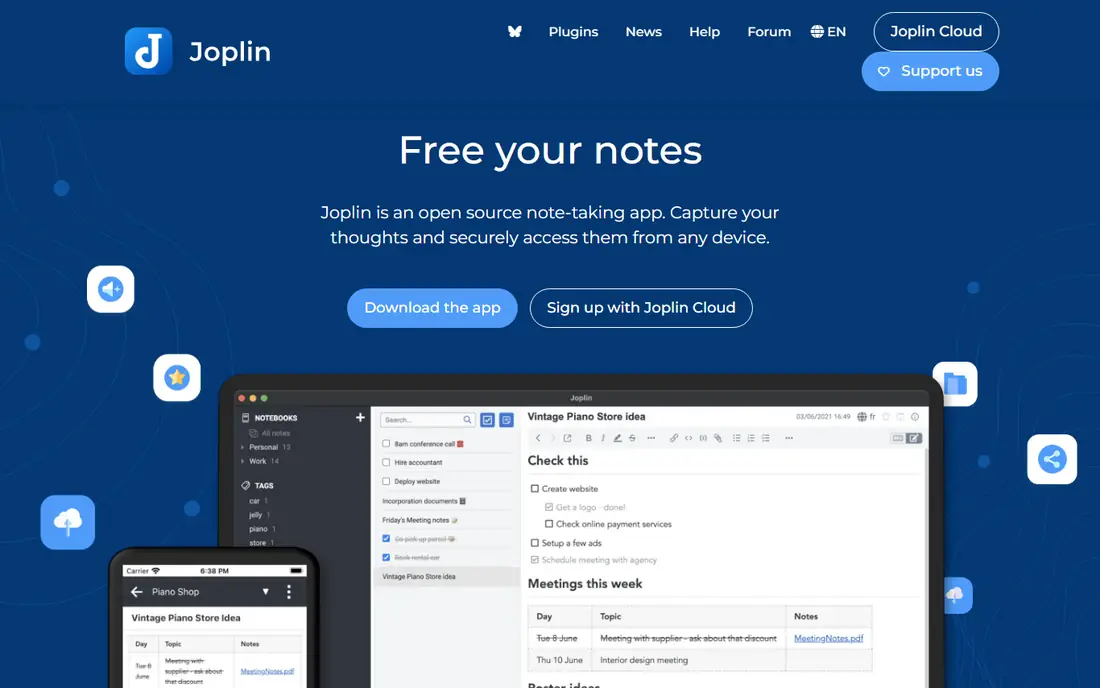
Joplin is the open-source Evernote replacement, fully self-hostable with end-to-end encryption and no built-in AI assistant. It offers Markdown notes, notebooks, tags, and search, with sync through a personal cloud, Nextcloud, or paid Joplin Cloud starting near $3 per month for Basic. That self-hosting option suits users who want full control over where notes live.
The interface is functional but dated compared with Bear or Craft, and the plugin ecosystem is smaller than Obsidian. Setup takes time for self-hosting, though Joplin Cloud removes that burden for a small fee. Privacy-focused users who want open source and self-hosting should choose Joplin.
What we like- Fully open source
- Self-hostable
- End-to-end encryption
- No built-in AI
- Sync via own cloud or paid Joplin Cloud
Watch out for- Interface functional but dated
- Smaller plugin ecosystem than Obsidian at about 200 plugins
- Setup takes time for self-hosting
Starting priceFree
Free planYes
Logseq is the closest Obsidian alternative that takes a fundamentally different approach: where Obsidian is file-first, Logseq is block-first, so every bullet point is an addressable unit that can be referenced, embedded, or queried from anywhere. The daily journal workflow shines, since opening the app starts typing into today page, and tags and references build an organic knowledge graph without upfront organization.
Pricing is free and open source, with an optional cloud sync service in early access at about $5 per month in one source. There is no built-in AI assistant, which keeps the tool focused on outlining and linking. Performance degrades with very large graphs, and mobile apps lag, but outliners and daily-notes thinkers should choose Logseq.
What we like- Free and open source
- Local Markdown files
- Block-first referencing
- Daily journal workflow
- Built-in flashcards and whiteboard
Watch out for- Rough mobile app
- Smaller plugin ecosystem near 200
- Performance degrades with very large graphs over 10,000 pages
Starting priceFree
Free planYes
Standard Notes suits users who put privacy above everything, with end-to-end encrypted sync built in and open source code. It offers simple durable notes that sync across devices without AI features, which makes it the most privacy-pure option on this list. The freemium model covers core notes, with paid plans adding richer editors and features.
The trade is capability: databases, graphs, and Notion-style objects are absent, so users who need structured workspaces should prefer Anytype or Obsidian. For users who want encrypted notes that simply work, with no AI and no complexity, Standard Notes is the best choice.
What we like- End-to-end encrypted sync built in
- Open source
- No built-in AI
- Simple durable notes
- Freemium model with paid extensions
Watch out for- Simpler feature set than Notion
- Databases and graphs absent
- Paid features needed for richer editors
- Smaller ecosystem
#6Bear
Best for: Apple ecosystem Markdown notes4.5/5 on
G2 (45 reviews, checked Oct 2026)
Visit bear.app
Starting priceFree
Free planYes
Bear suits Apple ecosystem users who want beautiful Markdown notes with speed and polish. It offers a clean editor, excellent iOS app, tagging, and fast search, with a free tier and Pro at $2.99 per month for sync across devices, themes, and export options. There is no built-in AI assistant, which keeps the writing experience focused.
Coverage is Apple only, with no Windows or Android, so cross-platform users should choose Obsidian or Joplin instead. Databases and graph views are absent, and collaboration is limited. Apple users who want the prettiest simple notes without AI should choose Bear.
What we like- Beautiful design
- Fast
- Excellent iOS app
- Markdown support
- No built-in AI
- Pro $2.99 per month for sync and themes
Watch out for- Apple only, no Windows or Android
- No databases
- No graph view
- Collaboration limited
Starting priceFree
Free planYes
Trilium Notes suits technical users who want a self-hosted hierarchical knowledge base with a tree structure for organizing notes. It is free and open source, runs on a personal server or desktop, and offers web access, scripting, and note cloning across branches. There is no built-in AI assistant, which keeps the tool focused on structure and ownership.
Setup takes technical skill, the interface is technical compared with Bear or Anytype, and mobile experience is limited. The community is smaller than Obsidian, so plugins and themes are fewer. Self-hosters who want a tree-structured knowledge base without AI should test Trilium Notes.
What we like- Free and open source
- Self-hosted
- Hierarchical tree structure
- No built-in AI
- Web and desktop access
- Scriptable
Watch out for- Setup takes technical skill
- Interface technical
- Smaller community than Obsidian
- Mobile experience limited
Starting priceFree
Free planYes
Zettlr suits academic writers who want Markdown notes and long-form writing with citation support, without AI features. It is free and open source, stores notes as local files, and runs on Windows, Mac, and Linux, with Zotero integration for references and export to common academic formats. There is no built-in AI assistant, which suits writers who want a clean drafting environment.
The academic focus means Notion-style databases and team workspaces are absent, the interface is plain compared with Bear or Craft, and collaboration is limited. Writers and researchers who want local Markdown with citations and no AI should choose Zettlr.
What we like- Free and open source
- Markdown writing for academics
- Citation support
- No built-in AI
- Local files
- Cross-platform
Watch out for- Academic focus means databases absent
- Interface plain
- Collaboration limited
- Setup takes learning for citation workflows
How we chose
We compared Notion alternatives without AI on local-first storage, AI presence, encryption, open source status, database support, and offline use. Notion keeps workspaces on its servers, with a desktop app that is a window onto that cloud copy and offline access limited to pages users pre-download, while a local-first app keeps the main copy on the device, with sync as an optional extra. We therefore weighted true local-first storage over cloud apps that merely offer an offline cache, and we did not claim any tool is AI-free if it merely hides AI features behind a toggle or offers AI as an optional add-on. Tools with AI as a core feature, such as Tana and Reflect, were excluded, as were cloud-first tools with AI, such as Craft and Capacities. Prices come from vendor pages and published local-first comparisons checked October 14, 2026, and they change often, so confirm the current price before purchase.
How to choose the right Notion alternative without AI
Start with your data model. Database lovers should test Anytype, graph thinkers should test Obsidian, outliners should test Logseq, and simple note takers should test Standard Notes or Bear. Next, check where data lives: Obsidian, Logseq, Joplin, Trilium, and Zettlr keep plain files or local databases you control, while Anytype keeps encrypted data on device with optional peer-to-peer sync.
Finally, accept the collaboration trade-off honestly: real-time team editing is where cloud apps are still better, and most local apps either skip it or bolt it on through optional sync. If team collaboration matters more than AI-free privacy, a cloud tool with AI disabled may suit better, but that is not the same as an AI-free tool, and this list keeps the distinction clear.
Frequently asked questions
What does local-first mean for a notes app?
Local-first means the main copy of your notes is on your device, with sync as an optional extra that copies it elsewhere. That gives offline use with no pre-download, no account requirement for most apps, and data that outlives the company through plain files or exports you control.
Is Obsidian really without AI?
Obsidian core has no built-in AI assistant, though third-party plugins can add AI features. Users who want a fully AI-free setup should simply not install AI plugins, which keeps the core app AI-free.
Which Notion alternative without AI is closest to Notion databases?
Anytype is closest to Notion object-and-relation model that runs local-first, with encrypted on-device data and peer-to-peer sync. It carries a learning curve for its object vocabulary, but it preserves database-style structure without Notion cloud.
Can I collaborate in real time with local-first tools?
Most local-first tools offer limited or no real-time collaboration, since that is where cloud apps excel. Anytype offers shared spaces, while Obsidian, Joplin, and Logseq focus on solo knowledge work with optional sync rather than live co-editing.
Is Joplin really free?
Yes, Joplin is free and open source, with self-hosting at no cost. Paid Joplin Cloud starts near $3 per month for Basic, which adds hosted sync without self-hosting setup.
Does Notion work offline?
Notion offers limited offline use: free users can work offline on desktop and mobile but must choose which pages to download, while paid plans download Recents and Favorites automatically. A local-first app works with no connection and nothing to pre-download.
Sources we checked (0)
Is your product missing or out of date?
We review this list regularly. Vendors can request a listing, send updated pricing or ask about featured placement.

Shihab Mia · Founder, Rankite
Shihab has 5+ years in B2B and SaaS SEO. He writes Rankite's software buying guides from pricing pages, documentation and public user reviews. More about Shihab.