How we make this list: we compare pricing pages, product documentation and public user reviews. Ratings come from G2, Capterra or Trustpilot, with the date we checked them.
Direct answer
PhoneBurner is the closest Mojo dialer alternative for teams that want dialing with a built-in CRM and simple workflow control. Kixie suits smaller teams that want a listed $30 per user monthly price and a 7-day trial. Orum fits high-volume teams that need parallel dialing and can accept a 9-seat minimum.
Key takeaways
- CRM-led teams should start with PhoneBurner, which combines 1 built-in CRM with Salesforce and HubSpot integrations.
- Small teams with a clear budget can test Kixie at $30 per user/month with a 7-day free trial.
- High-volume outbound teams can test Orum with 500 trial dials, but paid plans start at a 9-seat minimum.
- Teams that need a phone system plus dialing can compare Aircall Professional at $50 per license/month billed annually.
- Large contact centers can compare Five9 Digital at $119 Monthly/Seat USD, with a 50-seat minimum.
Quick comparison
| Tool | Best for | Starting price | Free plan |
|---|
 PhoneBurner | Teams that want CRM plus dialing | See website | Free trial with free minutes; duration not stated on vendor page |
 Kixie | Small teams that want simple power dialing | $30 per user/month for unlimited US/Canada minutes | 7-day free trial, no credit card required |
 Orum | High-volume teams that need parallel dialing | See website | Free trial limited to 500 dials |
 Convoso | High-volume outbound contact centers | See website | None found on vendor page |
 Aircall | Teams that want a business phone system | $30 per license/month billed annually (Essentials) | Free access to test the platform; 100 AI Voice Agents minutes at sign-up plus 50 free minutes monthly |
 JustCall | Small teams that want phone plus SMS | $29 per user/month billed annually (Team) | 14-day free trial, no credit card required |
 Dialpad Sell | Teams that want AI call insights | See website | None found on vendor page |
 Five9 | Large contact centers with blended queues | $119 Monthly/Seat USD (Digital) | None found on vendor page |
 Koncert | Salesforce teams that want dialer options | See website | None found on vendor page |
 Aloware | HubSpot teams that want calling plus sequences | $30 per user/month billed annually (iPro + AI) | 7-day free trial, no credit card required |
Is your product missing or out of date?
We review this list regularly. Vendors can request a listing, send updated pricing or ask about featured placement.
The best mojo dialer alternatives
Teams switch dialers when call volume, CRM fit, reporting or seat costs no longer match the sales process. A power dialer helps one rep work a list in order. A parallel dialer places several calls at once and connects the rep when someone answers. This list ranks tools by dialer type, CRM fit, published pricing, trial access and seat minimums. Prices come from vendor pricing pages checked on 2026-11-29. Hidden prices show See website. Each entry states who should buy the tool and who should look elsewhere.
Starting priceSee website
Free planFree trial with free minutes; duration not stated on vendor page
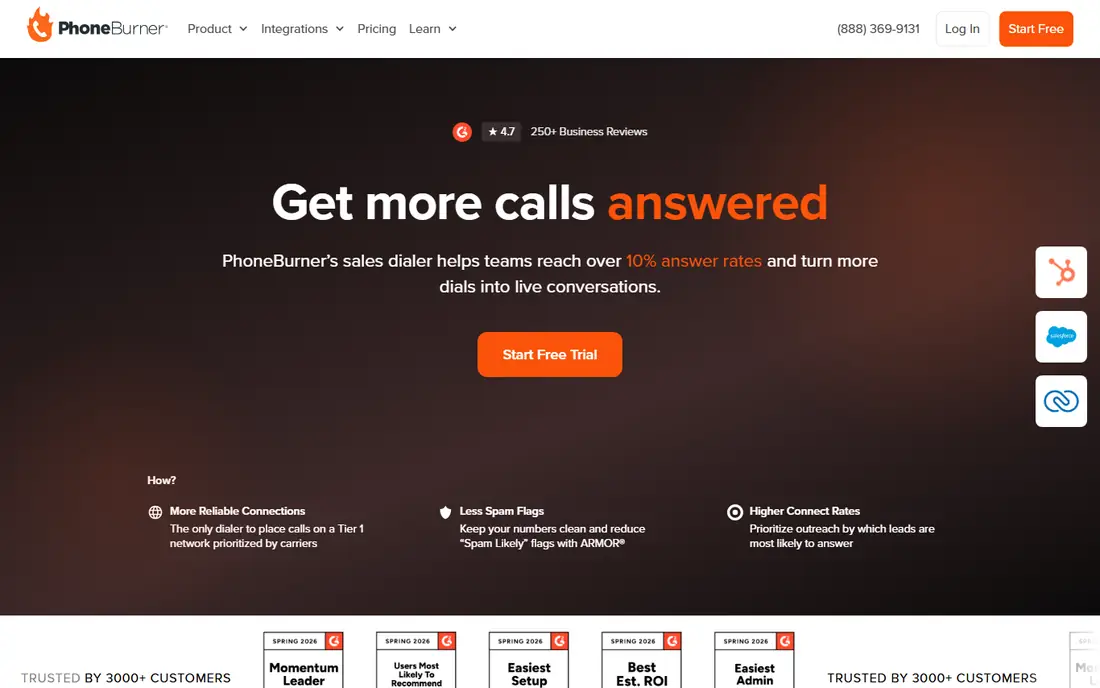
PhoneBurner combines a power dialer with a built-in CRM, so a small sales team can manage contacts, call lists and follow-up work in one place. It also connects with Salesforce, HubSpot, Zoho, Zoom and Zapier, and it offers an open API for custom workflows. Managers get an admin portal with reports and live monitoring, which helps them check activity without asking reps for manual updates. The tool suits teams that call from prepared lists and want fewer tabs during the workday. It is a practical Mojo replacement when CRM discipline matters as much as dial speed.
The catch is price transparency. The pricing page text checked for this guide did not show a dollar price, so buyers need a quote before they can compare total cost. PhoneBurner also focuses on single-line power dialing rather than parallel dialing. Pick it if list quality and CRM control matter most. Look at Orum or Koncert if your team needs several lines dialing at once to raise live conversations.
What we like- Built-in CRM
- Salesforce HubSpot Zoho Zoom Zapier integrations and open API
- Admin portal with reports and live monitoring
Watch out for- Pricing page text did not show a dollar price
- Single-line power dialing focus, not parallel dialing
#2
Kixie
Best for: Small teams that want simple power dialing
Visit kixie.com
Starting price$30 per user/month for unlimited US/Canada minutes
Free plan7-day free trial, no credit card required
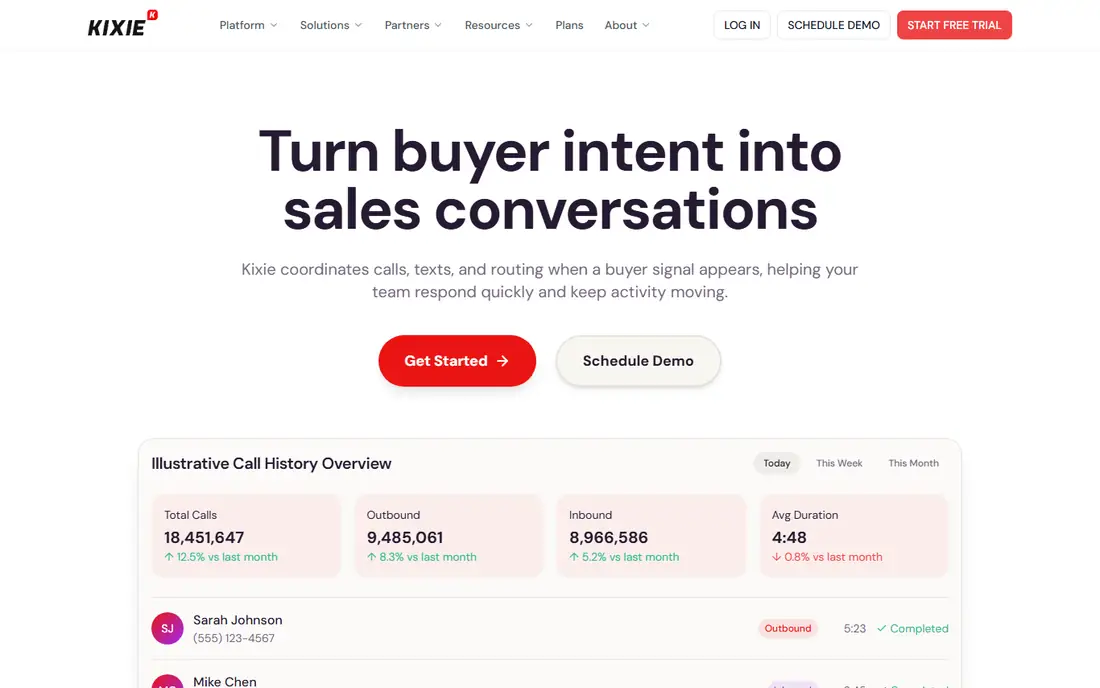
Kixie gives sales teams click-to-call, click-to-text and a PowerDialer with single-line and multi-line options up to 4 lines. The listed starting price is $30 per user/month for unlimited US/Canada minutes, and the vendor offers a 7-day free trial with no credit card required. Voicemail drop helps reps move to the next call faster, while live call coaching gives managers a way to support reps during calls. Kixie suits small and mid-size teams that want clear entry pricing and a short trial before they commit. It fits list-based outbound work where reps need both calls and texts.
The catch is that the PowerDialer tier prices were not listed on the pricing page checked for this guide. The $30 entry price may not match the plan a team needs for multi-line dialing. AI Human Voice Detection is also an add-on on the multi-line tier. Pick Kixie if you want a trial and simple entry pricing. Ask for the full PowerDialer price before you compare it with parallel dialers.
What we like- Click-to-call and click-to-text
- Single-line and multi-line PowerDialer up to 4 lines
- Voicemail drop and live call coaching
Watch out for- PowerDialer tier prices not listed on pricing page
- AI Human Voice Detection is an add-on on multi-line tier
#3
Orum
Best for: High-volume teams that need parallel dialing
Visit orum.com
Starting priceSee website
Free planFree trial limited to 500 dials
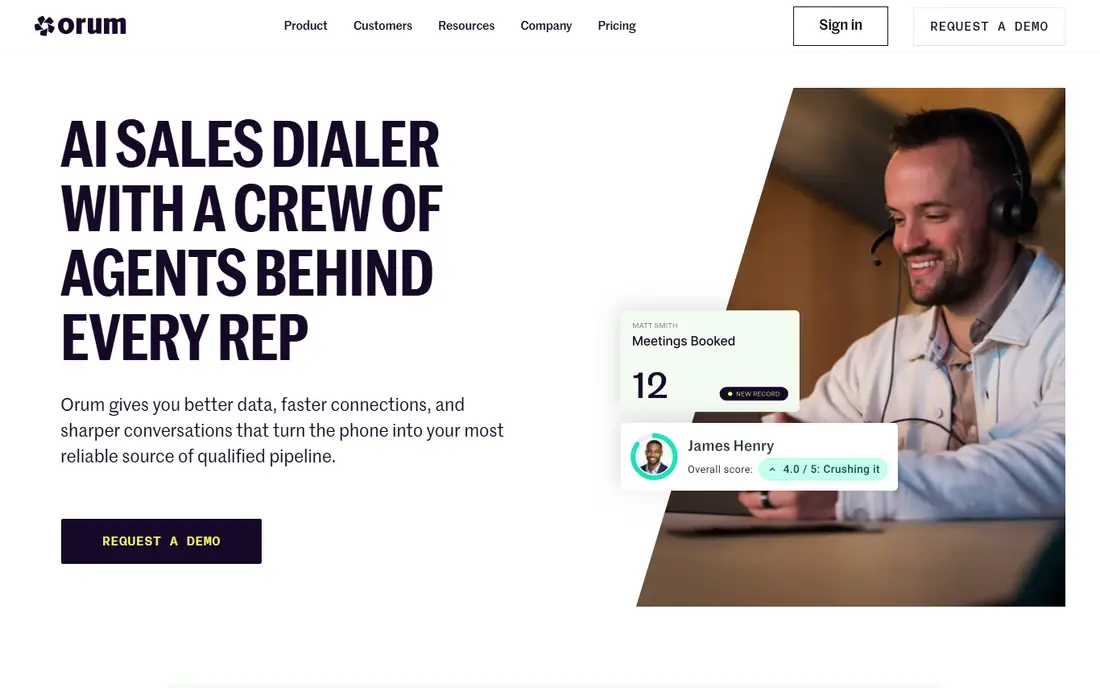
Orum is built for teams that need more live conversations from large call lists. It offers a parallel dialer and a power dialer, with unlimited dials on paid plans. AI summaries, scorecards and a coaching portal help managers review calls and coach reps with less manual note taking. The free trial is limited to 500 dials, which gives a team a fixed test pool before a paid contract. Orum suits outbound teams with enough list volume to keep several lines busy. It is less useful for small teams that call a short list each week and need careful account research before each dial.
The catch is scale and price access. Orum requires a minimum of 9 seats, and price is by form with no dollar price published. A 3-rep team cannot test the paid setup at a small seat count. Pick Orum if you have at least 9 seats and enough list volume. Choose Kixie or PhoneBurner if your team is smaller than that.
What we like- Unlimited dials on paid plans
- Parallel and power dialer
- AI summaries, scorecards and coaching portal
Watch out for- Minimum 9 seats
- Price by form, no dollar price published
Starting priceSee website
Free planNone found on vendor page
Convoso targets outbound contact centers that need predictive dialing, power dialing, lead management and workflow automation in one system. Compliance tools and real-time monitoring matter for teams that run large campaigns and need manager control during the day. The platform suits operations with dedicated supervisors, campaign rules and steady lead flow. It is closer to a contact center system than a light sales dialer for a small team. Buyers should map lead sources, calling rules and reporting needs before a demo. The vendor page checked for this guide did not state a free plan, so evaluation starts with a live demo.
The catch is evaluation cost and added fees. Convoso offers no free trial, only a live demo, so a team cannot test call quality with its own lists before a sales process. Carrier fees are billed separately, and omnichannel features are an add-on. Pick Convoso if you run high-volume outbound campaigns with compliance needs. Look elsewhere if you want a self-serve trial or a small-team dialer with published pricing.
What we like- Predictive and power dialing
- Lead management and workflow automation
- Compliance tools and real-time monitoring
Watch out for- No free trial, live demo only
- Carrier fees billed separately and omnichannel is an add-on
Starting price$30 per license/month billed annually (Essentials)
Free planFree access to test the platform; 100 AI Voice Agents minutes at sign-up plus 50 free minutes monthly
Aircall is a business phone system with calling features that can support sales teams beyond a single dialer use case. Essentials starts at $30 per license/month billed annually, with unlimited US and Canada calls on plans. The vendor lists 250+ integrations, which helps teams connect calls with CRM and helpdesk work. Professional adds a Power Dialer for up to 1,000 numbers, so list calling sits inside the phone system. Aircall suits teams that want one vendor for inbound calls, outbound calls and call records. It fits companies that already plan to replace a phone system, not only a dialer.
The catch is the plan step for dialing. Power Dialer requires Professional at $50 per license/month billed annually, and Aircall has a minimum of 3 licenses. A 5-person team should budget from the Professional price, not the Essentials price. Pick Aircall if you need a phone system and dialer together. Choose a dedicated dialer if phone system features are not part of the purchase.
What we like- Unlimited US and Canada calls on plans
- 250+ integrations
- Professional adds Power Dialer for up to 1,000 numbers
Watch out for- Minimum 3 licenses
- Power Dialer requires Professional at $50 per license/month billed annually
Starting price$29 per user/month billed annually (Team)
Free plan14-day free trial, no credit card required
JustCall gives small teams a phone system with calling, SMS and CRM links in one subscription. Team starts at $29 per user/month billed annually, and the vendor offers a 14-day free trial with no credit card required. The trial includes SalesPro features, which lets a team test sales workflows before payment. JustCall lists 70+ CRM and helpdesk integrations, so it can fit teams that split work between sales and support. The minimum is 2 licenses on Team and Pro plans. It suits small outbound teams that need calls and texts from the same numbers and want a longer trial than 7 days.
The catch is that Power Dialer requires Pro at $49 per user/month billed annually. The $29 Team price does not cover the dialer feature many Mojo users need. Fair usage limits also apply to calling and SMS, so high-volume teams should check limits before they buy. Pick JustCall if a 14-day trial and SMS matter. Compare Kixie if multi-line dialing matters more than a phone system.
What we like- Team and Pro plans with minimum 2 licenses
- 14-day trial with SalesPro features
- 70+ CRM and helpdesk integrations
Watch out for- Power Dialer requires Pro at $49 per user/month billed annually
- Fair usage limits apply to calling and SMS
Starting priceSee website
Free planNone found on vendor page
Dialpad Sell focuses on sales conversations with AI transcripts and sales conversation tools. It integrates with Salesforce and HubSpot, which helps teams keep call records near pipeline data. The pricing page checked for this guide showed agentic AI pricing by conversation credits, but it did not show a Sell dollar price. Dialpad suits teams that care about call review, coaching and searchable conversation records. It can fit managers who want AI notes after calls instead of manual summaries. Buyers should confirm which Dialpad product holds each sales feature before they sign, because the product split affects packaging and price.
The catch is unclear Sell pricing. The opened page showed custom pricing and no Sell dollar price, so seat cost cannot be compared from the public page. Sales features are split across Dialpad products, which can make plan choice harder. Pick Dialpad Sell if AI transcripts and coaching are the main reason to switch. Ask for a written quote and feature map first.
What we like- AI transcripts and sales conversation tools
- Salesforce and HubSpot integrations
- Agentic AI pricing by conversation credits on pricing page
Watch out for- Opened pricing page showed custom pricing, no Sell dollar price
- Sales features are split across Dialpad products
#8
Five9
Best for: Large contact centers with blended queues
Visit five9.com
Starting price$119 Monthly/Seat USD (Digital)
Free planNone found on vendor page
Five9 is a contact center platform with dialer features included in bundles and support for blended inbound and outbound work. Digital starts at $119 Monthly/Seat USD on the pricing page checked for this guide. CRM adapters cover Salesforce, ServiceNow, Dynamics, Zendesk and Oracle, which suits larger service and sales operations with established systems. Five9 fits organizations that need queues, routing and outbound campaigns under one contact center contract. It is not a small-team dialer replacement. Buyers should treat it as a platform decision with implementation, reporting and supervisor workflows, not as a quick seat-by-seat switch from Mojo.
The catch is minimum scale. Five9 requires a minimum of 50 seats, usage-based pricing may apply, and higher bundles are contact sales. A 10-person sales team falls below the seat floor. Pick Five9 if you run a large contact center with blended queues and need CRM adapters at scale. Choose Orum, Kixie or PhoneBurner if your team has fewer than 50 seats.
What we like- Dialer included in bundles
- Blended inbound and outbound
- CRM adapters for Salesforce ServiceNow Dynamics Zendesk and Oracle
Watch out for- Minimum 50 seats
- Usage-based pricing may apply and higher bundles are contact sales
Starting priceSee website
Free planNone found on vendor page
Koncert offers AI Flow for single-line dialing and an AI Parallel Dialer for teams that want more lines in use. It has a Salesforce native integration and also connects with HubSpot, Outreach and Salesloft. Caller ID heat map and local caller IDs help teams manage number presentation by market. Koncert suits Salesforce teams that want a choice between single-line work and parallel dialing inside one vendor relationship. It also fits teams that already use Outreach or Salesloft for sequences and need dialing to sit beside those tools. Buyers should confirm plan units in writing before they compare cost.
The catch is price clarity. Pricing numerals on the page checked for this guide had no clear unit in text, so this guide lists See website instead of a price. No trial was stated on the pricing page. Pick Koncert if Salesforce fit and caller ID tools matter most. Ask for the unit, seat minimum and trial terms before you rank it against Orum or Kixie.
What we like- AI Flow single-line and AI Parallel Dialer
- Salesforce native integration plus HubSpot Outreach Salesloft
- Caller ID heat map and local caller IDs
Watch out for- Pricing numerals on page have no clear unit in text, so no listed price
- No trial stated on pricing page
#10
Aloware
Best for: HubSpot teams that want calling plus sequences
Visit aloware.com
Starting price$30 per user/month billed annually (iPro + AI)
Free plan7-day free trial, no credit card required
Aloware combines calling, SMS and sequences for sales teams that work inside a CRM. iPro + AI starts at $30 per user/month billed annually, with unlimited inbound and outbound agent minutes and SMS on iPro. Integrations include HubSpot, Pipedrive and Zoho. The vendor offers a 7-day free trial with no credit card required. Aloware suits HubSpot teams that want calls and follow-up steps in one workflow. It also fits teams that need agent minutes without a small minute pool. Buyers should check user minimums and automated usage charges before they forecast the first year cost.
The catch is the dialer plan step. Power Dialer requires uPro + AI at $60 per user/month billed annually, and iPro has a minimum of 10 users. Automated usage is charged separately, so the seat price is not the full cost for every workflow. Pick Aloware if HubSpot fit and sequences matter. Compare JustCall if you have fewer than 10 users or need a lower entry seat count.
What we like- Unlimited inbound and outbound agent minutes and SMS on iPro
- UPro adds Power Dialer and sequences
- HubSpot Pipedrive Zoho integrations
Watch out for- Power Dialer requires uPro + AI at $60 per user/month billed annually
- IPro minimum 10 users and automated usage is charged separately
Which dialer type fits your team size and call volume?
Team size and list volume decide the dialer type before price does. A team with 2 to 5 reps and researched account lists usually needs a power dialer, because each call has context and the rep should control pacing. Kixie, PhoneBurner, JustCall Pro, Aircall Professional and Aloware uPro fit that pattern. A team with 9 or more reps and large cold lists can test parallel dialing, where several lines ring at once and the rep joins a live answer. Orum sets a 9-seat minimum, which matches that scale. A contact center with 50 or more seats can review Five9 or Convoso, because routing, compliance and supervisor controls matter more than a simple list dialer. The wrong type creates waste. Parallel dialing on a short list can burn numbers. A single-line dialer on a 20-rep team can leave reps waiting through voicemail. Start with seats, daily dials, answer rate and CRM workflow. Then compare price.
How much do Mojo dialer alternatives cost per user?
Published entry prices range from $29 per user/month billed annually for JustCall Team to $119 Monthly/Seat USD for Five9 Digital. The dialer feature often sits above the entry plan. JustCall Power Dialer needs Pro at $49 per user/month billed annually. Aircall Power Dialer needs Professional at $50 per license/month billed annually. Aloware Power Dialer needs uPro + AI at $60 per user/month billed annually. Kixie lists $30 per user/month, but PowerDialer tier prices were not listed. PhoneBurner, Orum, Convoso, Dialpad Sell and Koncert show See website because the checked pages gave no clear dollar price for the needed plan. Compare the dialer plan, seat minimum, billing term and usage charges.
Do you need a parallel dialer or a power dialer?
Choose a power dialer when reps work named accounts, need CRM notes before each call, or call lists with healthy answer rates. Choose a parallel dialer when reps call large cold lists and need more live conversations per hour. Kixie offers multi-line PowerDialer up to 4 lines. Orum and Koncert offer parallel options. PhoneBurner stays focused on single-line power dialing. Test with your own list, not a demo list. Measure dials per rep, live conversations, talk time, bad numbers and CRM notes completed.
Salesforce teams should check PhoneBurner, Dialpad Sell, Five9 and Koncert first. Koncert lists a Salesforce native integration, plus HubSpot, Outreach and Salesloft. Five9 lists adapters for Salesforce, ServiceNow, Dynamics, Zendesk and Oracle. HubSpot teams should check PhoneBurner, Dialpad Sell, Koncert and Aloware. The integration name alone is not enough. Confirm whether calls, dispositions, recordings, tasks and contact updates sync both ways, and ask how duplicates are handled.
Frequently asked questions
What is the best Mojo dialer alternative for a small sales team?
Kixie is a strong first test for a small team because it lists $30 per user/month and offers a 7-day free trial. PhoneBurner fits teams that want a built-in CRM. JustCall fits teams that need SMS, but Power Dialer requires Pro at $49 per user/month billed annually.
Which Mojo dialer alternative has a free trial?
Kixie and Aloware offer a 7-day free trial with no credit card required. JustCall offers a 14-day trial. Orum offers a trial limited to 500 dials. PhoneBurner offers a trial with free minutes, but the vendor page did not state the duration.
Which alternative is best for parallel dialing?
Orum fits high-volume teams that need parallel dialing and can meet the 9-seat minimum. Koncert offers an AI Parallel Dialer and a Salesforce native integration. Kixie offers multi-line PowerDialer up to 4 lines. Test each option with your own list, because answer rate and list quality change the result.
How much should a 5-person team budget for a dialer?
A 5-person team should budget from the dialer plan, not the entry plan. Aircall Professional costs $50 per license/month billed annually, or $250 per month for 5 licenses before other charges. JustCall Pro costs $49 per user/month billed annually, or $245 per month for 5 users. Aloware iPro has a 10-user minimum.
When should a team choose Five9 or Convoso instead of a sales dialer?
Choose Five9 or Convoso when the operation looks like a contact center with supervisors, campaign rules and blended queues. Five9 requires 50 seats minimum and Digital starts at $119 Monthly/Seat USD. Convoso offers predictive dialing with compliance tools, but no free trial was found.
What to look for before you buy
First, match the dialer type to seat count and list volume. Second, price the plan that includes the dialer feature, not the entry plan. Third, confirm CRM sync for calls, dispositions, recordings, tasks and contact updates. Fourth, check seat minimums, billing term, carrier fees, usage charges and fair usage limits. Fifth, run a trial with your own list and measure live conversations, talk time and bad numbers.
How we chose
We built this list from vendor homepages and pricing pages checked on 2026-11-29. We kept tools with a working official site and a clear dialer, phone system or contact center fit. Prices use the vendor price, plan name and unit shown. When no clear dollar price was shown, the entry says See website. We did not use ratings, review counts or third-party prices.
Sources we checked (20)
- https://www.phoneburner.com/
- https://www.phoneburner.com/pricing
- https://www.kixie.com/
- https://www.kixie.com/pricing
- https://www.orum.com/
- https://www.orum.com/pricing
- https://www.convoso.com/
- https://www.convoso.com/pricing
- https://aircall.io/
- https://aircall.io/pricing
- https://justcall.io/
- https://justcall.io/pricing
- https://www.dialpad.com/
- https://www.dialpad.com/pricing
- https://www.five9.com/
- https://www.five9.com/pricing
- https://www.koncert.com/
- https://www.koncert.com/pricing
- https://aloware.com/
- https://aloware.com/pricing
Is your product missing or out of date?
We review this list regularly. Vendors can request a listing, send updated pricing or ask about featured placement.

Shihab Mia · Founder, Rankite
Shihab has 5+ years in B2B and SaaS SEO. He writes Rankite's software buying guides from pricing pages, documentation and public user reviews. More about Shihab.