How we make this list: we compare pricing pages, product documentation and public user reviews. Ratings come from G2, Capterra or Trustpilot, with the date we checked them.
Key takeaways
- JumpCloud is the closest cloud replacement for small teams that need a directory plus device management without on-premises servers.
- Okta and Microsoft Entra ID suit larger companies, with Okta winning on vendor neutrality and Entra ID winning inside Microsoft 365.
- Keycloak is the only free, self-hosted option here, but it needs technical staff to run well.
- Directory, SSO, MFA, and device management are often sold separately, so price the full bundle, not one feature.
Quick comparison
| Tool | Best for | Starting price | Free plan |
|---|
 JumpCloud JumpCloud | Small teams replacing on-premises AD | $9 per user/month | Yes |
 Okta Okta | Vendor-neutral workforce identity at scale | $6 per user/month | Free trial |
 Microsoft Entra ID Microsoft Entra ID | Microsoft 365 and Azure organizations | See website | Yes |
 Ping Identity Ping Identity | Large hybrid enterprises | See website | Free trial |
 OneLogin OneLogin | Mid-market SSO at a lower price | See website | Free trial |
 Duo Duo | Fast MFA rollout across any workforce | $3 per user/month | Yes |
 Google Cloud Identity Google Cloud Identity | Google Workspace organizations | See website | Yes |
 Keycloak Keycloak | Self-hosted open source identity | Free (open source) | Yes |
Is your product missing or out of date?
We review this list regularly. Vendors can request a listing, send updated pricing or ask about featured placement.
The best Microsoft Active Directory alternatives
#1JumpCloud
Best for: Small teams replacing on-premises AD4.5/5 on
G2 (4,104 reviews, checked Oct 2026)
Visit jumpcloud.com
Starting price$9 per user/month
Free planYes
JumpCloud is the most direct cloud replacement for on-premises Active Directory for small and mid-size teams. It provides a cloud directory, single sign-on, multi-factor authentication, and device management in one console, covering Windows, Mac, and Linux machines. That bundle removes the need to run domain controllers for many companies.
The app catalog is smaller than Okta's, and some advanced policies sit on higher plans. A free tier for up to ten users and ten devices helps small teams test it. For a company that wants to retire servers without buying several separate tools, JumpCloud is the first alternative to trial.
What we like- Cloud directory plus device management
- Windows, Mac, and Linux support
- SSO and MFA
Watch out for- Smaller app catalog than Okta
- Advanced features need higher plans
#2Okta
Best for: Vendor-neutral workforce identity at scale4.5/5 on
G2 (1,428 reviews, checked Oct 2026)
Visit okta.com
Starting price$6 per user/month
Free planFree trial
Okta is the leading vendor-neutral workforce identity platform. It offers single sign-on to thousands of apps, lifecycle management that provisions and deprovisions accounts from HR data, and adaptive multi-factor authentication. That neutrality matters for companies that use a mix of Microsoft, Google, and SaaS tools.
Pricing starts at a low per-user rate, but Okta applies an annual minimum and sells features as modules, so the final bill depends on scope. Small teams under 25 users may find it expensive. For mid-size and large companies that need broad integrations and automation, Okta is a strong Active Directory alternative.
What we like- Very large integration catalog
- Lifecycle automation
- Adaptive MFA
Watch out for- Annual minimum applies
- Pricing grows with add-on modules
#3Microsoft Entra ID
Best for: Microsoft 365 and Azure organizations4.5/5 on
G2 (915 reviews, checked Oct 2026)
Visit microsoft.com
Starting priceSee website
Free planYes
Microsoft Entra ID is the cloud successor to Azure Active Directory, and it is the natural step for companies moving from on-premises AD to the cloud inside Microsoft. It provides single sign-on, MFA, Conditional Access, and identity protection across Microsoft 365, Azure, and third-party apps. Many organizations already hold Entra ID features inside existing licenses.
The catch is licensing depth. Basic features come free or with Microsoft 365, while P1 and P2 plans add Conditional Access and identity protection at extra per-user cost. Companies outside the Microsoft stack get less value. If your company already runs Microsoft 365, Entra ID is usually the cheapest and simplest cloud directory path.
What we like- Native Microsoft 365 integration
- Conditional Access
- Strong enterprise security
Watch out for- Best value tied to Microsoft licensing
- Can feel complex outside Microsoft stack
Starting priceSee website
Free planFree trial
Ping Identity, including PingOne for Workforce and PingFederate, suits large companies with hybrid estates that span on-premises systems, multiple clouds, and complex federation needs. It handles single sign-on, MFA, directory services, and API security, with deployment options on premises, in the cloud, or both.
That depth comes with enterprise pricing, minimum user counts on some plans, and implementation work. Small teams will find it oversized. For a large, regulated, or multi-brand company that needs federation other tools cannot handle, Ping Identity is a serious Active Directory alternative.
What we like- Deep federation and hybrid support
- Strong for complex estates
- Workforce and customer identity
Watch out for- Enterprise pricing and minimums
- Needs skilled implementation
#5OneLogin
Best for: Mid-market SSO at a lower price4.4/5 on
G2 (291 reviews, checked Oct 2026)
Visit onelogin.com
Starting priceSee website
Free planFree trial
OneLogin, now part of One Identity, offers cloud single sign-on, MFA, and lifecycle provisioning at a lower entry price than Okta or Ping. Its app catalog covers common business tools, and HR integrations help automate joiner and leaver processes. That combination suits mid-market companies that need solid identity without enterprise cost.
The ecosystem is smaller than Okta's, and some advanced features require higher bundles. Support and roadmap questions also matter since the One Identity acquisition. For a mid-market team focused on affordable SSO and MFA, OneLogin remains worth a trial.
What we like- Affordable SSO
- Broad app catalog
- HR-driven provisioning
Watch out for- Smaller ecosystem than Okta
- Some features need higher bundles
#6Duo
Best for: Fast MFA rollout across any workforce4.5/5 on
G2 (590 reviews, checked Oct 2026)
Visit duo.com
Starting price$3 per user/month
Free planYes
Duo, from Cisco, is best known for multi-factor authentication, and it now adds directory features for smaller deployments. Its strength is speed: most teams can roll out MFA with push notifications, passkeys, and device checks in days, not months. A free tier for up to ten users makes a pilot easy.
Duo alone does not replace every Active Directory function. Larger companies pair it with Okta, Entra ID, or JumpCloud for directory and lifecycle management. If your main gap is MFA and device trust rather than a full directory, Duo is the fastest and cheapest fix on this list.
What we like- Simple MFA deployment
- Free tier up to 10 users
- Device trust checks
Watch out for- Not a full directory replacement on its own
- Advanced features cost more
Starting priceSee website
Free planYes
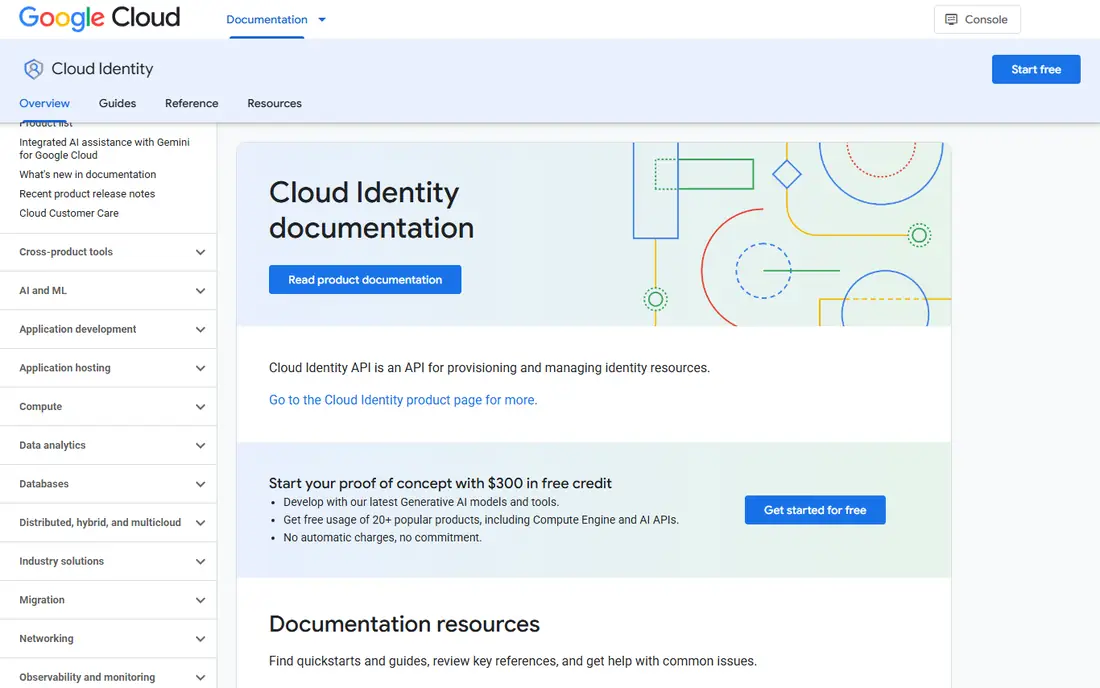
Google Cloud Identity provides directory, single sign-on, and MFA for Google Workspace organizations, with a free edition and a Premium plan for advanced features. It manages user accounts, groups, and access to Google apps and third-party services, with context-aware access controls for sensitive data.
Windows device management is lighter than JumpCloud or Entra ID, so mixed fleets may need a second tool. Companies outside Google Workspace also get less value. If your company already runs Gmail, Drive, and Google Workspace, Cloud Identity is a natural and low-cost directory path.
What we like- Native Google Workspace integration
- SSO and MFA
- Context-aware access
Watch out for- Best value inside Google Workspace
- Less depth for Windows device management
Starting priceFree (open source)
Free planYes
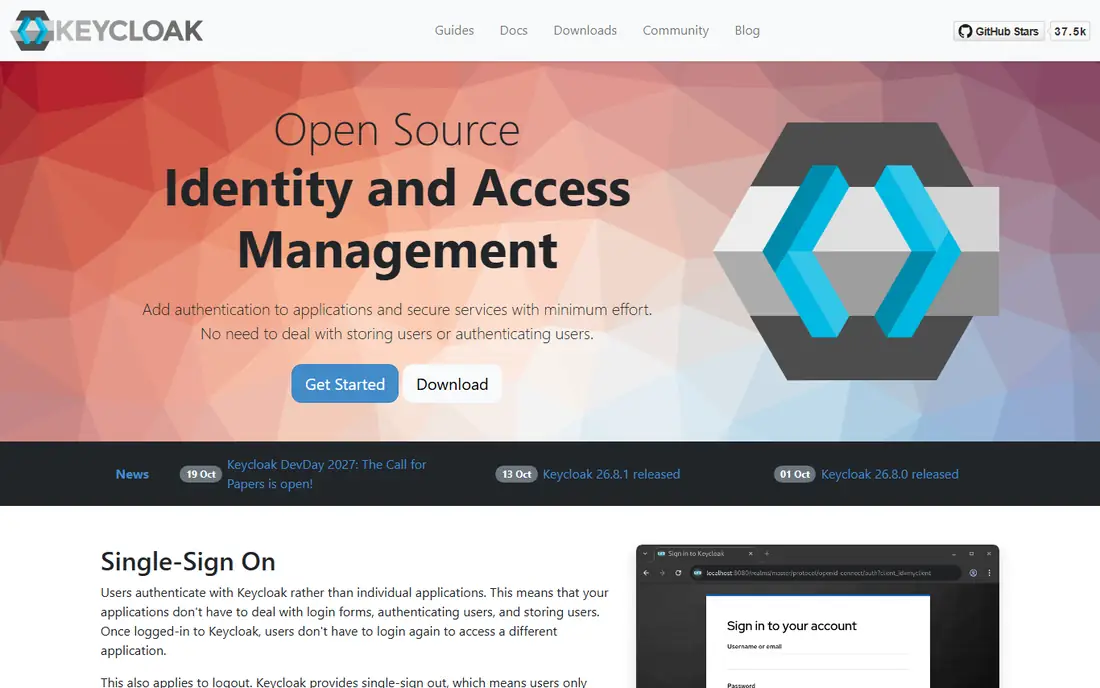
Keycloak is an open source identity and access management server from Red Hat. It supports single sign-on, social login, user federation from LDAP and Active Directory, and standard protocols including SAML, OpenID Connect, and OAuth 2.0. There are no license fees, and you control hosting, data, and upgrades.
The cost is expertise. Keycloak needs installation, configuration, backups, and security updates, and troubleshooting falls to your team unless you pay a support provider. For a technical team that wants full control and zero license cost, Keycloak is the strongest open source Active Directory alternative.
What we like- Free and open source
- SAML, OIDC, and OAuth support
- Full control
Watch out for- Needs technical staff
- No vendor support without a paid provider
How we chose
We compared pricing pages, product documentation, and public reviews for directory, identity, and access management tools that cover user directories, SSO, MFA, and lifecycle management. We included cloud directories, enterprise identity platforms, an MFA-first tool, and one open source server, and we used "See website" where pricing is quote based or tied to bundles. We did not claim hands-on testing.
Planning a move away from on-premises AD
Start with an inventory. List every system that authenticates against Active Directory, including file shares, VPNs, Wi-Fi with RADIUS, legacy apps, and service accounts. Those hidden dependencies are what delay migrations, not the directory itself. Test each one against the new tool before you cut over.
Next, run both systems in parallel. Sync users to the cloud directory, move a pilot group first, and keep on-premises AD as a fallback until the pilot proves login, MFA, and device access work. Pay special attention to joiners and leavers: lifecycle automation should create and remove access without manual steps.
Finally, plan device management separately if needed. A cloud directory handles identity, but Windows, Mac, and Linux devices may still need policies, updates, and encryption. Tools such as JumpCloud bundle device management, while Okta and Entra ID pair with separate device tools. Budget for both layers before you promise a retirement date for your servers.
One more layer deserves a plan: privileged accounts. Admin accounts, service accounts, and shared credentials need stricter controls than regular user accounts, including separate MFA methods, shorter session limits, and regular reviews. Check whether your chosen identity tool supports privileged access rules or whether you need a separate privileged access product beside it. Also review how the tool handles contractors and temporary staff, since those accounts are often created quickly and forgotten at the end of a project. Automated expiry dates and manager approvals reduce that risk. Finally, test account recovery before you need it, so a lost MFA device does not lock out an admin during an incident. A clear recovery process, tested in advance, prevents a minor problem from becoming an outage.
Before you finish, write down your top three requirements and rank the shortlist against them in plain language. That short list stops a demo or a discount from pulling the choice toward a feature you will rarely use. Share the ranking with the people who will use the tool daily, and ask them to flag any deal-breaker you missed, such as a missing integration, a device limit, or a workflow step that would take longer than it does today. Their answers often change the order. Once you have a winner, set a review date three months after launch to check cost, usage, and complaints, and be ready to switch if the tool is not earning its place. A planned review keeps the decision honest and prevents a poor fit from lingering for years.
Frequently asked questions
Can I fully replace Active Directory with a cloud tool?
Yes, for many companies, especially with JumpCloud, Okta, or Entra ID. Legacy apps that need LDAP, Kerberos, or direct domain joins may still need a bridge, a hybrid setup, or a separate tool. Inventory those apps before committing to a full retirement.
Which alternative is best for a small business?
JumpCloud is usually the best small-business pick, because it bundles directory, SSO, MFA, and device management. Duo is cheaper if you only need MFA, and Google Cloud Identity or Entra ID may be cheapest if you already pay for Google Workspace or Microsoft 365.
Is Keycloak really free?
Keycloak software is free and open source, but hosting, maintenance, backups, and staff time are real costs. A small team with technical skills can run it cheaply, while a larger company may pay a support provider. Compare total cost, not just license fees.
Do I still need MFA if I move to the cloud?
Yes. Cloud directories make MFA easier to enforce, and most security guidance treats it as required for all users, including admins. Duo, Okta, Entra ID, and JumpCloud all include MFA options, but check whether advanced methods such as passkeys need a higher plan.
How long does migration take?
A small company can pilot a cloud directory in weeks, while a large hybrid estate can take months. The main delays are legacy app dependencies, device policies, and lifecycle automation. A pilot group and a parallel run reduce risk.
Should I choose Okta or Microsoft Entra ID?
Choose Entra ID if your company is centered on Microsoft 365 and Azure, since integration and licensing value are strongest there. Choose Okta if you use a mix of vendors and want a neutral identity layer with the broadest app catalog.
Sources we checked (8)
- https://jumpcloud.com
- https://www.okta.com
- https://www.microsoft.com/en-us/security/business/identity-access/microsoft-entra-id
- https://www.pingidentity.com
- https://www.onelogin.com
- https://duo.com
- https://cloud.google.com/identity
- https://www.keycloak.org
Is your product missing or out of date?
We review this list regularly. Vendors can request a listing, send updated pricing or ask about featured placement.

Shihab Mia · Founder, Rankite
Shihab has 5+ years in B2B and SaaS SEO. He writes Rankite's software buying guides from pricing pages, documentation and public user reviews. More about Shihab.