How we make this list: we compare pricing pages, product documentation and public user reviews. Ratings come from G2, Capterra or Trustpilot, with the date we checked them.
Key takeaways
- Remote Desktop Protocol works well inside a Windows network, but it needs extra setup for safe access over the internet, and that is where dedicated tools earn their place.
- TeamViewer and AnyDesk suit general support work, while Splashtop and Zoho Assist fit teams that need clearer admin controls and unattended access.
- Chrome Remote Desktop and RustDesk are the lowest cost routes, with Chrome Remote Desktop best for simple personal use and RustDesk best for people who want to host their own relay.
- Parsec stands apart for low latency work such as design and video editing, while RealVNC Connect suits mixed device fleets that include Raspberry Pi hardware.
- Price alone is a poor guide here, since session limits, device limits, and commercial use rules change the real cost fast.
Quick comparison
| Tool | Best for | Starting price | Free plan |
|---|
 TeamViewer TeamViewer | General remote support teams | See website | Yes |
 AnyDesk AnyDesk | Fast support on weak connections | $23.12 per user/month (billed annually) | Yes |
 Splashtop Splashtop | IT teams needing unattended access | See website | Free trial |
 Zoho Assist Zoho Assist | Support teams on a Zoho setup | See website | Free trial |
 Chrome Remote Desktop Chrome Remote Desktop | Simple personal remote access | $0 per user/month | Yes |
 RustDesk RustDesk | Self hosted remote access | $0 per user/month | Yes |
 RemotePC RemotePC | Low cost access to several computers | See website | Free trial |
 Parsec Parsec | Low latency creative work | See website | Yes |
 RealVNC Connect RealVNC Connect | Mixed Windows, Mac, Linux, and Pi fleets | See website | Free trial |
Is your product missing or out of date?
We review this list regularly. Vendors can request a listing, send updated pricing or ask about featured placement.
The best RDP alternatives
Remote Desktop Protocol is built into Windows, and for a single office network it is hard to beat on price, since it is already there. The trouble starts when staff work from home, clients sit behind home routers, or a support team needs to reach Mac, Linux, and mobile devices as well. Port forwarding, VPN setup, and firewall rules add friction, and an exposed RDP port invites constant login attempts. The tools below remove most of that setup by using a relay or broker, and they add session controls, file transfer, and audit trails that plain RDP does not offer on its own.
Picking a replacement starts with the job, not the brand. A one person support desk needs a simple join link and a fair price. A larger IT team needs user roles, unattended access, session logs, and single sign on. A creative worker needs low latency and good color handling more than ticket features. Read each entry with that job in mind, and check the pricing page before you buy, since plans change often.
#1TeamViewer
Best for: General remote support teams4.5/5 on
G2 (4,203 reviews, checked Oct 2026)
Visit teamviewer.com
Starting priceSee website
Free planYes
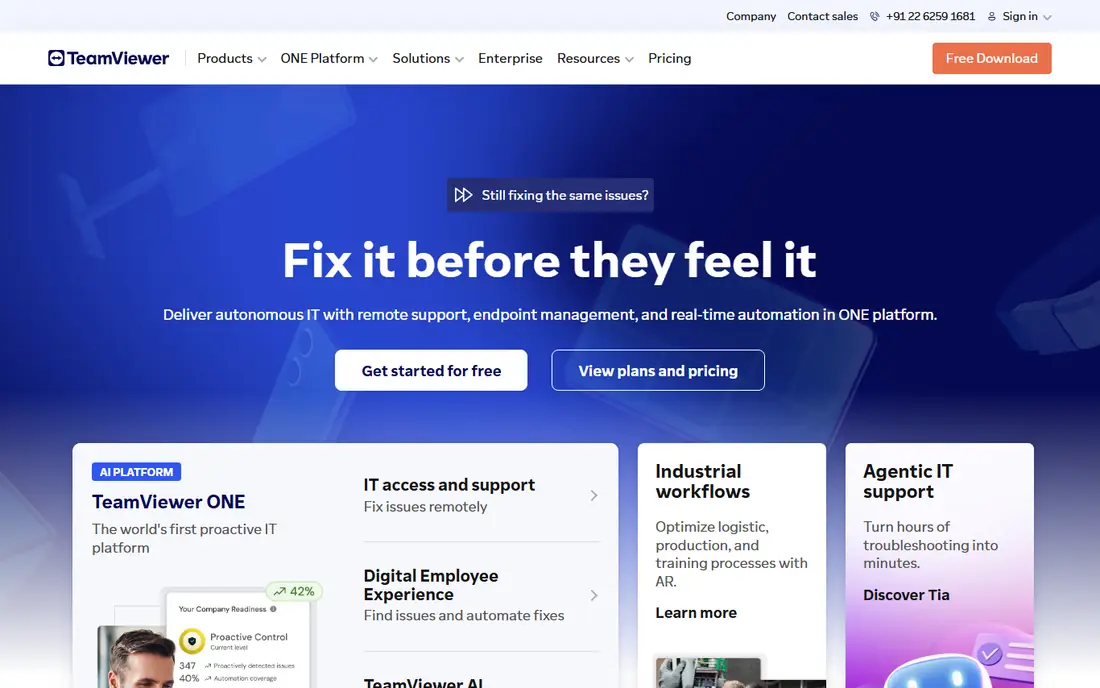
TeamViewer is the default choice for many support teams because it covers Windows, Mac, Linux, Android, iOS, and ChromeOS, and it handles both attended sessions and unattended access from one client. A support agent can send a join link, take control with permission, transfer files, restart a remote machine, and keep a record of the session.
The catch is price and licensing discipline. TeamViewer is free for personal use, but business use needs a paid plan, and the cost rises with team size and features. Small teams should count licensed users carefully and confirm which plan includes unattended access, mobile support, and mass deployment, since those items sit on different tiers.
What we like- Wide platform coverage
- Unattended access and session tools
- Strong admin and compliance options
Watch out for- Paid plans can be costly for small teams
- Commercial use detection can interrupt personal use accounts
#2AnyDesk
Best for: Fast support on weak connections4.5/5 on
G2 (1,104 reviews, checked Oct 2026)
Visit anydesk.com
Starting price$23.12 per user/month (billed annually)
Free planYes
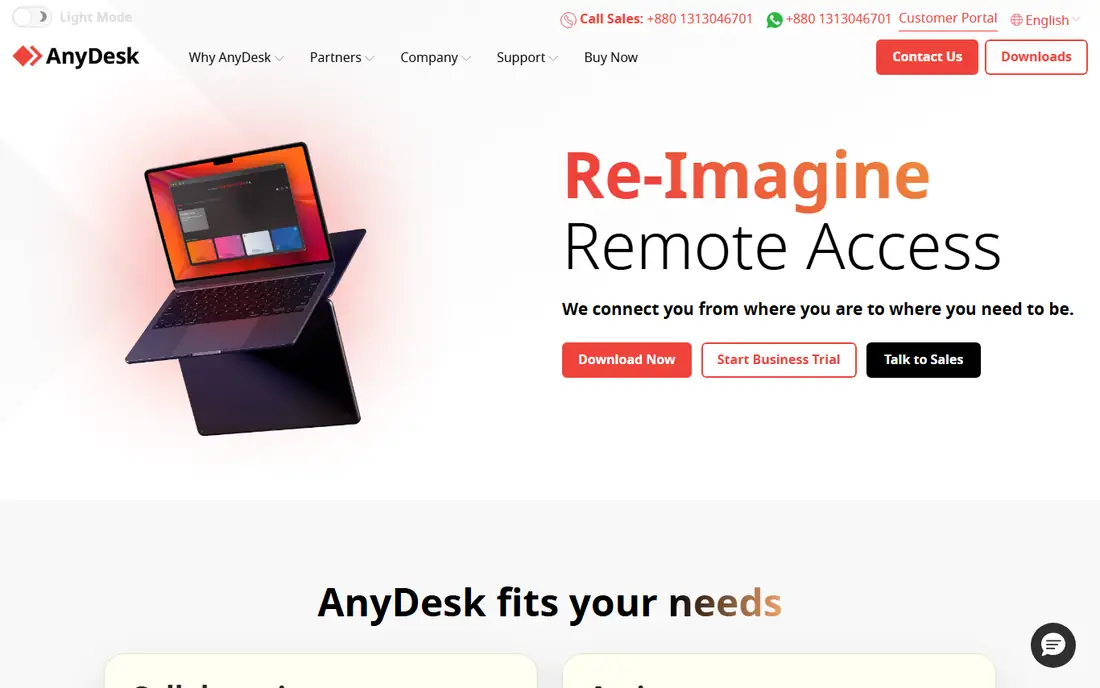
AnyDesk earns its place through speed. It connects quickly, stays usable on slower links, and keeps the interface simple enough that a non technical user can accept a session without a long setup call. File transfer, session recording, and remote printing cover the usual support tasks, and the address book helps a regular support person return to the same machines without hunting for codes each time.
The honest limit is that the free tier is meant for personal use, so a business should budget for a paid plan from the start. Solo is the entry paid tier, and larger teams will need Standard or above for more licensed users and managed devices. Check the current price on the vendor page before you commit, since the homepage shows promotional pricing that may change. For support work where connection speed matters more than a full IT management suite, AnyDesk is a strong, focused pick.
What we like- Quick connections and low bandwidth use
- Works across desktop and mobile platforms
- Unattended access on paid plans
Watch out for- The free version is limited for business use
- Advanced admin controls sit on higher tiers
#3Splashtop
Best for: IT teams needing unattended access4.8/5 on
G2 (534 reviews, checked Oct 2026)
Visit splashtop.com
Starting priceSee website
Free planFree trial
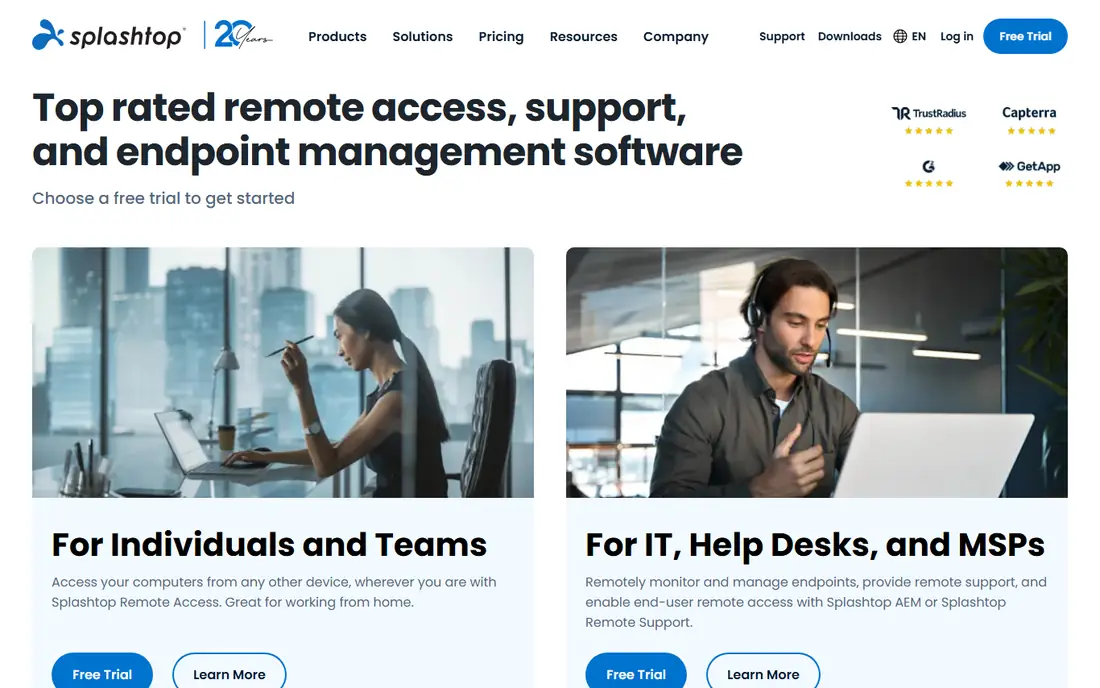
Splashtop splits its range into remote access, remote support, and endpoint management, which helps an IT team buy only what it needs. Remote workers get a responsive desktop from home, help desk staff get attended and unattended sessions, and larger teams can add patching and device monitoring through the endpoint product. Performance is a genuine strength, with smooth video and sound handling that suits office work and light media tasks.
The trade off is choice overload at the start. A buyer must match the right Splashtop product to the job, and the pricing page lists several editions that look similar at first glance. Take time to map seats, computers, and mobile devices before choosing, and use the trial to check performance on the actual network the team uses.
What we like- Good performance for remote work
- Separate products for access, support, and endpoint management
- Broad platform support
Watch out for- The product range can confuse first time buyers
- Some features need a higher tier or add on
#4Zoho Assist
Best for: Support teams on a Zoho setup4.7/5 on
G2 (719 reviews, checked Oct 2026)
Visit zoho.com
Starting priceSee website
Free planFree trial
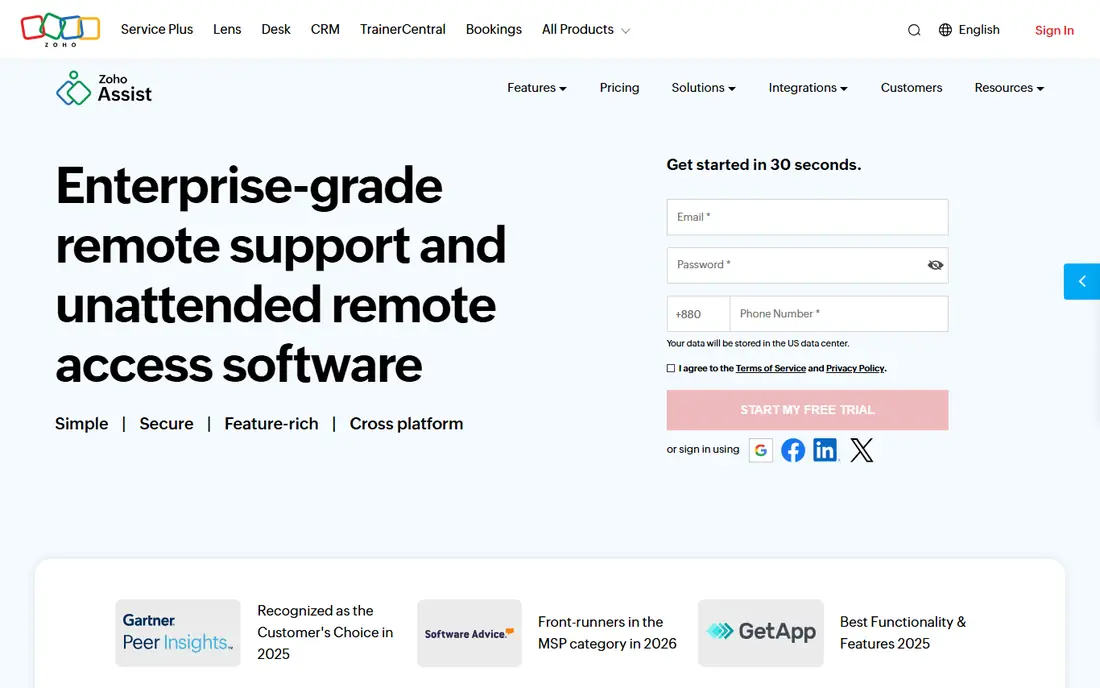
Zoho Assist is built for support first. A technician can start an on demand session from a browser, invite a customer by link, share screens, transfer files, and use chat during the session. Unattended access covers machines that need regular maintenance, and the product also supports mobile devices and Chromebooks, which helps teams that support schools or field staff. The 15 day trial gives enough time to run real support calls before paying.
Teams already using Zoho CRM, Zoho Desk, or Zoho's IT tools will feel the benefit most, since tickets and customer records can sit close to the support session. Zoho Assist is a practical pick for a support desk that wants a clean, browser led workflow without buying a full remote monitoring suite.
What we like- Attended and unattended support in one product
- Works on desktop, mobile, and Chromebook
- Integrates with other Zoho apps
Watch out for- The deepest value depends on using more Zoho products
- Pricing tiers need careful comparison
Starting price$0 per user/month
Free planYes
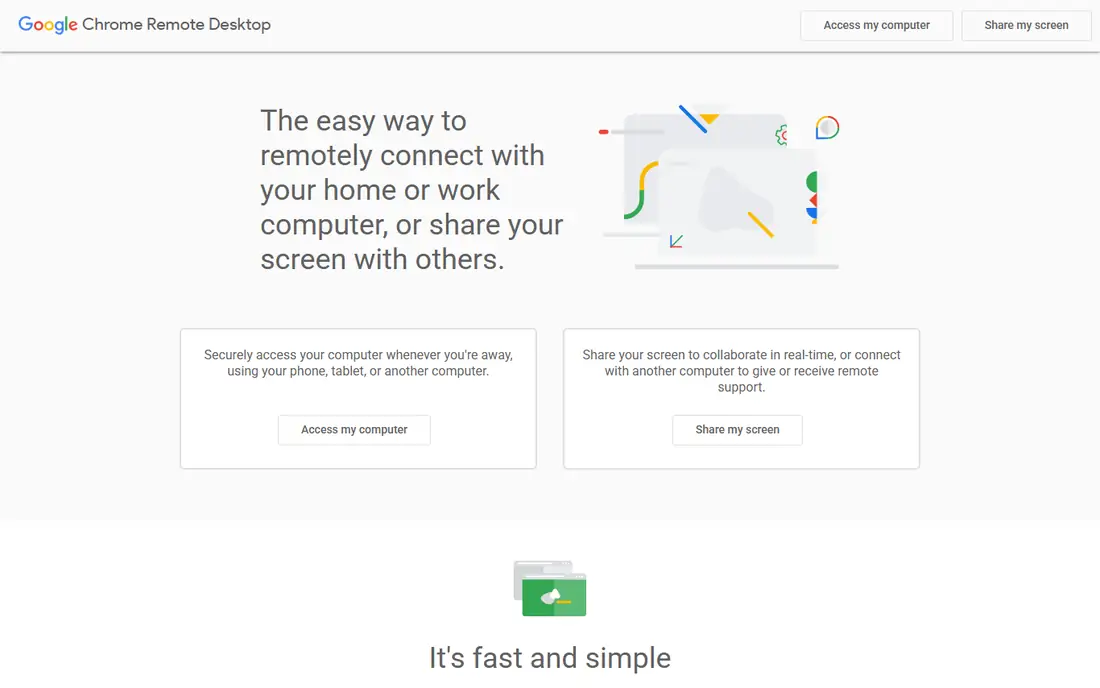
Chrome Remote Desktop is the simplest tool on this list, and for personal use that simplicity is the point. A user installs the extension or app, signs in with a Google account, sets a PIN, and can reach that computer from another device. There is no license to track and no server to configure.
The limits show up as soon as a team tries to use it at scale. There is no central admin console, no user roles, no detailed audit trail, and no built in ticketing or device grouping. It also depends on a Google account, which some workplaces will not accept for managed devices. Use Chrome Remote Desktop for personal machines, a home server, or occasional help, and choose a paid tool when support becomes a daily job with accountability needs.
What we like- Free and simple to set up
- Runs in a browser with no complex network setup
- Works on Windows, Mac, Linux, and ChromeOS
Watch out for- No advanced team admin tools
- Limited session management and reporting
Starting price$0 per user/month
Free planYes
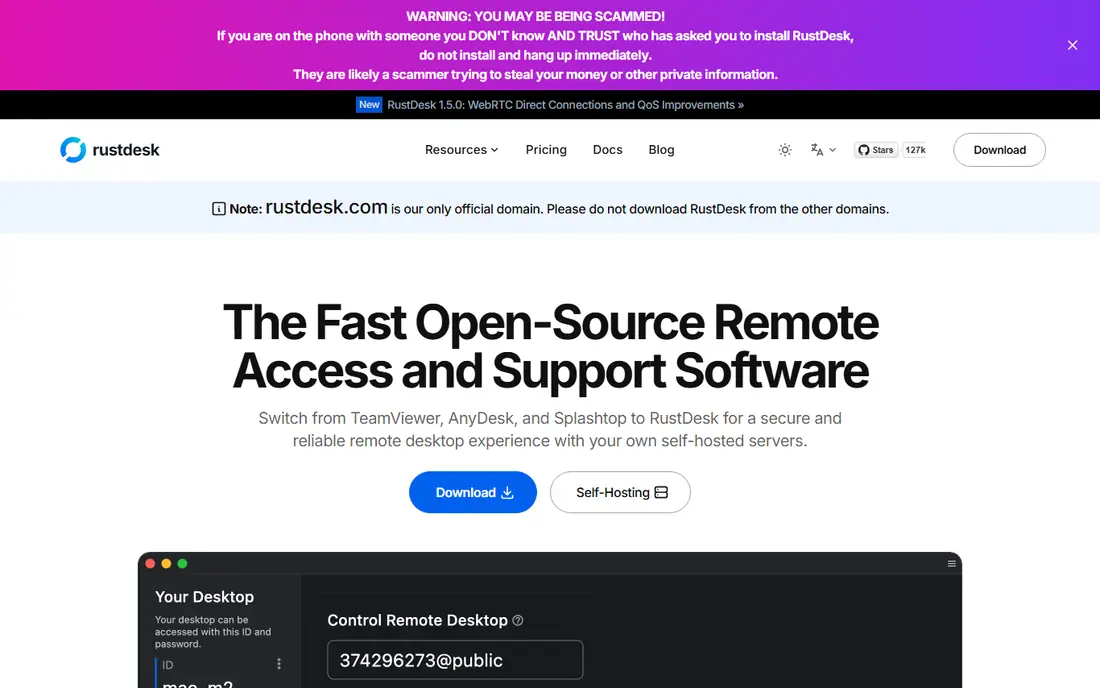
RustDesk is the open source option for people who want remote access without routing every session through a vendor cloud. The client is free, and users can run their own relay and rendezvous server, which keeps connection details under their own control. It covers Windows, Mac, Linux, Android, and iOS, and it supports file transfer, chat, and unattended access. For a technical user, a small team with server skills, or a privacy minded buyer, that control is a real advantage.
The cost of that control is maintenance. Someone must set up the server, keep it updated, secure it, and fix it when it breaks, and that work does not appear on a price page. RustDesk also lacks the polished onboarding, large support team, and compliance paperwork that bigger vendors offer. Choose it when self hosting is a requirement or a genuine preference, not simply to save a subscription fee, and budget time for upkeep.
What we like- Open source client and server
- Self hosting keeps traffic under your control
- Cross platform apps
Watch out for- Self hosting needs technical setup and maintenance
- Support and polish vary compared with paid vendors
#7RemotePC
Best for: Low cost access to several computers4.7/5 on
G2 (695 reviews, checked Oct 2026)
Visit remotepc.com
Starting priceSee website
Free planFree trial
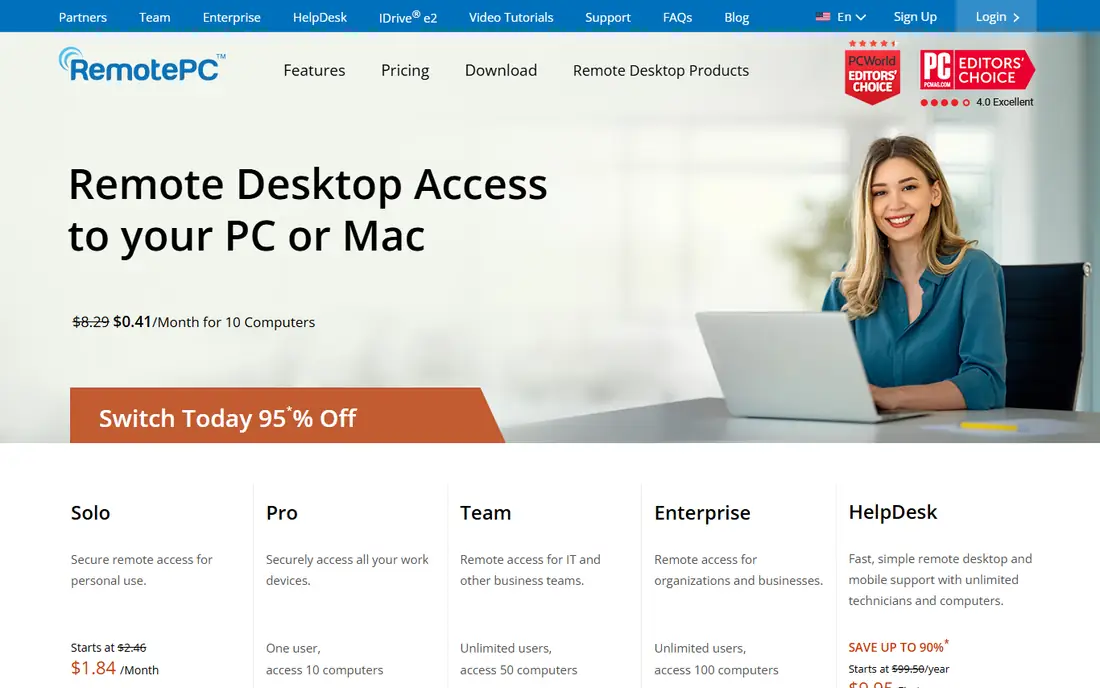
RemotePC focuses on a simple promise, which is access to your own computers from anywhere at a modest price. Plans cover a set number of computers, and the apps handle remote control, file transfer, chat, and session recording. For a small business owner with a few office machines, or a home user with a desktop and a laptop, that scope fits well.
The weakness is depth. RemotePC does not try to be a full IT management platform, so teams that need mass deployment, detailed device health data, or tight integration with ticketing tools will outgrow it. If the job is plain remote access to a known set of machines, RemotePC offers good value, and the trial is worth using to confirm performance on your network.
What we like- Low entry cost for personal and small team plans
- Unattended access and file transfer
- Apps for desktop and mobile
Watch out for- Interface feels dated next to newer rivals
- Advanced IT management features are limited
#8Parsec
Best for: Low latency creative work4.7/5 on
G2 (26 reviews, checked Oct 2026)
Visit parsec.app
Starting priceSee website
Free planYes
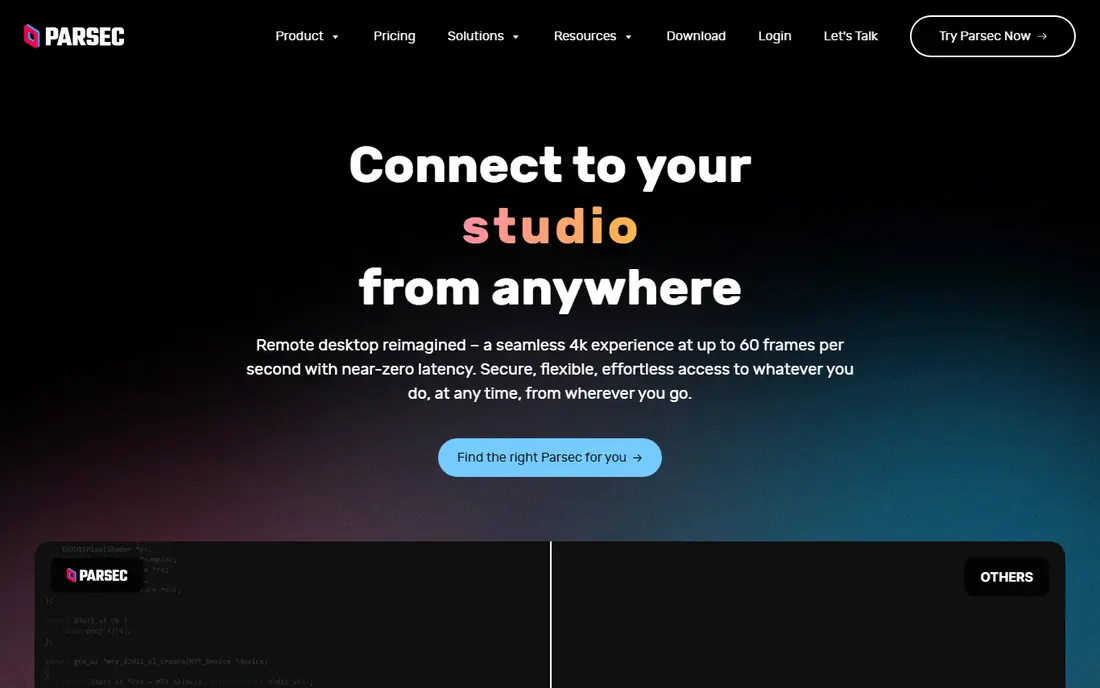
Parsec started in game streaming, and that history shows in its performance. It is designed to carry a desktop, a video editing timeline, or a design app with low delay and smooth motion, which matters when a mouse move must feel instant. Creative teams use it to reach a powerful workstation from a laptop, and a host can share access with a guest through a link. For that specific job, most general support tools feel slower by comparison.
Parsec is not a replacement for a help desk platform. It lacks the unattended fleet controls, ticket links, and device management that IT teams rely on, and pricing for teams needs checking on the vendor site, since personal and team use differ. Choose Parsec when the work itself is interactive and visual, such as editing, 3D work, or live production, and pair it with a separate support tool if the business also needs managed support sessions.
What we like- Very low latency streaming
- Good handling of high frame rates and color
- Simple sharing for guests
Watch out for- Built for interactive use, not for IT support fleets
- Team admin features are thinner than support focused tools
#9RealVNC Connect
Best for: Mixed Windows, Mac, Linux, and Pi fleets4.7/5 on
G2 (440 reviews, checked Oct 2026)
Visit realvnc.com
Starting priceSee website
Free planFree trial
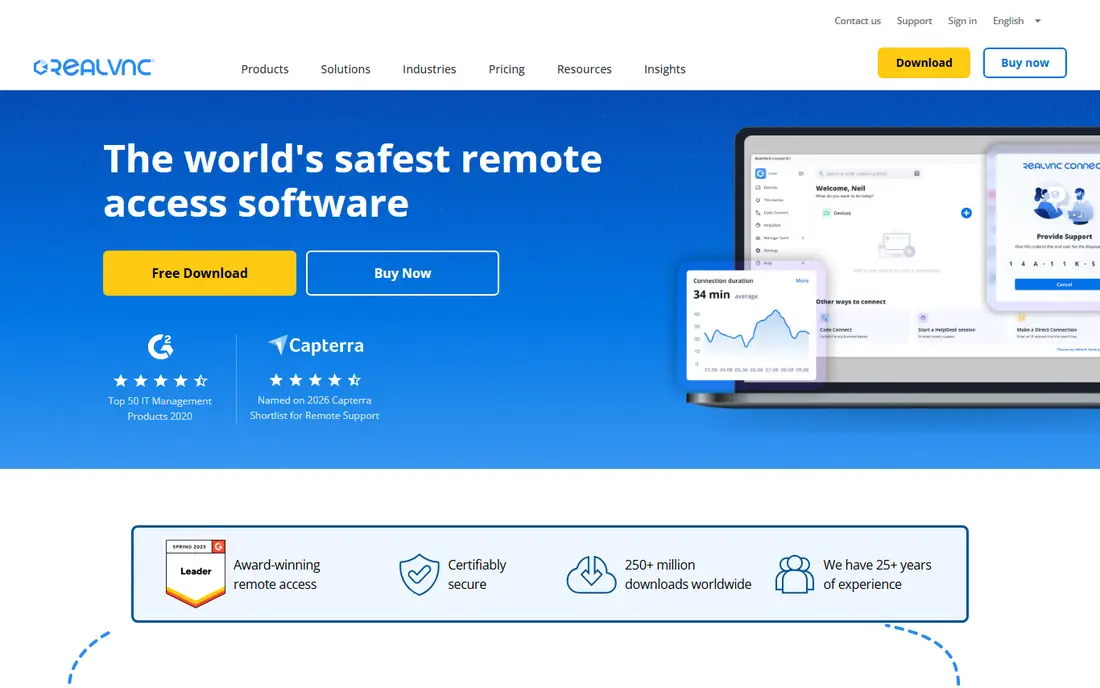
RealVNC Connect is the modern form of VNC, a remote desktop standard that has been around for years. It supports Windows, Mac, Linux, Raspberry Pi, Android, and iOS, and it offers both cloud brokered connections and direct connections for local networks. Session security, user permissions, and audit options cover the basics a small IT team needs.
The trade off is that RealVNC feels more technical than a one click support tool. A first time user may need to read the setup guide to get direct connections, firewall rules, and permissions right. Plan names and device limits also need a close look on the pricing page.
What we like- Long standing VNC standard with wide device support
- Works well with Raspberry Pi
- Direct and cloud connections
Watch out for- Setup can feel more technical than newer tools
- Pricing and plan differences need careful reading
How we chose
We compared vendor pricing pages, product documentation, and public reviews on G2, Capterra, and Reddit, and we matched each tool to a clear job, such as personal access, support desk work, IT fleet management, or low latency creative use. We favored tools that exist today, cover more than one platform, and offer a free plan or trial so a buyer can check performance before paying. We did not claim hands on lab results, and we left prices as See website where the vendor page showed promotional or tiered pricing that could change quickly.
What to check before you switch from RDP
Start with security, since remote access is a direct route into a machine. Turn on two factor authentication where the tool offers it, use strong and unique passwords, and limit unattended access to machines that truly need it. Review who can connect, what hours they can connect, and what session logs are kept, since those controls matter more than marketing claims about encryption alone. If a tool cannot show a clear session history, treat that as a gap, not a minor detail.
Match the tool to the session type
Attended support, unattended access, and personal remote work are different jobs. Attended support needs a simple join link and a way for the remote user to end the session. Unattended access needs device grouping, permissions, and wake or restart handling. Personal use needs low friction and a price that makes sense for one or two machines. A tool that excels at one job may be awkward at another, so list the session types you run each week before you shortlist.
Check limits that hide inside the plan
Count licensed users, managed computers, and concurrent sessions, not just the headline price. Some plans limit the number of devices a technician can manage, while others limit the number of sessions that can run at once. Mobile support, file transfer size, session recording, and single sign on can also sit on higher tiers.
Plan the migration in small steps
Move one team or one set of machines first, and keep RDP available on the local network during the changeover if your policy allows it. Train support staff on the new join flow, and write a short guide for end users that covers how to accept a session and how to end it. Remove old RDP port forwarding rules once the new tool is proven, and confirm that unattended machines still receive updates and backups through the new setup.
Frequently asked questions
Is RDP safe to use over the internet?
RDP on its own is risky when a port is left open to the internet, since it attracts constant login attempts. A VPN, a gateway, or a dedicated remote access tool with two factor authentication and session logging is a safer route for most teams. If RDP must stay in use, restrict it to a VPN and keep the host patched.
Do I still need RDP if I buy one of these tools?
Many teams keep RDP for local network admin work and use a dedicated tool for remote access and support. The dedicated tool handles firewall traversal, permissions, and logging, while RDP remains a fast local option. There is no rule that forces a full replacement on day one.
Which RDP alternative is free for personal use?
Chrome Remote Desktop and RustDesk are free for personal use, with RustDesk also offering a self hosted server option. AnyDesk and TeamViewer offer free personal use as well, but business use needs a paid plan. Always check the license terms, since personal and business use are treated differently.
Which tool is best for unattended access?
Splashtop, Zoho Assist, TeamViewer, and RemotePC all support unattended access, with different device limits and admin controls. Splashtop and Zoho Assist suit IT teams, TeamViewer suits mixed support teams, and RemotePC suits smaller sets of machines. Compare device caps and admin roles before choosing.
Can these tools replace a VPN?
They can reduce the need for a VPN for desktop access, since they broker the connection and handle authentication. They do not replace a VPN for other network resources, such as file shares, internal web apps, or database access. Many teams use both, with the remote tool for desktops and a VPN for wider network access.
What should I do if a session feels slow?
Check the internet connection on both ends first, then lower the color quality or frame rate in the session settings. Close video streaming and large downloads on the host, and try a wired connection if Wi-Fi is unstable. If slowness persists only with one tool, run the same task through a second tool to isolate the cause.
Sources we checked (9)
- https://www.teamviewer.com
- https://anydesk.com
- https://www.splashtop.com
- https://www.zoho.com/assist/
- https://remotedesktop.google.com
- https://rustdesk.com
- https://www.remotepc.com
- https://parsec.app
- https://www.realvnc.com
Is your product missing or out of date?
We review this list regularly. Vendors can request a listing, send updated pricing or ask about featured placement.

Shihab Mia · Founder, Rankite
Shihab has 5+ years in B2B and SaaS SEO. He writes Rankite's software buying guides from pricing pages, documentation and public user reviews. More about Shihab.