How we make this list: we compare pricing pages, product documentation and public user reviews. Ratings come from G2, Capterra or Trustpilot, with the date we checked them.
Key takeaways
- ManageEngine AssetExplorer is the closest ITAM replacement for Lansweeper, with discovery, lifecycle, and license management.
- NinjaOne and Atera suit teams that want inventory plus patching, remote access, and service desk in one platform.
- Snipe-IT and GLPI are the best open source picks for budget teams that can self-host.
- SolarWinds Service Desk and Freshservice suit teams that want asset data tied directly to ticketing.
- PDQ and InvGate cover Windows-focused deployment and lifecycle-first asset management respectively.
Quick comparison
| Tool | Best for | Starting price | Free plan |
|---|
 ManageEngine AssetExplorer ManageEngine AssetExplorer | Full ITAM replacement | See website | Yes |
 SolarWinds Service Desk SolarWinds Service Desk | ITSM plus asset management | $39 per technician/month | Free trial |
 NinjaOne NinjaOne | Unified endpoint management | See website | Free trial |
 Atera Atera | MSP and IT team platform | See website | Free trial |
 Snipe-IT Snipe-IT | Open source asset tracking | $39.99 per month | Yes |
 PDQ PDQ | Windows deployment and inventory | See website | Free trial |
 InvGate Asset Management InvGate Asset Management | Lifecycle and financial tracking | See website | Free trial |
 GLPI GLPI | Open source ITSM and inventory | See website | Yes |
 Freshservice Freshservice | Fast service desk deployment | See website | Free trial |
Is your product missing or out of date?
We review this list regularly. Vendors can request a listing, send updated pricing or ask about featured placement.
The best Lansweeper alternatives for IT asset discovery and inventory
#1ManageEngine AssetExplorer
Best for: Full ITAM replacement4.2/5 on
G2 (13 reviews, checked Oct 2026)
Visit manageengine.com
Starting priceSee website
Free planYes
ManageEngine AssetExplorer is the closest direct replacement for Lansweeper. It discovers hardware and software assets with agent-based and agentless methods, tracks licenses and usage, manages purchases and contracts, and visualizes infrastructure in a CMDB. Workflows automate lifecycle stages from request to disposal, and reports keep teams audit-ready for hardware and software. Cloud and on-premises deployment options suit different security policies.
A free edition covers up to 50 nodes on cloud and 25 nodes on-premises, which makes it practical for small teams to test real discovery before buying. Larger deployments need a paid edition priced by nodes. For IT managers who want Lansweeper-style inventory with stronger lifecycle and financial controls, AssetExplorer is the default pick.
What we like- Agent and agentless discovery
- Full lifecycle, license, and purchase management
- Free edition for small node counts
Watch out for- Interface takes time to learn
- Pricing varies by edition and node count
Starting price$39 per technician/month
Free planFree trial
SolarWinds Service Desk combines ITSM with IT asset management, so asset data sits next to tickets, changes, and the CMDB. Teams see which device, user, and configuration item relate to an incident, which shortens troubleshooting and improves change planning. The cloud platform starts at $39 per month per technician with unlimited users, which keeps costs predictable for service teams.
SolarWinds Service Desk is not a pure discovery tool in the Lansweeper mold. Teams that need deep network scanning may pair it with a dedicated inventory tool. For service-focused teams that want asset context inside ticketing, SolarWinds Service Desk is a strong Lansweeper alternative.
What we like- Asset management tied to incidents and CMDB
- Cloud-based and fast to deploy
- AI-assisted service workflows
Watch out for- Asset discovery depth is thinner than pure ITAM tools
- Per-technician pricing adds up for large teams
#3NinjaOne
Best for: Unified endpoint management4.7/5 on
G2 (5,037 reviews, checked Oct 2026)
Visit ninjaone.com
Starting priceSee website
Free planFree trial
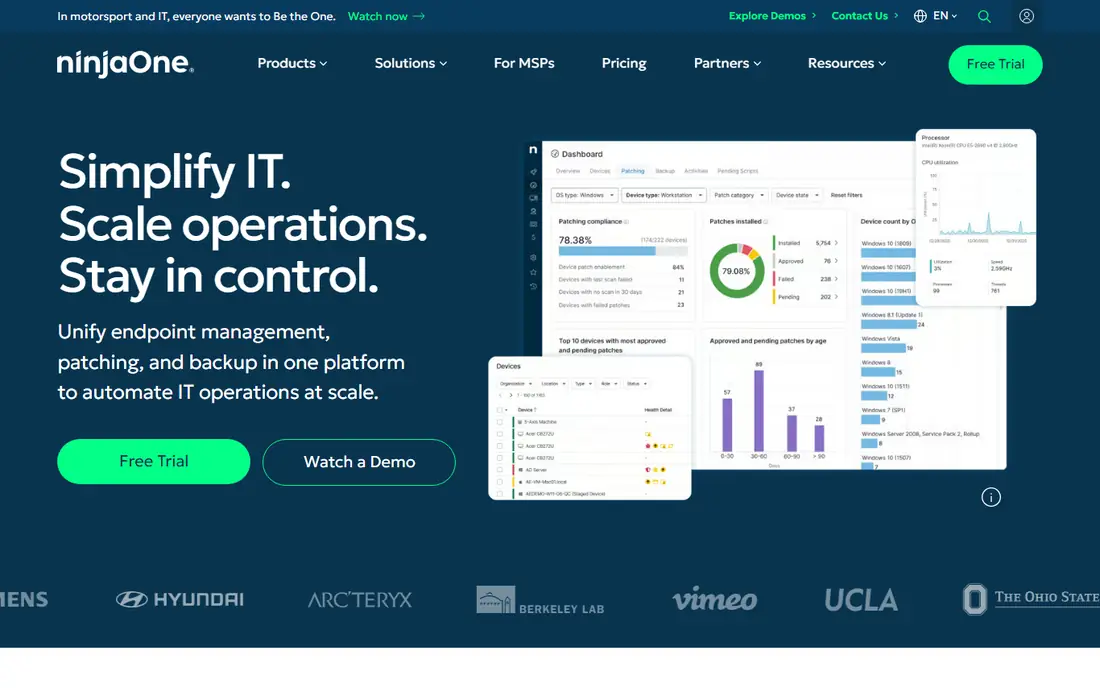
NinjaOne unifies endpoint management, patching, backup, mobile device management, and remote access in one platform. IT teams see every device, push patches, run scripts, and support users remotely without switching tools. That breadth suits teams that left Lansweeper because they wanted action, not just inventory, such as patching a vulnerable device the moment discovery flags it.
NinjaOne pricing is quote-based, so teams should request a quote at their device count. For IT teams and MSPs that want inventory plus remediation in one console, NinjaOne is one of the strongest Lansweeper alternatives.
What we like- Endpoint management, patching, backup, and remote access in one console
- Fast remote control
- Strong automation
Watch out for- Pricing is quote-based
- Asset tracking is part of endpoint management, not a standalone ITAM suite
#4Atera
Best for: MSP and IT team platform4.6/5 on
G2 (1,123 reviews, checked Oct 2026)
Visit atera.com
Starting priceSee website
Free planFree trial
Atera is an all-in-one IT platform that combines remote monitoring and management, helpdesk ticketing, patching, and AI agents. Technicians deploy agents in minutes, monitor devices, automate fixes, and handle tickets from one console. Per-technician pricing suits MSPs and internal IT teams that manage many devices with a small staff, since costs do not rise per device.
Atera's asset tracking is part of a broader IT platform rather than a dedicated ITAM suite, so teams with complex license and financial workflows may need AssetExplorer or InvGate instead. For MSPs and lean IT teams that want one platform for devices, tickets, and automation, Atera is a practical Lansweeper alternative.
What we like- RMM, ticketing, patching, and AI agents in one platform
- Per-technician pricing
- Fast agent deployment
Watch out for- Pricing is quote-based for full plans
- Asset depth varies by use case
#5Snipe-IT
Best for: Open source asset tracking4.6/5 on
G2 (27 reviews, checked Oct 2026)
Visit snipeitapp.com
Starting price$39.99 per month
Free planYes
Snipe-IT is the best open source Lansweeper alternative for teams that track assets rather than discover them automatically. It records hardware, software licenses, accessories, and consumables, checks assets in and out to users, and manages depreciation and maintenance. A REST API supports custom automation, and the hosted plan starts at $39.99 per month for teams that do not want to self-host.
Snipe-IT lacks Lansweeper-style network discovery, so teams must enter assets manually or import them from another discovery tool. For budget teams that want a clean asset register without per-device pricing, Snipe-IT is the best value in this list.
What we like- Free and open source with no vendor lock-in
- Unlimited assets and users on self-hosted installs
- Strong API
Watch out for- No built-in network discovery
- Needs self-hosting effort or a paid hosted plan
Starting priceSee website
Free planFree trial
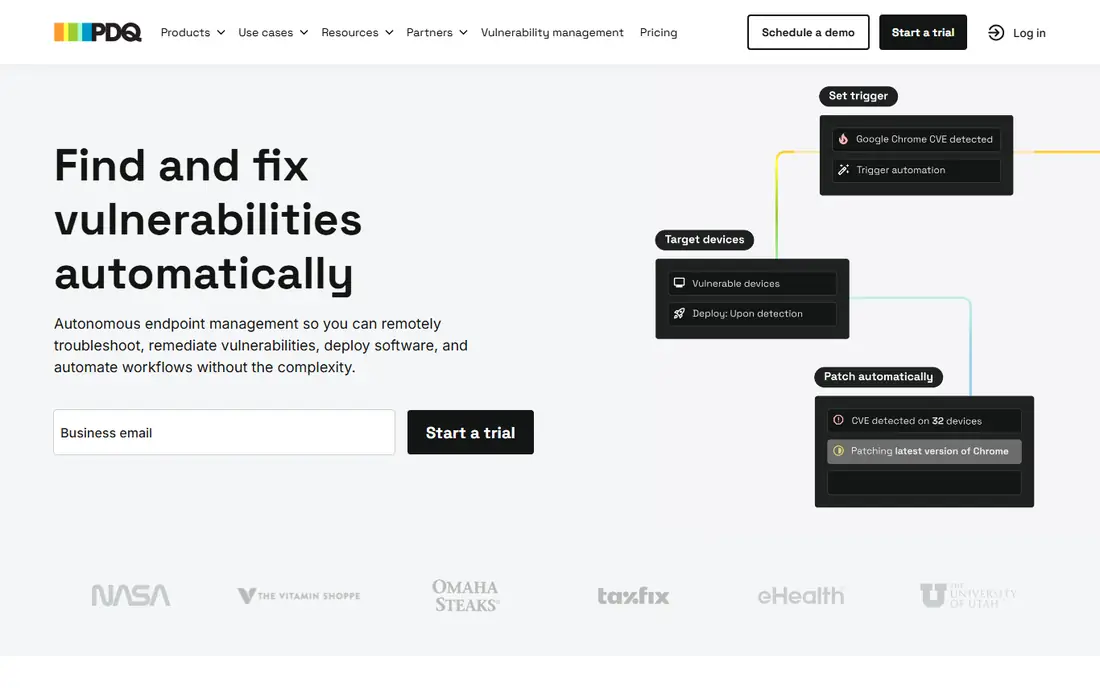
PDQ combines Deploy and Inventory for Windows environments, giving sysadmins a fast way to see devices, deploy software, and fix vulnerabilities. Inventory collects hardware and software details, while Deploy pushes packages and scripts without complex infrastructure. On-prem deployment suits air-gapped networks where cloud tools cannot reach devices.
PDQ is Windows-focused, so teams with large Mac, Linux, or mobile fleets will need another tool for those devices. For Windows-heavy shops that want inventory plus deployment in one practical package, PDQ is a strong Lansweeper alternative.
What we like- Fast Windows inventory and software deployment
- Strong for on-prem and air-gapped networks
- Sysadmin-friendly automation
Watch out for- Windows-focused
- Less suited to mixed-device fleets without additional tools
#7InvGate Asset Management
Best for: Lifecycle and financial tracking4.7/5 on
G2 (11 reviews, checked Oct 2026)
Visit invgate.com
Starting priceSee website
Free planFree trial
InvGate Asset Management covers every stage of the asset lifecycle, from procurement and deployment to maintenance and disposal, with financial tracking that shows cost, depreciation, and contract status. No-code workflows automate approvals and lifecycle actions, and the platform pairs with InvGate Service Management for ticketing in the same ecosystem. That pairing suits teams that want asset and service data together without a separate ITSM purchase.
Pricing is quote-based, and large implementations need planning around discovery sources and integrations. For teams that care about lifecycle cost and financial visibility as much as inventory accuracy, InvGate is a strong Lansweeper alternative.
What we like- Full asset lifecycle management
- Strong financial visibility
- No-code workflows and service management pairing
Watch out for- Pricing is quote-based
- Implementation takes planning for large fleets
Starting priceSee website
Free planYes
GLPI is an open source ITSM platform with inventory, asset management, CMDB, helpdesk, and financial management in one system. It scans networks, generates SNMP reports, deploys applications, and tracks assets alongside tickets and service requests. A plugin ecosystem extends it for data center management, mobile devices, and monitoring, and a cloud option offers a 45-day free trial for teams that prefer hosted use.
GLPI needs self-hosting effort and technical setup, so teams without Linux or database skills should consider the cloud option or a commercial tool. For budget teams that want open source ITSM plus inventory, GLPI offers more breadth than Snipe-IT at no license cost.
What we like- Open source ITSM plus inventory, CMDB, and helpdesk
- Network scanning and SNMP reports
- Plugin ecosystem
Watch out for- Self-hosting and setup effort
- Interface feels technical next to commercial tools
#9Freshservice
Best for: Fast service desk deployment4.6/5 on
G2 (1,351 reviews, checked Oct 2026)
Visit freshworks.com
Starting priceSee website
Free planFree trial
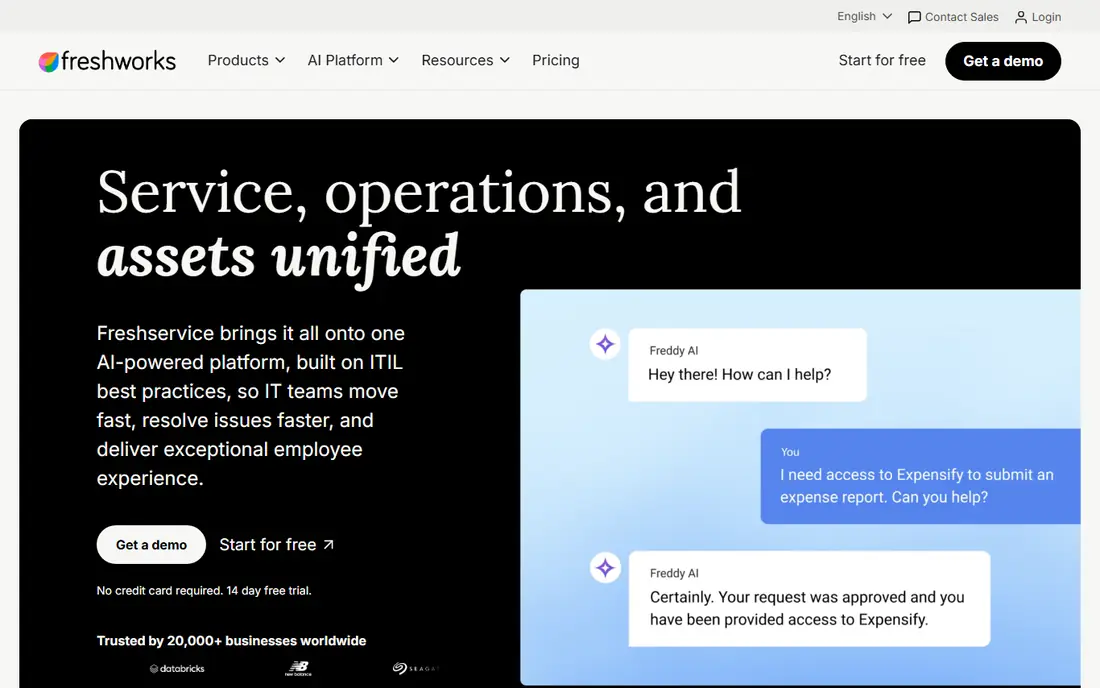
Freshservice brings service, operations, and assets together on one AI-powered ITSM platform built on ITIL practices. Teams manage tickets, assets, and changes from one console, with automation and AI agents that speed resolution and improve employee experience. Cloud deployment is fast, which suits teams that want a service desk live quickly without infrastructure work.
Freshservice asset discovery is lighter than Lansweeper's network scanning, so teams with complex discovery needs may pair it with a dedicated inventory tool. For service teams that want asset context inside a modern ITSM platform, Freshservice is a practical Lansweeper alternative.
What we like- Fast cloud deployment
- Asset management tied to service operations
- AI-powered ITSM workflows
Watch out for- Asset discovery is lighter than Lansweeper
- Advanced asset features need higher tiers
How we chose
We compared vendor pricing pages, documentation, and public reviews on G2, Capterra, and Reddit, and we checked each vendor homepage to confirm the product still exists and accepts new customers. We favored tools that replace Lansweeper's core jobs, meaning network discovery, inventory, lifecycle tracking, or asset-linked service management, over narrow ticketing or monitoring tools. We also weighed deployment options, pricing models, free plans, and fit for small teams versus MSPs and enterprises.
Choosing the right Lansweeper alternative
Decide whether you need discovery or tracking
Discovery tools such as AssetExplorer, PDQ, and GLPI find devices on the network automatically. Tracking tools such as Snipe-IT record assets you already know about. If your inventory is incomplete or outdated, start with discovery. If your inventory is accurate but poorly managed, a tracking or lifecycle tool may be enough.
Test with your real network before buying
Run a discovery scan on a representative subnet, including remote devices, servers, and network gear, and check whether the tool finds what you expect. Test software inventory, license reconciliation, and reporting on that real data. A tool that looks complete in a demo can miss device types that matter in your environment.
Price on devices, technicians, or nodes, not seats alone
ITAM pricing uses nodes, devices, technicians, or agents, and the cheapest unit depends on your fleet. Model your device count, technician count, and growth for the next year, then compare total cost. A per-technician tool such as Atera or SolarWinds Service Desk can be cheaper for large fleets with small teams, while a per-node tool may suit small fleets better.
Frequently asked questions
What is the best overall Lansweeper alternative?
ManageEngine AssetExplorer is the best overall replacement, thanks to discovery, lifecycle, license, and purchase management in one ITAM platform. NinjaOne is best for teams that want inventory plus patching and remote access, while Snipe-IT is best for budget teams. The right pick depends on fleet size, platform mix, and whether you need ITSM too.
Is there a free Lansweeper alternative?
Yes, with limits. Snipe-IT and GLPI are open source and free to self-host, and ManageEngine AssetExplorer offers a free edition for small node counts. Free options need more setup effort than commercial tools, and hosted versions of Snipe-IT and GLPI carry a fee.
How hard is it to migrate from Lansweeper?
Migration effort depends on asset data, custom fields, and integrations. Export your inventory, custom fields, and relationships first, then map them to the new tool's data model. Run both tools in parallel for at least one discovery cycle, validate counts and software inventory, and update ticket and CMDB integrations before switching fully.
Do I need ITSM if I only want asset inventory?
Not necessarily. Pure ITAM tools such as AssetExplorer, Snipe-IT, and PDQ cover discovery and tracking without a full service desk. ITSM platforms such as SolarWinds Service Desk and Freshservice add value when asset data should appear inside tickets and change records. Choose ITAM alone if ticketing already works well elsewhere.
Which alternative is best for MSPs?
Atera and NinjaOne are the strongest MSP picks, thanks to per-technician pricing, multi-client management, patching, and remote access. Both suit small teams managing many client devices. Compare their automation, backup, and service desk depth at your client count before choosing.
What should I check in a discovery pilot?
Check coverage across Windows, Mac, Linux, servers, network gear, and remote devices, plus software inventory accuracy and license reconciliation. Test whether the tool handles agentless scanning, remote agents, and cloud assets in your environment. A pilot on one subnet plus a remote site reveals gaps that a vendor demo may hide.
Sources we checked (9)
- https://www.manageengine.com/products/asset-explorer/pricing
- https://www.solarwinds.com/service-desk/pricing
- https://www.ninjaone.com/pricing
- https://www.atera.com/pricing
- https://snipeitapp.com/pricing
- https://www.pdq.com/pricing
- https://www.invgate.com/pricing
- https://glpi-project.org/pricing
- https://www.freshworks.com/freshservice/pricing
Is your product missing or out of date?
We review this list regularly. Vendors can request a listing, send updated pricing or ask about featured placement.

Shihab Mia · Founder, Rankite
Shihab has 5+ years in B2B and SaaS SEO. He writes Rankite's software buying guides from pricing pages, documentation and public user reviews. More about Shihab.