How we make this list: we compare pricing pages, product documentation and public user reviews. Ratings come from G2, Capterra or Trustpilot, with the date we checked them.
Key takeaways
- LogMeIn Resolve grew from GoToAssist, and its alternatives differ in pricing model, deployment, and security posture.
- TeamViewer is the best all-round pick, with a digital workplace platform, AI agent Tia, and integrations with Intune, ServiceNow, and Slack.
- Splashtop is the best value pick, with remote support, endpoint management, and security features trusted by 30 million users.
- ConnectWise ScreenConnect is the best MSP pick, with cloud or on-premise hosting, Backstage, Toolbox, and 100 plus integrations.
- Zoho Assist is the best budget pick, with enterprise-grade security, cross-platform support, and a 15-day free trial.
- BeyondTrust is the best enterprise security pick, with identity and access security across PAM, secrets, and secure remote access.
- ISL Online is the best self-hosted pick, with end-to-end encryption, ISO 27001 certification, and a 15-day free trial.
- RealVNC Connect is the best lightweight pick, with a single solution across desktop and mobile and granular permission controls.
- AnyDesk is the best speed pick, with Solo from 23.12 dollars per month billed annually and up to 100 managed devices.
Quick comparison
Is your product missing or out of date?
We review this list regularly. Vendors can request a listing, send updated pricing or ask about featured placement.
The best LogMeIn Resolve alternatives
Starting priceSee website
Free planFree for personal use
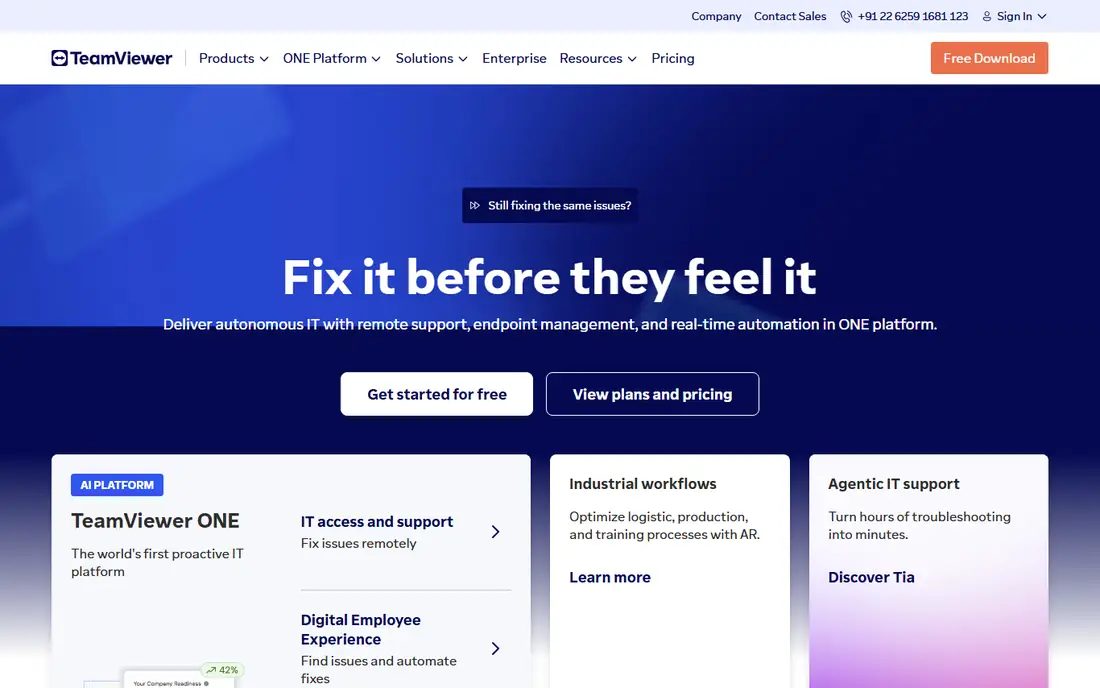
TeamViewer is the best all-round pick. Its homepage describes a digital workplace platform with AI to break free from reactive IT, led by Tia, an AI agent that learns from every support session to predict, prevent, and rapidly fix IT issues, with automated session summaries that save time and augment human experts. Features include integrations with Microsoft Intune, ServiceNow, Freshworks, Jira, Salesforce, Zendesk, Slack, and Microsoft Teams, plus case studies from AkzoNobel, Schlatter, and Eudaria. Comparison sources cite Business from 50.90 dollars per month and Remote Access from 24.90 dollars per month, with a free plan for personal use only.
The trade-off is licensing. TeamViewer is strict about commercial use, so business users must pay, and business pricing is by quote on the homepage. For teams that want one platform for remote support, access, and digital workplace management, TeamViewer is the best pick.
What we like- Digital workplace platform with AI agent Tia
- Integrations with Intune, ServiceNow, Freshworks, Jira, Salesforce, Zendesk, Slack, and Teams
- Proven at scale
Watch out for- Business pricing by quote on the homepage
- Commercial use requires a paid license
Starting priceSee website
Free planFree trial
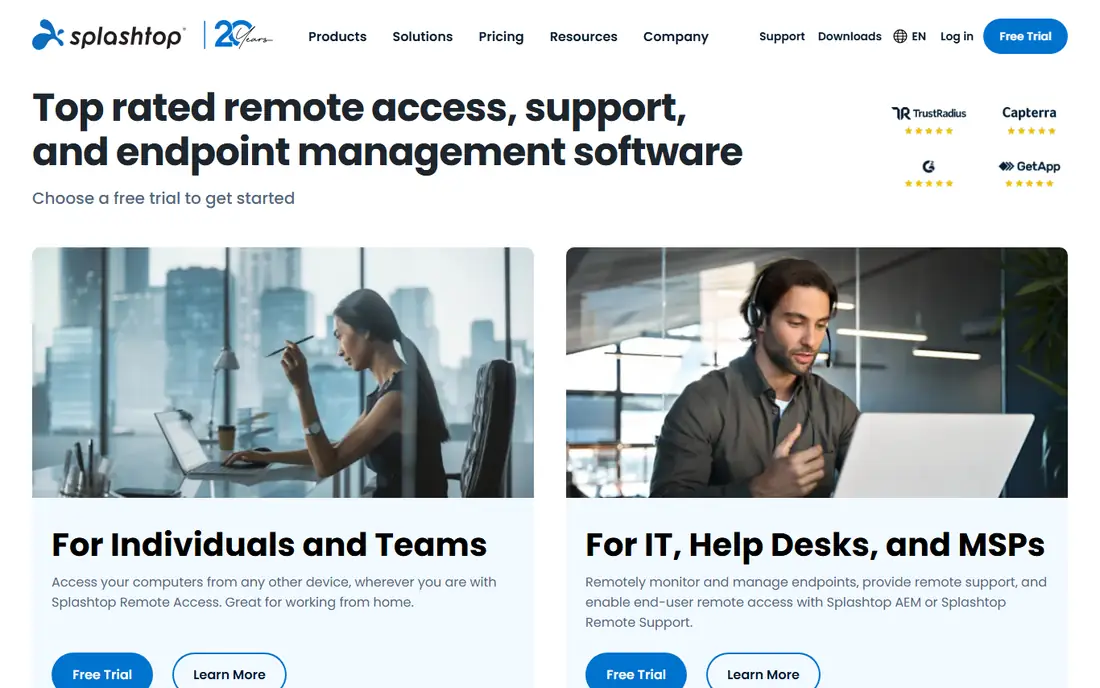
Splashtop is the best value pick. Its homepage describes top-rated remote access, support, and endpoint management software, with solutions for individuals and teams, IT and help desks and MSPs, and enterprises. Features include remote access for working from home, remote support for unattended and on-demand IT support, endpoint and patch management with real-time patching and deployment, and enterprise-grade security with secure cloud and on-prem hosting, 24/7 intrusion detection, SOC 2 and ISO 27001 certifications, two-factor authentication, endpoint MFA, session audit logging, and end-to-end encryption. Splashtop reports trust from 30 million users and Fortune 500 companies, and celebrates 20 years in business. Comparison sources cite Remote Support Premium from 40 dollars per month for 25 computers with unlimited technicians.
The catch is pricing model. Splashtop remote support is priced per computer, so large fleets cost more than per-technician tools. For teams that want strong value with endpoint management included, Splashtop is the best pick.
What we like- Remote support, remote access, and endpoint and patch management in one family
- 30 million users
- SOC 2 and ISO 27001 security
Watch out for- Pricing by quote on the homepage
- Remote support plans priced per computer, which grows with fleet size
Starting priceSee website
Free planFree trial
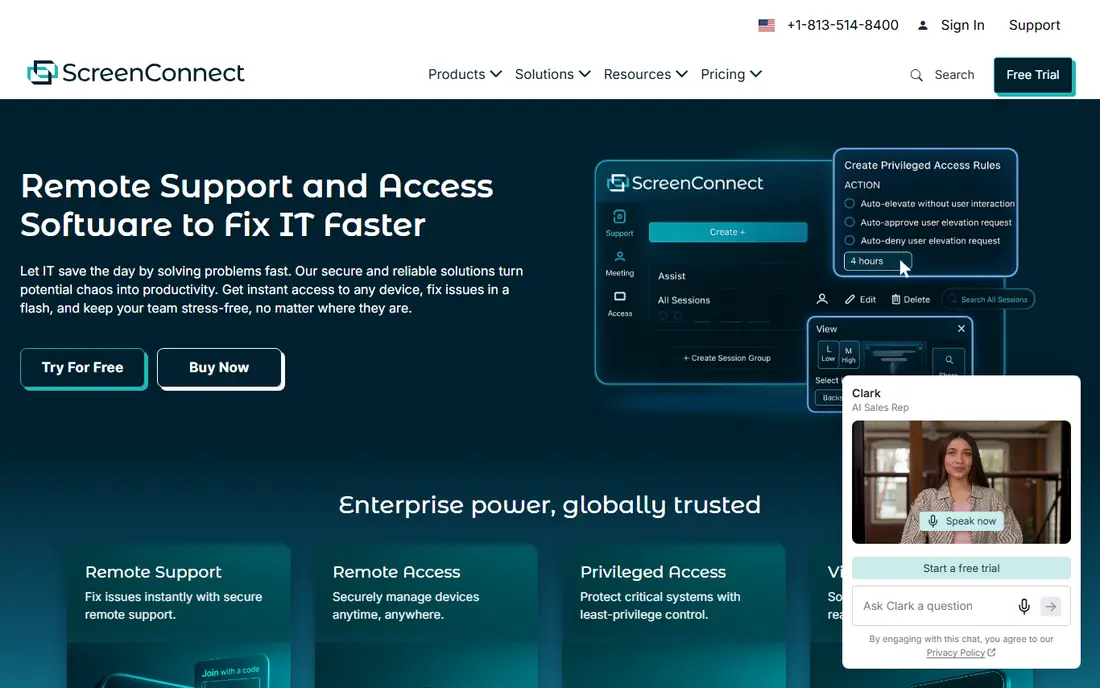
ConnectWise ScreenConnect is the best MSP pick. Its homepage describes remote support and access solutions designed by IT experts, with a suite of support solutions for lightning-fast response times, cloud or on-premise hosting, universal compatibility across Windows, Mac, Linux, and mobile, event-driven automations that fire on any session event, and a security-first approach with advanced encryption. Features include Toolbox for uploading and deploying shared tools, Backstage for troubleshooting behind the scenes with remote access, command center, and secure file management, an extension library with 100 plus integrations, ScreenConnect View for camera-based troubleshooting, and ScreenConnect Privileged Access for least-privilege elevation with one-time admin logins and detailed auditing. ScreenConnect reports over 15 years as the go-to remote support solution for IT pros, trusted by Swarovski, Panasonic, Bic, Honeywell, and Duke University. Comparison sources cite pricing from 27 dollars per month for a single tech license, with Standard at 42 dollars and Premium at 52 dollars per concurrent tech.
The trade-off is audience. ScreenConnect is built for IT pros and MSPs, so solo users may find it more than they need. For MSPs and IT teams that want deep control and on-premise options, ScreenConnect is the best pick.
What we like- Cloud or on-premise hosting
- Backstage for behind-the-scenes support
- Toolbox for shared scripts
- 100 plus integrations
- 15 plus years in market
Watch out for- MSP-focused pricing and packaging
- Per-technician pricing grows with team size

#4Zoho Assist
Best for: Budget4.7/5 on
G2 (719 reviews, checked Oct 2026)
Visit zoho.com
Starting priceSee website
Free planFree trial
Zoho Assist is the best budget pick. Its homepage describes enterprise-grade remote support and unattended remote access software, simple, secure, feature-rich, and cross-platform. Features include remote support for attended sessions across Windows, Mac, Linux, iOS, Android, and Chromebook, remote access for unattended computers and mobile devices with bulk deployment, remote camera sharing with augmented reality tools, cobrowse for guiding customers through forms and checkouts without downloads, unified endpoint management with patch deployment and compliance, and diagnostic tools including Command Prompt, Device Manager, Task Manager, and Registry editor. Zoho Assist cites TLS 1.2 and AES 256-bit encryption, no prior downloads for on-demand sessions, and a 4.7 out of 5 rating from 875 reviews. Comparison sources cite pricing from 10 dollars per month per user, with a 15-day free trial.
The catch is pricing transparency. The homepage does not show plan prices, so buyers must check the pricing page or start a trial. For teams that want strong features at a low entry price, Zoho Assist is the best pick.
What we like- Enterprise-grade security with TLS 1.2 and AES 256-bit encryption
- Cross-platform support including Raspberry Pi and Chrome OS
- Cobrowse and AR camera sharing
Watch out for- Pricing by quote on the homepage
- Best value inside the Zoho ecosystem
Starting priceSee website
Free planFree trial
BeyondTrust is the best enterprise security pick. Its homepage describes identity and access security, with the Pathfinder Platform unifying privileged access management, IT detection and response, secrets management, cloud infrastructure entitlement management, and secure remote access, so teams can see, understand, and control identities as a single connected system. Features include securing human, non-human, and AI coworker identities, protecting endpoints, access, secrets, on-premises, cloud and SaaS, identity infrastructure, OT, and workloads, an identity intelligence engine with reporting, AI analysis, AI chat, and MCP integration, and least-privilege enforcement through Identity Security Insights, Entitle, Secure Remote Access, Endpoint Privilege Management, and Password Safe. Comparison sources cite Remote Support from 2,097 dollars per year.
The trade-off is scope. BeyondTrust is a security platform, not a simple remote support tool, so small teams will pay for capability they do not use. For enterprises that need privileged access and remote support under one security model, BeyondTrust is the best pick.
What we like- Pathfinder Platform unifying PAM, ITDR, secrets, CIEM, and secure remote access
- Identity intelligence engine
- Least-privilege enforcement
Watch out for- Enterprise pricing by quote
- More platform than a simple remote support tool
Starting priceSee website
Free planFree trial
ISL Online is the best self-hosted pick. Its homepage describes the most reliable remote desktop software, with ISL Light for secure and reliable remote support and unattended access. Features include access to unlimited unattended computers, custom deployment of remote access agents, administration of users, groups, and settings, and connections via RDP or SSH without complex VPN and firewall changes. Security includes end-to-end encrypted data transfer with RSA 2048/4096-bit key exchange and AES 256-bit encryption, ISO 27001:2022 certification, two-factor authentication, single sign-on, customizable password policies, and detailed access management. ISL Online is named a Customers' Choice in the 2026 Gartner Peer Insights Voice of the Customer for Remote Desktop Software, and integrates with leading RMM and ITSM platforms. Comparison sources cite pricing from 145 dollars per 500 minutes, with a 15-day free trial and no credit card required.
The catch is brand size. ISL Online is less well known than TeamViewer, so buyers should test it with their own fleet before committing. For teams that want self-hosting and strong security, ISL Online is the best pick.
What we like- End-to-end encryption with RSA 2048/4096-bit key exchange and AES 256-bit encryption
- ISO 27001:2022 certified
- Self-hosting option
- RMM and ITSM integrations
Watch out for- Smaller brand than TeamViewer or Splashtop
- Pricing by quote on the homepage
#7RealVNC Connect
Best for: Lightweight4.7/5 on
G2 (440 reviews, checked Oct 2026)
Visit realvnc.com
Starting priceSee website
Free planFree trial
RealVNC Connect is the best lightweight pick. Its homepage describes the world's safest remote access software, trusted by 60,000 plus global IT teams and 1 in 3 Fortune Global 500 enterprises. Features include an all-in-one remote access app for everyday device access and general IT support, separate VNC Viewer and Server apps for enhanced control, full session encryption with granular permission controls and authentication options, a single solution across major desktop and mobile operating systems, and fast and reliable connections that auto-adjust to network speed. RealVNC reports use by millions of people worldwide to connect to billions of devices, with customers including Philips, Intel, DreamWorks Animation, Shell, NASA, and IBM. Comparison sources cite pricing from 40 dollars per user per year, with a free trial and no credit card required.
The trade-off is workflow depth. RealVNC Connect is a remote access tool first, so teams that need ticketing, scripting, and support automation may prefer ScreenConnect or Zoho Assist. For teams that want lightweight, secure remote access, RealVNC Connect is the best pick.
What we like- Single solution across desktop and mobile
- Full session encryption with granular permissions
- Built by the creators of VNC technology
- 99 percent uptime claim
Watch out for- Pricing by quote on the homepage
- Fewer support workflow features than ScreenConnect or Zoho Assist
Starting price$23.12 per month
Free planFree for personal use
AnyDesk is the best speed pick. Its homepage describes the fast remote desktop application, with Solo for single-person companies including 1 licensed user, 1 connection, 3 registered devices to connect from, up to 100 managed devices for unattended access, unlimited devices to connect to for interactive access, and mobile device support. Pricing on the homepage is Solo at 23.12 dollars per month billed annually, Standard at 39.92 dollars per month billed annually for 20 licensed users and up to 500 managed devices, and Advanced at 89.52 dollars per month billed annually for 100 licensed users and up to 1,000 managed devices, with Ultimate by custom quote including SSO, advanced user management, and an on-premises option.
The catch is user limits. Solo allows only 1 licensed user and 1 connection, so teams must step up to Standard. For individuals and small teams that value speed and low latency, AnyDesk is the best pick.
What we like- Fast remote desktop with low latency
- Solo from 23.12 dollars per month billed annually
- Up to 100 managed devices on Solo
- Mobile device support
Watch out for- Solo limited to 1 licensed user and 1 connection
- Team plans jump to 39.92 dollars per month
How we chose
We compared tools that replace LogMeIn Resolve across its core jobs: attended remote support, unattended remote access, session security, and fleet management. Each vendor homepage was opened to confirm the product exists today and matches its category, and we kept a mix of all-round platforms, value tools, MSP tools, budget tools, enterprise security platforms, self-hosted tools, and lightweight tools, since Resolve users range from solo technicians to enterprise IT teams. Pricing is taken from vendor homepages where published, and written as See website where vendors price by quote or on pricing pages not shown on the homepage.
Switching from LogMeIn Resolve without losing access
Your endpoint agents do not migrate automatically, so plan a staged rollout: install the new agent on a pilot group, confirm unattended access works, then roll out to the full fleet before retiring Resolve. Budget time for re-creating permissions, groups, and session policies, which rarely transfer between vendors. Export session logs and device lists before cancelling, since historical data may not be portable.
Test with a small group first. Run the new tool alongside Resolve for one support cycle, compare connection quality and session workflows, and fix gaps before migrating the whole team. Finally, check pricing models carefully: per-technician, per-computer, and per-user pricing can change total cost dramatically as your fleet grows.
Frequently asked questions
What happened to GoToAssist?
GoToAssist became LogMeIn Resolve, now part of GoTo. If your account still references GoToAssist, check GoTo's current Resolve plans before switching, since names and packaging have changed over time.
Which LogMeIn Resolve alternative is cheapest?
Zoho Assist from 10 dollars per month per user and AnyDesk Solo at 23.12 dollars per month billed annually are the lowest entry points in this list. For large fleets, compare per-computer pricing from Splashtop against per-technician pricing from ScreenConnect.
Can I self-host a remote support tool?
Yes. ISL Online offers self-hosting, ScreenConnect offers on-premise hosting, and AnyDesk Ultimate offers an on-premises option. Self-hosting keeps session data inside your own environment but adds maintenance work.
Which alternative is best for MSPs?
ConnectWise ScreenConnect is the best MSP pick, with cloud or on-premise hosting, Backstage, Toolbox, and 100 plus integrations. Splashtop and ISL Online also offer MSP-friendly features.
Do these tools work on Mac and Linux?
Yes, all eight support Windows and Mac, and most support Linux and mobile devices. Zoho Assist and RealVNC Connect also cover Raspberry Pi and Chrome OS in some configurations.
Which alternative is best for enterprise security?
BeyondTrust is the best enterprise security pick, with privileged access management, secrets management, and secure remote access under one platform. For smaller teams, ISL Online and RealVNC Connect offer strong encryption at lower cost.
Sources we checked (8)
- https://www.teamviewer.com
- https://www.splashtop.com
- https://screenconnect.connectwise.com
- https://www.zoho.com/assist/
- https://www.beyondtrust.com
- https://www.islonline.com
- https://www.realvnc.com
- https://www.anydesk.com
Is your product missing or out of date?
We review this list regularly. Vendors can request a listing, send updated pricing or ask about featured placement.

Shihab Mia · Founder, Rankite
Shihab has 5+ years in B2B and SaaS SEO. He writes Rankite's software buying guides from pricing pages, documentation and public user reviews. More about Shihab.
 TeamViewer
 Splashtop
 ConnectWise ScreenConnect
 BeyondTrust
 ISL Online
 AnyDesk